How we make this list: we compare pricing pages, product documentation and public user reviews. Rankite is independent; if a vendor ever pays for a featured spot, that listing is clearly labeled Partner.
Key takeaways
- Shop management tools run $69 to $244 per month and handle quotes, approvals, production, and payments. Pre-press tools are mostly one-time or yearly purchases between $149.99 and $399.
- The average US print shop needs two kinds of software: one to run the business and one to output film positives and color separations. No single product does both well.
- Every cloud shop management tool on this list offers a free trial (7 to 14 days), so you can test the quoting and production workflow on real orders before committing.
- Per-user pricing is where costs sneak up. Printavo charges $19 per extra user per month past the plan limit, while YoPrint charges $10 to $12. Budget for the whole team, not just the owner.
Quick comparison
| Tool | Best for | Starting price | Free plan |
|---|
 Printavo Printavo | Established shops that want the industry standard | $109 per month | Free trial (7 days) |
 YoPrint YoPrint | Growing shops that want depth without complexity | $69 per month | Free trial (14 days) |
 DecoNetwork DecoNetwork | Shops selling through online stores | $199 per month | Free trial |
 shopVOX shopVOX | Multi-process custom manufacturers | $99 per month | Free trial |
 AccuRIP Emerald AccuRIP Emerald | Everyday film output on Epson and Canon inkjets | $199 per year | Free trial |
 Separation Studio NXT Separation Studio NXT | Automated separations for busy art departments | $229 per year | Free trial |
 SimpleSeps SmartRIP SimpleSeps SmartRIP | CorelDRAW users on a tight budget | $149.99 one-time | No |
 Wasatch SoftRIP Wasatch SoftRIP | High-end production houses with complex color needs | See website | Free trial |
 UltraSeps v3 UltraSeps v3 | Photoshop shops doing detailed garment separations | $399 one-time | Free trial (15 days) |
Is your product missing or out of date?
We review this list regularly. Vendors can request a listing, send updated pricing or ask about featured placement.
The best screen printing software
Starting price$109 per month
Free planFree trial (7 days)
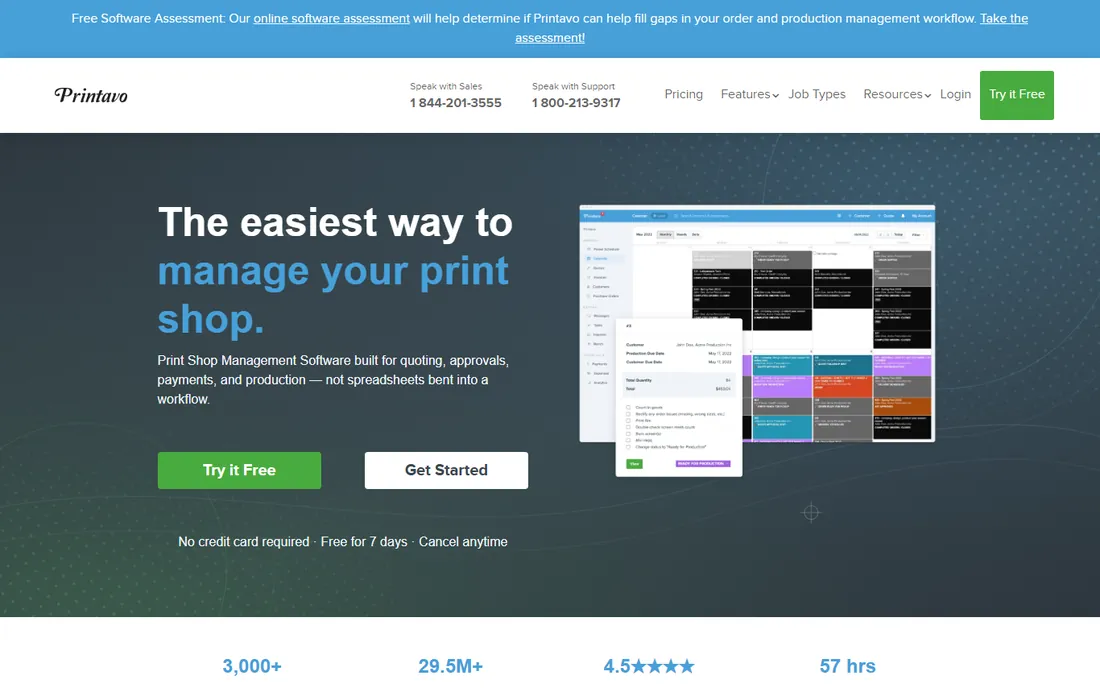
Printavo is the name that comes up in almost every conversation about shop management, and for good reason. The platform covers the full lifecycle of a print job, from quote to artwork approval to production scheduling to final payment, and it has been refined by years of use in real shops. When a customer approves artwork online and pays a deposit in the same step, the job flows straight into production without anyone retyping anything.
The pricing math deserves attention before you sign up. The Lite plan at $109 per month includes two users and caps you at 20 quotes and 20 invoices a month, which a growing shop will outgrow fast. Standard at $244 per month removes the caps and includes five users, with extra users at $19 each per month. Printavo Merch, the online store add-on, is another $109 per month and only available in the US.
What we like- Built specifically for print shop workflows
- Clean customer approval pages
- Strong production scheduling and reporting
Watch out for- Lite plan caps quotes and invoices at 20 per month
- Online stores cost an extra $109 per month add-on
- API access limited to the top tier
#2
YoPrint
Best for: Growing shops that want depth without complexity
Visit yoprint.com
Starting price$69 per month
Free planFree trial (14 days)
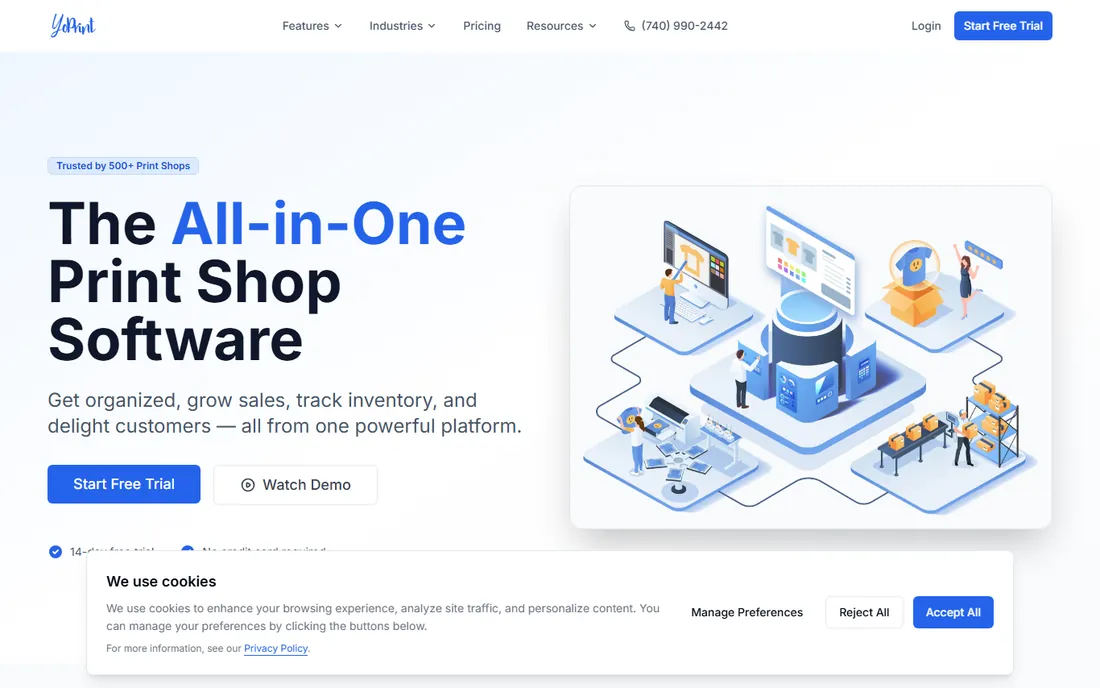
YoPrint feels like what happens when someone rebuilds print shop software from scratch after watching shops struggle with older tools. Everything you need is included from the start: order management, production scheduling with Gantt views, inventory across multiple warehouses, purchase orders, customer messaging, and a customer portal where clients can approve artwork and pay. A 14-day trial needs no credit card.
What separates YoPrint is how much of the boring operational work it absorbs. Live stock and pricing from SanMar, S&S Activewear, Alphabroder, Delta Apparel, and others feed straight into quoting, so you stop guessing at garment costs. Purchase orders update inventory automatically when blanks arrive. It syncs with QuickBooks Online and processes payments through Stripe, Square, PayPal, and Authorize.net. The one gap that matters: if your business model depends on customer-facing online stores with a built-in designer, you will need another tool for that part.
What we like- Inventory and purchasing built in at every tier
- Live vendor catalogs for SanMar, S&S Activewear, and Alphabroder
- Fast setup with a modern interface
Watch out for- No built-in online store designer
- Newer brand with a shorter track record than Printavo
Starting price$199 per month
Free planFree trial
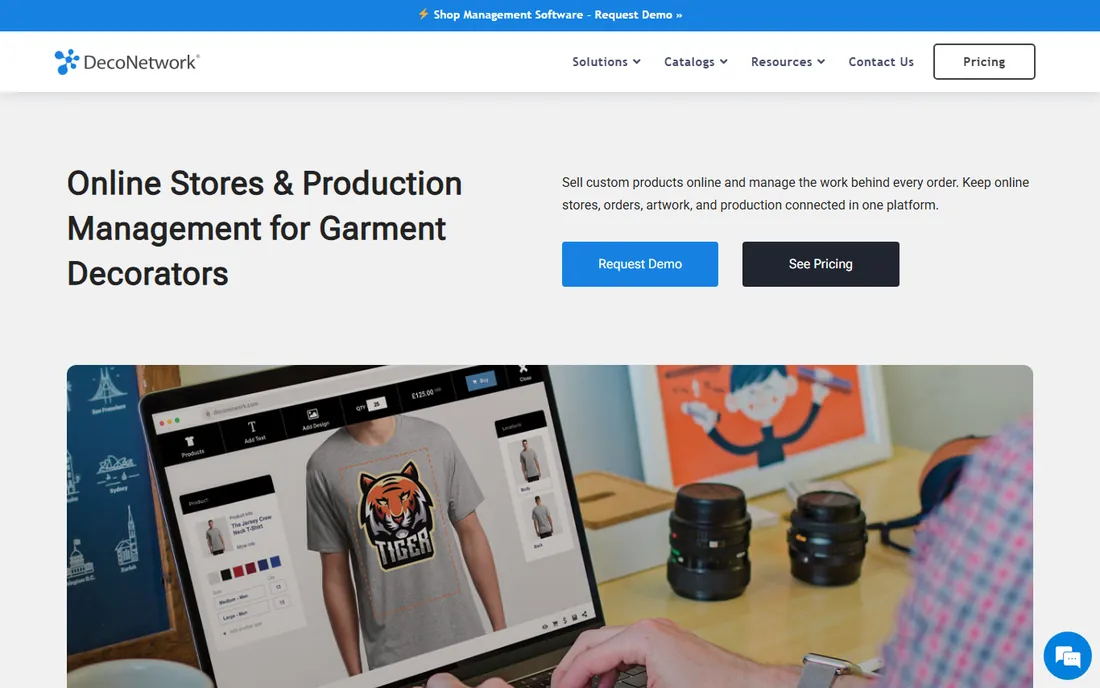
DecoNetwork takes a different bet than the other shop management tools: it assumes a big share of your revenue will come through online stores, and it is the strongest platform on this list for that model. Customers can personalize products in an online designer, check out, and pay, while batch production tools let you group store orders from schools, teams, and company programs into single production runs.
If your shop mostly serves walk-in and repeat B2B customers, that store-first architecture can feel like overkill. Setup for online stores is also the most involved here. But for decorators running fundraisers, spirit wear stores, or corporate merchandise programs, no other tool on this list manages the store-to-production pipeline as completely. Payment gateways include PayPal, Stripe, Authorize.net, and SecurePay, and supplier catalogs from companies like Alphabroder and Gildan plug in directly.
What we like- Purpose-built online stores with an in-browser designer
- Strong supplier catalog integrations
- Handles batch production for store orders
Watch out for- Most expensive starting price on this list
- Interface is less polished than newer competitors
- Advanced features sit behind higher tiers
Starting price$99 per month
Free planFree trial
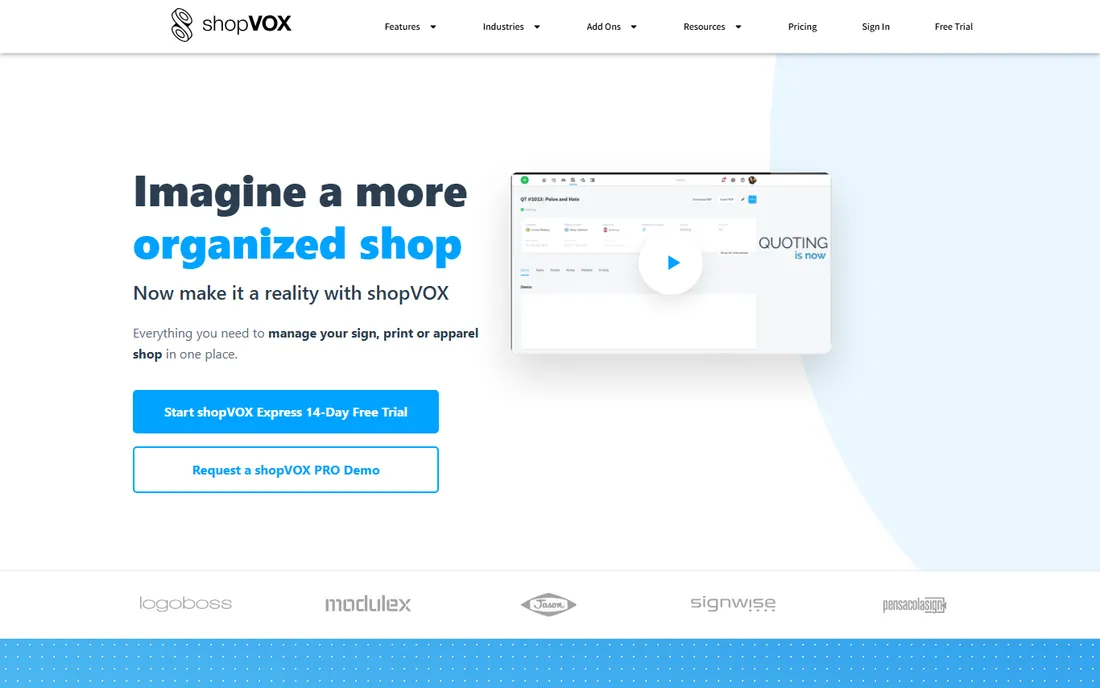
shopVOX is the generalist on this list, and that is exactly why some shops choose it. It serves screen printers, sign shops, embroiderers, awards shops, and other custom manufacturers under one roof, which is useful if your business has grown past pure garment decoration. The platform includes quoting, a digital job board, online proofing, POS, inventory, purchasing, and a time clock, so it can genuinely run a whole operation rather than just the order desk.
Pricing is $99 per month for Express plus $19 per extra user per month, or $199 per month for Pro plus $39 per extra user. The Pro tier includes the advanced integrations, and onboarding packages start at $499. The honest tradeoff is depth: shops that only do screen printing will find Printavo or YoPrint have sharper decoration-specific workflows. But if you run signs and embroidery alongside screen printing, shopVOX means one subscription instead of three.
What we like- Serves many decoration and manufacturing verticals beyond screen printing
- Point-of-sale with job costing and product build tools
- Strong QuickBooks and payment integrations
Watch out for- Screen printing specific features are thinner than dedicated competitors
- Full features require the Pro tier at $199 per month plus per-user fees
Starting price$199 per year
Free planFree trial
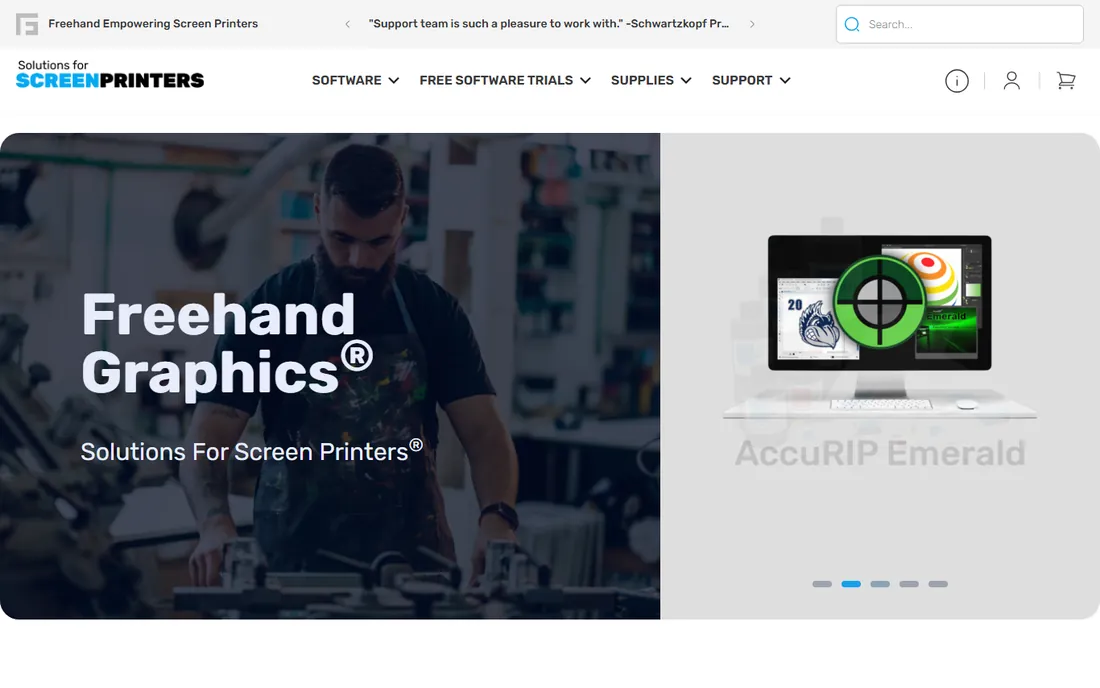
AccuRIP Emerald does one job and does it well: it turns your design software output into halftone film positives your exposure unit can actually use. You install it, select the AccuRIP driver in the print window, pick your separation settings, and print. There is no separate application to learn, which is why so many small shops adopt it. The software runs $199 per year for both Mac and Windows, and the price includes unlimited US-based live support plus regular updates.
Halftone control is where a RIP earns its keep. AccuRIP handles dot shapes, angles, and frequencies cleanly, and its Proof Positive preview shows the film exactly as it will print at full resolution before you waste a sheet. N-up nesting puts multiple separations on one piece of film, which saves real money on consumables. The catch is that this is output software, not separation software. Pair it with Separation Studio NXT if you also need automated color separations.
What we like- Works like a print driver, so there is almost no learning curve
- Supports a wide range of Epson and Canon printers
- Includes US-based live support
Watch out for- Annual subscription with no perpetual license
- Focused on film output, not color separations
- Best with Dmax dye ink for dense films
Starting price$229 per year
Free planFree trial
This is the art department product from the same company behind AccuRIP. Separation Studio NXT takes a finished design and automatically generates the color separations for spot color, simulated process, and CMYK work, including underbases, choke, spread, and highlight whites. One of its genuinely useful tricks is converting stray or unwanted process colors in customer files into usable spot colors, which saves hours of manual cleanup on poorly built artwork.
The product is built for shops where art is a bottleneck. Templates for pre-press marks, ink libraries, and textile settings mean repeatable results without depending on one senior artist. It works with files from Adobe and Corel applications and can export separations to EPS for printing through any RIP, not just AccuRIP. Budget time for setup, though. The automation is powerful once configured, but the first few jobs will take longer while you dial in settings for your screens, meshes, and inks.
What we like- Automatic spot and simulated process separations
- Converts stray process colors to usable spot colors
- Integrates with Adobe and Corel workflows
Watch out for- Yearly subscription, not a purchase
- Meaningful learning curve for full automation
- Output files go through a separate RIP for film
Starting price$149.99 one-time
Free planNo
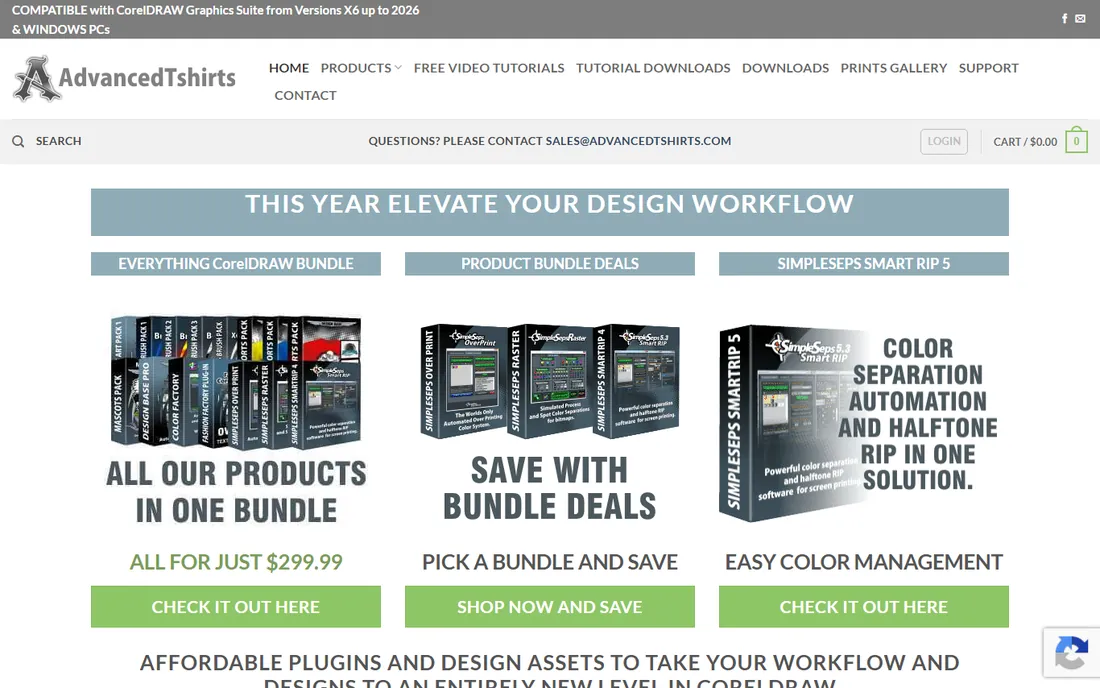
SimpleSeps is the budget option that punches above its price. It is a CorelDRAW plugin that combines color separation and halftone RIP functionality in one package, starting at $149.99 as a one-time purchase. That makes it the cheapest way on this list to go from artwork to film positives, and there is no subscription to keep paying. The halftone preview shows your separations before you commit to film, which catches errors while they are still cheap to fix.
The limitations are real and should drive your decision. SimpleSeps runs inside CorelDRAW on Windows only, so Photoshop and Illustrator shops and all Mac users are out. There is no free trial available, so you are buying based on the vendor's demo videos and training materials. AdvancedTshirts also sells companion plugins for simulated process separations and overprinting, sold separately or as a bundle, which matters if you print photorealistic work.
What we like- One-time purchase with no subscription
- Separation tools and halftone RIP in one package
- Color separation preview before printing
Watch out for- Works only inside CorelDRAW on Windows
- No free trial to evaluate first
- Smaller company means less formal support than Freehand
#8
Wasatch SoftRIP
Best for: High-end production houses with complex color needs
Visit wasatch.com
Starting priceSee website
Free planFree trial
Wasatch is the veteran of the RIP world, with three decades of development behind it, and SoftRIP SP is its edition built specifically for film output in screen, flexo, and litho printing. The differentiator is precision: its Precision Rosette Screens produce clean, moire-free halftone rosettes across the full width of the film, and the color management tools include ICC profiles, spot color libraries, and Pantone matching.
This is not small-shop software in price or complexity. Wasatch sells SoftRIP only by subscription now, with tiers that vary by device count, and pricing is not published on their site, so expect a conversation with sales or a reseller. Setup and calibration take longer than AccuRIP, and the feature set will feel overwhelming if you only output a few films a week. For production houses where film quality and color accuracy directly affect margins, though, Wasatch remains the reference point other RIPs are measured against.
What we like- Precision rosette screening with moire-free results
- Deep color management with ICC profiles and spot color libraries
- Drives multiple printers from one station
Watch out for- Sold only by subscription with pricing not published online
- Overkill and over budget for small shops
- Steeper learning curve than AccuRIP
#9
UltraSeps v3
Best for: Photoshop shops doing detailed garment separations
Visit ultraseps.com
Starting price$399 one-time
Free planFree trial (15 days)
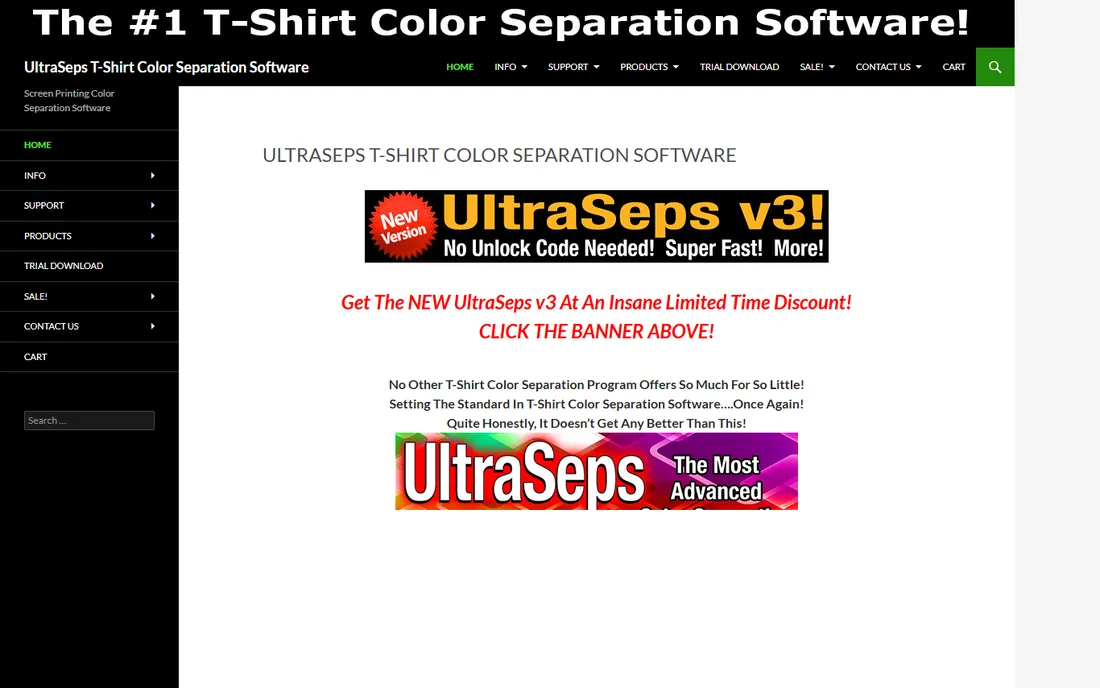
UltraSeps v3 is a Photoshop-based separation system aimed squarely at garment screen printers. It offers eight different separation methods, including multiple simulated process modules, spot color, index color, and CMYK, plus routines for underbases, highlight whites, distress effects, and edge treatments. The philosophy is that Photoshop is the best place to adjust separations, since you are going to open the file there anyway.
This is a one-developer product with a website that looks like it has not been redesigned in years, so set expectations accordingly. Support is direct but not a call center. Also note that UltraSeps generates separations, not halftones for film, so you still need a RIP like AccuRIP to output positives. If you live in Photoshop and want deep control over garment separations without a recurring fee, few tools match it for the price. Just confirm your Photoshop version is supported before buying.
What we like- One-time purchase you own forever
- Eight separation methods inside Photoshop
- Installable on multiple computers
Watch out for- Photoshop only, so CorelDRAW shops cannot use it
- The sales site is dated and the pricing is framed as a limited deal
- You still need a separate RIP for film output
How we chose
We built this list from the vendor's own pricing pages, product documentation, and public reviews on G2, Capterra, and screen printing forums. Every tool here exists today and serves screen printing shops directly, either by managing the business side or the pre-press side. Prices were taken from the vendor's own site on or near the publication date, and anything we could not verify is marked "See website" rather than guessed. We did not claim hands-on testing.
Match the software to how your shop actually works
The wrong way to buy screen printing software is to compare feature lists. The right way is to start from your biggest bottleneck, because these tools solve different problems.
If quotes and approvals eat your week, buy shop management first
Most shops lose money in the space between inquiry and approved order, not on press. If your quotes live in spreadsheets and artwork approvals happen over text messages, a platform like Printavo, YoPrint, or shopVOX pays for itself by removing that chaos. Run the free trial on live orders, not test data.
If your films are muddy or your dots are wrong, buy a RIP
No amount of shop management software fixes bad film output. If you are printing positives straight from your design software and getting inconsistent halftones, AccuRIP Emerald is the standard fix for small shops, while Wasatch suits production environments. Budget for the right ink too: dense black positives start with the ink, not the software.
If art takes longer than printing, buy separation software
Shops that print multi-color and simulated process work live or die by their art department. Separation Studio NXT, SimpleSeps, and UltraSeps automate the separation work that otherwise eats artist hours. The decision between them mostly comes down to your design software. Photoshop shops should look at UltraSeps or NXT, CorelDRAW shops at SimpleSeps or NXT, and shops that want one vendor for both separation and film output should price the Freehand bundles.
Plan for the true first-year cost
Sticker prices in this category rarely tell the full story. Add up the per-user fees before you commit, since a five-person shop on Printavo Standard pays $244 per month while the same headcount on YoPrint Pro pays $149. Check whether online stores, API access, or onboarding are included or extra, because Printavo and shopVOX both gate meaningful features behind higher tiers and add-ons. For yearly and one-time pre-press tools, confirm whether updates are included. Finally, verify data export before you sign anything, so ask for a sample export during the trial.
Frequently asked questions
Do I need both shop management software and a RIP?
Most screen printing shops do. Shop management software runs the business side: quotes, artwork approvals, production scheduling, invoicing, and payments. A RIP produces the halftone film positives your exposure unit needs. They solve completely different problems.
What is the cheapest way to get started with screen printing software?
For pre-press, SimpleSeps SmartRIP at $149.99 one-time is the lowest entry price if you work in CorelDRAW on Windows. For shop management, YoPrint Basic at $69 per month is the cheapest full-featured option. Start with whichever side is currently your biggest bottleneck.
How much should a small print shop budget for software?
Plan roughly $69 to $244 per month for shop management depending on your team size and features, plus $149.99 to $399 one-time or $199 to $229 per year for pre-press tools. A typical two-person shop spends about $1,000 to $2,500 in the first year across both categories, not counting design software like Adobe Creative Cloud.
Which software works with CorelDRAW?
SimpleSeps SmartRIP is built specifically as a CorelDRAW plugin on Windows. Separation Studio NXT and AccuRIP Emerald both work with files from Corel applications as well as Adobe. UltraSeps v3 is Photoshop only, so CorelDRAW-only shops should rule it out.
Do these tools integrate with QuickBooks?
Yes, most of the shop management platforms do. Printavo, YoPrint, shopVOX, and DecoNetwork all connect with QuickBooks Online for syncing invoices and payments. Check whether the integration is included in your plan tier, since some vendors reserve deeper accounting integrations for higher plans.
Sources we checked (13)
- https://www.printavo.com/pricing
- https://www.yoprint.com/pricing
- https://deconetwork.com/
- https://shopvox.com/
- https://solutionsforscreenprinters.com/accurip-emerald/
- https://solutionsforscreenprinters.com/separation-studio-nxt/
- https://www.advancedtshirts.com/shop/simpleseps-smartrip-screen-printing-halftone-rip-software/
- https://wasatch.com/
- https://wasatch.com/updatetosubscription/
- https://ultraseps.com/
- https://m.ultraseps.com/order-ultraseps-color-separation-software/
- https://www.yoprint.com/blog/6-best-printavo-alternatives
- https://www.manageprint.shop/compare/printavo
Is your product missing or out of date?
We review this list regularly. Vendors can request a listing, send updated pricing or ask about featured placement.

Shihab Mia · Founder, Rankite
Shihab has spent more than a decade helping SaaS and e-commerce brands grow through search. He writes Rankite's software buying guides from pricing pages, documentation and public user reviews. More about Shihab.