How we make this list: we compare pricing pages, product documentation and public user reviews. Rankite is independent; if a vendor ever pays for a featured spot, that listing is clearly labeled Partner.
Key takeaways
- Silhouette is the dedicated rotoscoping standard for film VFX; Mocha Pro ($295/year) is the planar-tracking roto assistant that plugs into everything.
- Foundry Nuke is the compositing home where most high-end roto happens, with dedicated roto nodes and paint tools.
- Blackmagic Fusion Studio ($295 one-time) and DaVinci Resolve (free) put serious node-based roto within reach of small studios.
- Blender (free) and After Effects ($34.49/month) cover roto for motion graphics and smaller VFX jobs without a dedicated roto budget.
Quick comparison
| Tool | Best for | Starting price | Free plan |
|---|
 Silhouette Silhouette | Dedicated high-end rotoscoping for film and episodic VFX | See website (perpetual and subscription options) | Free trial available |
 Mocha Pro Mocha Pro | Planar tracking that turns roto drudgery into tracked shapes | $295/year (plugin for Adobe, OFX or Avid) | Free trial available |
 Nuke Nuke | Compositing pipelines where roto is part of the shot build | See website (quote-based; non-commercial version free) | Free non-commercial version available |
 Fusion Studio Fusion Studio | Node-based compositing and roto without subscription pricing | $295 (one-time) | No (Fusion is free inside DaVinci Resolve) |
 After Effects After Effects | Motion graphics artists who roto inside the timeline | $34.49/month (single app) | Free trial (7 days) |
 Blender Blender | Free, open-source roto and compositing for any budget | Free | Yes (open source) |
 DaVinci Resolve DaVinci Resolve | Editors who need roto without leaving the timeline | Free (Studio $295 one-time) | Yes (generous free version) |
Is your product missing or out of date?
We review this list regularly. Vendors can request a listing, send updated pricing or ask about featured placement.
The best software for rotoscoping
Rotoscoping means drawing mattes around moving subjects frame by frame: isolating actors, removing rigs, building garbage mattes. The tools split into dedicated roto applications, planar trackers that automate the tedious parts, and compositors where roto happens inside the shot. These seven cover the professional range, from free to film-studio.
#1
Silhouette
Best for: Dedicated high-end rotoscoping for film and episodic VFX
Visit borisfx.com
Starting priceSee website (perpetual and subscription options)
Free planFree trial available
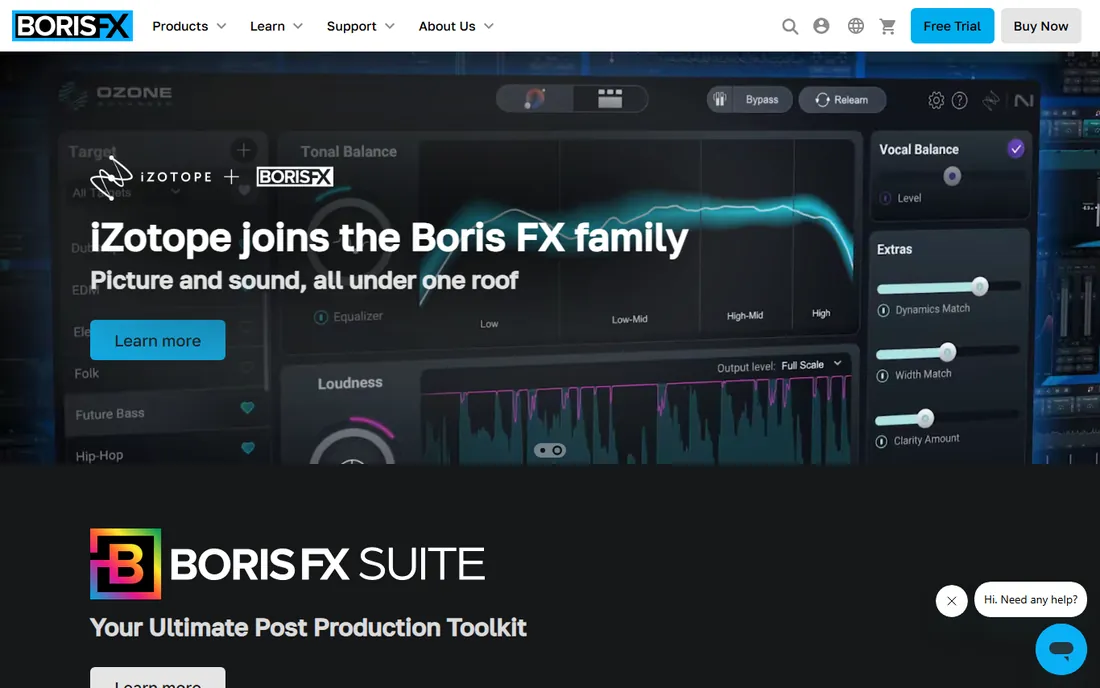
Silhouette from Boris FX is the tool roto artists reach for when the shot matters. The spline tools are built for the job: magnetic edges that snap to contrast, inverse kinematics for articulated shapes, and morphing between keyframes. Tracking is integrated rather than bolted on, and the paint tools handle cleanup in the same interface.
It is a specialist, which is both the strength and the cost. Silhouette does not composite your shot; it produces the mattes your compositor consumes. Boris FX does not publish the price on the product page, so get the quote for perpetual versus subscription. For studios doing serious roto volume, it is the reference tool.
What we like- Purpose-built roto toolset: magnetic splines, IK-driven shapes and morphing
- Planar and point tracking integrated with the roto workflow
- The industry standard for dedicated roto artists
Watch out for- No published price on the product page
- Single-purpose, so it sits alongside a compositor rather than replacing one
- Learning curve for the node-based workflow
#2
Mocha Pro
Best for: Planar tracking that turns roto drudgery into tracked shapes
Visit borisfx.com
Starting price$295/year (plugin for Adobe, OFX or Avid)
Free planFree trial available
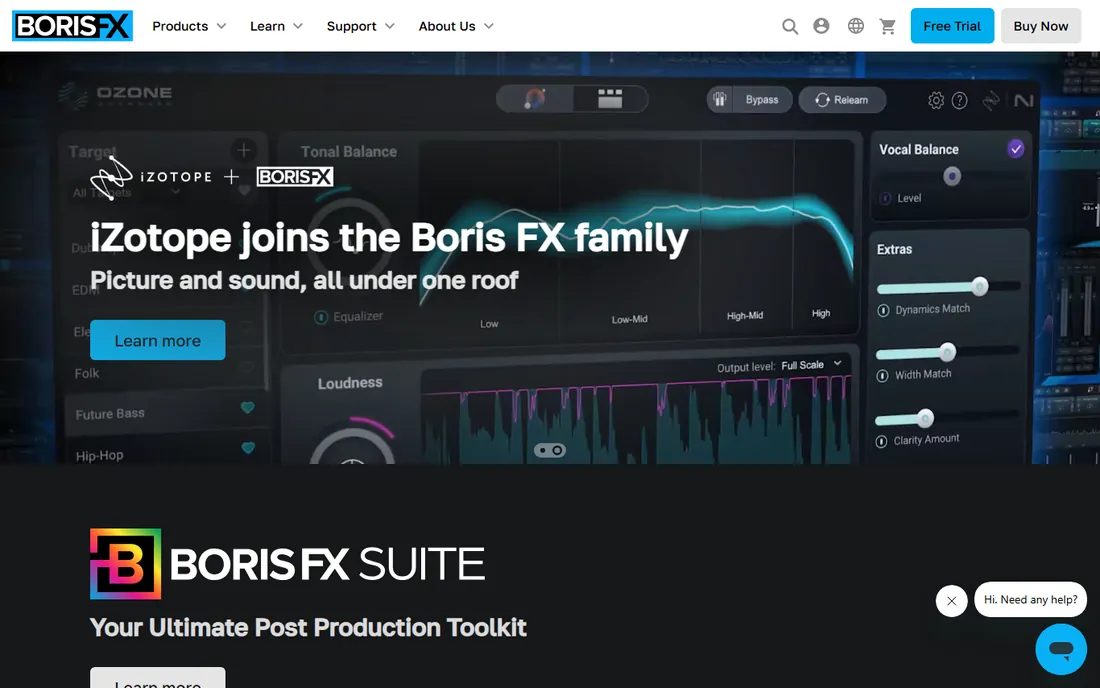
Mocha Pro is the most cost-effective roto upgrade in VFX. Its planar tracker locks onto surfaces and carries your roto shapes through the shot, turning hours of keyframing into tracked splines with adjustments. It runs as a plugin inside After Effects, Nuke, Fusion, Avid and OFX hosts, so it fits whatever pipeline you already have.
Boris FX publishes the pricing plainly: the plugin costs $37 per month or $295 per year, with a $695 perpetual option; multi-host licenses run $75 per month or $595 per year ($1,495 perpetual). On difficult shots with motion blur and occlusion you will still hand-tweak, but Mocha routinely cuts roto time by more than half. Almost every roto artist should have it.
What we like- Planar tracking follows surfaces through perspective, occlusion and blur
- Published pricing: $37/month or $295/year for the plugin, $695 perpetual
- Works inside After Effects, Nuke, Fusion and more
Watch out for- It assists roto rather than replacing hand-drawn mattes on hard shots
- The standalone adds cost over the plugin
- Complex shots still need manual keyframes
#3
Nuke
Best for: Compositing pipelines where roto is part of the shot build
Visit foundry.com
Starting priceSee website (quote-based; non-commercial version free)
Free planFree non-commercial version available
Most high-end roto happens inside Nuke, because the mattes feed the composite directly. The Roto node and RotoPaint node give artists spline tools, tracking and paint in the node graph, and the shapes flow downstream into keys, color work and CG integration without round-tripping. Studios standardize on Nuke because the pipeline around it (render management, color science, collaboration) is unmatched.
Foundry does not publish pricing; expect quote-based licensing with rental and perpetual options, plus a free non-commercial version for learning. Nuke is not a roto purchase so much as a compositing career decision. If your roto serves film or episodic VFX comps, this is where it lives.
What we like- The film industry's compositing standard with deep roto and paint nodes
- RotoPaint combines roto, paint and tracking in one node
- Massive studio pipeline integration
Watch out for- No published pricing
- Serious overkill if you only need roto
- Requires real compositing skill to use well
Starting price$295 (one-time)
Free planNo (Fusion is free inside DaVinci Resolve)
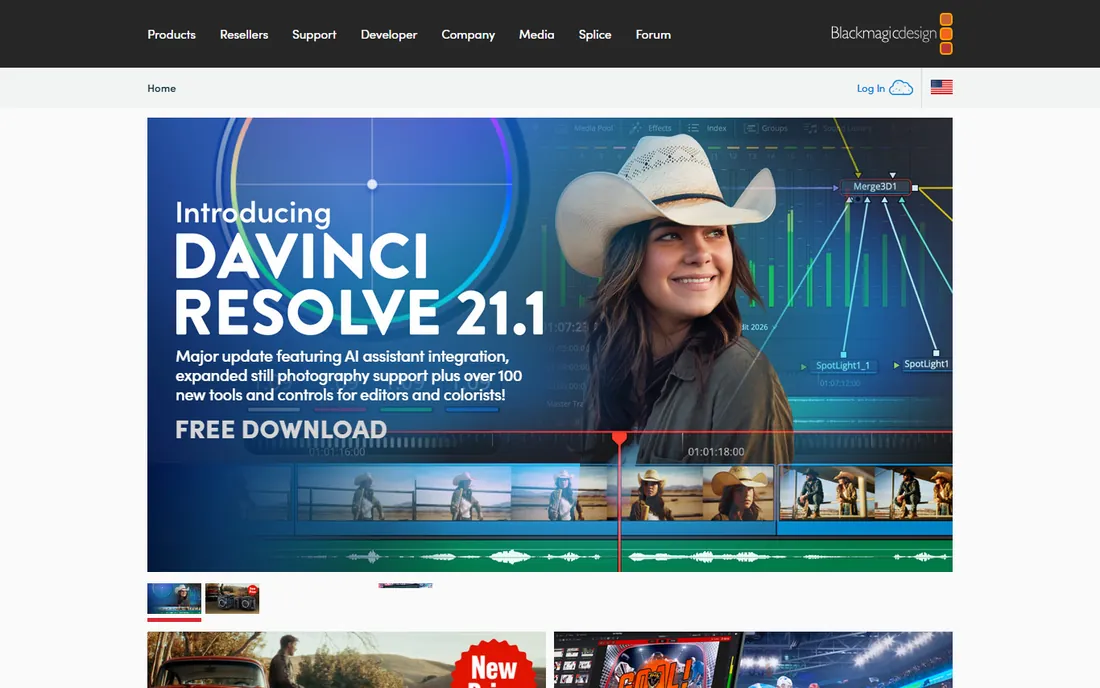
Fusion Studio is Blackmagic's $295 one-time answer to subscription compositing. The node-based workflow mirrors Nuke's approach: roto splines, planar tracking, keying and 3D compositing in a graph. For roto specifically, the polygon and B-spline tools with tracking cover the standard shot work.
The wrinkle is that the Fusion page inside DaVinci Resolve is free and includes most of the same tools, so many buyers never need the standalone Studio. Buy Fusion Studio when you want the dedicated compositing application (with network rendering and stereoscopic tools) without Resolve's editing timeline attached. Either way, $295 one-time is remarkable value.
What we like- Full node-based compositor for a $295 one-time price
- Planar tracker and roto tools included
- The same Fusion engine ships free inside DaVinci Resolve
Watch out for- Smaller user community than Nuke or After Effects
- Fewer third-party plugins
- The standalone duplicates what Resolve already includes
#5
After Effects
Best for: Motion graphics artists who roto inside the timeline
Visit adobe.com
Starting price$34.49/month (single app)
Free planFree trial (7 days)
After Effects is where most non-film roto happens. The Roto Brush lets artists paint a rough selection that the tool propagates across frames, which handles simple isolations fast. Mocha AE comes bundled for planar-tracked shapes, and the integration with Premiere Pro keeps roto inside the editorial workflow.
At $34.49 per month for the single app (or via Creative Cloud All Apps), it is subscription-only. The layer-based model gets unwieldy on complex VFX shots, which is why film pipelines use Nuke. For YouTube, advertising, corporate video and motion graphics, After Effects plus the bundled Mocha AE covers nearly all roto needs.
What we like- Roto Brush propagates selections through footage with minimal keyframing
- Mocha AE bundled for planar tracking
- The motion graphics ecosystem around it is unmatched
Watch out for- Layer-based rather than node-based, which limits complex comp integration
- Subscription-only
- Not the tool for heavy film roto pipelines
#6
Blender
Best for: Free, open-source roto and compositing for any budget
Visit blender.org
Starting priceFree
Free planYes (open source)
Blender's mask tools, motion tracker and node compositor give you a working roto setup for zero dollars. Draw animated masks, track the footage, feed the masks into the compositor: the full loop exists and produces professional results in skilled hands. There are no tiers, no watermarks and no expiring trials.
The honest comparison is workflow polish, not capability. Silhouette's splines and Mocha's planar tracker are faster on hard shots, and studios hiring roto artists expect those tools. For freelancers, students and small studios, Blender removes the budget barrier entirely. Learn roto here, then buy the specialists when client work pays for them.
What we like- Completely free with mask-based roto, motion tracking and a node compositor
- No watermark, no trial limits, no account
- Active community and tutorials
Watch out for- The mask and tracking workflow is less refined than dedicated tools
- Smaller professional roto community
- Integration with studio pipelines takes work
Starting priceFree (Studio $295 one-time)
Free planYes (generous free version)
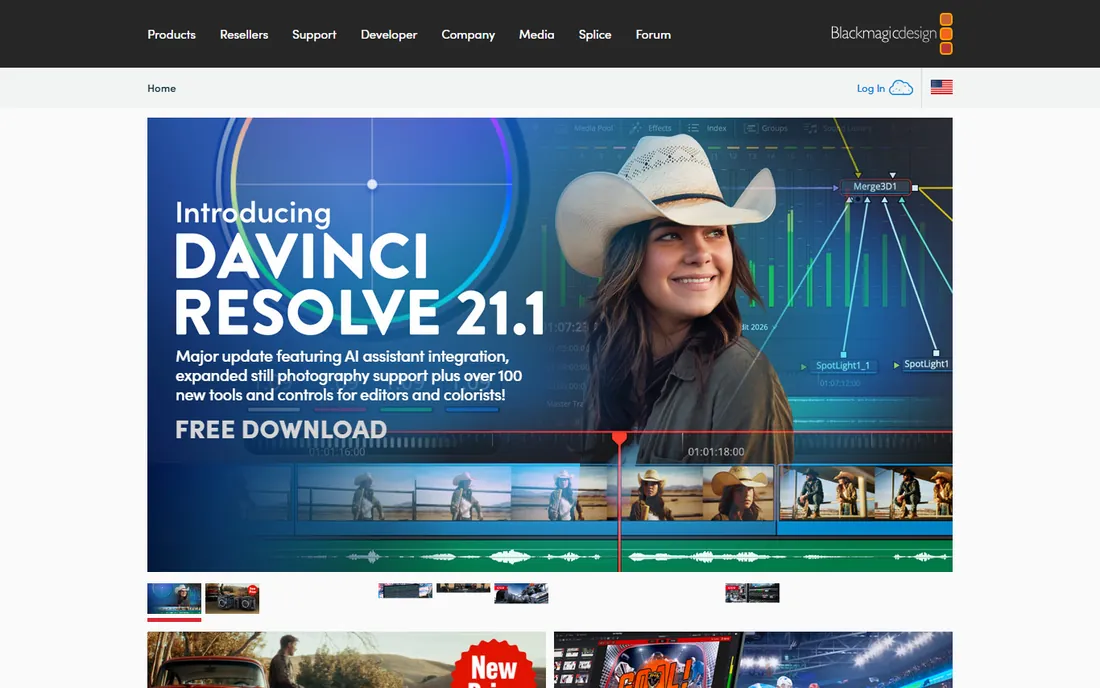
DaVinci Resolve puts a capable roto toolkit inside a free editor. The Fusion page offers spline roto, planar tracking and the Magic Mask for AI-assisted person selection, all without leaving the application. The free version is remarkably complete; Studio at $295 one-time adds the remaining high-end features permanently.
For editors doing object removal, screen replacements and simple isolations, this eliminates the round-trip to another app. Dedicated roto artists on hard shots will still prefer Silhouette or Nuke. As the free entry point to real roto tools, Resolve is unmatched.
What we like- The free version includes the Fusion page with roto, tracking and compositing
- Magic Mask uses AI-assisted selection
- Studio at $295 one-time includes everything permanently
Watch out for- Roto inside an editing app suits simpler shots
- The Fusion page has a learning curve for timeline editors
- Heavy film roto still belongs in Nuke or Silhouette
Choosing by shot difficulty
Match the tool to the shot. Simple isolations and screen comps: After Effects Roto Brush, Resolve Magic Mask, or Blender masks. Standard production roto with tracking: Mocha Pro inside your compositor of choice, which handles the majority of commercial work. Hard film roto with hair, motion blur and complex articulation: Silhouette for the mattes, Nuke for the comp.
Budget follows the same curve. Free tools (Blender, Resolve) handle learning and simple jobs. The mid tier (Fusion Studio $295 one-time, Mocha Pro $295/year, After Effects $34.49/month) covers professional freelance and small-studio work. The high end (Silhouette, Nuke) is quote-based and justified by film and episodic volume. Buy the tier your shots actually demand.
How we chose
We started with the categories buyers search: rotoscoping software, best roto software and VFX rotoscoping tools. For each candidate we verified it is actively maintained and used for rotoscoping in professional work, opened the vendor's own pricing page, and distinguished dedicated roto tools from compositors with roto features. Where a price could not be verified on the vendor's page we wrote "See website" rather than guessing.
Frequently asked questions
What is the best software for rotoscoping?
Silhouette is the dedicated standard for film-quality roto, Mocha Pro ($295/year) is the best tracking assistant that fits any pipeline, and Nuke is where most high-end roto happens inside the composite. For free, Blender and DaVinci Resolve both do real roto work.
Can I do rotoscoping in After Effects?
Yes. After Effects includes the Roto Brush for propagated selections and bundles Mocha AE for planar-tracked roto shapes. It covers most motion graphics and commercial roto needs; film pipelines use Nuke or Silhouette for harder shots.
How much does rotoscoping software cost?
From free (Blender, DaVinci Resolve) to $295 one-time (Fusion Studio) to $295/year (Mocha Pro plugin) to $34.49/month (After Effects). Silhouette and Nuke are quote-based. Most freelancers spend between $0 and $300/year on roto tools.
What is the difference between Mocha Pro and Silhouette?
Mocha Pro is a planar tracker that automates roto by following surfaces, working as a plugin inside other apps. Silhouette is a dedicated roto application with hand-drawn spline tools, tracking and paint for finishing difficult mattes. Many artists use both: Mocha for the tracking, Silhouette for the hard shapes.
Is there free rotoscoping software?
Yes. Blender offers mask-based roto, motion tracking and a node compositor free and open source. DaVinci Resolve's free version includes the Fusion page with roto and tracking tools. Both produce professional results; the paid tools are faster on difficult shots.
Sources we checked (5)
- https://borisfx.com/
- https://www.foundry.com/
- https://www.blackmagicdesign.com/
- https://www.adobe.com/
- https://www.blender.org/
Is your product missing or out of date?
We review this list regularly. Vendors can request a listing, send updated pricing or ask about featured placement.

Shihab Mia · Founder, Rankite
Shihab has spent more than a decade helping SaaS and e-commerce brands grow through search. He writes Rankite's software buying guides from pricing pages, documentation and public user reviews. More about Shihab.