How we make this list: we compare pricing pages, product documentation and public user reviews. Rankite is independent; if a vendor ever pays for a featured spot, that listing is clearly labeled Partner.
Key takeaways
- MakeMKV is the purist's choice: free while in beta, it makes perfect 1:1 MKV backups of Blu-ray and DVD with all tracks and chapters intact, but the files are huge.
- DVDFab Blu-ray Ripper is the workhorse for protected discs, with GPU acceleration and 1,000+ output formats, though it is Windows-centric and priced as a subscription.
- HandBrake is free and unbeatable for compressing files you have already ripped, but it does not decrypt commercial Blu-rays on its own.
- CloneBD is the specialist for 1:1 clones and shrinking BD-50 discs to BD-25, but it only handles unprotected discs.
- Leawo, AnyMP4, VideoByte and Aiseesoft compete on presets and ease of use; all offer free trials, so test with your actual discs before paying.
Quick comparison
Is your product missing or out of date?
We review this list regularly. Vendors can request a listing, send updated pricing or ask about featured placement.
The best software for ripping Blu-ray
Starting priceFree (while in beta)
Free planYes
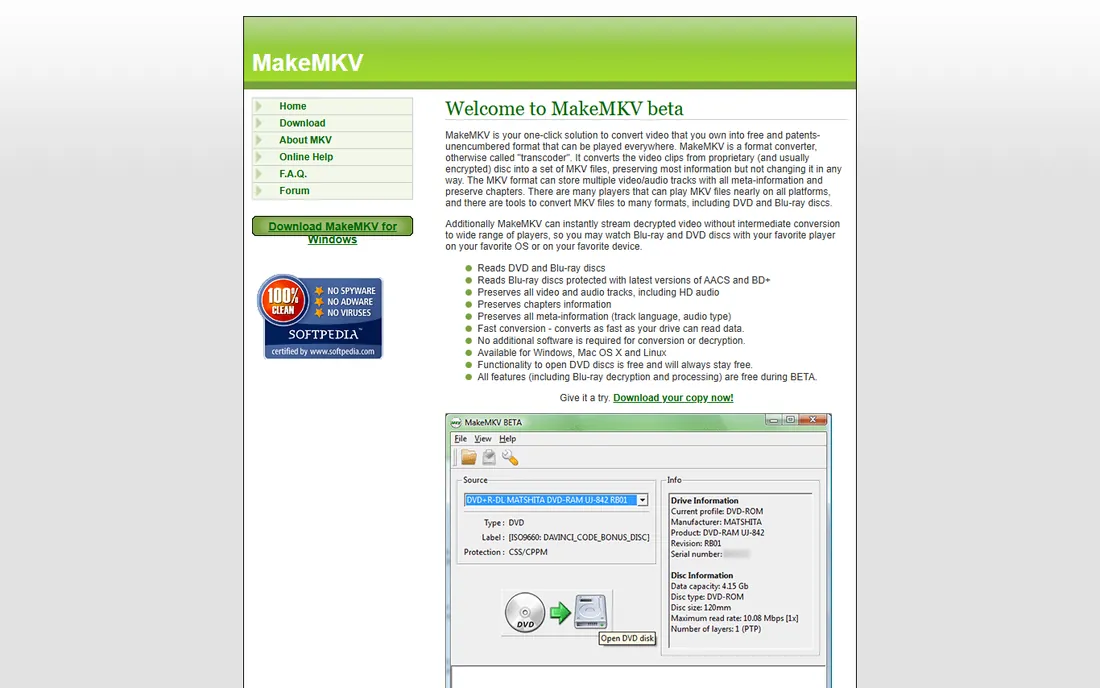
Ask on any forum which tool to use for Blu-ray backup and MakeMKV is the first answer, for good reason. It is a one-click converter that reads a Blu-ray or DVD and writes an MKV file with everything preserved: every audio track including HD audio, every subtitle, every chapter, all metadata. It reads discs protected with the latest versions of AACS and BD+, needs no additional software for decryption, and converts as fast as your drive can read. DVD functionality is free forever; Blu-ray features are free while the program remains in beta, which it has been for years.
The catch is that MakeMKV does not compress anything. A ripped Blu-ray is 25 to 50 GB, which is fine for a home NAS and terrible for a phone. The standard workflow is MakeMKV for the rip, then HandBrake to compress it, which is why those two tools are always mentioned together. There are no device presets and no editing. If you want an exact, untouched backup of a disc you own, nothing beats it, and it costs nothing. If you want a small MP4 for a tablet in one step, pick one of the commercial rippers below.
What we like- Preserves all video and audio tracks, chapters and metadata
- Reads the latest AACS and BD+ protections
- Windows, Mac and Linux
Watch out for- MKV files are as large as the disc
- No compression or device presets
- Beta pricing could change in the future

#2
DVDFab Blu-ray Ripper
Best for: ripping protected discs to any format fast
Visit dvdfab.cn
Starting priceSee website
Free planFree trial
DVDFab is the most complete commercial ripping suite here. The Blu-ray Ripper module decrypts and converts protected Blu-rays, including 4K UHD discs, into more than 1,000 video and audio formats, with device profiles, batch conversion and hardware acceleration via NVIDIA CUDA and similar technologies. It sits inside a larger ecosystem: Blu-ray Copy for 1:1 backups, Passkey for on-the-fly decryption, and StreamFab for downloading streaming video. Updates arrive regularly to handle new copy protections, which is the real reason to pay for a ripper instead of using free tools.
That completeness has a price beyond money. DVDFab is sold as a subscription, and the cost compounds if you keep it for years. The interface is busy, with constant prompts toward the other modules in the suite. Mac users get a thinner feature set than Windows users. Still, if you regularly rip newer protected discs and want the highest chance the disc actually reads, DVDFab's update cadence is its strongest argument. Use the free trial on your hardest disc before you buy.
What we like- GPU acceleration for fast encodes
- 1,000+ output formats and device profiles
- Handles UHD and the newest protections
Watch out for- Strongest on Windows, Mac version is more limited
- Subscription pricing adds up over the years
- Interface packs in a lot of upsell

#3
Leawo Blu-ray Ripper
Best for: ripping to 180+ formats with simple presets
Visit leawo.org
Starting priceSee website
Free planFree trial
Leawo has been selling media software since 2006, and its Blu-ray Ripper reflects that experience: a simple, preset-driven tool that decrypts, rips and converts Blu-ray and DVD to video and audio in 180+ formats. Pick your device from a list, and it handles the resolution, codec and bitrate. A separate UHD Ripper product covers 4K Ultra HD Blu-rays, and the company's Prof. Media bundle rolls the ripper together with copy, creator and downloader tools.
For a non-technical user who just wants a disc turned into files that play on a TV or tablet, Leawo is one of the friendlier options. The honest catches are the product sprawl and the upsell pressure: UHD support is a separate purchase, and the site and the app both nudge you toward the bundle. Encoding speed is fine but unremarkable without hardware acceleration. It is a solid mid-priced choice, best bought when you need exactly what it does and nothing more.
What we like- Straightforward device presets for beginners
- Separate UHD Ripper for 4K discs
- Vendor operating since 2006
Watch out for- 4K discs need the separate UHD product
- Suite constantly upsells sibling apps
- Encodes are slower without GPU help

#4
AnyMP4 Blu-ray Ripper
Best for: beginners who want presets and editing
Visit anymp4.com
Starting priceSee website
Free planFree trial
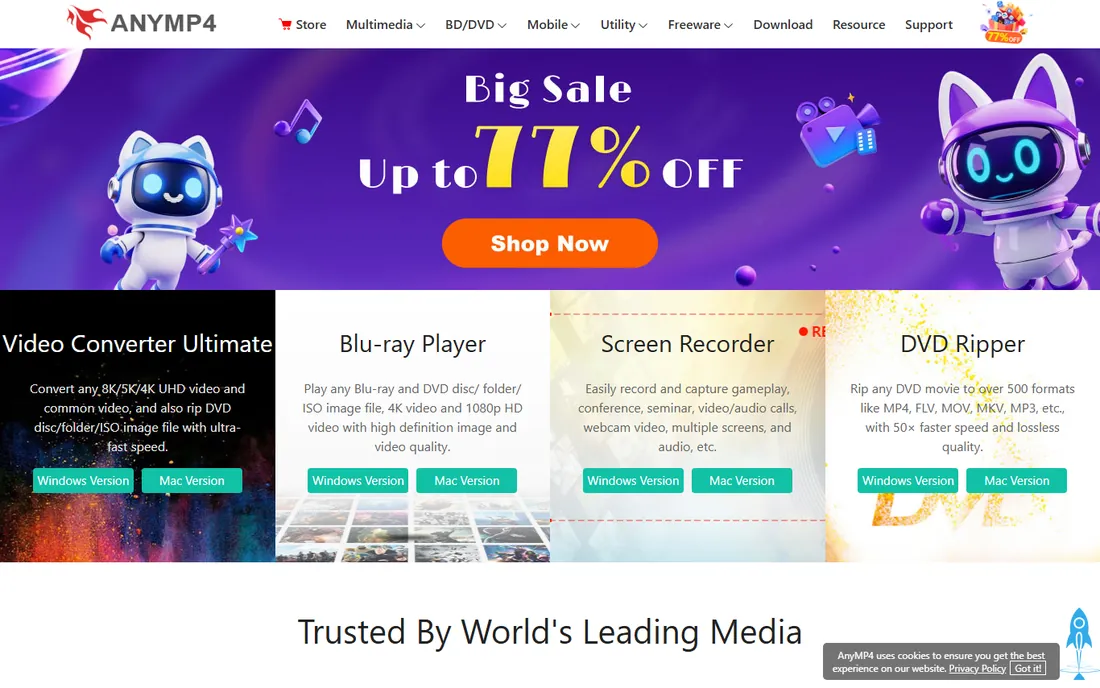
AnyMP4 targets the buyer who wants one app that rips, edits and converts. The Blu-ray Ripper converts discs to 500+ digital formats with device presets, and includes a built-in editor for trimming, cropping, merging clips, adjusting brightness and contrast, and adding watermarks. The company backs purchases with a 30-day money-back guarantee and 24/7 customer support, and free upgrades come with the license.
In practice it is a competent ripper wrapped in aggressive marketing: countdown timers, crossed-out prices and popups are part of the buying experience. The free trial limits how much of a disc you can convert, which is standard for the category but means you cannot fully evaluate it without paying. Output quality is good and the editor saves a separate step for simple fixes. If you want rip-plus-light-editing in one purchase and you can ignore the sales tactics, it does the job. Compare its final checkout price against Leawo before deciding, since street prices move constantly.
What we like- 500+ output formats claimed
- Built-in video editor for trim, crop and watermark
- 30-day money-back guarantee
Watch out for- Trial limits output length
- Marketing-heavy site with aggressive discount timers
- Support is ticket-based
Starting priceFree
Free planYes
HandBrake is not a Blu-ray ripper in the strict sense, and understanding that saves confusion. It is a free, open-source video transcoder: it takes video files you already have and converts them to modern codecs with superb quality. It cannot break the copy protection on a commercial Blu-ray on its own. The classic workflow is MakeMKV to get the disc contents off, then HandBrake to shrink a 40 GB rip into a 4 GB H.265 file that looks nearly identical.
Within that role it is unmatched. The presets are genuinely good, the batch queue chews through a whole collection unattended, and it runs on Windows, Mac and Linux for nothing. The interface exposes a lot of encoder settings that will confuse a beginner, but the presets mean you rarely need to touch them. Every serious disc-backup setup ends with HandBrake in the chain. Just do not buy it expecting it to open a protected disc by itself.
What we like- Free and open source
- Excellent H.264, H.265 and AV1 presets
- Batch queue for whole collections
Watch out for- Does not decrypt commercial Blu-rays by itself
- No Blu-ray menu or chapter editing
- Interface intimidates newcomers
Starting priceSee website
Free planFree trial
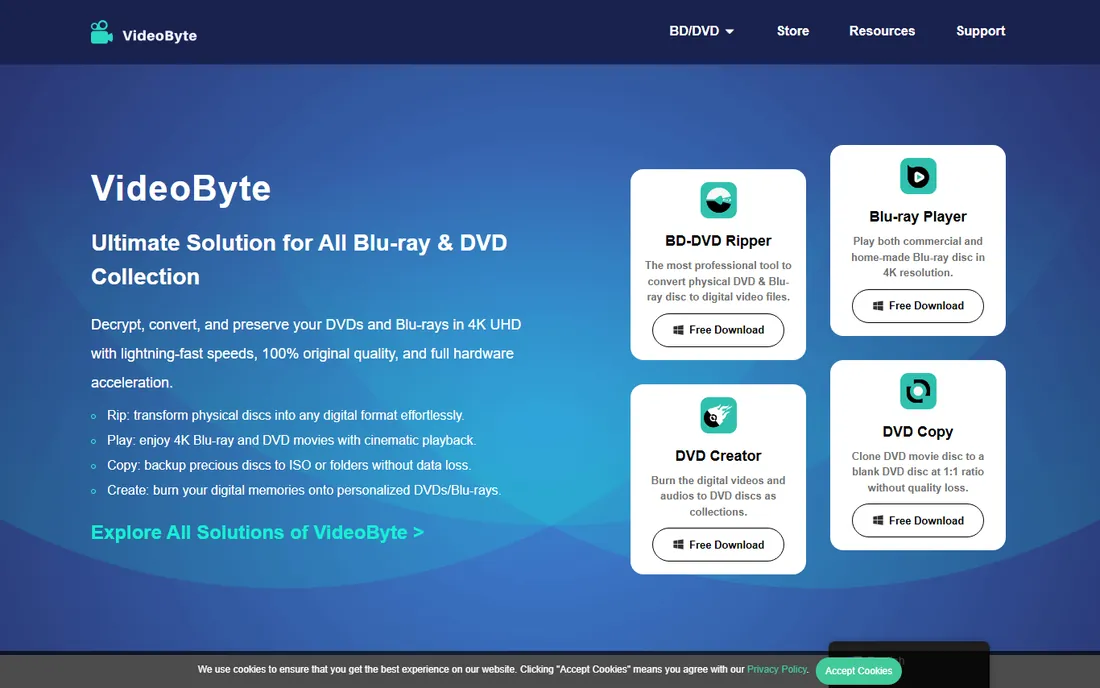
VideoByte is one of the newer names in this space, and its BD-DVD Ripper covers the standard checklist: bypass DVD and Blu-ray protections including region codes, convert to common video formats, and accelerate encodes with NVIDIA CUDA, AMD and Intel graphics. The company also sells a Blu-ray player, DVD creator and Blu-ray copy tool, and promises 48-hour customer service with lifetime free technical support.
The pitch is attractive, particularly the region-free handling for collectors with discs from multiple regions. The caveat is tenure: VideoByte has a fraction of the independent review history of DVDFab or Leawo, so there is less third-party evidence about how quickly it updates for new protections. The free trial lets you test core features before buying, which you should absolutely do with your own discs. For buyers who want a modern interface and responsive support, it is worth a trial slot next to the established names.
What we like- Handles region codes and commercial protections
- GPU acceleration up to 6x claimed
- Lifetime free technical support promised
Watch out for- Newer vendor with a shorter track record
- Trial is feature-limited
- Fewer independent reviews than older rivals

#7
CloneBD
Best for: 1:1 clones and BD-50 to BD-25 compression
Visit elby.ch
Starting priceSee website
Free planFree trial
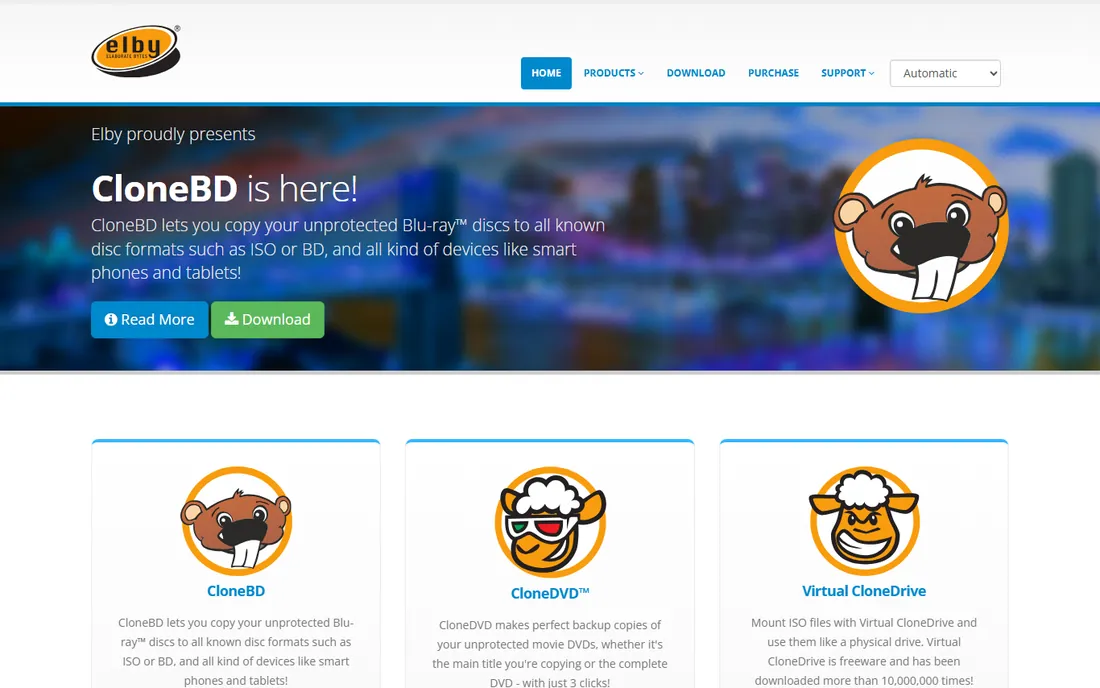
CloneBD comes from Elaborate Bytes, the Swiss company behind the classic CloneDVD, and it does one job with focus: copy Blu-ray discs. It makes 1:1 clones to hard drive, blank BD or ISO, compresses a BD-50 onto a BD-25, BD-9 or BD-5, converts to MP4 and MKV including H.265, and supports all regions with an internal UDF parser that needs no extra drivers. It even handles Ultra HD Blu-ray discs.
The critical limitation is in the name of the game: CloneBD copies unprotected discs. It does not break AACS or BD+ on commercial movie discs, so on its own it cannot back up most store-bought Blu-rays. Pair it with a decrypter and it is excellent; alone, it is for home-burned discs and unprotected media. It is also Windows-only with an interface that has not changed much in years. For the specific job of perfect clones and disc compression, it remains a respected specialist.
What we like- Perfect 1:1 copies to disc, ISO or folder
- Compresses BD-50 to BD-25, BD-9 or BD-5
- Swiss vendor with a long history
Watch out for- Only copies unprotected discs, no decryption
- Windows only
- Interface feels dated

#8
Aiseesoft Blu-ray Ripper
Best for: all-in-one rip plus edit and 3D conversion
Visit aiseesoft.com
Starting priceSee website
Free planFree trial
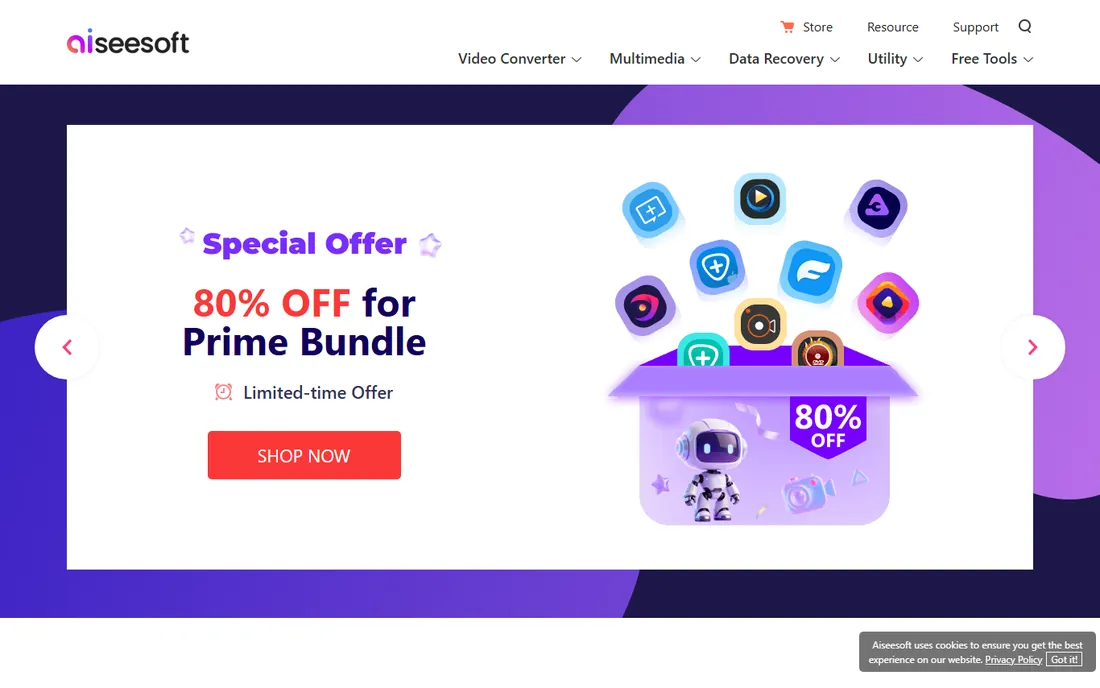
Aiseesoft Studio has sold multimedia software for well over a decade, and its Blu-ray Ripper bundles ripping with the extras buyers often want: a video editor for trim, crop, watermark and effects, 2D-to-3D conversion, and DVD ripping in the same interface. Both Windows and Mac versions exist, and the product line is mature and stable.
Two things to watch. First, Aiseesoft sells tiered editions, standard, platinum and ultimate, with overlapping feature lists that make it genuinely hard to tell which one you need; read the comparison table carefully before checkout. Second, we could not load the vendor homepage directly in our verification pass, so confirm the current product page and pricing yourself before buying; we have flagged this in our report. The trial lets you test the workflow. For buyers who want ripping plus editing without chaining two apps together, it is a reasonable all-in-one, priced in the same band as its rivals.
What we like- Rip, edit, 3D conversion and DVD tools in one app
- Windows and Mac versions
- Long-established multimedia vendor
Watch out for- Tiered editions confuse buyers
- Trial limits conversion length
- Homepage could not be directly verified
Ripping discs you own: the legal fine print
Ripping a Blu-ray almost always means bypassing copy protection like AACS or BD+, and in the United States that sits in a legal gray area. The DMCA prohibits circumventing access controls even for personal backup of discs you bought, though enforcement against individual backup ripping is essentially nonexistent. Other countries vary: some explicitly allow personal copies, others do not. This guide assumes you are backing up discs you own for personal use on your own devices, which is the scenario every tool here is designed for. Ripping rented discs or sharing rips is piracy everywhere. If you are ripping for a business, talk to a lawyer first.
How we chose
We started from each vendor's own site and product pages, then checked documentation, update histories for new copy protections, and public reviews and forum discussion. We looked at which protections each tool actually handles, output format range, GPU acceleration, trial limitations, platform support, and how the vendor prices and supports the product. We excluded discontinued tools and listed renamed products under current names. No vendor paid for placement.
What to look for before you buy
Match the tool to your actual workflow. If you want perfect archival backups, you need a 1:1 tool like MakeMKV or CloneBD plus storage to hold 25 to 50 GB per disc. If you want small files for phones and tablets, you need a ripper with good H.265 presets or the MakeMKV plus HandBrake chain. Decide this before you shop, because the best archival tool and the best compression tool are different products.
Then test the trial against your hardest disc. Copy protection varies by studio and by pressing, and a tool that breezes through one disc can choke on another. Trials in this category limit output length or watermark video, but they still decrypt, which is the part you need to verify. Check that your Blu-ray drive is supported, confirm GPU acceleration works with your graphics card, and look at the update history: a ripper that has not been updated in a year will fail on newer discs.
Finally, read the license terms. Most commercial rippers here are subscriptions or version-locked licenses, and "lifetime" usually means the lifetime of that major version. Check whether the Mac version has feature parity if you are on a Mac, and confirm the refund policy before you pay. These are mature products in a slow-moving category; there is no reason to rush a purchase.
Frequently asked questions
Is it legal to rip Blu-rays I own?
In the US, bypassing Blu-ray copy protection violates the DMCA even for personal backups, though individuals ripping discs they own are not prosecuted in practice. Laws differ by country, and some explicitly permit personal copies. Ripping rentals or sharing files is infringement everywhere. This is general information, not legal advice.
Why do I need a Blu-ray drive?
Ripping software reads the physical disc, so you need a Blu-ray drive connected to your computer. Most laptops no longer include one, so buyers typically add an external USB Blu-ray drive. Check that the drive supports the disc types you own, including 4K UHD if relevant, since some older drives cannot read UHD discs at all.
MakeMKV vs DVDFab: which should I choose?
Choose MakeMKV if you want free, perfect 1:1 backups and are comfortable adding HandBrake for compression. Choose DVDFab if you want one commercial app that decrypts newer protections, compresses, and converts in a single workflow, and you are willing to pay a subscription for it. Many experienced users run both: DVDFab for stubborn discs, MakeMKV for everything else.
Why are my ripped files so large?
A Blu-ray holds 25 to 50 GB of video, and a 1:1 rip keeps all of it. Compression with H.264 or H.265 shrinks that dramatically, often to 4 to 8 GB with little visible difference on a TV. That is the job HandBrake does for free. If a ripper offers a "same quality, tiny file" one-click option, treat the claim skeptically and compare frames yourself.
Do these tools remove region codes?
Most commercial rippers here, including DVDFab, Leawo and VideoByte, handle region codes as part of decryption. MakeMKV reads discs regardless of region once the drive allows it, though some drives enforce region locks in firmware. If your collection spans regions, verify region handling in the trial before buying.
Can I rip 4K UHD Blu-rays?
Yes, but it is the hardest case. You need a UHD-friendly drive, software that handles the newer AACS versions on UHD discs, and patience: the files are 50 to 100 GB. DVDFab and Leawo's UHD product explicitly support it. Confirm your specific drive model works with the software's trial before spending money.
Sources we checked (10)
- https://makemkv.com/
- https://www.dvdfab.cn/
- https://leawo.org/
- https://anymp4.com/
- https://handbrake.fr
- https://videobyte.org/
- https://elby.ch
- https://www.aiseesoft.com
- https://www.dvdfab.cn/videos/how-to-rip-a-blu-ray-to-pc.htm
- https://winningpc.com/dvdfab-blu-ray-ripper-coupon-code-giveaway/
Is your product missing or out of date?
We review this list regularly. Vendors can request a listing, send updated pricing or ask about featured placement.

Shihab Mia · Founder, Rankite
Shihab has spent more than a decade helping SaaS and e-commerce brands grow through search. He writes Rankite's software buying guides from pricing pages, documentation and public user reviews. More about Shihab.
 MakeMKV
 HandBrake
 VideoByte BD-DVD Ripper