How we make this list: we compare pricing pages, product documentation and public user reviews. Rankite is independent; if a vendor ever pays for a featured spot, that listing is clearly labeled Partner.
Key takeaways
- Supabase is the default pick for developers: a real Postgres database with auto-generated REST and GraphQL APIs.
- Airtable is the easiest database to connect to business tools, but its API rate limits rule it out as an app backend.
- Firebase remains the fastest way to ship a mobile app with realtime sync, though leaving it later is expensive.
- Hasura and Directus let you put a GraphQL or REST API on databases you already own, which suits teams with existing infrastructure.
- NocoDB and Baserow are the open-source answers to Airtable, and both can be self-hosted for free.
Quick comparison
| Tool | Best for | Starting price | Free plan |
|---|
 Airtable Airtable | No-code teams wiring up business apps | $20/user/month (Team, billed annually) | Yes |
 Supabase Supabase | Developers who want Postgres with instant APIs | $25/month (Pro) | Yes |
 Firebase Firebase | Mobile apps that need realtime sync fast | Free (Spark plan); Blaze is pay-as-you-go | Yes |
 MongoDB Atlas MongoDB Atlas | Teams with document-shaped data at scale | Free (M0 cluster); dedicated clusters pay-as-you-go | Yes |
 Hasura Hasura | Teams that want GraphQL on databases they own | $5/active model/month (DDN Base) | Yes |
 NocoDB NocoDB | Teams that want Airtable without the lock-in | $12/seat/month (Plus, billed annually) | Yes |
 Baserow Baserow | European teams needing an open-source database | $10/user/month (Premium, billed annually) | Yes |
 Directus Directus | Organizations that need an API plus an admin UI | $499/month (Cloud Team, annual) ; self-host free | Free trial (14 days) |
 Appwrite Appwrite | Developers who want backend services in one place | Free tier; dedicated databases from $10/month | Yes |
Is your product missing or out of date?
We review this list regularly. Vendors can request a listing, send updated pricing or ask about featured placement.
The best database software for integration
Starting price$20/user/month (Team, billed annually)
Free planYes
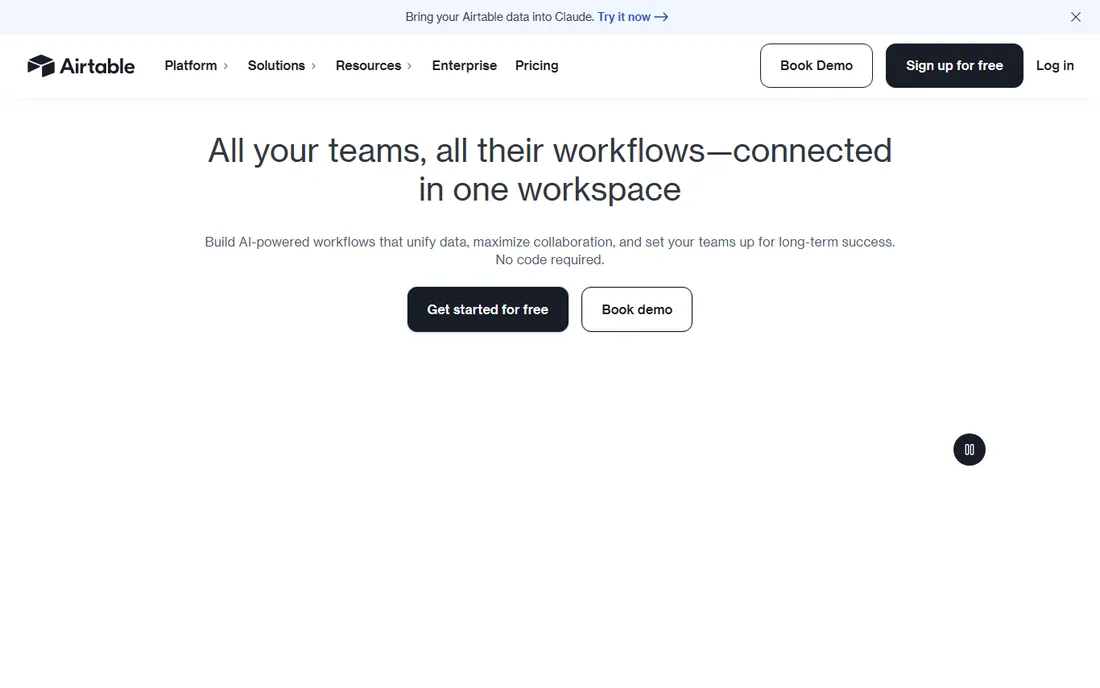
Airtable looks like a spreadsheet and behaves like a database, which is why non-technical teams adopt it fast. For integration work, its strength is the ecosystem: native connectors for the tools a business already uses, plus Zapier and Make coverage that extends to thousands more. The built-in automations can move data between tables on triggers, and the REST API is well documented for the cases where you need custom code.
The honest limit is scale. The free plan caps at 1,000 records per base, paid plans top out around 50,000 to 125,000, and API rate limits mean it cannot back a customer-facing product. At $20 per user per month on the Team plan, a 10-person team pays $200 a month before doing anything sophisticated. Use Airtable as the operational database your team touches directly, and pair it with a real backend for anything customer-facing.
What we like- Native integrations with hundreds of apps plus Zapier and Make support
- Clean REST API with webhooks
- Automations built in
Watch out for- API rate limits and record caps make it a poor app backend
- Per-seat pricing gets expensive as teams grow
Starting price$25/month (Pro)
Free planYes
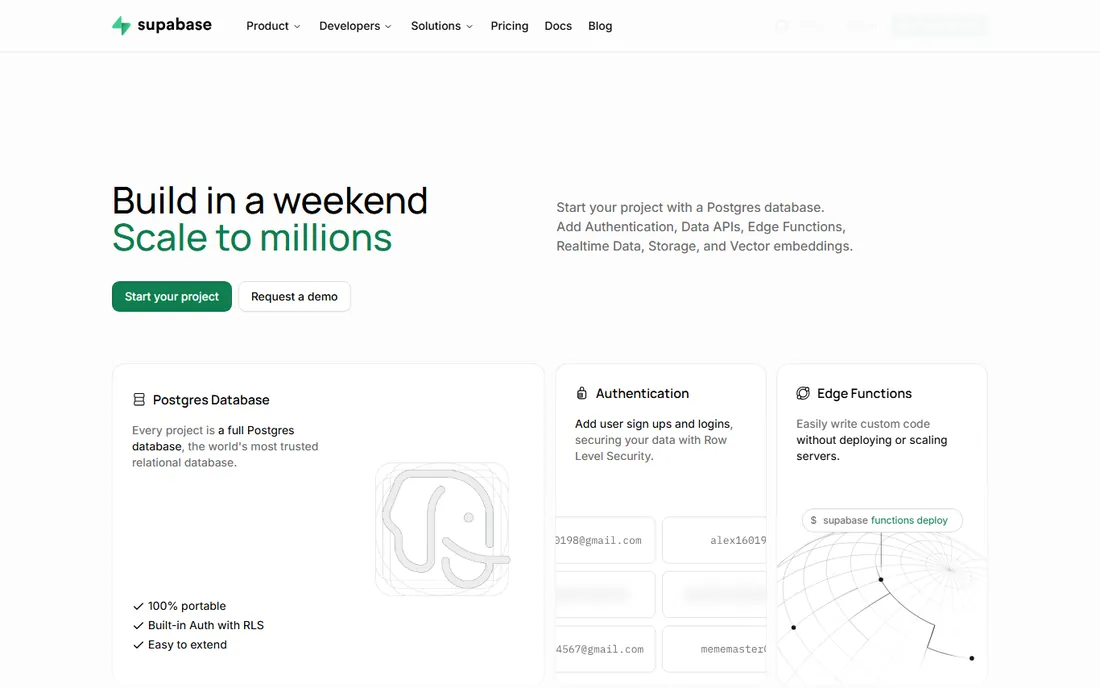
Supabase has become the default backend for teams that outgrow Firebase or want real SQL. Every project is a full Postgres database, which means you can use any Postgres tool, driver or ORM against it, and leaving is a pg_dump rather than a rewrite. The platform auto-generates REST and GraphQL APIs from your schema, adds authentication with row-level security, and includes storage, edge functions and realtime sync.
The free tier is genuinely generous: 500 MB database, 50,000 monthly active users and unlimited API requests. Pro at $25 a month adds $10 in compute credits and raises the quotas. The pricing wrinkle is that compute is per project, so each staging or preview environment is a separate line item starting at $10 a month. For integration work, the Postgres foundation is the selling point: ETL tools, BI dashboards and data warehouses all speak Postgres natively.
What we like- Full Postgres database, so your data stays portable
- Auto-generated REST and GraphQL APIs
- Generous free tier with auth and storage included
Watch out for- Compute is billed per project, so staging environments add up
- No built-in push notifications or analytics suite
Starting priceFree (Spark plan); Blaze is pay-as-you-go
Free planYes
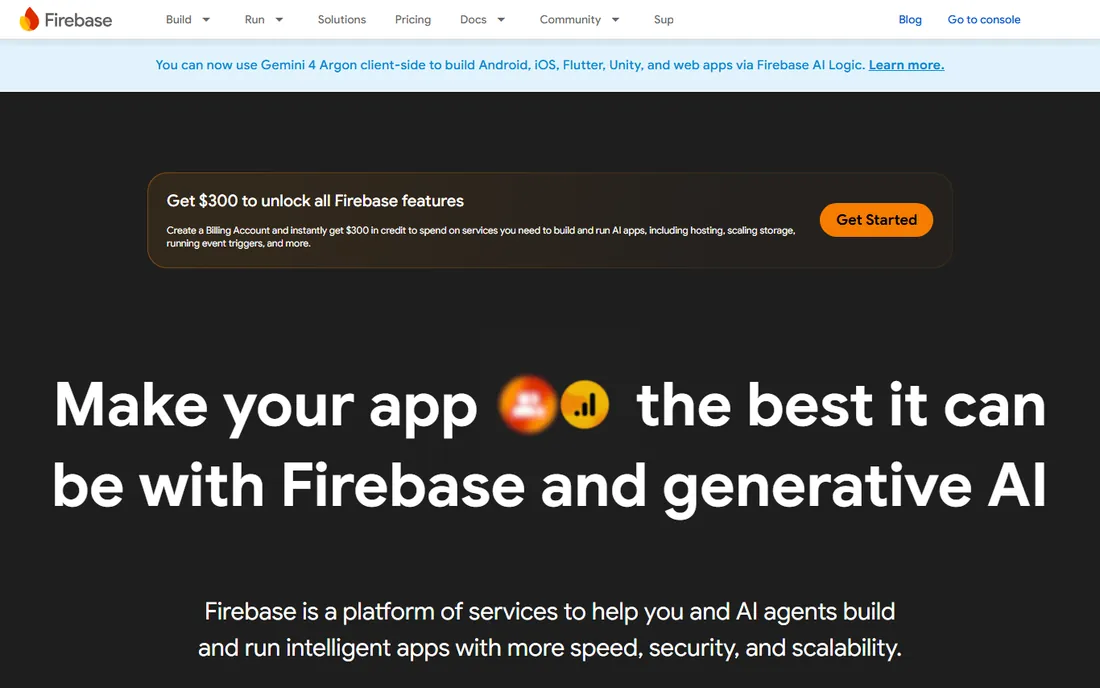
Firebase is Google's app development platform, and its database story is really two databases: Firestore for structured document data and the Realtime Database for live sync. The integration pitch is speed. SDKs for iOS, Android, web, Flutter and Unity, built-in authentication, and one-click connections to Google Cloud services and Gemini mean a small team can ship a working app in days. The Spark plan is free within quotas, and Blaze charges only for what you use.
The cost of that speed is lock-in. Firestore's document model does not map cleanly to SQL, so moving to another database later means reworking the application. Blaze bills per read, write and byte transferred, which is cheap at small scale and unpredictable at large scale. Firebase fits teams already committed to Google's ecosystem who value shipping speed over data portability. Everyone else should weigh the exit cost before building on it.
What we like- Realtime Database and Firestore sync across devices instantly
- Deep integration with Google Cloud and Gemini
- SDKs for every major platform
Watch out for- Proprietary data model makes migration a rewrite
- Blaze billing is pure usage, so costs spike with traffic
Starting priceFree (M0 cluster); dedicated clusters pay-as-you-go
Free planYes
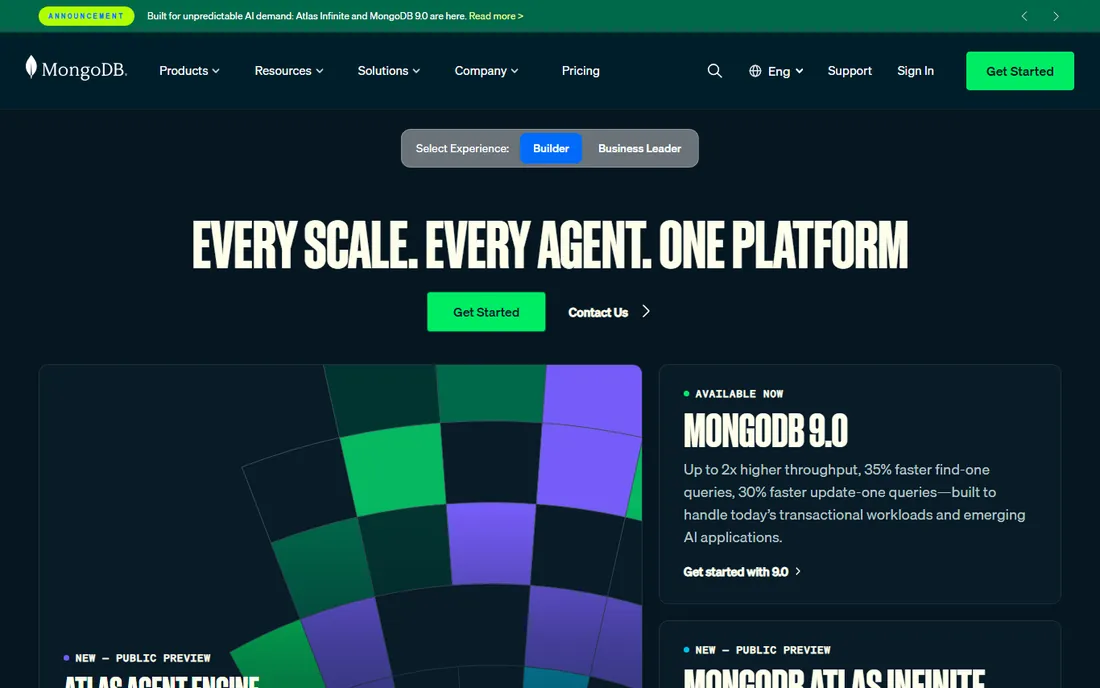
MongoDB Atlas is the managed cloud version of the most popular document database, and its integration story is about breadth. The Atlas platform bundles full-text search, vector search for AI features, stream processing for event data, and connectors for BI tools like Tableau and Power BI. Data federation lets you query data across clusters and cloud object storage, which suits companies whose data is already scattered.
The free M0 cluster is enough for learning and small projects. Paid pricing is usage-based across compute, storage and data transfer, which scales smoothly but makes budgeting an exercise. The document model is a genuine advantage when your data is hierarchical or changes shape often, product catalogs and content systems being classic cases. It is a weaker fit when your data is naturally relational and your integrations expect SQL, which is where Supabase wins.
What we like- Flexible document model handles varied data well
- Atlas integrations cover BI, search and stream processing
- Global clusters with multi-cloud options
Watch out for- Usage-based pricing is hard to predict
- Document modeling takes discipline to avoid messy schemas
#5
Hasura
Best for: Teams that want GraphQL on databases they own
Visit hasura.io
Starting price$5/active model/month (DDN Base)
Free planYes
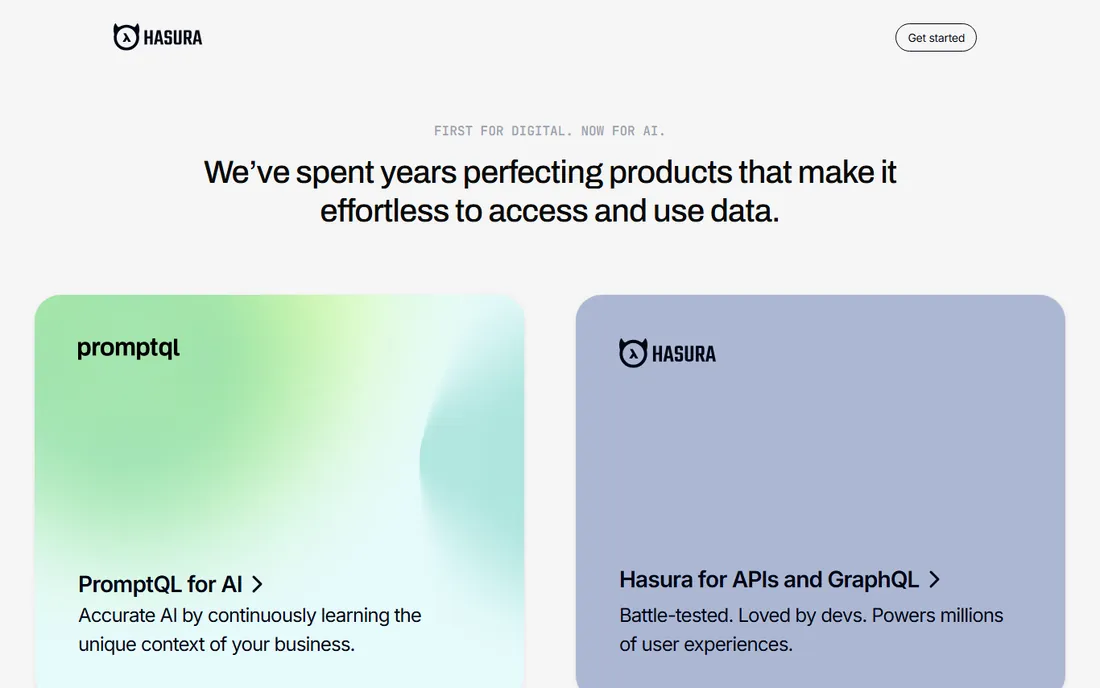
Hasura takes a different angle: instead of giving you a database, it gives your existing databases an API. Point it at Postgres, and it generates a production-ready GraphQL API with filtering, pagination, aggregations and authorization. The Data Delivery Network can federate multiple sources, databases, REST APIs and custom code, into one supergraph, which is exactly what integration-heavy companies need when data lives in several systems.
Pricing is model-based: DDN Free costs nothing, Base starts at $5 per active model per month, and Advanced at $30. An active model is one accessed more than 1,000 times a month, so you need to estimate your API surface to budget. The open-source GraphQL engine can be self-hosted for teams that want full control. Hasura suits engineering teams with existing databases who want a clean API layer without migrating data anywhere.
What we like- Instant GraphQL API over Postgres and other sources
- Federates multiple data sources into one supergraph
- Open-source engine can be self-hosted
Watch out for- Model-based pricing is unfamiliar and needs careful estimation
- GraphQL learning curve for teams coming from REST
#6
NocoDB
Best for: Teams that want Airtable without the lock-in
Visit nocodb.com
Starting price$12/seat/month (Plus, billed annually)
Free planYes
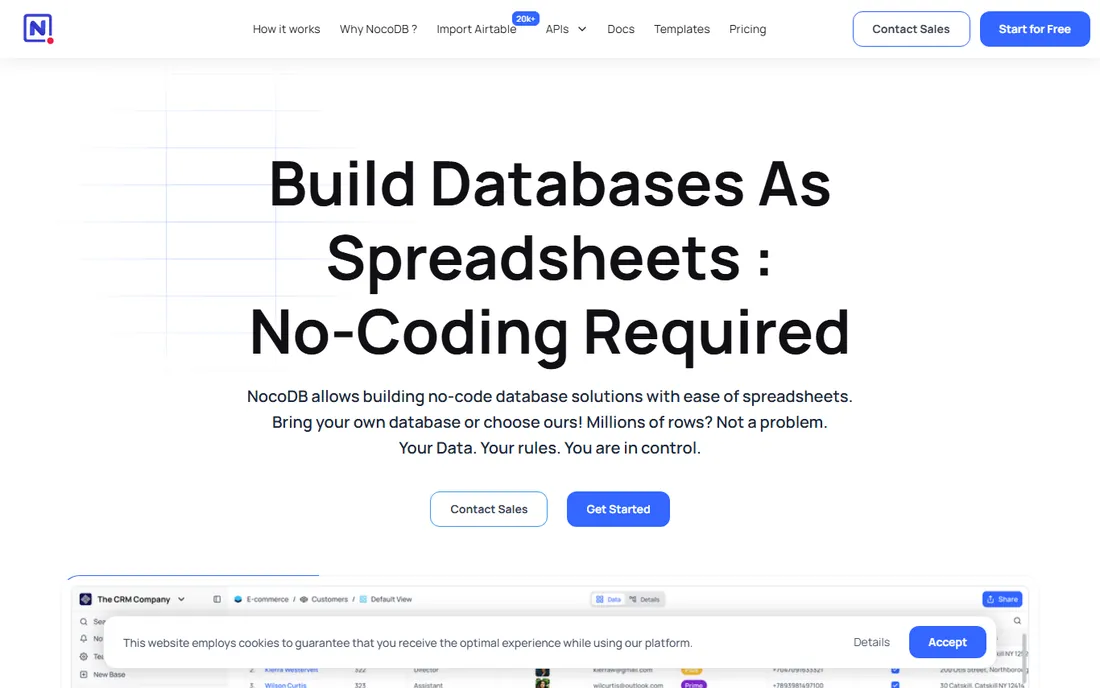
NocoDB is the open-source answer to Airtable, and its integration story is about ownership. You can point it at an existing Postgres or MySQL database and get a spreadsheet interface, REST APIs and webhooks on top, or use its hosted database. The self-hosted version is free forever with unlimited records and seats, which makes it the cheapest serious option on this list for teams with infrastructure skills.
The cloud pricing is straightforward: free for up to 3 users, Plus at $12 per seat per month billed annually with unlimited seats available at a flat $108 a month. Note the fine print: external database connections require the Business plan, not Plus. The integration ecosystem is smaller than Airtable's, so expect to use the API and webhooks rather than one-click connectors. For teams that want a familiar interface over data they fully control, NocoDB is hard to beat.
What we like- Connects to your own Postgres or MySQL
- Self-hosted version is free forever
- REST APIs and webhooks on every table
Watch out for- Cloud Plus plan drops external database connections
- Smaller ecosystem than Airtable for third-party integrations
#7
Baserow
Best for: European teams needing an open-source database
Visit baserow.io
Starting price$10/user/month (Premium, billed annually)
Free planYes
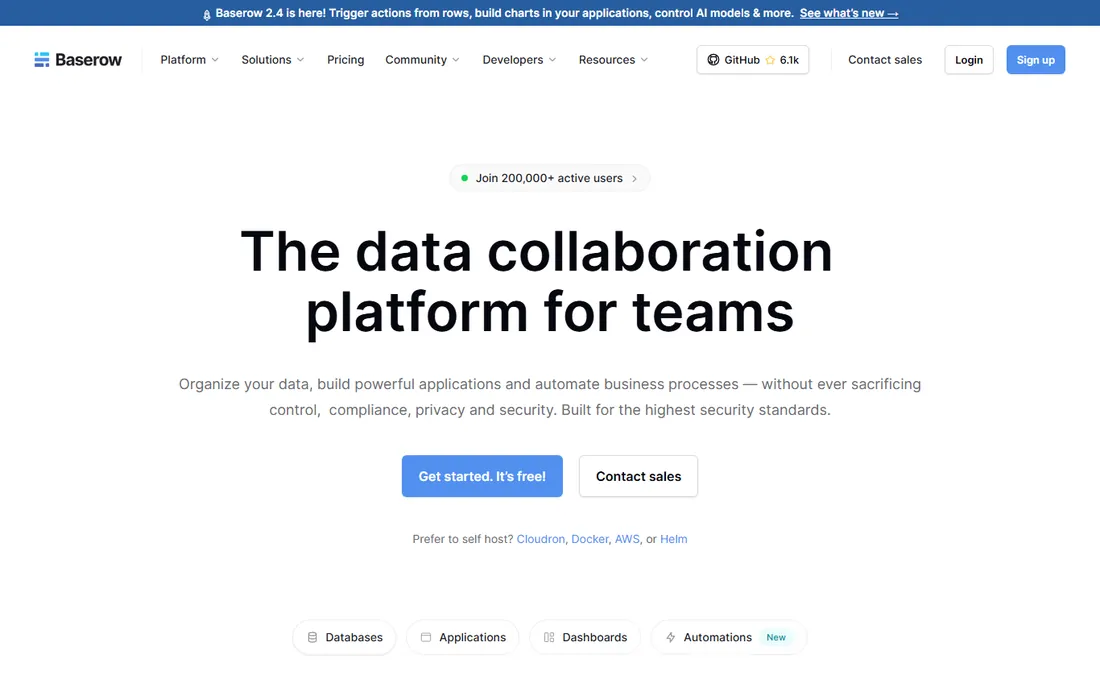
Baserow is another open-source Airtable alternative, built API-first in Europe with GDPR, HIPAA and SOC 2 compliance on the cloud offering. Every feature is an integration endpoint, and the platform includes native automations, webhooks and data sync sources including Postgres tables, Jira issues and GitHub issues. The application builder lets you turn tables into internal tools and portals with up to 500 external app users free.
Cloud pricing starts with a free tier at 3,000 rows per workspace, then Premium at $10 per user per month billed annually with 50,000 rows. Self-hosting removes the caps entirely. Compared with NocoDB, Baserow's interface and application builder feel more polished, while its community is smaller. It is a strong pick for teams that want a managed European option with a clean API and the freedom to self-host later.
What we like- Open source with cloud and self-hosted options
- API-first design makes every feature an integration endpoint
- Data sync with Postgres, Jira and GitHub
Watch out for- Free cloud tier caps at 3,000 rows per workspace
- Smaller community than NocoDB
#8
Directus
Best for: Organizations that need an API plus an admin UI
Visit directus.io
Starting price$499/month (Cloud Team, annual) ; self-host free
Free planFree trial (14 days)
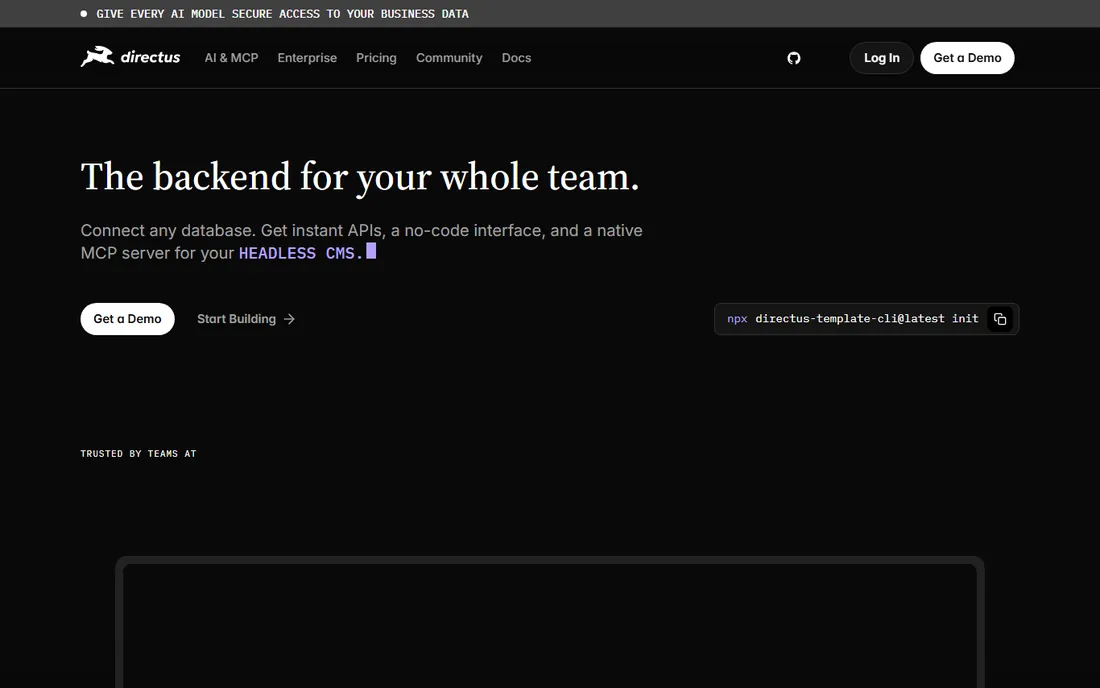
Directus wraps your existing SQL database in instant REST and GraphQL APIs plus a polished no-code admin interface your whole team can use. Content editors, developers and operations staff work on the same data with role-based permissions, and the native MCP server lets AI agents like Claude or Cursor query and manage the schema directly. It is the most complete package here for organizations where technical and non-technical people share one backend.
The pricing is the catch. Directus Cloud goes from a 14-day trial to Team at $499 a month (annual) or $599 monthly, with no middle tier. The Open Innovation Grant softens this for companies under $5M revenue and 50 employees, and self-hosting is free on every tier. For a funded team that needs a governed, team-friendly data layer without building one, Directus is worth the price. For smaller teams, self-host or look at NocoDB.
What we like- Wraps any SQL database with REST, GraphQL and a no-code admin
- Granular role-based access control
- Native MCP server for AI agents
Watch out for- Cloud pricing jumps from trial straight to $499 a month
- Smaller teams must self-host to make the math work
#9
Appwrite
Best for: Developers who want backend services in one place
Visit appwrite.io
Starting priceFree tier; dedicated databases from $10/month
Free planYes
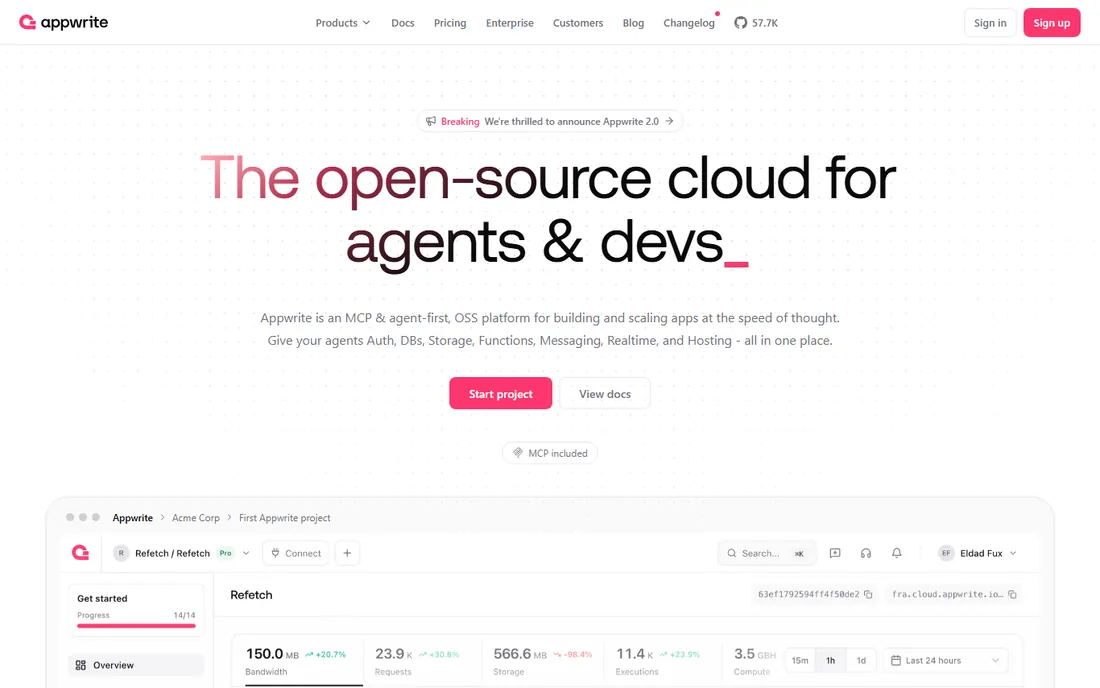
Appwrite is an open-source backend platform that puts databases, authentication, storage, functions, messaging and realtime behind one API. For integration work, the appeal is consolidation: one SDK and one dashboard instead of five services. It supports TablesDB, its default database, plus Postgres and MySQL on dedicated compute, and every project includes $10 a month in compute credits.
The pricing model is flexible. Serverless databases carry no fixed fee and bill on usage within plan quotas, while dedicated compute starts at $10 a month per database for a 1-core, 1-GB tier and scales to large enterprise sizes. The tradeoff is abstraction: TablesDB is Appwrite's own data layer, so you trade some portability for convenience. Teams that want a Firebase-like experience without Google lock-in, and with real database choices, should put Appwrite on the shortlist.
What we like- Databases, auth, storage, functions and messaging behind one API
- Serverless option with no fixed fee
- Open source and self-hostable
Watch out for- TablesDB abstraction is Appwrite-specific rather than plain Postgres
- Realtime and messaging add complexity for simple use cases
How we picked the list
We started with a simple test: can this database connect to the rest of a company's stack without heroic effort? Every tool here exposes a documented API, supports webhooks or native integrations, and is an active product in 2026. We mixed no-code databases for business teams with developer platforms for engineering teams, because integration buyers sit on both sides.
We verified pricing on each vendor's own pricing page and noted where costs hide: per-seat plans, per-project compute, usage metering and model-based billing. We read public reviews on G2, Capterra and Reddit for reports of rate limits, surprise bills and migration pain. Pure data warehouses and ETL-only tools were excluded, since this guide is about databases you build on, not just move data through.
Integration patterns that actually matter
Most integration work falls into four patterns. First, connecting business apps: Airtable, NocoDB and Baserow win here with native connectors and Zapier or Make coverage. Second, powering a product's backend: Supabase, Firebase, Appwrite and MongoDB Atlas, where SDK quality and realtime support decide. Third, putting an API on data you already own: Hasura and Directus, which avoid migration entirely. Fourth, syncing with warehouses and BI: anything Postgres-based, which favors Supabase, Hasura and Directus.
Match the pattern before comparing features. A team that needs pattern one will be miserable on Firebase, and a team that needs pattern three gains nothing from Airtable. Also check rate limits and quotas against your real volume: Airtable's API limits, Supabase's per-project compute and Firebase's per-operation billing all behave differently under load. Run a pilot with production-like traffic before committing.
Do not use Airtable, NocoDB or Baserow as the database behind a customer-facing app. Their APIs are built for operational use, and rate limits will bite at exactly the wrong moment. Do not pick Firebase if you expect to migrate within two years; the rewrite cost dwarfs any speed advantage. Do not choose a usage-billed platform like MongoDB Atlas or Firebase Blaze without spending caps and billing alerts, because a traffic spike becomes a billing spike.
Avoid per-seat database pricing if your whole company will touch the data. Airtable at $20 a seat gets expensive fast with 50 viewers, while NocoDB's flat unlimited-seat plans or Baserow's self-hosted option stay flat. Finally, avoid any tool whose export story you have not tested. Ask for a full export during the trial, including schema and files, and confirm you can actually leave before you need to.
Frequently asked questions
Which database is best for integrations overall?
Supabase is the best all-round pick for developers: real Postgres, auto-generated APIs, and an ecosystem where every ETL and BI tool already speaks the protocol. For non-technical teams, Airtable connects to more business apps with less effort. The right answer depends on who does the integrating.
Can I use Airtable as my app's database?
You can, but you should not for anything customer-facing. Airtable's API rate limits, record caps and per-seat pricing make it an operational tool, not an application backend. Use it for internal workflows and put Supabase, Firebase or Appwrite behind your product.
What is the cheapest database with a good API?
NocoDB self-hosted is free forever with unlimited records and seats, which is unbeatable if you can run infrastructure. On managed cloud, Baserow's free tier and Appwrite's serverless free tier are the cheapest starting points. Supabase's free tier is the most generous among the developer platforms.
How do I avoid vendor lock-in with a database?
Choose tools built on open standards. Supabase and Directus sit on Postgres, so your data and queries transfer anywhere. NocoDB, Baserow and Appwrite are open source and self-hostable. Firebase and Airtable are the hardest to leave, so only choose them when their specific strengths outweigh the exit cost.
Do I need to know SQL to use these tools?
Not for Airtable, NocoDB, Baserow or Firebase, which all offer visual interfaces. Supabase, Hasura, Directus and Appwrite reward some SQL or API knowledge but provide dashboards and auto-generated APIs that reduce it. MongoDB's query language is its own thing, closer to code than to SQL.
Which is better for realtime apps, Supabase or Firebase?
Firebase has the longer track record for realtime sync at massive scale, with up to 200,000 simultaneous connections per database instance. Supabase offers Postgres-based realtime that is easier to reason about and cheaper to run. Firebase wins on raw realtime pedigree; Supabase wins on data model sanity and portability.
Sources we checked (9)
- https://www.airtable.com/pricing
- https://supabase.com/pricing
- https://firebase.google.com/pricing
- https://www.mongodb.com/pricing
- https://hasura.io/pricing
- https://www.nocodb.com/pricing
- https://baserow.io/pricing
- https://directus.io/pricing
- https://appwrite.io/pricing
Is your product missing or out of date?
We review this list regularly. Vendors can request a listing, send updated pricing or ask about featured placement.

Shihab Mia · Founder, Rankite
Shihab has spent more than a decade helping SaaS and e-commerce brands grow through search. He writes Rankite's software buying guides from pricing pages, documentation and public user reviews. More about Shihab.