How we make this list: we compare pricing pages, product documentation and public user reviews. Rankite is independent; if a vendor ever pays for a featured spot, that listing is clearly labeled Partner.
Key takeaways
- Free tiers are genuinely useful now: MongoDB Atlas, Supabase, Neon, and Firebase all let you build and launch before paying anything.
- The cheapest production database is usually usage-based serverless (Neon, PlanetScale, Atlas Flex), not a fixed instance you pay for around the clock.
- Supabase Pro at $25 per month and PlanetScale Postgres from $5 per month are the price-to-simplicity winners for small teams shipping web apps.
- Snowflake and CockroachDB price for scale and analytics, not side projects: budget by credit consumption and confirm the math with your actual workload before committing.
Quick comparison
| Tool | Best for | Starting price | Free plan |
|---|
 MongoDB Atlas MongoDB Atlas | Teams building on document data that need room to grow | Free (M0); Flex from about $8/month; dedicated M10 from about $57/month | Yes (M0 shared tier, 512 MB) |
 Supabase Supabase | Startups wanting Postgres plus auth, storage, and APIs | Free; Pro $25/month | Yes (500 MB database, 50,000 monthly active users) |
 PlanetScale PlanetScale | Teams that want database branching like Git branching | From $5/month (Postgres single-node); Vitess HA from $39/month | No |
 Firebase Firebase | Mobile and web apps already living on Google Cloud | Free (Spark); Blaze pay-as-you-go | Yes (generous no-cost quotas per product) |
 Airtable Airtable | Non-technical teams that need a database with a spreadsheet face | Free; Team $20/seat/month (billed annually) | Yes |
 Neon Neon | Developers who want Postgres that scales to zero | Free; Launch usage-based (typical spend about $15/month) | Yes (100 projects, compute and storage allowances) |
 CockroachDB CockroachDB | Companies running SQL across regions without downtime | See website (usage-based cloud pricing) | Yes (free tier on CockroachDB Cloud) |
 Snowflake Snowflake | Analytics teams running a cloud data warehouse | See website (credit-based, usage pricing) | Free trial (30 days with trial credits) |
Is your product missing or out of date?
We review this list regularly. Vendors can request a listing, send updated pricing or ask about featured placement.
The best database software
Database pricing used to be simple: buy a server, buy a license. In 2026 the menu reads more like a phone plan: free tiers with real limits, serverless options that bill by the second, per-seat tools, and credit systems that only make sense once you do the math on your own workload. The eight options below are priced the way their vendors actually sell them, free tier first, so you can see where the free ride ends and the meter starts.
#1
MongoDB Atlas
Best for: Teams building on document data that need room to grow
Visit mongodb.com
Starting priceFree (M0); Flex from about $8/month; dedicated M10 from about $57/month
Free planYes (M0 shared tier, 512 MB)
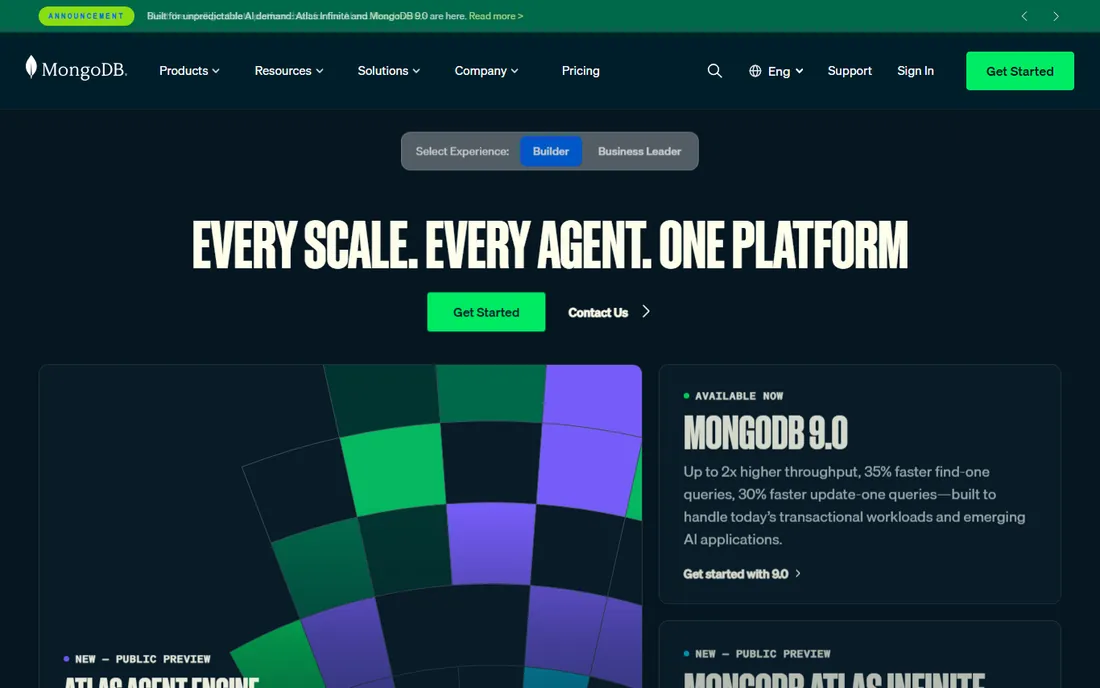
Atlas is MongoDB's managed cloud, and its pricing ladder is the clearest in the business. The M0 free tier gives you 512 MB on a shared cluster, genuinely free, which is enough for development and small projects. Flex, the serverless option, starts around $8 a month and caps near $30, a sensible bridge. Production workloads land on dedicated M10 clusters from about $57 a month, scaling up through M20, M30, and beyond.
Watch the two classic Atlas surprises. First, the shared tiers throttle at 100 operations per second, so anything with real users outgrows them fast. Second, the cluster price is the floor, not the bill: data transfer, extra storage, and backup retention add up, and there is no spend cap on dedicated tiers. For document-shaped data and JavaScript-heavy teams, Atlas remains the default choice, just budget with the metered extras included.
What we like- Generous free tier for learning and prototypes
- Flex serverless tier caps monthly spend while you grow
- Dedicated clusters scale to serious production
Watch out for- Shared tiers throttle under real traffic, forcing an early jump to dedicated
- Egress and backup fees stack on top of cluster prices
#2
Supabase
Best for: Startups wanting Postgres plus auth, storage, and APIs
Visit supabase.com
Starting priceFree; Pro $25/month
Free planYes (500 MB database, 50,000 monthly active users)
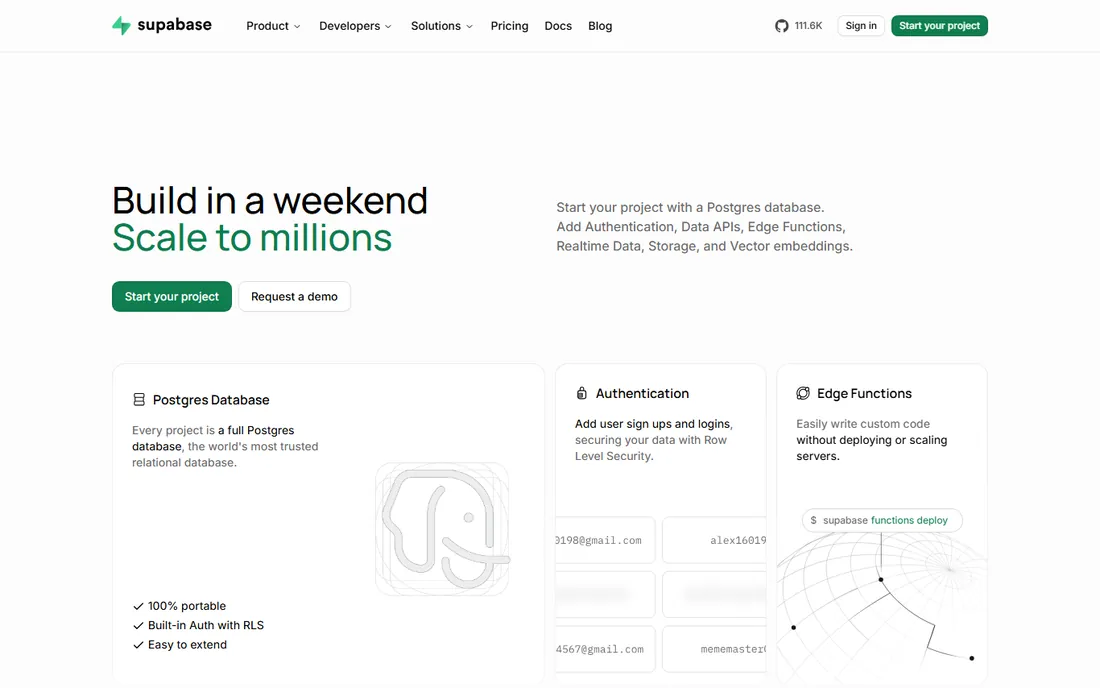
Supabase packages managed Postgres with everything a web app needs around it: authentication, file storage, realtime subscriptions, and edge functions. The free tier is genuinely usable (500 MB database, 50,000 monthly active users, two projects), which is why it became the default backend for AI-built prototypes. Pro costs $25 a month per organization and raises the limits substantially: 8 GB database, 100,000 monthly active users, 250 GB of egress.
The billing detail that trips people up is compute. The $25 covers the platform, but each project needs a compute instance (about $10 a month for the smallest), with only $10 in monthly credits per organization. One project on Pro effectively costs $25 all-in; five projects cost noticeably more. Supabase bills monthly with no annual discount, and a spend cap is on by default, which limits the damage from runaway usage.
What we like- Full Postgres with authentication, storage, and edge functions in one
- Pro at $25 a month is predictable for small production apps
- Open source, so self-hosting is an exit option
Watch out for- Free projects pause after 7 days of inactivity
- Compute is billed per project on top of the plan, so multi-project bills climb
Starting priceFrom $5/month (Postgres single-node); Vitess HA from $39/month
Free planNo
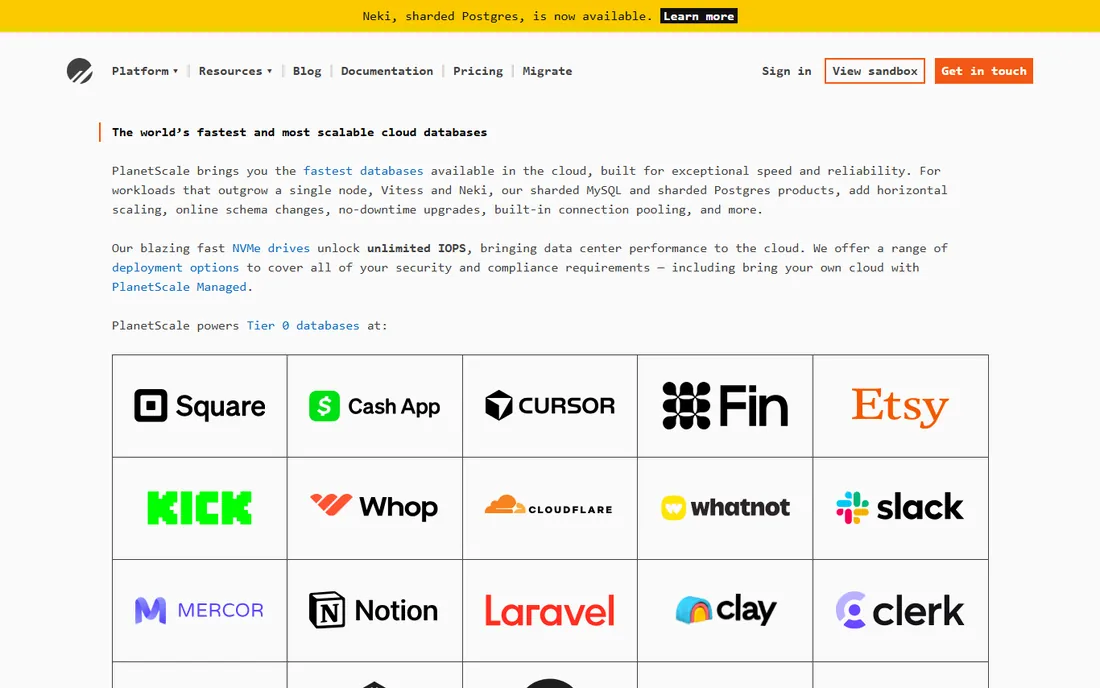
PlanetScale made its name on MySQL with Vitess, and now offers Postgres too, both with the same standout feature: database branches. You can branch production, test a migration, and merge it back, which removes most of the fear from schema changes. Pricing is refreshingly flat: Postgres single-node databases start at $5 a month, high-availability Postgres from $15, and Vitess MySQL HA from $39.
The honest catch is that the flat price is the floor. Storage beyond the included 10 GB and egress beyond the included allowance are metered separately, and since April 2024 there is no free tier at all, so even experiments cost $5 a month each. For teams that value the branching workflow and predictable base pricing, PlanetScale is excellent; for hobbyists, the lack of a free tier stings.
What we like- Branching and deploy-request workflows make schema changes safe
- $5 Postgres entry is cheap for always-on
- Horizontal sharding available when you outgrow one node
Watch out for- No free tier since 2024, so every database needs a card on file
- Storage and egress billed on top of the flat cluster price
Starting priceFree (Spark); Blaze pay-as-you-go
Free planYes (generous no-cost quotas per product)
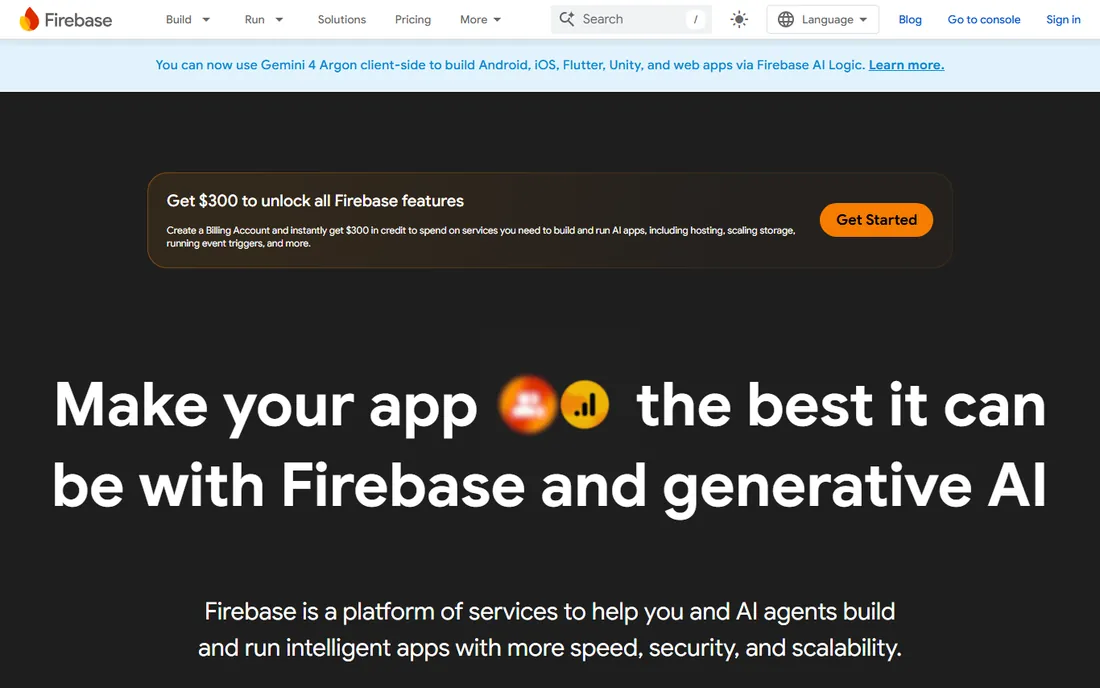
Firebase's pricing is two plans: Spark, which is free within generous quotas, and Blaze, which is pay-as-you-go with the same quotas free before metering starts. The no-cost allowances are real: 50,000 document reads and 20,000 writes per day on Firestore, 50,000 monthly active users on Authentication, 10 GB of hosting storage. Small apps genuinely run free.
Blaze is where the meter starts, and Firebase meters by the operation: reads, writes, deletes, bandwidth, function invocations, each with its own rate. That granularity is fair but demands discipline; an app that polls the database every few seconds can generate a surprising invoice. Firebase suits mobile and web teams committed to Google's ecosystem who will design around read/write efficiency from day one.
What we like- Huge no-cost quotas across Firestore, Auth, and hosting
- Blaze plan meters each product separately so you pay only for what you use
- Deep integration with Google Cloud
Watch out for- Per-product metering makes bills hard to predict
- Costs scale with reads and writes, which punishes chatty app designs
#5
Airtable
Best for: Non-technical teams that need a database with a spreadsheet face
Visit airtable.com
Starting priceFree; Team $20/seat/month (billed annually)
Free planYes
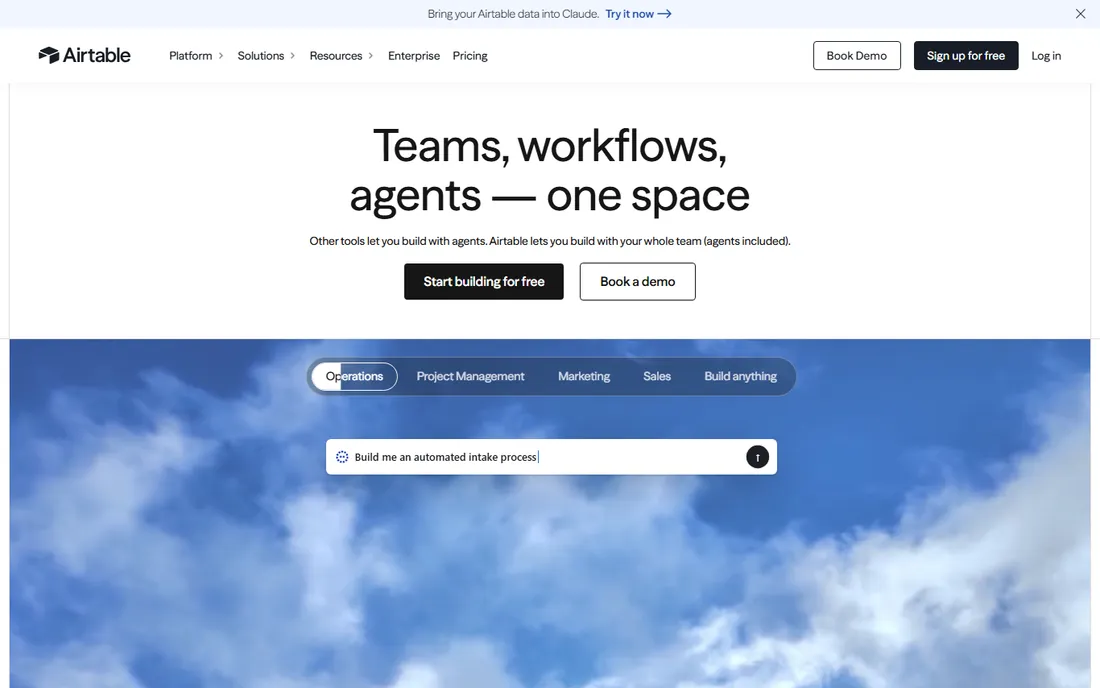
Airtable is the database for people who do not think of themselves as database users. Bases look like spreadsheets, but underneath are linked records, views, automations, and an API. Pricing is per seat and published plainly: Free for individuals and tiny teams, Team at $20 per user per month billed annually, Business at $45 per user per month billed annually, and custom Enterprise Scale above that. Read-only collaborators are free on paid plans, which softens the math.
The pricing trap is seat creep. Everyone who needs edit access on a Team or Business workspace is a paid seat, and a 30-person company quickly pays more for Airtable than for a managed Postgres that could hold the same data. Airtable earns it when the alternative is a developer building internal tools; it loses when the data and the team both get big enough to justify real database infrastructure.
What we like- Easiest database a non-developer will ever use
- Team at $20 per seat per month is clear per-seat math
- Interfaces, automations, and integrations included
Watch out for- Per-seat pricing gets expensive as teams grow
- Record and automation limits push heavy users toward the $45-per-seat Business tier
#6
Neon
Best for: Developers who want Postgres that scales to zero
Visit neon.tech
Starting priceFree; Launch usage-based (typical spend about $15/month)
Free planYes (100 projects, compute and storage allowances)
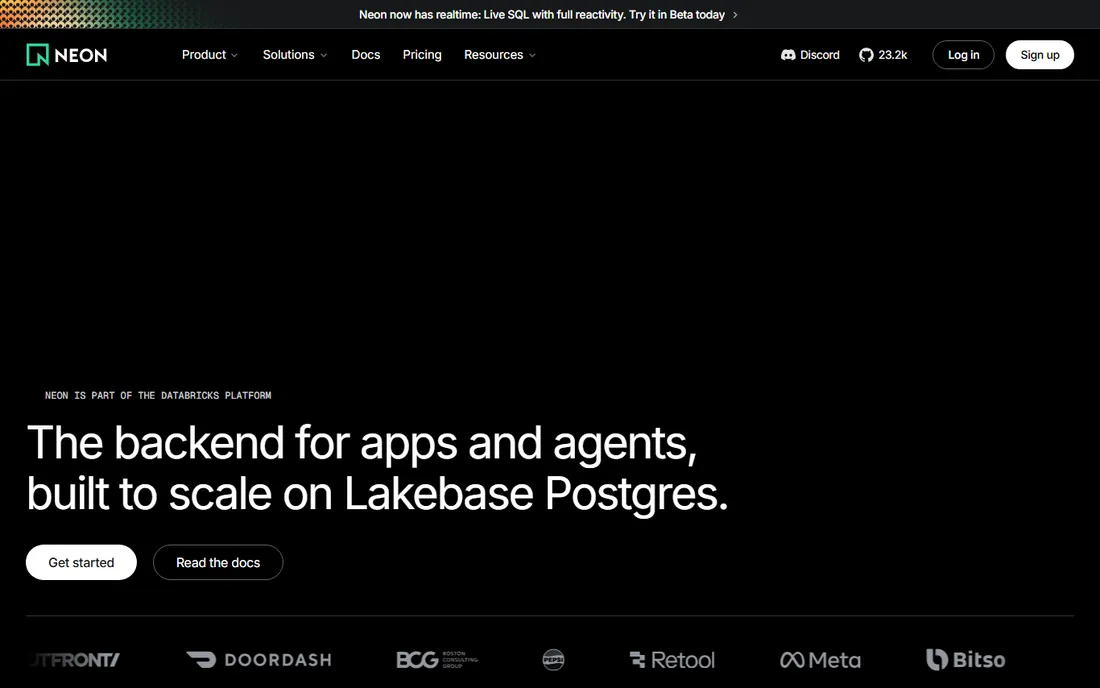
Neon rebuilt Postgres for the serverless era: storage and compute separate, databases that scale to zero when idle and wake in milliseconds. The free tier is strikingly generous (100 projects with compute hours and storage per project), and paid plans are purely usage-based: Launch bills $0.106 per compute-hour and $0.35 per GB-month, with typical spend around $15 a month. No fixed instance to babysit, no paying for a database nobody queried at 3 a.m.
The trade-offs are the usual serverless ones. A database that scaled to zero takes a moment to wake, which matters for latency-sensitive paths. And Neon is now part of the Databricks platform, which brings resources but also means the product's future is decided inside a much larger company. For side projects, dev databases, and spiky workloads, Neon's pricing model is close to ideal.
What we like- Serverless Postgres with scale-to-zero keeps idle costs near nothing
- Generous free tier with 100 projects
- Usage-based pricing means you pay for active compute time
Watch out for- Now part of Databricks, so the long-term roadmap answers to a bigger company
- Cold starts after scale-to-zero add latency to infrequently used databases
Starting priceSee website (usage-based cloud pricing)
Free planYes (free tier on CockroachDB Cloud)
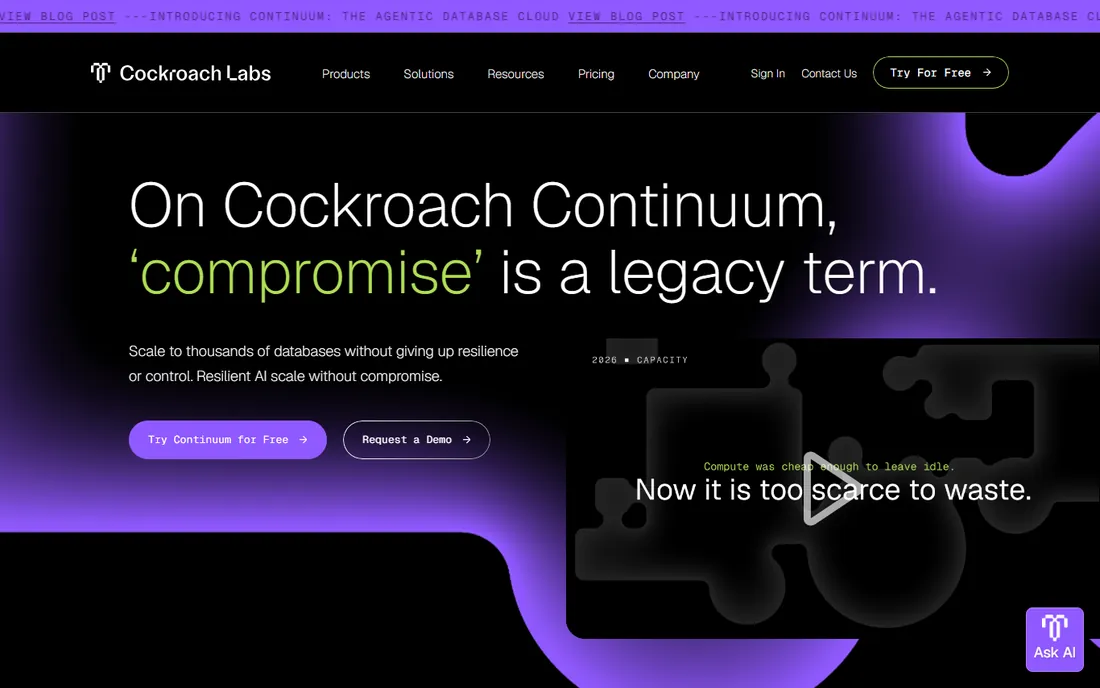
CockroachDB is the database you pick when downtime is measured in dollars per minute and your users span continents. It distributes a single logical SQL database across regions with strong consistency, so a region outage does not become your outage. The cloud platform offers a free tier for trying it, and production pricing is usage-based around the resources your clusters consume.
This is not a database you choose on price. If your app serves one region and can tolerate maintenance windows, Postgres on any managed service costs less and asks less of your team. CockroachDB earns its keep for global SaaS, fintech, and anyone with multi-region active-active requirements. Get the usage-based quote against your real workload shape before committing, since distributed consensus has a compute cost that simple benchmarks hide.
What we like- Distributed SQL with strong consistency across regions
- Survives region failures without manual failover
- Cloud offering includes a free tier for evaluation
Watch out for- Pricing is usage-based and quote-driven for larger deployments
- Operational complexity exceeds single-region Postgres for teams that do not need global scale
Starting priceSee website (credit-based, usage pricing)
Free planFree trial (30 days with trial credits)
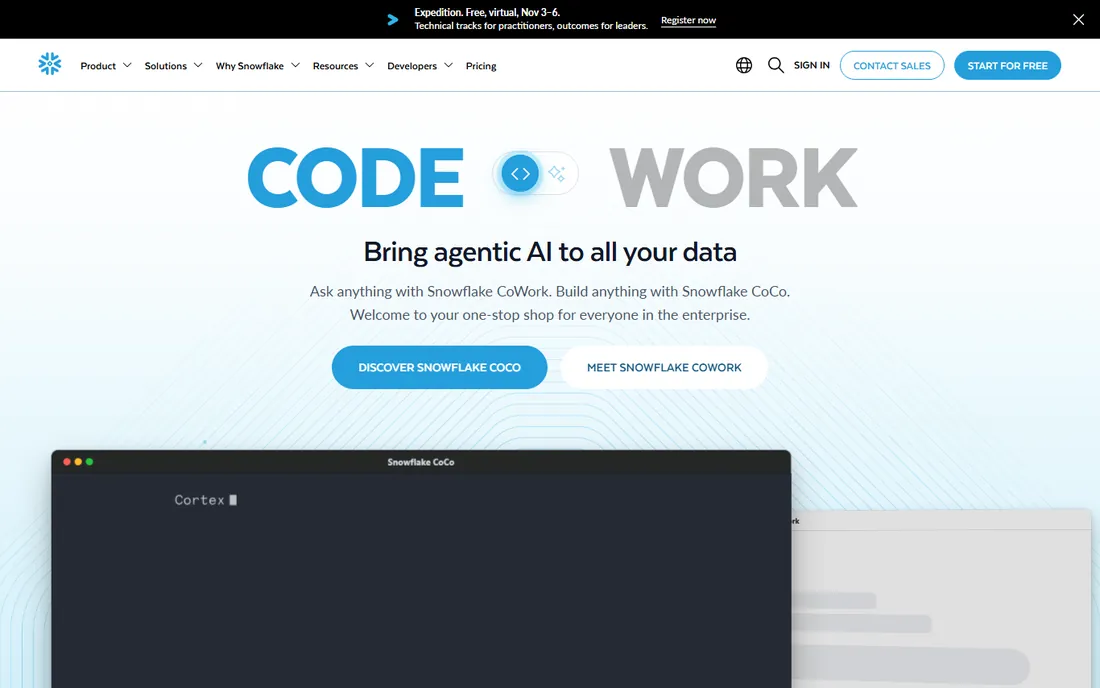
Snowflake is the data cloud for analytics, not the database behind your app's login page. You pay in credits consumed by virtual warehouses (compute), plus storage, with the headline benefit that compute scales up, down, and off independently of the data it queries. The 30-day free trial with credits is the right way to learn the pricing model on your own queries.
The billing model rewards discipline and punishes neglect. Credits burn by the second while a warehouse runs, so an oversized warehouse left on overnight is real money for zero value. Teams that right-size warehouses, use auto-suspend aggressively, and monitor credit consumption find Snowflake cost-effective for analytics at scale. Teams that treat it like a server that stays on do not. Never use Snowflake as your application's transactional database; that is what the other seven tools on this list are for.
What we like- Separates storage and compute so warehouses scale independently
- Near-zero administration for analytics workloads
- Huge ecosystem of data sharing and marketplace
Watch out for- Credit-based pricing is opaque until you learn the model
- Idle warehouses left running burn credits silently
- Not a transactional database for applications
How database pricing models actually work
Four models cover nearly everything. Per-seat pricing (Airtable) charges for each human with access; simple to forecast, punishing as teams grow. Fixed-instance pricing (a PlanetScale cluster, an Atlas dedicated tier) charges a flat monthly rate for reserved capacity; predictable, but you pay for idle time. Usage-based pricing (Neon, Firebase Blaze, Snowflake credits) meters compute, storage, and transfer; cheapest for spiky or idle workloads, hardest to predict without monitoring. Quote or enterprise pricing (CockroachDB at scale, Snowflake commits) trades list prices for negotiated discounts once spend is material.
Match the model to the workload shape. A database queried 24/7 at steady load belongs on fixed capacity. A side project, a dev database per pull request, or a SaaS with nights and weekends quiet belongs on usage-based. And whatever the model, the bill has the same hidden chapters everywhere: data transfer out, backup retention, and the compute or seats you forgot you provisioned.
How we chose
We picked databases that are live, widely used, and purchasable in 2026, spanning relational, document, and warehouse categories. Pricing comes from each vendor's own pricing page, checked directly: where the vendor publishes numbers (Supabase, PlanetScale, Neon, Airtable, Firebase, MongoDB Atlas), we print them; where pricing is quote-based or credit-driven without a list price (CockroachDB, Snowflake), we say so instead of guessing. Free-tier details come from the same pages. We did not run benchmarks; the guidance reflects the documented pricing mechanics and the workload shapes each model favors.
Mistakes that inflate your database bill
The most expensive mistake is leaving things on. Warehouses, oversized clusters, and forgotten dev databases bill whether anyone queries them or not; auto-suspend and scale-to-zero exist because vendors know this. Second is ignoring egress: moving data out of the cloud costs money on nearly every platform, so keep analytics and backups in the same region and cloud as the database. Third is choosing per-seat pricing for a large team or usage pricing for a flat 24/7 load; both mismatch the model to the shape and both show up as a bill three times what it should be. Review the invoice monthly for the first quarter, set billing alerts on day one, and treat the free tier as a trial of the pricing model, not just the product.
Frequently asked questions
Which database is cheapest for a small project?
Start free: Neon, Supabase, MongoDB Atlas, and Firebase all have free tiers that cover real small projects. When you outgrow free, PlanetScale Postgres from $5 a month or Neon usage-based (often under $15 a month) are the cheapest production options.
Should I choose SQL or NoSQL?
Choose SQL (Postgres, MySQL) when your data is relational, you need joins and transactions, or you want the broadest tooling. Choose a document database like MongoDB when your data is nested and variable and your access patterns fit documents. For analytics on large datasets, use a warehouse like Snowflake alongside your operational database, not instead of it.
What does serverless database pricing mean?
Serverless means you pay for the compute and storage you actually use, often down to zero when idle, instead of paying for a reserved instance around the clock. Neon and Firebase Blaze work this way. It is cheapest for spiky or intermittent workloads and can surprise you if usage is constant and high.
How do free tiers make money?
Free tiers are customer acquisition: the vendor bets that projects which succeed will grow into paid usage. Limits are real (storage caps, inactivity pauses, throttled throughput), so read them before building anything you cannot afford to migrate.
Is per-seat database pricing a good deal?
Per-seat pricing (Airtable's model) is a good deal for small teams where everyone needs access and the alternative is custom internal tools. It becomes a bad deal as headcount grows, because the price scales with people rather than with data or usage. Revisit the math yearly.
When should I talk to sales instead of self-serve?
Talk to sales when your monthly spend approaches four figures, when you need compliance terms (HIPAA, SOC 2), or when the pricing page cannot answer how your specific workload maps to the meter. Everything below that is usually cheaper and faster on self-serve.
Sources we checked (8)
- https://www.mongodb.com/pricing
- https://supabase.com/pricing
- https://planetscale.com/pricing
- https://firebase.google.com/pricing
- https://www.airtable.com/pricing
- https://neon.tech/pricing
- https://www.cockroachlabs.com/
- https://www.snowflake.com/
Is your product missing or out of date?
We review this list regularly. Vendors can request a listing, send updated pricing or ask about featured placement.

Shihab Mia · Founder, Rankite
Shihab has spent more than a decade helping SaaS and e-commerce brands grow through search. He writes Rankite's software buying guides from pricing pages, documentation and public user reviews. More about Shihab.