How we make this list: we compare pricing pages, product documentation and public user reviews. Rankite is independent; if a vendor ever pays for a featured spot, that listing is clearly labeled Partner.
Key takeaways
- Microsoft Access is the default for Windows shops at $179.99 standalone.
- Claris FileMaker is the premium cross-platform pick at $22 per user per month.
- LibreOffice Base and Kexi are genuinely free, no-subscription desktop databases.
- Ninox and 4D blend desktop with mobile and cloud for teams that outgrow one PC.
- My Visual Database and Tap Forms turn non-programmers into database builders.
Quick comparison
| Tool | Best for | Starting price | Free plan |
|---|
 Microsoft Access Microsoft Access | Windows businesses | $179.99 one-time | No |
 Claris FileMaker Claris FileMaker | cross-platform custom apps | $22 per user/month (billed annually) | Free trial |
 LibreOffice Base LibreOffice Base | free open-source desktop DB | Free | Yes |
 Ninox Ninox | low-code databases with AI help | See website | Yes |
 Alpha Software Alpha Software | operational workflow apps | See website | No |
 4D 4D | scalable business applications | $30 per user/month | No |
 Tap Forms Tap Forms | personal and small business filing | See website | Free trial |
 My Visual Database My Visual Database | no-code Windows apps | See website | No |
 Kexi Kexi | free visual database builder | Free | Yes |
Is your product missing or out of date?
We review this list regularly. Vendors can request a listing, send updated pricing or ask about featured placement.
The best desktop database software
Starting price$179.99 one-time
Free planNo
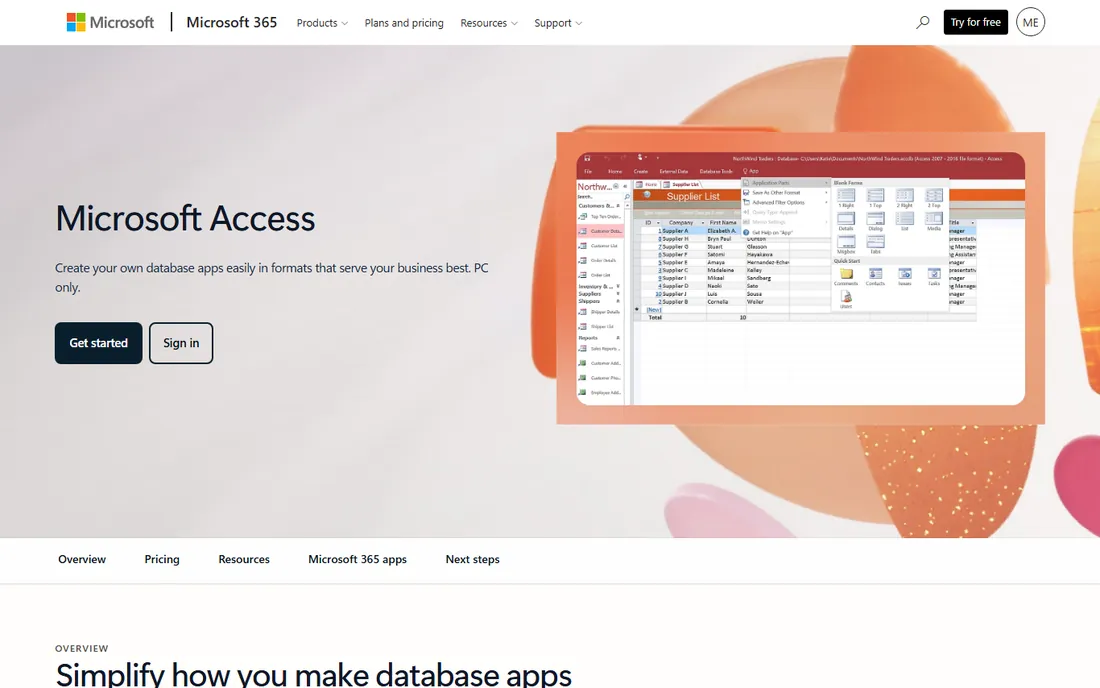
Microsoft Access is the desktop database most businesses already know: tables, forms, queries, and reports in one Windows application, with templates that let a non-developer build an inventory tracker or customer database in an afternoon. It also plays well with the Microsoft ecosystem, storing data in SQL Server or Azure SQL when an app outgrows a local file. The standalone version costs $179.99 as a one-time purchase.
The honest catch: Access is Windows-only and it always will be. Single users and small teams are its sweet spot; once you have dozens of simultaneous users or need web access, you will be fighting the tool. For a small business that lives on Windows PCs, though, it remains the safest, most documented choice in the category.
What we like- The default desktop database for decades
- Templates and wizards get you started fast
- Connects to SQL Server and Azure SQL
Watch out for- Windows only, no Mac version
- Single-user focus struggles at scale
- Complex apps need VBA skills
Starting price$22 per user/month (billed annually)
Free planFree trial
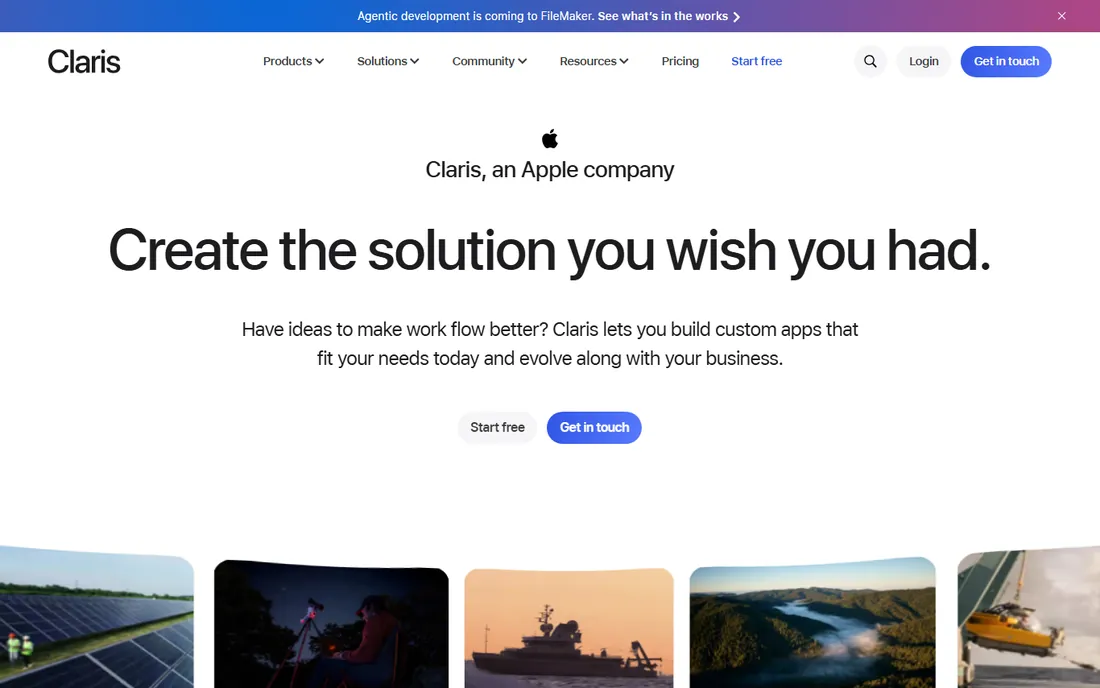
Claris FileMaker, from an Apple company, is what Access could never become: a genuine cross-platform database app builder that runs on Mac, Windows, iPhone, iPad, and the web, with drag-and-drop layouts, automation, and integrations through Claris Connect. FileMaker Cloud starts at $22 per user per month billed annually for 5 to 10 users, with the Max tier at $45 for larger teams. Small businesses build CRMs, inventory systems, and workflow tools that look and feel like real software.
The honest trade: FileMaker costs more than any other tool here, and the five-user minimum prices out solo users. What you buy is the only desktop database that also gives you mobile and cloud without a second platform. If your team spans Mac and Windows, or you need the same database on phones, the premium is justified.
What we like- Builds real custom apps on Mac, Windows, and mobile
- Apple-backed security and reliability
- Drag-and-drop design plus real scripting
Watch out for- $22/user/month adds up fast for teams
- Minimum 5 users on the cloud tiers
- Pricing tiers are complex
Starting priceFree
Free planYes
LibreOffice Base is the free, open-source answer to Access: build tables, design forms, write queries, and generate reports, all inside the LibreOffice suite, at zero cost on Windows, Mac, and Linux. It can connect to existing databases including Access files, which makes it a practical escape route if you want off Microsoft without losing your data.
The honest note: Base does the job but shows its age, and you will lean on community forums rather than vendor support. For a small business or nonprofit with no database budget, it is remarkably capable. Just do not expect the polish of a commercial product.
What we like- Completely free with no catch
- Tables, forms, queries, and reports in one place
- Reads Access and other database formats
Watch out for- Interface feels dated
- Documentation is thinner than Access
- Less smooth than paid rivals
Starting priceSee website
Free planYes
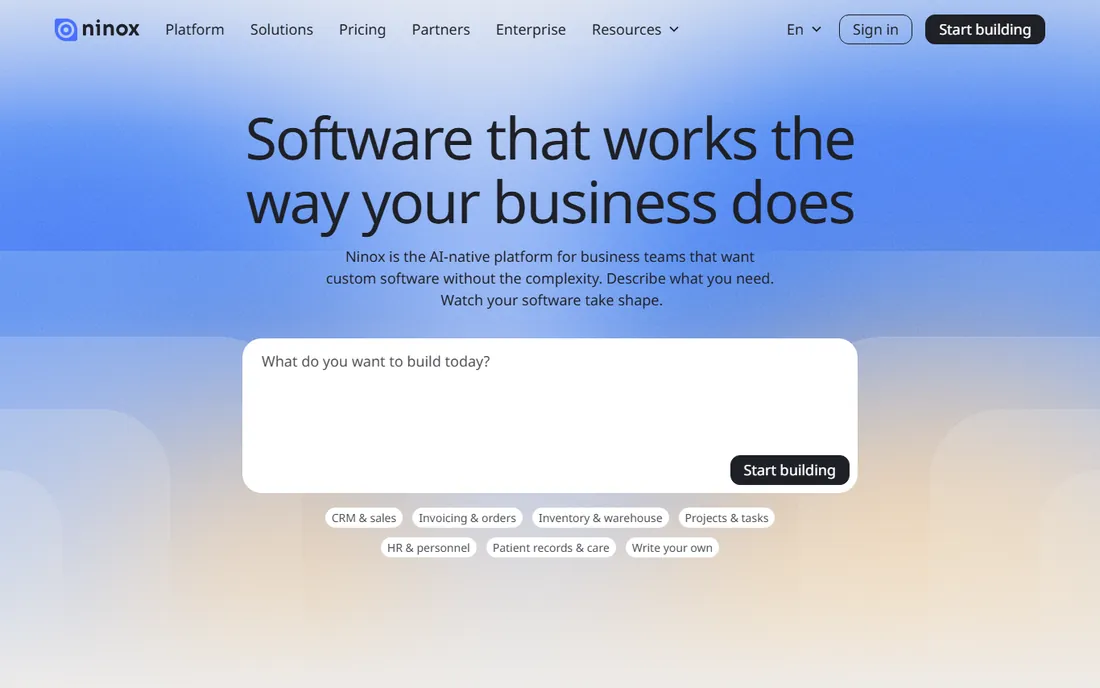
Ninox is the modern low-code database platform with an AI-native twist: describe what your business needs and Ninox helps build it, then grow it with automation, document generation, and email linking as your processes mature. The free plan is genuinely free, not a trial, with up to 5 users, 5,000 records, and 100 MB of storage. Paid tiers scale from there.
The honest framing: Ninox is more cloud platform than classic desktop database, which is a strength if your team works across devices. Pricing for paid tiers is not published, so budget-conscious buyers need to ask. If you want the easiest on-ramp to a real business database, the free tier is the best deal in this list.
What we like- AI helps you build databases from descriptions
- Free plan with no time limit
- Works on desktop, web, and mobile with real-time sync
Watch out for- Paid plan pricing not published
- German data hosting may matter for compliance
- Deeper logic still needs scripting
Starting priceSee website
Free planNo
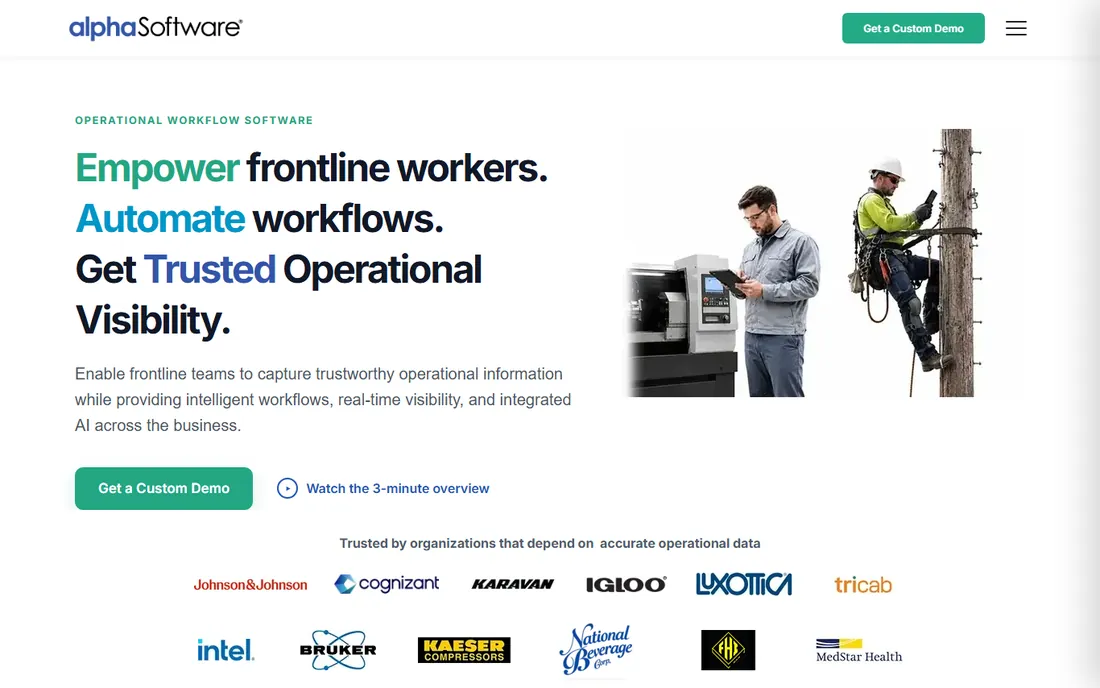
Alpha Software builds operational applications where databases meet the real world: mobile forms with validation and barcode scanning, offline operation for disconnected environments, automated workflows, and real-time dashboards. Manufacturers and field service companies digitize inspections and compliance processes on it. Over 20 years of deployments back the platform.
The honest catch: Alpha is pitched at operational teams and enterprises, with custom demos rather than buy-now pricing. A simple customer database does not need this much machinery. But if your database needs to work on a factory floor or in the field with no internet, few tools in this list compete.
What we like- Builds offline-capable mobile and desktop apps
- AI-assisted data capture for field work
- Strong for inspections and compliance
Watch out for- Enterprise-leaning positioning and sales process
- Pricing not public
- Overkill for simple databases
Starting price$30 per user/month
Free planNo
4D is the veteran development platform for business applications: one environment builds desktop, web, and mobile apps on macOS and Windows, with pricing starting at $30 per user per month. NASA, universities, and thousands of businesses run long-lived 4D systems, and 2026 brought AI integration into 4D Write Pro. It is the pick when your database is really a business system that must grow.
The honest note: 4D expects a developer, or at least someone willing to become one. The visual tools exist but the platform rewards real programming skill. Small teams that need a serious custom application and can invest in development get enormous value; everyone else should start simpler.
What we like- Full-stack development on macOS, Windows, web, and mobile
- Pricing starts at $30 per user per month
- Powers serious long-running business systems
Watch out for- Developer-oriented, not for casual users
- Smaller community than FileMaker
- The product surface is broad and takes time to learn
Starting priceSee website
Free planFree trial
Tap Forms is the digital filing cabinet for Mac, iPhone, iPad, and Apple Watch: accounts, inventory, collections, research notes, and customer lists organized with custom forms, tags, and a report generator. Data lives on your devices, encrypted, with no tracking from the developer. A free trial lets you test everything before buying.
The honest framing: Tap Forms is personal-scale software, not a business system. One person or a tiny team tracking inventory or customer records will love it. Anyone needing simultaneous multi-user access, Windows support, or server hosting needs to look elsewhere.
What we like- The friendliest database app on Mac and iOS
- Data stored locally and privately
- AI form generator and template library
Watch out for- Apple ecosystem only
- Syncing needs iCloud, Dropbox, or WebDAV
- Not for multi-user business systems
Starting priceSee website
Free planNo
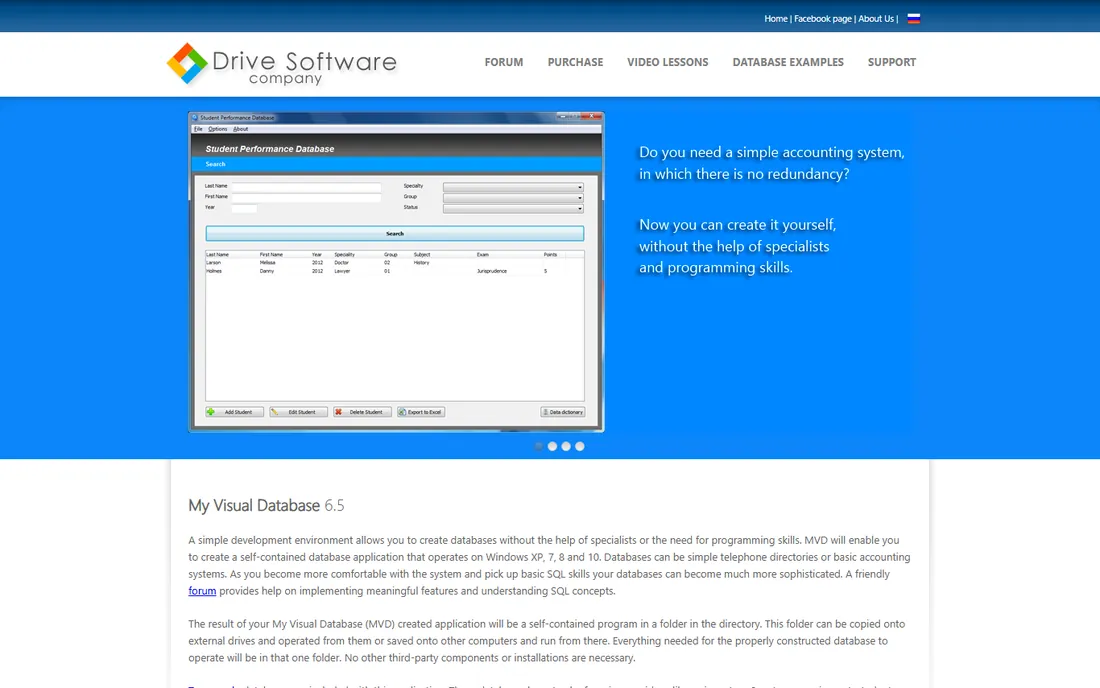
My Visual Database lets non-programmers build real Windows database applications: design tables, forms, and reports visually, and the tool produces a self-contained program that runs from a folder with no installation needed. Ten sample databases, from phone books to invoicing systems, come included as starting points.
The honest catch: MVD is unapologetically old-school Windows software. If you need modern web access, mobile apps, or Mac support, it is not for you. But a small business that needs a custom Windows tool built by someone with no coding skills will find it refreshingly direct.
What we like- Build Windows database apps with zero programming
- Creates self-contained apps with no installation
- Ten sample databases included
Watch out for- Windows only
- Interface and website feel dated
- Smaller community and fewer integrations
Starting priceFree
Free planYes
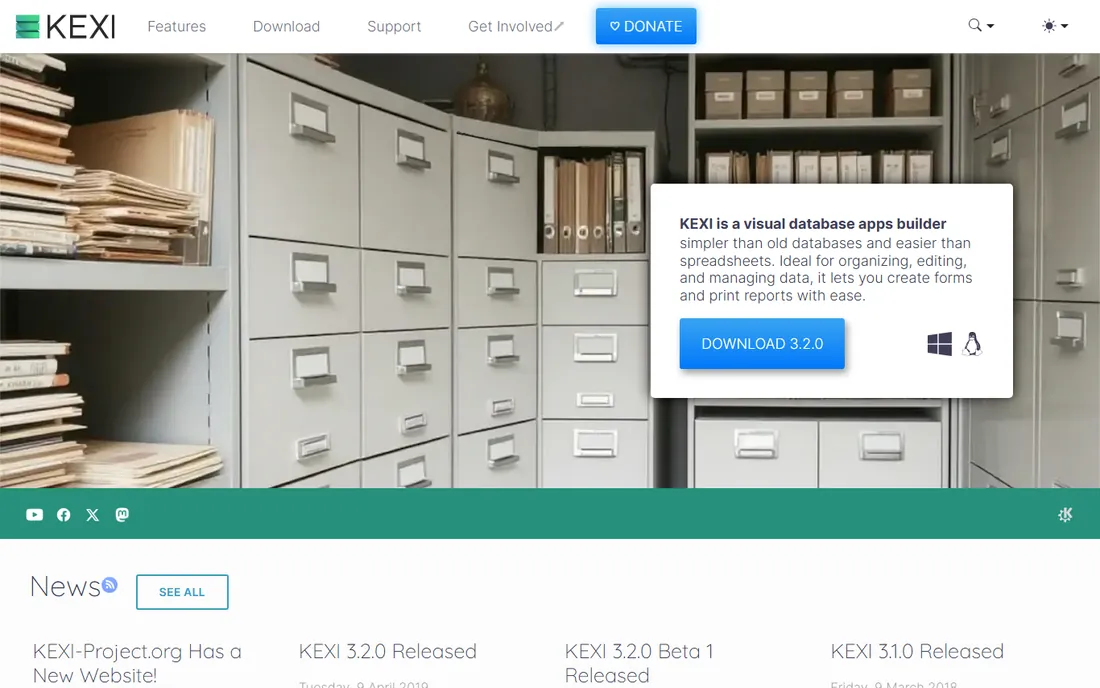
Kexi is the free, open-source visual database app builder that describes itself as simpler than old databases and easier than spreadsheets. Visual designers for tables, forms, and reports, effortless data migration, and scalability from a single file to database servers make it a genuine no-cost alternative to Access for the patient.
The honest note: Kexi's release pace has been slow, with version 3.2.0 dating back years. It is Linux-first, so Windows users get a less polished ride. If you want a free desktop database with an active community today, LibreOffice Base is safer. Kexi suits the open-source enthusiast willing to trade momentum for freedom.
What we like- Free and open-source visual database builder
- Simpler than old databases, easier than spreadsheets
- Scales from tiny files to servers
Watch out for- Development has been slow
- Linux-first with Windows builds lagging
- Smaller community than LibreOffice
How we chose
We verified each tool's current homepage by opening the live site and using the final resolved URL. We dropped Brilliant Database and Symphytum because their homepages could not be opened and verified, and replaced them with Kexi. Pricing comes from vendors' own pages: Access $179.99 from the Microsoft Store, FileMaker from $22/user/month on claris.com/pricing, 4D from $30/user/month on 4d.com, and Ninox's free plan terms from ninox.com/pricing. We reviewed product pages and public documentation, plus G2 and Capterra review sites. We did not test any tool hands-on.
Picking the right database for your business
Start with who will build it
If a non-technical person is building the database, your shortlist is Access, FileMaker, LibreOffice Base, Tap Forms, My Visual Database, and Kexi. These are visual, template-driven, and forgiving. Alpha Software and 4D are developer tools; they produce better systems but expect programming skill or a hired developer.
Decide where it must run
Windows-only teams have the widest choice: Access, My Visual Database, and Kexi all shine here. Mixed Mac and Windows teams should look at FileMaker, 4D, LibreOffice Base, or Ninox. If anyone needs the database on a phone, FileMaker and Ninox handle mobile natively, while Alpha and 4D build real mobile apps.
Think two years ahead
The database you build today becomes the system you depend on tomorrow. A solo spreadsheet graduate is fine with Tap Forms or Base. A growing company should weigh FileMaker or Ninox for the upgrade path, or 4D if developers are involved. The cheapest choice now is rarely the cheapest choice twice, so ask vendors about migration paths before you commit.
Why desktop databases still matter
The industry spent a decade declaring desktop software dead, and yet small businesses keep choosing local databases. The reasons are practical: your data stays on your machines, there is no monthly fee ticking forever, and a well-built Access or FileMaker app can run for a decade without attention. Cloud tools win on collaboration; desktop tools win on control, cost, and independence. The right answer depends on which of those you value more.
Frequently asked questions
What is the best free desktop database software?
LibreOffice Base is the best-known free desktop database, with tables, forms, queries, and reports at zero cost. Kexi is a free open-source alternative, and Ninox offers a free plan with up to 5 users. For personal use on Apple devices, Tap Forms has a free trial.
Is Microsoft Access still worth using in 2026?
Yes, for Windows-based small businesses. Access 2024 sells standalone for $179.99, builds real database apps with templates and wizards, and connects to SQL Server when you outgrow a local file. Its limits are Windows-only support and weak multi-user performance at scale.
What is the difference between FileMaker and Access?
Claris FileMaker is cross-platform (Mac, Windows, iOS, web) and subscription-priced from $22 per user per month, while Microsoft Access is Windows-only and costs $179.99 once. FileMaker builds mobile and cloud apps; Access builds desktop Windows apps. Choose FileMaker for cross-platform teams, Access for Windows-only budgets.
Can a non-programmer build a database?
Yes. Access, FileMaker, LibreOffice Base, Tap Forms, My Visual Database, and Kexi are all visual and template-driven. Ninox goes further with AI assistance that builds databases from plain descriptions. You only need programming skills for Alpha Software or 4D, the developer-grade platforms.
Which desktop database works on Mac?
Claris FileMaker is the leading Mac-compatible desktop database, with native Mac, iOS, and web apps. LibreOffice Base and Ninox also run on Mac, and Tap Forms is Apple-ecosystem-only. Microsoft Access and My Visual Database are Windows-only.
Sources we checked (12)
- https://www.microsoft.com/en-us/microsoft-365/access
- https://www.claris.com/
- https://www.claris.com/pricing/
- https://www.libreoffice.org/
- https://ninox.com/
- https://ninox.com/en/pricing
- https://www.alphasoftware.com/
- https://www.4d.com/
- https://tapforms.com/
- https://myvisualdatabase.com/
- https://kexi-project.org/
- https://www.microsoft.com/en-us/microsoft-365/p/access/cfq7ttc0pd0b
Is your product missing or out of date?
We review this list regularly. Vendors can request a listing, send updated pricing or ask about featured placement.

Shihab Mia · Founder, Rankite
Shihab has spent more than a decade helping SaaS and e-commerce brands grow through search. He writes Rankite's software buying guides from pricing pages, documentation and public user reviews. More about Shihab.