How we make this list: we compare pricing pages, product documentation and public user reviews. Rankite is independent; if a vendor ever pays for a featured spot, that listing is clearly labeled Partner.
Key takeaways
- MongoDB Atlas and Supabase suit teams that want AI features inside a general-purpose database they already know, rather than a separate vector system.
- Pinecone, Weaviate, Qdrant, Zilliz Cloud and Chroma are purpose-built vector databases. Pick the managed cloud if you want zero ops work, or the open-source option if you need control over your data.
- Neo4j is the graph pick for businesses whose AI work depends on relationships between entities, such as fraud detection or recommendation engines.
- DataStax Astra DB now sits inside IBM watsonx.data, which matters for enterprises already committed to that ecosystem.
- Free tiers are genuinely useful here. Most of these tools let you build a working prototype without paying, so test two or three before you commit.
Quick comparison
| Tool | Best for | Starting price | Free plan |
|---|
 MongoDB Atlas MongoDB Atlas | Teams adding AI search to existing MongoDB workloads | From $9/month | Yes |
 Pinecone Pinecone | Teams that want managed vector search without operating infrastructure | $20/month | Yes |
 Weaviate Weaviate | Teams that want open-source flexibility with a managed option | From $45/month | Yes |
 Qdrant Qdrant | Engineering teams that need fast open-source vector search | See website | Yes |
 Zilliz Cloud Zilliz Cloud | Large-scale vector workloads on managed Milvus | From $0/month | Yes |
 Supabase Supabase | App developers who want Postgres with vector support | $25/month | Yes |
 Neo4j Neo4j | AI applications built on connected data and relationships | $65/GB/month | Yes |
 DataStax Astra DB DataStax Astra DB | Enterprises building on the IBM watsonx.data platform | See website | Yes |
 Chroma Chroma | Developers who want the simplest open-source embedding store | See website | Yes |
Is your product missing or out of date?
We review this list regularly. Vendors can request a listing, send updated pricing or ask about featured placement.
The best AI database software for businesses
#1
MongoDB Atlas
Best for: Teams adding AI search to existing MongoDB workloads
Visit mongodb.com
Starting priceFrom $9/month
Free planYes
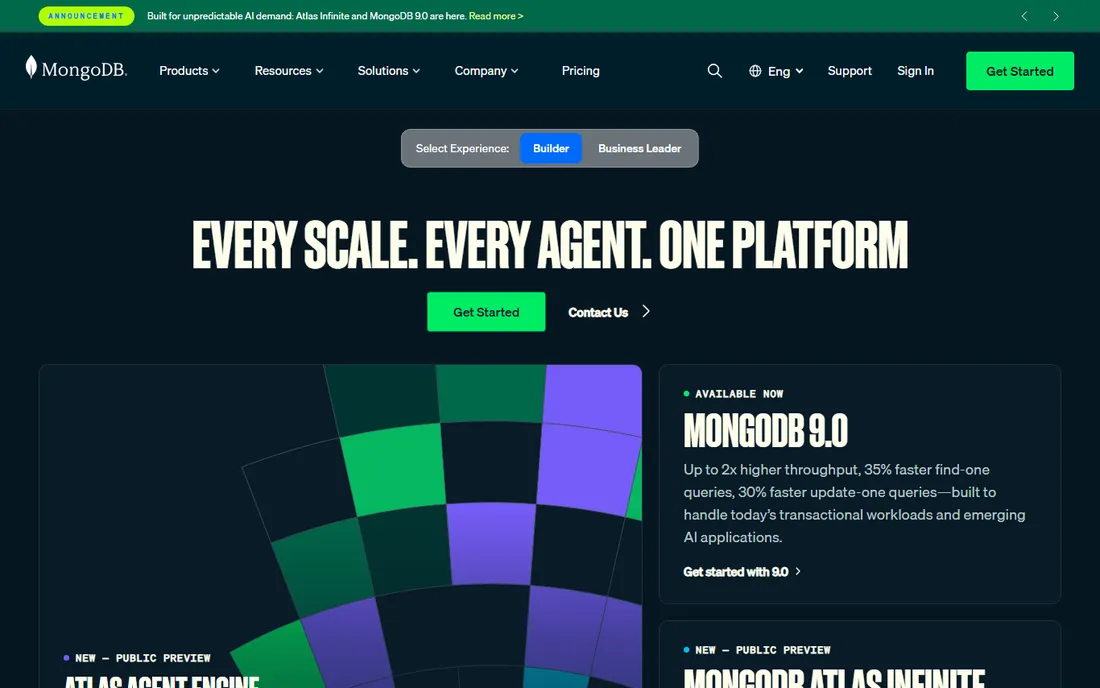
MongoDB Atlas is the path of least resistance for the many businesses already running MongoDB. Instead of standing up a separate vector database, you store embeddings alongside your documents and query them with the same platform your team already operates. That single-system simplicity is the whole pitch, and for a lot of teams it is enough.
The trade-off is specialization. A general-purpose database doing vector search will not match a purpose-built vector engine on raw retrieval speed or scale. If your AI workload is a chatbot over a few thousand documents, you will never notice. If you are running similarity search across hundreds of millions of vectors, you should compare it against the dedicated options on this list before you decide.
What we like- Familiar document model developers already know
- Vector search built into the same database
- Generous free tier for prototypes
Watch out for- Vector performance trails purpose-built vector databases at very large scale
- Pricing gets complex as usage grows
#2
Pinecone
Best for: Teams that want managed vector search without operating infrastructure
Visit pinecone.io
Starting price$20/month
Free planYes
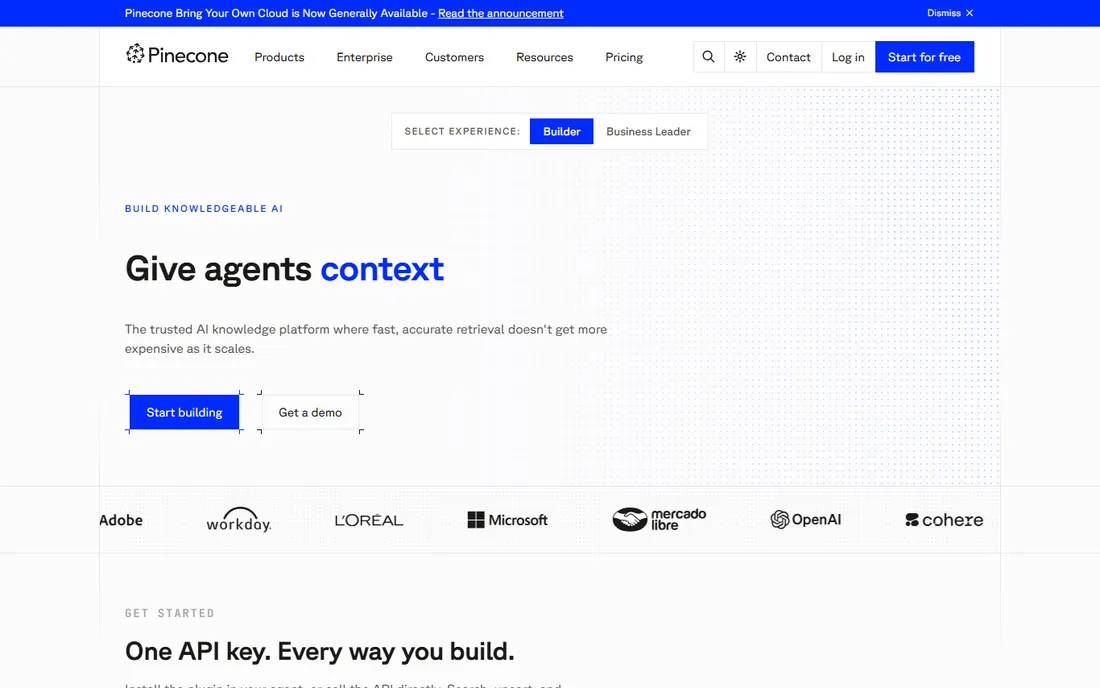
Pinecone was one of the first managed vector databases to go mainstream, and it still wins on simplicity. You create an index, upsert vectors, and query. There is no cluster sizing, no sharding strategy, no late-night pages about disk pressure. For a business that wants vector search as a utility, that matters more than any benchmark.
The flat $20 Builder plan makes the entry point predictable, but read the usage terms for the higher tiers. Vector databases charge in ways that feel unfamiliar if you come from relational pricing, and Pinecone is no exception. The free Starter tier is enough to validate your retrieval quality before any money changes hands, so use it.
What we like- Fully managed with no clusters to tune
- Simple API that developers pick up fast
- Clear upgrade path from free to enterprise
Watch out for- Proprietary service with no self-hosted option
- Costs scale with usage and can surprise teams that do not monitor it
#3
Weaviate
Best for: Teams that want open-source flexibility with a managed option
Visit weaviate.io
Starting priceFrom $45/month
Free planYes
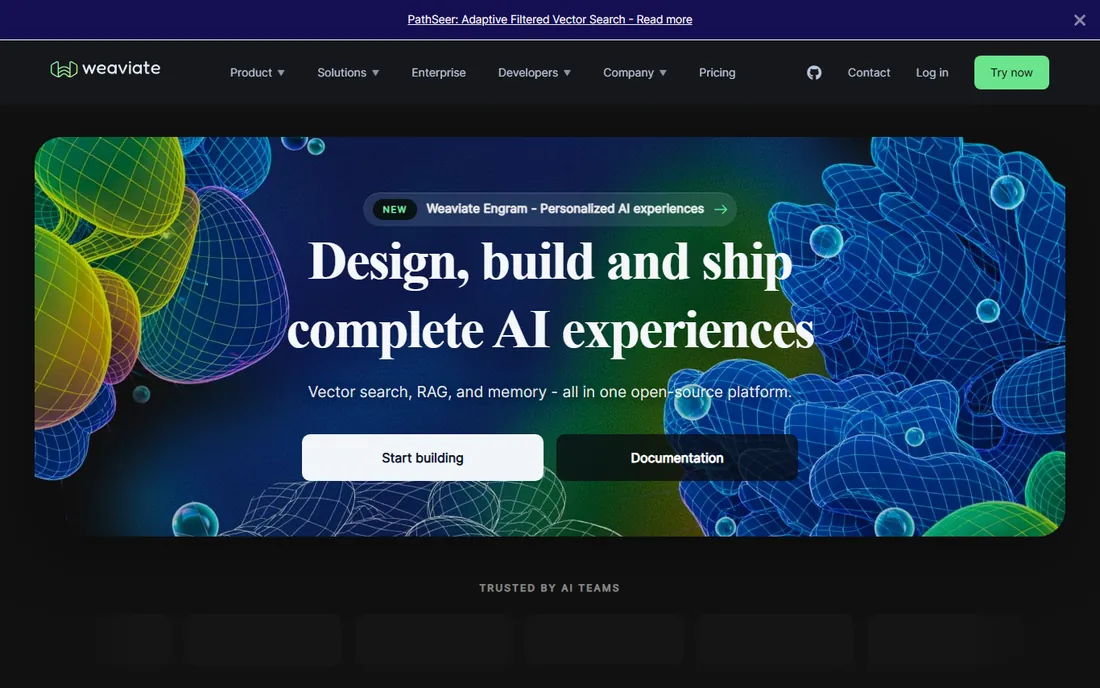
Weaviate sits in the middle ground between pure open source and pure managed service. You can run it yourself for free, forever, or pay for Weaviate Cloud when you would rather not think about infrastructure. That choice is valuable for businesses whose requirements change as they grow.
The free tier covers 100,000 objects, which handles a surprising number of real prototypes. Flex starts at $45 a month when you outgrow it. One honest caveat: the self-hosted path is genuinely open source, which means you own the scaling problems too. Budget engineering time accordingly if you go that route.
What we like- Open source with a real community
- Modular design supports multiple vectorization approaches
- Managed cloud removes ops burden
Watch out for- Self-hosting requires real DevOps effort at scale
- Smaller ecosystem than the biggest managed players
#4
Qdrant
Best for: Engineering teams that need fast open-source vector search
Visit qdrant.tech
Starting priceSee website
Free planYes
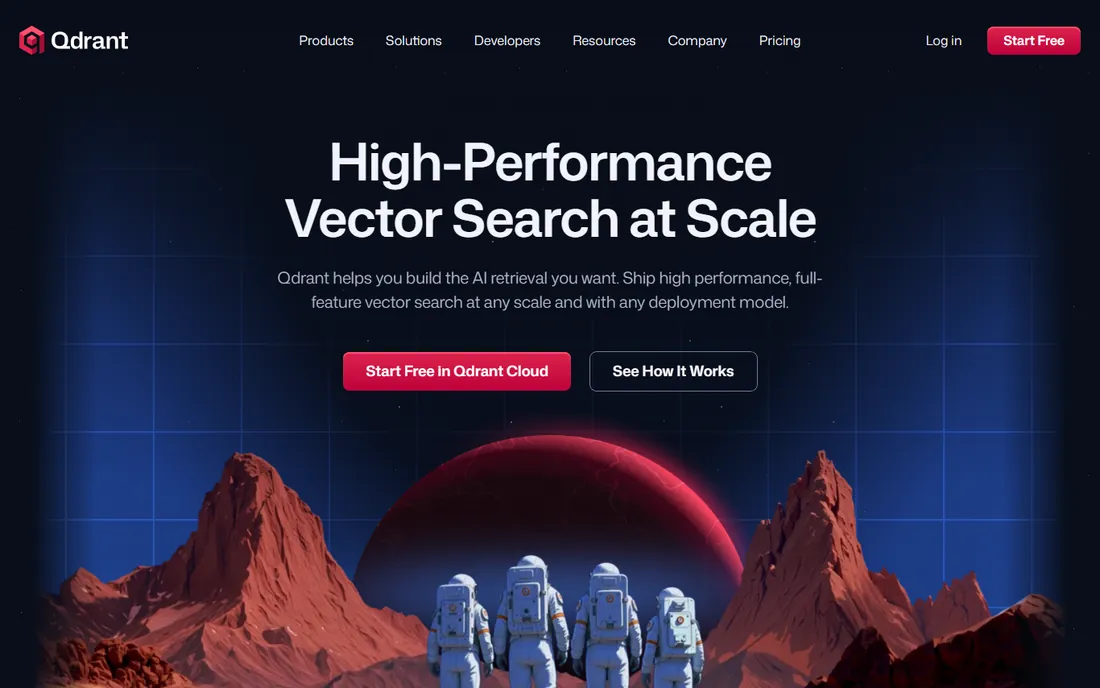
Qdrant has earned a loyal following among developers who care about speed and want to see the source code. It is written for performance, and teams that benchmark open-source vector databases tend to put it near the top. The API is straightforward, and the documentation actually answers the questions you have during setup.
The managed cloud follows a usage-based model, which keeps entry costs low but makes budgeting less precise than a flat plan. The free tier never expires, so small projects and experiments can live there indefinitely. If your team has the skills to self-host, Qdrant gives you a lot of database for zero license cost.
What we like- Strong performance reputation among open-source options
- Clean API and good documentation
- Free tier with no time limit
Watch out for- Managed pricing is usage-based and harder to predict
- Fewer enterprise features than the biggest commercial vendors
#5
Zilliz Cloud
Best for: Large-scale vector workloads on managed Milvus
Visit zilliz.com
Starting priceFrom $0/month
Free planYes
Zilliz Cloud is the managed version of Milvus, the open-source vector database with one of the largest user bases in this category. That lineage matters. It means the underlying engine has been tested at serious scale, and skills your team builds transfer to the open-source project if you ever leave.
The free tier includes 5GB of storage, which is enough for meaningful testing. Serverless pricing starts from zero and grows with use, while dedicated clusters start at $126 per GB per month for teams that need predictable performance. Work through which tier matches your query patterns before you commit, because the jump between them is significant.
What we like- Built on the widely adopted Milvus engine
- Serverless option starts at zero
- Scales to very large vector collections
Watch out for- Pricing tiers can confuse first-time buyers
- Enterprise features sit behind the higher plans
#6
Supabase
Best for: App developers who want Postgres with vector support
Visit supabase.com
Starting price$25/month
Free planYes
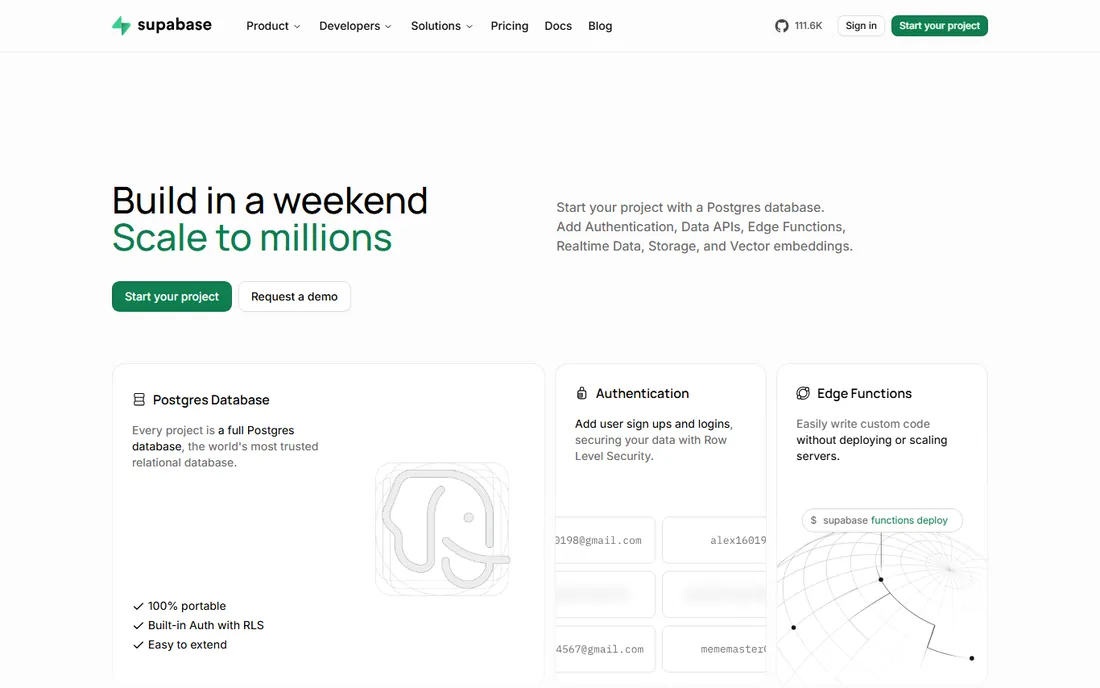
Supabase gives you Postgres with the pgvector extension, which means your vectors live next to your relational data in a database your developers already understand. For product teams building an AI feature inside an existing app, that co-location removes a whole category of sync and consistency headaches.
The Pro plan at $25 a month is one of the cheapest paid tiers on this list, and the free tier is genuinely usable. Be realistic about limits, though. Supabase is an app platform first and a vector database second. If similarity search becomes the core of your product rather than a feature, a dedicated vector database will serve you better.
What we like- Full Postgres database, not just a vector store
- Generous free tier
- Auth, storage and realtime included in one platform
Watch out for- Vector search is an extension, not the core focus
- Heavy AI workloads may outgrow the platform model
#7
Neo4j
Best for: AI applications built on connected data and relationships
Visit neo4j.com
Starting price$65/GB/month
Free planYes

Neo4j answers a different question than the vector databases on this list. When your AI problem is about relationships, who is connected to whom, how entities link together, a graph database sees structure that pure similarity search misses. Fraud rings, recommendation engines and knowledge graphs are the classic examples.
AuraDB has a free tier for getting started. Paid plans start at $65 per GB per month with a 1GB minimum, which makes Neo4j one of the pricier options here. That pricing reflects its enterprise positioning. Do not pick Neo4j as a generic vector store. Pick it when your data is genuinely a graph and your queries need to traverse it.
What we like- The established leader in graph databases
- Vector search combined with graph traversal
- Strong fit for fraud and recommendation use cases
Watch out for- Per-GB pricing gets expensive fast
- Graph modeling has a learning curve for new teams
#8
DataStax Astra DB
Best for: Enterprises building on the IBM watsonx.data platform
Visit datastax.com
Starting priceSee website
Free planYes
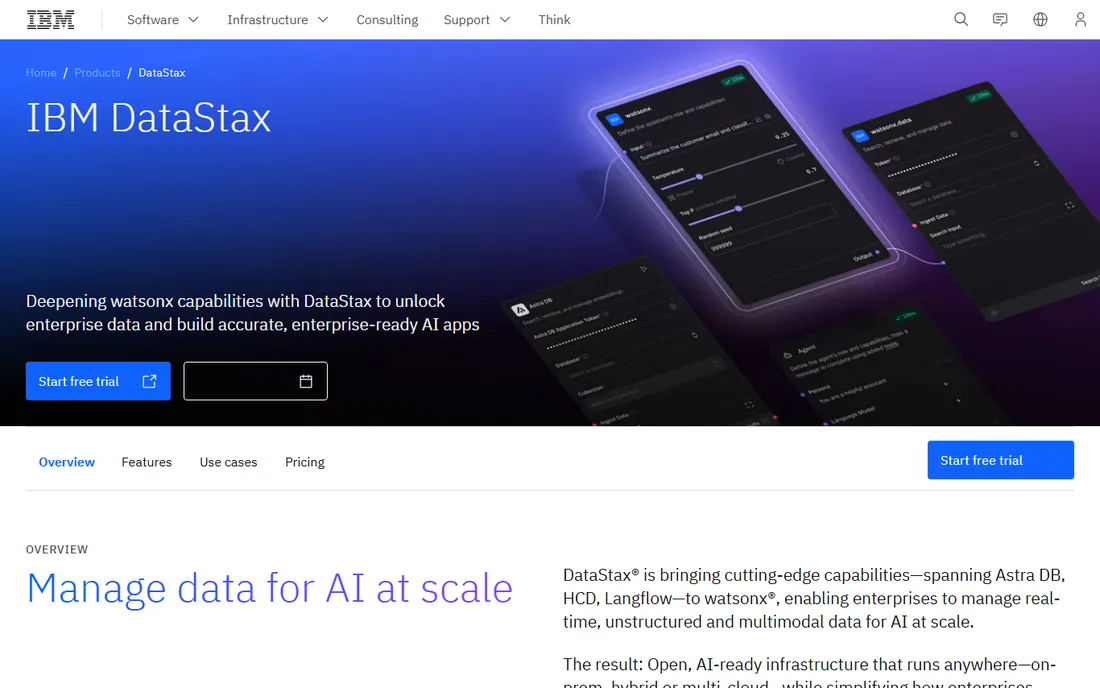
Astra DB began as the serverless Cassandra service from DataStax and now lives inside IBM watsonx.data. That changes the buying calculus. If your organization has standardized on IBM's data platform, Astra DB is the natural vector-capable database inside that world. If not, the IBM connection adds little for you.
The serverless model means you never provision capacity, which suits spiky AI workloads. A free tier exists for evaluation. Pricing is quote-based, so expect a sales conversation. Treat Astra DB as an enterprise platform decision, not a quick developer signup.
What we like- Serverless architecture with no capacity planning
- Now backed by IBM for enterprise buyers
- Free tier available
Watch out for- Product direction is tied to IBM's roadmap
- Pricing details require talking to sales
#9
Chroma
Best for: Developers who want the simplest open-source embedding store
Visit trychroma.com
Starting priceSee website
Free planYes
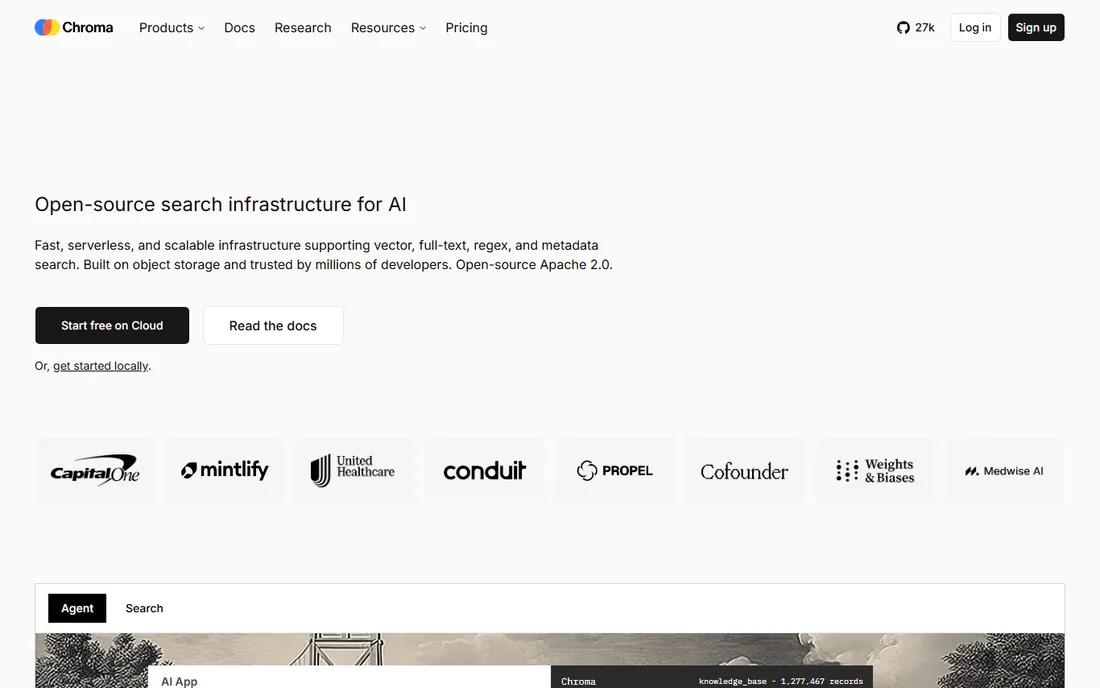
Chroma is the tool developers reach for when they want to stop reading docs and start building. You can have embeddings stored and queryable in minutes, which makes it a favorite for hackathons, prototypes and AI features inside small applications. The open-source version costs nothing and runs anywhere.
Honesty requires saying what Chroma is not. It is not the database you pick for a hundred million vectors in production. Teams that start with Chroma and succeed usually migrate to a heavier system later. That is fine. Starting simple and migrating on success beats over-engineering on day one.
What we like- Extremely easy to start, often just a few lines of code
- Open source with no license fees
- Good fit for prototypes and small apps
Watch out for- Not designed for massive production scale
- Managed cloud is usage-based with less pricing transparency
How we chose
We started by checking each vendor's own pricing page and documentation on October 14, 2026, recording the actual numbers published there rather than trusting third-party roundups. Where a vendor did not publish pricing, we wrote "See website" instead of guessing. We then compared feature lists, read public reviews on G2 and Capterra, and checked community discussions to see how these tools behave in real deployments.
We favored tools that exist today and serve business buyers, mixing established platforms with open-source options. We excluded products that were shut down or folded into another offering. Every website URL below is the final address from the vendor's real homepage, opened and verified during research.
What to look for before you buy
Start with your data shape, not the feature list. If your AI workload is similarity search over embeddings, a vector database is the right category. If your queries depend on relationships between entities, look at graph options like Neo4j. If you are adding one AI feature to an existing application, a general-purpose database with vector support, such as MongoDB Atlas or Supabase, often beats running a second system.
Next, decide who operates it. Managed services cost more per unit of work but remove infrastructure burden. Open-source self-hosting costs less in licenses but demands engineering time for scaling, backups and monitoring. Be honest about which resource your team has more of, money or engineering hours.
Finally, test retrieval quality before you commit. Every serious option here has a free tier. Load a sample of your real data, run your real queries, and measure whether the results are good enough. Pricing pages tell you what a database costs. Only your data tells you whether it works.
Pricing models explained
Vector database pricing follows a few patterns. Flat monthly plans, like Pinecone's $20 Builder tier or Supabase's $25 Pro plan, are the easiest to budget. Usage-based pricing, used by Qdrant Cloud and Zilliz's serverless tier, scales with your actual consumption but requires monitoring to avoid surprises. Per-GB pricing, like Neo4j's $65 per GB per month, ties cost directly to data volume.
Watch for the hidden multipliers. Some vendors charge separately for storage, queries and data transfer. Others bundle them. Two tools with similar headline prices can differ by a factor of two once all the meters are running. Run a realistic workload on the free tier first, then project the paid cost from measured usage rather than from the pricing page alone.
Frequently asked questions
What is an AI database?
An AI database is a database designed to store and query the numerical representations, called embeddings, that AI models produce from text, images or other data. The most common type is the vector database, which finds items similar to a query by mathematical distance. Some general-purpose databases have added vector search features, while graph databases handle AI workloads built on relationships.
Do I need a separate vector database, or can I use Postgres?
For many teams, Postgres with the pgvector extension is enough. It handles moderate vector workloads well and keeps your data in one system. A dedicated vector database becomes worth it when you need very fast similarity search at large scale, specialized indexing, or features like hybrid search that go beyond what an extension provides.
How much does AI database software cost?
Entry points range from free tiers to around $20 to $45 a month for starter plans. Production workloads typically run from tens to hundreds of dollars a month depending on data volume and query load. Enterprise deployments with large datasets can reach thousands per month. Always test on a free tier and project from measured usage.
What is the difference between Pinecone, Weaviate and Qdrant?
All three are vector databases, but their models differ. Pinecone is a fully managed proprietary service with no self-hosted option. Weaviate and Qdrant are open source, so you can self-host for free or pay for their managed clouds. The practical difference comes down to how much operational control you want versus how much you want the vendor to handle.
Can I switch vector databases later?
Yes, but plan for it. Your embeddings are portable since they are just numbers, but indexes, metadata schemas and query patterns differ between systems. Teams that keep their application code separated from database-specific calls find migration much easier. Starting with an open-source option also reduces lock-in.
Is a free tier enough for production?
Rarely. Free tiers are designed for prototypes and evaluation, with limits on data volume, query rates or features. They are excellent for validating that a database fits your needs. Move to a paid plan when you have real users depending on the system, and pick the tier based on measured usage from your testing period.
Sources we checked (9)
- https://www.mongodb.com/products/platform/atlas-cloud-providers/aws/pricing
- https://www.pinecone.io/pricing
- https://weaviate.io/pricing.html
- https://qdrant.tech/pricing/
- http://zilliz.com/pricing
- https://supabase.com/docs/guides/platform/manage-your-usage/disk-size
- https://neo4j.com/pricing/
- https://www.datastax.com/products/datastax-astra
- https://www.trychroma.com
Is your product missing or out of date?
We review this list regularly. Vendors can request a listing, send updated pricing or ask about featured placement.

Shihab Mia · Founder, Rankite
Shihab has spent more than a decade helping SaaS and e-commerce brands grow through search. He writes Rankite's software buying guides from pricing pages, documentation and public user reviews. More about Shihab.