How we make this list: we compare pricing pages, product documentation and public user reviews. Rankite is independent; if a vendor ever pays for a featured spot, that listing is clearly labeled Partner.
Key takeaways
- Riverside is the studio-quality standard for remote video podcast recording.
- SquadCast, now part of Descript, pairs recording with AI editing.
- Zencastr is the simplest path from recording to published podcast.
- OBS Studio is free and powers live-streamed shows.
Quick comparison
| Tool | Best for | Starting price | Free plan |
|---|
 Riverside Riverside | studio-quality remote recording | See website | Yes |
 SquadCast SquadCast | recording plus Descript editing | See website | No |
 Zencastr Zencastr | simple record-to-publish podcasting | See website | Yes |
 StreamYard StreamYard | live-streamed video podcasts | See website | Yes |
 Restream Restream | multistreaming video podcasts | See website | Yes |
 OBS Studio OBS Studio | free live production | Free | Yes |
 Ecamm Live Ecamm Live | Mac live streaming and recording | See website | No |
 Descript Descript | AI editing for video podcasts | See website | Yes |
Is your product missing or out of date?
We review this list regularly. Vendors can request a listing, send updated pricing or ask about featured placement.
What video podcast recording software does
Video podcasts need more than a webcam call: each guest's audio and video should record locally in high quality, immune to internet glitches, then assemble into an edited episode. The tools here record separate tracks per participant, handle remote guests through a browser link, and range from pure recorders to full live-streaming studios. The category has converged on browser-based remote recording as the core workflow.
Starting priceSee website
Free planYes
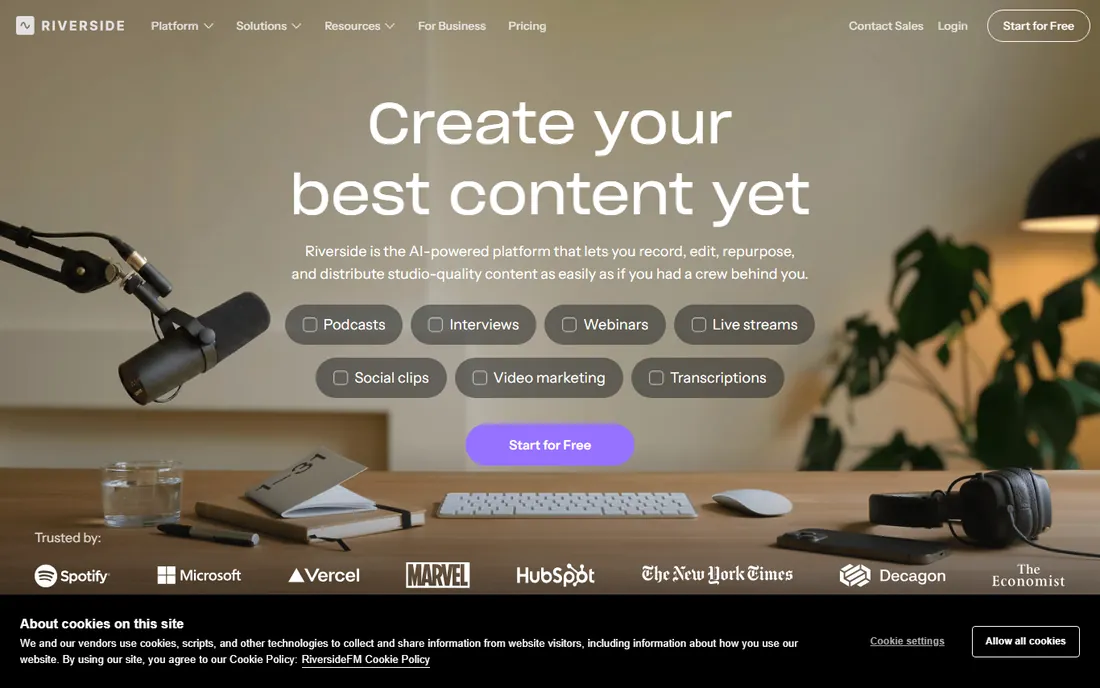
Riverside records each participant locally in up to 4K video and uncompressed audio, uploading progressively so internet hiccups never ruin a take. Guests join from a browser with no install, and producers get separate tracks for editing.
It became the default for professional video podcasts because the quality difference is audible and visible. The free tier is limited, and serious shows need paid plans with recording hours. For interview shows where quality is the brand, it is worth it.
What we like- Local 4K recording per guest
- Separate audio and video tracks
- Reliable even on bad connections
Watch out for- Paid plans needed for serious use
- Editor is basic
- Pricing per hour on some tiers
Starting priceSee website
Free planNo
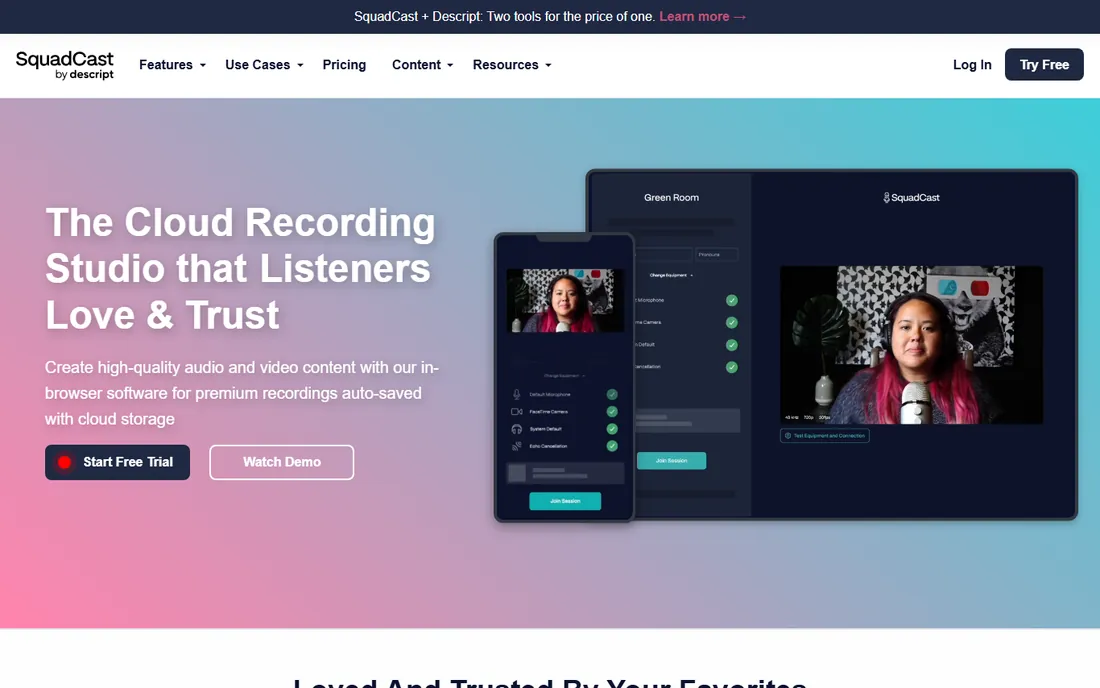
SquadCast, acquired by Descript, records remote conversations in studio quality and hands the files straight into Descript's AI editing workflow. Record in SquadCast, edit by editing the transcript in Descript, publish everywhere.
The integration is the pitch: the fastest path from raw conversation to finished episode for Descript users. Standalone it is less compelling than Riverside, and there is no real free tier. If you already edit in Descript, the pairing is natural.
What we like- Excellent recording quality
- Deep Descript integration
- Easy guest experience
Watch out for- Now tied to the Descript ecosystem
- No meaningful free tier
- Less live-streaming focus
Starting priceSee website
Free planYes
Zencastr covers the whole podcast lifecycle: record remote guests in the browser, edit lightly, host the show and distribute to Spotify and Apple Podcasts. The free tier lets new podcasters start without spending.
Video recording exists but is less refined than Riverside's. For audio-first podcasters adding video, or beginners who want one service for everything, Zencastr's simplicity wins. Growing shows often graduate to Riverside for recording while keeping Zencastr-style hosting elsewhere.
What we like- Easy all-in-one workflow
- Free tier to start
- Hosting and distribution included
Watch out for- Video features trail Riverside
- Free tier limits recording time
- Advanced editing is basic
Starting priceSee website
Free planYes
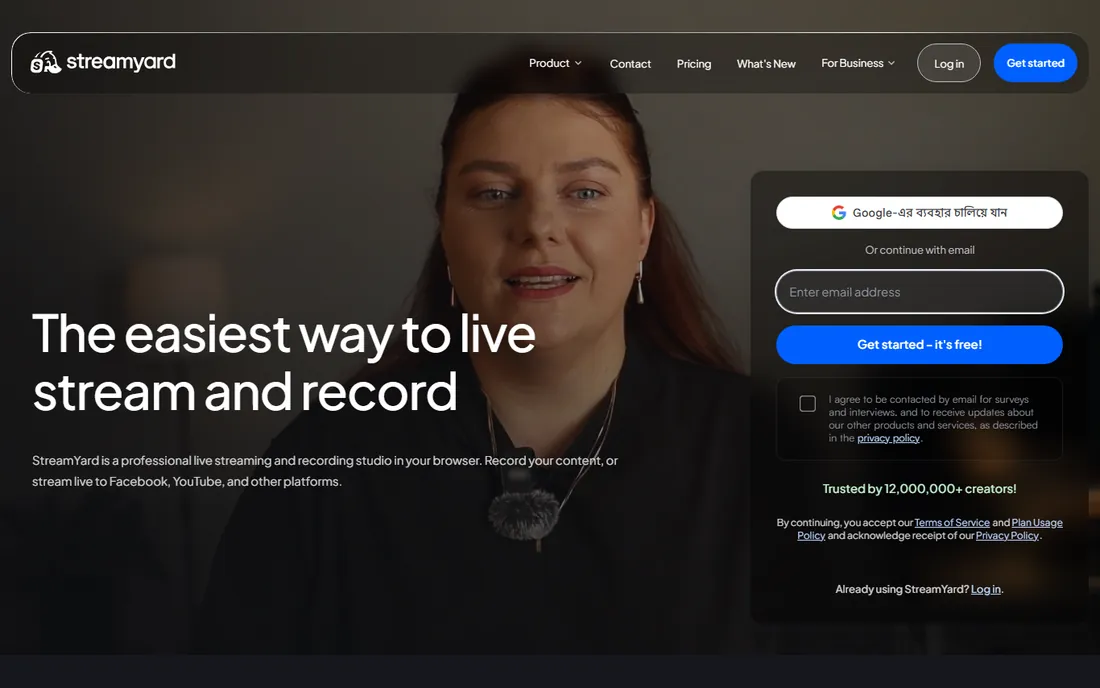
StreamYard is the friendly live-streaming studio: invite guests with a link, go live to YouTube, LinkedIn, Twitch and more simultaneously, take audience questions, and download the recording after. No software to install for anyone.
Shows that publish live conversations love it. But local recording quality does not match Riverside or SquadCast, so studio-quality on-demand shows should record elsewhere. The free tier is enough to test the format.
What we like- Easiest browser-based live streaming
- Multistream to platforms
- Audience interaction
Watch out for- Recording quality below Riverside
- Branding on free tier
- Limited editing
Starting priceSee website
Free planYes
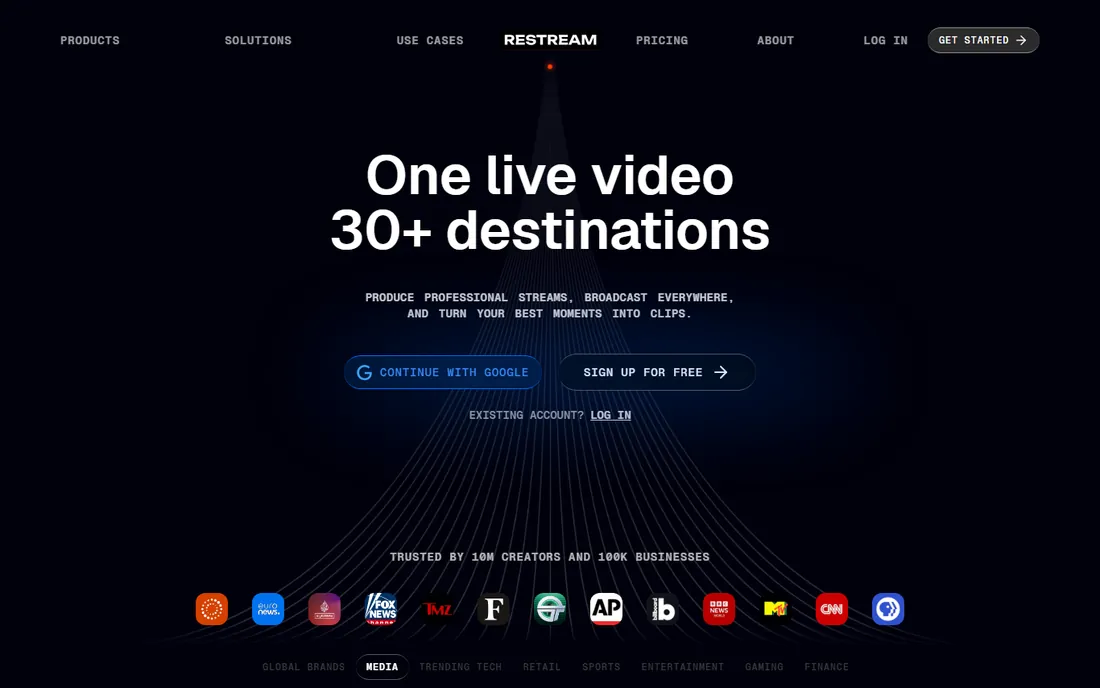
Restream's strength is distribution: broadcast one show to YouTube, Twitch, Facebook, LinkedIn and dozens more simultaneously, with unified chat across platforms. The browser studio handles guests and basic production.
Recording exists but is not the focus; pair it with a dedicated recorder for studio-quality archives. For shows whose strategy is maximum live reach, Restream's multistreaming is unmatched.
What we like- Stream to 30 plus platforms
- Chat aggregation
- Solid free tier
Watch out for- Recording is secondary
- Studio features thinner than StreamYard
- Paid tiers for full HD
Starting priceFree
Free planYes
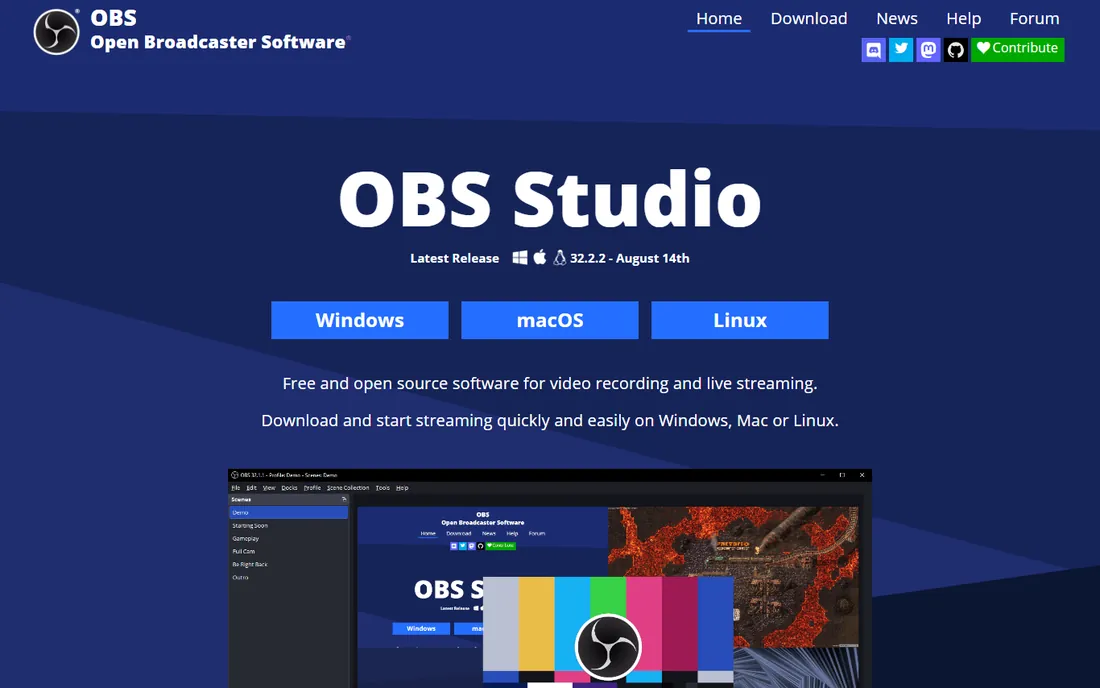
OBS Studio is free, open-source software for video recording and live streaming with professional-grade scene composition, mixing and encoding. Countless podcasts and streams run on it at zero software cost.
The catch is expertise: OBS does not invite remote guests by link or record isolated tracks natively. Creators combine it with tools like Riverside for guests or use plugins. If you enjoy technical control and have time to learn, nothing free comes close.
What we like- Completely free and open source
- Extremely powerful
- Huge plugin ecosystem
Watch out for- Steep learning curve
- No built-in remote guest links
- You are the engineer
Starting priceSee website
Free planNo
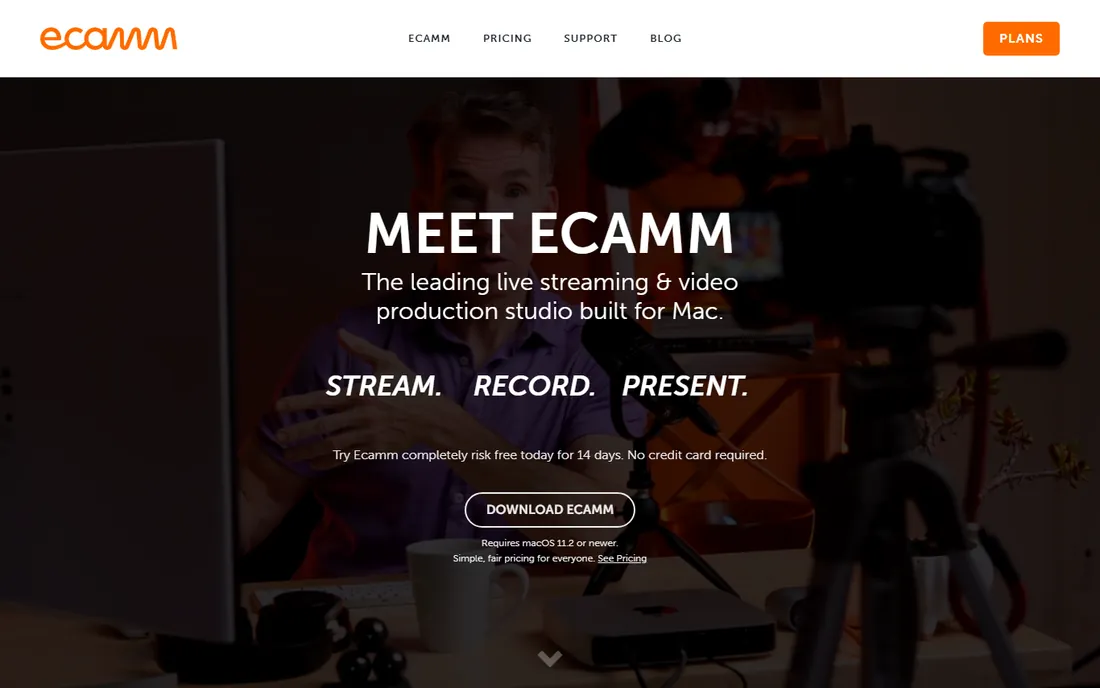
Ecamm Live is the premium live production tool for Mac: multi-camera support, interview mode bringing in remote guests, overlays, and streaming to all major platforms. Mac podcasters consistently rate it the most pleasant production software.
It is Mac-only and subscription-priced, which limits its audience. For Mac-based shows that stream live regularly, its reliability and polish justify the cost over wrestling with OBS.
What we like- Best Mac streaming experience
- Interview mode for guests
- Polished and reliable
Watch out for- Mac only
- Subscription pricing
- Overkill for simple recording
Starting priceSee website
Free planYes
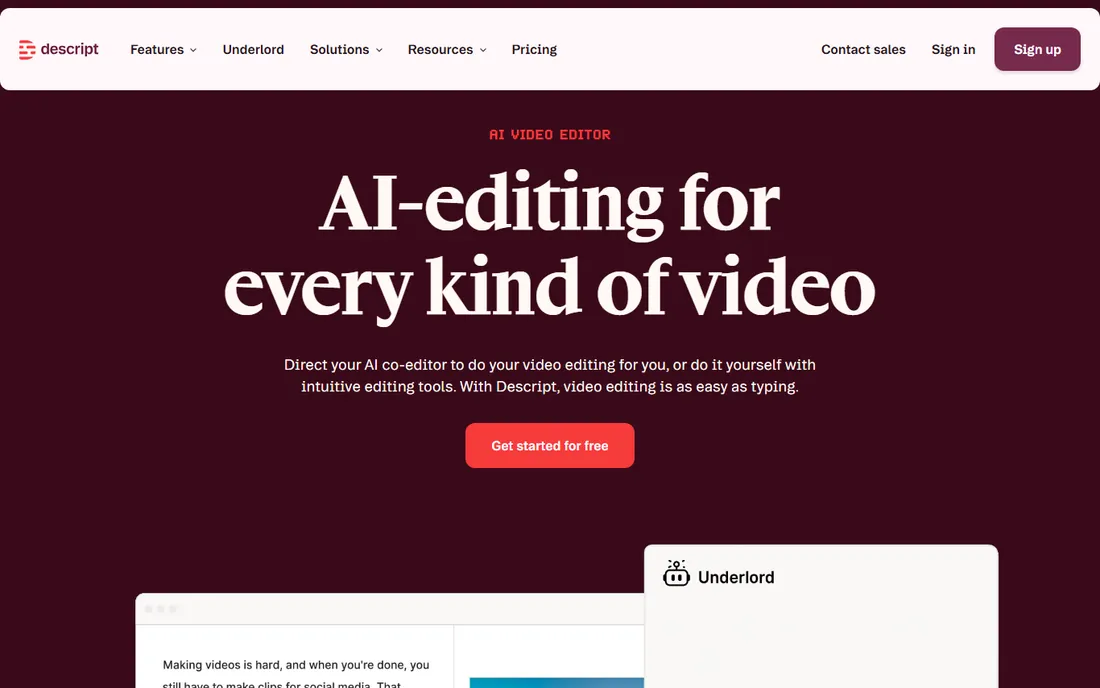
Descript changed podcast editing: it transcribes your recording, and you edit the video by editing the text transcript. Delete a sentence of text and the video follows. AI features remove filler words, enhance audio and even generate voice clones.
With SquadCast recording integrated, it now covers capture to publish. The free tier is enough to experience the workflow. Editors who think in words rather than waveforms find it transformative; traditional video editors may chafe at the abstraction.
What we like- Edit video by editing text
- AI voices and filler removal
- SquadCast recording built in
Watch out for- Transcription errors need checking
- Heavy AI reliance
- Pricing per transcription hour
How we chose
We reviewed vendor product pages, feature documentation and creator communities. We compared recording quality, local vs cloud recording, remote guest workflows, track separation, live streaming, editing integration, and pricing. We excluded pure conferencing tools like Zoom without podcast features. We did not claim hands-on testing.
Buying guide: choosing video podcast software
Decide live vs recorded first. Live shows need StreamYard, Restream, Ecamm or OBS. Recorded interview shows need Riverside, SquadCast or Zencastr for local multi-track recording.
Prioritize audio quality over video. Listeners forgive 720p video but not bad audio; every tool here records separate audio tracks, so use them. A decent USB microphone improves results more than any software upgrade.
Plan the editing workflow before recording. If you edit in Descript, SquadCast integration saves hours. If you edit in Premiere or DaVinci, Riverside's separate tracks import cleanly. The recording tool and editing tool should be chosen together.
Remote recording essentials
Send guests a checklist: quiet room, headphones on, close unnecessary apps, use Chrome or Edge. Record a backup locally on every guest's machine when possible. Test the full workflow with a short call before an important interview. Most recording disasters are preventable with ten minutes of preparation.
Growing a video podcast after launch
Recording is the beginning; distribution decides growth. Publish full episodes to YouTube and podcast apps, then cut short clips for TikTok, Reels and Shorts, where most new listeners discover shows. Descript and Riverside both simplify clip creation. Optimize titles and descriptions for search on YouTube, which functions as the second-largest search engine. Consistency beats equipment: a regular schedule with decent audio outperforms sporadic episodes with perfect video. Track which episodes retain viewers to guide future topics.
Audio gear that matters more than software
Listeners forgive mediocre video but abandon bad audio. A 100-dollar USB microphone in a quiet room outperforms a 500-dollar microphone in an echoey kitchen. Record each guest on separate tracks so coughs and crosstalk can be fixed. Wear headphones to prevent echo, and ask guests to do the same. Treat the room simply: soft furnishings beat bare walls, and closets full of clothes make surprisingly good booths. Normalize loudness to podcast standards before publishing so episodes play consistently everywhere. Software cannot rescue audio recorded badly; get the source right.
Frequently asked questions
What is the best video podcast recording software?
Riverside for studio-quality remote recording, SquadCast for Descript-integrated workflows, Zencastr for simple all-in-one podcasting, OBS for free live production.
How much does Riverside cost?
Riverside offers a limited free tier with paid plans scaling by recording hours and features. Check riverside.fm for current pricing.
Do I need video for my podcast?
Not necessarily, but video expands distribution to YouTube and social clips, which is where many shows now grow. Recording video also future-proofs episodes.
What microphone should I use for video podcasting?
A USB condenser or dynamic microphone from a reputable brand, positioned close to your mouth. Software cannot fix a bad microphone.
Can I record a podcast on Zoom?
You can, but Zoom compresses audio and records a single mixed file, limiting editing. Dedicated tools record uncompressed separate tracks that sound markedly better.
Is Descript worth it for podcast editing?
If you edit conversational content, yes. Text-based editing is dramatically faster for cutting interviews than timeline editing, and the AI cleanup tools save hours.
StreamYard vs Riverside: which is better?
StreamYard for live-streamed shows with audience interaction; Riverside for recorded shows where quality matters most. Many creators use both for different formats.
How many cameras do I need for a video podcast?
One good camera works for solo shows. Interviews benefit from two angles or separate guest recordings, which Riverside and SquadCast provide automatically. Start simple and add cameras as the show grows.
Should I live stream or pre-record my podcast?
Pre-recorded gives editing control and lower stress; live builds community and urgency. Many shows pre-record the main episode and go live occasionally for Q and A sessions.
What internet speed do I need for remote recording?
Because tools like Riverside record locally, even modest connections work for the session; uploads happen progressively. Aim for at least 10 Mbps upload for smooth guest experience.
How do I record a podcast with video and audio separately?
Tools like Riverside and SquadCast record each guest's audio and video locally as separate tracks, which you then sync in editing. This gives far better quality than screen recording.
Should I publish my podcast on YouTube?
Yes, if you record video. YouTube is a major discovery channel for podcasts and monetizes separately from audio platforms.
How long should podcast episodes be?
As long as the content earns. Interview shows commonly run 30 to 60 minutes; audience retention data should guide your format.
Do I need a mixer for podcasting?
For solo USB microphone setups, no. Multi-microphone in-person recordings benefit from a mixer or audio interface for clean separate channels.
Sources we checked (8)
- https://www.riverside.fm
- https://www.squadcast.fm
- https://www.zencastr.com
- https://www.streamyard.com
- https://www.restream.io
- https://www.obsproject.com
- https://www.ecamm.com
- https://www.descript.com
Is your product missing or out of date?
We review this list regularly. Vendors can request a listing, send updated pricing or ask about featured placement.

Shihab Mia · Founder, Rankite
Shihab has spent more than a decade helping SaaS and e-commerce brands grow through search. He writes Rankite's software buying guides from pricing pages, documentation and public user reviews. More about Shihab.