How we make this list: we compare pricing pages, product documentation and public user reviews. Rankite is independent; if a vendor ever pays for a featured spot, that listing is clearly labeled Partner.
Key takeaways
- vMix is the best value instant replay for productions on a budget.
- EVS is the broadcast standard for top-tier sports replay.
- Vizrt 3Play serves professional sports productions.
- Spiideo and Slomo.tv target sports teams and venues directly.
Quick comparison
| Tool | Best for | Starting price | Free plan |
|---|
 vMix vMix | budget instant replay | See website | No |
 EVS EVS | broadcast sports replay | See website | No |
 Vizrt 3Play Vizrt 3Play | professional sports production | See website | No |
 Spiideo Spiideo | sports teams and venues | See website | No |
 Slomo.tv Slomo.tv | affordable replay servers | See website | No |
 Streamstar Streamstar | live production with replay | See website | No |
 OBS Studio OBS Studio | free basic replay | Free | Yes |
Is your product missing or out of date?
We review this list regularly. Vendors can request a listing, send updated pricing or ask about featured placement.
What instant replay software does
Instant replay software records live video feeds continuously and lets operators instantly play back key moments, in slow motion, for broadcasts, streams and venue screens. Professional sports broadcasting uses dedicated replay servers; smaller productions use software-based replay in live production tools. The category spans six-figure broadcast systems to free software features.
Starting priceSee website
Free planNo
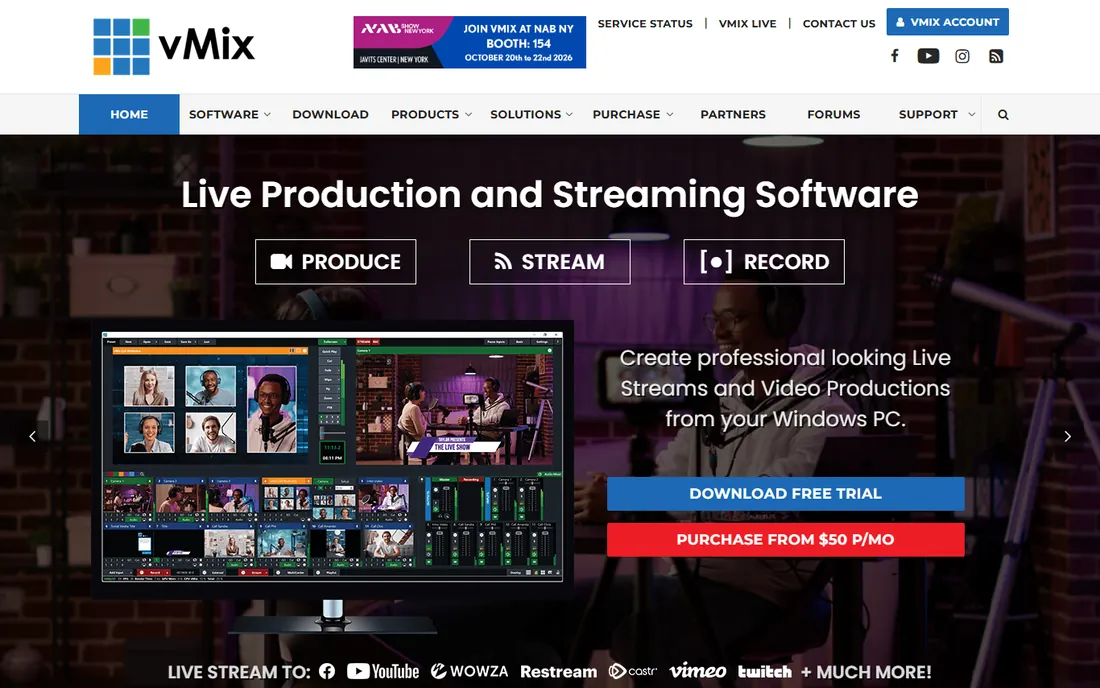
vMix includes capable instant replay in its live production software: record multiple camera inputs continuously, mark events, and play back replays with speed control. At a fraction of broadcast hardware costs, small sports productions get real replay.
It needs a powerful Windows PC and a skilled operator. But for schools, minor leagues, churches and streamers, vMix replay transformed what is possible on a budget.
What we like- Excellent value
- Up to 8-channel replay
- Full live production suite
Watch out for- Windows only
- Needs powerful hardware
- Operator skill required
Starting priceSee website
Free planNo
EVS replay servers are what you see in top-tier sports broadcasts worldwide: bulletproof recording, instant multi-angle replay, super-slow-motion, all controlled by the famous LSM remote. When billions watch, it is EVS.
Systems cost hundreds of thousands with trained operators required. This is the pinnacle; everyone else is measured against it.
What we like- The broadcast standard
- Unmatched reliability
- LSM control beloved by operators
Watch out for- Very expensive
- Hardware-based
- Needs trained operators
Starting priceSee website
Free planNo
Vizrt 3Play, from the NewTek lineage now under Vizrt, provides professional instant replay for sports productions, integrating with Vizrt's graphics ecosystem for polished broadcasts.
Pricing targets professional productions. Regional sports networks and professional venues get broadcast-grade replay without full EVS investment.
What we like- Professional sports replay
- Integrates with Vizrt graphics
- Proven in broadcast
Watch out for- Professional pricing
- NewTek heritage transitions
- Needs expertise
Starting priceSee website
Free planNo
Spiideo offers cloud-based sports video with automatic camera tracking: games record and stream automatically, with replay and analysis tools for coaches. Teams and venues get professional video without camera operators.
It focuses on team and coaching use rather than broadcast production. The subscription covers hardware, software and cloud. Schools and clubs love the automation.
What we like- Cloud-based sports video
- Auto-tracking cameras
- Coaching analysis
Watch out for- Subscription model
- Less broadcast-focused
- Internet dependent
Starting priceSee website
Free planNo
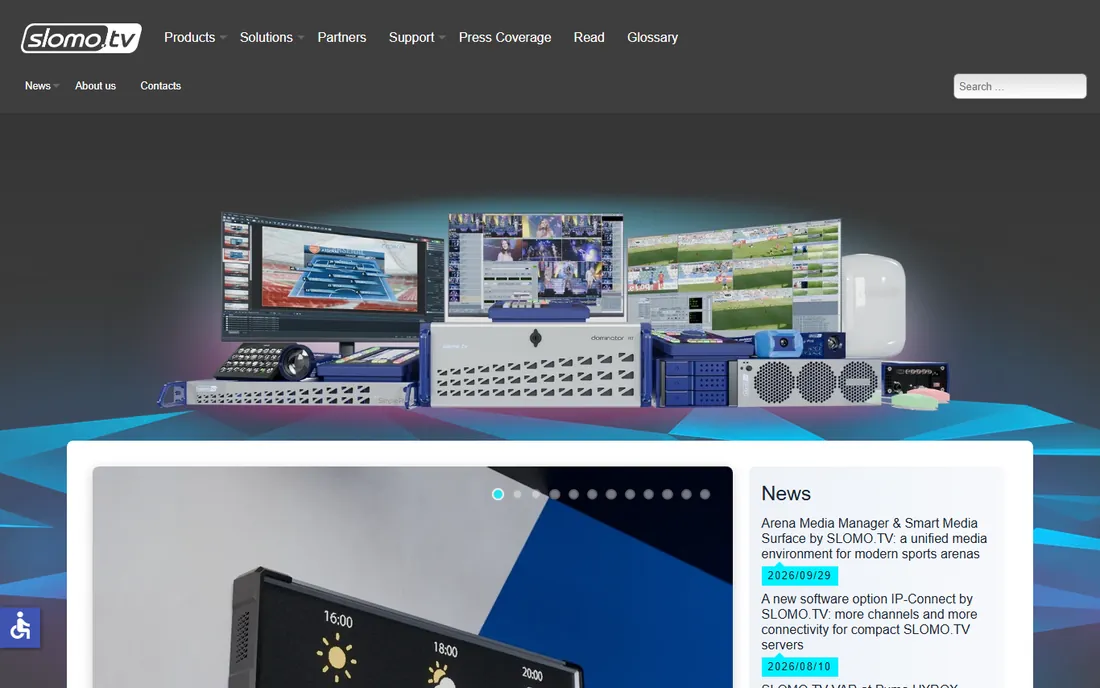
Slomo.tv builds affordable instant replay servers for sports productions that need real replay hardware without EVS budgets. Multi-channel recording and slow-motion playback come in simpler packages.
The vendor is smaller with less ecosystem. Mid-tier productions, smaller broadcasters and venues get genuine replay capability affordably.
What we like- Affordable replay servers
- Good slow motion
- Simpler than EVS
Watch out for- Smaller vendor
- Less ecosystem
- Hardware purchase
Starting priceSee website
Free planNo
Streamstar combines live production switching with instant replay in touch-controlled systems, including portable cases for field production. Smaller crews produce complete shows.
The niche means fewer operators know it and community resources are thin. For portable sports production with replay, the integration appeals.
What we like- Integrated production and replay
- Touch interface
- Portable systems
Watch out for- Niche vendor
- Smaller community
- Pricing by quote
Starting priceFree
Free planYes
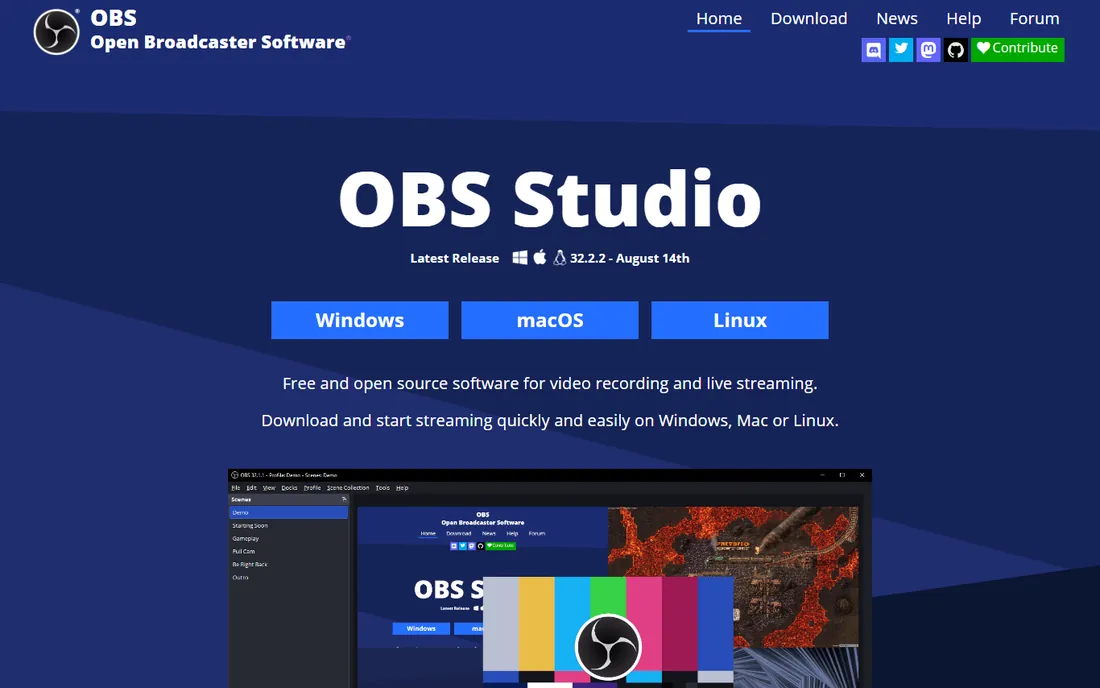
OBS Studio's replay buffer saves the last seconds of your stream on demand, providing basic instant replay free. Plugins and scripts extend it modestly.
It cannot match dedicated replay: no multi-angle, no slow-motion control, manual everything. For streamers wanting simple "save that moment" functionality at zero cost, it works.
What we like- Completely free
- Replay buffer feature
- Huge community
Watch out for- Basic replay only
- No multi-angle
- Manual operation
How we chose
We reviewed vendor product pages, documentation and sports production communities. We compared replay channels, slow-motion quality, multi-angle support, integration with production switchers, and pricing accessibility. We excluded pure video editing slow-motion tools. We did not claim hands-on testing.
Buying guide: choosing instant replay
Match the tool to the production level. Professional broadcasts need EVS or 3Play. Serious small productions get vMix. Teams wanting automated video get Spiideo. Streamers get OBS free.
Budget the operator, not just the software. Replay quality depends enormously on operator skill; a great operator on vMix beats a novice on EVS. Training matters as much as tools.
Consider the whole production chain. Replay integrates with switching, graphics and streaming; choose tools that fit your existing production setup rather than the best-isolated replay.
Replay for non-broadcast uses
Coaches use replay for training analysis, venues for fan engagement on big screens, and esports for stream highlights. Spiideo and vMix serve these well at accessible prices. Define the use case before shopping broadcast features.
Building a replay-capable production
Good replay starts with camera coverage: at minimum two angles for key action, more for professional feel. Position cameras to cover the action from complementary sides so replays show what the live angle missed. The replay operator needs a dedicated monitor and clear communication with the director; agree on cue language before the event. Mark interesting moments live so the operator can find them instantly; hunting through unmarked footage kills the pace. Practice the full workflow in rehearsal, including slow-motion speed choices and transition timing, because replay during a live event leaves no room for learning.
Training replay operators
Replay is a craft learned through practice. New operators should start by shadowing experienced ones, learning the rhythm of marking moments and punching replays without disrupting the live program. Drill the fundamentals: setting in and out points quickly, choosing slow-motion speeds appropriate to the action, and clearing the replay cleanly back to live. Study great broadcasts to internalize timing; the best replay feels inevitable, arriving exactly when viewers want it. Run full rehearsals including failure scenarios, because composure during mistakes separates professionals. Certify operators on your specific system before trusting them with important events.
Monetizing sports video
Replay capability opens revenue beyond the event itself. Package highlight reels for sponsors, who pay for branded content featuring their logos. Offer premium streaming tiers with multi-angle replay for dedicated fans. Youth leagues sell highlight packages to parents, a surprisingly strong revenue line. Archive games for coaching subscriptions, turning one production into recurring content. License memorable moments to media outlets when newsworthy plays occur. The production investment in replay hardware and operators pays back faster when the content works across these channels. Track which content types generate revenue to guide future production spending; not every game deserves the full replay treatment.
Frequently asked questions
What is the best instant replay software?
EVS for top-tier broadcast, Vizrt 3Play for professional sports, vMix for budget productions, Spiideo for automated team video.
How much does EVS cost?
EVS replay systems are enterprise broadcast hardware costing hundreds of thousands of dollars, sold through broadcast integrators.
Can I do instant replay with vMix?
Yes. vMix Pro and higher tiers include multi-channel instant replay with slow-motion playback, an extraordinary value for the price.
What is the cheapest instant replay solution?
OBS Studio's replay buffer is free but basic. vMix is the cheapest serious replay software. Slomo.tv offers the cheapest dedicated replay servers.
Do I need special hardware for replay?
Software replay like vMix needs a powerful PC with capture cards. Broadcast servers like EVS are dedicated hardware. Spiideo uses its own cameras.
What is super slow motion?
Ultra-high-frame-rate recording played back slowly for dramatic effect, a staple of sports broadcasts. EVS and professional cameras enable it; software replay typically offers standard slow motion.
Can instant replay work for esports?
Yes. vMix and OBS serve esports productions well, with replay buffers capturing key moments for streams and highlights.
How many replay angles do I need?
Two is the practical minimum for useful replays; professional broadcasts use four to eight or more. vMix supports multi-channel replay that grows with your camera count.
What hardware does vMix replay need?
A powerful Windows PC with a modern multi-core CPU, plenty of RAM, fast SSD storage and capture cards for each camera. Underpowered hardware drops frames; do not economize here.
Can I do replay for esports tournaments?
Yes. vMix and OBS both serve esports well, capturing game feeds and player cameras for instant highlights. The fast pace of esports rewards a skilled replay operator.
What is the difference between replay and highlights?
Replay shows a just-occurred moment again immediately, often in slow motion. Highlights are edited packages produced later. Replay software handles the former; editing software the latter.
What is a replay official vs operator?
The operator runs the replay system technically; in officiating contexts, a separate replay official reviews plays for rulings. Broadcast replay operators serve the production, not the referees.
How do I sync multiple cameras for replay?
Use genlock or timecode across cameras so angles stay synchronized. vMix and professional systems align feeds by timecode; without sync, multi-angle replays drift.
What internet speed do I need to stream with replay?
Upload bandwidth depends on stream quality: 10 Mbps handles 1080p reliably, 25 Mbps for 4K. Replay itself is local, but streaming the program feed needs stable upload.
Can I add graphics and scoreboards with replay?
Yes. vMix, Streamstar and professional systems integrate graphics, scoreboards and replay in one production. Graphics elevate perceived production value enormously.
What is the difference between replay and slow motion?
Replay re-shows a moment; slow motion is a playback speed. Instant replay systems combine both, but slow motion alone does not make a replay system.
Do I need a dedicated replay operator?
For professional productions, yes. The operator's craft, marking moments and timing playback, is as important as the software.
Can I stream and record replay at the same time?
Yes. vMix, Streamstar and professional systems record all camera feeds continuously while streaming the program output, so replay is always available.
What is a replay wipe?
The transition effect into and out of a replay. Clean wipes or stingers distinguish professional replays from jarring cuts.
What is the best budget replay setup?
A capable Windows PC running vMix, two or three cameras with capture devices, and a trained operator. This delivers genuine multi-angle replay affordably.
How do I add replays to live streams?
Run replay in vMix or your production software alongside streaming. Mark moments live, then cut to replay angles between plays without stopping the stream.
What frame rate is best for slow-motion replay?
Higher is better: 120fps gives smooth half-speed, 240fps and above enables dramatic super slow motion. Camera and system must both support it.
Can I use instant replay for non-sports events?
Yes, concerts, conferences and ceremonies all benefit from replaying key moments. The same software and workflows apply to any live production.
Sources we checked (7)
- https://www.vmix.com
- https://www.evs.com
- https://www.vizrt.com
- https://www.spiideo.com
- https://www.slomo.tv
- https://www.streamstar.com
- https://www.obsproject.com
Is your product missing or out of date?
We review this list regularly. Vendors can request a listing, send updated pricing or ask about featured placement.

Shihab Mia · Founder, Rankite
Shihab has spent more than a decade helping SaaS and e-commerce brands grow through search. He writes Rankite's software buying guides from pricing pages, documentation and public user reviews. More about Shihab.