How we make this list: we compare pricing pages, product documentation and public user reviews. Rankite is independent; if a vendor ever pays for a featured spot, that listing is clearly labeled Partner.
Key takeaways
- BarTender is the industry standard for enterprise label design and printing.
- Loftware NiceLabel leads cloud-based label management.
- TEKLYNX offers the broadest barcode software portfolio.
- IDAutomation and Morovia cover barcode fonts and components for developers.
Quick comparison
Is your product missing or out of date?
We review this list regularly. Vendors can request a listing, send updated pricing or ask about featured placement.
What barcode software does
Barcode software designs and prints labels with barcodes, text and graphics, and often manages label templates across an organization. It ranges from desktop designers for a single printer to enterprise platforms controlling thousands of print stations with approval workflows and ERP integration. Related tools generate barcode fonts and components for developers embedding barcodes in applications.
Starting priceSee website
Free planNo
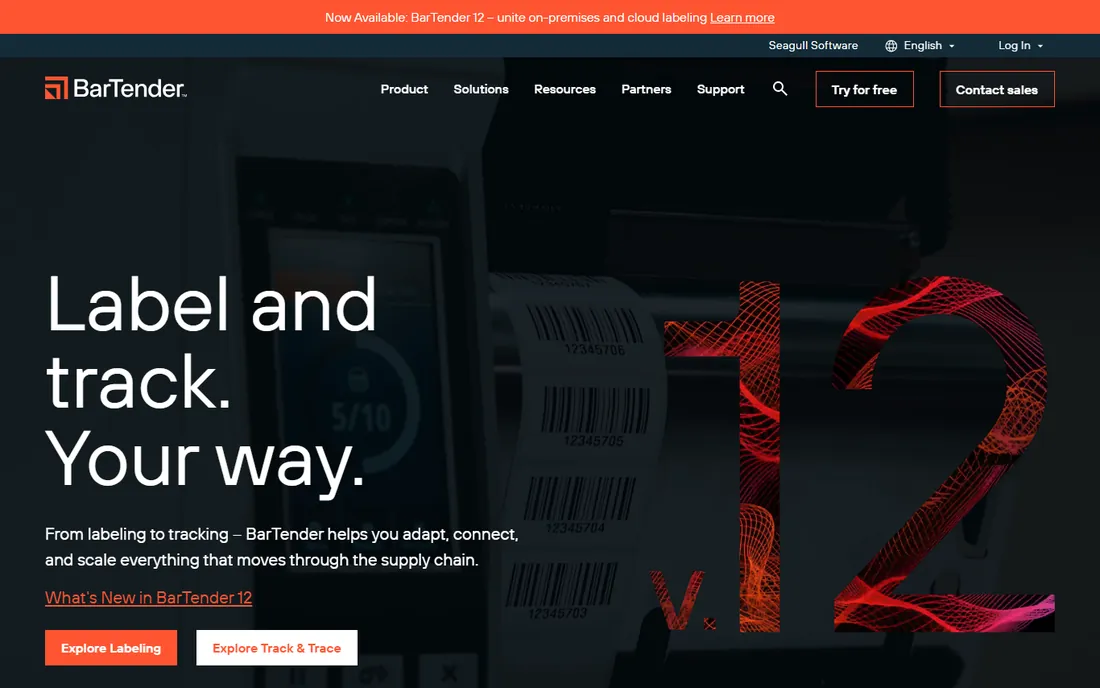
BarTender by Seagull Scientific is the label software most enterprises standardize on: design labels with 400 plus barcode symbologies, automate printing from ERP and database triggers, and manage templates centrally. Its printer driver library is unmatched.
Editions from Starter to Enterprise Automation suit different scales, but choosing among them takes guidance. Pricing is quote-based for higher tiers. For serious labeling operations, it is the default evaluation.
What we like- Industry standard
- Powerful automation
- Huge printer support
Watch out for- Enterprise pricing
- Editions confuse buyers
- Needs training
Starting priceSee website
Free planNo
Loftware, formed by the Loftware-NiceLabel merger, leads cloud label management: design in the browser, control templates with approval workflows, and print consistently across global sites. Regulated industries use it for validated labeling.
The cloud shift means subscriptions and change management for desktop users. Simple single-printer needs are overkill here. For centralized enterprise labeling, it sets the standard.
What we like- Cloud-native label management
- Strong compliance features
- Merged company scale
Watch out for- Enterprise pricing
- Migration from desktop
- Complex for simple needs
Starting priceSee website
Free planNo
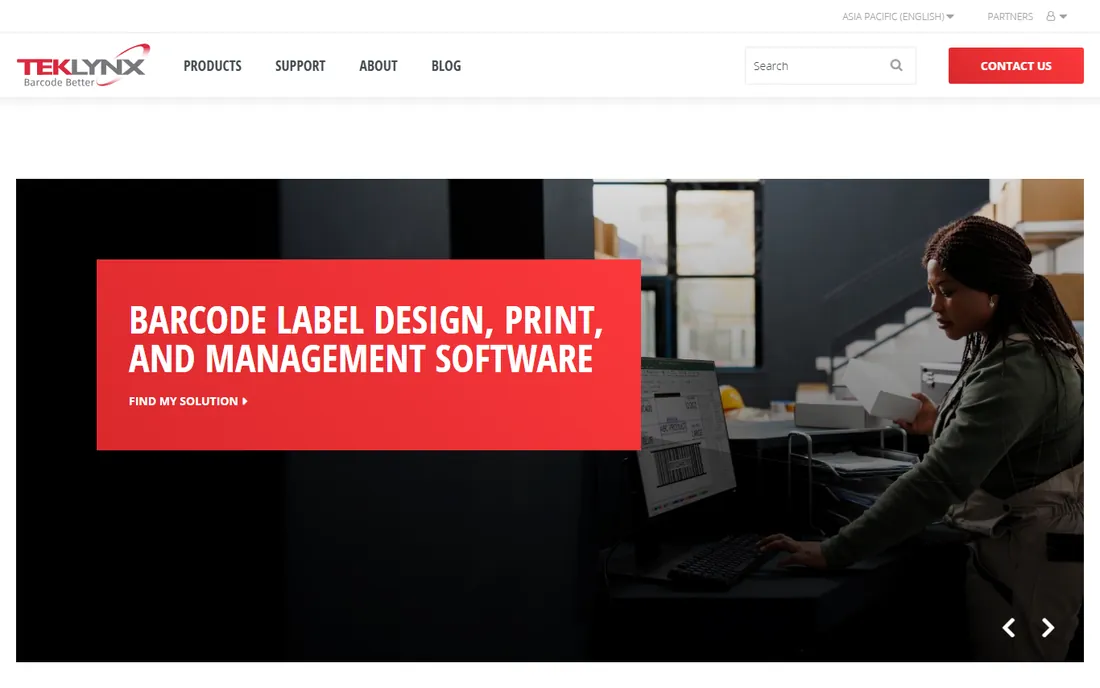
TEKLYNX offers barcode and label software from entry-level designers to enterprise automation, fitting mid-market companies well. Its products cover label design, RFID and centralized printing.
The range means matching product to need takes care. Cloud capabilities trail Loftware. Distributors and manufacturers in the mid-market find strong value.
What we like- Broad product range
- Good mid-market fit
- Strong support
Watch out for- Portfolio can confuse
- Enterprise features cost more
- Less cloud-native
Starting priceSee website
Free planYes
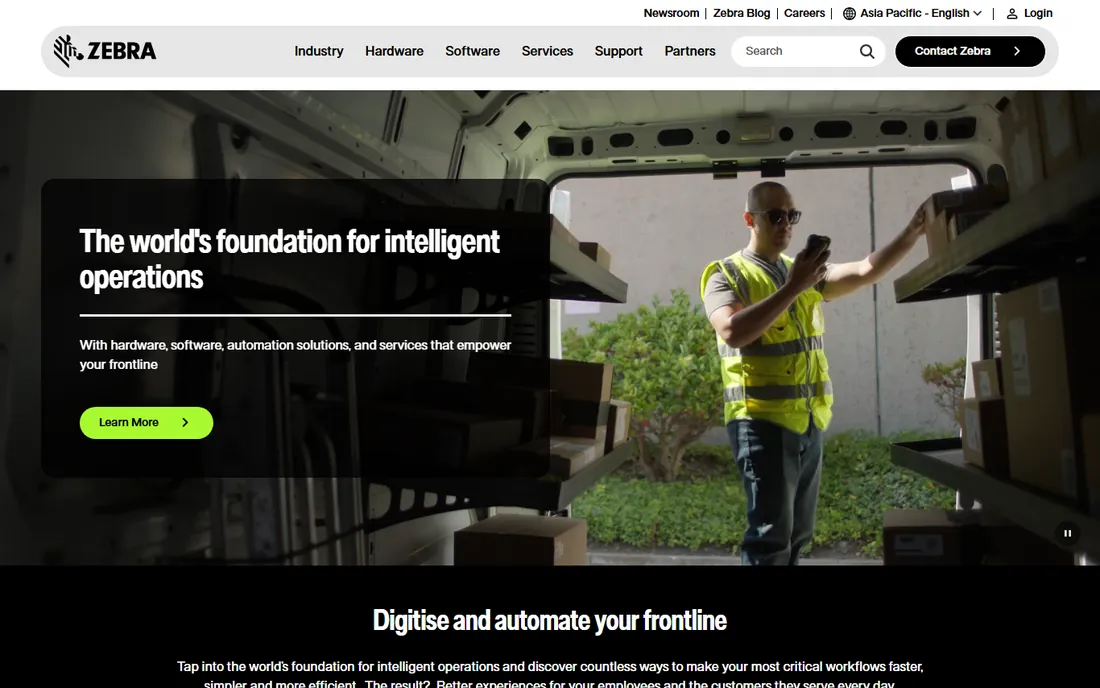
ZebraDesigner is Zebra's label design software, free in its essentials edition for Zebra printer owners. Design labels with barcodes quickly, optimized for Zebra hardware.
It naturally favors Zebra printers; mixed fleets need broader tools. Professional editions add database connectivity and advanced features. Zebra shops should start here free.
What we like- Free basic edition
- Optimized for Zebra printers
- Easy to start
Watch out for- Zebra-centric
- Advanced features paid
- Limited non-Zebra support
Starting priceSee website
Free planNo
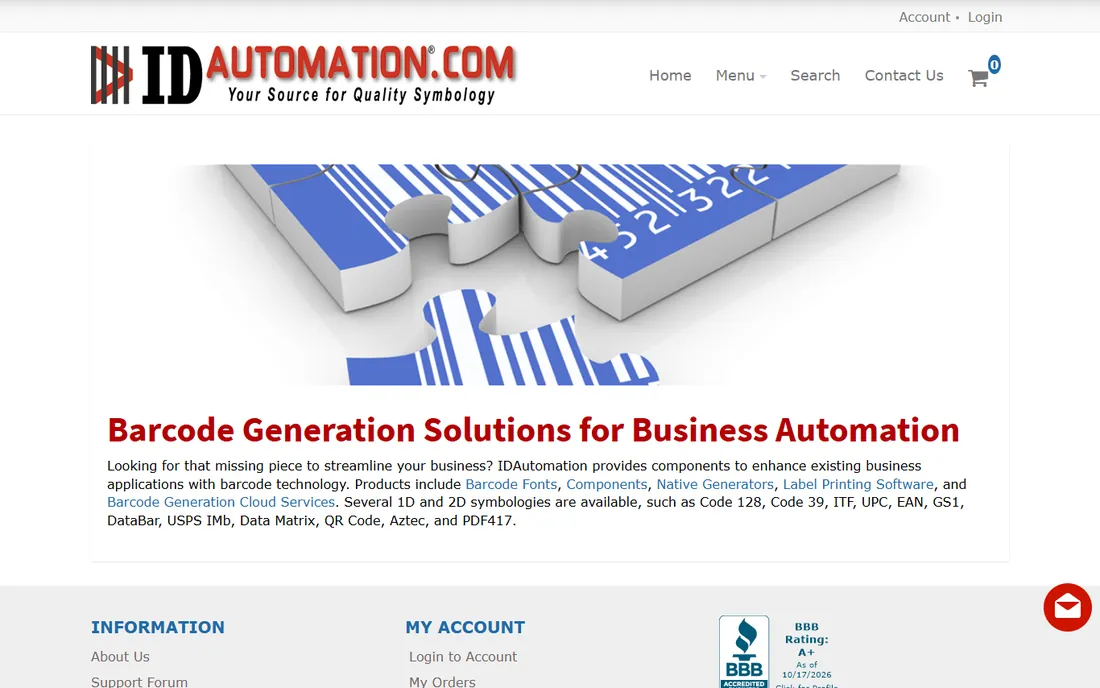
IDAutomation provides barcode fonts, components and generators for developers embedding barcodes in applications, documents and systems. Its symbology coverage is encyclopedic.
This is a developer toolkit, not a label design suite. Software teams needing programmatic barcodes find it comprehensive and well-documented.
What we like- Huge symbology coverage
- Developer components
- Good documentation
Watch out for- Technical audience
- Not a label designer
- Licensing per use
Starting priceSee website
Free planNo
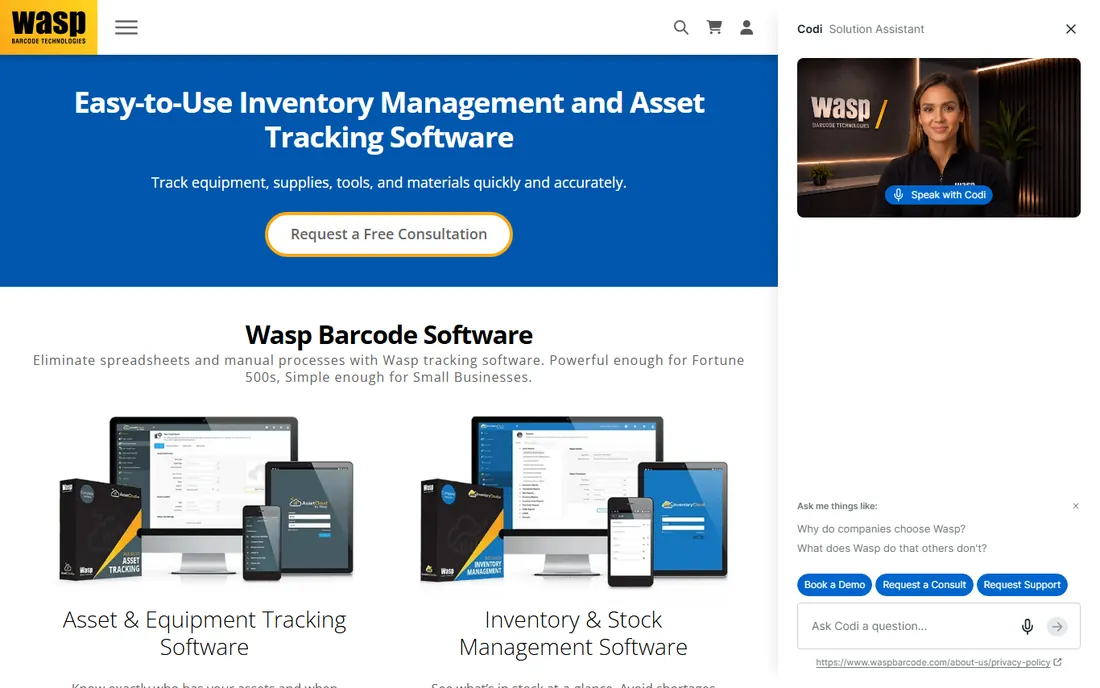
Wasp Barcode Technologies sells complete SMB barcode systems: scanners, printers and software bundled in understandable packages. Small warehouses and retailers get working systems without integration projects.
Enterprise features and design depth trail the leaders. For small businesses needing barcode basics quickly, the bundles simplify buying.
What we like- Bundles hardware and software
- SMB-friendly
- Simple packages
Watch out for- Less enterprise depth
- Smaller ecosystem
- Basic design tools
Starting priceSee website
Free planNo
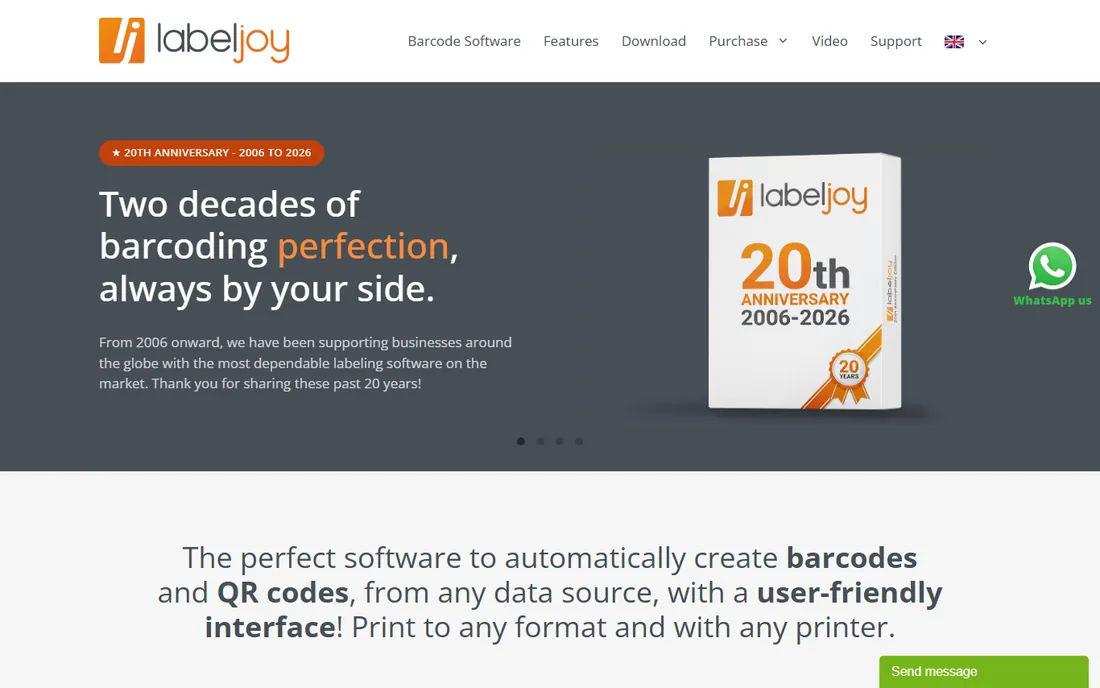
LabelJoy is affordable Windows label design software for small businesses: barcodes, text and graphics with database connections for small print runs. Pricing is refreshingly low.
Automation and enterprise features are limited, and it is Windows-only. For basic label printing on a budget, it does the job.
What we like- Affordable
- Easy label design
- Good for small runs
Watch out for- Windows only
- Limited automation
- Small vendor
Starting priceSee website
Free planNo
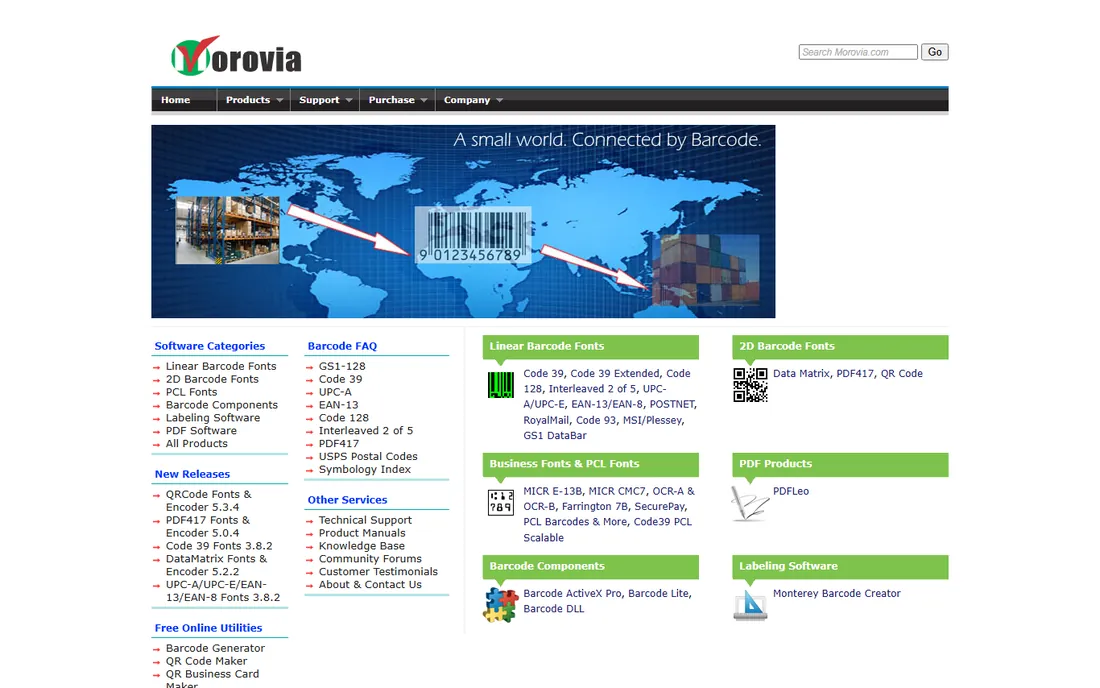
Morovia makes barcode software for developers: fonts, encoders and components with royalty-free licensing options for embedding in commercial applications. Technical documentation is solid.
End users designing labels should look elsewhere. Development teams needing reliable barcode generation find it straightforward and fairly priced.
What we like- Developer-focused
- Many symbologies
- Royalty-free options
Watch out for- Technical
- Not for end users
- Minimal label design
How we chose
We reviewed vendor product pages, documentation and labeling industry sources. We compared symbology support, design tools, automation, database connectivity, centralized management, printer compatibility and pricing. We excluded pure scanner hardware without software. We did not claim hands-on testing.
Buying guide: choosing barcode software
Count printers and sites. One printer needs only a designer like ZebraDesigner or LabelJoy. Dozens of printers across sites need centralized management from BarTender, Loftware or TEKLYNX.
Check ERP and database integration needs. Automated labeling pulls data from business systems; verify connectors for yours before buying. Manual label design has simpler requirements.
Consider compliance. Regulated industries need validation, audit trails and approval workflows that only enterprise platforms provide. Factor validation effort into the decision.
Labels vs barcodes: what you are buying
Label design software creates the whole label including barcodes. Barcode fonts and components generate just the barcode for developers. Most businesses need label software; only software teams need developer tools. Buy the category matching your user.
Getting barcode quality right
Unreadable barcodes cause expensive problems: rejected shipments, checkout delays, compliance failures. Print barcodes at adequate size with quiet zones, the blank margins scanners need, intact. Match barcode type to the use: UPC for retail, Code 128 for logistics, Data Matrix for small parts. Test with actual scanners, not phone apps, before production runs. Thermal transfer printing beats direct thermal for durability. Verify first articles against GS1 specifications if retail compliance matters; chargebacks for bad barcodes are real.
Integrating labeling with your ERP
Enterprise labeling pays off when it connects to business systems. Map label templates to ERP data so product descriptions, lot numbers and quantities flow automatically onto labels without retyping. Set up approval workflows so label changes get reviewed before production; an unapproved label change can trigger recalls. Centralize template storage so every site prints the same current version; version drift across plants causes compliance failures. Plan for printer redundancy at critical stations, because labeling downtime stops shipping. Test the full integration in a staging environment before go-live.
Scaling from one printer to enterprise labeling
Labeling needs evolve with the business, and planning the path avoids painful re-platforming. Single-printer shops start with designers like ZebraDesigner or LabelJoy, printing from local templates. Growing operations add database connections so labels pull product data automatically, eliminating retyping errors. Multi-site companies centralize template management with BarTender or Loftware, enforcing version control and approval workflows across plants. At enterprise scale, labeling integrates with MES and ERP systems, printing triggered automatically by production events. Each stage builds on the previous; choosing vendors with upgrade paths, like TEKLYNX's portfolio or BarTender's editions, protects your investment. Document your labeling requirements at each stage so growth does not outrun governance.
Frequently asked questions
What is the best barcode software?
BarTender for enterprise labeling, Loftware NiceLabel for cloud label management, TEKLYNX for mid-market, ZebraDesigner free for Zebra printers.
How much does BarTender cost?
BarTender pricing is tiered by edition from affordable desktop to quote-based enterprise automation. Contact Seagull Scientific with your requirements.
What is the difference between BarTender and NiceLabel?
Both are enterprise label platforms; BarTender leads in traditional enterprise deployments while NiceLabel, now Loftware, leads cloud-native label management.
Is there free barcode software?
ZebraDesigner Essentials is free for Zebra printer owners. Online barcode generators handle one-off codes. Serious labeling needs paid software.
What barcode types should software support?
At minimum Code 128, Code 39, UPC/EAN and QR codes. Industrial users may need Data Matrix, PDF417 and GS1 variants. All tools here cover the common sets.
Do I need special printers for barcodes?
Thermal label printers from Zebra and others produce the best barcode labels, but laser printers work for basic needs. Software matters more than printer for quality.
Can I print barcodes from Excel?
Yes. Most label software including BarTender, TEKLYNX and LabelJoy connects to Excel and databases to print variable-data labels.
What is GS1 and do I need it?
GS1 manages global barcode standards including UPCs. Retailers require GS1-registered barcodes; buy them from GS1 directly, never from resellers of questionable legitimacy.
Can I generate QR codes for free?
Yes, many free generators exist for basic QR codes. For printed packaging at scale, professional software ensures print quality and data accuracy.
What printer is best for barcode labels?
Thermal transfer printers from Zebra and similar brands produce the most durable, scannable labels. Direct thermal works for short-life labels like shipping.
How do I choose between BarTender editions?
Match edition to need: Designer for single PCs, Automation for triggered printing, Enterprise for centralized management. Start small and upgrade; Seagull's tiers align with growth.
What is RFID labeling software?
Software that encodes RFID tags alongside printed labels, used in retail, logistics and manufacturing for tracking without line-of-sight scanning. TEKLYNX and BarTender both support RFID.
Can label software run in the cloud?
Yes. Loftware's cloud platform leads here, with browser-based design and centralized control. Cloud suits multi-site operations; single-site shops often prefer desktop.
Should labeling be centralized or local?
Centralize template design and approval for consistency, but allow local printing autonomy for speed. Enterprise platforms support this hybrid; desktop tools do not.
How do I handle label changes across many printers?
Centralized management pushes template updates to all print stations automatically. Without it, someone must update each PC manually, which guarantees version drift.
What is the difference between 1D and 2D barcodes?
1D barcodes like UPC encode data in bars of varying width; 2D codes like QR and Data Matrix encode in patterns, holding far more data in less space. Modern software handles both.
Do I need GS1 barcodes for Amazon?
Yes, Amazon requires GS1-registered barcodes for most products. Get them from GS1 directly to avoid listing problems.
Can I print barcodes on a regular printer?
Yes, for basic needs laser and inkjet printers work. Thermal printers produce more durable, scannable labels for logistics and retail.
What is a barcode verifier?
A device that grades barcode print quality against standards. Regulated supply chains require verification; most businesses can rely on good software and printers.
How do I test barcode scannability?
Scan printed labels with the actual scanners used in your workflow, not just phones. For regulated supply chains, use a verifier grading against ISO standards.
What symbologies should my software support?
At minimum Code 128, Code 39, UPC/EAN and QR. Industrial and healthcare users often need Data Matrix, PDF417 and GS1-128. Confirm your industry's requirements before buying.
Sources we checked (8)
- https://www.seagullscientific.com
- https://www.loftware.com
- https://www.teklynx.com
- https://www.zebra.com
- https://www.idautomation.com
- https://www.waspbarcode.com
- https://www.labeljoy.com
- https://www.morovia.com
Is your product missing or out of date?
We review this list regularly. Vendors can request a listing, send updated pricing or ask about featured placement.

Shihab Mia · Founder, Rankite
Shihab has spent more than a decade helping SaaS and e-commerce brands grow through search. He writes Rankite's software buying guides from pricing pages, documentation and public user reviews. More about Shihab.
 BarTender
 Loftware NiceLabel
 TEKLYNX
 ZebraDesigner
 IDAutomation
 Wasp Barcode
 LabelJoy
 Morovia