How we make this list: we compare pricing pages, product documentation and public user reviews. Rankite is independent; if a vendor ever pays for a featured spot, that listing is clearly labeled Partner.
Key takeaways
- Stop using the SSD immediately; every write reduces recovery chances.
- Disk Drill and EaseUS are the easiest for non-technical users.
- R-Studio and DMDE offer the deepest recovery for experts.
- SSD TRIM makes recovery harder than on hard drives; act fast.
Quick comparison
Is your product missing or out of date?
We review this list regularly. Vendors can request a listing, send updated pricing or ask about featured placement.
SSD recovery is different
SSDs complicate data recovery: the TRIM command tells the drive to erase deleted blocks, often making deleted files unrecoverable within minutes. Unlike hard drives where deleted data lingers, SSD recovery is a race against the drive's own garbage collection. Stop using the drive the moment you realize data is lost, and understand that no software recovers TRIM-erased data.
Starting priceSee website
Free planYes
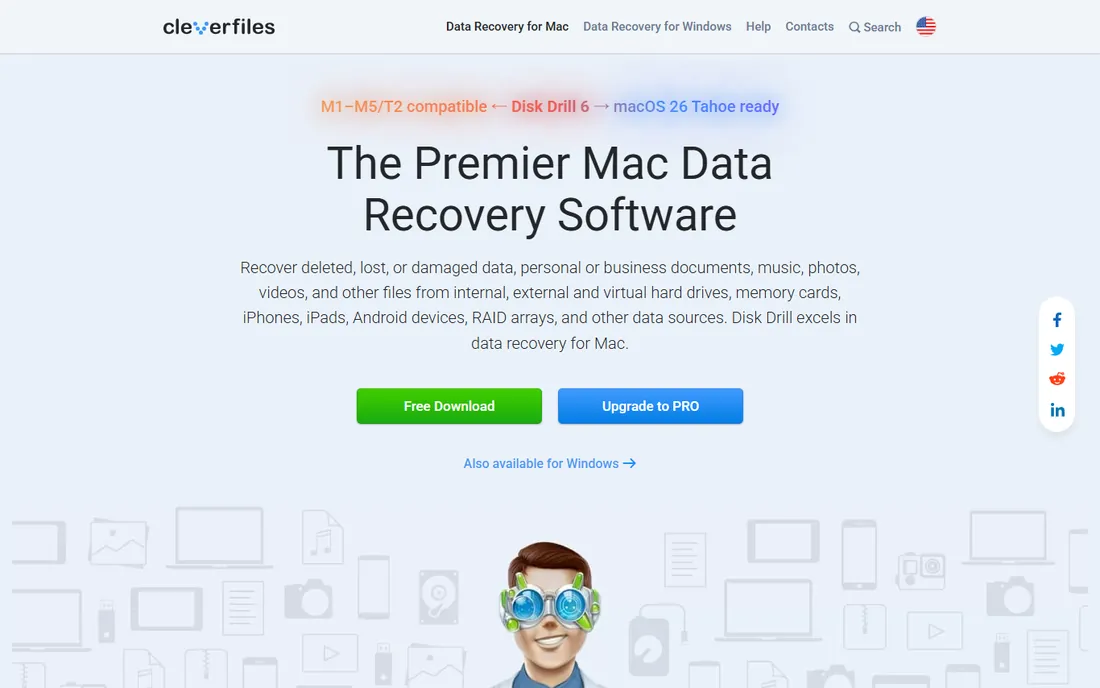
Disk Drill guides beginners through recovery: select the drive, scan, preview found files, recover. The free tier lets you preview everything and recover a limited amount, so you know what is salvageable before paying.
It handles common deletion and formatting scenarios well. On SSDs with TRIM, expectations should be modest; no software overcomes erased blocks. For straightforward cases, its ease is unmatched.
What we like- Intuitive interface
- Free preview
- Good file type support
Watch out for- Free tier limits recovery amount
- Mac and Windows only
- Deep scans are slow
Starting priceSee website
Free planYes
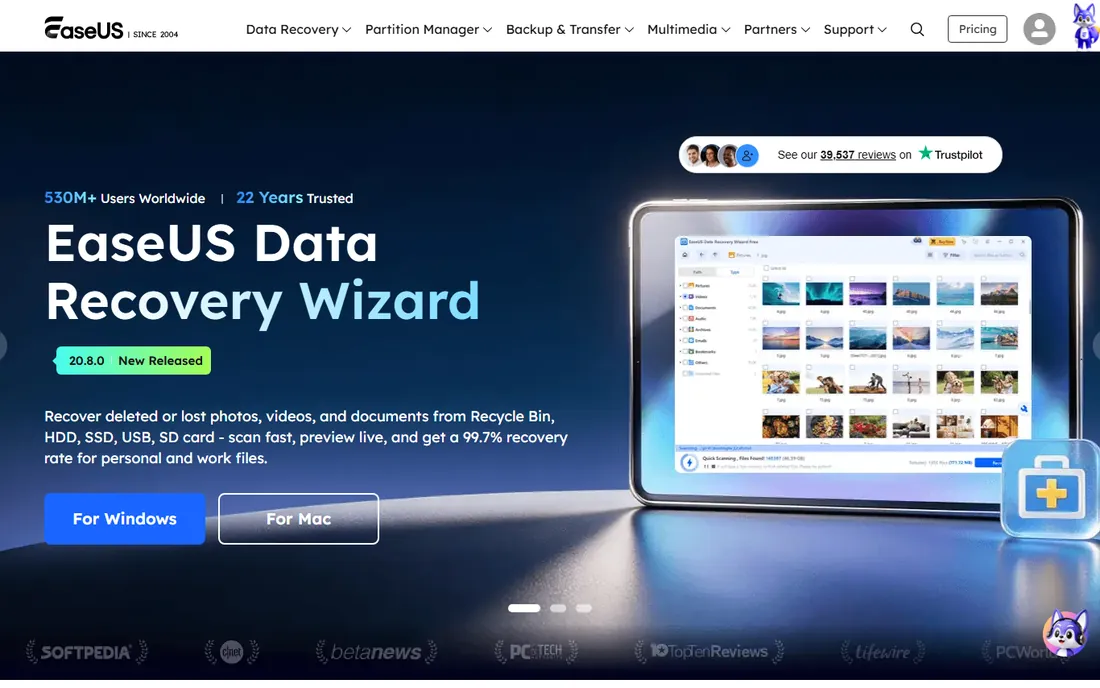
EaseUS Data Recovery Wizard walks users through lost partition and file recovery with clear steps. The free version recovers a limited amount of data, enough to test effectiveness.
It is a mainstream choice with broad file system support. Aggressive upselling annoys, but the core recovery works. For formatted drives and lost partitions on SSDs, it is a reasonable first try.
What we like- Simple wizard workflow
- Free tier
- Good partition recovery
Watch out for- Upsells
- Scan speed varies
- Subscription push
Starting priceSee website
Free planYes
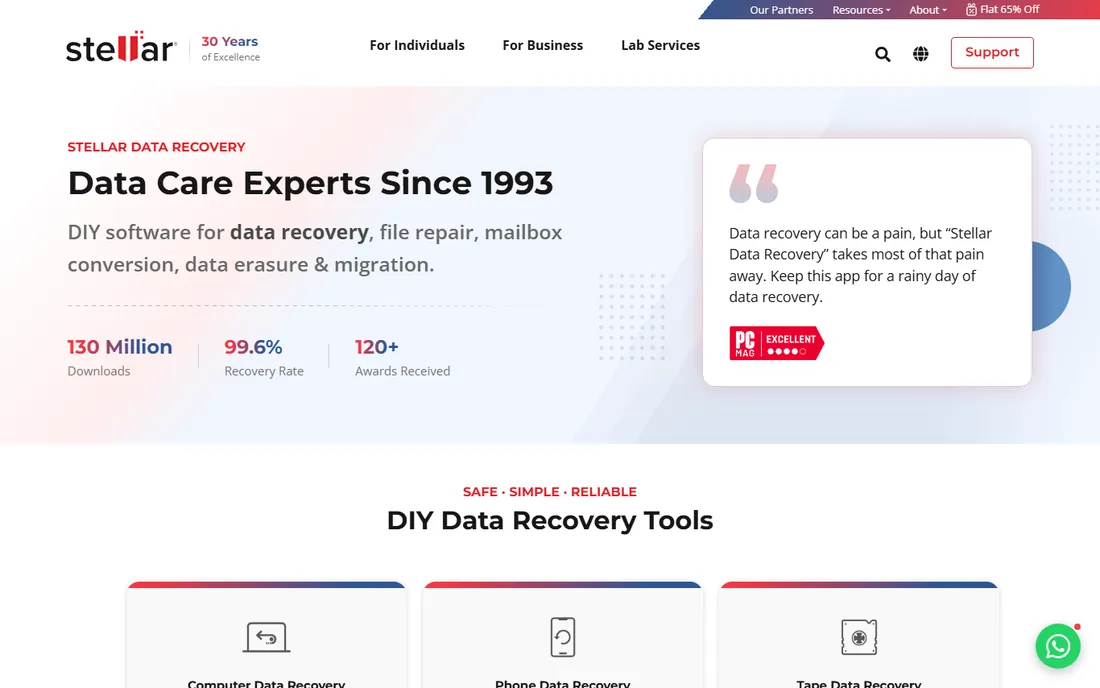
Stellar Data Recovery covers consumer to professional needs: deleted files, formatted drives, lost partitions, with higher tiers adding RAID and disk imaging. The free tier scans and previews.
Feature breadth suits varied scenarios. Pricing across editions needs study. For users wanting one tool for many recovery situations, it is comprehensive.
What we like- Comprehensive features
- RAID and virtual machine support
- Professional options
Watch out for- Pricing tiers confuse
- Interface is busy
- Free tier limited
Starting priceSee website
Free planNo
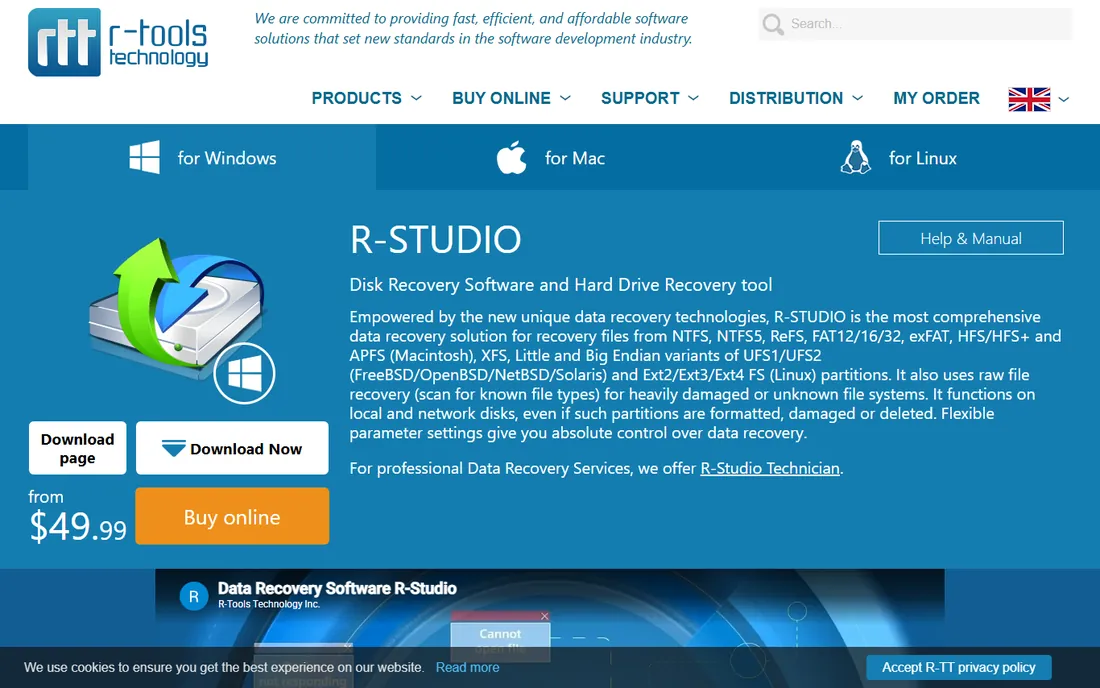
R-Studio is what data recovery professionals use: low-level disk tools, network recovery, RAID reconstruction and hex editing for cases consumer tools cannot touch. Its power is proportional to its complexity.
Beginners should start elsewhere. Technicians facing damaged file systems or complex failures get the deepest toolkit available in software.
What we like- Deepest technical recovery
- Network recovery
- Professionals' choice
Watch out for- Complex interface
- No hand-holding
- Overkill for simple deletions
Starting priceFree
Free planYes
Recuva, from the CCleaner team, offers free basic file recovery with a simple wizard. For recently deleted files on lightly used drives, it sometimes works.
Development has slowed and capabilities are basic; SSD TRIM cases usually defeat it. As a free first attempt for simple deletions, it costs nothing to try.
What we like- Free
- Simple
- From CCleaner makers
Watch out for- Basic capabilities
- Development is slow
- Poor on SSD TRIM cases
Starting priceFree
Free planYes
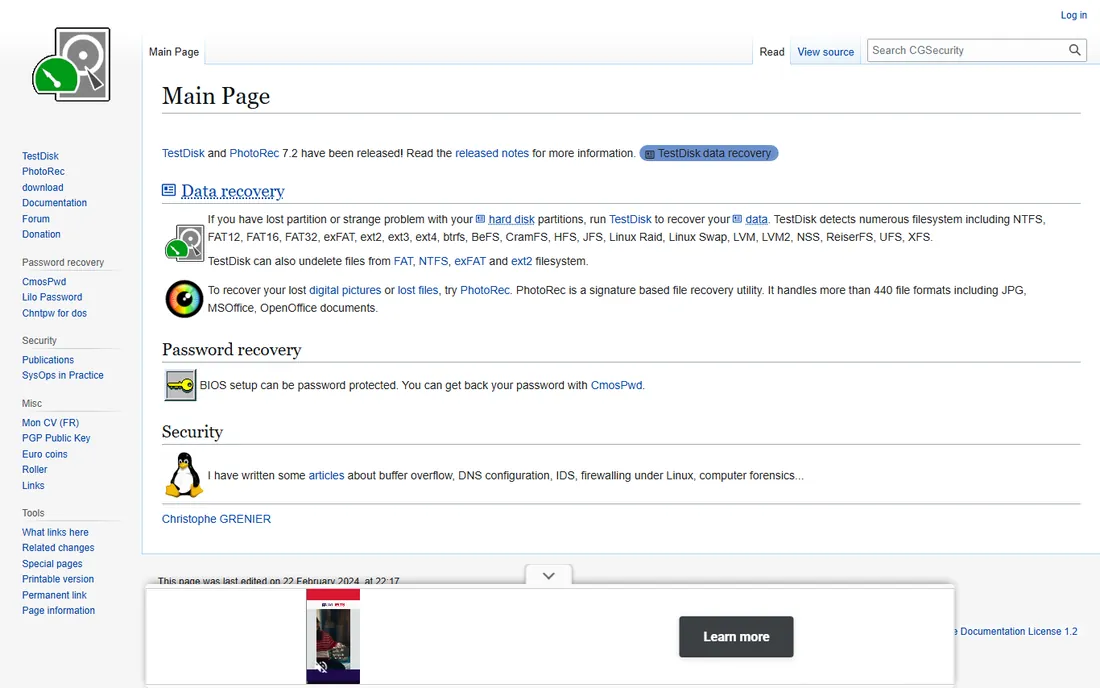
PhotoRec, companion to TestDisk, is free open-source file carving: it scans raw disk data for file signatures, recovering files even when file systems are destroyed. It runs on everything.
The command-line interface intimidates, and recovered files lose original names. But its carving engine is genuinely powerful, and the price is zero. Technical users should know it.
What we like- Free and open source
- Powerful file carving
- Cross-platform
Watch out for- Command-line interface
- Recovers without filenames
- Intimidating
Starting priceSee website
Free planYes
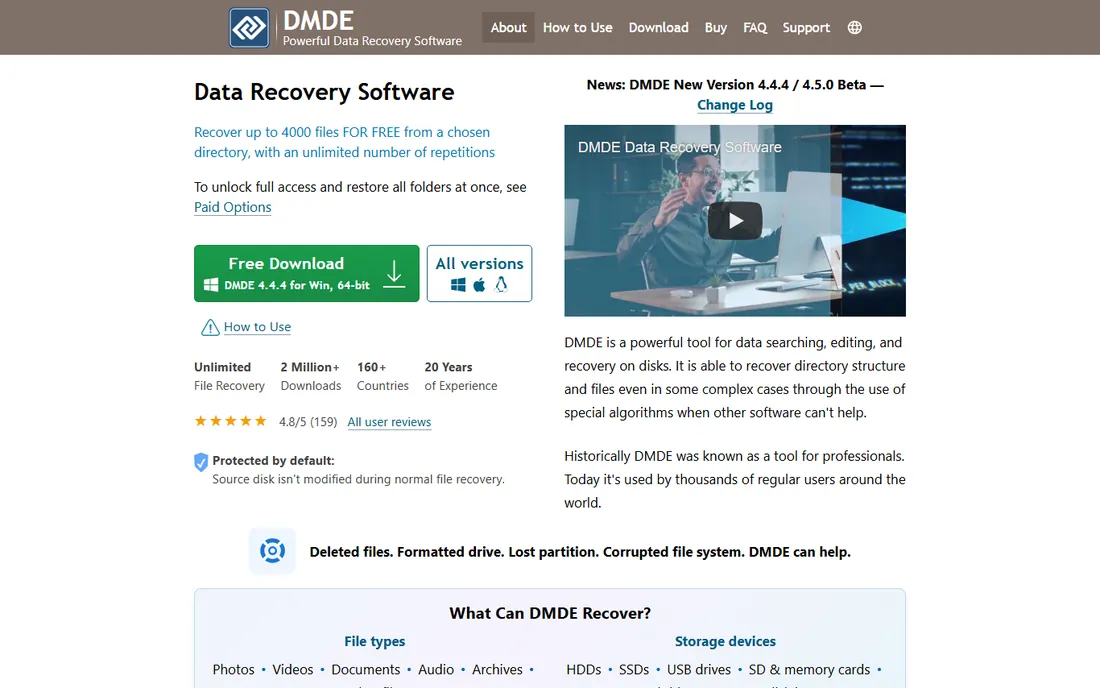
DMDE (DM Disk Editor) is a professional low-level tool for disk editing, partition recovery and file undelete, beloved by technicians for its power and affordable pricing. The free edition recovers limited files.
The interface assumes expertise. For professionals, it punches far above its price. Consumers should prefer guided tools.
What we like- Professional-grade
- Affordable
- Free tier recovers some files
Watch out for- Technical interface
- Steep learning
- Documentation is dense
Starting priceSee website
Free planYes
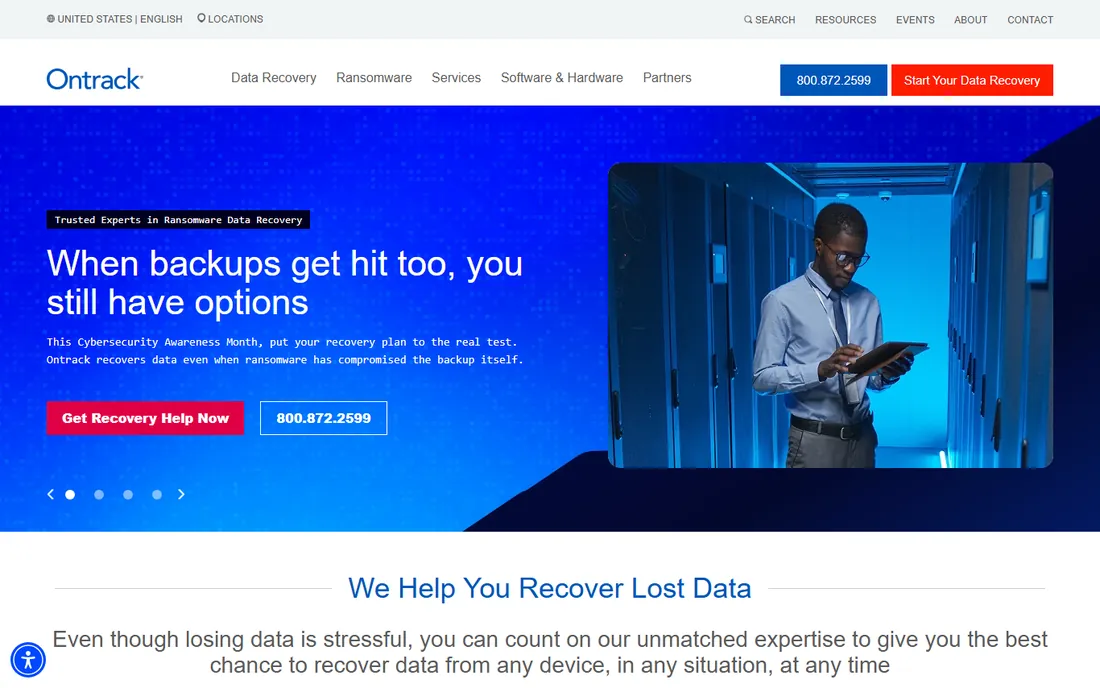
Ontrack, the famous data recovery lab company, sells EasyRecovery software with free trial scanning. When software fails, the same company offers lab recovery, a natural escalation path.
Software pricing is premium, partly reflecting the brand. Users with critical data value the lab fallback; others find cheaper software equivalent.
What we like- From recovery lab experts
- Free trial
- Good guidance
Watch out for- Premium pricing
- Upsells lab services
- Software is one option among services
How we chose
We reviewed vendor product pages, documentation and data recovery communities. We compared scan depth, file system support, SSD-specific behavior, preview features, free tier generosity and pricing. We excluded lab-only services without software. We did not claim hands-on testing.
What to do when data is lost
Stop writing to the drive immediately: unmount it or shut down the computer. Do not install recovery software on the same drive. Clone the drive if possible before scanning. Then scan with a free tier to preview what is recoverable before paying. If software finds nothing and data matters, professional labs are the next step.
The TRIM reality
On modern SSDs with TRIM enabled, deleted file contents are often erased by the drive within minutes, making software recovery impossible. This is physics, not software quality. Backups are the only real protection; recovery software is for the cases TRIM has not yet claimed, like formatted-but-unused drives.
When software is not enough: recovery labs
If software scans find nothing and the data matters, professional labs are the next step. Labs open drives in cleanrooms, repair or transplant components, and read chips directly, recovering data from physically dead drives. Expect costs from several hundred to several thousand dollars depending on the failure, with SSD chip-off recovery at the high end. Reputable labs offer free or cheap evaluations with no-data-no-fee terms; avoid anyone demanding full payment upfront. Turnaround runs days to weeks. For businesses, weigh the cost against recreating the data; for personal photos, only you know the value.
Building a backup system that actually works
The best recovery is the one you never need. Automate backups so they happen without discipline: cloud backup services for continuous protection, plus periodic full images to an external drive stored elsewhere. Follow 3-2-1: three copies, two media types, one offsite. For SSDs specifically, remember that sync services are not backups; ransomware and accidental deletions sync too. Versioned backups let you recover yesterday's file, not just today's. Test restores twice a year; the only thing worse than no backup is a backup that does not restore.
Understanding SSD failure modes
SSDs fail differently from hard drives, and the failure mode decides recoverability. Logical failures like accidental deletion, formatting or partition loss are software-recoverable if TRIM has not erased the data. Firmware failures can brick the drive logically while data remains intact on chips; specialist tools and labs sometimes recover these. Electronic failures from power surges damage components; labs transplant chips to donor boards. NAND wear-out after heavy use degrades cells gradually, usually with warning signs like errors and slowdowns. Sudden complete death with no detection is the worst case, often needing chip-off lab recovery with uncertain results. Recognizing the symptoms guides whether to try software, call a lab, or accept the loss.
Frequently asked questions
What is the best SSD data recovery software?
Disk Drill or EaseUS for beginners, R-Studio or DMDE for experts, PhotoRec free for technical users. Success depends more on TRIM status than software choice.
Can data be recovered from an SSD?
Sometimes. If TRIM has erased the blocks, no. If data was lost through formatting or partition loss without TRIM erasure, software often recovers it. Act immediately.
Is free data recovery software any good?
PhotoRec is excellent and free for technical users. Recuva handles simple cases. Free tiers of Disk Drill, EaseUS and Stellar let you preview before paying.
Why is SSD recovery harder than HDD?
SSDs use TRIM to proactively erase deleted blocks for performance, while HDDs leave deleted data until overwritten. This makes SSD recovery time-critical.
Should I use a recovery lab?
If software finds nothing and the data is valuable, yes. Labs disassemble drives in cleanrooms; costs run hundreds to thousands. Get a quote first.
Does recovery software work on NVMe drives?
Yes, the tools here support NVMe SSDs. The TRIM limitation applies equally to NVMe and SATA SSDs.
How can I prevent data loss?
Maintain 3-2-1 backups: three copies, two media types, one offsite. No recovery software substitutes for backups on SSDs.
How successful is SSD data recovery?
It varies enormously. Recently deleted files on a lightly used drive without TRIM erasure recover well; TRIM-erased data does not recover at all. Formatted drives often recover partially. Honest tools show previews before you pay.
Can I recover data from a dead SSD?
If the drive is not detected at all, software cannot help; only labs with chip-level capabilities have a chance, and success is far from guaranteed on modern encrypted SSDs.
Does formatting an SSD erase everything?
Quick format usually leaves data recoverable until overwritten or TRIM-erased. Secure erase commands destroy data deliberately. Stop using the drive either way.
Are recovery guarantees real?
No software can guarantee recovery; guarantees usually mean money-back if nothing is found. Treat absolute promises as marketing.
Will recovery software harm my drive?
Scanning is read-only and safe. Never install recovery software on the drive you are recovering from; use a different drive.
How do I clone a failing drive?
Use ddrescue or the cloning features in tools like DMDE and R-Studio. Clone first, then recover from the clone to protect the original.
Can I recover files after emptying the recycle bin?
Yes, if the data has not been overwritten or TRIM-erased. Stop using the drive immediately and scan with recovery software.
Does System Restore recover deleted files?
No, System Restore affects system files and settings, not personal data. Use proper backups and recovery software for personal files.
Why do recovery tools show different results?
Different scan engines, signature databases and heuristics find different files. If one tool misses files, trying another sometimes helps.
Does defragmenting help SSD recovery?
No, and you should not defragment SSDs at all. Defragging causes unnecessary writes and TRIM activity that can destroy recoverable data.
Are SSDs more reliable than hard drives?
SSDs have no moving parts and handle shocks better, but they fail too, sometimes suddenly. Reliability differences do not remove the need for backups.
Should I keep using a drive after data loss?
No. Power it down or unmount it immediately. Every write risks overwriting recoverable data, especially on SSDs with TRIM.
Sources we checked (8)
- https://www.cleverfiles.com
- https://www.easeus.com
- https://www.stellarinfo.com
- https://www.r-studio.com
- https://www.recuva.com
- https://www.cgsecurity.org
- https://www.dmde.com
- https://www.ontrack.com
Is your product missing or out of date?
We review this list regularly. Vendors can request a listing, send updated pricing or ask about featured placement.

Shihab Mia · Founder, Rankite
Shihab has spent more than a decade helping SaaS and e-commerce brands grow through search. He writes Rankite's software buying guides from pricing pages, documentation and public user reviews. More about Shihab.
 Disk Drill
 EaseUS Data Recovery
 Stellar Data Recovery
 R-Studio
 Recuva
 PhotoRec
 DMDE
DMDE Ontrack EasyRecovery