How we make this list: we compare pricing pages, product documentation and public user reviews. Rankite is independent; if a vendor ever pays for a featured spot, that listing is clearly labeled Partner.
Key takeaways
- Kotobee leads for true interactive EPUB ebooks with quizzes, games and SCORM reporting; Pressbooks is the open-education alternative with H5P activities built in.
- FlipHTML5 is the cheapest credible flipbook start at $12 per month; Publuu at $7 adds real analytics; Flipsnack at $38 suits brand teams that need SSO and compliance.
- Designrr at $29 per month is the fastest way to turn existing blogs, videos and PDFs into lead magnets.
- KITABOO is the enterprise answer for DRM-protected textbooks at scale (quote-based); Book Creator is free for individual classroom teachers.
- Decide the reading environment first. E-reader or LMS means EPUB authoring; browser reading means a flipbook maker. That one decision narrows the list correctly.
Quick comparison
| Tool | Best for | Starting price | Free plan |
|---|
 Kotobee Kotobee | Educators and publishers who want deep interactive EPUB ebooks with quizzes and LMS integration | $150 one-time (Basic license, single user) | Yes, free license with limited features |
 Designrr Designrr | Marketers who want to turn existing content into ebooks, lead magnets and flipbooks fast | $29 per month (Standard plan) | See website |
 FlipHTML5 FlipHTML5 | Anyone who wants a free-to-start flipbook maker with page-turn animation and AI ebook generation | $12 per month (Pro plan, billed yearly) | Yes, free plan with ads and limited storage |
 Publuu Publuu | Teams publishing catalogs and magazines as trackable interactive flipbooks | $7 per month (Basic plan) | No free plan (14-day free trial) |
 Flipsnack Flipsnack | Brand teams that need collaborative flipbook design with enterprise-grade security | $38 per month (Pro plan, billed yearly) | Yes, free plan with 5 flipbooks and Flipsnack branding |
 FlippingBook FlippingBook | Sales and marketing teams using flipbooks for lead capture and reader analytics | $20 per month (Lite plan, billed annually) | No free plan (free trial available) |
 KITABOO KITABOO | Publishers and institutions distributing DRM-protected interactive textbooks at scale | See website | No free plan (demo available) |
 Pressbooks Pressbooks | Authors and institutions creating open textbooks and accessible educational books | $12 per month (Single Author plan) or $120 per year | No free plan (7-day free trial) |
 Book Creator Book Creator | Teachers who want students to create multimedia interactive books in class | See website | Yes, free Starter plan for individual teachers (1 library, up to 40 books) |
Is your product missing or out of date?
We review this list regularly. Vendors can request a listing, send updated pricing or ask about featured placement.
The best interactive ebook software
#1
Kotobee
Best for: Educators and publishers who want deep interactive EPUB ebooks with quizzes and LMS integration
Visit kotobee.com
Starting price$150 one-time (Basic license, single user)
Free planYes, free license with limited features
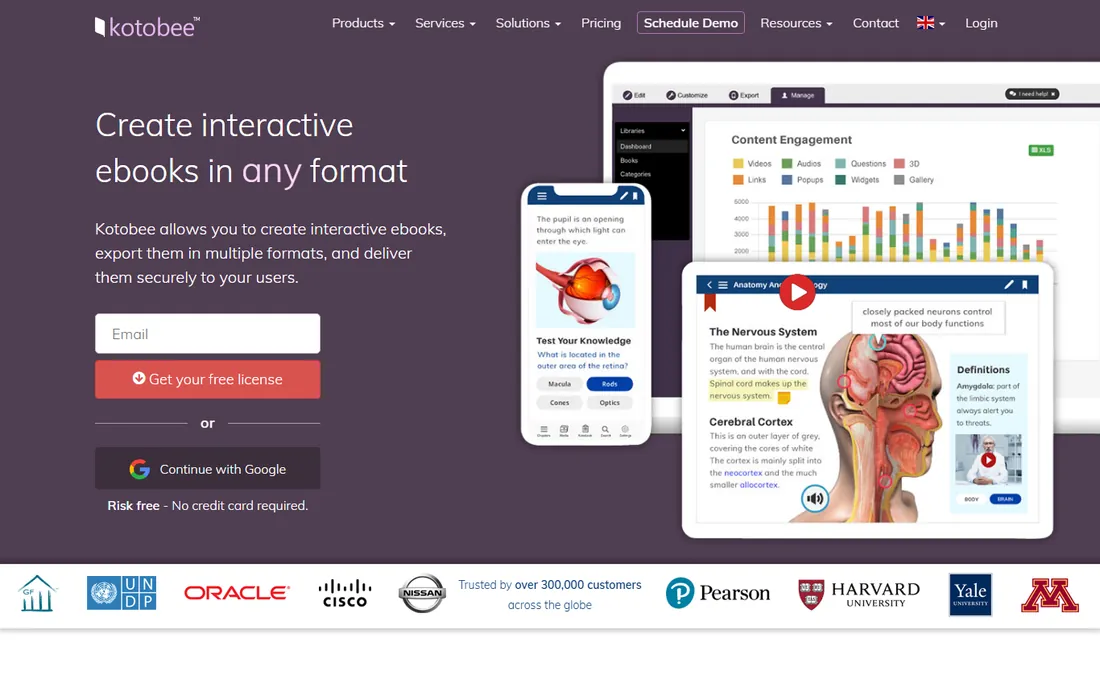
What we like- Creates genuinely interactive ebooks with quizzes, games, widgets and mini-apps
- Exports to EPUB, web and mobile app formats
- SCORM and LMS integration supported
Watch out for- Desktop software with an older interface
- Premium features like encrypted EPUB and mobile apps require paid tiers
#2
Designrr
Best for: Marketers who want to turn existing content into ebooks, lead magnets and flipbooks fast
Visit designrr.io
Starting price$29 per month (Standard plan)
Free planSee website
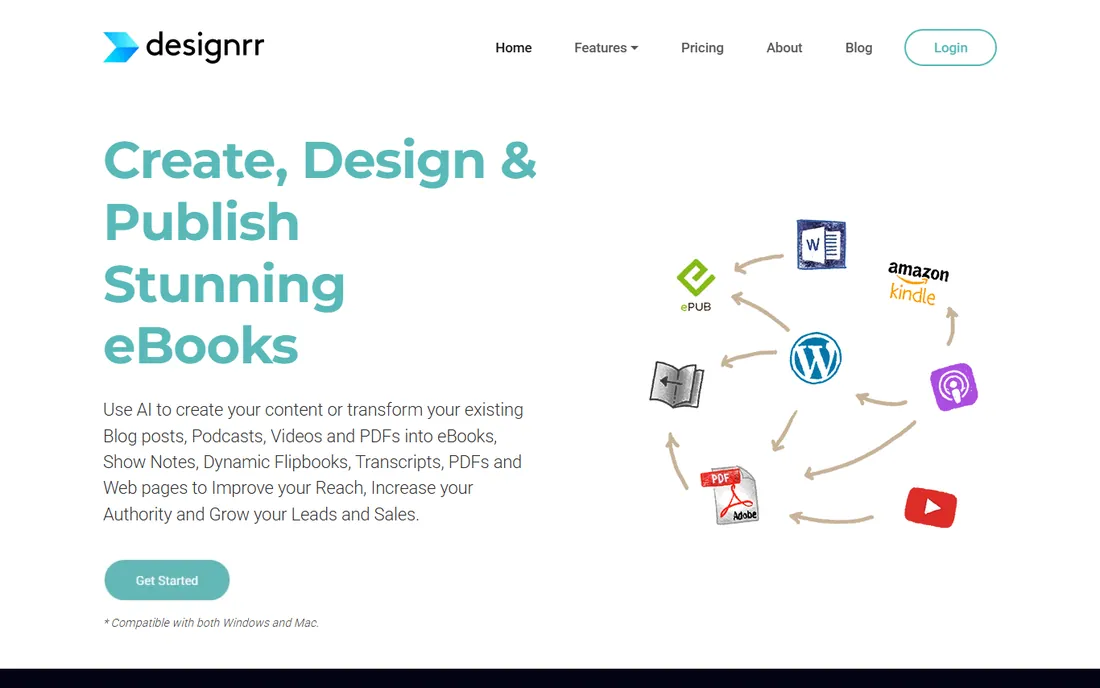
What we like- Converts blogs, videos, podcasts and PDFs into polished ebooks in minutes
- AI content engine included
- Exports to Kindle, EPUB and PDF
Watch out for- Subscription-only pricing adds up over time
- Design flexibility is limited compared to full authoring tools
#3
FlipHTML5
Best for: Anyone who wants a free-to-start flipbook maker with page-turn animation and AI ebook generation
Visit fliphtml5.com
Starting price$12 per month (Pro plan, billed yearly)
Free planYes, free plan with ads and limited storage
What we like- Fast PDF to flipbook conversion with realistic page-turn effect
- AI ebook generator for creating books from prompts
- Sells publications with zero commission
Watch out for- Free plan shows ads and watermarks
- Advanced interactive widgets reserved for higher tiers
#4
Publuu
Best for: Teams publishing catalogs and magazines as trackable interactive flipbooks
Visit publuu.com
Starting price$7 per month (Basic plan)
Free planNo free plan (14-day free trial)
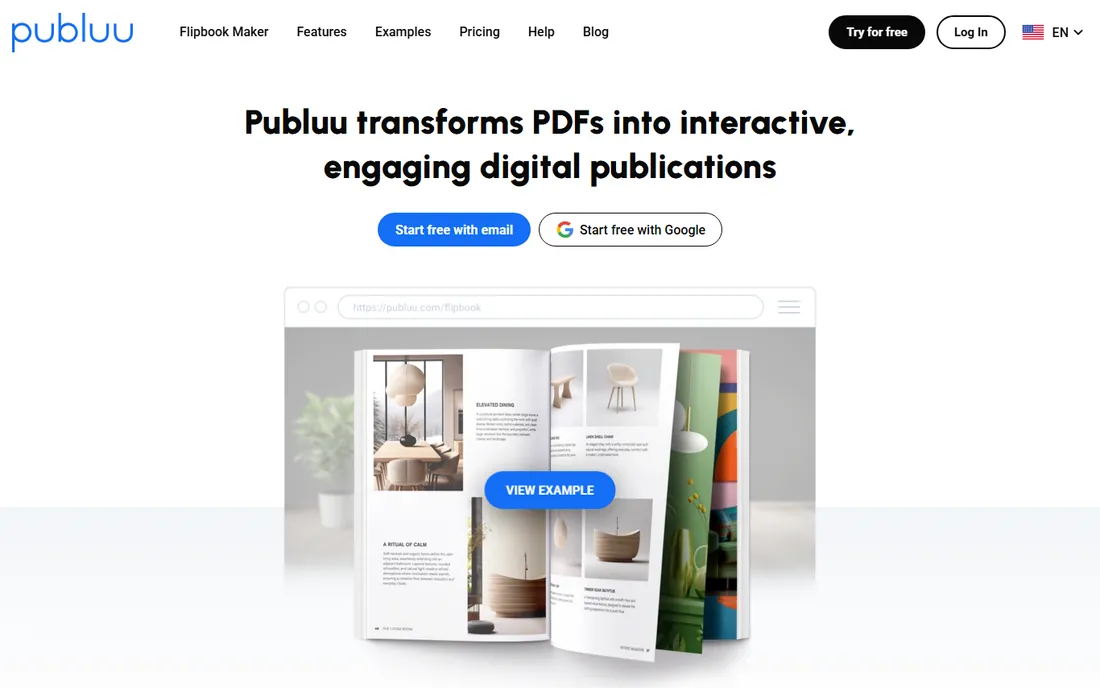
What we like- Quick PDF to flipbook conversion with lifelike page-turn sound and animation
- Real-time analytics and GA4 integration
- Password protection and lead forms
Watch out for- Limited design-from-scratch capability
- It enhances documents rather than creating layouts from zero
#5
Flipsnack
Best for: Brand teams that need collaborative flipbook design with enterprise-grade security
Visit flipsnack.com
Starting price$38 per month (Pro plan, billed yearly)
Free planYes, free plan with 5 flipbooks and Flipsnack branding
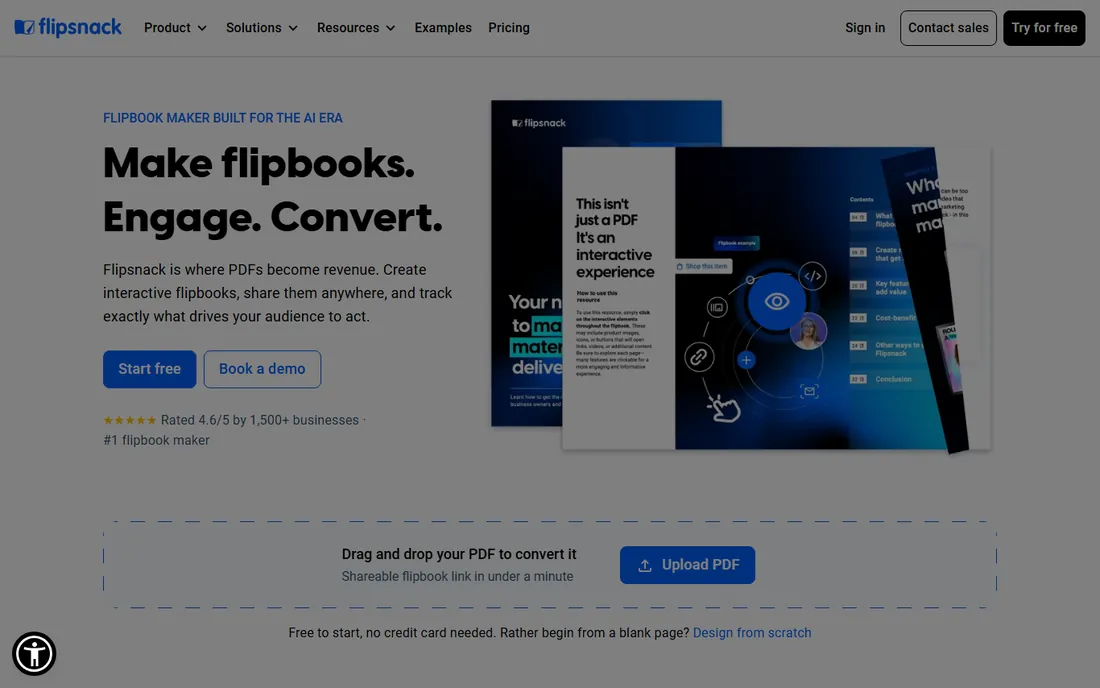
What we like- Built-in design studio for creating from scratch or templates
- Team workspaces, roles and SSO
- WCAG 2.2 accessibility compliance
Watch out for- Entry paid plan starts higher than most competitors
- Free plan caps pages at 15 per flipbook
#6
FlippingBook
Best for: Sales and marketing teams using flipbooks for lead capture and reader analytics
Visit flippingbook.com
Starting price$20 per month (Lite plan, billed annually)
Free planNo free plan (free trial available)
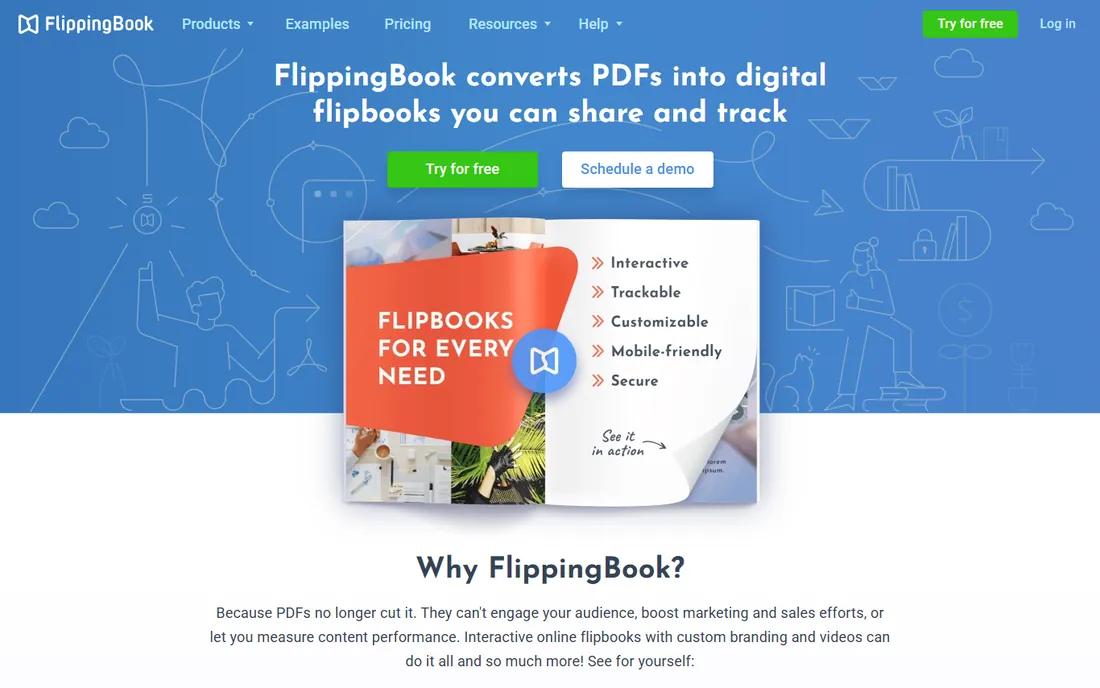
What we like- Built-in lead capture forms with CRM integration via Zapier
- Detailed content analytics and trackable links
- Realistic hardcover page-flip effect
Watch out for- Prices rise steeply across tiers for interactive features
- Digital sales of publications is not a focus
#7
KITABOO
Best for: Publishers and institutions distributing DRM-protected interactive textbooks at scale
Visit kitaboo.com
Starting priceSee website
Free planNo free plan (demo available)
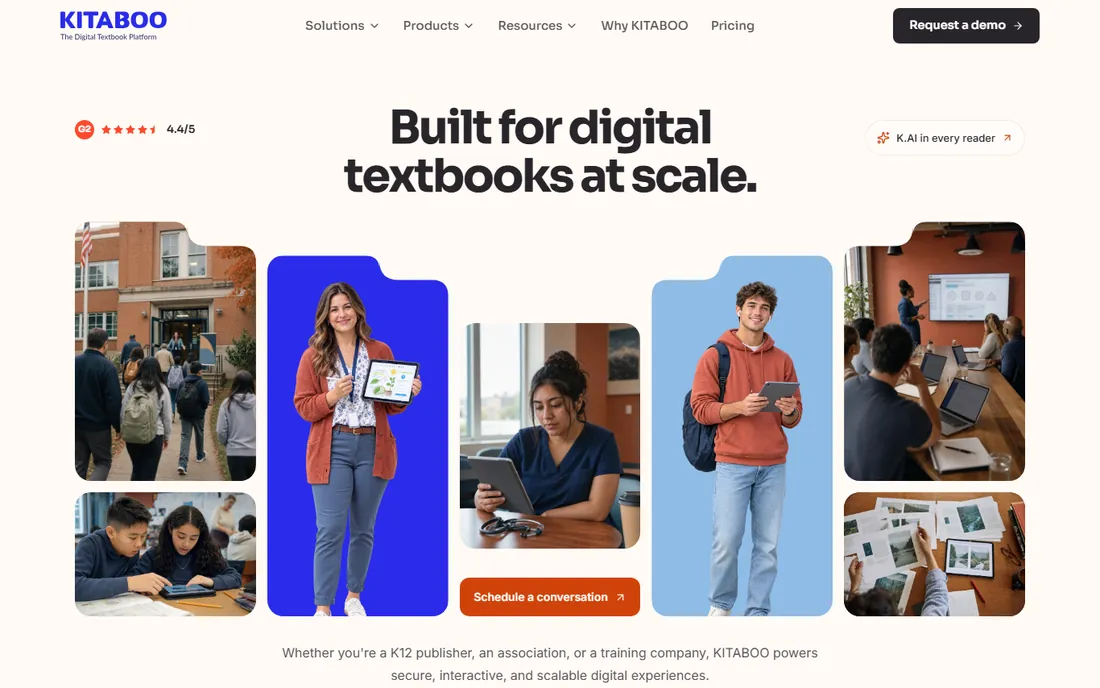
What we like- Full digital publishing suite with 128-bit DRM and offline reading
- AI assistant creates MCQs and flashcards
- LMS integrations including LTI 1.3 and SSO
Watch out for- Built for organizations rather than individual authors
- Pricing is quote-based with no self-serve tiers
#8
Pressbooks
Best for: Authors and institutions creating open textbooks and accessible educational books
Visit pressbooks.com
Starting price$12 per month (Single Author plan) or $120 per year
Free planNo free plan (7-day free trial)
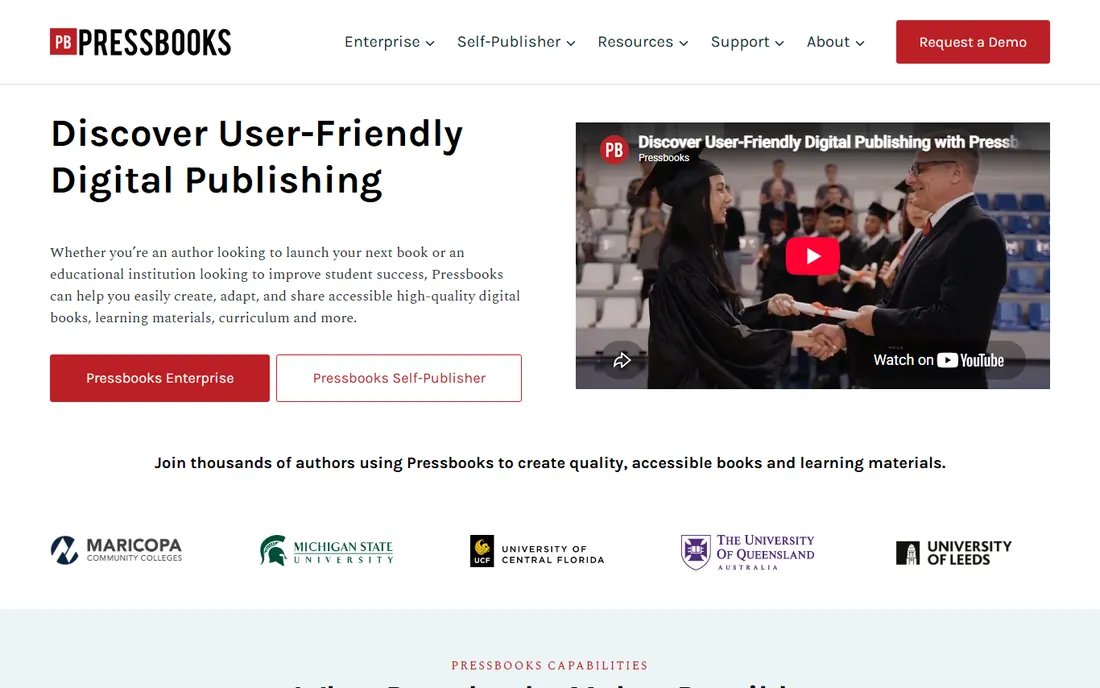
What we like- Interactive H5P activities embedded directly in chapters
- Accessible WCAG-compliant exports to EPUB and PDF
- Clone and adapt from thousands of open books
Watch out for- Pricing is per book subscription
- The interface is WordPress-based and less modern than competitors
#9
Book Creator
Best for: Teachers who want students to create multimedia interactive books in class
Visit bookcreator.com
Starting priceSee website
Free planYes, free Starter plan for individual teachers (1 library, up to 40 books)
What we like- Extremely simple drag-and-drop book creation with audio, video and drawing
- Real-time student collaboration
- Accessible reading with read-aloud features
Watch out for- Classroom-focused, so publishing workflows for commercial distribution are limited
- Paid Premium price not listed publicly
How we chose
We did not test every platform hands-on for this guide. Instead we compared current pricing pages, read each vendor's feature documentation, and checked public reviews on G2, Capterra and Reddit, with special attention to complaints about export limits, branding on paid tiers, and analytics accuracy. We favored tools that deliver real interactivity for their lane rather than page-flip effects alone, and weighted fit for small business and education buyers: clear pricing, usable free tiers, and export formats that match common reading environments.
We also read the licensing fine print that causes most surprises: branding on lower tiers, view and download caps, and whether selling through the platform costs commission. Tools that hide these limits scored lower, and platforms that publish their plan limits clearly scored higher.
Finally, we scored each tool on trial quality. The best trials let you import your real source files, publish to the actual reading environment, and test the exact interactive elements your project needs, all within the trial period. Tools whose trials only demo the page-flip animation without testing exports or analytics tell you nothing useful. A two-hour structured trial with your own material reveals more than a week of casual clicking, so we favored platforms whose free plans and trials support that kind of evaluation.
The tool matters less than the format decision. If readers will open your book on an e-reader or through an LMS, pick an EPUB authoring tool. If they will read in a browser from a link you share, pick a flipbook maker. Authors who skip this step end up converting files twice and paying for features they never use. Decide the reading environment first, shortlist only tools that publish to it, and compare those on interactivity and price.
How to run a useful trial before you commit
Most trials fail because people upload a random PDF, admire the page-flip animation, and sign up. That tests nothing that matters. Use your real material instead, and score each tool on five things. First, import: can it ingest your actual source files without mangling the layout. Second, interactivity: add the exact elements your project needs, such as video, quizzes, lead forms or hotspots, and check they work on a phone. Third, export: download the book and open it in the real reading environment your audience uses, whether that is a browser, an e-reader app or an LMS. Fourth, analytics: confirm you can see who opened it and what they clicked, if that matters to the project. Fifth, cost: add up the subscription, any per-seat fees and transaction costs for a full year, because monthly pricing pages hide how tiers compound. A two-hour structured trial like this tells you more than a week of casual clicking, and it stops you buying the tool with the best homepage instead of the best fit.
Watch the licensing fine print
Two clauses cause most surprises. The first is branding: free and low-tier plans often stamp their logo on your publication, which is fine for internal documents but a problem for client-facing work. The second is distribution rights: some platforms limit how many views or downloads a plan includes, or restrict selling through their storefront. A third clause worth checking is data ownership: confirm you can export your source files and reader data if you cancel, because rebuilding a catalog from scratch is the hidden cost of switching platforms later. Read the plan limits before you publish your flagship title, not after.
Frequently asked questions
What is the difference between a flipbook maker and an EPUB authoring tool?
A flipbook maker converts PDFs into page-turning web publications with animations and analytics, best for marketing and distribution. An EPUB authoring tool like Kotobee or Pressbooks creates standards-compliant ebooks that work in e-readers and learning platforms, best for education and book publishing.
Can I publish an interactive ebook to Kindle?
Yes, but Kindle supports only limited interactivity compared to web flipbooks. Tools like Designrr and Kotobee export Kindle-ready files, while FlipHTML5 and Flipsnack deliver interactivity as web-based flipbooks viewed in browsers.
Which tool is best for textbooks with quizzes?
Kotobee is the strongest for interactive quizzes inside true EPUB ebooks with SCORM reporting. Pressbooks is the best choice for open textbooks using H5P interactive activities. For browser-based interactive textbooks with forms and quizzes, FlippingBook works well.
Are there free options for creating interactive ebooks?
Yes. FlipHTML5 and Flipsnack both have free plans, Kotobee has a free license, and Book Creator is free for individual teachers. Free tiers usually include branding, ads or feature limits, so check what each allows before committing.
Which platform gives the best reader analytics?
Publuu and FlippingBook both track views, page-level engagement, outbound link clicks and time spent, with GA4 integration. Flipsnack adds AI-powered insights and click heatmaps on higher tiers. If measurement is the point of the project, shortlist these three.
Should I worry about accessibility?
If your audience includes schools, government or enterprise readers, yes. Pressbooks and Flipsnack publish WCAG-compliant books, KITABOO meets WCAG 2.2 AA, and Book Creator includes read-aloud accessibility features. Ask about accessibility early if your readers include anyone who uses a screen reader.
Sources we checked (0)
Is your product missing or out of date?
We review this list regularly. Vendors can request a listing, send updated pricing or ask about featured placement.

Shihab Mia · Founder, Rankite
Shihab has spent more than a decade helping SaaS and e-commerce brands grow through search. He writes Rankite's software buying guides from pricing pages, documentation and public user reviews. More about Shihab.