How we make this list: we compare pricing pages, product documentation and public user reviews. Rankite is independent; if a vendor ever pays for a featured spot, that listing is clearly labeled Partner.
Key takeaways
- Descript and Async (formerly Podcastle) are the two true all-in-one options: record, edit by transcript and publish without leaving the app.
- Adobe Podcast is free and its Enhance Speech tool fixes bad room audio with one click, which makes it the best free starting point.
- ElevenLabs and Murf generate the voiceovers and cloned voices, while Headliner and Castmagic handle promotion and repurposing.
- Every tool on this list has a free plan or free tier, so test two or three on a real episode before paying.
Quick comparison
| Tool | Best for | Starting price | Free plan |
|---|
 Descript Descript | editing audio by editing text | See website | Yes |
 Riverside Riverside | recording remote guests in studio quality | See website | Yes |
 ElevenLabs ElevenLabs | AI voice generation and cloning | See website | Yes |
 Async Async | all-in-one recording and editing for beginners | See website | Yes |
 Adobe Podcast Adobe Podcast | free AI audio cleanup | Free | Yes |
 Castmagic Castmagic | turning episodes into content | From $21/month | No |
 Murf Murf | professional AI voiceovers | See website | Yes |
 Headliner Headliner | audiograms and podcast promotion | $7.99/month | Yes |
 Wondercraft Wondercraft | turning scripts into finished audio shows | See website | Yes |
 Cleanvoice Cleanvoice | automatic filler and noise removal | See website | Yes (free credits on signup) |
Is your product missing or out of date?
We review this list regularly. Vendors can request a listing, send updated pricing or ask about featured placement.
Starting priceSee website
Free planYes
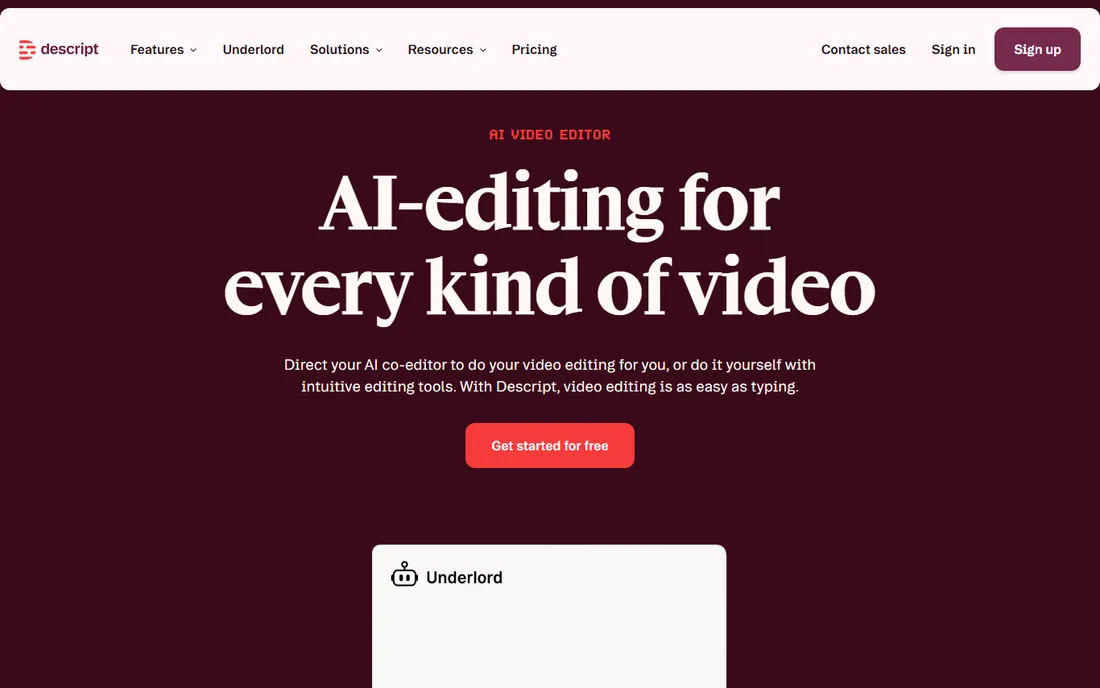
What should a podcast editor actually feel like in 2026? Descript's answer is a text document. You record or upload, Descript transcribes, and deleting a sentence deletes that audio. Filler words like um and uh can be stripped automatically, and the Underlord AI assistant can assemble a rough cut from a raw recording. For hosts who dread timeline editing, this is the fastest way to a finished episode.
The free plan is genuinely usable for testing, with no credit card required. Paid tiers (Hobbyist, Creator, Business) add media hours and AI credits, though the vendor shows exact prices inside the signup flow rather than as plain text. If you also make video podcasts, Descript handles both in the same project, which few rivals match.
What we like- Text-based editing makes cutting audio feel like editing a document
- Studio Sound removes background noise in one click
- The free plan needs no credit card
Watch out for- Paid plan prices are not shown without starting a signup flow
- The app can feel heavy on older computers
- Transcription accuracy drops with heavy accents
Starting priceSee website
Free planYes
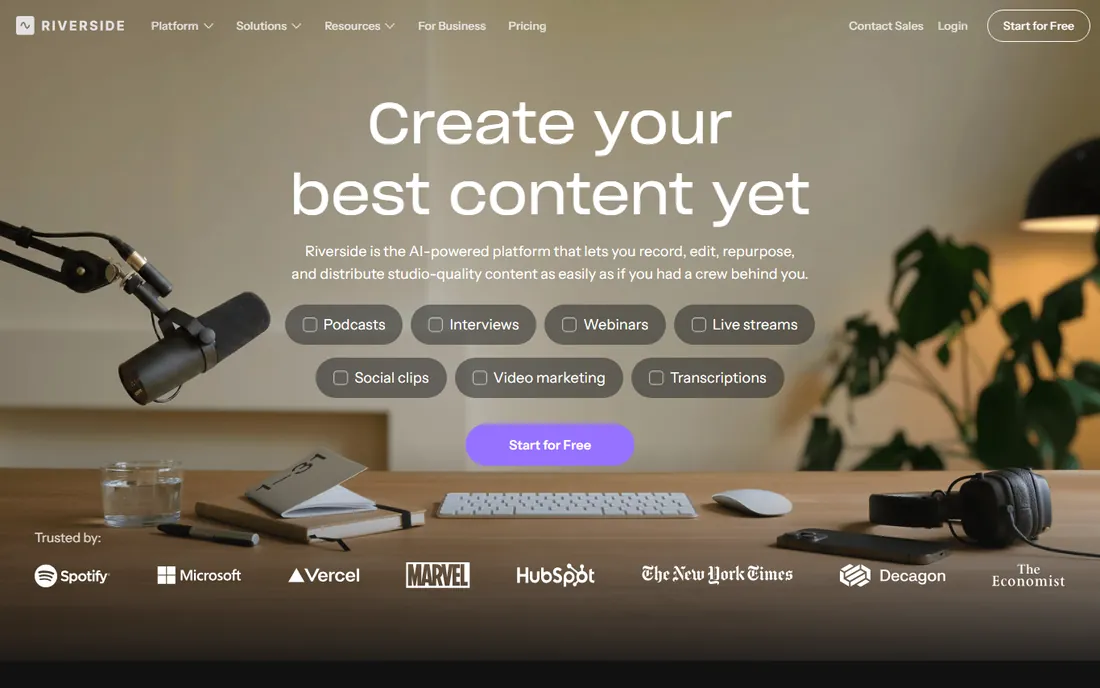
Riverside solves the oldest remote podcast problem: your guest's audio sounds like a phone call. It records each participant locally on their own device, then uploads the high-quality files, so bad internet never ruins the recording. Separate tracks per speaker make editing straightforward, and the built-in text editor plus Magic Clips turn long recordings into shareable moments.
Paid plans are tiered by monthly multi-track recording hours, with a free plan for testing. One note on verification: Riverside's homepage would not load through our research tools because of rate limiting, so the URL above is the vendor's well-known domain rather than a freshly confirmed redirect. The pricing details come from the vendor's published plans as reported in 2026.
What we like- Records each guest locally in up to 4K
- Separate audio and video tracks simplify editing
- Text-based editor and Magic Clips speed up post-production
Watch out for- Recording hour caps apply on lower plans
- The free plan watermarks video
- We could not load the homepage directly during research
Starting priceSee website
Free planYes
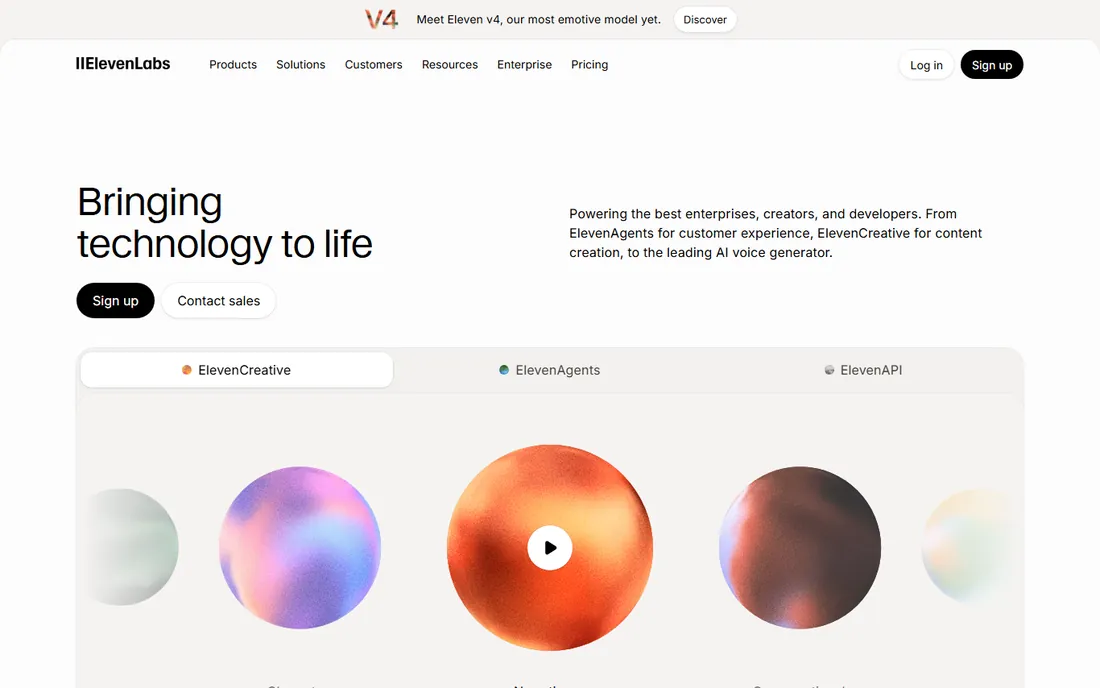
ElevenLabs is the name everyone mentions when AI voices come up, because the output genuinely sounds human. Podcasters use it for intros, ad reads, translated episode versions and full AI-hosted segments. Voice cloning lets you fix a flubbed line by typing the correction instead of re-recording, which saves hours across a season.
Pricing is usage based, measured in characters, with a free tier for testing. A practical warning: cloned voices raise consent and disclosure questions, so get written permission before cloning anyone, including co-hosts. Note that elevenlabs.io would not load through our research fetch service, so treat the URL as best evidence rather than a freshly verified redirect.
What we like- Voice quality is widely rated the most natural available
- Voice cloning works from short samples
- The free tier lets you test voices properly
Watch out for- Costs scale with character usage
- Ethical questions surround voice cloning
- The vendor's site blocked our automated page fetch
Starting priceSee website
Free planYes
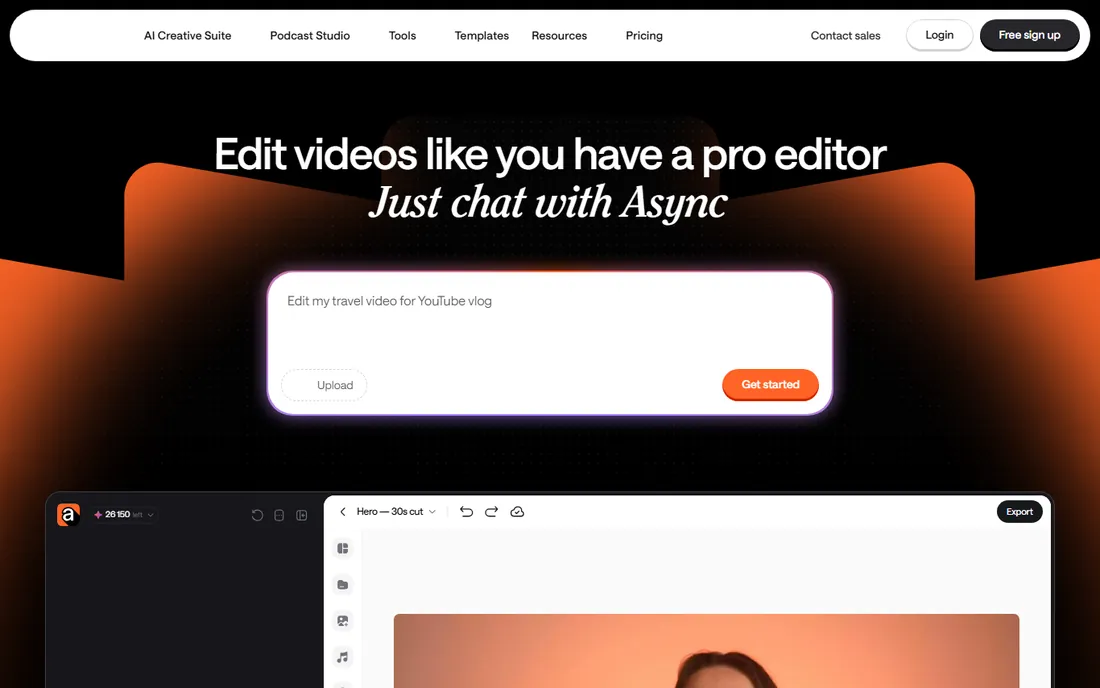
Async is the new name for Podcastle: the company rebranded its all-in-one podcast platform to Async in 2026, and podcastle.ai now serves the renamed product. The pitch has not changed. Record remote interviews in the browser, edit with AI tools, clean audio with Magic Dust, generate voiceovers and publish, all without installing software. For a beginner starting from zero, the integration story is compelling.
The free Basic plan covers unlimited audio recording with limits on transcription and video quality, which is enough to launch a real show. Paid Essentials and Pro tiers add transcription hours, 4K video and voice cloning. If you outgrow the editing depth, pair Async with Descript rather than replacing it outright.
What we like- Recording, editing, enhancement and hosting live in one browser tab
- The free Basic plan is genuinely usable
- Magic Dust noise removal works well
Watch out for- Audio enhancement trails Adobe Podcast slightly
- AI voices are a step behind ElevenLabs
- Transcription on the free plan is limited to one lifetime hour
Starting priceFree
Free planYes
Adobe Podcast might be the best free tool in this entire list. Enhance Speech takes audio recorded in an echoey room and makes it sound close to studio quality with one click, free, in the browser. The Studio adds recording with remote guests, text-based editing and royalty-free music, all using Adobe's transcription engine.
The catch is the Adobe ecosystem. The deepest features connect to Creative Cloud, and Adobe Podcast does not host your show or distribute it to directories. Think of it as the free cleanup and editing layer in your stack: record in Riverside or Async, clean in Adobe Podcast, publish through your host.
What we like- Enhance Speech is free and dramatically improves bad recordings
- Everything runs in the browser
- Transcription uses Premiere Pro grade technology
Watch out for- Full features need a Creative Cloud subscription
- It is an editing and enhancement tool, not a host
- Collaboration features are basic
Starting priceFrom $21/month
Free planNo
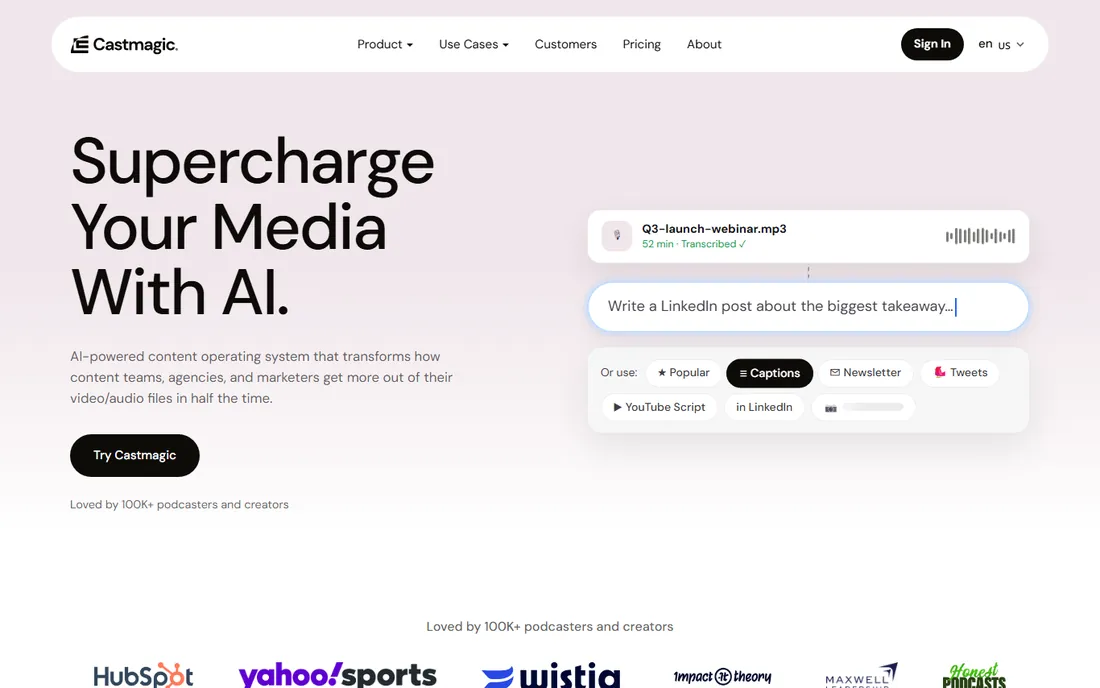
Castmagic answers the question every podcaster asks after publishing: now what. Upload the episode and it generates show notes with timestamps, social posts, newsletter drafts and video clip suggestions. The vendor's own site lists pricing from $21 a month up to higher team tiers, which is refreshingly direct. A newer integration even lets Claude search across your transcript library.
This is a content multiplication tool, not a recording or editing suite. You still need somewhere to record and edit. Audio quality matters too: clean input produces far better transcripts and summaries than noisy input, so pair it with Adobe Podcast or Cleanvoice if your recordings are rough.
What we like- Turns one recording into show notes, clips, posts and newsletters
- The vendor publishes a price range starting at $21 a month
- New Claude integration searches past transcripts
Watch out for- No free plan, only paid tiers
- Output quality depends on input audio
- It is a repurposing tool, not a recorder or editor
Starting priceSee website
Free planYes
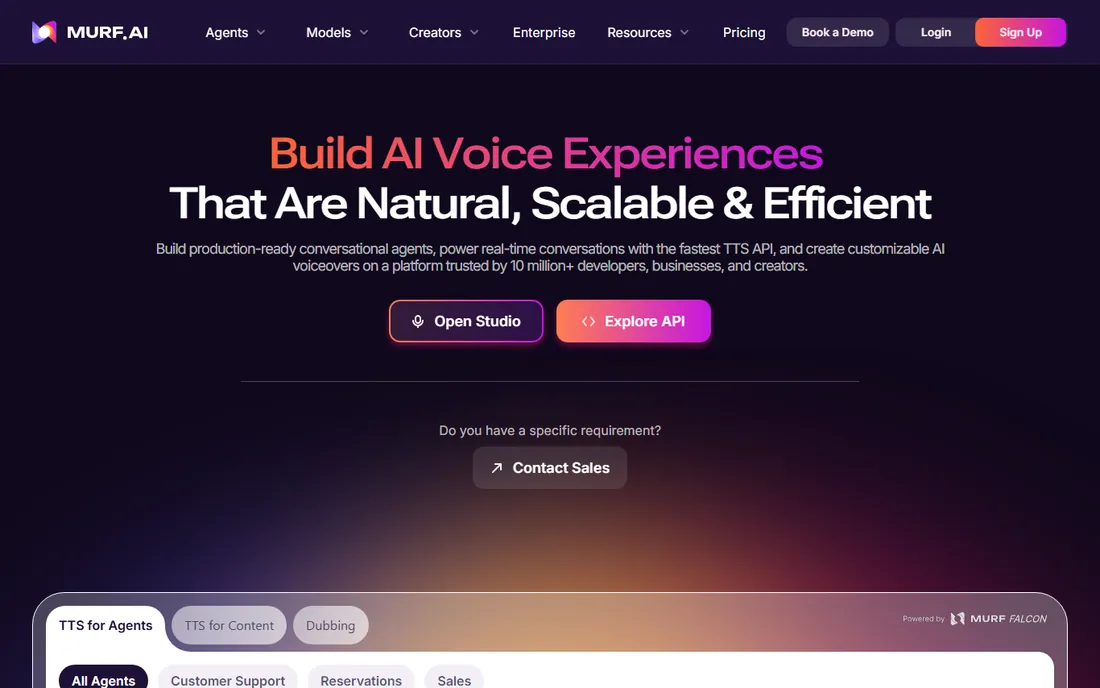
Murf is built for voiceover production rather than casual text to speech. The Studio lets you write a script, assign voices, adjust pitch and emphasis, add background music and sync to video, which suits podcast intros, ad spots and narrated segments. Voices are developed with professional voice actors who earn royalties, an ethical sourcing detail worth knowing.
The free plan gives about ten minutes of total generation time for testing, with no downloads on free. Paid tiers are named Creator, Business and Enterprise, though exact prices load dynamically on the vendor's pricing page. Generation limits are the real constraint: heavy producers should check the hourly allowances before committing.
What we like- 200 plus voices across 35 plus languages
- The Studio combines script, voice, music and timing
- A free plan with limited generation time is available
Watch out for- Paid plan prices render inside interactive page elements
- Voice cloning is enterprise only
- Generation time limits are tight on lower tiers
Starting price$7.99/month
Free planYes
Headliner invented the audiogram, and it remains the simplest way to promote a podcast on social media. Upload audio, pick a template, and Headliner generates captioned video clips sized for TikTok, Reels, YouTube and LinkedIn. Automatic posting can publish a clip every time you release an episode, and transcription in over 100 languages is built in.
The vendor states the full suite is free to try with no credit card, and paid plans start at $7.99 a month. Free exports carry limits, so serious promoters will pay. Headliner will not record or deeply edit your show; it is the distribution layer that sits after your editor.
What we like- The whole product suite is free to try with no credit card
- Paid plans start at $7.99 a month
- Automatic posting pushes clips to social platforms
Watch out for- Watermarks and limits apply on the free tier
- It is a promotion tool, not an editor
- Advanced automation needs paid plans
Starting priceSee website
Free planYes
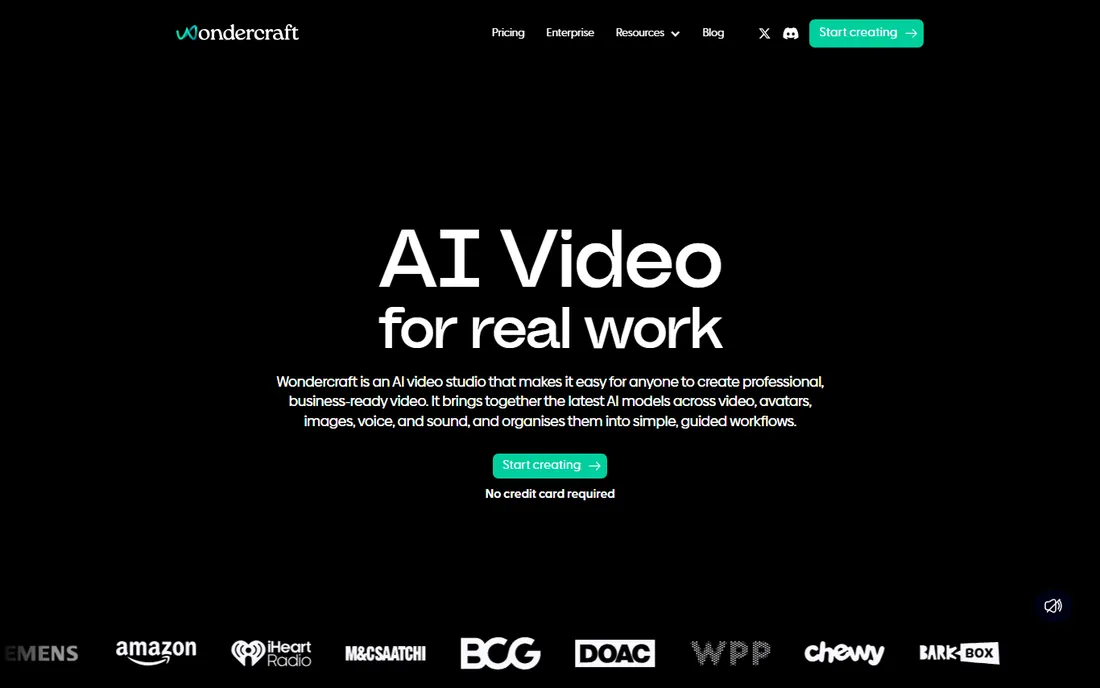
Wondercraft takes a script-first approach: paste a script or upload a document, pick AI voices and music, and it produces a finished audio episode. The vendor confirms audio-only formats including podcasts, audio ads and narrated content are supported, and you can start creating free without a credit card. For internal company podcasts, audio newsletters and translated show versions, the speed is hard to match.
Be aware the product has expanded toward AI video for business, so the podcast workflow shares space with video features. You also trade control for speed: AI hosts cannot improvise, interview or react like real people. Use Wondercraft for scripted, repeatable audio content, not for conversational shows.
What we like- Turns scripts and documents into finished podcast episodes
- Supports audio-only formats like podcasts and audio ads
- Free to start with no credit card
Watch out for- Published pricing is not shown plainly
- The product now leans toward AI video as well
- Less control than recording real humans
Starting priceSee website
Free planYes (free credits on signup)
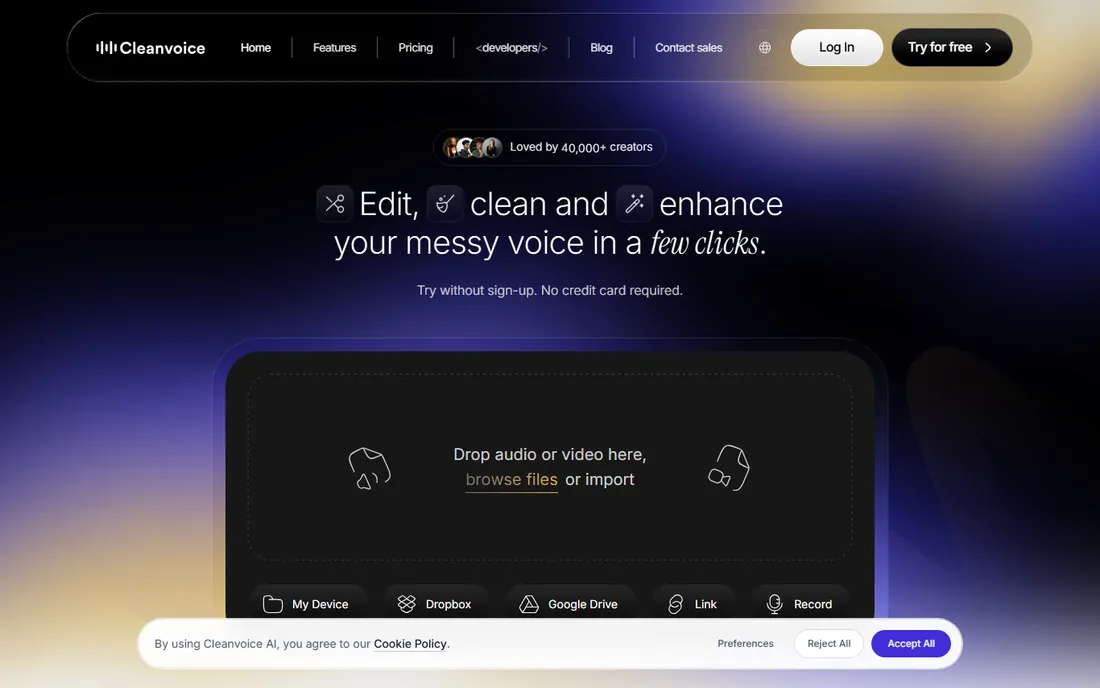
Cleanvoice does one job well: upload a recording and it automatically removes filler words, stutters, mouth clicks, breaths and background noise. The vendor lets you try it without signing up, and signup adds 30 minutes of free credits. For podcasters who record decent audio but lose hours to manual cleanup, the time savings are immediate.
It is deliberately not a full editor. Cleanvoice prepares the audio, then exports an edit timeline you can open in Audacity, Audition or Reaper for finishing. Think of it as the rough-cut assistant before your real edit: run the episode through Cleanvoice, then do creative work in Descript or your DAW.
What we like- Removes filler words, mouth sounds and background noise automatically
- You can try it without signing up
- Exports timelines to Audacity and Audition
Watch out for- Pricing is not shown on the marketing homepage
- It is a cleanup tool, not a full editor
- Heavy processing can occasionally clip quiet speech
Start from how your show is made, not from feature lists. If you interview remote guests, Riverside for recording plus Descript or Async for editing covers the core. If you record solo in a noisy room, Adobe Podcast plus Cleanvoice fixes the audio before you edit anything.
Voice AI splits into two jobs. ElevenLabs and Murf create voices and narration; Wondercraft turns whole scripts into episodes. Do not buy a voice generator when what you need is an editor, and do not buy an all-in-one when you only need cleanup. Most podcasters end up with two or three tools: one to record, one to edit and clean, one to promote.
How we chose
We researched this category through vendor homepages, product documentation and public reviews on G2, Capterra and Reddit. Every vendor homepage was opened to confirm the product is live and fits AI podcast tooling, except Riverside and ElevenLabs, where the fetch was blocked and we used best evidence (flagged in our report). Pricing comes only from the vendor's own published pages; where prices were not shown as plain text, we wrote See website. We favored tools with free tiers so readers can test before paying.
Frequently asked questions
What is the best free AI podcast tool?
Adobe Podcast's Enhance Speech is the strongest free option for fixing bad audio. Descript, Async, Riverside, Headliner and Cleanvoice all offer free tiers for recording, editing or promotion. Start free, then pay only for the bottleneck in your workflow.
Can AI edit my podcast automatically?
Partly. Tools like Descript and Cleanvoice remove filler words, silences and noise automatically, and Descript's AI assistant can assemble rough cuts. Creative decisions, story structure and final quality control still need a human ear.
Is it legal to clone a voice for my podcast?
Cloning your own voice with your own consent is generally fine. Cloning someone else requires their written permission, and commercial use may need licensing. Rules vary by jurisdiction, so get consent in writing before cloning any co-host, guest or public figure.
Do I still need a podcast host with these tools?
Yes. Recording, editing and promotion tools do not distribute your show. You still need a podcast host to generate your RSS feed and publish to Apple Podcasts, Spotify and other directories. Async includes hosting features, but most tools here do not.
Which tool is best for video podcasts?
Descript and Riverside lead here. Riverside records remote guests in up to 4K with separate tracks, and Descript edits video by transcript with clip creation built in. Async also handles video recording and editing for simpler needs.
How much should I budget for AI podcast tools?
Many podcasters spend nothing at first using free tiers. A typical paid stack runs $20 to $60 a month: one editing tool plus one promotion or cleanup tool. Voice generation is usage based, so heavy AI narration can add more depending on episode length.
Sources we checked (13)
- https://www.descript.com
- https://www.descript.com/pricing
- https://riverside.com
- https://elevenlabs.io
- https://podcastle.ai/
- https://podcast.adobe.com
- https://www.castmagic.io
- https://murf.ai
- https://murf.ai/pricing
- https://headliner.app/
- https://wondercraft.ai/
- https://cleanvoice.ai/
- https://podcastpontifications.com/helpful-info/async-podcastle-pricing/
Is your product missing or out of date?
We review this list regularly. Vendors can request a listing, send updated pricing or ask about featured placement.

Shihab Mia · Founder, Rankite
Shihab has spent more than a decade helping SaaS and e-commerce brands grow through search. He writes Rankite's software buying guides from pricing pages, documentation and public user reviews. More about Shihab.