How we make this list: we compare pricing pages, product documentation and public user reviews. Rankite is independent; if a vendor ever pays for a featured spot, that listing is clearly labeled Partner.
Key takeaways
- MadMapper is the most complete choice for architectural and multi-projector mapping, at $399 for a perpetual license.
- HeavyM is the fastest route from install to a finished show, with a free demo and a paid Live plan from $259.
- Resolume Arena ($899) remains the standard for live VJ-driven performances where timing and improvisation matter.
- TouchDesigner is free for non-commercial use and the strongest option for interactive installations that react to sensors or data.
- Free open-source MapMap covers basic warping for students and small art projects, but it lacks edge blending and multi-output polish.
Quick comparison
| Tool | Best for | Starting price | Free plan |
|---|
 MadMapper MadMapper | Architectural and complex multi-projector mapping | $399 one-time | Free trial |
 HeavyM HeavyM | Beginners and fast-turnaround event work | $259 one-time (Live plan) | Free demo |
 Resolume Arena Resolume Arena | Live VJ sets and concert visuals | $899 one-time | Free trial |
 TouchDesigner TouchDesigner | Interactive installations and custom builds | $600 one-time (commercial license) | Yes (non-commercial) |
 Isadora Isadora | Theater, dance and interactive performance | $150 per year | Free trial |
 Millumin Millumin | Theater and corporate shows on Mac | See website | Free trial |
 VDMX VDMX | Mac-based VJs who want modular control | $199 one-time | Free trial |
 Ventuz Ventuz | Permanent installations and broadcast graphics | See website | Free trial |
 MapMap MapMap | Students and simple single-projector art | Free | Yes |
Is your product missing or out of date?
We review this list regularly. Vendors can request a listing, send updated pricing or ask about featured placement.
The best software for projection mapping
Starting price$399 one-time
Free planFree trial
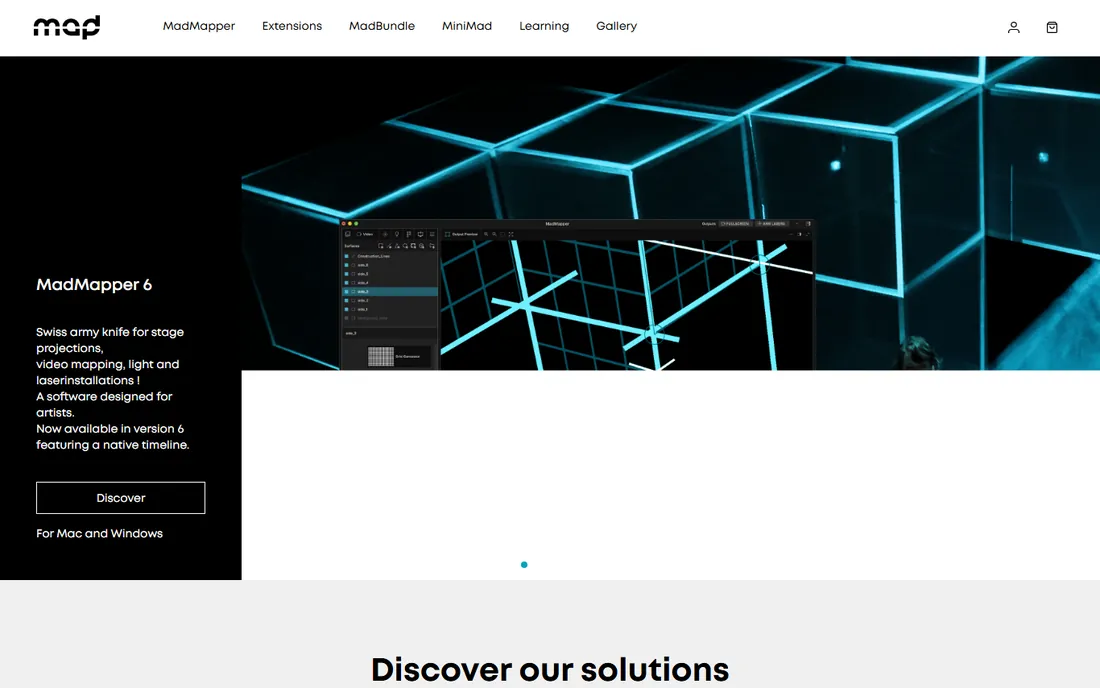
MadMapper has been the reference tool for projection mapping for over a decade, and it shows in the details. You can map an unlimited number of surfaces, warp video onto 3D meshes, blend the edges between projectors, and drive LED panels and DMX lighting from the same timeline. For a facade projection or a museum installation with several projectors, this is the tool most professionals reach for first.
The honest catch is the learning curve. MadMapper assumes you understand mapping concepts like UV coordinates, soft-edge blending and projector calibration. The company offers solid tutorials and an active forum, and the MiniMad companion device is a genuine advantage for permanent installs since it plays your show without a dedicated computer. If your team is technical and the project is ambitious, the $399 perpetual license pays for itself on the first job.
What we like- Unlimited mapping surfaces with precise mesh warping
- Strong multi-projector and LED panel support
- MiniMad hardware enables standalone playback without a computer
Watch out for- Steep learning curve for first-time users
- The interface packs a lot in and can feel crowded on small screens
Starting price$259 one-time (Live plan)
Free planFree demo
HeavyM is built for speed. Where MadMapper asks you to learn its concepts, HeavyM hands you a library of ready-made effects, lets you draw shapes on your projection surface, and gets visuals moving in minutes. For event agencies, wedding DJs, bars and corporate parties that need impressive projections without hiring a specialist, that tradeoff is exactly right.
The software now includes AI-generated visuals and 3D-style materials that give flat projections a sense of depth. Three plans cover live performance (Live), bigger shows with unlimited outputs and timeline control (Pro), and permanent installations (Pro+). HeavyM will not replace a node-based tool for interactive art, but for straightforward mapping done quickly, it is hard to beat.
What we like- Drag-and-drop workflow with over 1,000 built-in generative effects
- Music-reactive visuals that sync to a beat automatically
- Edge blending included without extra modules
Watch out for- 3D mapping capabilities are limited compared with MadMapper
- The demo version cannot save projects
Starting price$899 one-time
Free planFree trial
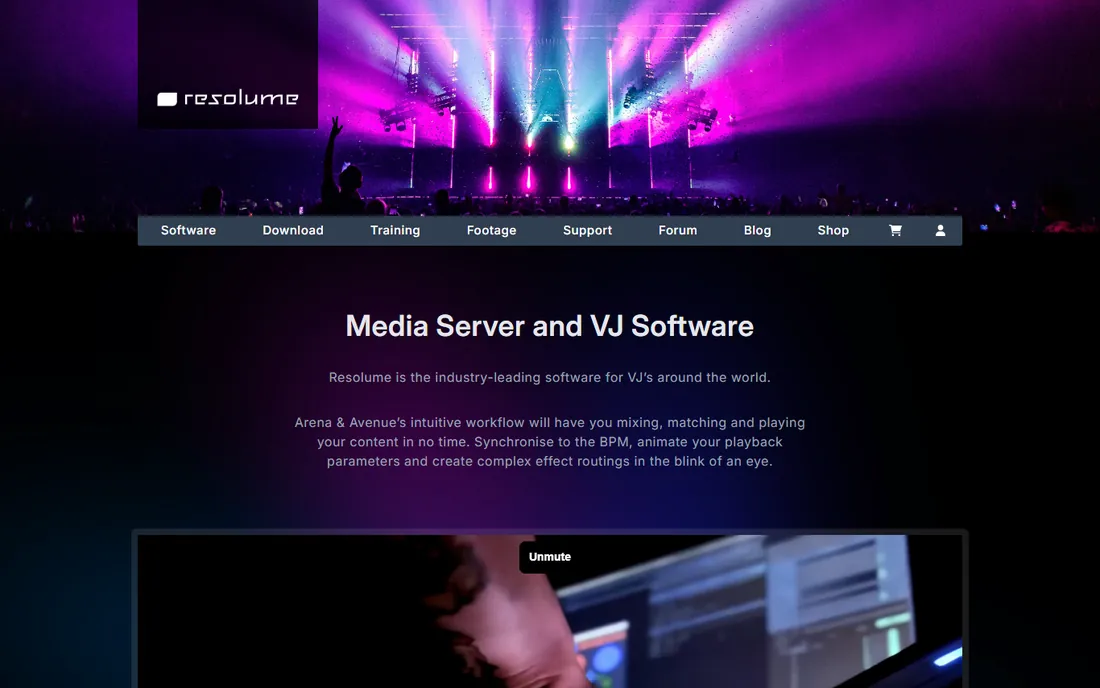
Resolume Arena is what you see running the visuals at concerts and festivals worldwide. It started as VJ software and grew a full projection mapping toolkit, so it handles both jobs in one application: you can warp content onto a stage set, blend multiple projectors, and still trigger clips live in time with the music. The SMPTE timecode support means lighting desks and the visuals stay in lockstep.
For pure mapping projects, Arena is more than most people need, and $899 is real money. But if your shows are live and timing matters, nothing else mixes and maps with the same confidence. Avenue, its smaller sibling, costs less but drops the mapping and blending features, so check the comparison before you buy.
What we like- Industry-standard live mixing workflow with BPM sync and SMPTE timecode
- Advanced projection mapping and projector blending built in
- Huge library of effects and FFGL plugins
Watch out for- Expensive if you only need static mapping
- The interface is optimized for performance, not for precise architectural calibration
Starting price$600 one-time (commercial license)
Free planYes (non-commercial)
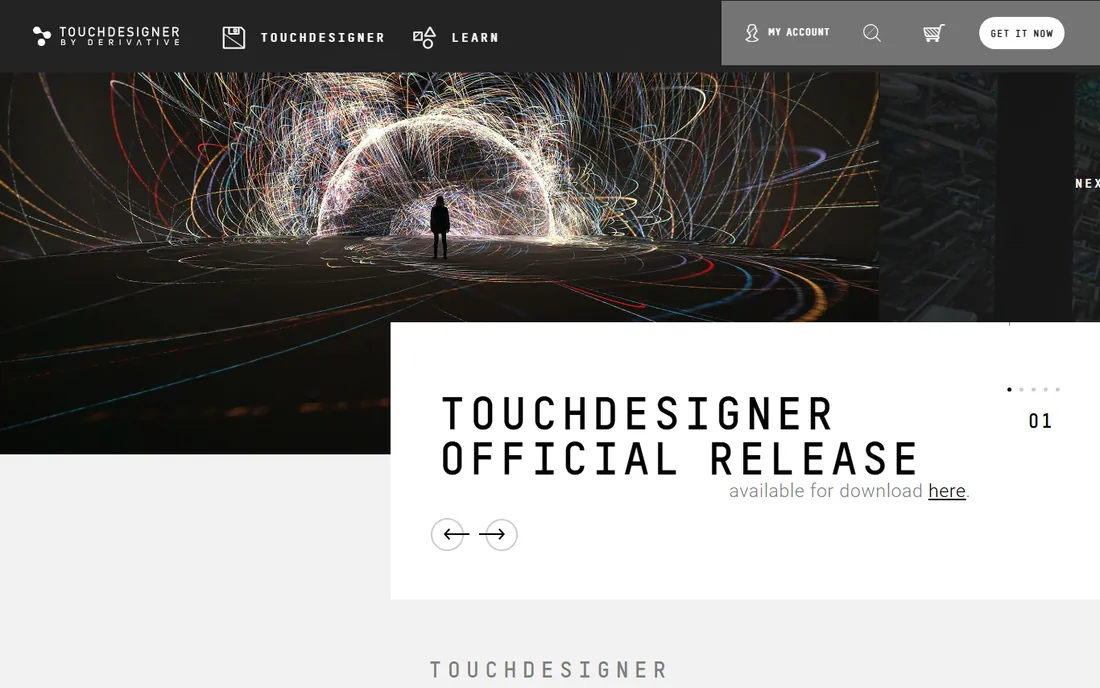
TouchDesigner is less a mapping app and more a visual programming environment that happens to do mapping brilliantly. Museums, retail flagships and experiential agencies use it to build installations where projections react to visitors, weather data or live audio. The built-in 3D engine lets you simulate the physical space before you ever hang a projector.
The free non-commercial license is generous: full features, no time limit, for learning and personal work. The $600 commercial license is a one-time purchase, which is remarkable value next to subscription tools. The catch is skill. TouchDesigner rewards people who think in systems and networks of nodes, and a straightforward building facade will take you longer here than in MadMapper. Choose it when the project is interactive, not when it is just a mapped video.
What we like- Free to learn and prototype with
- Node-based environment connects sensors, cameras, audio and data feeds
- Handles ultra-high-resolution multi-projector output
Watch out for- Requires real programming-adjacent thinking
- Building a simple mapping show takes longer than in a dedicated mapper
Starting price$150 per year
Free planFree trial
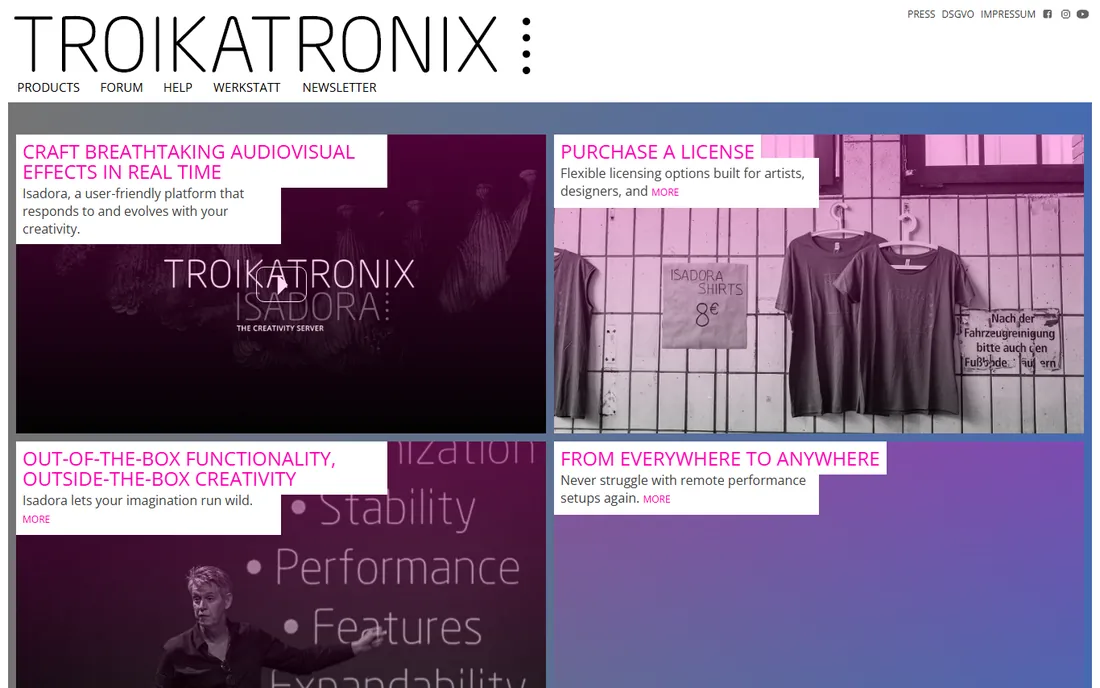
Isadora has been the quiet workhorse of theater projection since the 2000s. It treats a show as a sequence of cues: video fades in on this line, the projection warps as the dancer crosses the stage, the lights shift on the next cue. For stage managers and media designers, that mental model fits better than a VJ mixer or a node graph.
The $150 yearly rental makes it one of the cheapest ways into serious mapping, and there is a free trial to test with your actual projectors. Isadora handles 3D mapping, edge blending and interactive control through sensors and MIDI. It is not the prettiest software on this list, but for performance-driven work it remains a favorite for good reasons.
What we like- Designed around live performance cues and show control
- Strong community in theater and dance
- Rental pricing keeps the entry cost low
Watch out for- Mapping tools are good but not as deep as MadMapper
- The interface looks dated next to newer competitors
Starting priceSee website
Free planFree trial
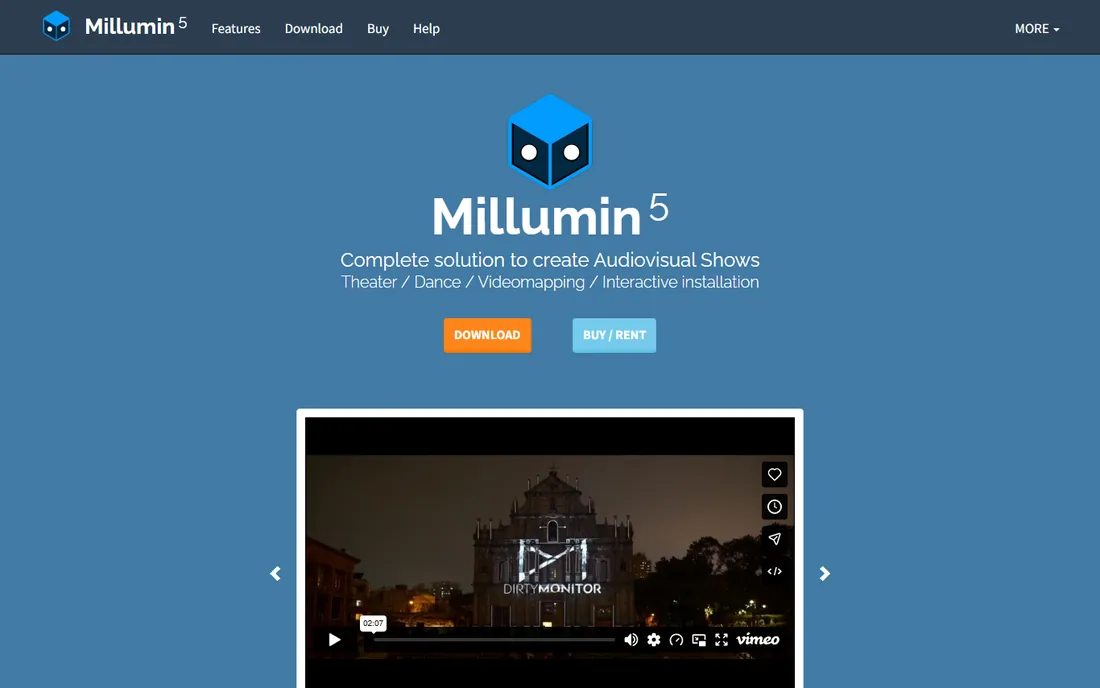
Millumin sits in a useful middle ground: more structured than a VJ tool, easier to operate than a node-based environment. Its timeline approach suits theater companies and corporate event teams who run the same show repeatedly and need an operator, not an artist, to press go. Mapping, soft-edge blending, and multi-screen output are all included.
The main limitation is platform. Millumin runs on macOS only, so mixed-platform teams will hit friction. Pricing is handled through the vendor rather than published online, so budget for a conversation before you commit. If your whole crew is on Macs and your shows follow a script, Millumin deserves a trial.
What we like- Mac-native with a clean timeline built for shows
- Solid mapping, warping and LED wall support
- Approachable for operators who are not visual artists
Watch out for- Mac only, which rules out Windows-based production teams
- Pricing is not published on the site
Starting price$199 one-time
Free planFree trial
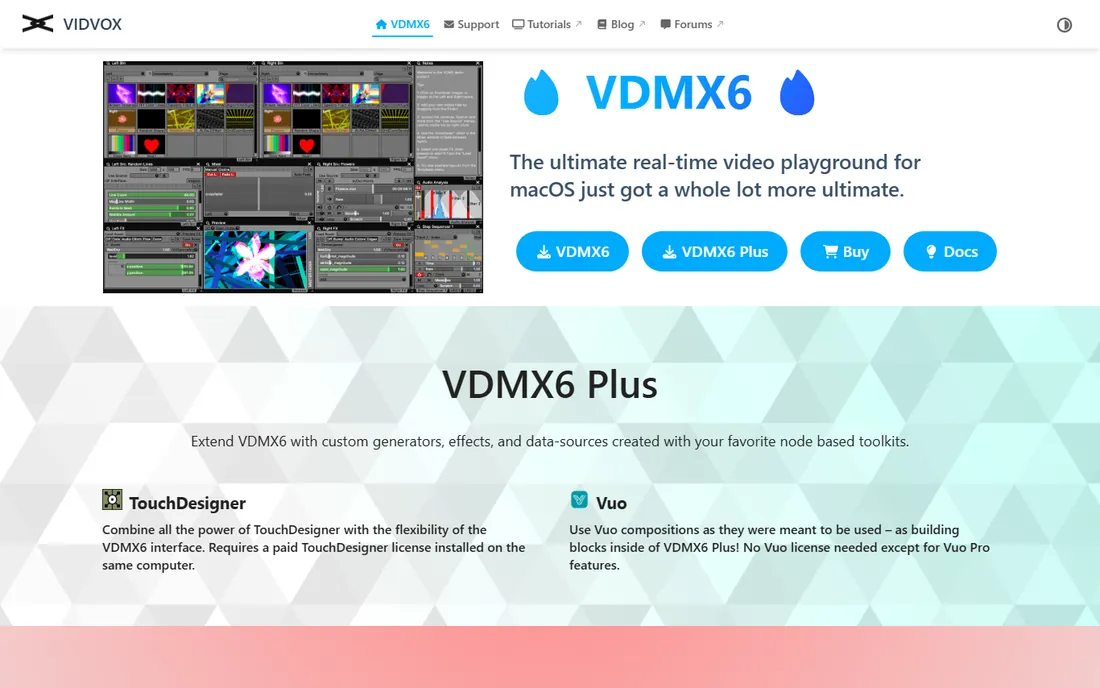
VDMX is the tinkerer's VJ tool. Almost every part of the interface can be rearranged, scripted or driven by external data, which makes it popular with artists who build a custom control surface for each performance. The current version, VDMX6, includes perspective warp correction, multi-monitor output and NDI/Syphon support, so a VJ can map a club interior without leaving the app. A Plus tier at $349 adds deeper integration with node-based toolkits.
At $199 for a perpetual license, it undercuts Resolume Arena significantly, and there is no subscription. The tradeoff is focus: VDMX is a live instrument first and a mapper second. If mapping is the main job, MadMapper or HeavyM will get you there faster. If you perform live and map as part of the set, VDMX is a strong, affordable pick.
What we like- Deeply customizable interface you can rebuild per show
- Strong plugin ecosystem including ISF shaders
- One-time price with no subscription
Watch out for- Mac only
- Mapping features are capable but secondary to its live-mixing strengths
#8
Ventuz
Best for: Permanent installations and broadcast graphics
Visit ventuz.com
Starting priceSee website
Free planFree trial
Ventuz comes from the broadcast world, where graphics cannot crash during a live show. That reliability-first design makes it a strong choice for permanent installations: museum exhibits, retail displays and architectural media facades that run for months. The node-based 3D engine handles real-time content, tracking input and multi-projector output across clustered machines.
This is professional-grade software with professional-grade pricing, handled through quotes rather than a buy button. For a single event or a small studio, the cost and complexity will not make sense. For integrators building always-on installations, Ventuz belongs on the shortlist next to TouchDesigner and disguise.
What we like- Node-based real-time 3D engine built for 24/7 reliability
- Strong in broadcast, events and fixed installations
- Good multi-machine clustering
Watch out for- Pricing is quote-based and aimed at professional budgets
- Overkill for one-off event mapping
Starting priceFree
Free planYes
MapMap is the open-source option for people who just need to warp video onto a surface and cannot justify a paid license. It covers the fundamentals: quads, masks, and basic geometric correction. Students, media-art beginners and community projects use it to learn mapping concepts before investing in a commercial tool.
Expect limits. There is no soft-edge blending for multi-projector shows, no timeline, and no 3D calibration. For a single projector and a flat-ish surface, it works. For anything commercial, treat MapMap as a learning step and budget for one of the paid tools above when the project matters.
What we like- Completely free and open source
- Runs on Mac, Windows and Linux
- Enough warping and masking for basic projection art
Watch out for- No edge blending or advanced multi-projector tools
- Development moves slowly and documentation is thin
How we chose
We started from vendor documentation, pricing pages and feature lists, then cross-checked against public reviews on G2 and Capterra, community discussions on Reddit and specialist forums, and comparison roundups from event-production publications. Every tool on this list is actively maintained and available for purchase or download today. We weighted factors that matter to small and mid-size buyers: total cost of ownership, how fast a new user can produce a finished show, multi-projector support, platform availability, and whether a free tier or trial lets you test with your own hardware before paying.
What to check before you buy
Projection mapping software is only half the purchase. The projector, the computer driving it and the physical surface decide what the software can actually do. Check these points before you commit to a license.
Output count and resolution
Count your projectors first, then confirm the software supports that many simultaneous outputs at your target resolution. Entry plans sometimes limit you to one or two outputs. HeavyM Live, for example, includes a single video output, while its Pro plan allows unlimited outputs. If you plan to grow from two projectors to six, make sure the upgrade path does not force you into enterprise pricing.
Edge blending and warping depth
Single-projector shows need basic geometric warping. Multi-projector shows need soft-edge blending so the seams between projectors disappear. Free tools like MapMap skip blending entirely. If your design blends projectors, verify blending is included in the plan you are buying, not reserved for a higher tier.
Show control and playback without a computer
Live shows need cue lists, MIDI or OSC control, and timecode sync. Permanent installations need unattended playback that survives a power cut. MadMapper's MiniMad and HeavyM's Pro+ plan address the installation case specifically. Ask how the software behaves when nobody is at the keyboard.
Platform and hardware demands
Millumin and VDMX are Mac only. TouchDesigner and Ventuz reward powerful GPUs. Check the system requirements against the machine you actually own, and remember that 4K content across several outputs needs a serious graphics card regardless of the software.
Free versus paid: where the line actually sits
Free options in mapping fall into two groups. TouchDesigner's non-commercial license is genuinely professional software with a usage restriction, and it is the best free route into serious work. MapMap is free in every sense but limited in features. Between them sit free trials and demos: MadMapper, Resolume, HeavyM, Isadora, Millumin, VDMX and Ventuz all let you test before paying, though some watermark output or block saving until you buy.
For paid work, the market splits into one-time licenses (MadMapper $399, Resolume Arena $899, VDMX from $199, TouchDesigner commercial $600, HeavyM from $259) and rentals or quotes (Isadora $150 per year, Millumin and Ventuz on request). One-time licenses favor studios that map regularly. Rentals favor theater companies with seasonal shows. Add the hardware into your budget either way: projectors, media servers and cabling will cost several times the software.
Frequently asked questions
Do I need a powerful computer for projection mapping?
Yes, for anything beyond a single projector. Real-time warping and blending are GPU-heavy, and 4K content multiplies the load. TouchDesigner, Ventuz and Resolume publish detailed hardware guidance. As a rule, budget for a discrete GPU with plenty of VRAM, and test your actual content on the actual machine before show day.
Can I do projection mapping with a regular projector?
You can, for small indoor surfaces. Brightness is the limiting factor: a standard office projector washes out under stage lighting or across a large facade. For outdoor or large-venue work, you need high-lumen professional projectors, which are usually rented. The software does not change the physics.
What is the easiest projection mapping software for beginners?
HeavyM, by a clear margin. Its drag-and-drop workflow, built-in effect library and music sync get a first show running in an afternoon. MapMap is simpler still but far less capable. If you outgrow HeavyM, MadMapper is the natural next step.
Mac or Windows for projection mapping?
Both work, but check each tool. Millumin and VDMX are Mac only, while most others support Windows and macOS. TouchDesigner, MadMapper and Resolume run on both. For permanent installations, many integrators prefer Windows for driver and hardware flexibility.
How much does projection mapping software cost?
For small teams, expect $259 to $899 as a one-time purchase, or around $150 per year for rental options like Isadora. Enterprise and installation-focused tools such as Ventuz are quote-based and cost more. The software is usually the smallest line item next to projectors and labor.
Sources we checked (10)
- https://madmapper.com/
- https://resolume.com/
- https://www.heavym.net/
- https://derivative.ca/
- https://troikatronix.com/
- https://www.millumin.com/
- https://vidvox.net/
- https://www.ventuz.com/
- https://mapmapteam.github.io/en/
- https://the-tech-trend.com/software-development/projection-mapping-software/
Is your product missing or out of date?
We review this list regularly. Vendors can request a listing, send updated pricing or ask about featured placement.

Shihab Mia · Founder, Rankite
Shihab has spent more than a decade helping SaaS and e-commerce brands grow through search. He writes Rankite's software buying guides from pricing pages, documentation and public user reviews. More about Shihab.