How we make this list: we compare pricing pages, product documentation and public user reviews. Rankite is independent; if a vendor ever pays for a featured spot, that listing is clearly labeled Partner.
Key takeaways
- For most small and mid-size teams, the shortlist is Smartsheet ($9/member/month on the Pro plan), monday.com (free plan available) and Asana (free Personal plan; Starter at $10.99/user/month), all with published prices.
- Scheduling purists on a budget should compare GanttPRO ($7/user/month) and TeamGantt ($59/month flat) before paying per-seat enterprise prices.
- Microsoft Project remains the deepest scheduler for Microsoft 365 shops, but prices are not published on its product page, so get a quote before comparing.
- Construction and megaproject schedulers belong in a different category: Oracle Primavera P6 and Asta Powerproject are both custom-quoted, with no free plan.
Quick comparison
| Tool | Best for | Starting price | Free plan |
|---|
 Smartsheet Smartsheet | Teams moving project plans off spreadsheets | $9/member/month (Pro plan, billed annually) | Free trial (30 days, no credit card) |
 Microsoft Project Microsoft Project | Microsoft 365 shops that need deep, classic scheduling | See website (subscription plans plus perpetual desktop licenses) | No (one-month trial reported by reviewers, unverified) |
 monday.com monday.com | Visual teams that plan and execute in one place | See website (pricing by plan and user count) | Yes (free plan for freelancers and individuals; 14-day Pro trial) |
 Asana Asana | Task-driven teams adding timeline scheduling | $10.99/user/month (Starter plan, billed annually) | Yes (Personal plan free forever) |
 Wrike Wrike | Mid-size teams wanting Gantt charts plus workflow depth | $10/user/month (Team plan) | Yes (Free plan, $0/user/month) |
 GanttPRO GanttPRO | Small teams that want pure Gantt power cheaply | $7/user/month (Core plan, billed annually) | Free trial (14 days, no credit card) |
 TeamGantt TeamGantt | Small teams that want one predictable monthly bill | $59/month flat (Base plan) | Yes (Personal plan free forever: 1 user, 1 project, 40 tasks) |
 Oracle Primavera P6 Oracle Primavera P6 | Large engineering, construction and infrastructure programs | See website (custom quote only) | No |
 Asta Powerproject Asta Powerproject | Construction schedulers who want P6-class power with less overhead | See website (custom quote only) | No |
Is your product missing or out of date?
We review this list regularly. Vendors can request a listing, send updated pricing or ask about featured placement.
The best project scheduling software
Picture a 14-week office fit-out with 40 dependent tasks, three subcontractors and a client who moves the opening date twice. The best software for project scheduling answers one question fast: what breaks if this task slips? The nine tools below range from $7 per user per month to custom enterprise quotes, and they split into two camps. Four are work platforms with scheduling built in; five are scheduling-first tools that treat the plan as the product.
Starting price$9/member/month (Pro plan, billed annually)
Free planFree trial (30 days, no credit card)
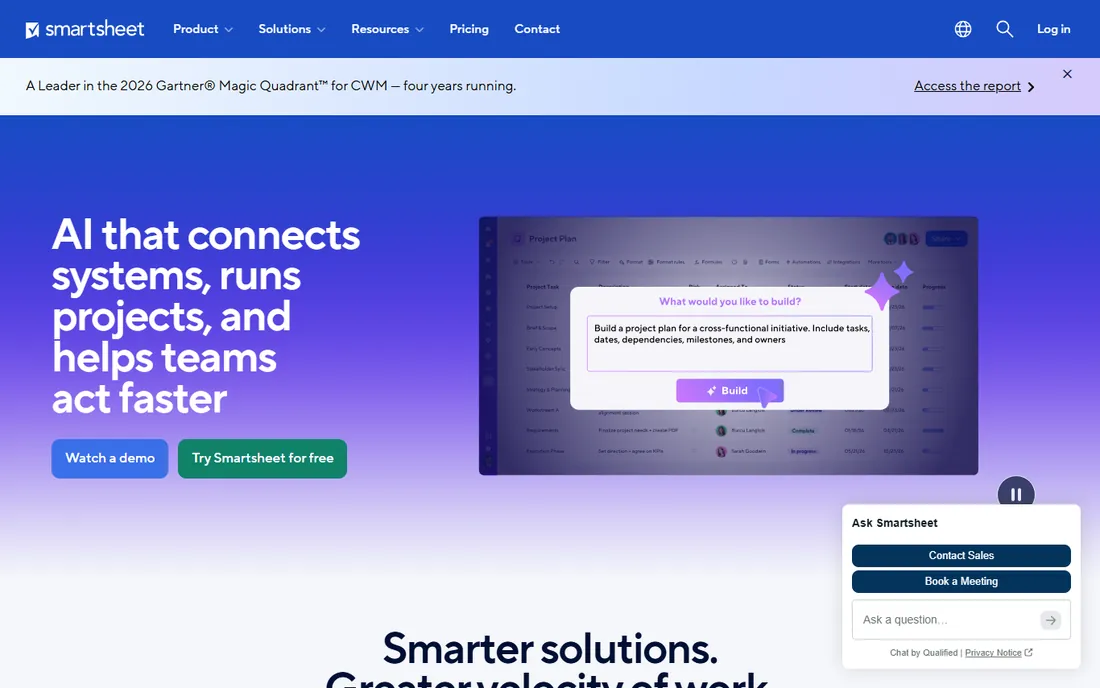
Smartsheet is the least intimidating on-ramp to serious scheduling. Anyone who can use a spreadsheet can build a plan with dependencies, a critical path and a Gantt view in an afternoon, and the 30-day trial needs no credit card. Contributors who only view, comment or submit forms ride free on Pro, which is the plan most 10-person teams start on at $9 per member per month billed annually. Plans scale from Pro through Business ($19 per member per month) to Enterprise.
The honest catch is the tier jump. Smartsheet calls itself a work execution platform, and the scheduling depth buyers compare it on, workload balancing, capacity planning, portfolio dashboards, lives on Business and Enterprise. A team that outgrows simple Gantt charts will be renegotiating within a year. If your plans live in Excel today and you want Gantt charts this week, this is the fastest path.
What we like- Gantt, table, board and calendar views on every plan
- Unlimited free contributors on Pro
- Published per-member pricing with no seat minimums games
Watch out for- True resource management and portfolios sit on the $19 Business plan and up
- Per-member pricing adds up fast on large teams
#2
Microsoft Project
Best for: Microsoft 365 shops that need deep, classic scheduling
Visit microsoft.com
Starting priceSee website (subscription plans plus perpetual desktop licenses)
Free planNo (one-month trial reported by reviewers, unverified)
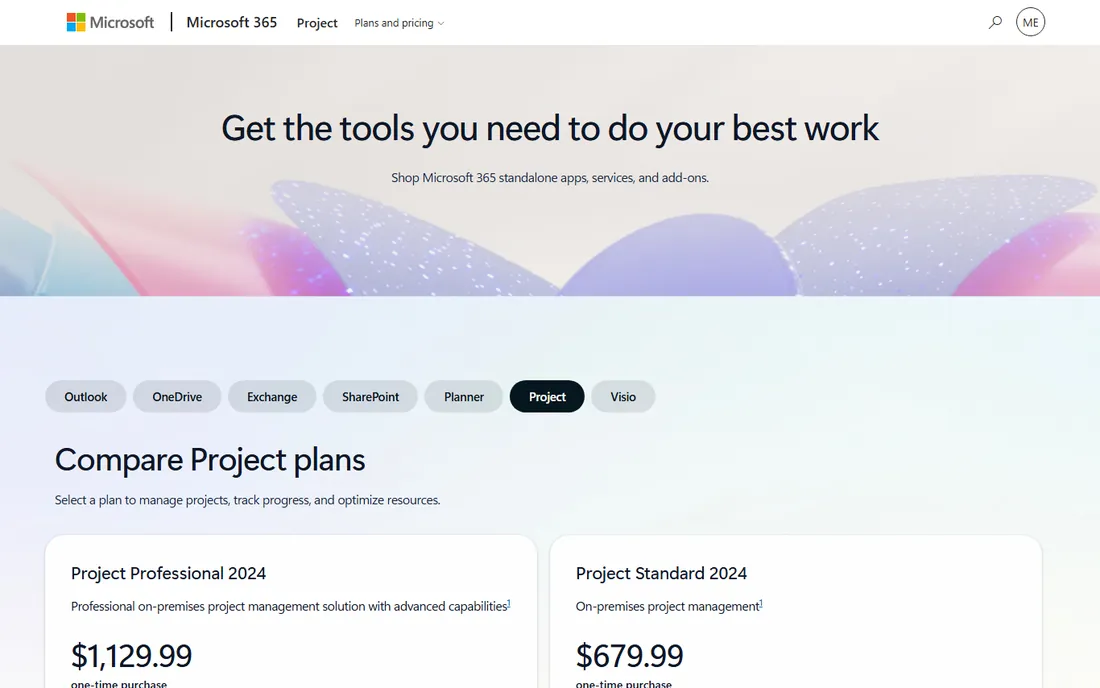
Nobody buys Microsoft Project because it is fun. Buyers choose it because their schedulers already speak its language and their IT already manages Microsoft 365. The current lineup mixes subscription plans (Planner Plan 1, Planner and Project Plan 3 and Plan 5) with perpetual Project Standard and Professional 2024 desktop licenses, and Microsoft's own page names those tiers without publishing prices. That is the trade: unmatched scheduling depth paired with a sales-led buying process.
The honest catch is the platform split. Project for the web was folded into Microsoft Planner, so the full scheduling engine lives in the Windows desktop client. Teams that want browser-only scheduling with this depth will be disappointed. If your organization runs on Microsoft 365 and your schedulers file .mpp files, nothing else slots in as cleanly.
What we like- The deepest scheduling engine here: baselines, resource leveling, critical path, portfolio management
- Native fit with Teams, SharePoint and the Microsoft 365 admin model
Watch out for- Microsoft publishes no prices on its product page
- The web version was folded into Planner, so heavy scheduling still means the desktop client
#3
monday.com
Best for: Visual teams that plan and execute in one place
Visit monday.com
Starting priceSee website (pricing by plan and user count)
Free planYes (free plan for freelancers and individuals; 14-day Pro trial)
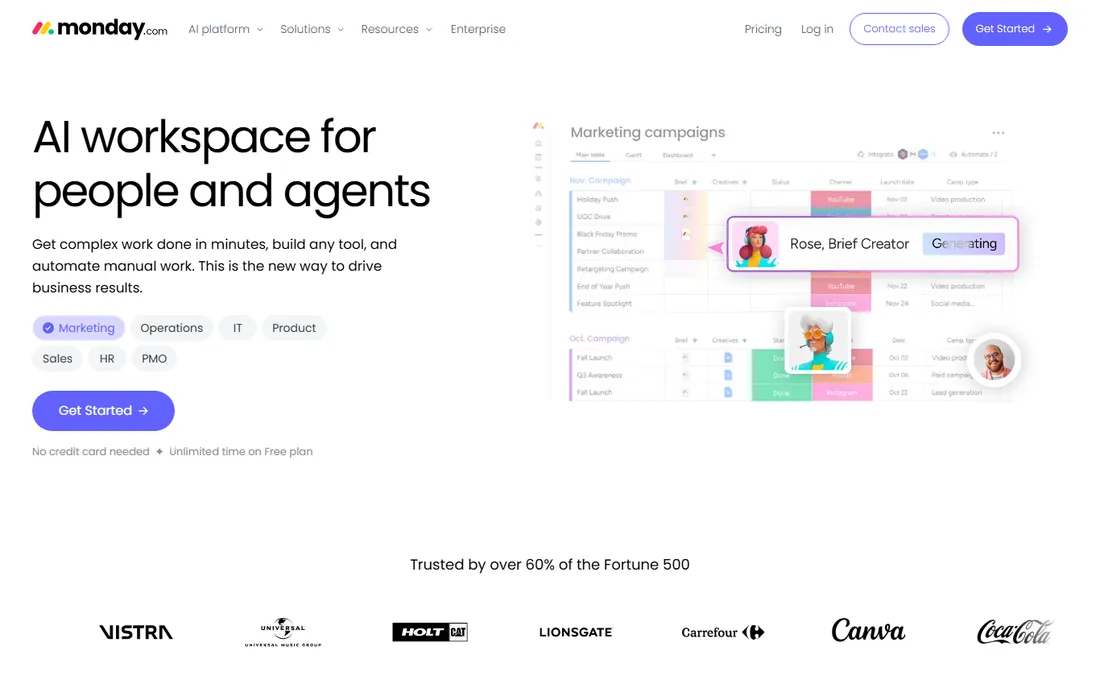
monday.com sells itself as a work platform, not a scheduler, and that shows in how teams adopt it. You start with a board, add a timeline view, wire in dependencies and automations, and only later realize you have built a schedule. The free plan covers freelancers and individuals, paid plans start at three users, and everything is priced by plan multiplied by user count with a yearly option discounted 18 percent. A 14-day Pro trial covers evaluation.
The honest catch is scheduling ceiling. Dependencies, baselines and resource views exist but lack the rigor of Project, Primavera or Asta. Multi-project portfolio control and critical-path discipline are weaker. If your team plans collaboratively and the schedule is one view among many, monday.com fits. If the schedule is the contract, look at the specialists.
What we like- A genuinely free plan, rare in this set
- Timeline/Gantt views with dependencies and no-code automations
- Pricing is by plan times user count with an 18 percent annual discount
Watch out for- The pricing table did not render in our check, so plan prices need confirming on the site
- Scheduling depth is lighter than the dedicated tools
#4
Asana
Best for: Task-driven teams adding timeline scheduling
Visit asana.com
Starting price$10.99/user/month (Starter plan, billed annually)
Free planYes (Personal plan free forever)
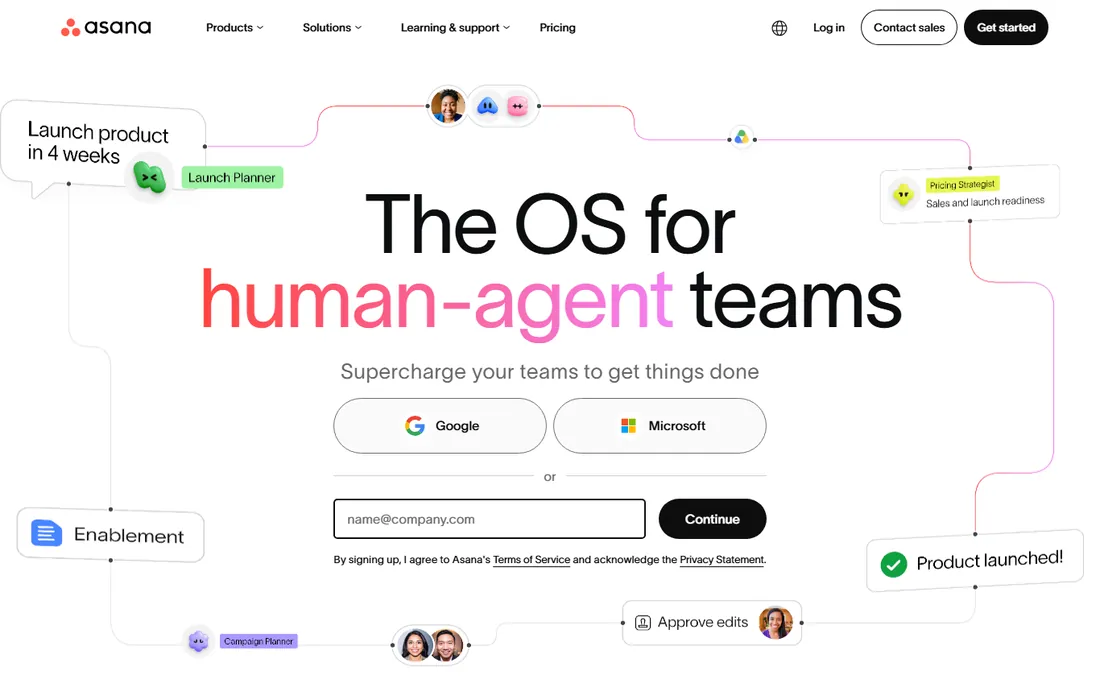
Asana started as a task tracker and grew scheduling around it, which is exactly why many teams pick it. The Personal plan is genuinely free forever for up to two people with unlimited tasks and projects. Starter at $10.99 per user per month billed annually ($13.49 monthly) adds Timeline and Gantt views with dependencies, reporting dashboards, automations and unlimited guests. Advanced at $24.99 ($30.49 monthly) brings portfolios, goals, resource management and time tracking.
The honest catch is that Asana thinks in tasks, not schedules. It handles dependencies and timelines well for team-level work but offers little for baselines, resource leveling or schedule risk. Per-user pricing also means a 20-person team pays $219.80 per month on Starter before touching Advanced. If your work is task lists that occasionally need a timeline, Asana is right. If the timeline is the work, keep shopping.
What we like- Published, transparent pricing
- Timeline and Gantt views start on the $10.99 Starter plan
- Free Personal plan for up to two people with unlimited tasks
Watch out for- Portfolios, goals and resource management are gated on the $24.99 Advanced plan
- Scheduling analytics stay lighter than dedicated tools
#5
Wrike
Best for: Mid-size teams wanting Gantt charts plus workflow depth
Visit wrike.com
Starting price$10/user/month (Team plan)
Free planYes (Free plan, $0/user/month)
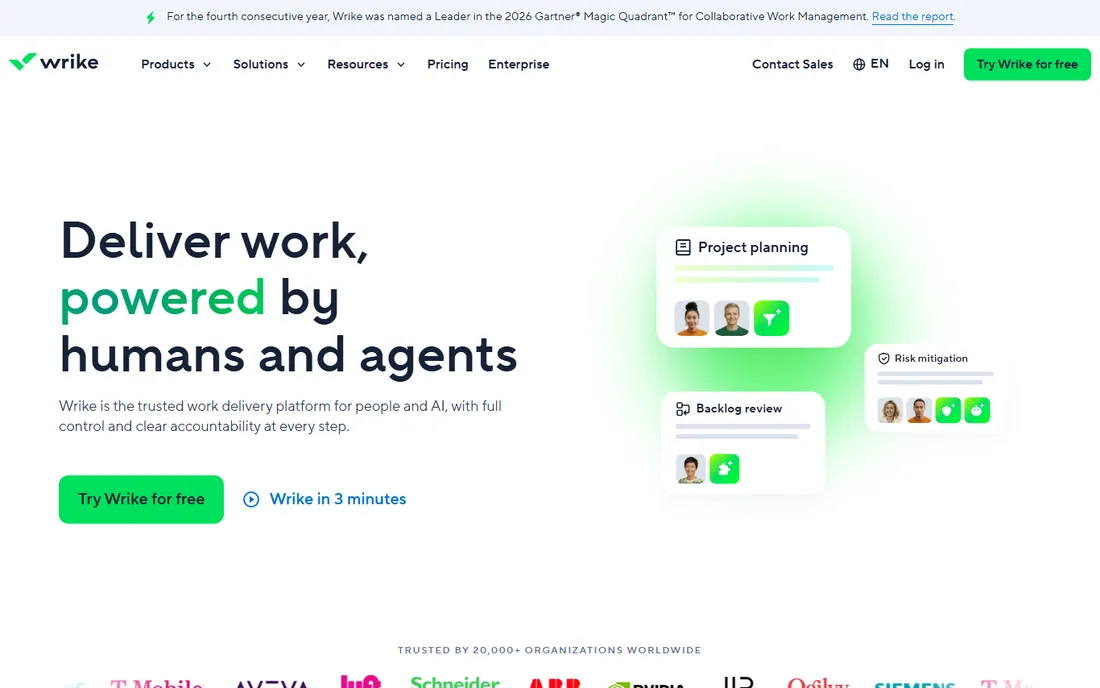
Wrike sits between the friendly work platforms and the scheduling specialists. The Free plan covers basic task and project management at $0 per user per month. Team at $10 per user per month adds interactive Gantt charts, dashboards and AI essentials for 2 to 15 users. Business at $25 per user per month stretches to 200 users with templated spaces and integrations. Above that sit Pinnacle and Apex, both custom-quoted.
The honest catch is the seat packaging. Wrike sells subscriptions in groups: up to 30 seats in groups of five, 30 to 100 in groups of ten, above 100 in groups of twenty-five. A 12-person team buys 15 seats. Business plans and above are annual-only, so the commitment is real. If your team sits in the 5 to 50 range and wants Gantt plus workflow, the math works. Past that, get the enterprise quote early.
What we like- Interactive Gantt charts start on the $10 Team plan
- A real free plan for basic task management
- Business tier adds templates, integrations and AI features
Watch out for- Seats sell in groups of five, ten or twenty-five
- Business and above are annual-only
- Pinnacle and Apex pricing requires a sales call
Starting price$7/user/month (Core plan, billed annually)
Free planFree trial (14 days, no credit card)
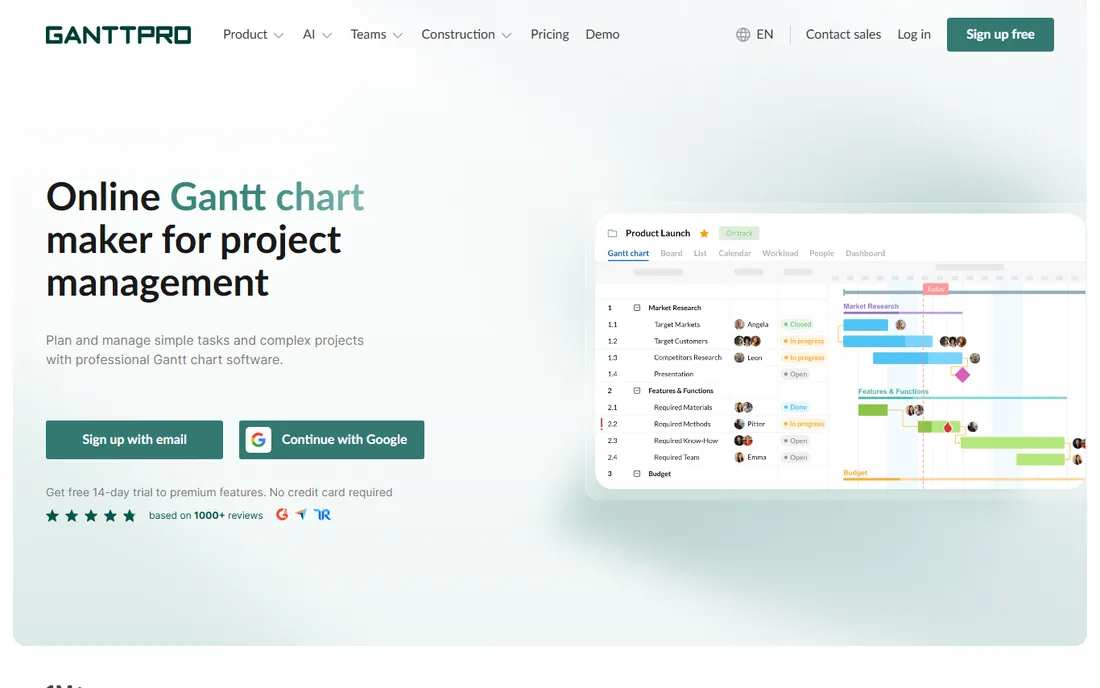
GanttPRO does one thing and does it well: Gantt charts. Core at $7 per user per month billed annually covers smaller teams with Gantt charts, a project calendar, auto scheduling and virtual resources. Advanced at $10 adds custom fields, filters and templates. Business at $17 adds workload management, portfolios, reports, budget planning and time tracking. Enterprise is $25 per user per month on a limited offer, for five or more users. Every plan includes unlimited projects and a 14-day trial with no credit card.
The honest catch is scope. GanttPRO is a scheduling tool, not a work platform: no native docs, no CRM-adjacent features, no broad app ecosystem. Teams that need the schedule plus everything around it will bolt on other tools. If the deliverable is the schedule itself and the budget is tight, this is the cheapest credible option here.
What we like- The lowest published per-user price in this set
- Auto scheduling, baselines and critical path on every plan
- Unlimited projects on all tiers
Watch out for- No permanent free plan
- Workload management, portfolios and time tracking need the $17 Business plan
- Enterprise requires five or more users
Starting price$59/month flat (Base plan)
Free planYes (Personal plan free forever: 1 user, 1 project, 40 tasks)
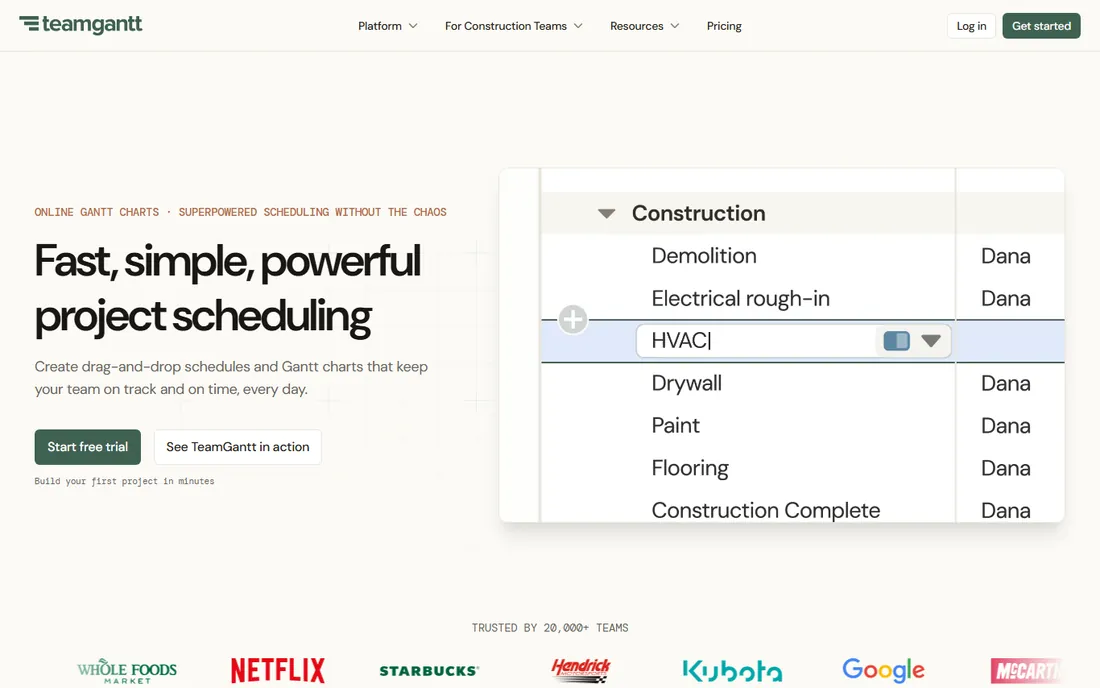
TeamGantt is the only tool here that charges a flat monthly fee instead of per seat, and that changes the buying conversation completely. Base at $59 per month covers one manager and ten collaborators across five projects with critical path scheduling. Business starts at $120 per month plus $24 per additional project, with unlimited managers and collaborators and up to 20 projects. Builder Edition at $199 per month adds construction-specific tools like lookahead schedules and Procore sync. Every paid plan carries a 14-day trial, and yearly billing saves 20 percent.
The honest catch is the project and task caps. Base allows 150 tasks per project; Business raises that to 500. Large programs will hit those ceilings. Exports to Microsoft Project format ease collaboration with clients on Project, which is a thoughtful touch. If you know your project count and hate per-seat surprises, this pricing model is hard to beat.
What we like- Flat monthly pricing with no per-seat math
- Critical path scheduling on every plan
- Exports to Microsoft Project format
- A real free-forever Personal plan
Watch out for- Task limits per project (150 on Base, 500 on Business)
- Construction tools need the $199 Builder Edition
- Integrations are thinner than the big platforms
#8
Oracle Primavera P6
Best for: Large engineering, construction and infrastructure programs
Visit oracle.com
Starting priceSee website (custom quote only)
Free planNo
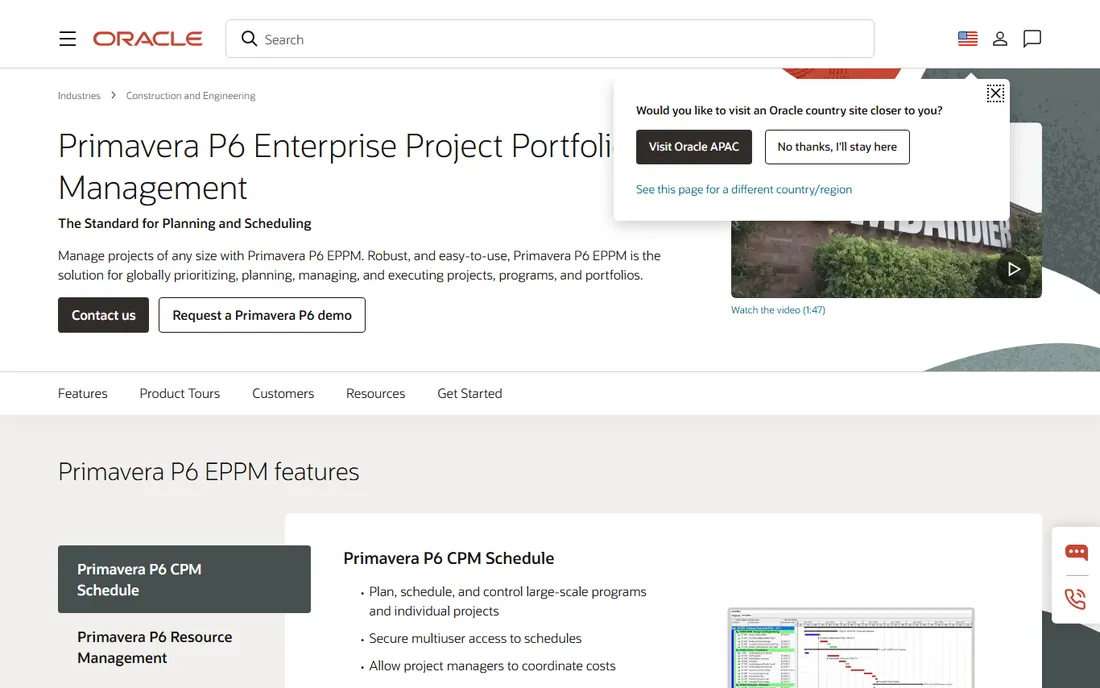
Primavera P6 is what engineers mean when they say "the schedule." The EPPM version is a cloud SaaS product (with on-premise options) built for organizations running hundreds of projects with thousands of activities, tens of thousands of users, and resource pools shared across programs. Oracle's own datasheet positions it for exactly that: multiuser, multiproject scheduling with resource control, risk management and enterprise reporting.
The honest catch is everything around the software. Pricing is custom and sales-led. Deployment typically needs consultants, training and integration work with existing ERP systems. A ten-person agency buying Primavera is like renting a crane to hang a picture. If you run capital projects, infrastructure programs or EPC contracts, it is the reference standard. Everyone else should stop reading here.
What we like- The industry standard for multi-project, multi-user scheduling at scale
- Resource scheduling, risk management and 70-plus standard reports
- Deep integration with Oracle and SAP enterprise systems
Watch out for- No published pricing and no free tier
- Implementation is a project in itself
- Massive overkill for teams under a hundred people
#9
Asta Powerproject
Best for: Construction schedulers who want P6-class power with less overhead
Visit elecosoft.com
Starting priceSee website (custom quote only)
Free planNo
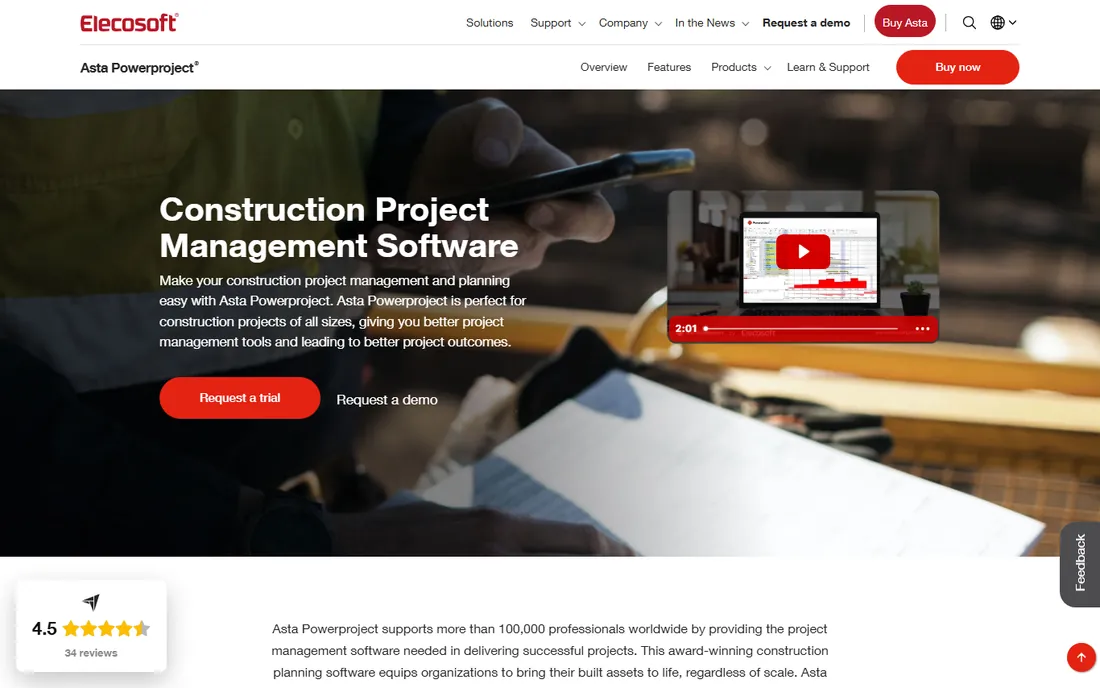
Construction schedulers outside the United States have argued for years that Asta Powerproject does the P6 job with less friction, and the product has the track record to back the claim. Elecosoft says more than 100,000 professionals worldwide use it, on projects from small extensions to high-profile megaprojects. The scheduling model is construction-native: task pools and code libraries for fast plan building, critical path analysis, calendars, resources and costs managed directly from the Gantt chart, plus a 4D BIM edition for model-linked scheduling.
The honest catch is the buying process. Pricing is custom-quoted through Elecosoft and its distributors, with no public price list and no free tier. The ecosystem is construction-shaped: general contractors, subcontractors and civil firms. If that is your world and P6 feels like too much machine, Asta is the credible alternative. If you are not in construction, the generalist tools above fit better.
What we like- Purpose-built for construction, from single-storey extensions to megaprojects
- Critical path analysis, resources and costs built straight into the Gantt chart
- Used by more than 100,000 professionals worldwide, per the vendor
Watch out for- Custom-quoted pricing with no public numbers
- Strongest in construction, less proven outside it
- US buyers go through Elecosoft's distributor network
How we chose
We started with the searches buyers actually run: project scheduling software, Gantt chart software, construction scheduling software and Microsoft Project alternatives. For each candidate we opened the vendor's own pricing page and recorded published plan prices, free tiers and trial terms. Where the vendor's page did not render prices (Microsoft Project, monday.com), we wrote "See website" rather than repeating third-party estimates. We cross-checked feature claims against the vendors' own product and feature pages and against public reviews on G2 and Capterra and practitioner discussion on Reddit. We never claim hands-on testing; this comparison is built from pricing pages, documentation and public reviews.
Start with the scheduling engine, because that is the part you cannot bolt on later. Ask whether the tool supports the techniques your projects need: dependencies with lag, baselines you can freeze and compare, a real critical path, and resource leveling that flags over-allocation. Microsoft Project, Primavera P6 and Asta Powerproject do all of this. GanttPRO and TeamGantt cover the core set well. The work platforms (Smartsheet, monday.com, Asana, Wrike) handle dependencies and timelines but treat advanced scheduling as a higher-tier feature or skip it.
Match the pricing model to your team shape
Per-seat pricing punishes large teams and rewards small ones. Run the math at your actual headcount: Asana Starter costs $10.99 per user per month, so 25 users run about $275 monthly, while TeamGantt's flat $120 Business plan covers unlimited managers and collaborators. Watch for seat packaging too: Wrike sells in groups of five, ten or twenty-five, so a 12-person team buys 15 seats. Annual billing usually saves 15 to 20 percent; TeamGantt states 20 percent, monday.com states 18 percent.
Check the views beyond the Gantt chart
Schedules are read by people who never open the scheduling tool, so export and sharing matter. TeamGantt exports to Microsoft Project format, which keeps clients on Project in the loop. Smartsheet's unlimited free contributors and Asana's unlimited free guests let stakeholders follow along without licenses. Wrike and Smartsheet offer board, table and calendar views for teams that think in tasks, not bars.
Mind the trial terms before you commit
Trial length and credit-card requirements vary more than buyers expect. Smartsheet gives 30 days with no card; GanttPRO and TeamGantt give 14 days with no card; TeamGantt auto-bills when its trial ends. Wrike's free plan is permanent but basic. Asana's free Personal plan covers two people indefinitely. Primavera and Asta offer no public trial at all, which tells you who they sell to.
Project scheduling software by industry
Construction and engineering have their own category. Oracle Primavera P6 and Asta Powerproject are built for programs where the schedule is a legal document: baselines, claims analysis, resource-loaded schedules and multi-project portfolios. If your projects involve cranes, concrete or contracts with liquidated damages, start here and skip the generalists.
General business teams, agencies, marketers and IT shops, live in the middle group. Smartsheet fits spreadsheet-native teams. monday.com fits visual, collaborative planners. Asana fits teams whose work is tasks first and timelines second. Wrike fits teams that want workflow depth with their Gantt charts. All four publish prices or free plans, all four trial easily, and none of them requires a sales call to start.
Budget-conscious teams with straightforward scheduling needs should look at the two specialists first. GanttPRO at $7 per user per month and TeamGantt at a flat $59 per month undercut every per-seat platform here while covering dependencies, critical path and baselines. They lack the surrounding work-management features, which is a fair trade when the schedule is the whole job.
Frequently asked questions
What is the cheapest project scheduling software with real Gantt charts?
GanttPRO at $7 per user per month billed annually is the lowest published per-user price in this set, with auto scheduling, baselines and critical path. TeamGantt's flat $59 per month Base plan can be cheaper for teams, since it covers one manager and ten collaborators with no per-seat math. Both include 14-day free trials with no credit card required.
Is there good free project scheduling software?
Yes, with limits. Asana's Personal plan is free forever for up to two people with unlimited tasks and projects. Wrike's free plan covers basic task management at $0 per user per month. TeamGantt's free Personal plan includes one user, one project and 40 tasks. monday.com also offers a free plan for freelancers and individuals. None of the construction-grade tools offer a free tier.
Should I just use Microsoft Project?
If your company runs on Microsoft 365 and your schedulers already use Project, yes: nothing else matches its scheduling depth or its fit with the Microsoft admin model. If you want browser-based scheduling, published prices, or a free trial you can start today, look at Smartsheet, GanttPRO or TeamGantt instead. Microsoft publishes no prices on its Project page, so budget for a sales conversation.
What is the best project scheduling software for construction?
Oracle Primavera P6 is the industry standard for large programs, with multi-project scheduling, resource management and enterprise reporting. Asta Powerproject is the main alternative, purpose-built for construction with 4D BIM support and a large scheduler user base outside the US. Both are custom-quoted with no free plan. Smaller contractors should compare TeamGantt's $199 Builder Edition, which adds construction tools like lookahead schedules at a published price.
Can I import my Microsoft Project files into these tools?
TeamGantt explicitly exports to Microsoft Project format, which helps when clients or partners work in Project. Smartsheet, monday.com, Asana and Wrike all offer import options for common formats, though the exact fidelity of dependency and baseline transfer varies. Check the vendor's import documentation for your file version before migrating an active project.
How much should a 10-person team expect to pay?
On published prices: GanttPRO Core runs $70 per month for ten users billed annually; Asana Starter runs $109.90; Wrike Team runs $100; Smartsheet Pro runs $90 per month with free contributors on top. TeamGantt Base at $59 flat covers one manager and ten collaborators. Microsoft Project, Primavera P6 and Asta Powerproject are custom-quoted, so add a sales cycle to the budget.
Sources we checked (12)
- https://www.microsoft.com/en-us/microsoft-365/project/project-management-software
- https://www.smartsheet.com/pricing
- https://monday.com/pricing/
- https://asana.com/pricing
- https://wrike.com/pricing/
- https://www.teamgantt.com/pricing
- https://ganttpro.com/pricing
- https://www.oracle.com/construction-engineering/primavera-p6/datasheet/
- https://elecosoft.com/us/products/asta/asta-powerproject/
- https://en.wikipedia.org/wiki/Microsoft_Project
- https://www.g2.com/categories/project-management
- https://www.capterra.com/project-management-software/
Is your product missing or out of date?
We review this list regularly. Vendors can request a listing, send updated pricing or ask about featured placement.

Shihab Mia · Founder, Rankite
Shihab has spent more than a decade helping SaaS and e-commerce brands grow through search. He writes Rankite's software buying guides from pricing pages, documentation and public user reviews. More about Shihab.