How we make this list: we compare pricing pages, product documentation and public user reviews. Rankite is independent; if a vendor ever pays for a featured spot, that listing is clearly labeled Partner.
Key takeaways
- Rossum and Hyperscience lead for high-volume invoice automation, but both are quote-based enterprise purchases with no public pricing, so budget for a sales cycle.
- Parseur and Docparser are the practical picks for small teams: Parseur gives you 20 pages a month free and starts at $49, while Docparser starts at $39 with a 14-day trial.
- Veryfi is the developer's choice for receipt and invoice capture, with a free tier of 100 documents a month and a $500 monthly Starter plan for real volume.
- ABBYY Vantage and Tungsten Automation suit regulated enterprises that need on-premise deployment and decades of OCR pedigree, not the fastest setup.
- UiPath Document Understanding only makes sense if you already run UiPath; as a standalone purchase it is the most expensive way to read a PDF.
Quick comparison
| Tool | Best for | Starting price | Free plan |
|---|
 Rossum Rossum | Finance teams automating invoice and transactional flows | See website | Free trial |
 ABBYY Vantage ABBYY Vantage | Enterprises needing proven IDP with on-premise options | See website | No |
 UiPath Document Understanding UiPath Document Understanding | Companies already running UiPath automation | See website | Free trial |
 Hyperscience Hyperscience | Large organizations with high-volume complex documents | See website | No |
 Nanonets Nanonets | Teams wanting AI agents for document-heavy workflows | See website | Free trial |
 Docparser Docparser | Small businesses parsing standard invoices and forms | $39 per month | Free trial |
 Parseur Parseur | Teams extracting data from emails and PDFs without code | $49 per month | Yes |
 Doxis Doxis | European companies needing IDP with strong compliance | See website | Free trial |
 Veryfi Veryfi | Developers building receipt and invoice capture into apps | From $500/month (usage-based) | Yes |
 Tungsten Automation Tungsten Automation | Regulated enterprises with massive document volumes | See website | No |
Is your product missing or out of date?
We review this list regularly. Vendors can request a listing, send updated pricing or ask about featured placement.
The best software for processing documents
#1
Rossum
Best for: Finance teams automating invoice and transactional flows
Visit rossum.ai
Starting priceSee website
Free planFree trial
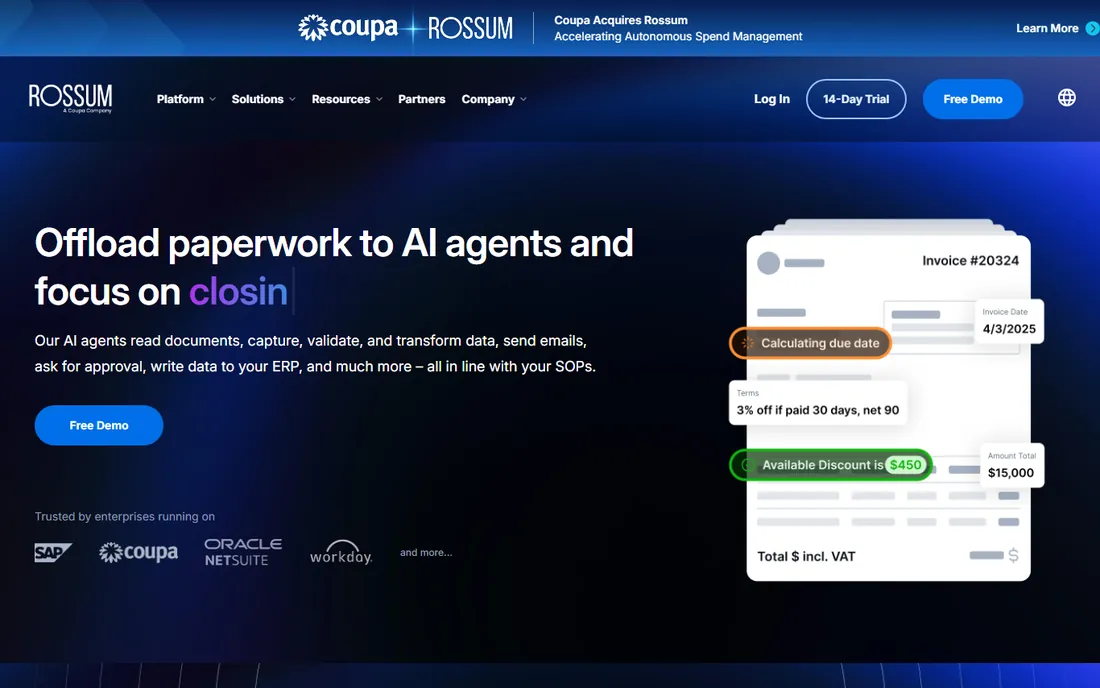
Rossum does one thing and does it well: it reads transactional documents, validates the data against your master records, and posts clean transactions to your ERP. There are no templates to build. You feed it invoices and it learns each supplier's layout from corrections, which is why finance teams with hundreds of vendors like it. It handles 276 languages plus handwriting, with AI agents that can send approval emails and chase exceptions.
The business model is pure enterprise: custom-quoted pricing, annual contracts, and reviewers consistently call it expensive at low volumes. A free trial lets you test extraction accuracy on your own documents first. If you process thousands of invoices a month and live in SAP or NetSuite, Rossum is the specialist pick.
What we like- Purpose-built for transactional documents like invoices
- Learns from user corrections to improve accuracy
- Strong ERP integrations including SAP, Oracle NetSuite and Workday
Watch out for- Custom-quoted pricing with no public numbers
- Overkill and overpriced for low volumes
- Pricing model changes have confused some buyers
#2
ABBYY Vantage
Best for: Enterprises needing proven IDP with on-premise options
Visit abbyy.com
Starting priceSee website
Free planNo
ABBYY has been reading documents since before most of its competitors existed, and it shows in the accuracy. Vantage is its low-code IDP platform with pre-trained AI skills for invoices, purchase orders, contracts and identity documents, plus the OCR, handwriting and barcode recognition the company is known for. It was named a Leader in the 2026 Gartner Magic Quadrant for IDP, and it is one of the few options that still offers on-premise deployment.
There is no public pricing and no free trial; evaluation runs through sales. ABBYY fits regulated enterprises, banks and insurers processing huge volumes where accuracy and deployment control matter more than a slick signup flow. Smaller teams will find it slow and expensive to adopt.
What we like- Decades of OCR expertise with excellent accuracy
- Pre-trained document skills for common types
- On-premise and cloud deployment options
Watch out for- No public pricing and no free trial
- Enterprise sales process
- Interface and setup feel dated next to newer rivals
#3
UiPath Document Understanding
Best for: Companies already running UiPath automation
Visit uipath.com
Starting priceSee website
Free planFree trial
UiPath Document Understanding is the document AI inside the UiPath automation platform. It digitizes, classifies and extracts data from documents, then hands the results to software robots that post them into your systems, with people looped in for low-confidence cases. If your company already runs UiPath, adding document understanding to existing automations is natural and powerful.
As a standalone purchase it makes little sense. Pricing runs on AI Units consumed per page, and you realistically need the UiPath platform license underneath. Buy this when document processing is one step in a bigger automation program on UiPath. If you just need to read invoices, every other tool on this list is cheaper.
What we like- Deep integration with the UiPath automation platform
- Strong classification and extraction with human-in-the-loop validation
- Good for end-to-end process automation
Watch out for- Consumption-based pricing with no public floor
- Practically requires the full UiPath platform
- Overkill as a standalone document tool
Starting priceSee website
Free planNo
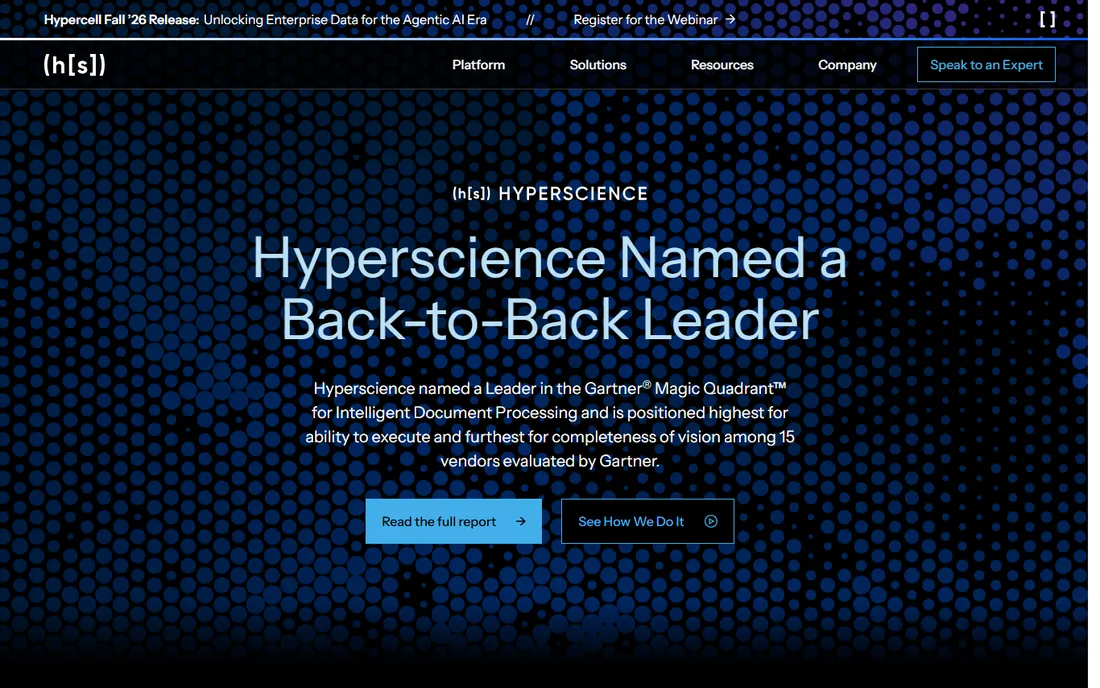
Hyperscience positions itself at the top end of the IDP market: a Leader in Gartner's 2026 IDP Magic Quadrant and the Forrester Wave for document mining. The platform reads structured and unstructured documents, including handwriting, at accuracy rates it claims reach 99.5%, with human verification built in for anything uncertain. It is FedRAMP High authorized, which opens doors in government and highly regulated industries.
Everything about the commercial model says enterprise: quote-based pricing, annual commitments, implementations that are projects not signups, no free plan. That is the right shape for a bank processing loan files or an insurer processing claims at scale, and the wrong shape for a 50-person company with an invoice pile.
What we like- Very high accuracy on complex and handwritten documents
- Strong human-in-the-loop verification workflows
- FedRAMP authorized for government work
Watch out for- Enterprise-only pricing with no public numbers
- Long implementations
- Far more than a mid-market team needs
#5
Nanonets
Best for: Teams wanting AI agents for document-heavy workflows
Visit nanonets.com
Starting priceSee website
Free planFree trial
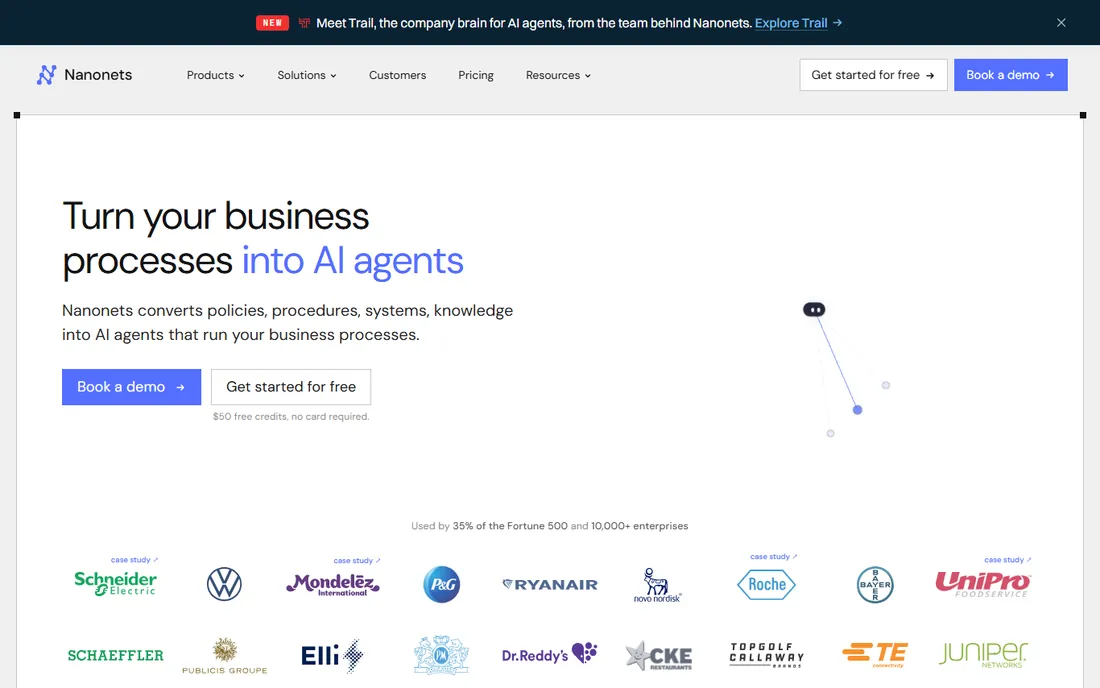
Nanonets has moved beyond extraction into AI agents that run document-heavy processes from start to finish: reading invoices and purchase orders, applying your business rules, handling exceptions and posting results into SAP, Salesforce or QuickBooks. For finance and operations teams, the pitch is 94% automation with humans only on edge cases.
The catch is commercial clarity: pricing is usage-based and the public plan structure has shifted over time, so get a written quote tied to your actual document mix first. Nanonets fits teams that want more than extraction, a system that completes the workflow. If you only need clean data out of PDFs, simpler tools cost less.
What we like- AI agents that run whole document workflows end to end
- No templates, handles any layout
- Strong ERP connectors including SAP and Salesforce
Watch out for- No public pricing page with clear tiers
- Usage-based costs are hard to forecast
- Enterprise features like SSO sit on higher plans
Starting price$39 per month
Free planFree trial
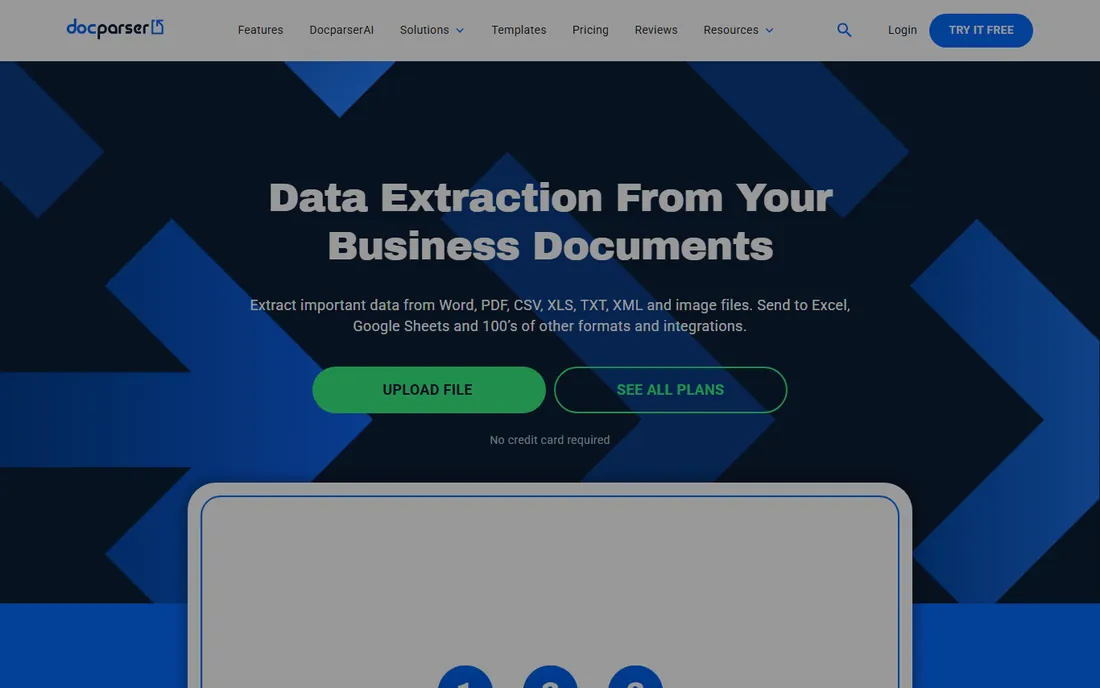
Docparser is the honest workhorse of this list. You define parsing rules once per document layout, and it extracts the fields and pushes them to Excel, Google Sheets, QuickBooks or thousands of apps through Zapier. Pricing is public and simple: $39 a month for 100 parsing credits on Starter ($32.50 billed annually), with a 14-day free trial that needs no credit card.
The template model is both the strength and the limit. Stable, recurring layouts work beautifully, but every new layout needs a new rule, and multi-layout parsers cost extra on lower plans. For a bookkeeping team with consistent document types, Docparser is the cheapest reliable option here.
What we like- Clear published pricing from $39 a month
- No-code rule builder for standard layouts
- 6,000+ integrations through Zapier, API and direct connectors
Watch out for- Template-based, so new layouts need new parsing rules
- Accuracy drops on poor scans
- Multi-layout support costs extra on lower plans
#7
Parseur
Best for: Teams extracting data from emails and PDFs without code
Visit parseur.com
Starting price$49 per month
Free planYes
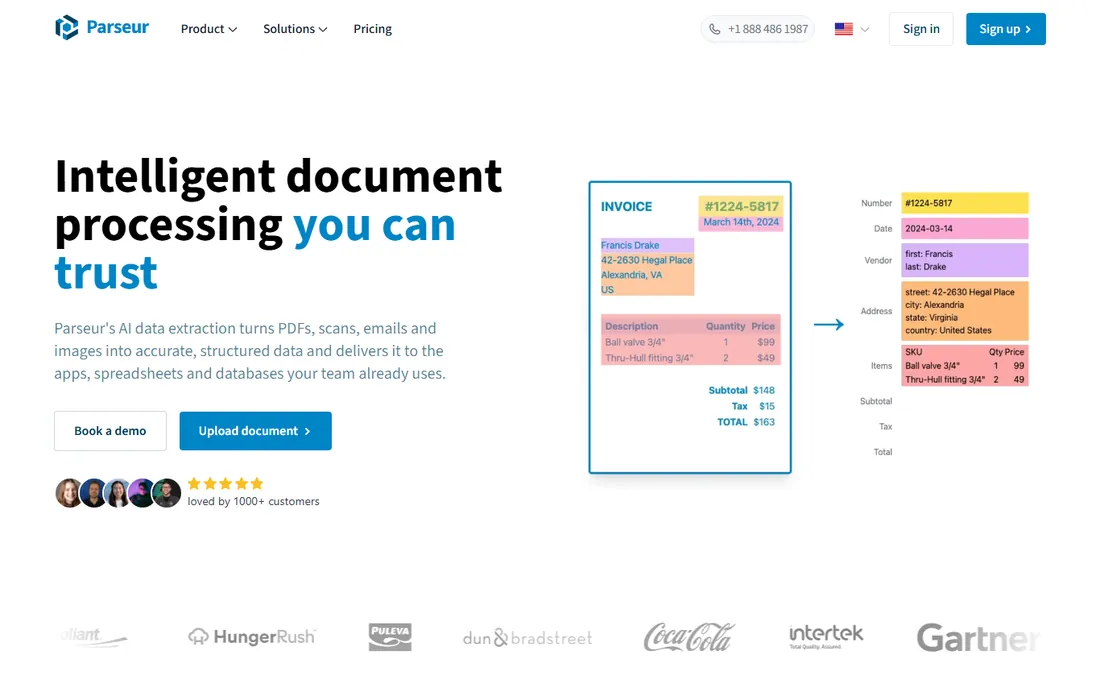
Parseur started as a mail parser and grew into a full AI document extractor, and that heritage shows in the best way: forward an email or upload a PDF and it pulls out the data with no training and no templates. The free plan gives you 20 pages a month forever, and paid plans are purely volume-based starting at $49 a month for 100 pages. Everything is self-serve, upgrade or cancel in the app, no sales call, which is refreshing in this category.
It is also honest about EU data hosting, GDPR compliance and SOC 2, which matters if your documents carry personal data. The limits are scale and shape: per-page costs add up fast past a few thousand pages a month. For operations teams drowning in emailed documents, Parseur is the fastest win on this list.
What we like- Genuine free plan with 20 pages a month, no credit card
- AI extraction needs no training or templates
- Fully self-serve with instant upgrades and cancellation
Watch out for- Volume pricing climbs steeply past a few thousand pages
- Email-centric design is less ideal for bulk file batches
- Smaller company than the enterprise vendors
#8
Doxis
Best for: European companies needing IDP with strong compliance
Visit klippa.com
Starting priceSee website
Free planFree trial
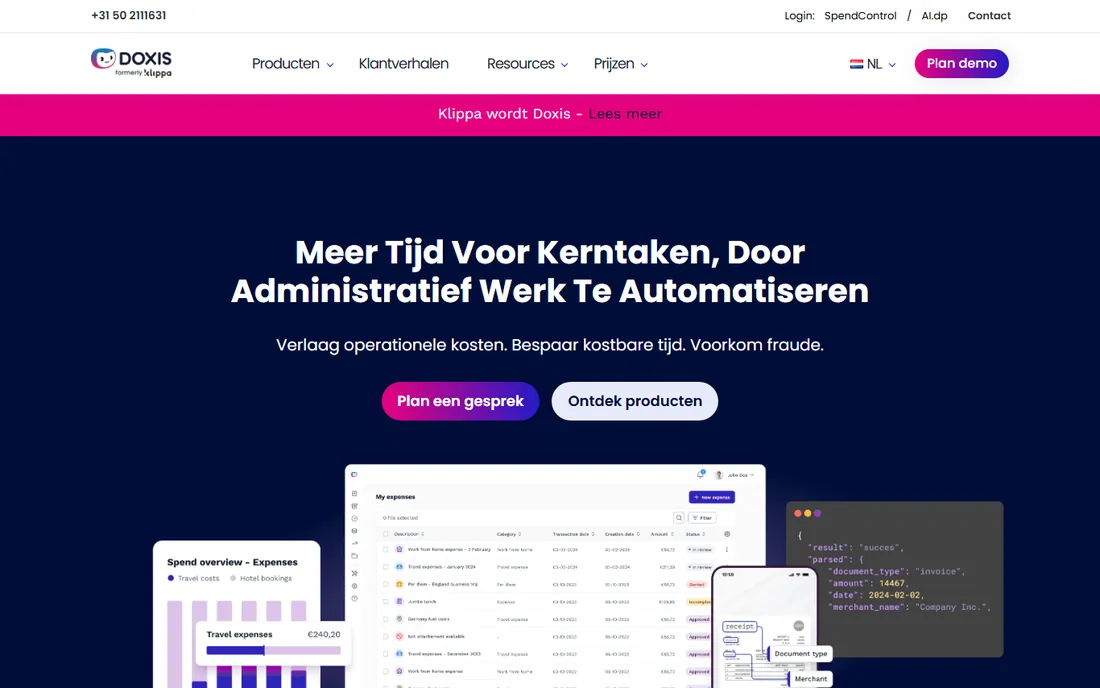
Doxis is the new name for Klippa, the Dutch document automation company, and the rebrand is recent enough that you will still find reviews under the old name. The platform, Doxis AI.dp, turns documents into structured data in seconds through a web interface, APIs or SDKs, with particular strength in fraud detection for invoices, receipts and identity documents. It also offers SpendControl modules for expense management.
Being EU-based with GDPR-native architecture is a genuine differentiator for European buyers. Pricing is quote-based and evaluation runs through a demo, though a free trial is offered. If you are a European mid-market company that wants IDP plus expense controls from one vendor, Doxis is worth a look.
What we like- Strong fraud detection and verification features
- EU-based with GDPR-native data handling
- Expense management modules beyond pure extraction
Watch out for- Recently rebranded from Klippa, so reviews and docs are split across two names
- Quote-based pricing
- Smaller presence outside Europe
#9
Veryfi
Best for: Developers building receipt and invoice capture into apps
Visit veryfi.com
Starting priceFrom $500/month (usage-based)
Free planYes
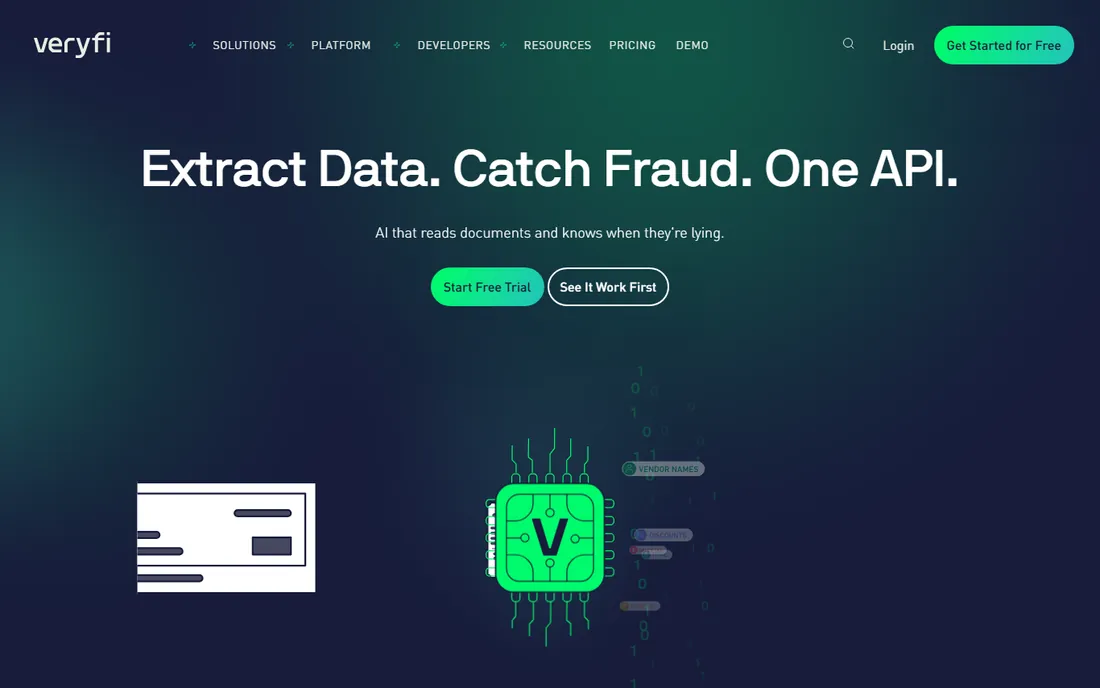
Veryfi sells document intelligence as an API, and it is built for teams shipping products, not just automating back offices. The OCR API reads invoices, receipts, bank statements, checks and W-2s, validates the math and flags fraud signals before the data hits your system. There is a mobile Lens SDK for on-device capture that works offline, and the company is SOC 2 Type II, HIPAA and GDPR compliant.
Pricing is transaction-based and published in Veryfi's own help center: a free plan covers 100 documents a month, the Starter plan starts at a $500 monthly minimum, and larger volumes go custom. For fintech, expense and AP automation vendors processing real volume, Veryfi's accuracy and fraud checks justify the price.
What we like- Free tier with 100 documents a month, no sales call
- Transaction-based pricing that scales cleanly
- Strong fraud signals and mobile capture SDK
Watch out for- $500 monthly minimum on the Starter plan is steep for small apps
- API-first design assumes developer resources
- Expense product is a separate SKU
Starting priceSee website
Free planNo
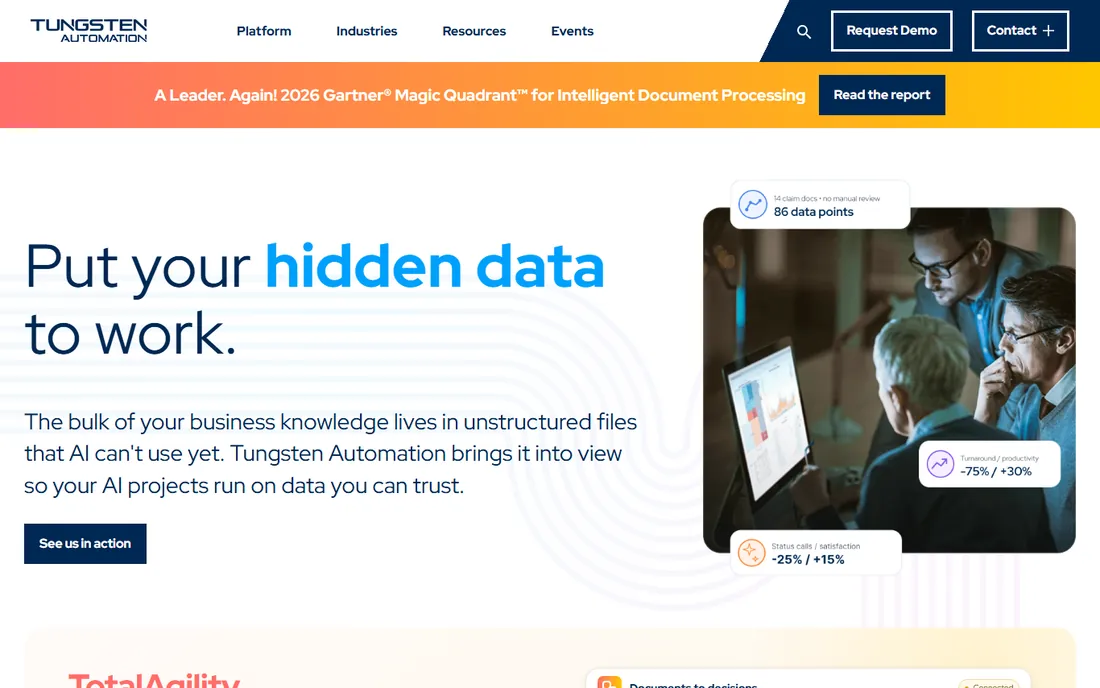
Tungsten Automation is the current name for Kofax, one of the oldest names in document capture. TotalAgility combines intelligent document processing with workflow orchestration, RPA and e-signatures, aimed at organizations automating document-heavy processes end to end. The company claims 25,000+ customers, over 40% of the Fortune 100, and a second straight year as a Leader in Gartner's IDP Magic Quadrant.
This is infrastructure, not an app: enterprise licensing, professional services and a real implementation timeline, with no free plan and no public pricing. For a bank or insurer processing millions of documents, that weight is the point: one governed platform instead of a dozen point tools.
What we like- Full intelligent automation platform beyond IDP, including workflows and RPA
- Trusted by 25,000+ businesses including most top banks
- Leader in Gartner's 2026 IDP Magic Quadrant
Watch out for- Enterprise pricing with no public numbers
- Implementations are large projects
- Far too heavy for simple extraction needs
How we chose
We started with the IDP vendors that rank highest in Gartner, IDC and Everest Group reports, plus the self-serve tools that dominate G2, Capterra and Reddit recommendations from finance and operations people. We kept only products that are actively sold today and genuinely process documents (not just store them), which left these 10 spanning enterprise platforms and affordable self-serve tools. Prices come from vendor pricing pages, official help centers and product documentation checked in October 2026; where vendors publish no pricing, we say so instead of guessing. We did not run hands-on trials. Strengths and weaknesses reflect vendor documentation, public review patterns and each product's stated limits.
Buying for the demo documents, not your documents
Every vendor demo uses clean, digital PDFs. Your reality is crooked phone scans, faded dot-matrix invoices and suppliers who redesign their templates twice a year. Always trial with the 50 ugliest documents you actually receive. Template-based tools like Docparser struggle here; AI-first tools like Parseur, Rossum and Nanonets handle variation far better.
Ignoring the per-page math at your real volume
A tool that looks cheap at 500 pages a month can be the most expensive option at 50,000. Model your cost at current volume and at 3x volume before signing anything. Usage-based pricing rewards steady, predictable flows; per-user or platform pricing punishes low utilization.
Forgetting the last mile
Extraction is only half the job. The data has to land in your accounting system, ERP or database without manual rework. Before you buy, confirm the specific integration you need exists and works the way you expect: native connectors beat CSV exports, and API quality matters more than the feature list suggests.
How document processing pricing works
Most tools on this list charge one of three ways. Per-page or per-document pricing (Parseur, Veryfi, Nanonets, Docparser credits) ties cost directly to volume, which is fair but can surprise you when volume spikes. Enterprise platform pricing (Rossum, ABBYY, Hyperscience, Tungsten, UiPath) is quote-based and usually annual, bundling software, support and often services into one contract.
Watch for the add-ons that change the math: multi-layout support, SSO, data retention beyond 30 days, human verification services and API access all sit behind higher tiers at several vendors. And check contract terms on the enterprise tools: annual commits with volume bands are standard, so negotiate the overage rate before you sign, not after your first spike.
Frequently asked questions
What is intelligent document processing (IDP)?
IDP is software that uses AI, including OCR and machine learning, to read unstructured documents like invoices, contracts and forms, then extract structured data from them. Unlike basic OCR, which just converts images to text, IDP understands what the text means: which number is the total, which date is the due date, which block is the line items.
How accurate is document processing software?
For clean digital documents, the leading tools claim 95% to 99%+ field accuracy. Accuracy drops with poor scans, handwriting and unusual layouts, which is why human-in-the-loop verification exists at the enterprise tools. Always test with your own worst documents, not the vendor's samples.
How much does document processing software cost?
Self-serve tools run $39 to $500 a month: Docparser from $39, Parseur from $49, Veryfi from $500 at volume. Enterprise IDP (Rossum, ABBYY, Hyperscience, Tungsten) is quote-based and typically runs into five or six figures annually. UiPath charges consumption-based AI Units on top of its platform license.
Do I need AI, or is template-based extraction enough?
If your documents come in a handful of stable layouts, template-based tools like Docparser are cheaper and more predictable. If layouts change constantly or you receive documents from hundreds of different senders, AI-first tools like Parseur, Rossum or Nanonets will save you from endless template maintenance.
Can document processing software handle handwriting?
Some can. ABBYY, Hyperscience and Rossum all support handwriting recognition with varying accuracy, and it remains the hardest problem in the category. If handwritten forms are core to your workflow, make handwriting samples the centerpiece of your trial.
Is my document data safe with these tools?
The enterprise vendors here carry SOC 2, ISO 27001 and often HIPAA or FedRAMP credentials. Parseur and Veryfi are SOC 2 compliant with EU data residency options. If you cannot send documents to the cloud at all, ABBYY and Tungsten offer on-premise deployment.
Sources we checked (8)
- https://www.g2.com/products/rossum/pricing
- https://www.trustradius.com/products/abbyy-vantage/pricing
- https://docs.uipath.com/es/document-understanding/automation-suite/2023.4/classic-user-guide/metering-charging-logic
- https://www.spotsaas.com/product/nanonets/pricing
- https://docparser.com/blog/document-data-extraction-software/
- https://parseur.com/pricing
- https://faq.veryfi.com/en/articles/3743986-what-are-the-plans-prices-for-ocr-api
- https://www.capterra.com/p/180429/Veryfi-OCR-API-SDK/pricing/
Is your product missing or out of date?
We review this list regularly. Vendors can request a listing, send updated pricing or ask about featured placement.

Shihab Mia · Founder, Rankite
Shihab has spent more than a decade helping SaaS and e-commerce brands grow through search. He writes Rankite's software buying guides from pricing pages, documentation and public user reviews. More about Shihab.