How we make this list: we compare pricing pages, product documentation and public user reviews. Rankite is independent; if a vendor ever pays for a featured spot, that listing is clearly labeled Partner.
Key takeaways
- DeepL produces the most natural translations for European languages, with paid plans from $10.49 a month.
- Google Translate and Microsoft Translator translate PDFs free in the browser, fine for everyday documents.
- Smartcat and Pairaphrase preserve complex layouts and add review workflows for professional use.
- Reverso's credit system suits occasional translations without a subscription.
Quick comparison
| Tool | Best for | Starting price | Free plan |
|---|
 DeepL DeepL | natural, accurate translations of European languages | $10.49 per month | Yes (3 document translations per month) |
 Google Translate Google Translate | free, fast translation of everyday PDFs | Free | Yes |
 Microsoft Translator Microsoft Translator | users in the Office and Windows ecosystem | Free (web); document API via Azure is pay-as-you-go | Yes |
 Smartcat Smartcat | professional document translation with layout preserved | See website | Free trial (14 days) |
 Pairaphrase Pairaphrase | secure enterprise document translation | $285 per month (1 user) | Free trial |
 Reverso Reverso | context-aware translation without a big subscription | ~2.27 EUR/month (billed annually) | Yes |
 DocTranslate.io DocTranslate.io | simple dedicated PDF translation | See website | Free trial |
 Smallpdf Smallpdf | translating PDFs inside a complete PDF toolkit | $84 per year | Yes (limited free tasks) |
Is your product missing or out of date?
We review this list regularly. Vendors can request a listing, send updated pricing or ask about featured placement.
The best software for PDF translation
You have a 40-page supplier contract in German, a product manual in Japanese, and a client who needs both in English by Thursday. Copy-pasting text out of a PDF destroys the tables, and the formatting matters as much as the words. These eight tools translate PDF documents while keeping them readable, and they cover everything from free one-off jobs to governed enterprise workflows.
#1
DeepL
Best for: natural, accurate translations of European languages
Visit deepl.com
Starting price$10.49 per month
Free planYes (3 document translations per month)
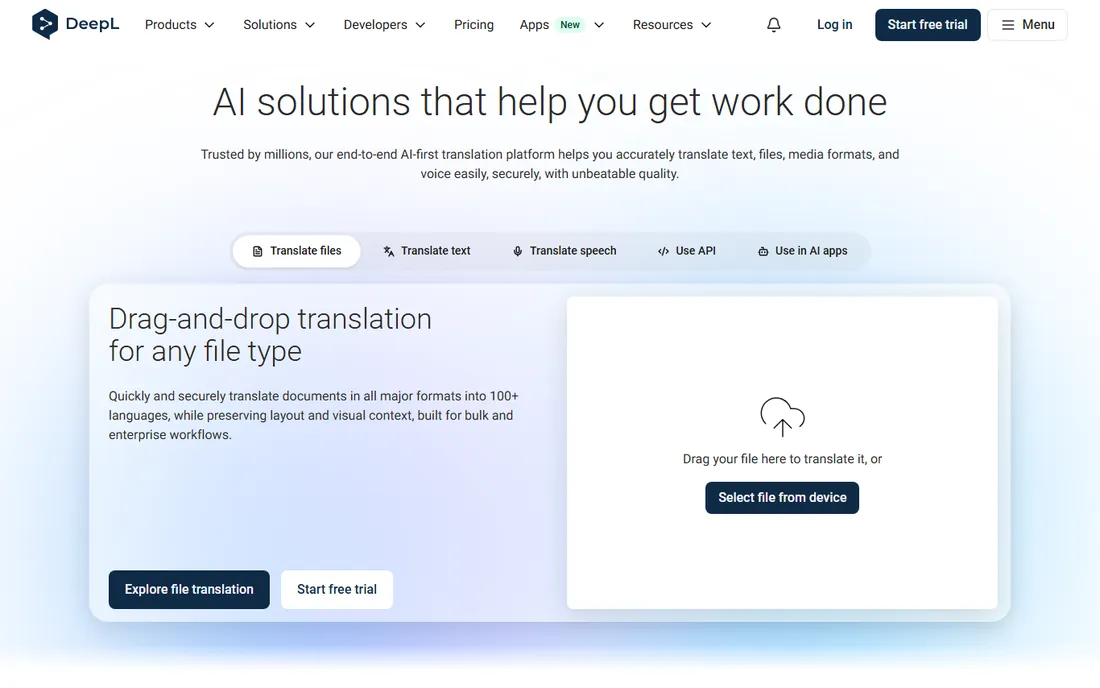
DeepL is the translator professional linguists rate highest in blind testing, and the gap shows in documents. Upload a PDF and you get back a translated file with formatting largely intact, in far more natural prose than the free alternatives produce. Document translation covers 100-plus languages, with text translation in 30-plus.
The free tier allows only 3 document translations per month, so anyone translating regularly needs a paid plan from $10.49 a month. DeepL does not train on customer content and does not retain it, which matters for business documents. For European language pairs especially, nothing else in this price range reads as well.
What we like- Best-in-class fluency for European language pairs
- Preserves document formatting
- SOC 2 and ISO 27001 certified
Watch out for- Free tier limited to 3 documents a month
- Weaker on some Asian and low-resource languages
- PDF layout can still shift on complex files
Starting priceFree
Free planYes
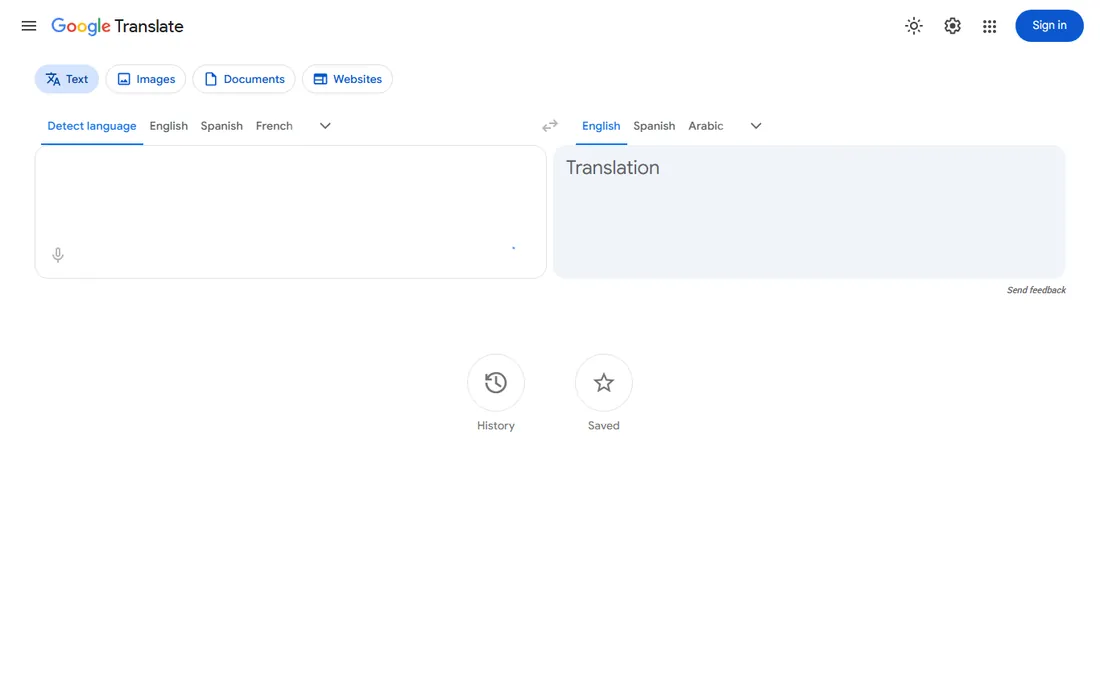
Google Translate's Documents tab turns PDF translation into a three-click job: upload, pick languages, download the result. It supports PDF, DOCX, PPTX and XLSX with a 10MB file limit, and it costs nothing. For understanding a foreign document quickly, it is genuinely useful.
The limits are real. Complex layouts come back scrambled, and Google may use submitted text to improve its services, so never upload confidential contracts or personal data. Treat it as a comprehension tool, not a publishing tool: fine for reading, not for sending to a client.
What we like- Completely free with no account needed
- Handles 240-plus languages
- Document upload with download of the translation
Watch out for- Formatting often breaks on complex PDFs
- No confidentiality guarantees
- Quality drops on technical and legal text
Starting priceFree (web); document API via Azure is pay-as-you-go
Free planYes
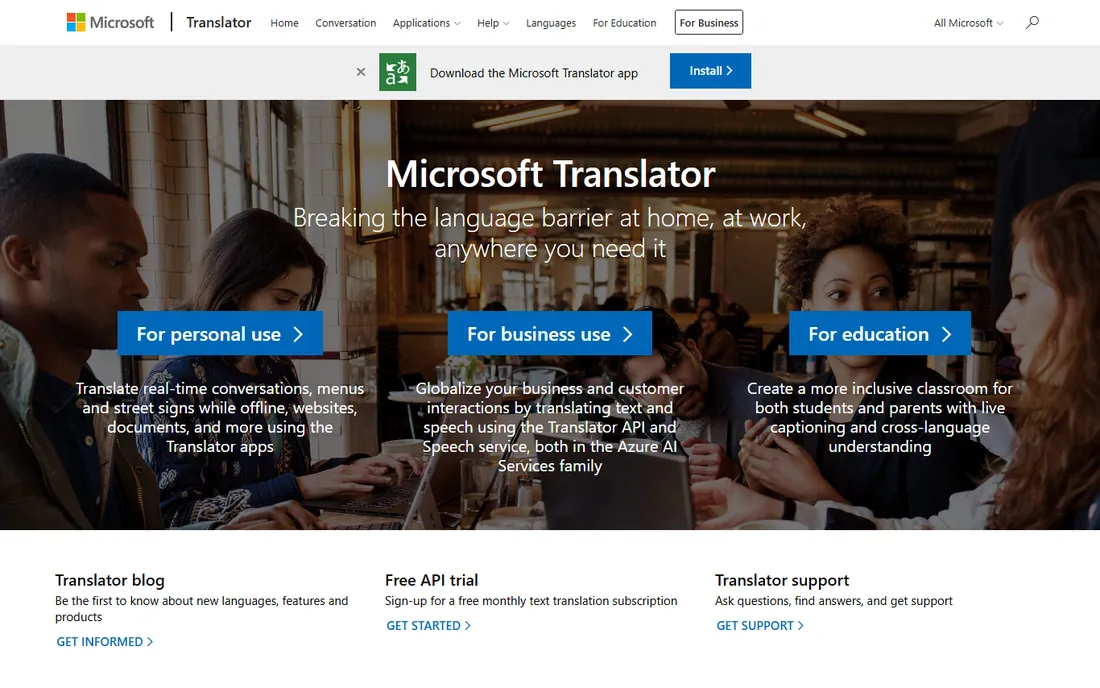
Microsoft Translator covers the same free ground as Google, with a stronger document story underneath. The Azure Document Translation service handles Word, Excel, PowerPoint and PDF while preserving original formatting, applies custom glossaries, and even OCRs scanned PDFs automatically. Word's built-in Review then Translate feature uses the same engine.
Casual users get the free web translator; teams with volume use the Azure API on pay-as-you-go pricing. For companies already on Microsoft 365, translating inside Word is the path of least resistance, and the glossary support helps with consistent terminology.
What we like- Free web translation
- Document translation preserves formatting including scanned PDFs via OCR
- Integrates with Word and Office
Watch out for- Best document features need Azure setup
- Quality similar to Google on general text
- Business pricing is usage-based and harder to predict
#4
Smartcat
Best for: professional document translation with layout preserved
Visit smartcat.com
Starting priceSee website
Free planFree trial (14 days)
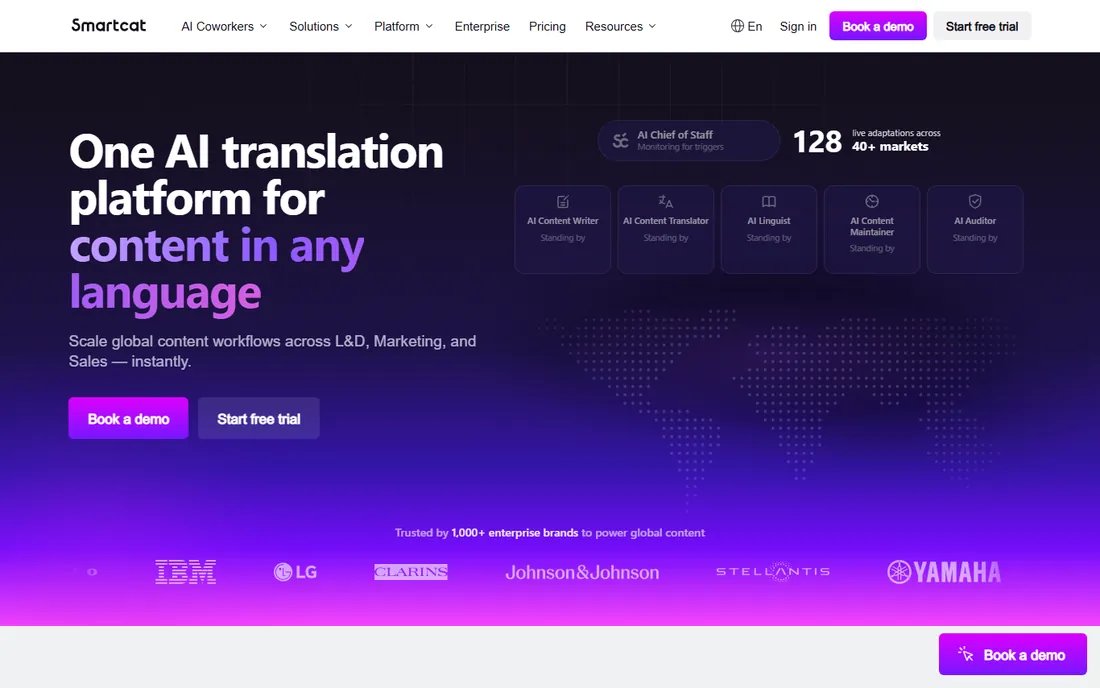
Smartcat is built for teams that translate documents as a workflow, not a chore. Upload a PDF and its AI translates it in seconds while keeping the original layout, with OCR handling scanned pages. Over 80 file types are supported, and you can invite collaborators or hire vetted linguists from its marketplace to review the result.
A 14-day free trial lets you test with real files, but paid plans are quote-based. This is overkill for translating one contract; it shines when marketing, L&D or operations teams produce multilingual documents continuously and need consistent terminology and review trails.
What we like- Preserves layout across 80-plus file types
- Built-in OCR for scanned PDFs
- Marketplace of human reviewers for quality control
Watch out for- No public pricing
- Platform aimed at teams, not one-off users
- AI output still needs review for critical content
Starting price$285 per month (1 user)
Free planFree trial
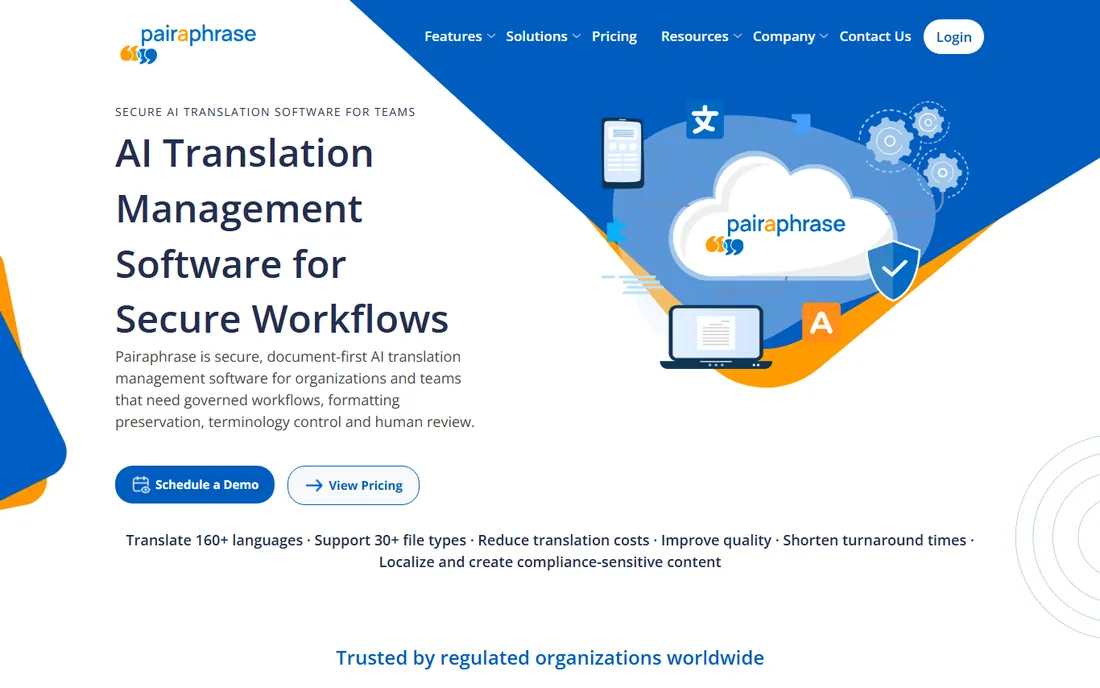
Pairaphrase is the governed choice for regulated industries. It is HIPAA compliant, supports business associate agreements, encrypts data in transit and at rest, and never returns your content to third parties. Document translation runs across Microsoft, Google, DeepL and ChatGPT engines with batch processing and automatic formatting.
Plans start at $285 a month for one user, which prices out casual use by design. For healthcare, legal and government teams translating sensitive documents, the compliance story is the product: security controls that free tools simply do not offer.
What we like- HIPAA compliant with BAAs available
- Combines multiple translation engines
- Batch file translation with automatic formatting
Watch out for- Enterprise pricing starts high
- Aimed at organizations, not individuals
- Interface less simple than consumer tools
#6
Reverso
Best for: context-aware translation without a big subscription
Visit reverso.net
Starting price~2.27 EUR/month (billed annually)
Free planYes
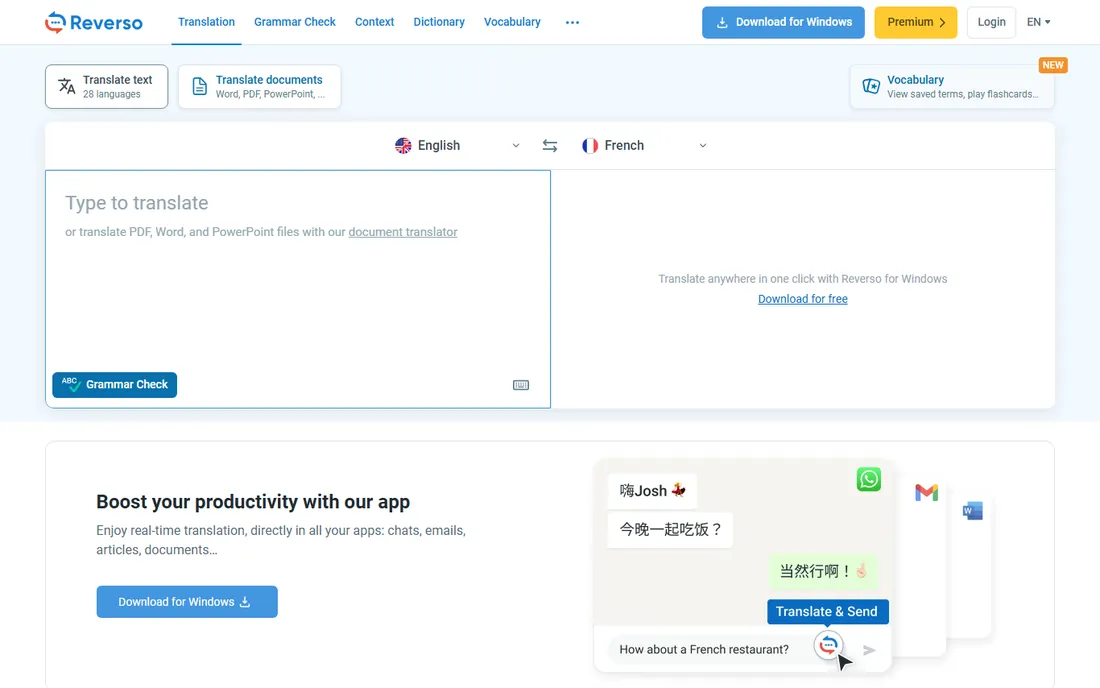
Reverso's signature is context: every translation comes with real examples showing how words are actually used, which helps with idioms and tricky phrasing. The document translator keeps your original layout and handles PDFs up to 250 pages, with a simple credit system where one credit equals one translated word.
Pricing is flexible: start free, buy one-time credits from 5 EUR for 2,500 words, or subscribe from about 2.27 EUR a month billed annually. For individuals who translate documents occasionally and hate subscriptions, the credit model is the most honest pricing on this list.
What we like- Translations shown with real-life usage examples
- Credit system for occasional use
- Full document translation keeps original layout
Watch out for- Fewer languages than Google or Microsoft
- Free tier limited
- Document features need a paid plan
Starting priceSee website
Free planFree trial
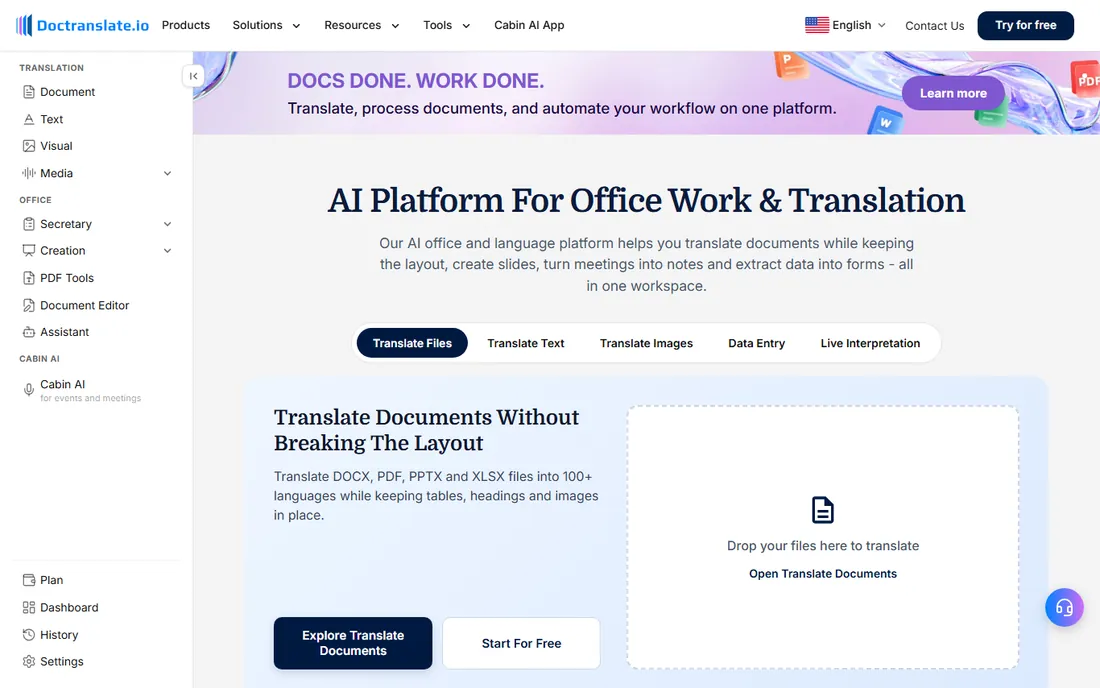
DocTranslate.io does one thing: translate your documents. Upload a file, get a translated file back, without the dashboards, marketplaces and workflow features of the bigger platforms. For users who find Smartcat overwhelming and Google Translate too crude, that simplicity is the appeal.
The tradeoff is transparency: pricing is not published, so you will need to contact the vendor. As a smaller, newer vendor it also lacks the compliance certifications of Pairaphrase or the track record of DeepL. Worth a trial for straightforward document jobs where simplicity beats features.
What we like- Built specifically for document translation
- Simple upload-and-go workflow
- No complex platform to learn
Watch out for- No public pricing
- Smaller vendor with less track record
- Fewer advanced features than Smartcat or Pairaphrase
Starting price$84 per year
Free planYes (limited free tasks)
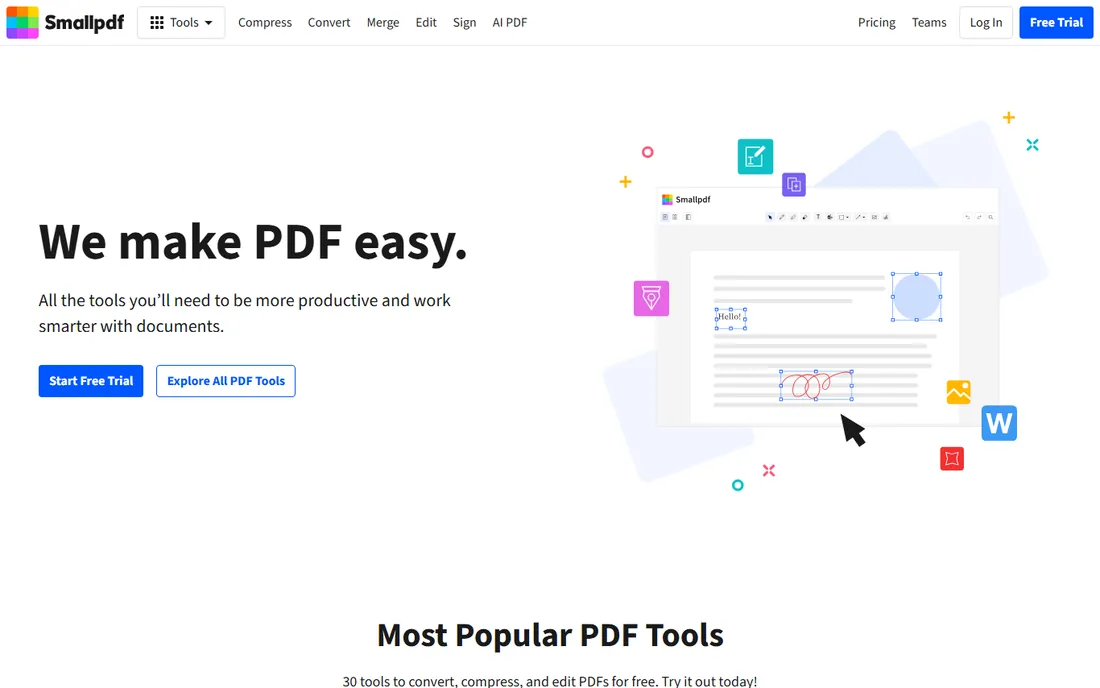
Smallpdf is the PDF multitool that added AI translation to its kit. If you already compress, convert, sign and edit PDFs there, translating a document in the same place saves a round trip. Plans run $84 a year or $10 a month, with a free tier covering limited daily tasks.
Do not expect DeepL-level translation quality or Smartcat-level layout control; translation is a feature here, not the product. But for the common case of making a foreign PDF readable while you also need to compress or sign it, the all-in-one convenience wins.
What we like- Translation alongside compress, convert, sign and edit tools
- Simple web interface
- Free tier for light use
Watch out for- Translation is one feature among many, not the specialty
- Free tier limited to a couple of tasks daily
- Layout fidelity varies
Free versus paid PDF translation
Free tools, Google Translate, Microsoft Translator and DeepL's free tier, handle everyday documents well: understanding a manual, reading a foreign article, translating a short contract for comprehension. The moment a document leaves your hands, the calculus changes. Paid tools buy you three things: better layout preservation, confidentiality guarantees, and terminology control through glossaries and review workflows.
A practical rule: free for reading, paid for sending. If the translated PDF goes to a client, a regulator or a court, use DeepL, Smartcat or Pairaphrase. If it stays on your screen, Google Translate is fine.
What to check before you choose
Test with your actual documents, because marketing claims about layout preservation vary wildly by file. Upload your ugliest PDF, the one with tables, footnotes and scanned pages, and compare outputs side by side. Check the confidentiality terms before uploading anything sensitive; free consumer tools generally offer none. Confirm OCR support if your PDFs are scanned images rather than text. And check the language pair you actually need: DeepL shines for European languages but is thinner on some Asian ones, while Google covers 240-plus languages at lower quality.
How we chose
We compared tools that translate PDF documents as a core function, from free consumer translators to enterprise document platforms. We checked current pricing pages and vendor documentation, read public reviews on G2, Capterra and Reddit, and weighed translation quality, layout preservation, OCR support, confidentiality and honest fit for small and mid-size companies. No vendor paid for placement, and we did not run hands-on trials.
Frequently asked questions
What is the best free software for PDF translation?
Google Translate is the best free option: upload a PDF up to 10MB, translate between 240-plus languages, and download the result at no cost. DeepL's free tier allows 3 document translations per month at higher quality.
Does Google Translate preserve PDF formatting?
Partially. Simple documents come through reasonably well, but complex layouts with tables and images often break. For client-ready documents, use DeepL, Smartcat or Pairaphrase instead.
Can these tools translate scanned PDFs?
Microsoft's Document Translation and Smartcat include OCR that extracts text from scanned PDFs automatically. DeepL and Google Translate handle scanned PDFs poorly or not at all.
Is it safe to upload confidential PDFs to free translators?
No. Free consumer tools generally do not guarantee confidentiality and may use your content to improve their services. For sensitive documents, use a tool with explicit data protections like DeepL, which does not retain or train on customer content, or a HIPAA-compliant platform like Pairaphrase.
How much does DeepL cost for document translation?
DeepL's paid plans start at $10.49 per month. The free tier includes 3 document translations per month, which suits very occasional use.
Sources we checked (10)
- https://memeburn.com/best-ai-translation-tools/
- https://medium.com/@juniorlawyer.in/best-translation-tool-online-free-for-pdf-docs-2026-translate-documents-instantly-eb8a09b3b8cc
- https://www.allaboutai.com/best-ai-tools/productivity/translation/
- https://www.deepl.com/en/quality
- https://www.androidpolice.com/translate-pdf-google-translate-tutorial/
- https://www.microsoft.com/en-us/translator/business/document-translation/
- https://www.smartcat.com/professional-document-translation/
- https://www.pairaphrase.com/subscriptions
- https://documents.reverso.net/Pricing.aspx?lang=en&rtm_source=facebook&rtm_medium=cpc&rtm_campaign=gs_documents_ar
- https://slashdot.org/software/comparison/PDF-Tools-vs-Smallpdf/
Is your product missing or out of date?
We review this list regularly. Vendors can request a listing, send updated pricing or ask about featured placement.

Shihab Mia · Founder, Rankite
Shihab has spent more than a decade helping SaaS and e-commerce brands grow through search. He writes Rankite's software buying guides from pricing pages, documentation and public user reviews. More about Shihab.