How we make this list: we compare pricing pages, product documentation and public user reviews. Rankite is independent; if a vendor ever pays for a featured spot, that listing is clearly labeled Partner.

Key takeaways
- AutoCAD remains the default for 2D patent line work because examiners, attorneys, and drafting services all speak DWG.
- Inkscape costs nothing and handles clean vector line drawings well enough for many utility applications.
- For mechanical inventions, SolidWorks lets you generate patent views directly from the 3D model, which keeps every figure consistent.
- Microsoft Visio and SmartDraw only suit simple flowcharts and diagrams, not precision mechanical drawings.
Quick comparison
| Tool | Best for | Starting price | Free plan |
|---|
 AutoCAD AutoCAD | Precise 2D patent line work | $260/month or $2,095/year | Free trial (30 days) |
 SolidWorks SolidWorks | Generating views from 3D models | From $2,820/year | No |
 Adobe Illustrator Adobe Illustrator | Clean vector illustrations and design patents | $22.99/month | Free trial (7 days) |
 TurboCAD TurboCAD | One-time-purchase CAD drafting | From $199.99 (Designer, one-time) | Free trial (15 days) |
 DraftSight DraftSight | Affordable DWG-compatible drafting | From $299/year (Professional) | Free trial |
 CorelDRAW Graphics Suite CorelDRAW Graphics Suite | Vector illustration with page layout | $269/year (subscription) | Free trial (15 days) |
 Inkscape Inkscape | Free patent-quality vector drawings | Free | Yes |
 Microsoft Visio Microsoft Visio | Flowcharts and system block diagrams | From $5/user/month (Plan 1, annual) | Free trial |
 SmartDraw SmartDraw | Diagrams without design training | From $7.95/month (billed annually) | Free trial |
Is your product missing or out of date?
We review this list regularly. Vendors can request a listing, send updated pricing or ask about featured placement.
Patent drawing software worth learning
Starting price$260/month or $2,095/year
Free planFree trial (30 days)
AutoCAD is the working language of patent drafting. Formal patent drawings live or die on line weight control, exact geometry, and clean exports, and AutoCAD gives you all three with decades of refinement. Drafting services worldwide accept DWG files, which means you can start a drawing yourself and hand it to a professional without conversion problems.
The price is the obvious barrier. At $2,095 a year, it only pays off if you file regularly or draft for clients. AutoCAD LT is cheaper but drops the 3D and API features patent drafters rarely need anyway, though LT still costs more than every alternative on this list. If you are serious about DIY patent drawings, accept the learning investment, since the skills transfer to every other CAD tool here.
What we like- The industry standard attorneys expect
- Exact line weights and dimension control
- Huge library of tutorials
Watch out for- Expensive for occasional use
- Steep learning curve for beginners
Starting priceFrom $2,820/year
Free planNo
For mechanical inventions, SolidWorks changes the workflow entirely. Model the invention once in 3D, then generate front, side, sectional, and exploded views that are guaranteed consistent with each other. Change a dimension in the model and every patent figure updates, which eliminates the most common source of drawing errors in mechanical applications.
The cost puts it out of reach for individual inventors filing a single patent. This is professional-grade software priced for engineering firms, and the Windows-only, GPU-hungry installation adds to the commitment. But if you already model in SolidWorks, exporting patent-ready views is far more reliable than redrawing everything in a 2D tool.
What we like- Sectional and exploded views come straight from the model
- Every figure stays dimensionally consistent
- Industry standard for mechanical patents
Watch out for- Very expensive
- Overkill if you only need flat 2D line drawings
#3
Adobe Illustrator
Best for: Clean vector illustrations and design patents
Visit adobe.com
Starting price$22.99/month
Free planFree trial (7 days)
Illustrator shines for design patents and for utility drawings where the look matters as much as the geometry. Its pen tool, stroke controls, and hatching options produce the crisp black-and-white figures the USPTO wants, and the PDF export is exactly what electronic filing systems expect. Many professional patent illustrators work in Illustrator for the final polish.
It is an illustration tool, not a CAD tool. There is no real dimensioning, no constraints, and no parametric geometry, so mechanical parts are drawn by eye and hand. For a single filing, $22.99 a month for two or three months is reasonable, but cancel when the drawings are done.
What we like- Superb bezier control and line styling
- Excellent for design patent surface shading
- Exports print-quality PDF
Watch out for- No real dimensioning tools
- Monthly cost adds up for one-off filings
Starting priceFrom $199.99 (Designer, one-time)
Free planFree trial (15 days)
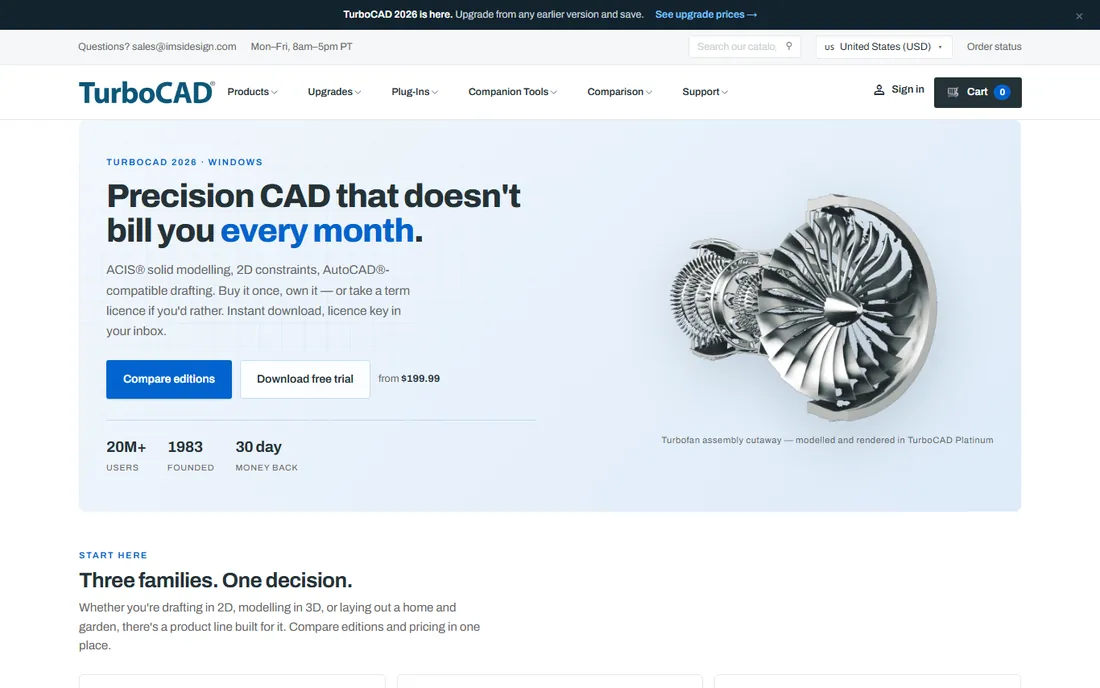
TurboCAD is the pragmatic middle ground. The 2026 lineup runs from a $199.99 Designer edition for 2D work up to Platinum at $1,499.99 for ACIS solid modeling, and every tier is available as a one-time purchase you keep forever. The interface deliberately mirrors AutoCAD, so skills and muscle memory carry over.
The tradeoff is ecosystem size. Fewer drafting services work natively in TurboCAD files, though DWG export is solid, and the tutorial and template community is a fraction of AutoCAD's. For an inventor who wants real CAD without a subscription, the Deluxe edition at $399.99 is the sweet spot for patent line work.
What we like- Perpetual licenses with no subscription
- AutoCAD-like interface eases switching
- Strong DWG compatibility
Watch out for- Smaller community and fewer tutorials
- High-end editions get pricey
Starting priceFrom $299/year (Professional)
Free planFree trial
DraftSight is Dassault Systemes' answer to drafters who want AutoCAD compatibility without the Autodesk price tag. Professional 2D drafting runs from $299 a year, with a Premium tier adding 3D at $599. The DWG fidelity is genuinely good, which matters when your attorney or a drafting service needs to open your files.
Patent work is mostly 2D line drawings, which plays to DraftSight's strength, but note that 3D features cost double and the free tier is gone for good. It is a solid budget pick for utility patent figures, though the value gap against TurboCAD's one-time pricing deserves a real comparison before you buy.
What we like- Familiar AutoCAD-like 2D drafting
- Native DWG read and write
- Much cheaper than AutoCAD
Watch out for- 2D focus means weak 3D patent illustration
- Owned by Dassault with periodic price changes
Starting price$269/year (subscription)
Free planFree trial (15 days)
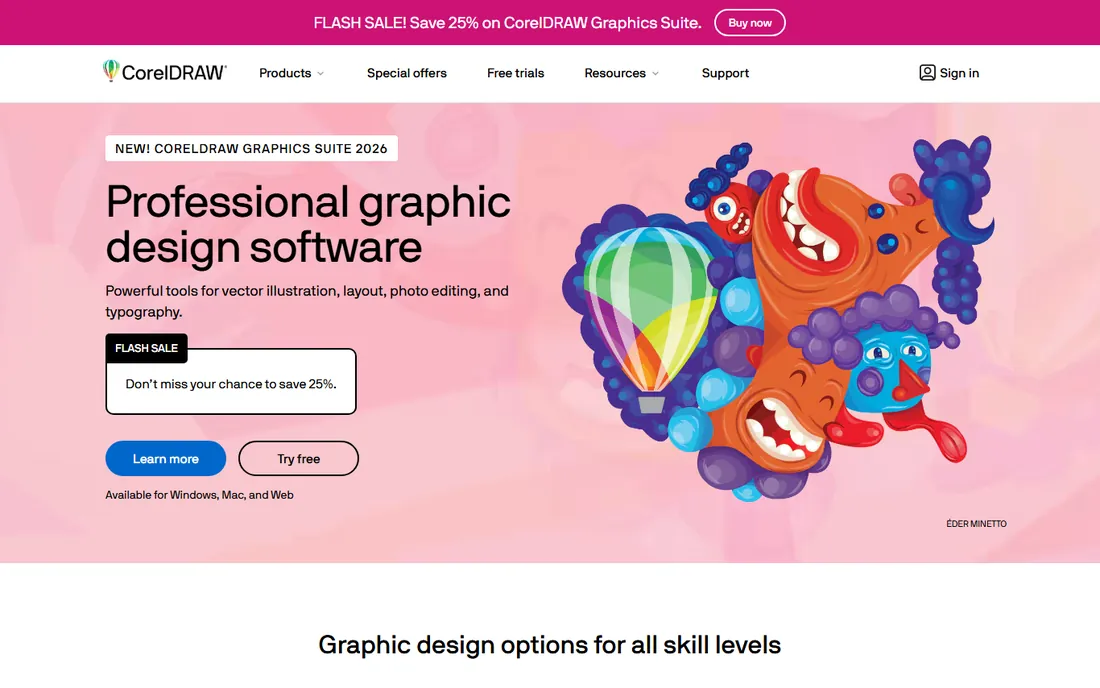
CorelDRAW occupies a useful niche between Illustrator and CAD. Its vector tools handle clean line drawings and the hatching and shading conventions patent offices expect, while the layout features help assemble multi-figure sheets. The one-time purchase option at $549 appeals to inventors who refuse subscriptions, and the subscription at $269 a year is cheaper than Illustrator over time.
The catch is precision. CorelDRAW lacks true CAD dimensioning and constraint systems, so mechanical drawings take more manual care. It is strongest for design patents, flowcharts, and chemical structure figures, where artistic control matters more than measured geometry.
What we like- Still offers a one-time purchase ($549)
- Strong vector tools plus layout in one suite
- Good for chemical and design figures
Watch out for- Weaker CAD-style precision than AutoCAD
- Smaller patent-drafting community
Starting priceFree
Free planYes
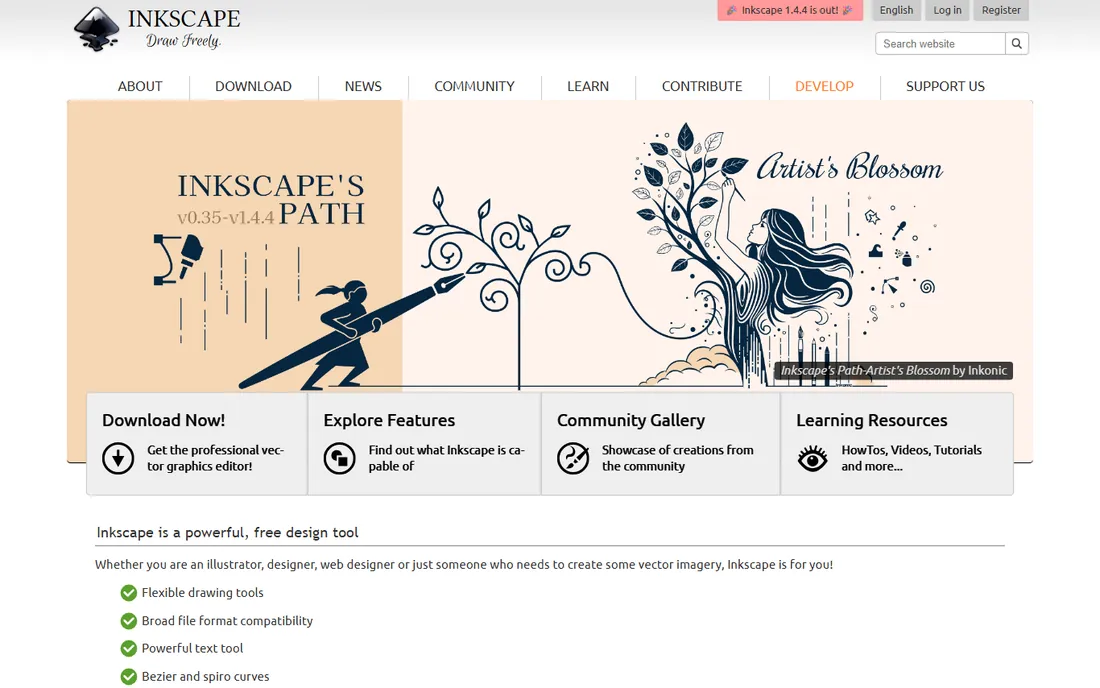
Inkscape is the best-kept secret in DIY patent drawing. It costs nothing, runs on Windows, Mac, and Linux, and its vector tools are more than capable of the clean black-and-white line figures the USPTO requires. For utility applications with straightforward geometry, a careful drafter can produce filing-ready drawings without spending a dollar.
Be honest about the limits. There is no dimensioning system, no parametric constraints, and complex mechanical assemblies become painful. The interface feels dated next to Illustrator, and you will work harder for the same result. But for inventors on a budget, or as a learning tool before investing in commercial software, Inkscape is genuinely filing-capable.
What we like- Completely free and open source
- Capable bezier and stroke tools
- SVG native format exports clean PDF
Watch out for- No CAD dimensioning
- Interface and stability lag commercial tools
Starting priceFrom $5/user/month (Plan 1, annual)
Free planFree trial
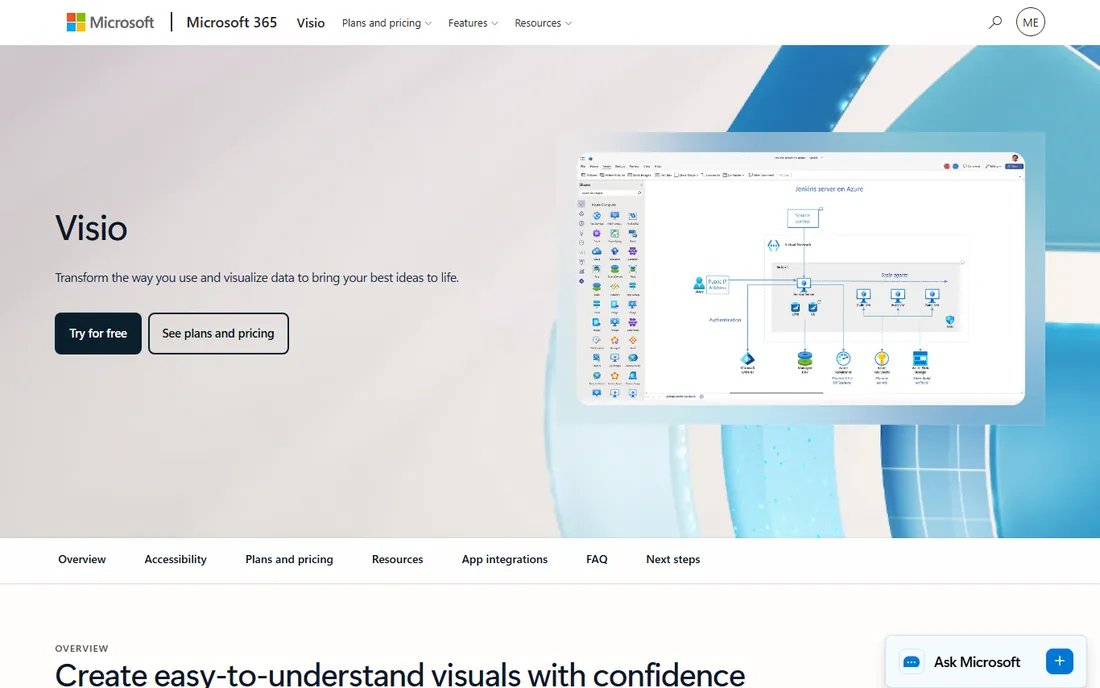
Visio earns its place for one patent drawing type: flowcharts. Software and business-method applications often need process flow diagrams, and Visio produces clean, professional ones faster than any CAD tool. Plan 1 at $5 a user per month covers the web app, while Plan 2 at $15 adds the desktop application with deeper features.
Do not stretch it further. Visio has no real line-weight control for patent formalities, no bezier precision worth mentioning, and no place in mechanical or design drawings. It is a diagramming tool that happens to be useful for one slice of patent illustration, nothing more.
What we like- Fastest way to draw clean flowcharts
- Templates for process diagrams
- Integrates with Microsoft 365
Watch out for- Not a precision drawing tool
- Useless for mechanical or design patent figures
Starting priceFrom $7.95/month (billed annually)
Free planFree trial
SmartDraw is the zero-training option. Its templates and automatic formatting let a non-designer produce respectable flowcharts, organization charts, and basic schematics in an afternoon. For inventors who need simple process diagrams to support an application, that speed has real value.
Like Visio, it hits a hard ceiling. Formal patent drawings demand exact line weights, margins, and sheet layouts that SmartDraw cannot reliably control, and no serious drafting service works from its files. Use it for supporting diagrams, then hand the mechanical figures to a CAD tool or a professional.
What we like- Easiest learning curve on this list
- Huge template library
- Decent flowchart and schematic output
Watch out for- Limited precision controls
- Not suitable for formal mechanical patent drawings
What the USPTO actually wants from your drawings
The USPTO's drawing rules live in 37 CFR 1.84, and they are stricter than most inventors expect. Figures must be in black ink on white paper (or black and white in electronic filing), with specific margins, minimum character heights, and no shading that obscures lines. Surface shading in design patents follows its own conventions. The software on this list can all produce compliant output, but compliance is a matter of settings and care, not a button you press.
Pick your tool by invention type. Mechanical inventions belong in CAD, with SolidWorks or AutoCAD leading, and TurboCAD or DraftSight as budget options. Design patents belong in vector illustration, where Illustrator, CorelDRAW, or Inkscape handle the shading conventions. Flowcharts and software processes belong in Visio or SmartDraw.
DIY drawings vs hiring a draftsperson
Professional patent drafting services charge per sheet, typically $80 to $200 depending on complexity, and they guarantee USPTO compliance. For a simple utility application with five or six figures, a service often costs less than a year of AutoCAD, and the drawings arrive faster and cleaner than a first-timer can produce.
DIY makes sense when you file often, when the invention changes during prosecution and figures need constant revision, or when you already own the software. The middle path works well: draft the figures yourself in Inkscape or TurboCAD, then pay a service for a compliance review and cleanup. That keeps costs low while removing the rejection risk.
How we chose
We reviewed vendor pricing pages, feature documentation, and export capabilities for each tool, then checked how patent attorneys and drafting services discuss them on legal and inventor forums, plus reviews on G2 and Capterra. We weighted DWG and PDF export quality, line weight and dimensioning control, suitability for the USPTO's formal drawing rules, learning curve, and total cost for a single filing. We did not test drawing production hands-on.
Frequently asked questions
What software do professional patent drafters use?
Most professional patent drafting services work in AutoCAD or SolidWorks, since both produce the precise line work and DWG files the industry standardizes on. Many also finish illustrations in Adobe Illustrator for clean vector output.
Can I use free software for patent drawings?
Yes. Inkscape can produce filing-ready black-and-white line drawings for utility applications at no cost. The limitation is your own skill: free software does not check USPTO compliance for you, so review the drawing rules in 37 CFR 1.84 carefully.
Does the USPTO accept 3D model files?
No. The USPTO requires 2D drawings or photographs that meet its formal requirements. 3D CAD tools like SolidWorks are useful because they generate consistent 2D views, but the filing itself contains flat figures.
What is the difference between utility and design patent drawings?
Utility patent drawings show how an invention works, using line drawings with reference numbers pointing to parts. Design patent drawings show how it looks, using surface shading to define the claimed ornamental design. Vector illustration tools suit design patents; CAD suits utility patents.
How much does it cost to have patent drawings made professionally?
Drafting services typically charge $80 to $200 per sheet for utility drawings, with design patents at the higher end. A simple application with five figures often costs a few hundred dollars total, which is frequently cheaper than a year of commercial CAD software.
Can I draw patent figures in Microsoft Visio?
Only for flowcharts and simple process diagrams in software-related applications. Visio lacks the line-weight control and precision the USPTO requires for mechanical figures, so use CAD or vector software for anything beyond block diagrams.
Sources we checked (12)
- https://www.turbocadpro.com/
- https://inkscape.org
- https://www.coreldraw.com
- https://www.autodesk.com
- https://www.solidworks.com
- https://www.adobe.com/products/illustrator
- https://www.draftsight.com
- https://www.microsoft.com/en-us/microsoft-365/visio
- https://www.smartdraw.com
- https://www.g2.com/products/autocad/pricing
- https://www.g2.com/products/draftsight/pricing
- https://support.microsoft.com/en-us/office/compare-visio-versions-and-features-c659cbc1-34c7-42d8-92e6-80c87fb572a7
Is your product missing or out of date?
We review this list regularly. Vendors can request a listing, send updated pricing or ask about featured placement.

Shihab Mia · Founder, Rankite
Shihab has spent more than a decade helping SaaS and e-commerce brands grow through search. He writes Rankite's software buying guides from pricing pages, documentation and public user reviews. More about Shihab.