How we make this list: we compare pricing pages, product documentation and public user reviews. Rankite is independent; if a vendor ever pays for a featured spot, that listing is clearly labeled Partner.
Key takeaways
- Interior design businesses usually need two kinds of software: design tools (Chief Architect, SketchUp, Foyr Neo) and business tools (Studio Designer, Design Manager, Houzz Pro).
- Business management platforms run $55 to $109 per user a month; design tools range from $144 a year (RoomSketcher) to $1,995 a year (Chief Architect).
- Free starts exist: RoomSketcher has a real free plan, DesignFiles offers a free one-project account, and most others give 7 to 14 day trials.
- If accounting matters, Studio Designer and Design Manager include bookkeeping built for designers; Houzz Pro and the design tools expect you to use QuickBooks or similar.
- Mydoma Studio has joined forces with Studio Designer, so the two now operate as one company serving over 20,000 designers.
Quick comparison
| Tool | Best for | Starting price | Free plan |
|---|
 Houzz Pro Houzz Pro | all-in-one business management for design firms | See website | Free trial |
 Studio Designer Studio Designer | full business management with built-in accounting | $69 per user/month (billed annually) | Free trial |
 Design Manager Design Manager | accounting-first project management | $79/mo per user | Free trial (7 days) |
 DesignFiles DesignFiles | e-design and visual client presentations | $55/mo (e-Design plan) | Yes (free plan for one project) |
 Chief Architect Chief Architect | detailed residential design and construction drawings | $1,995/yr (billed annually; $229/mo monthly) | Free trial |
 SketchUp SketchUp | flexible 3D modeling for designers | $399/yr (Pro; $33.25/mo billed annually) | Free trial |
 Foyr Neo Foyr Neo | fast renders without CAD skills | $33/mo (billed annually) | Free trial (14 days) |
 RoomSketcher RoomSketcher | quick professional floor plans | $144/yr (Pro; $12/mo billed annually) | Yes |
Is your product missing or out of date?
We review this list regularly. Vendors can request a listing, send updated pricing or ask about featured placement.
The best software for interior design business
Tara runs a six-person interior design studio in Portland. She juggles client presentations, vendor orders and invoices across five different apps, and her bookkeeper just quit. She needs software that handles both the creative work and the money side, without a six-month learning curve. These eight tools cover both halves of that job.
Starting priceSee website
Free planFree trial
Houzz Pro is the all-in-one option most design firms hear about first. It combines lead management, proposals and estimates, invoicing, change orders, mood boards, a 3D floor planner and a client dashboard in one cloud platform, with a mobile app for work on site. The vendor says more than 3 million contractors and design pros use it, and integrations with QuickBooks Online, Gmail and major calendars cut down on double entry.
The honest catch is transparency. Pricing is not published on the marketing pages, so budgeting means talking to sales. The accounting side is serviceable but not as deep as tools built specifically for designer bookkeeping, which is why some firms still run QuickBooks alongside it. For firms that want marketing, project management and client communication under one roof, it remains the broadest package.
What we like- Project management plus marketing in one place
- 3D floor planner included
- Integrations with QuickBooks and Gmail
Watch out for- Pricing is not published upfront
- Accounting is lighter than Studio Designer
- Per-seat costs add up for teams
Starting price$69 per user/month (billed annually)
Free planFree trial

If the money side of your business keeps you up at night, start here. Studio Designer manages projects from first concept through installation, with a trade catalog, design boards, AI rendering, purchase orders, vendor management, invoicing, online payments through StudioPay and accounting built specifically for design firms. Pricing runs $69 to $109 per user per month billed annually, according to the company's own site. Mydoma Studio has joined forces with the company, and together they support over 20,000 designers.
The catch is the per-seat model. A five-person team pays five times the plan price, which adds up fast compared with flat-rate tools. The design features cover boards and AI rendering, but they do not replace a CAD tool like Chief Architect for construction documents. Firms that live and die by their margins tend to find the trade worth it.
What we like- Accounting purpose-built for interior designers
- Procurement through invoicing in one system
- Used by 20,000+ designers
Watch out for- Per-user pricing gets expensive for teams
- Design tools are lighter than CAD software
- Some users find the interface dated
Starting price$79/mo per user
Free planFree trial (7 days)
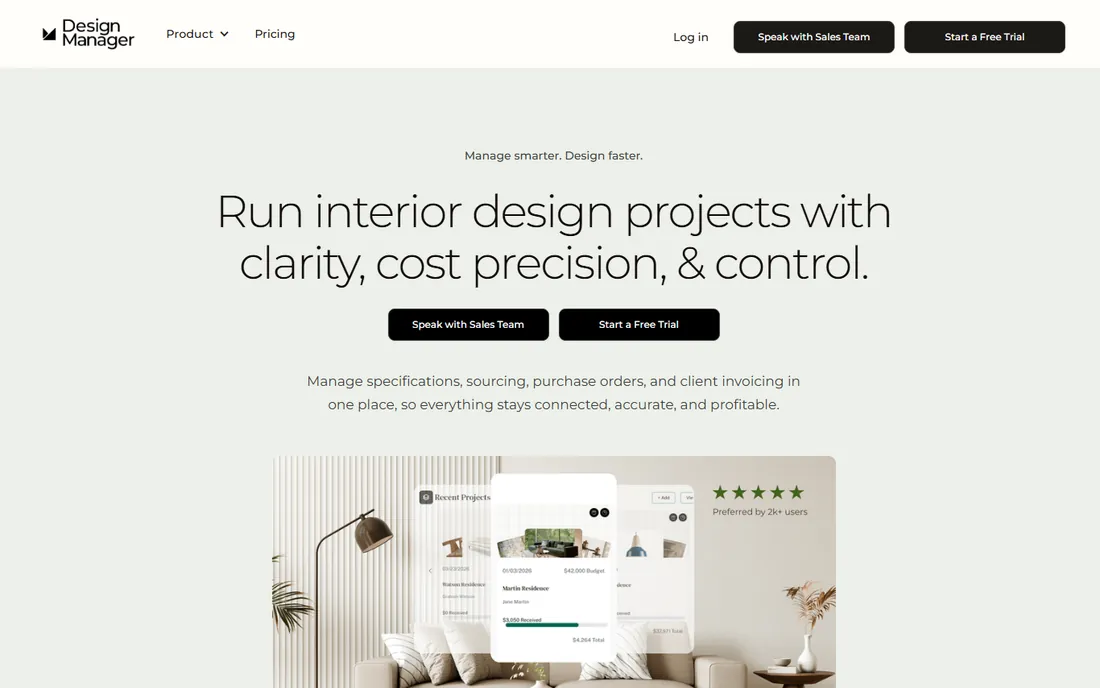
Design Manager has been serving interior designers since before most of its competitors existed, and it shows in the depth of the accounting. Specifications, purchasing, project management and finance live in one connected system, with retainers, deposits, invoices, vendor bills and real-time profitability reports. Pricing is refreshingly transparent at $79 per user per month, with a discount for annual prepayment, and the free trial lasts 7 days with full feature access.
The catch is scope. The company states the software is optimized for US-based firms, so international designers should check fit carefully. Seven days is a short window to evaluate something this deep, and specialized showroom and data collection modules carry an additional monthly fee. For residential firms that want one system from specification to final invoice, it is one of the most complete options.
What we like- Specifications, purchasing and finance fully connected
- Item-level margin tracking
- Straightforward published pricing
Watch out for- Optimized for US-based firms
- The 7-day trial is short
- Showroom and data modules cost extra
Starting price$55/mo (e-Design plan)
Free planYes (free plan for one project)
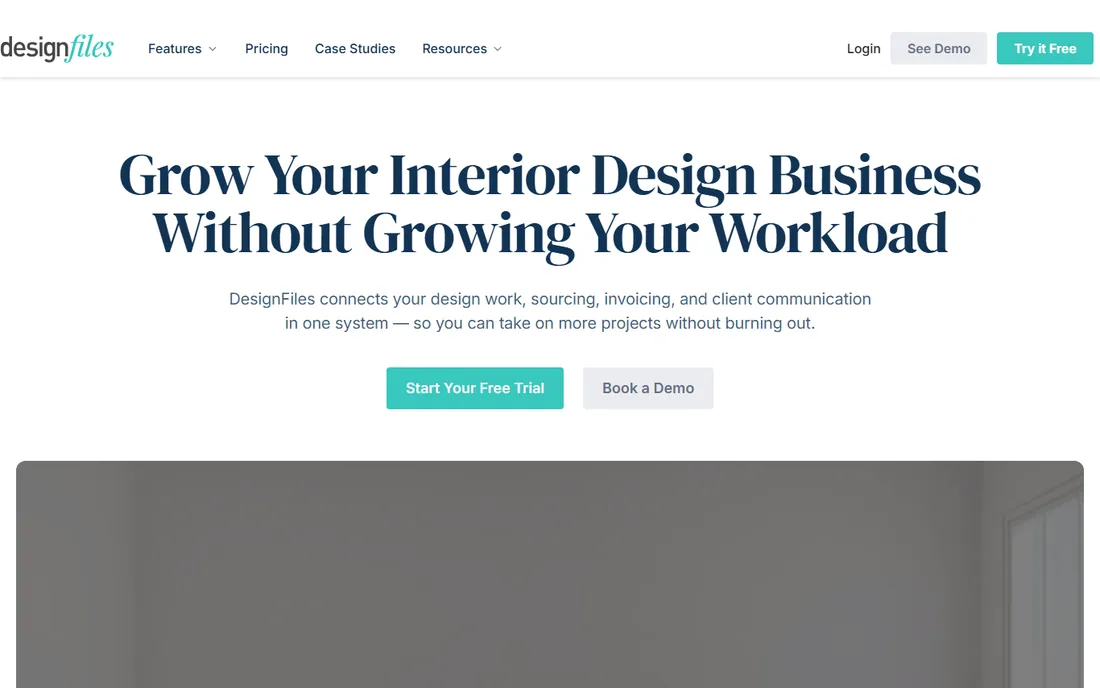
DesignFiles is built for the way many designers actually work today: online, visual and fast. It combines a moodboard creator with a 750,000-product library, 3D renderings, a floor planner, a product clipper for sourcing, client questionnaires, contracts, quotes, invoices, purchase orders and a client portal. The e-Design plan costs $55 a month and the Full Service plan $75, with additional users at $30, and a free plan covers one project for as long as you want.
The honest catch is depth. The company's own blog admits the 3D and moodboard tools are not as flexible as dedicated options like Coohom, and several designers pair the two. Invoicing and the QuickBooks integration only come with the Full Service plan. For solo designers and e-designers who want design, client management and billing in a single subscription, it is hard to beat at the price.
What we like- Moodboards, 3D and invoicing in one subscription
- QuickBooks and Stripe integrations
- 90-day money-back guarantee
Watch out for- 3D tools less flexible than dedicated renderers
- Full financials need the $75 Full Service plan
- Built only for interior designers
Starting price$1,995/yr (billed annually; $229/mo monthly)
Free planFree trial
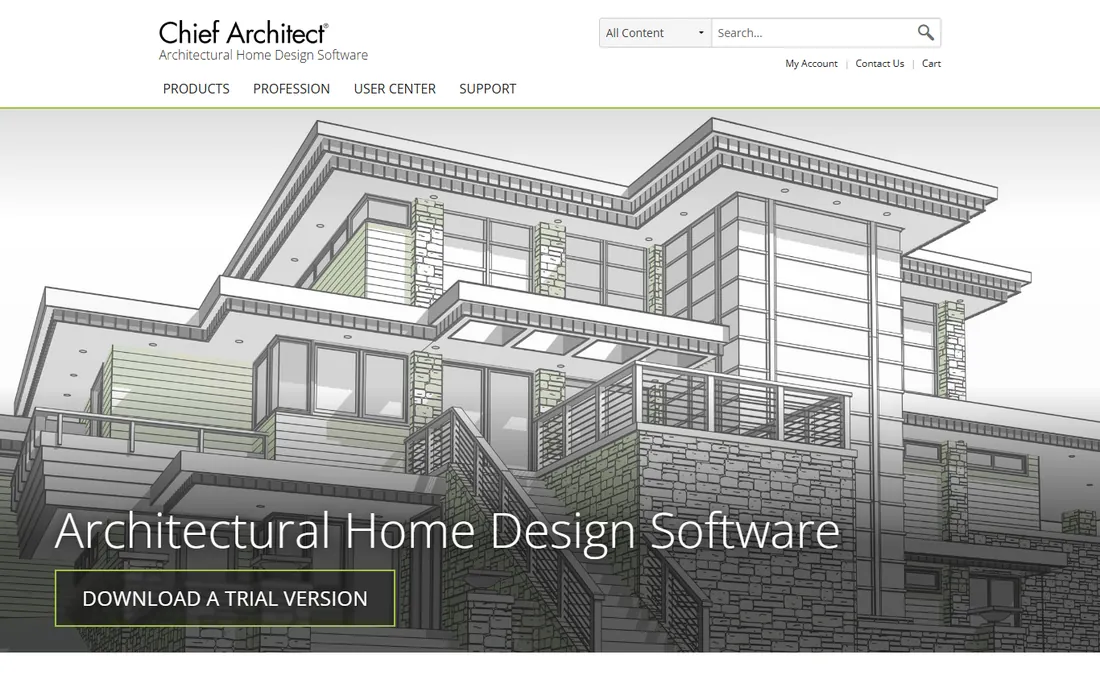
When a project needs construction drawings and not just pretty pictures, Chief Architect earns its price. Its smart building technology generates roofs, foundations, framing, dimensions and materials lists automatically as you draw, and the interior tools cover floor and space planning, wall elevations, manufacturer catalogs and near-limitless color and material selections. Rendering runs from photo-realistic to artistic styles like line drawing and watercolor. Pricing is $1,995 a year billed annually or $229 a month, per the company's own offers page.
The catch is cost and commitment. At nearly two thousand a year per seat, it is overkill for a designer who only needs presentations. Users on the company's own forums note the subscription pricing stings for independents, and the learning curve is real. For firms doing kitchen, bath and full residential work where drawings go to contractors, it pays for itself in drafting time.
What we like- Fast residential workflow with automatic roofs and framing
- Photo-quality renders in seconds
- Materials lists that update live
Watch out for- The priciest tool on this list
- Real learning curve despite the easy marketing
- Subscription only, no perpetual license
Starting price$399/yr (Pro; $33.25/mo billed annually)
Free planFree trial
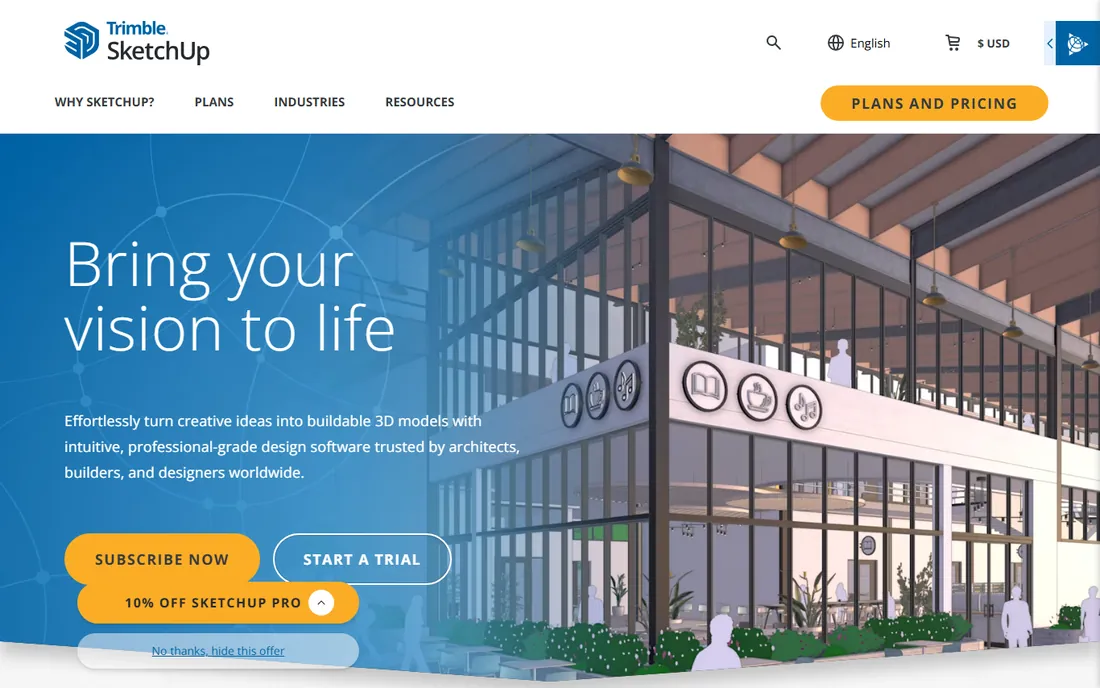
SketchUp is the 3D modeler that interior designers recommend to each other. Owned by Trimble, it offers an intuitive push-and-pull modeling style that most designers pick up in days, backed by the 3D Warehouse library of millions of pre-built models and an Extension Warehouse with over 600 add-ons. The Pro subscription at $399 a year adds the desktop modeler, LayOut for 2D documentation, and unlimited cloud storage through Trimble Connect. A Go plan at $129 a year covers web and iPad modeling for lighter needs.
The catch is that SketchUp is only a design tool. It has no proposals, invoicing or project accounting, so every firm pairs it with a business platform. Photorealistic rendering requires V-Ray, which only comes with the Studio plan at $858.96 a year, or a separate purchase. For the design half of the business, though, its speed and flexibility are unmatched at the price.
What we like- Easy to learn with huge tutorial community
- 3D Warehouse with millions of models
- 600+ extensions
Watch out for- Photorealistic rendering needs paid add-ons
- No built-in business or accounting tools
- Monthly billing is steep at $99.99
Starting price$33/mo (billed annually)
Free planFree trial (14 days)
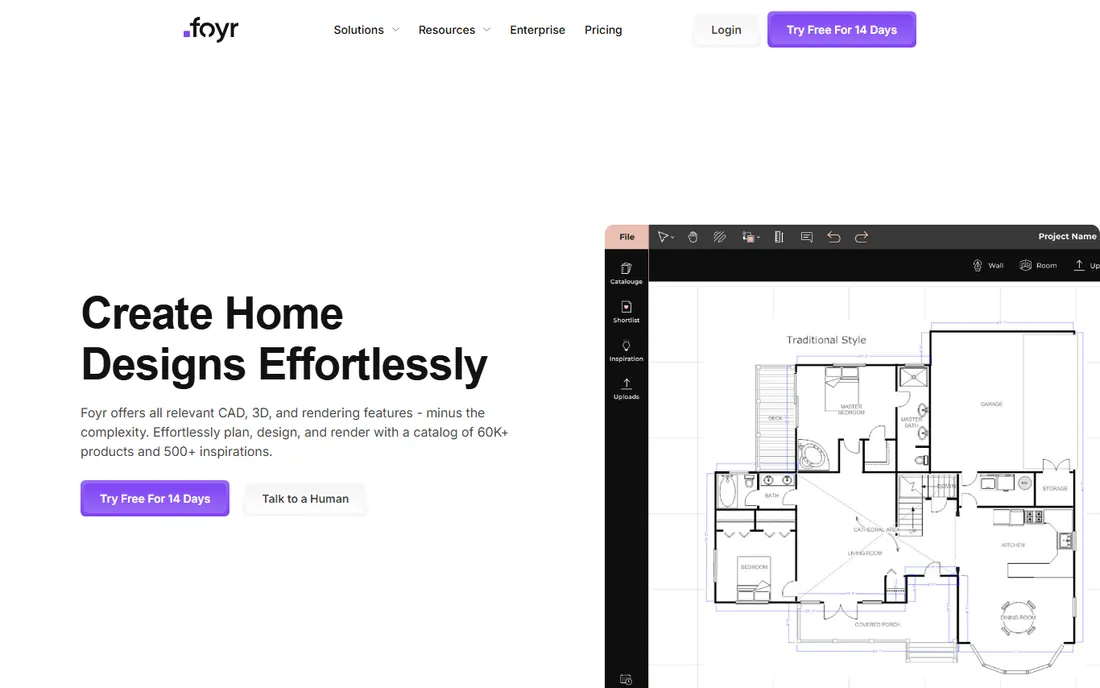
Foyr Neo exists for designers who want beautiful renders without learning CAD. The browser-based platform turns a 2D floor plan into a furnished 3D scene with drag and drop, then produces 4K renders and one-click 360 walkthroughs in minutes using cloud rendering. The catalog holds over 60,000 ready-to-use products, and the newer AI Hub can restyle renderings and generate 3D models from prompts. Pricing starts at $33 a month billed annually for Basic, rising to $67 for Standard and $103 for Premium, with a 14-day free trial that needs no credit card.
The catch is the credit system. Basic includes only 30 render credits a month, so heavy renderers will climb tiers quickly. There is no permanent free plan, only the trial. For e-designers and firms whose selling happens in the presentation, the speed from sketch to client-ready visual is the whole argument.
What we like- 4K renders in minutes with no CAD training
- 60,000+ product catalog with AI search
- AI Hub for styling and enhancements
Watch out for- Render credits limit the Basic plan to 30 a month
- No ongoing free tier
- Monthly billing costs more than annual
Starting price$144/yr (Pro; $12/mo billed annually)
Free planYes
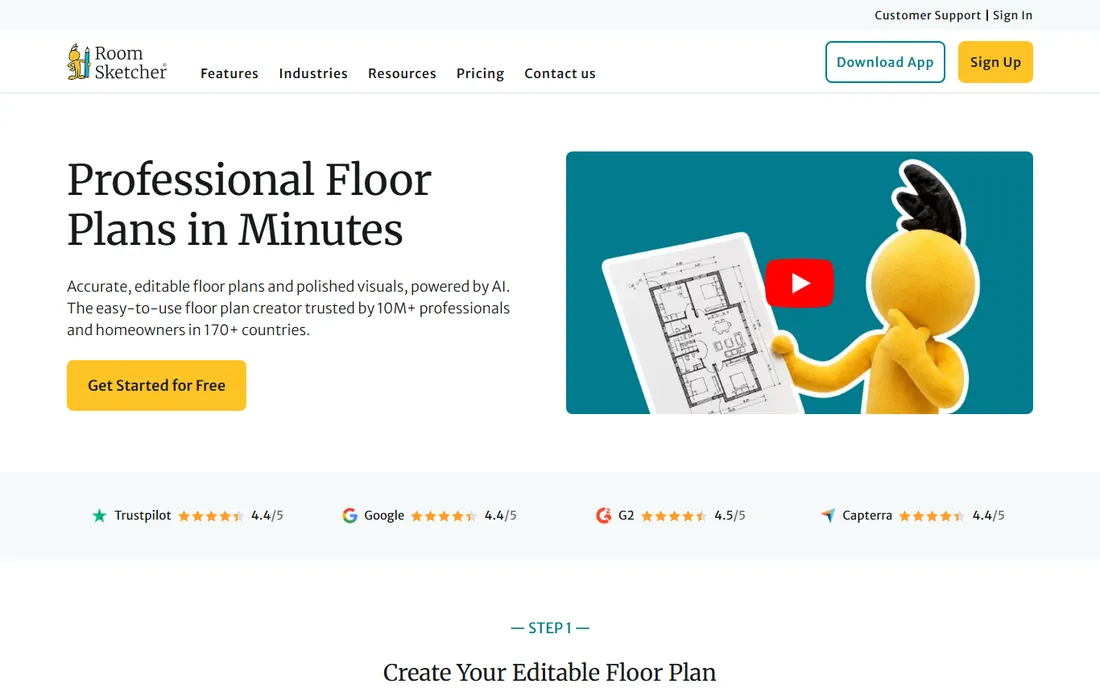
RoomSketcher is the quickest path from a rough sketch to a client-ready floor plan. Draw walls, add doors and furniture, and generate 2D and 3D floor plans, 3D photos and 360 views, all without CAD training. The AI Convert feature turns a computer-generated blueprint into an editable plan, and a redraw service delivers professional plans by the next business day. The free plan covers basic drawing and 3D viewing; Pro at $144 a year adds the full furniture library, branding, measurements and print-to-scale, while Team at $420 a year adds five users and collaboration.
The catch is that credits govern premium outputs, so costs can creep with volume. It is excellent for layouts, presentations and renovation planning, but it does not produce engineering or construction documentation. For designers who need fast, polished floor plans to communicate ideas, it is the simplest tool here.
What we like- Genuinely easy with no CAD experience needed
- AI blueprint conversion
- Works offline on desktop and tablet
Watch out for- Premium outputs use a credit system
- Not a replacement for construction CAD
- Brand skews toward real estate
How we chose
We compared interior design software by opening each vendor's homepage and pricing page, then weighing the factors that matter to working designers: design capability versus business management depth, entry price and per-seat costs, free plans and trial lengths, accounting and QuickBooks integration, and fit for solo designers versus multi-person firms. We also reviewed public feedback on G2, Capterra and Reddit for recurring complaints about pricing, learning curves and support. We never claim hands-on testing; every price and plan detail comes from the vendor's own site or a clearly cited source.
What to check before buying software for your design business
Decide which half of the business you are fixing
Most designers need two things: software that draws and software that runs the business. If your presentations are the bottleneck, prioritize a design tool like Chief Architect, SketchUp, Foyr Neo or RoomSketcher. If unpaid invoices and messy procurement are the bottleneck, prioritize a business platform like Studio Designer, Design Manager, Houzz Pro or DesignFiles. Many successful firms run one of each.
Price the seats, not the headline
Business platforms charge per user, and the math changes fast. A $69 per user tool costs one solo designer $69 a month but a five-person team $345. Ask about annual discounts, which most vendors offer, and check whether part-time staff or bookkeepers need full seats. Design tools like SketchUp and Chief Architect are also per-seat, so count everyone who will open the software.
Check the accounting depth
If you want to drop your separate bookkeeping software, you need native accounting, which narrows the field to Studio Designer and Design Manager. Houzz Pro and DesignFiles integrate with QuickBooks instead of replacing it, which is fine if your accountant already lives there. Ask specifically about retainers, deposits, purchase orders and work-in-progress reporting before you commit.
Test with a real project
Use the trial or free plan on an actual client project, not a sample. Build a proposal, order a product, and run an invoice through the system. You will learn more in one real project than in a month of demos, and most trials here run 7 to 14 days, so plan the test before you sign up.
Designers often start hoping for one tool that does everything, then discover the trade-off. The business platforms (Studio Designer, Design Manager, Houzz Pro) handle money, procurement and clients beautifully but produce weaker visuals than dedicated design software. The design tools (Chief Architect, SketchUp, Foyr Neo, RoomSketcher) create stunning presentations but know nothing about invoices. The most common setup we see is a pairing: a design tool for client-facing visuals plus a business platform for everything behind the scenes. DesignFiles comes closest to bridging both worlds for e-designers, but full-service firms doing procurement usually keep the two jobs separate. Budget for both before you fall in love with either.
Frequently asked questions
Do I need separate design and business software?
Not always. If you only do e-design, a tool like DesignFiles or Foyr Neo may cover you. Full-service firms that specify products, issue purchase orders and track project profitability usually need a business platform like Studio Designer or Design Manager alongside their design tool.
How much does interior design business software cost?
Business management platforms run $55 to $109 per user per month. Design tools range from $144 a year for RoomSketcher Pro to $399 a year for SketchUp Pro and $1,995 a year for Chief Architect. Most firms spend somewhere between $1,500 and $4,000 a year per person for a full setup.
Is there free interior design software for businesses?
RoomSketcher offers a free plan for basic floor plans and 3D viewing, and DesignFiles has a free one-project account. SketchUp, Chief Architect, Foyr Neo, Studio Designer, Design Manager and Houzz Pro offer free trials of 7 to 14 days but no permanent free tier.
Should I choose cloud or desktop software?
Cloud tools like Studio Designer, DesignFiles, Foyr Neo and RoomSketcher work anywhere and need no installation, which suits designers who meet clients on site. Chief Architect and SketchUp's desktop apps need a capable computer but handle larger, more detailed models. Many designers use both.
Will these tools replace QuickBooks?
Only Studio Designer and Design Manager include accounting deep enough to replace bookkeeping software for most firms. Houzz Pro, DesignFiles and the design tools integrate with QuickBooks or export data to it instead. Ask your accountant which workflow they prefer before you switch.
What happened to Mydoma Studio?
Mydoma Studio joined forces with Studio Designer, and the two now operate as one company supporting over 20,000 interior designers. If you were evaluating Mydoma, Studio Designer is now the product to look at.
Sources we checked (17)
- https://pro.houzz.com/for-pros/software-interior-designer-project-management
- https://www.studiodesigner.com/
- https://www.studiodesigner.com/blog/the-best-interior-design-software/
- https://mydomastudio.com/
- https://www.designmanager.com/
- https://www.designmanager.com/pricing
- https://designfiles.co/
- https://blog.designfiles.co/interior-design-business-software/
- https://blog.designfiles.co/houzz-pro-vs-studio-designer/
- https://chiefarchitect.com/
- http://www.chiefarchitect.com/offers/
- https://sketchup.com/
- https://sketchup.trimble.com/en/plans-and-pricing
- https://www.foyr.com/
- http://foyr.com/pricing/
- https://www.roomsketcher.com/
- https://www.roomsketcher.com/pricing/
Is your product missing or out of date?
We review this list regularly. Vendors can request a listing, send updated pricing or ask about featured placement.

Shihab Mia · Founder, Rankite
Shihab has spent more than a decade helping SaaS and e-commerce brands grow through search. He writes Rankite's software buying guides from pricing pages, documentation and public user reviews. More about Shihab.