How we make this list: we compare pricing pages, product documentation and public user reviews. Rankite is independent; if a vendor ever pays for a featured spot, that listing is clearly labeled Partner.
Key takeaways
- Solo designers get the most value from all-in-one platforms: DesignFiles ($55/month) and Dubsado ($35/month) cover design, billing, and client workflows for less than one design-hour a month.
- Firms that track margins need accounting inside the tool: Studio Designer, Design Manager, and Houzz Pro tie proposals and purchase orders to real financials instead of spreadsheets.
- Specification-heavy work is its own category: Programa ($47-$59/user/month) and Gather ($228/month for 5 seats) are built around FF&E schedules, approvals, and procurement tracking.
- Pricing transparency varies wildly: Houzz Pro, Design Manager, Gather, and Dubsado publish prices, while Ivy publishes none and DesignFiles' published prices live on its blog rather than a pricing page.
Quick comparison
| Tool | Best for | Starting price | Free plan |
|---|
 DesignFiles DesignFiles | Solo designers and small firms wanting design, sourcing, and billing in one platform | $55/month (e-Design; Full Service $75/month) | Free account (limited); 90-day money-back guarantee |
 Houzz Pro Houzz Pro | Designers and remodelers who also want Houzz marketplace leads | $99/month (Design, 1 user; Pro $199/month) | Yes (free plan: 3D Floor Planner, Estimates, Invoicing) |
 Studio Designer Studio Designer | Established firms needing real accounting inside the project tool | $69/user/month (billed annually; $79 monthly) | No (demo available) |
 Mydoma Studio Mydoma Studio | Boutique firms and solo designers who keep their books in QuickBooks | $58/user/month (billed annually; $64 monthly) | Free trial (15 days) |
 Programa Programa | Studios whose work centers on FF&E schedules and procurement | $47-$59/user/month (annual vs monthly billing) | Free trial (7 days, no credit card required) |
 Design Manager Design Manager | Residential firms wanting project management plus designer-specific accounting | $79/user/month | Free trial (7 days) |
 Ivy Ivy | Design firms wanting procurement, billing, and time tracking in one place | See website (not published) | Free trial |
 Gather Gather | Mid-size firms handling complex commercial or large residential specifications | $228/month (Core, 5 seats, billed annually) | No (demo available) |
 Dubsado Dubsado | Designers who need client onboarding, contracts, and invoicing automation | $35/month (Starter; Premier $55/month) | Free trial (21 days, no credit card required) |
Is your product missing or out of date?
We review this list regularly. Vendors can request a listing, send updated pricing or ask about featured placement.
The best interior design project management software
Picture the week of a working designer: twelve vendors waiting on purchase orders, a client who approved the sofa in the wrong fabric, a contractor asking for the tile schedule, and invoices nobody has time to send. The best interior design project management software exists to collapse that week into one system. These nine tools cover the whole market, from all-in-one platforms for solo designers to specification-first systems for multi-room commercial work.
#1
DesignFiles
Best for: Solo designers and small firms wanting design, sourcing, and billing in one platform
Visit designfiles.co
Starting price$55/month (e-Design; Full Service $75/month)
Free planFree account (limited); 90-day money-back guarantee
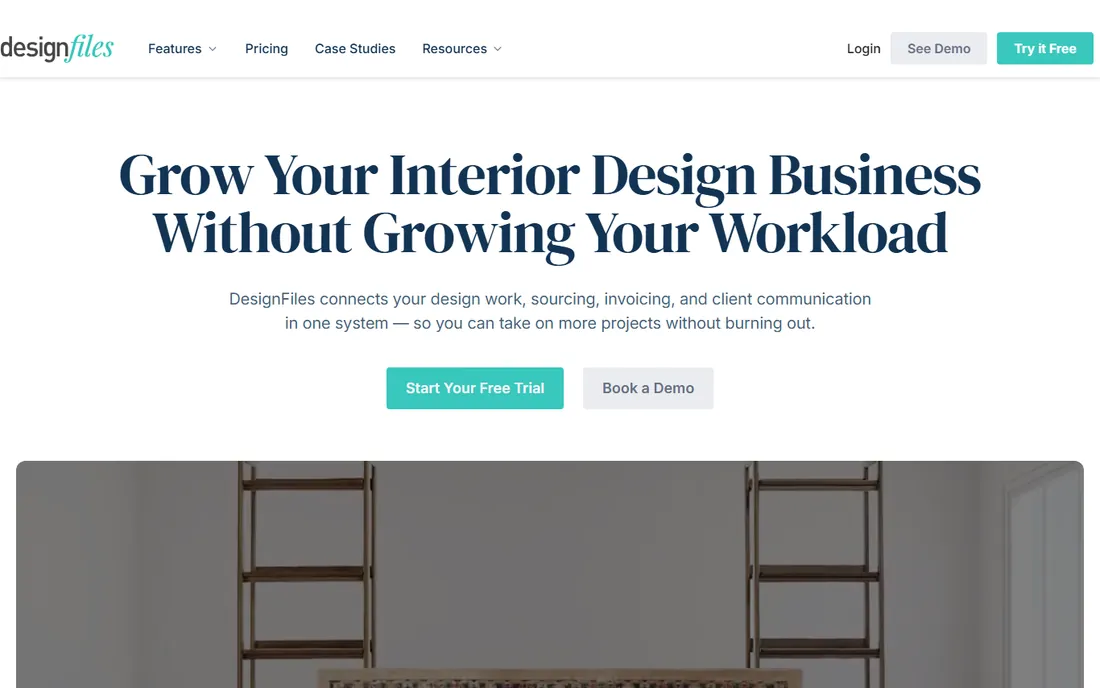
DesignFiles is the all-in-one pick for designers who want mood boards, 3D visuals, and invoicing in a single subscription. The platform covers the full client arc: concept presentations, product sourcing, proposals, contracts, invoices, and payments. Recent pricing from the company's own blog puts the e-Design plan at $55 per month and Full Service at $75, with extra users at $30 per user per month, plus a free account tier and a 90-day money-back guarantee that makes trying it low-risk.
The tradeoff is financial depth. DesignFiles handles proposals and invoicing, but designers who need true project accounting, time billing, or purchase-order-to-ledger workflows will outgrow it and move to Studio Designer or Design Manager. It also keeps pricing off a standard pricing page, which is unusual for a tool this size. For solo designers and small studios whose biggest problem is presenting work and getting paid, it covers the essentials at a fair price.
What we like- Combines mood boards, 3D floor plans, proposals, and invoicing in one subscription
- Plans scale from e-design to full service, with additional seats at a modest fee
- 90-day money-back guarantee lowers the risk of switching
Watch out for- Pricing is not published on a standard pricing page, so you have to read the blog or book a call for current numbers
- Reporting and accounting depth trail tools like Studio Designer and Design Manager
#2
Houzz Pro
Best for: Designers and remodelers who also want Houzz marketplace leads
Visit houzz.com
Starting price$99/month (Design, 1 user; Pro $199/month)
Free planYes (free plan: 3D Floor Planner, Estimates, Invoicing)
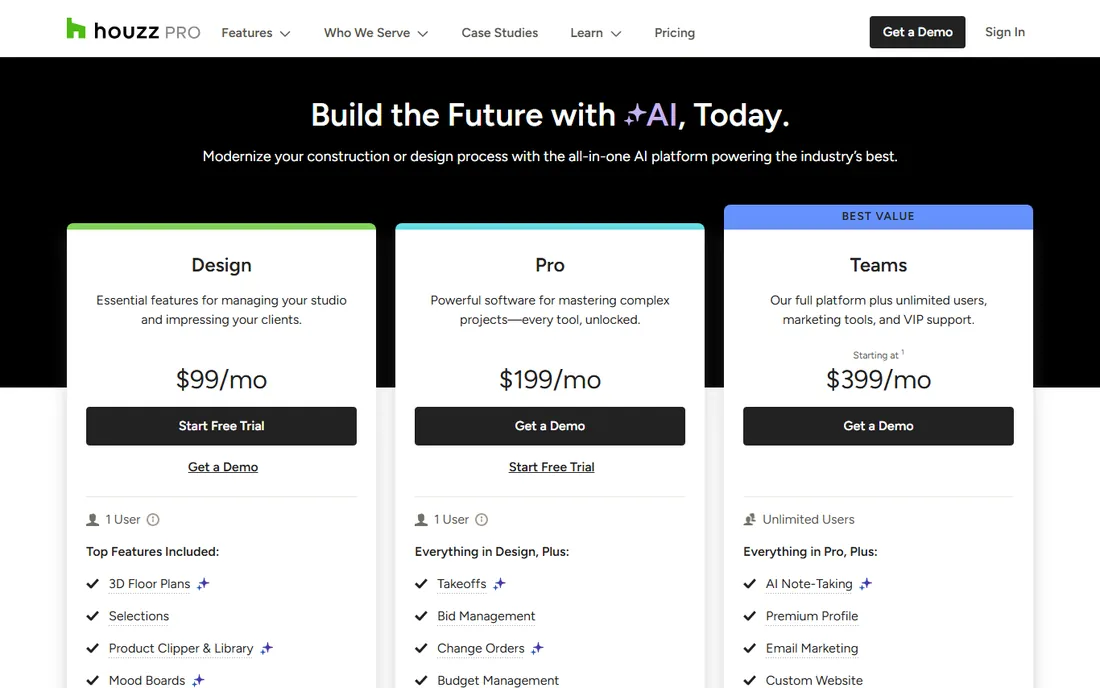
Houzz Pro bundles business software with the Houzz marketplace, which makes it two products in one: a project tool and a lead channel. The pricing page is refreshingly transparent. The Design plan at $99 per month per user covers 3D floor plans, selections, the product clipper, estimates, proposals, invoices, and online payments. Pro at $199 adds takeoffs, bid management, change orders, budget management, and contracts. Teams plans start at $399 with unlimited users, and a free plan covers the 3D floor planner, estimates, and invoicing.
The marketplace connection cuts both ways. If your leads already come from Houzz, running your projects on the same platform is convenient. If they do not, you are paying for an ecosystem you may not use, and the extra-user fee of $50 per month per user on Design and Pro plans makes team pricing less friendly than per-seat competitors. Still, the breadth of tools per dollar and the honest pricing page make this one of the easiest choices to evaluate.
What we like- Published, transparent pricing with a genuinely useful free plan for getting started
- Design plan bundles 3D floor plans, selections, estimates, and invoicing for $99
- Pro adds takeoffs, bid management, change orders, and budget management
Watch out for- Additional users cost $50 per user per month on the lower tiers, which adds up for teams
- The platform is built for the Houzz ecosystem, so designers who avoid the marketplace pay for reach they do not use
Starting price$69/user/month (billed annually; $79 monthly)
Free planNo (demo available)

Studio Designer has been the default back office for established US design firms for two decades, and it shows in the accounting depth. This is not a project app with invoicing bolted on; it is a full accounting system with project management built around it. Time tracking and billing, purchasing, proposals, client portals, and custom financial reports all run from one database, which means margin reporting reflects actual costs instead of guesses. Pricing starts at $69 per user per month billed annually ($79 monthly), with a one-time onboarding fee reported on top.
The merger with Mydoma Studio in 2024 brought it under the same roof as its simpler sibling, and both products remain sold separately. The cost and the setup effort are the real barriers: this is overkill for a solo designer and priced accordingly. But for firms with staff, inventory, and real financial complexity, the alternative is running QuickBooks plus a separate project tool and reconciling them by hand. Studio Designer removes that second system.
What we like- Full accounting (general ledger, proposals, purchasing, time billing) built for how design firms operate
- Item-based project management that tracks hundreds of details per project
- Client portal for approvals and payments
Watch out for- The priciest per-seat option on this list once the monthly rate and onboarding fees apply
- Setup and migration demand real effort, with a one-time onboarding fee reported on top of subscriptions
#4
Mydoma Studio
Best for: Boutique firms and solo designers who keep their books in QuickBooks
Visit mydomastudio.com
Starting price$58/user/month (billed annually; $64 monthly)
Free planFree trial (15 days)

Mydoma Studio is the simpler sibling in the Studio Designer family, built for designers who run their books in QuickBooks. Where Studio Designer replaces your accounting, Mydoma complements it: you get project management, product sourcing, proposals, time tracking, and client communication, while the ledger stays where it is. Pricing sits at $58 per user per month billed annually, or $64 monthly, with a 15-day free trial and a $450 one-time onboarding fee.
The positioning is the pitch. Boutique firms that love QuickBooks do not want accounting migration projects; they want their design workflow organized around it. Mydoma is that tool, and the shared parent company means a firm can move up to Studio Designer later without starting over. The onboarding fee and the missing accounting depth are the limits to weigh. If your books are simple and your projects are not, this is the right size.
What we like- Simpler than Studio Designer with the same parent company, so migration paths exist
- Project management, sourcing, proposals, and time tracking without forcing you off QuickBooks
- 15-day free trial to evaluate before paying
Watch out for- A one-time onboarding fee of $450 applies on top of subscriptions
- Designers wanting built-in accounting should look at Studio Designer or Design Manager instead
Starting price$47-$59/user/month (annual vs monthly billing)
Free planFree trial (7 days, no credit card required)
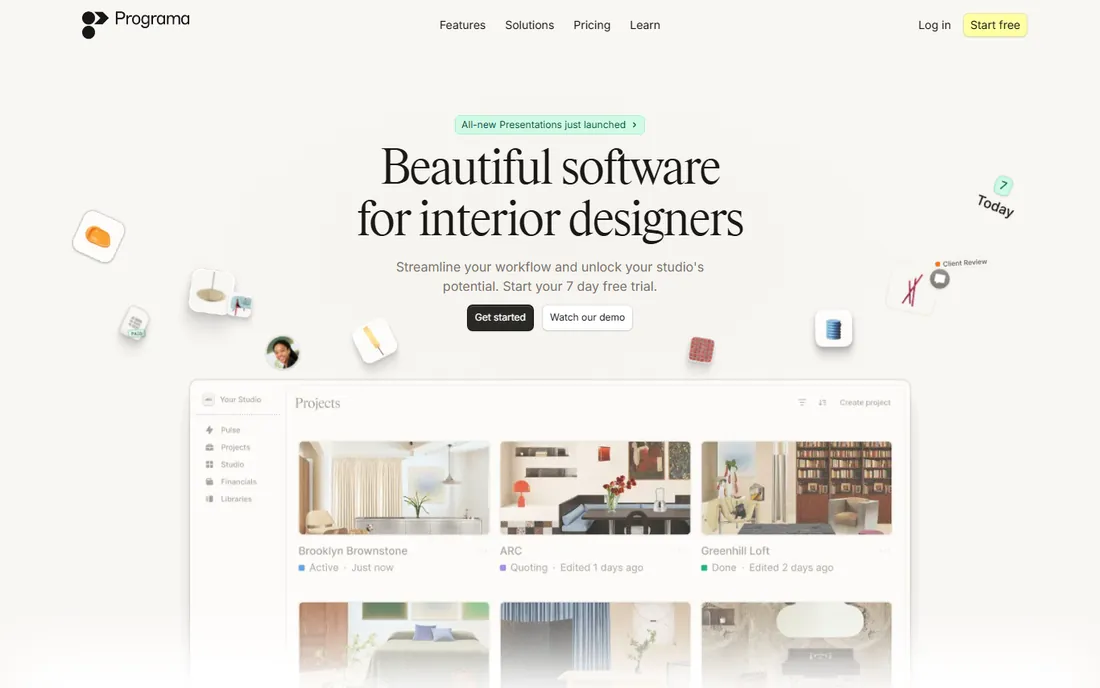
Programa is the specification-first platform: schedules, spec sheets, and procurement tracking that update in real time. FF&E schedules, finish schedules, lighting schedules, and joinery schedules all live in one product library that grows with every project, and a web clipper turns any product URL into a populated spec with images, pricing, and supplier details. Client dashboards give clients one branded link for live specs, mood boards, comments, and date-stamped approvals, while invoicing and payments run inside the same system.
The company prices around $47 per user per month billed annually ($59 monthly), with a 7-day free trial that needs no credit card and no annual contract to start. The honest limitation is the seat math: a 12-person studio pays $564 to $708 a month, which puts it in Studio Designer territory without the accounting depth. For studios whose daily work is specification and procurement rather than ledger management, though, nothing here matches the spec workflow.
What we like- Specification schedules, mood boards, client dashboards, and invoicing in one workspace built for designers
- Real-time schedules shared with clients, contractors, and vendors from one source of truth
- 7-day free trial with no credit card required
Watch out for- Per-user pricing of $47 to $59 adds up fast for teams of ten or more
- Procurement and accounting depth are lighter than Studio Designer or Design Manager
#6
Design Manager
Best for: Residential firms wanting project management plus designer-specific accounting
Visit designmanager.com
Starting price$79/user/month
Free planFree trial (7 days)
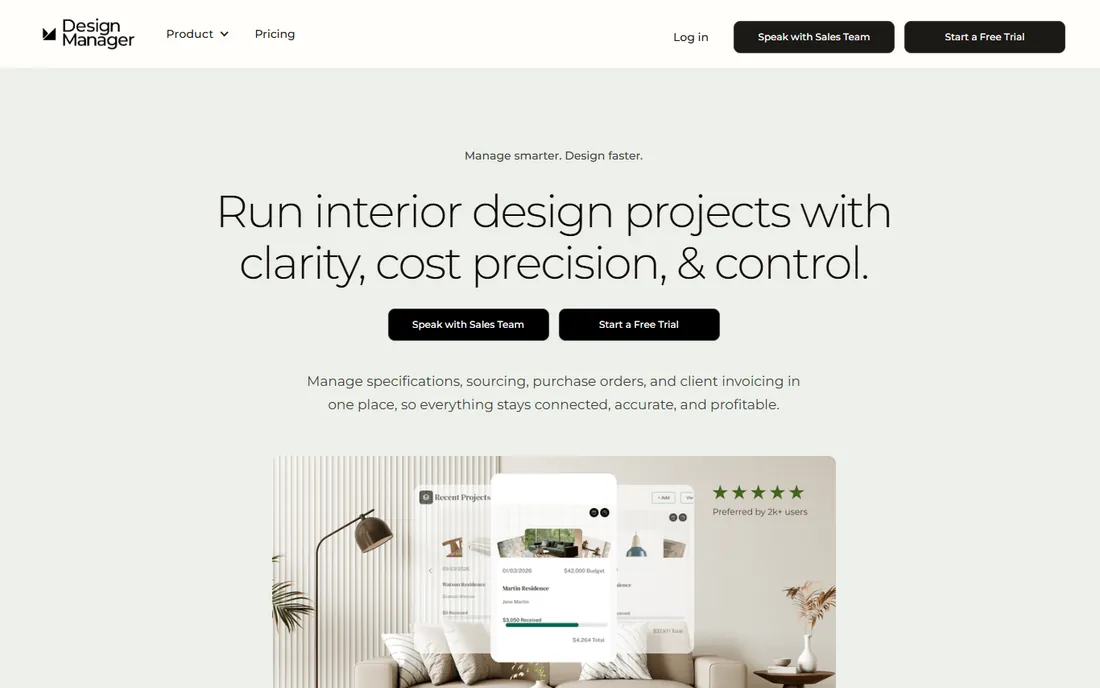
Design Manager pairs project management with accounting built for designers, in one of the oldest products in this category. The pitch is simplicity: one price, $79 per user per month, covering project management, specifications, purchasing, product clipper, accounting, online payments, time billing, and free support. The 7-day trial opens every feature, so evaluation takes an afternoon rather than a sales cycle. Item-level margin tracking and real-time profitability reports keep the focus on the number that matters.
The boundaries are geographic and modular. Design Manager is optimized for US-based firms, and international users will find some features not designed for them. Showroom and data-collection modules carry additional monthly fees, so firms with showroom operations should price the full stack. For a US residential firm that wants one login for projects and books without enterprise complexity, the single-price model is easy to budget and easy to justify.
What we like- Project management, purchasing, accounting, and time billing in a single per-user price with no tiers
- Transparent $79 per user per month pricing with a 7-day full-feature trial
- Built for residential firms managing multiple projects at once
Watch out for- Optimized for US-based firms, with some features not designed for international use
- Showroom and data collection modules cost extra on top of the subscription
#7
Ivy
Best for: Design firms wanting procurement, billing, and time tracking in one place
Visit ivy.co
Starting priceSee website (not published)
Free planFree trial
Ivy, now part of Houzz, is the business-management layer many design firms adopted before Houzz Pro existed. The platform covers the commercial side of design practice: branded proposals and invoices, product sourcing with a clipper, room boards for client presentations, project tracking, time and expense billing, online payments, and QuickBooks Online sync. It has been in the market since long before the acquisition, with a large installed base of design firms.
The open question is the future. Houzz acquired Ivy in 2018, and Houzz Pro is now the platform Houzz actively develops and prices transparently. Ivy publishes no prices at all, which makes comparison shopping impossible without a sales call. Existing Ivy users with working setups have little reason to move. New buyers should ask directly about the product roadmap and get pricing in writing before committing to a platform whose owner has a newer flagship.
What we like- Purpose-built for designers with proposals, product sourcing, room boards, and time and expense tracking
- QuickBooks Online sync keeps accounting connected
- Thousands of design firms on the platform, now backed by Houzz since its 2018 acquisition
Watch out for- No published pricing, so costs only emerge through the sales process
- Product development pace is unclear, with the Houzz Pro platform now being Houzz's main software focus
#8
Gather
Best for: Mid-size firms handling complex commercial or large residential specifications
Visit gatherit.co
Starting price$228/month (Core, 5 seats, billed annually)
Free planNo (demo available)
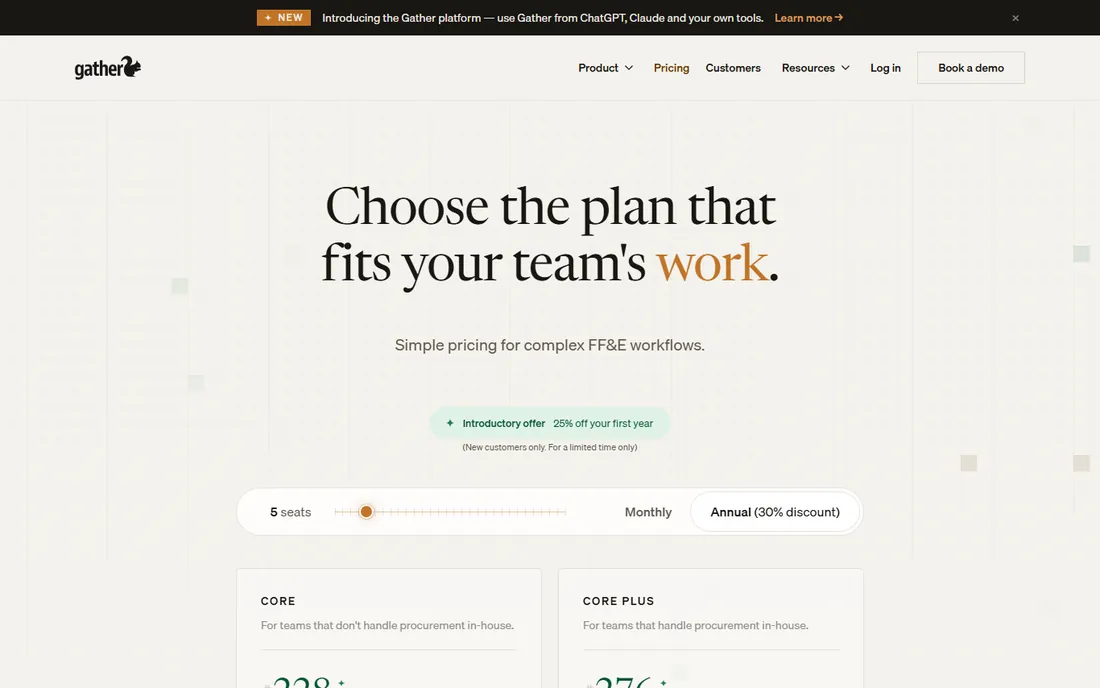
Gather is built for firms whose projects live in FF&E schedules: commercial work, multi-room residential, and hospitality. The Core plan at $228 per month for five seats (billed annually, additional seats $31) covers product capture, detailed specifications, revision tracking, client approvals, and spec packages. Core Plus at $276 per month adds preliminary budgets, purchase orders, and shipment tracking for firms that handle procurement in-house. Annual billing saves 30 percent over monthly, with an introductory discount for new customers.
The five-seat minimum is the filter. At $228 a month entry, this is not a tool for solo designers; it is priced for teams where specification is a full-time job shared across several people. That honesty is a strength: Gather knows exactly which firms it serves. If your practice issues spec packages, tracks revisions, and coordinates deliveries across vendors, the workflow fit is strong. If you do not, Programa or DesignFiles will cost less and fit better.
What we like- Built around specification schedules, revision tracking, and client approvals for teams that live in FF&E
- Core Plus adds budgets, purchase orders, and delivery tracking for firms handling procurement in-house
- Transparent per-seat pricing with annual discounts
Watch out for- Minimum entry is five seats at $228 per month, which prices out solo designers entirely
- Budgeting and purchasing depth requires the $276 per month Core Plus tier
#9
Dubsado
Best for: Designers who need client onboarding, contracts, and invoicing automation
Visit dubsado.com
Starting price$35/month (Starter; Premier $55/month)
Free planFree trial (21 days, no credit card required)
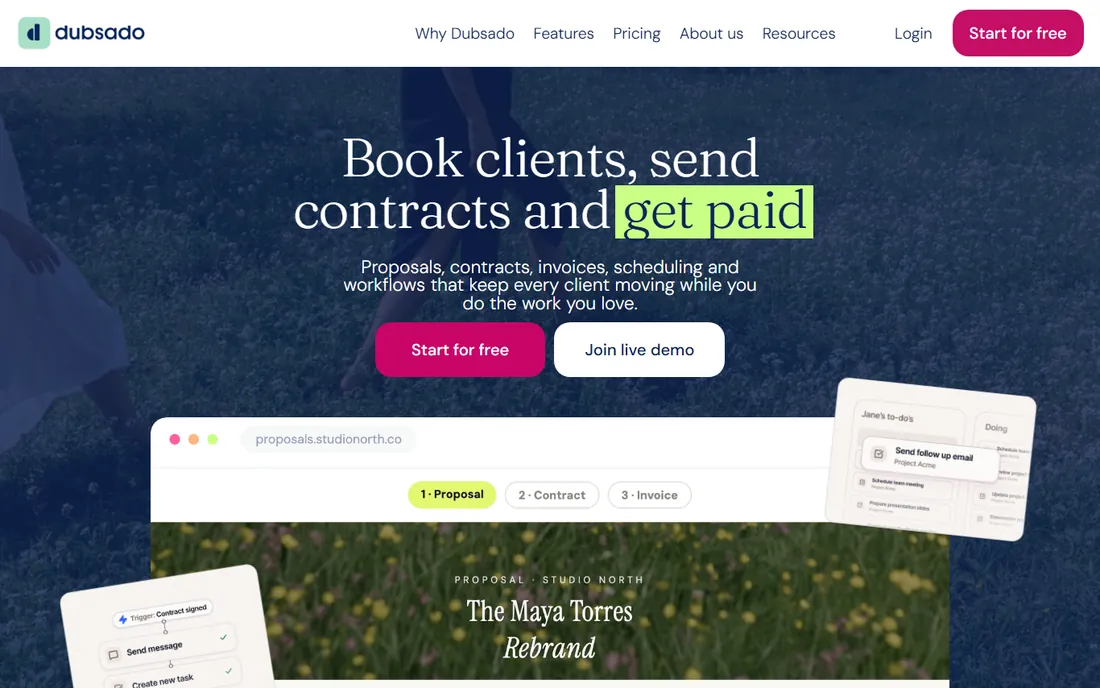
Dubsado is not interior-design software at all, which is exactly why some designers prefer it. It is a client-relationship and workflow platform: branded lead capture forms, automated follow-ups, scheduling, proposals, contracts with e-sign, invoices, payment plans, and a client portal. The Starter plan at $35 per month and Premier at $55 per month both include up to three users, with a 21-day free trial and no credit card required, which makes it the cheapest tool on this list by a wide margin.
The tradeoff is scope. Dubsado handles everything from first inquiry to final invoice, but it knows nothing about FF&E schedules, mood boards, or product sourcing. Designers who pair it with a design tool like DesignFiles or Programa get the best of both: creative workflow in one system, client automation in another. For designers whose main pain is admin overhead rather than specification management, Dubsado alone may be enough.
What we like- Deep workflow automation for lead capture, proposals, contracts, invoicing, and scheduling in one flow
- Both plans include up to three users at prices undercutting every design-specific tool here
- 21-day free trial with no credit card required
Watch out for- No specification, mood board, or procurement tools, so it covers the business side but not the design side
- Setup takes real work to map your process into its automations
The questions to ask before you commit
Before you pick a tool, ask three questions that the feature lists never answer. First: who enters the data? A system that needs the designer to log every purchase order will fail if your junior designer will not. Second: where does the money live? If your accountant works in QuickBooks, a tool with its own ledger creates reconciliation work; pick one that syncs or stays out of the ledger entirely. Third: what does a client approval look like? Date-stamped sign-offs on individual products prevent the "I thought I approved the other one" conversation that eats margins.
Then price the real cost, not the headline. Programa's $47 per user looks cheap until you count twelve seats. Gather's $228 for five seats looks expensive until you realize it replaces three tools. Ask about onboarding fees (Mydoma charges $450), per-user fees on lower tiers (Houzz Pro charges $50 per extra user on Design and Pro), and annual versus monthly billing. A 21-day or 7-day trial is enough to test one real project end to end; run that test before the annual invoice.
Match the software to your firm size
Solo designers should optimize for breadth per dollar. DesignFiles at $55 a month or Dubsado at $35 a month covers design presentation, client workflow, and billing for less than a single billable hour. Houzz Pro's free plan is worth a look if your leads come from Houzz, and its $99 Design plan adds real project depth. Avoid the per-user enterprise tools here; you will pay for capacity you will never use.
Small studios of two to ten people are the sweet spot for this market. Programa and Mydoma fit studios that center on specification and client service, while Design Manager and Studio Designer fit firms that want the accounting inside the tool. Price per seat honestly: multiply by every person who needs a login, not just the principals. Mid-size firms with dedicated specification staff should look at Gather, whose five-seat minimum and revision-tracking workflows assume a team. The right tool is the one your least technical team member will actually open every day.
How we chose
We started with the search terms buyers actually use: interior design project management software, interior design business software, and designer CRM. For each candidate we opened the vendor's own site, read official pricing pages and documentation, and checked public reviews on G2, Capterra, and designer forums. We kept only products that exist today and serve interior designers, and we refused to publish any price that did not come from the vendor itself. Where pricing was not published, we wrote "See website" rather than repeating third-party estimates.
Frequently asked questions
What is the best project management software for interior designers?
It depends on firm size. Solo designers usually get the most from DesignFiles ($55/month) or Dubsado ($35/month). Studios that live in specifications do well with Programa ($47-$59/user/month) or Gather ($228/month for 5 seats). Firms that want accounting inside the tool should look at Studio Designer, Design Manager, or Houzz Pro.
How much does interior design software cost?
Published prices run $35 to $99 per month for solo-friendly tools (Dubsado, DesignFiles, Houzz Pro Design) and $47 to $79 per user per month for studio tools (Programa, Studio Designer, Mydoma, Design Manager). Team-oriented Gather starts at $228 per month for five seats. Ivy publishes no pricing.
Is Houzz Pro good for interior designers?
Houzz Pro is a solid all-in-one for designers and remodelers, with transparent pricing ($99-$199/month), a free plan, and deep project, estimating, and invoicing tools. Its main advantage is the Houzz marketplace connection for leads. Designers who do not use Houzz for leads may prefer a design-specific tool like DesignFiles or Programa.
Do I need accounting inside my design software?
Only if your books are complex enough to justify it. Firms with staff, inventory, and real margin tracking benefit from Studio Designer, Design Manager, or Houzz Pro. Designers who are happy with QuickBooks should pick a tool that syncs with it or stays out of the ledger, like Mydoma Studio, Programa, or DesignFiles.
What happened to Ivy?
Houzz acquired Ivy in 2018. It still operates as a separate product for design business management, but Houzz Pro is now Houzz's main software platform with transparent pricing. New buyers should ask Ivy directly about pricing and its product roadmap before committing.
Can I use Dubsado as an interior designer?
Yes, many designers use Dubsado for the business side: lead capture, proposals, contracts, invoicing, and client portals, with strong automation at $35-$55 per month. It has no specification or design tools, so designers usually pair it with a design platform or use it standalone when admin overhead is the main problem.
Sources we checked (14)
- https://designfiles.co/
- https://blog.designfiles.co/houzz-pro-alternatives/
- https://www.houzz.com/houzz-pro/pricing
- https://www.studiodesigner.com/
- https://www.studiodesigner.com/blog/the-best-interior-design-software/
- https://mydomastudio.com/
- https://programa.design/
- https://designmanager.com/pricing
- https://designmanager.com/
- http://ivy.co/
- https://gatherit.co/pricing
- https://www.dubsado.com/
- https://www.dubsado.com/llm-info
- https://www.g2.com/categories/interior-design-software
Is your product missing or out of date?
We review this list regularly. Vendors can request a listing, send updated pricing or ask about featured placement.

Shihab Mia · Founder, Rankite
Shihab has spent more than a decade helping SaaS and e-commerce brands grow through search. He writes Rankite's software buying guides from pricing pages, documentation and public user reviews. More about Shihab.