How we make this list: we compare pricing pages, product documentation and public user reviews. Rankite is independent; if a vendor ever pays for a featured spot, that listing is clearly labeled Partner.
Quick comparison
| Tool | Best for | Starting price | Free plan |
|---|
 StudioBinder StudioBinder | Pre-production planning from script to call sheets | See website | No |
 Frame.io Frame.io | Review and approval for teams of any size | $15/member/month (Pro) | Yes (up to 2 members) |
 Wipster Wipster | Teams that want review and approval without the complexity | See website | Yes |
 ftrack ftrack | VFX, animation and game studios tracking shots and assets | See website | Free trial |
 Flow Production Tracking Flow Production Tracking | Large studios standardized on Autodesk tools | See website | No |
 Kitsu Kitsu | Animation studios wanting open-source production tracking | See website | Yes (self-hosted open source) |
 Kollaborate Kollaborate | Freelancers and small post houses wanting cloud workflow plus review | See website | No |
 Yamdu Yamdu | Film and TV productions with serious security requirements | See website | No |
 Milanote Milanote | Visual planning, mood boards and creative development | See website | Yes |
Is your product missing or out of date?
We review this list regularly. Vendors can request a listing, send updated pricing or ask about featured placement.
Key takeaways
- Video projects rarely fail in the edit; they fail in review. Frame.io ($15/member/month, free plan available) and Wipster are the dedicated review tools, and most teams need one regardless of their planner.
- Pre-production planning belongs to StudioBinder (script through call sheets) and Yamdu (film and TV production management with serious security).
- Animation and VFX studios track shots and assets, not tasks: ftrack, Flow Production Tracking (formerly ShotGrid) and the open-source Kitsu are built for that pipeline.
- Budget teams can start free with Frame.io's free plan, Milanote's free plan, Kitsu's self-hosted version or Wipster's free tier before spending anything.
Start with your production type. A commercial video team shooting two-day projects needs planning plus client review: StudioBinder or Milanote for planning, Frame.io or Wipster for review. An animation studio needs shot and asset tracking: ftrack, Kitsu or Flow Production Tracking. Buying a task manager for a VFX pipeline, or a VFX tracker for corporate video, wastes everyone's time.
Next, find where your feedback lives today. If client notes arrive in email threads, text messages and hallway conversations, the review tool is your highest-value purchase, not the planner. Frame.io and Wipster exist because version confusion and lost feedback are the most expensive problems in post-production. Fix the review loop before you optimize the schedule.
Third, check your integrations. Premiere Pro and After Effects teams get the most from Frame.io's Adobe ownership. Final Cut shops should check Wipster and Kollaborate panels. Maya, 3ds Max and Unreal pipelines point to Flow Production Tracking. The tool that lives inside your editors' software gets used; the one that requires a separate login gets ignored.
Finally, count your reviewers, not just your team. Clients, agencies and freelancers all need access, and per-seat pricing punishes wide sharing. Wipster's unlimited free reviewers and Frame.io's generous sharing model matter more than the feature list when twenty stakeholders need to see the cut.
The best project management software for video production
Ask a video team where a project went wrong and the answer is almost never the shoot. It is the version labeled "final_v7" that went to the client by mistake, the feedback buried in a 40-message email thread, or the call sheet that did not include the location change. These nine tools attack different parts of that chaos: planning the production, tracking the pipeline, reviewing the work and keeping everyone pointed at the same version of the truth.
Starting priceSee website
Free planNo
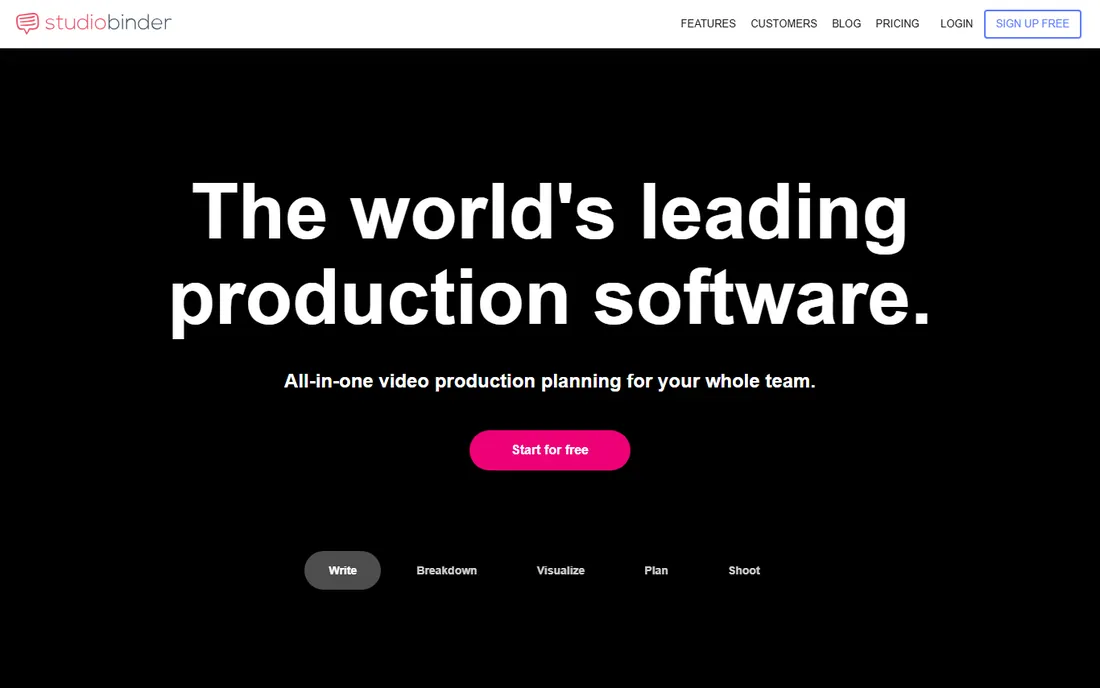
StudioBinder is the planning department for productions that cannot afford a planning department. The workflow runs from script to screen: write in industry format, break down the script into elements, build shot lists and storyboards, schedule the shoot days and generate call sheets that pull in weather, locations, cast contacts and the nearest hospital automatically. Everything stays linked, so a script change ripples through the breakdown instead of living in five documents.
The gap is post-production. StudioBinder plans the shoot; it does not replace Frame.io or Wipster for client review and approvals. Pricing is quote-based with no free tier, which stings for indie teams. But for producers and coordinators drowning in spreadsheets before day one, it is the most complete pre-production system short of hiring more staff.
What we like- Covers the full pre-production chain: screenwriting, breakdowns, shot lists, storyboards, scheduling and call sheets in one system
- Auto-filled call sheets with weather, locations and contacts save real prep time
- Used by over a million production companies and brands
Watch out for- No published pricing and no free plan
- Post-production review is thinner than the dedicated review tools
#2
Frame.io
Best for: Review and approval for teams of any size
Visit frame.io
Starting price$15/member/month (Pro)
Free planYes (up to 2 members)
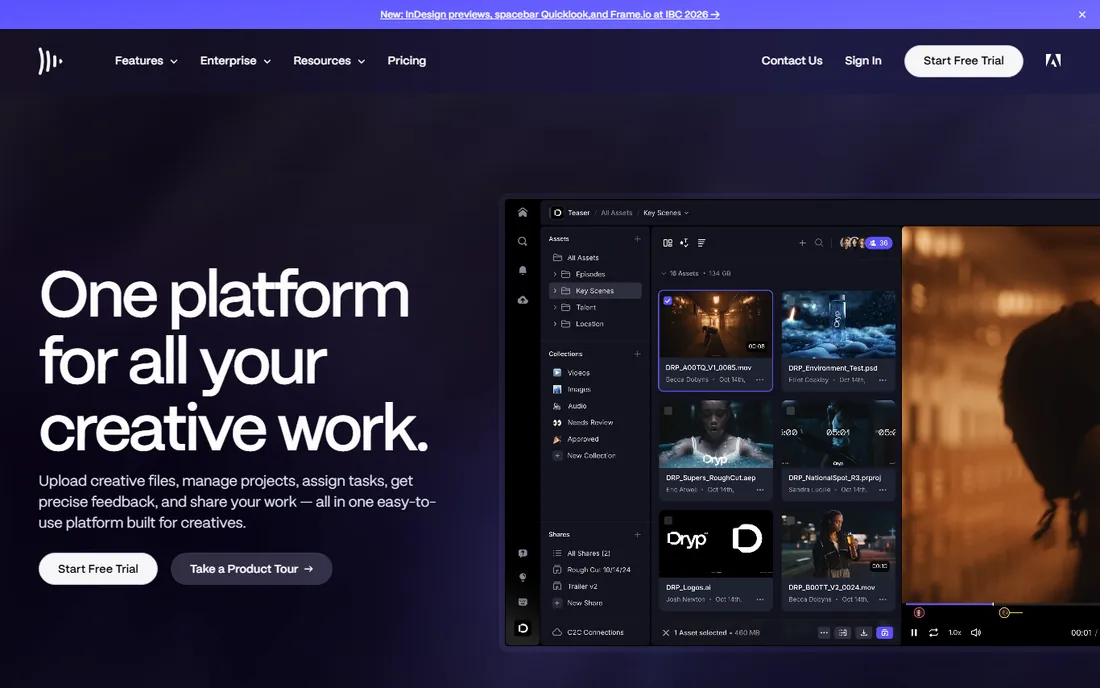
Frame.io, now part of Adobe, is the default answer to "how do we stop emailing video files." Upload the cut, share a link, and clients leave time-stamped comments pinned to exact frames. Reviewers need no account and no training. The Premiere Pro panel pulls those comments into the editor's timeline, which is where the hours actually get saved. The free plan (2 members, 2 projects, 2GB) is enough to prove the workflow.
The pricing math deserves attention: Pro at $15 per member per month and Team at $25 cover the people doing the work, but heavy reviewer counts push you up the tiers. Storage is the other lever, with 2TB on Pro scaling from there. For teams already paying for Creative Cloud, the integration alone justifies the shortlist spot. It is the review tool everything else gets compared to.
What we like- Best-in-class frame-accurate review with a free plan covering 2 members and 2GB
- Deep Adobe integration puts client comments directly in Premiere Pro
- Camera to Cloud gets set footage to the team the moment the director calls cut
Watch out for- Per-member pricing adds up fast with large reviewer groups
- The free plan's 2GB storage runs out quickly on real projects
#3
Wipster
Best for: Teams that want review and approval without the complexity
Visit wipster.io
Starting priceSee website
Free planYes
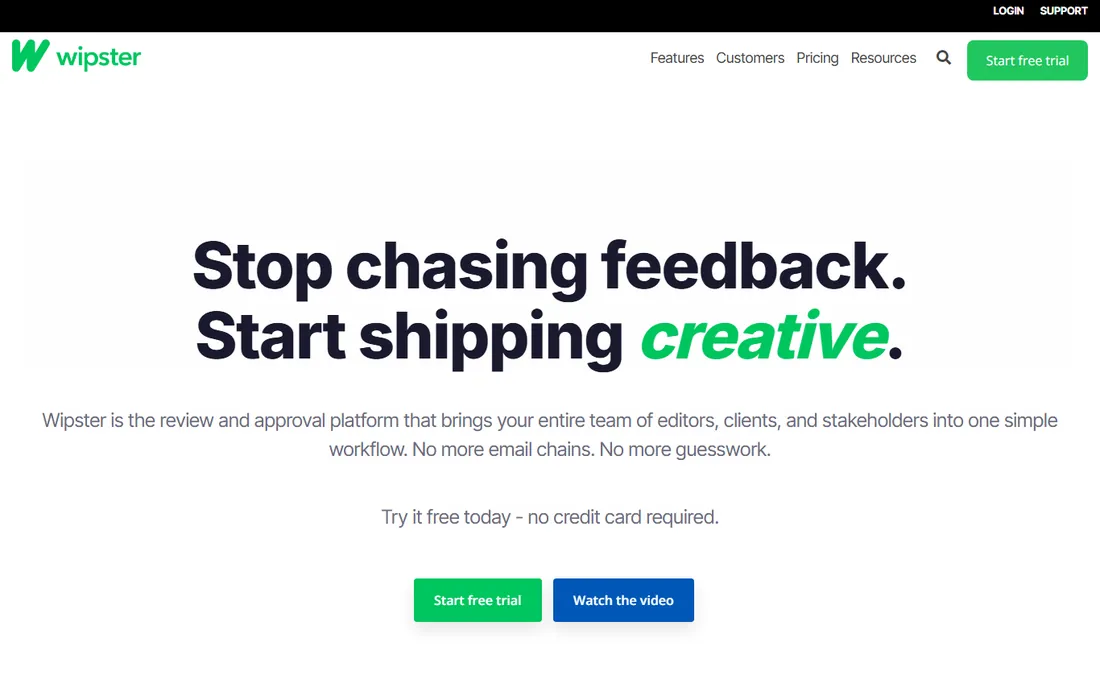
Wipster is the simpler sibling in the review category, and simplicity is the selling point. Upload video, images, PDFs or audio, collect frame-accurate comments from anyone with a link, compare versions side by side and get sign-off with an audit trail. Reviewers never pay and never create accounts, which matters enormously when your reviewers are clients, not colleagues.
Against Frame.io it trades depth for ease: fewer workflow management features, less storage infrastructure, but a faster path from signup to first review. Pricing is not published, so you will talk to sales for team plans, though the free tier gets you started. For small agencies, corporate video teams and freelancers who find Frame.io more than they need, Wipster is the right-sized alternative.
What we like- Unlimited reviewers never need a paid account, which removes the sharing tax
- Frame-accurate comments, version comparison and approval workflows cover the essentials
- Editing panels for Premiere Pro and Final Cut Pro keep feedback in the timeline
Watch out for- No published pricing
- Narrower feature set than Frame.io for large-team workflow management
#4
ftrack
Best for: VFX, animation and game studios tracking shots and assets
Visit ftrack.com
Starting priceSee website
Free planFree trial
ftrack is what you buy when your "tasks" are shots, assets and versions moving through a pipeline. Studios track every shot from layout through final, review work in real time with clients drawing directly on frames, and manage artist schedules against delivery dates. The cineSync review technology and the ftrack Studio platform are proven on major film and episodic work.
This is not a tool for corporate video teams: if you do not think in shots and versions, the pipeline model will feel alien and the price will feel steep. Pricing is quote-based with a free trial to evaluate. But for VFX, animation and game cinematics studios, it is one of the two serious answers alongside Flow Production Tracking, and the one with the more approachable onboarding.
What we like- Purpose-built for creative pipelines: shot tracking, review, scheduling and resource planning in one
- Academy Award-winning technology trusted by major studios
- Real-time review with annotation built for client sessions
Watch out for- No published pricing
- Overkill for simple video production without a shot pipeline
#5
Flow Production Tracking
Best for: Large studios standardized on Autodesk tools
Visit autodesk.com
Starting priceSee website
Free planNo
Flow Production Tracking is the current name for ShotGrid, Autodesk's production management platform, renamed as part of the Autodesk Flow cloud vision. It does what the biggest productions need: track thousands of shots and assets, manage versions and reviews, schedule artists and report across shows, all wired into Maya, 3ds Max, RV and Unreal Engine workflows. Marvel Studios, Animal Logic and Square Enix are among the names on its customer stories.
The buyer here is a studio, not a team: pricing is enterprise and quote-based, and implementations are real projects. Smaller shops should look at ftrack or Kitsu instead. But if your pipeline already runs on Autodesk software, the native integration is a genuine advantage that no third-party tracker can fully match, and the platform's flexibility is unmatched for complex multi-show operations.
What we like- Deep integration with Maya, 3ds Max and the Autodesk media ecosystem
- Flexible enough to model almost any production workflow
- Proven at the largest studios in film, TV and games
Watch out for- Enterprise pricing with no public numbers
- The ShotGrid-to-Flow rebrand means older tutorials and integrations may reference the old name
Starting priceSee website
Free planYes (self-hosted open source)
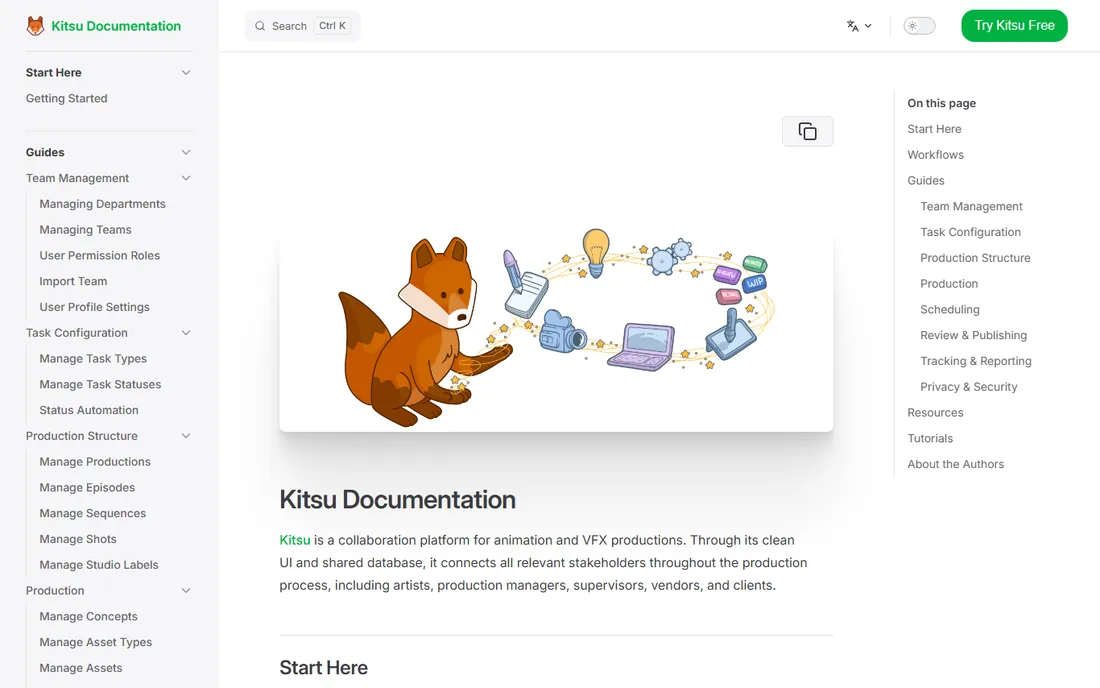
Kitsu is the open-source answer to production tracking, built by French company CGWire for animation and VFX studios. It covers the production essentials: task tracking across departments, shot and asset management, review playlists, scheduling, time tracking and client review. Studios from Blender Studio to commercial animation houses run it in production.
The economics are the story: self-host the open-source version and the license cost is zero, which makes it the natural pick for indie studios, schools and small teams that cannot justify ftrack or Flow Production Tracking pricing. The cost is operational: you maintain the server, or you pay CGWire for hosted Kitsu. For technically capable teams, it delivers most of the commercial feature set at a fraction of the total cost.
What we like- Open source and self-hosted, so the software itself costs nothing and your data stays yours
- Built specifically for animation and VFX: tasks, shots, assets, playlists and reviews
- Active development by CGWire with a real studio user base
Watch out for- Self-hosting needs technical effort or a paid hosted plan
- Smaller ecosystem of integrations than the commercial giants
#7
Kollaborate
Best for: Freelancers and small post houses wanting cloud workflow plus review
Visit kollaborate.tv
Starting priceSee website
Free planNo
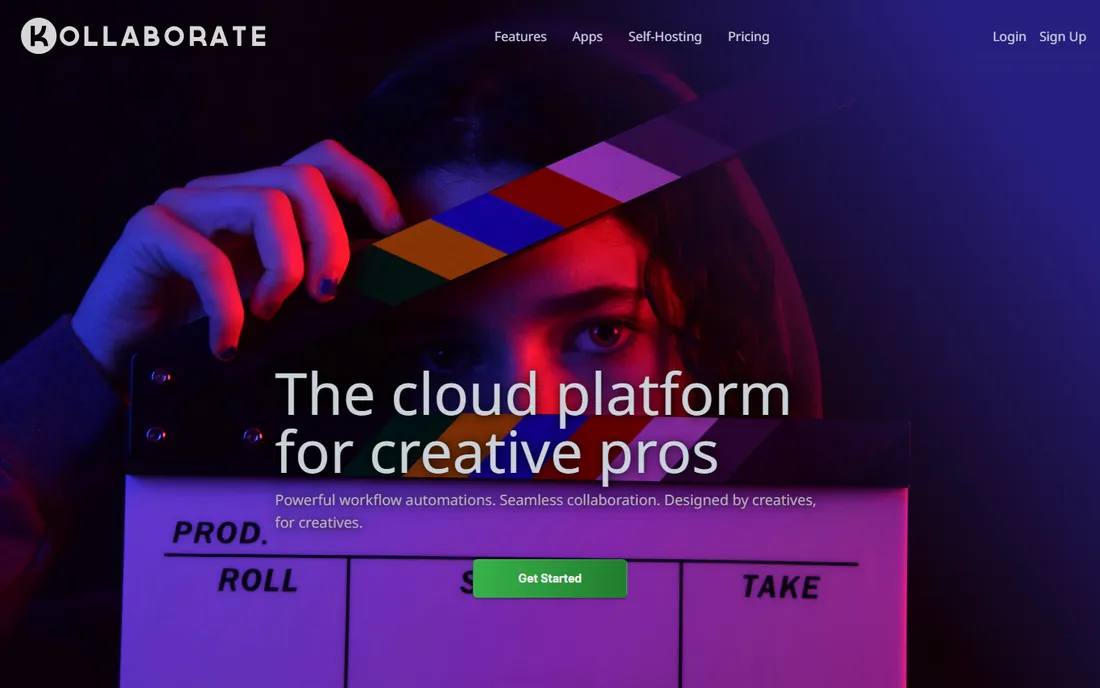
Kollaborate, from Digital Rebellion, is a cloud workflow platform rather than just a review link generator. Video professionals get file review and approval with timecode-accurate comments, task management, team messaging and file organization in one place, plus integrations with Digital Rebellion's desktop tools for editors. The self-hosted Server edition is a real differentiator for security-conscious clients.
The honest context is market position: Kollaborate is a smaller, older product competing against Frame.io's Adobe-backed momentum, and its web presence shows it. Pricing runs through the company rather than a public page. But for freelancers and boutique post houses that want review plus project workflow in one modest package, especially with the server option, it remains a legitimate and affordable choice.
What we like- Combines cloud file workflow with review, tasks and team management, not just commenting
- Self-hosted Kollaborate Server option for teams that cannot use public cloud
- Tight integration with Digital Rebellion's post-production utility apps
Watch out for- Smaller vendor with less market momentum than Frame.io
- Pricing details require contacting the company
#8
Yamdu
Best for: Film and TV productions with serious security requirements
Visit yamdu.com
Starting priceSee website
Free planNo
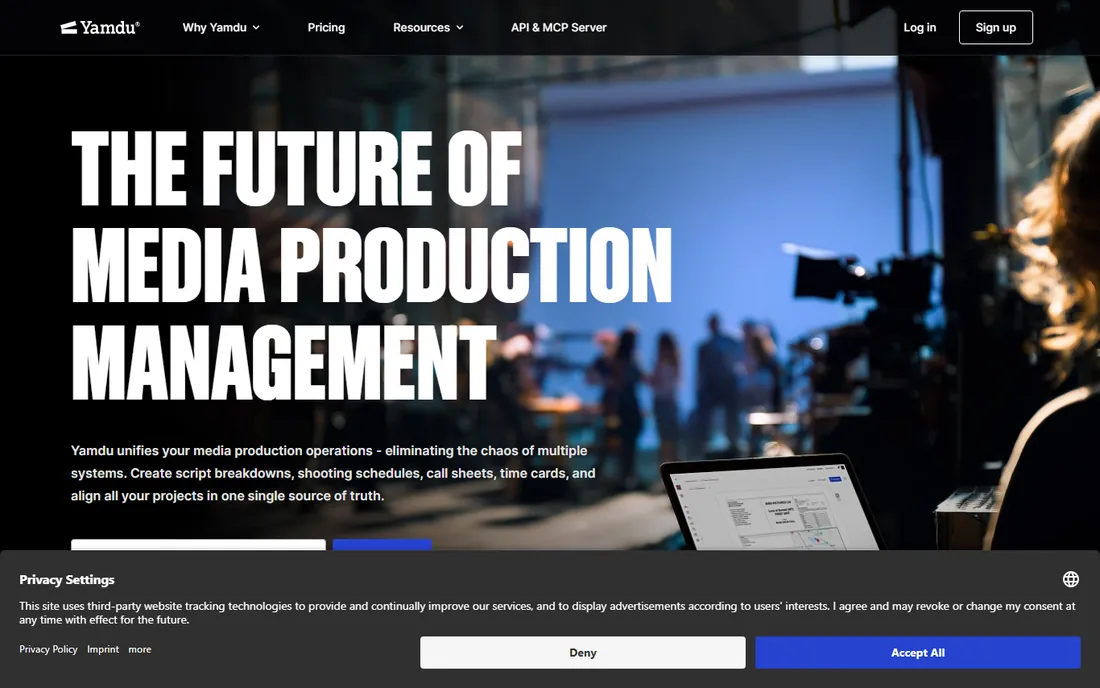
Yamdu is production management software built for the realities of film and television: script breakdowns, shooting schedules, call sheets, cast and crew databases, location management and VFX tracking, all under one roof. Where it stands apart is security: TPN (Trusted Partner Network) membership, watermarking on shared materials, detailed access tracking and GDPR-compliant European hosting make it the choice for productions where leaks cost millions.
That focus defines the buyer. Commercial video teams and YouTubers will find it heavy and the quote-based pricing opaque. But for features, series and high-end TV, particularly in Europe, Yamdu's combination of full production workflow and content security is purpose-built in a way the American review-first tools are not. If your production has a security rider in the contract, start here.
What we like- Full production management from development through wrap: breakdowns, scheduling, call sheets, cast and crew management
- Security-first design with TPN membership, watermarking and granular permissions
- Strong in European film and TV with GDPR-native handling
Watch out for- Quote-based pricing with no public numbers
- Film-and-TV focus means less for commercial and corporate video
#9
Milanote
Best for: Visual planning, mood boards and creative development
Visit milanote.com
Starting priceSee website
Free planYes

Milanote is the odd one out, and deliberately so. It is a visual workspace for organizing creative projects: mood boards, treatments, references, shot inspiration and pre-production thinking, all arranged on boards instead of buried in documents. Directors, producers and agencies use it to develop the creative vision before anything gets scheduled or shot.
Do not buy it as your production manager: it has no scheduling engine, no review workflow and no pipeline tracking. Pair it with one: Milanote for the creative development phase, StudioBinder or Yamdu for planning, Frame.io or Wipster for review. The free plan is generous enough to run real projects, which is why it earns a spot as the creative layer most video teams are missing.
What we like- Visual boards that collect notes, images, video, links and files in one canvas
- Genuinely pleasant to use, so creative teams adopt it without training
- Free plan covers meaningful personal and small-team use
Watch out for- Not a production tracker: no shot tracking, scheduling engine or review workflow
- Per-user pricing on paid plans for larger teams
Few teams run on one tool, and the combinations follow patterns. The most common stack is a planner plus a reviewer: StudioBinder or Milanote for pre-production, Frame.io or Wipster for review and approval. These pair naturally because they solve different problems, and most teams we see in practitioner discussions run exactly this split.
Animation and VFX studios run a different stack: a pipeline tracker (ftrack, Flow Production Tracking or Kitsu) as the system of record, sometimes with Frame.io layered on for client-facing review when the tracker's review UX does not satisfy external stakeholders. The tracker owns the internal truth; the review tool owns the client conversation.
The security-conscious variant adds Yamdu or Kollaborate Server when content cannot sit on public cloud infrastructure. And the budget variant is real: Milanote free plus Wipster free plus Kitsu self-hosted covers planning, review and tracking at zero license cost, with the tradeoff measured in setup effort rather than dollars. Match the stack to your production type first, then fill the gaps.
How we chose
We started with the searches video teams actually run: project management software for video production, video review and approval software and production tracking for animation. For each candidate we opened the vendor's own homepage and pricing information, checked features against public reviews on G2 and Capterra and practitioner discussion on Reddit, and weighed production-type fit, review workflow quality and integration with editing and 3D tools. Generic project managers with no video-specific features were excluded. Where a price could not be verified on the vendor's own page, we wrote "See website" instead of guessing.
Frequently asked questions
What is the best project management software for a small video production team?
Most small teams need two tools: one for planning and one for review. StudioBinder or Milanote handle planning; Frame.io ($15/member/month, free plan available) or Wipster handle review. Start with the free plans, prove the workflow on one project, then pay for the seats and storage you actually use.
Do I need both a production tracker and a review tool?
It depends on your work. Commercial and corporate video teams usually do fine with a planner plus a review tool. Animation and VFX studios need a pipeline tracker (ftrack, Flow Production Tracking or Kitsu) because shots and versions are the work itself, and many add a review tool for client-facing approvals anyway.
What happened to ShotGrid?
Autodesk renamed ShotGrid to Flow Production Tracking as part of its Autodesk Flow cloud strategy for media and entertainment. It is the same product line with the same shot and asset tracking, now positioned inside Autodesk's broader cloud vision. Older tutorials, forum posts and integrations may still reference the ShotGrid name.
Is there a free production tracking tool for animation?
Yes. Kitsu is open source and free to self-host, with paid hosting available from CGWire if you do not want to run servers. It covers tasks, shots, assets, reviews and scheduling. The tradeoff is operational effort versus the polished, supported experience of ftrack or Flow Production Tracking.
How much does video production software cost?
Review tools are the most transparent: Frame.io Pro is $15 per member per month with a free plan. Planning and tracking tools (StudioBinder, ftrack, Yamdu, Flow Production Tracking, Kollaborate) are quote-based and range from tens to hundreds of dollars per user per month depending on scale. Milanote and Wipster have free plans; Kitsu is free self-hosted.
Which tool is best for client review and approvals?
Frame.io is the most capable, with frame-accurate comments, version management and deep Adobe integration. Wipster is the simpler alternative with unlimited free reviewers. Kollaborate adds project workflow around review for small post houses. Choose based on how many external reviewers you have and whether your editors live in Premiere Pro.
Sources we checked (11)
- https://www.studiobinder.com
- https://frame.io/
- https://wipster.io/
- https://ftrack.com/
- https://www.autodesk.com/sg/products/flow-production-tracking/overview
- https://kitsu.cg-wire.com/
- https://kollaborate.tv/
- https://yamdu.com
- https://milanote.com/
- https://www.g2.com/categories/video-review-and-collaboration
- https://www.capterra.com/video-editing-software/
Is your product missing or out of date?
We review this list regularly. Vendors can request a listing, send updated pricing or ask about featured placement.

Shihab Mia · Founder, Rankite
Shihab has spent more than a decade helping SaaS and e-commerce brands grow through search. He writes Rankite's software buying guides from pricing pages, documentation and public user reviews. More about Shihab.