How we make this list: we compare pricing pages, product documentation and public user reviews. Rankite is independent; if a vendor ever pays for a featured spot, that listing is clearly labeled Partner.
Key takeaways
- If your employees track time on projects and bills, pick Toggl Track ($9/user/month), Harvest ($11/seat/month) or Clockify (free unlimited): all three respect the employee and still give managers clean data.
- If you need proof of work for remote staff, Hubstaff (from $4.99/user/month), Time Doctor ($6.67/user/month) and Insightful ($8/seat/month) add screenshots, activity levels and app tracking on top of timers.
- QuickBooks Time is the obvious pick for payroll shops already on QuickBooks: it feeds time straight into payroll, scheduling and invoicing, with GPS and geofencing for field teams.
- Most plans scale from $0 to $19 per user per month, and all but QuickBooks Time offer a free plan or trial. Run a two-week pilot with real staff before buying.
How we chose
We started with the tools employees actually log into: searches for time tracking software for employees, employee timesheets and workforce analytics. For every candidate we opened the vendor's homepage to confirm the current domain, read the vendor's own pricing page for published plans and trial terms, and checked feature depth (timers, timesheets, approvals, screenshots, payroll integrations) against public reviews on G2 and Capterra. Prices come from the vendors themselves: where a vendor published no US list price, we wrote "See website" instead of guessing.
Quick comparison
| Tool | Best for | Starting price | Free plan |
|---|
 Toggl Track Toggl Track | Teams that need simple tracking people actually adopt | Free ($0); Starter $9/user/month (billed annually) | Yes |
 Harvest Harvest | Turning tracked time into client invoices | Free ($0, 1 seat); Pro $11/seat/month ($132 billed annually) | Yes |
 Clockify Clockify | Companies that want unlimited users tracked for free | Free ($0); Basic $3.99/seat/month (billed annually) | Yes |
 Hubstaff Hubstaff | Remote teams that need accountability and automated payroll | $4.99/user/month (Starter) | Free trial (14 days) |
 Time Doctor Time Doctor | Distributed teams that need to validate hours | $6.67/user/month (Basic, billed annually) | Free trial (14 days) |
 Everhour Everhour | Teams that want time tracking inside their project tools | Free ($0, up to 5 seats); Team $8.50/seat/month (billed yearly) | Yes |
 QuickBooks Time QuickBooks Time | Businesses running payroll and accounting on QuickBooks | See website (base fee plus per-user fee; included with QuickBooks Online Payroll Premium and Elite) | Free trial (30 days) |
 Insightful Insightful | Workforce analytics that respect employee privacy | $8/seat/month (Workforce Analytics, billed annually) | Free trial (7 days) |
 ActivTrak ActivTrak | Productivity analytics across large teams | Free ($0, up to 3 users); Essentials $10/user/month (billed annually) | Yes |
 DeskTime DeskTime | Automatic tracking that needs no timers | $6.42/user/month (Pro, billed annually) | Free trial (14 days) |
Is your product missing or out of date?
We review this list regularly. Vendors can request a listing, send updated pricing or ask about featured placement.
The best time tracking software for employees
Time tracking dies when employees hate the tool. Ten tracked hours that nobody logs are worth less than five hours logged in a tool people actually open. The best time tracking software for employees is therefore not the one with the most features: it is the one your team will keep using after the first week. Below are the ten platforms worth testing, split between self-tracking tools your staff will tolerate and monitoring tools your management needs.
#1
Toggl Track
Best for: Teams that need simple tracking people actually adopt
Visit toggl.com
Starting priceFree ($0); Starter $9/user/month (billed annually)
Free planYes
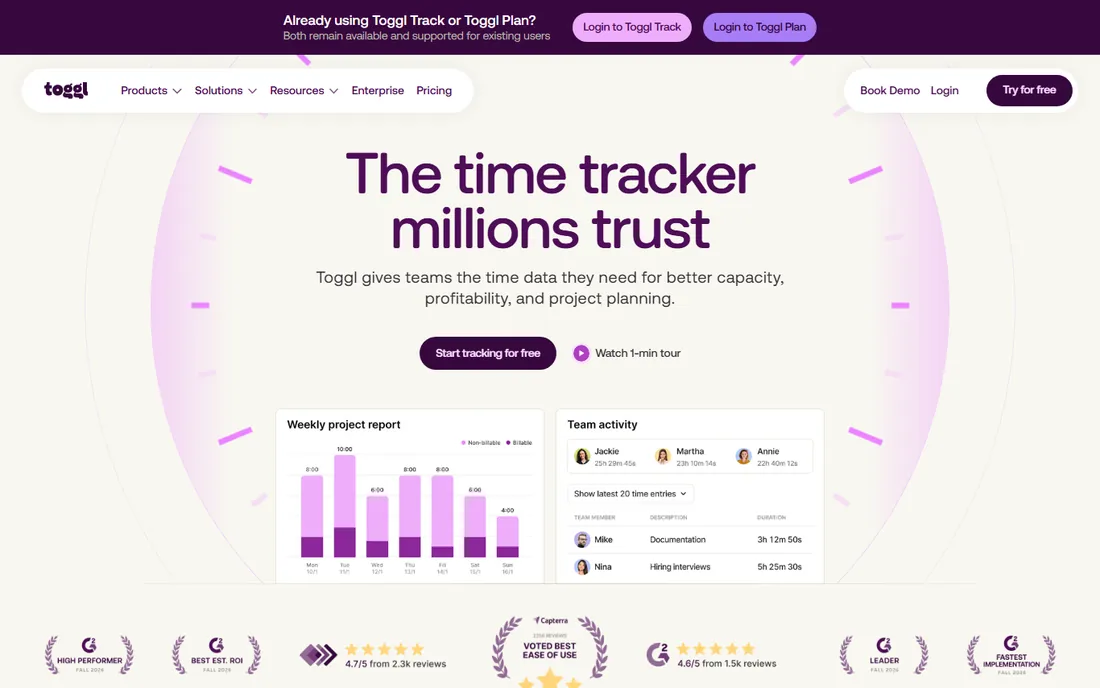
Toggl Track built its reputation on one idea: time tracking should take one click. The free plan covers manual and real-time timers, calendar integrations and personal reports, and the 30-day trial opens all features. Starter at $9 per user per month (billed annually) adds billable rates, team reports and capacity signals. Premium at $16 adds profitability reports, timesheet approvals and SSO.
What makes Toggl the default recommendation for most teams is its anti-surveillance stance, stated plainly on its site: no screenshots, no keystroke logging, just records the employee starts. That trust is why adoption sticks. The catch is billing depth: if your agency needs fixed-fee project budgets and client invoicing, Harvest or Everhour go further. For pure time data your team will keep producing, Toggl is the safest pick.
What we like- The simplest timer of any tool here, with a genuinely useful free plan
- No screenshots or keystroke logging, so employees do not resist it
- Strong reporting and capacity features on paid tiers
Watch out for- Free plan is limited for managers (no billable rates or team reports)
- Paid tiers add features in $9 and $16 steps, and the extras add up
Starting priceFree ($0, 1 seat); Pro $11/seat/month ($132 billed annually)
Free planYes
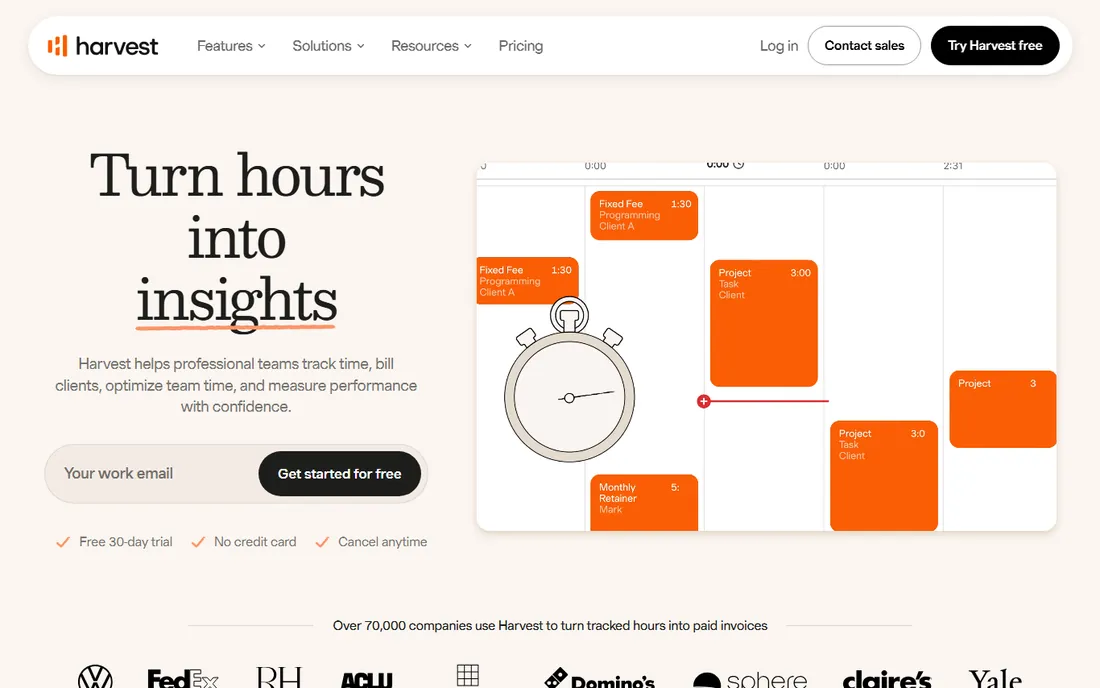
Harvest answers the question service businesses actually ask: where did the hours go, and can I bill for them? The free plan gives one seat and two projects with tracking, reporting basics and invoicing. Pro at $11 per seat per month ($132 billed annually, or $13.75 month to month) opens unlimited seats and projects, team reporting and integrations with Stripe, QuickBooks and Xero. Premium at $14 adds profitability reporting, timesheet approvals and SSO.
The platform's billing machinery is its edge: multi-tiered rates by person, project or task type; retainers that track hour-bank consumption; invoices clients can pay directly. For agencies and consultants, Harvest replaces a separate invoicing tool. The catch is scale: at $11 per seat, a 50-person team pays $6,600 a year for what Clockify does free. Pick Harvest when the billing output justifies the seat price.
What we like- The cleanest path from timer to invoice here: tracked hours flow straight into professional invoices and payments
- Free plan suits a solo user
- Retainers, estimates and expenses built in
Watch out for- Free plan caps at 1 seat and 2 projects
- Per-seat pricing gets expensive for large teams that only need basic tracking
#3
Clockify
Best for: Companies that want unlimited users tracked for free
Visit clockify.me
Starting priceFree ($0); Basic $3.99/seat/month (billed annually)
Free planYes
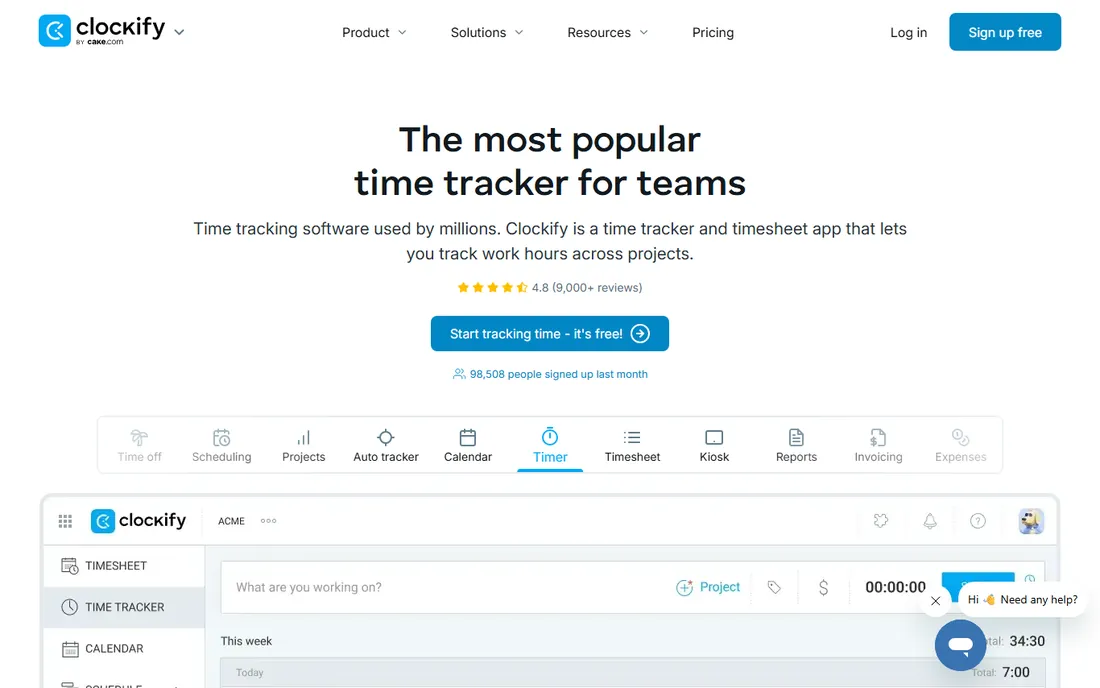
Clockify's pitch is simple: unlimited time tracking, free. The free plan covers timers, timesheets, calendar, reports, invoicing and expenses, while Basic at $3.99 per seat per month (billed annually) adds admin controls like adding time for others, kiosk, estimates and billable rates. Standard at $5.49 adds time off, invoicing and approvals. Pro at $7.99 adds activity monitoring, scheduling and forecasting.
Clockify is the tool you pick when headcount is the constraint: a 200-person team pays $0 for the free tier or under $800 a month for Basic. The honest catch is that the free plan's unlimited-users claim comes with a 5-user note on tracking features in the comparison table, so read the fine print. And teams needing proof-of-work monitoring will outgrow it: Clockify only adds activity monitoring on Pro.
What we like- The only major tracker with genuinely unlimited users on the free plan
- Cheapest paid tiers in the category (Basic $3.99)
- Kiosk mode and attendance features for shift teams
Watch out for- Free plan caps at 5 users for the tracking features you need (unlimited users is on paid tiers per the pricing table)
- Activity monitoring and scheduling sit on Pro at $7.99
#4
Hubstaff
Best for: Remote teams that need accountability and automated payroll
Visit hubstaff.com
Starting price$4.99/user/month (Starter)
Free planFree trial (14 days)
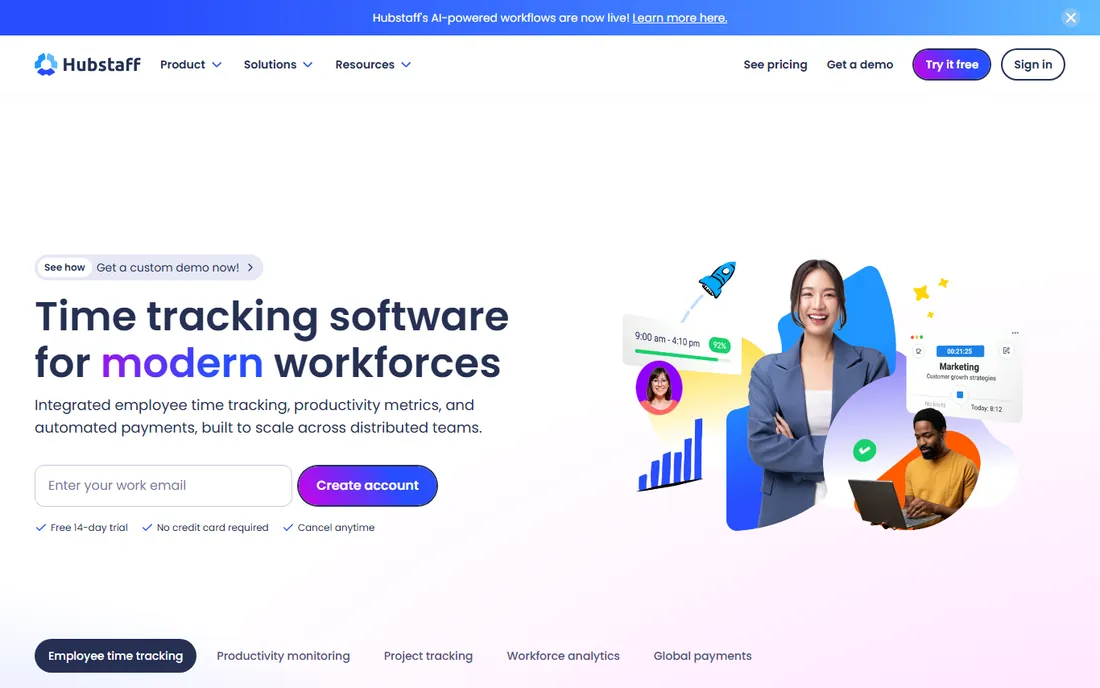
Hubstaff is the accountability option. Starter at $4.99 per user per month covers time tracking with screenshots and activity monitoring; the pricing page spans $4.99 to $25 per user per month across tiers, and its own pricing FAQ names the Team plan at $10 per seat per month. The 14-day free trial needs no credit card, and there is a 30-day money-back guarantee.
The differentiator is the payroll loop: set pay rates, approve timesheets and send global payments in multiple currencies through Deel, Wise, PayPal and Payoneer, all from tracked hours. The AI flags unusual activity like mouse jigglers. For distributed teams paying contractors across countries, that time-to-pay pipeline is the real product. The catch is culture: this is monitoring software, and rolling it out as surveillance will cost you trust. Frame it as payroll accuracy and it lands better.
What we like- Screenshots, activity levels and app tracking give managers proof of work
- Automated payroll and global payments through Deel, Wise and Payoneer
- AI detection of unusual activity patterns
Watch out for- No permanent free plan, only a 14-day trial
- Monitoring features can meet employee resistance if rolled out without communication
Starting price$6.67/user/month (Basic, billed annually)
Free planFree trial (14 days)
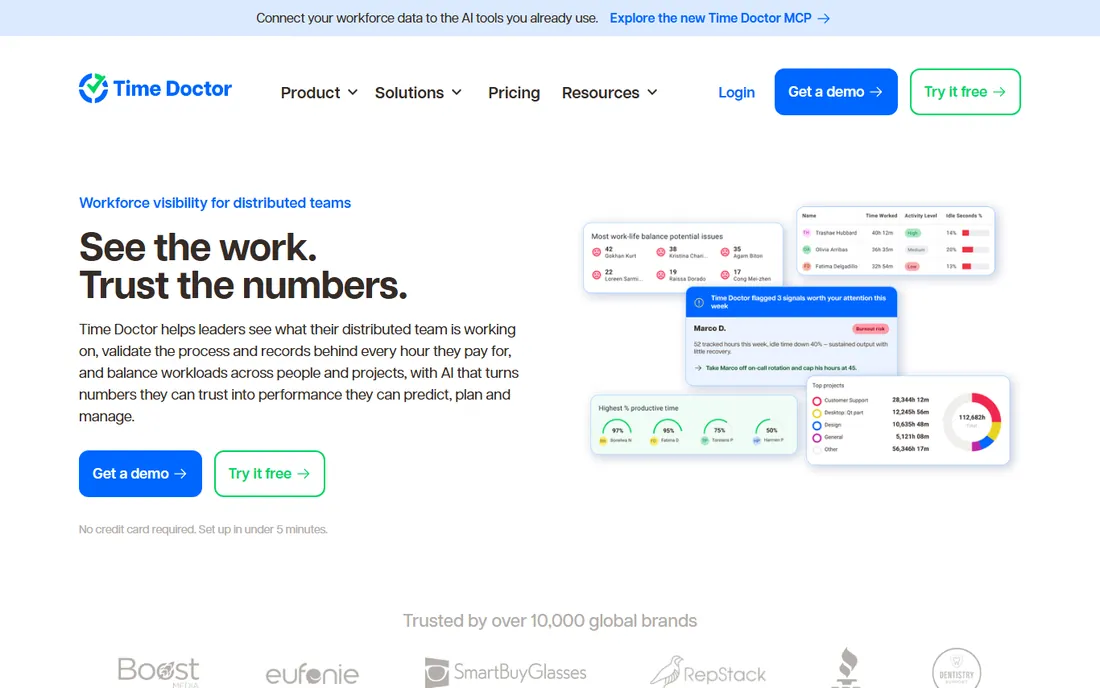
Time Doctor's vendor blog publishes the clearest pricing in the monitoring category: Basic at $6.67 per user per month (billed annually, $8 month to month) covers tracking, tasks and screenshots. Standard at $11.67 adds web and app usage reports, attendance, payroll, work-life balance metrics and 60+ integrations. Premium at $16.70 adds AI benchmarks, unusual activity detection and video screen recording. Enterprise is custom.
The platform positions itself as verification without surveillance: employees see their own data, verification features toggle per role, and it holds ISO 27001, SOC 2 Type 2, GDPR and HIPAA certifications. That compliance stack matters for healthcare and finance teams. The catch is tier discipline: Basic looks cheap until you need payroll, which means Standard. Budget the tier your features require, not the headline price.
What we like- Clear tier ladder with prices published ($6.67, $11.67, $16.70 annual)
- Screenshots, payroll and 60+ integrations on Standard
- AI benchmarks and video recording on Premium
Watch out for- No free plan
- Monitoring can feel invasive
- The cheaper Basic tier lacks payroll and integrations most teams need
#6
Everhour
Best for: Teams that want time tracking inside their project tools
Visit everhour.com
Starting priceFree ($0, up to 5 seats); Team $8.50/seat/month (billed yearly)
Free planYes
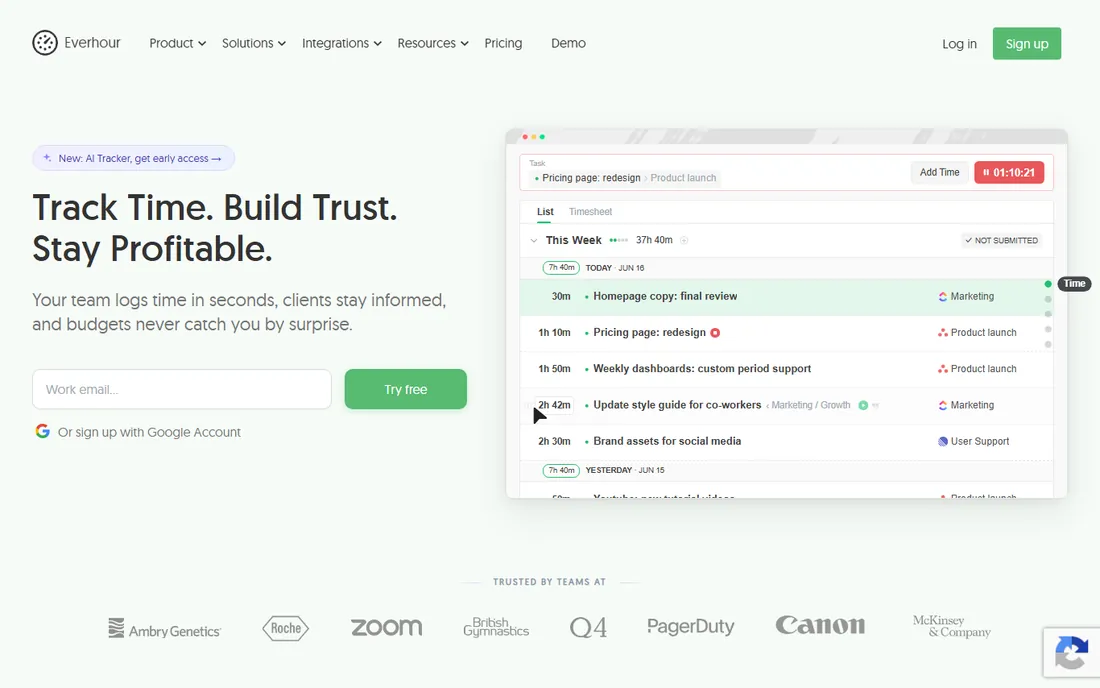
Everhour lives where your team already works. Instead of a separate app, timers appear inside Asana, ClickUp, Jira, Basecamp, Trello and Linear tasks, so hours attach to work without context switching. Pricing is simple: free for up to 5 seats with limited features, Team at $8.50 per seat per month (billed yearly) with every feature included, no upsells and no feature gating. The 14-day trial needs no credit card.
That simplicity is the selling point: budgets with alerts, billing rates, invoicing and utilization reports all come in the single Team price. The catch is the minimum: 5 seats minimum on paid plans means a 2-person team pays for 5. And time data stays in Everhour even if you switch project tools, which is either a feature or a lock-in depending on your view. For teams whose project tool is the center of gravity, Everhour is the natural fit.
What we like- The deepest native integrations here: timers embed directly in Asana, ClickUp, Jira, Trello and Monday
- Single price includes every feature, no feature gating
- Billing, budgeting and invoicing in one place
Watch out for- Paid plans have a 5-seat minimum, so tiny teams pay for 5
- Integrations require the paid plan (free plan has no integrations)
Starting priceSee website (base fee plus per-user fee; included with QuickBooks Online Payroll Premium and Elite)
Free planFree trial (30 days)
QuickBooks Time (formerly TSheets) is the time clock for the QuickBooks ecosystem. Employees clock in from the Workforce mobile app, GPS records locations only while they are on the clock, and geofencing reminds field staff to clock in at job sites. Scheduling is included on every plan, and time syncs to more than 50 payroll and accounting apps.
The honest part is pricing: Intuit's site confirms the product is included with QuickBooks Online Payroll Premium and Elite but does not show a clean standalone price, and third-party figures conflict (base fee plus per-user, with the per-user number varying by source). So get the quote from Intuit for your seat count. If you run payroll on QuickBooks, the no-export workflow is worth real money. If you do not, buy a tracker that stands on its own.
What we like- Time flows straight into QuickBooks payroll and invoicing with no export step
- GPS tracking, geofencing and kiosk mode for field crews
- Scheduling included on all plans
Watch out for- Intuit does not publish a clear standalone list price, so budget only after a quote
- Per-user pricing stacks up at scale
- Weakest option if you are not on QuickBooks
Starting price$8/seat/month (Workforce Analytics, billed annually)
Free planFree trial (7 days)
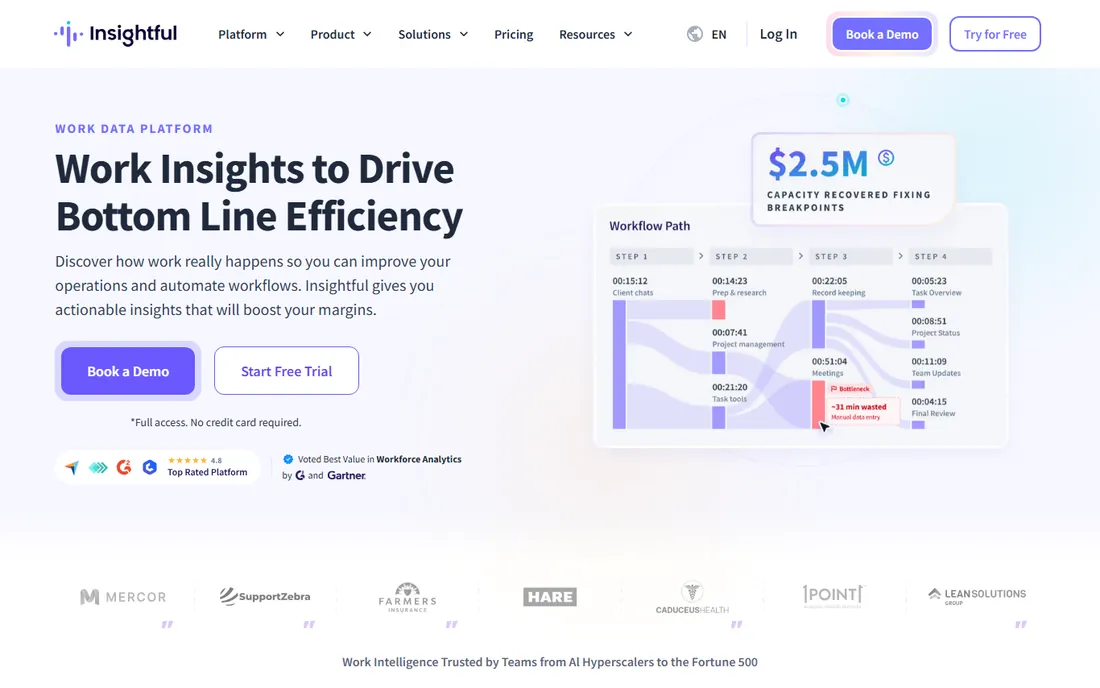
Insightful (formerly Workpuls) sells work intelligence, not surveillance: its homepage states it captures activity without keystroke logging, and Forbes recognized it as the best choice for employee privacy. Pricing is published and simple: Workforce Analytics at $8.00 per seat per month (billed annually), Workflow Optimization at $12.00 and a Combo plan at $16.00, with Enterprise custom. The 7-day trial needs no credit card, and admins and managers are not billed unless they are tracked.
The product fits managers who need utilization, capacity and idle-time data to make staffing decisions, not timesheets for billing. Activity tracking, app and website usage, and AI adoption reports come standard. The catch is scope: this is analytics software with tracking attached. If your workflow is approve-then-bill hours, Toggl or Harvest serve you better. If your workflow is rebalance-the-team, Insightful is the pick.
What we like- Clear per-seat pricing published ($8, $12, $16 annual)
- Recognized by Forbes for employee privacy
- Measures productivity without keystroke logging
- Admin and manager roles are not billed
Watch out for- 7-day trial is short
- Screenshots and screen recording cost extra as add-ons
- Time tracking is not the core, so pure timesheet users should look elsewhere
Starting priceFree ($0, up to 3 users); Essentials $10/user/month (billed annually)
Free planYes
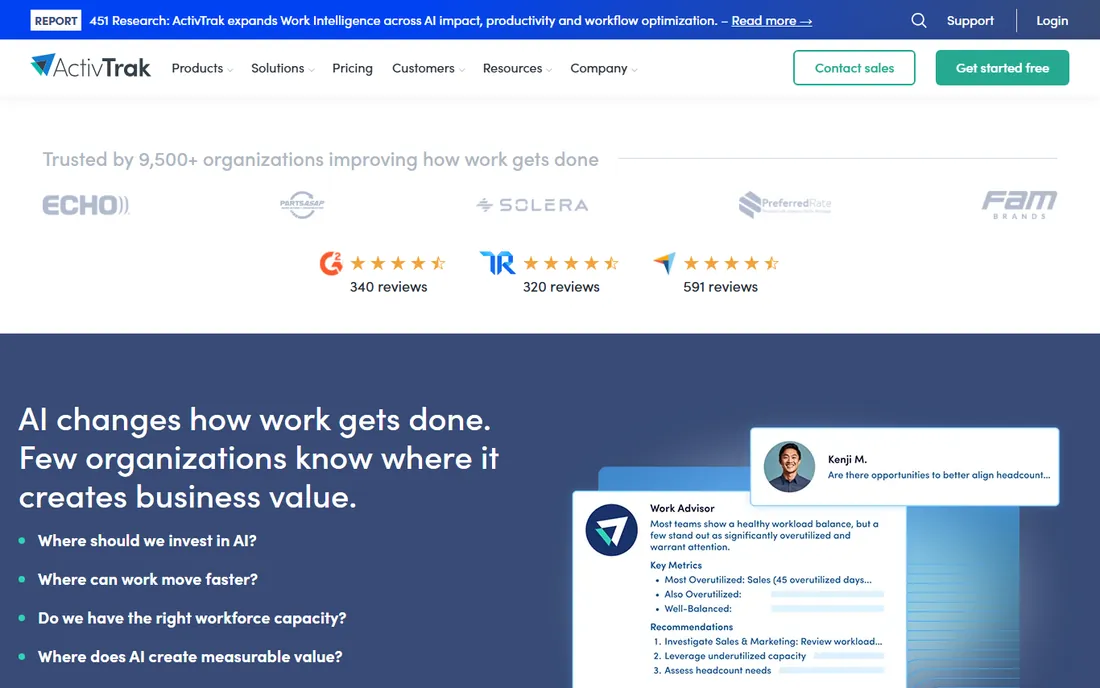
ActivTrak watches how work happens and turns it into productivity data. The free plan covers up to 3 users with 30 days of data history, and paid tiers run Essentials at $10 per user per month (billed annually), Essentials Plus at $15 and Professional at $19, with Enterprise custom. Screenshots arrive via a paid Screen Details add-on; the base plans do not log keystrokes, monitor email or record video.
Its strength is the classification engine: roughly 95 percent of user activities come predefined as productive or unproductive, so managers see dashboards in half an hour instead of spending days tagging. The catch is the billing model: annual-only paid plans with no month-to-month option, and add-ons for screenshots, HRIS sync and API access. For a 100-person team evaluating remote productivity policy, ActivTrak's data is the product. For simple hour tracking, it is overkill.
What we like- Free plan covers 3 users for real evaluation
- Productivity classification is predefined for most activities, so setup is fast
- Privacy-by-design controls and no keystroke logging
Watch out for- Paid plans are annual-only with no monthly option
- Screenshots and deeper integrations cost extra as add-ons
- $10 to $19 per user adds up for large teams
Starting price$6.42/user/month (Pro, billed annually)
Free planFree trial (14 days)
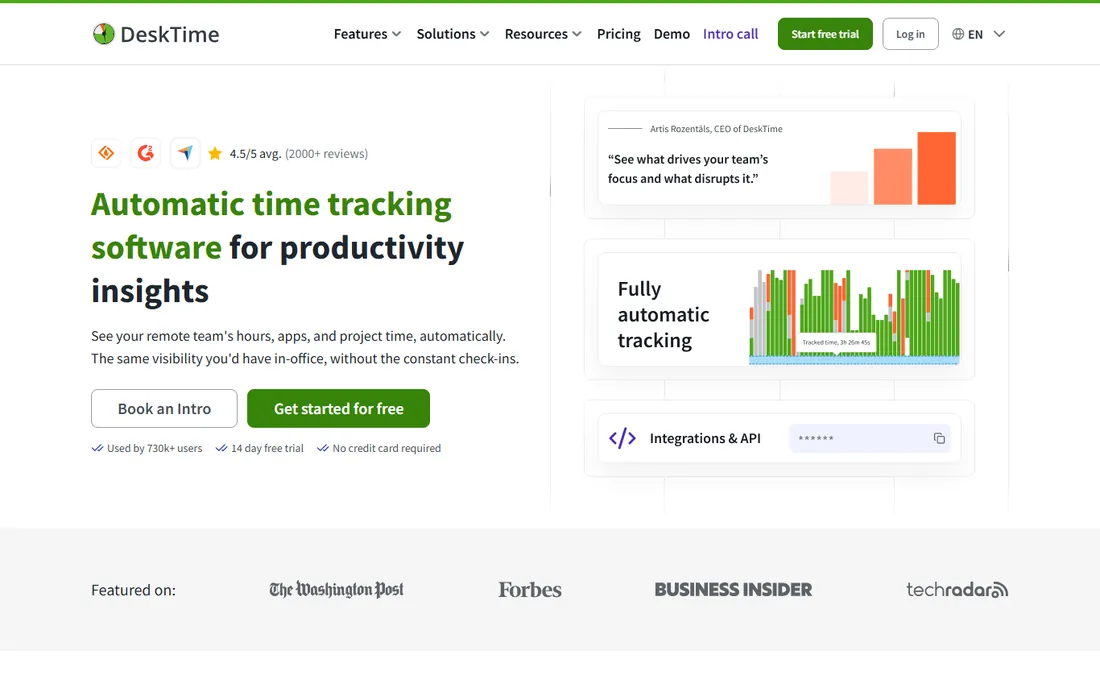
DeskTime's promise is zero-effort tracking: install the desktop app and it records apps, websites and documents automatically, sorting them into productive and unproductive categories. Employees can enable private time to pause tracking, review their own data and blur screenshots. Pricing is published: Pro at $6.42 per user per month (billed annually) for small teams, Premium at $9.17 for hybrid and growing teams (adds screenshots, integrations and API, shift scheduling), and Enterprise custom for 200+ users. The 14-day trial needs no credit card.
DeskTime fits offices and hybrid teams that want attendance and productivity data without asking staff to run timers. The catch is the VAT note: prices show excluding VAT, which matters for EU buyers. And teams that need billing and invoicing from hours will find DeskTime thin: it tracks and reports, it does not invoice.
What we like- Fully automatic tracking from the moment the device powers on, no timers for employees to forget
- Transparent to employees, with private time and blur-able screenshots
- Shift scheduling and absence calendar included
Watch out for- No permanent free plan
- Screenshots require Premium at $9.17
- Prices exclude VAT, so add local tax to the budget
Surveillance vs. self-tracking: how to pick your approach
The tools above fall into two philosophies, and the choice matters more than the feature list. Self-tracking tools (Toggl Track, Clockify, Harvest, Everhour) ask the employee to run a timer or fill a timesheet, and give the manager clean aggregated data. Employees tolerate them, adoption sticks, and the data is honest because it is volunteered. Their weakness is coverage: hours get forgotten, and you cannot prove what you cannot see.
Monitoring tools (Hubstaff, Time Doctor, Insightful, ActivTrak, DeskTime) capture work automatically and add activity levels, screenshots or app usage. They give managers proof, which remote and outsourced teams often need. Their weakness is trust: roll out screenshots without telling the team why, and you will get compliance instead of productivity, plus turnover you cannot measure in the dashboard.
The practical rule: pick self-tracking when you bill hours and need the team to care about accuracy. Pick monitoring when you pay for hours and need to verify them. Hybrid shops often run both: a self-tracker for billable project work and a monitoring tool for attendance and utilization. Whatever you choose, announce it to the team, explain what is captured and why, and let employees see their own data. Every vendor above that offers employee visibility reports higher trust, and trust is what keeps the data flowing.
Picking by team size
For solo users and micro-teams, the free plans decide it. Clockify is free with unlimited users, Toggl Track is free with strong timers, Harvest is free for one seat with invoicing, Everhour is free up to 5 seats, and ActivTrak is free for 3 users. A freelancer billing clients can run Harvest free. A 4-person startup can run Everhour free.
For teams of 5 to 50, price per seat and admin control decide it. Clockify Basic at $3.99 is the cheapest paid tier anywhere. DeskTime Pro at $6.42 and Time Doctor Basic at $6.67 suit automatic and manual tracking respectively. Toggl Starter at $9 and Everhour Team at $8.50 (5-seat minimum) suit project-billing teams. Harvest Pro at $11 suits teams that invoice. Hubstaff Starter at $4.99 suits remote accountability.
For 50+ employees, data retention, compliance and API access decide it. Insightful and ActivTrak sell workforce analytics with privacy certifications. Time Doctor Standard and Premium add payroll, SSO and video recording. DeskTime Enterprise covers 200+ users with an account manager. At this size, run a paid pilot with one department before rolling out company-wide, and check each vendor's data residency and retention terms against your HR policies.
Frequently asked questions
What is the cheapest time tracking software for employees?
Clockify has the only free plan with unlimited users, and its Basic paid tier at $3.99 per seat per month is the cheapest in this list. Toggl Track's free plan and Everhour's free 5-seat plan are also $0. For monitoring features, Hubstaff Starter at $4.99 per user per month is the cheapest entry point.
Do employees have to install software on their own devices?
For automatic tracking tools (DeskTime, Insightful, ActivTrak, Hubstaff, Time Doctor), yes: a desktop agent runs in the background. Timer-based tools (Toggl Track, Clockify, Harvest, Everhour) also offer web and mobile apps, so employees can track from a browser without installing anything. QuickBooks Time offers a mobile app and a kiosk mode for shared devices.
Which tool is best for tracking billable hours for clients?
Harvest and Everhour are built for this: Harvest turns tracked time into invoices with multi-tiered billing rates, and Everhour adds budgets, estimates and invoicing inside project tools. Toggl Track's Starter and Premium tiers handle billable rates and profitability reports. All three beat pure monitoring tools, which track hours but do not bill them.
How do I get employees to actually use time tracking software?
Pick a tool they do not hate: Toggl Track and Clockify win adoption because the timer takes one click. Explain what the data is for (billing, capacity planning, fairer workloads), let employees see their own data, and never use screenshots as a gotcha. Teams that track for billing accuracy keep tracking. Teams that track because they are watched stop caring.
Can time tracking software integrate with payroll?
Yes. QuickBooks Time feeds hours directly into QuickBooks payroll. Hubstaff pays global teams through Deel, Wise, PayPal and Payoneer from approved time. Time Doctor Standard includes payroll. Harvest, Toggl Track and Clockify sync with accounting tools like QuickBooks and Xero rather than running payroll themselves.
Sources we checked (12)
- https://toggl.com/track/pricing/
- https://www.getharvest.com/pricing
- https://clockify.me/pricing
- https://hubstaff.com/pricing
- https://www.timedoctor.com/blog/teramind-alternatives/
- https://everhour.com/pricing
- https://quickbooks.intuit.com/time-tracking/
- https://insightful.io/pricing
- https://hubstaff.com/blog/activtrak-review/
- https://desktime.com/pricing
- https://www.g2.com/categories/time-tracking
- https://www.capterra.com/time-tracking-software/
Is your product missing or out of date?
We review this list regularly. Vendors can request a listing, send updated pricing or ask about featured placement.

Shihab Mia · Founder, Rankite
Shihab has spent more than a decade helping SaaS and e-commerce brands grow through search. He writes Rankite's software buying guides from pricing pages, documentation and public user reviews. More about Shihab.