How we make this list: we compare pricing pages, product documentation and public user reviews. Rankite is independent; if a vendor ever pays for a featured spot, that listing is clearly labeled Partner.
Key takeaways
- Event businesses split into two CRM types: general CRMs (HubSpot, Salesforce, Zoho, Pipedrive, Keap) that you adapt to events, and event-native platforms (Tripleseat, Planning Pod, HoneyBook, Dubsado) built around bookings, floor plans and BEOs.
- Venues should start with Tripleseat or Planning Pod: both handle lead intake, BEOs, floor plans and payments in one system built for spaces that host events. Planning Pod publishes that most single-location venues pay $199 to $319 per month.
- Wedding and event planners do best on HoneyBook or Dubsado: both cover the full client flow from inquiry to contract to invoice, starting at $29 per month and $335 per year respectively.
- General CRMs win when events are one revenue stream among many. HubSpot and Zoho both offer genuinely free starting tiers, while Salesforce starts at $25 per user per month.
Quick comparison
| Tool | Best for | Starting price | Free plan |
|---|
 HubSpot HubSpot | Event businesses starting on a free CRM with room to grow | Free ($0 for 2 users); Sales Hub Starter $20/seat/month (billed annually) | Yes |
 Salesforce Salesforce | Large event companies with complex sales processes | $25/user/month (Starter Suite, billed annually) | Free trial (30 days) |
 Zoho CRM Zoho CRM | Budget-conscious teams wanting a full CRM cheap | Free ($0, up to 3 users); Standard $14/user/month (billed annually) | Yes |
 Pipedrive Pipedrive | Event sales teams that live in their pipeline | $14/seat/month (Lite, billed annually) | Free trial (14 days) |
 Keap Keap | Event businesses that automate their follow-up | See website (contact-based pricing) | Free trial (14 days) |
 Tripleseat Tripleseat | Event venues managing leads, bookings and BEOs | See website (custom quote only) | No (demo through sales) |
 Planning Pod Planning Pod | Venues wanting end-to-end management without enterprise overhead | $199/month (most single-location venues pay $199-$319, per vendor) | No (personalized demo) |
 HoneyBook HoneyBook | Event planners and vendors managing clients from inquiry to payment | $29/month (Starter, billed yearly) | Free trial |
 Dubsado Dubsado | Event planners who want total control over client workflows | $335/year (Starter plan) | Free trial (21 days) |
Is your product missing or out of date?
We review this list regularly. Vendors can request a listing, send updated pricing or ask about featured placement.
CRM software for event management, compared
Picture a wedding planner in April. She has eleven couples in different stages: three fresh inquiries, two waiting on proposals, four signed contracts, two overdue on deposits. One spreadsheet holds the guest counts. Another holds the payment dates. A third holds vendor contacts. The first missed follow-up costs her a $6,000 booking, and that is when she starts searching for the best CRM software for event management. If that is you, here are the nine platforms worth your shortlist.
#1
HubSpot
Best for: Event businesses starting on a free CRM with room to grow
Visit hubspot.com
Starting priceFree ($0 for 2 users); Sales Hub Starter $20/seat/month (billed annually)
Free planYes
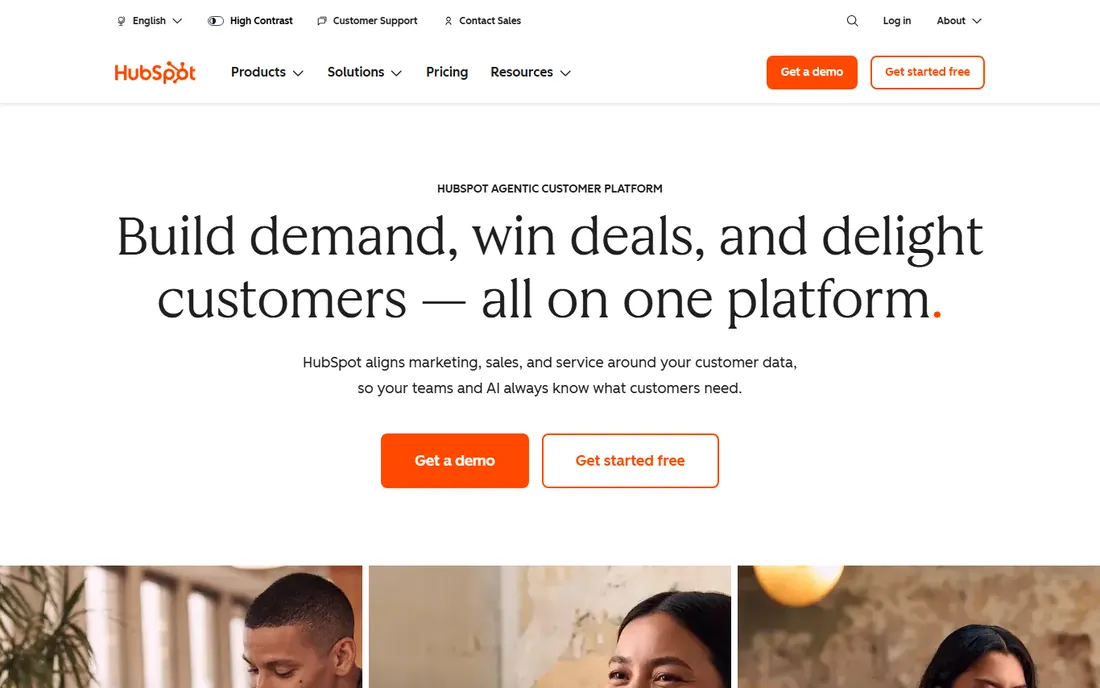
HubSpot is the safe starting point for an event business that is not ready to commit. The free tier gives you contact management, a deal pipeline, email tracking and meeting scheduling for two users at no cost. When you grow, Sales Hub Starter at $20 per seat per month (billed annually) adds pipelines, automation and calling. HubSpot's own Sales Hub pricing guide also lists promotional rates as low as $9 per seat, so check the current offer before buying.
For events specifically, HubSpot shines on the marketing side: lead capture forms, email campaigns to past attendees and reporting that ties event leads to revenue. The honest catch is the cliff. Moving to Professional multiplies the per-seat cost by four and adds mandatory onboarding fees, so teams that need sequences, forecasting and custom reporting should price Professional before building their whole process on Starter.
What we like- Free CRM is genuinely usable, with contacts, deal pipelines and meeting scheduling at $0
- Scales into marketing automation and full customer platform on the same data model
- Strong event-relevant integrations including Eventbrite
Watch out for- Paid tiers jump hard: Starter to Professional is $20 to $90 per seat with a $1,500 mandatory onboarding fee
- Free plan caps at 2 users, so teams outgrow it fast
Starting price$25/user/month (Starter Suite, billed annually)
Free planFree trial (30 days)
Salesforce is the CRM you buy when your event business has real operational complexity: multiple venues, territory-based sales teams, custom approval flows for large contracts. The Starter Suite at $25 per user per month (billed annually) covers up to 10 users with core CRM features. Professional runs $100 per user per month, Enterprise $165 and Unlimited $330, each adding automation, forecasting and API access.
Event teams use Salesforce to build custom objects for events, vendors and venues, then automate everything from lead routing to post-event follow-up. The platform's weakness is also its nature: without an admin or consultant, most of that power stays locked. For a 50-person event production company, it is the right tool. For a three-person planning studio, it is a $900-per-year minimum for features you will never touch.
What we like- Deepest customization and automation of any CRM here
- Massive integration ecosystem including event platforms
- Starter Suite gives small teams an affordable entry point
Watch out for- No free plan, only a 30-day trial
- Real implementations need consultants, and costs compound with add-ons and success plans
#3
Zoho CRM
Best for: Budget-conscious teams wanting a full CRM cheap
Visit zoho.com
Starting priceFree ($0, up to 3 users); Standard $14/user/month (billed annually)
Free planYes
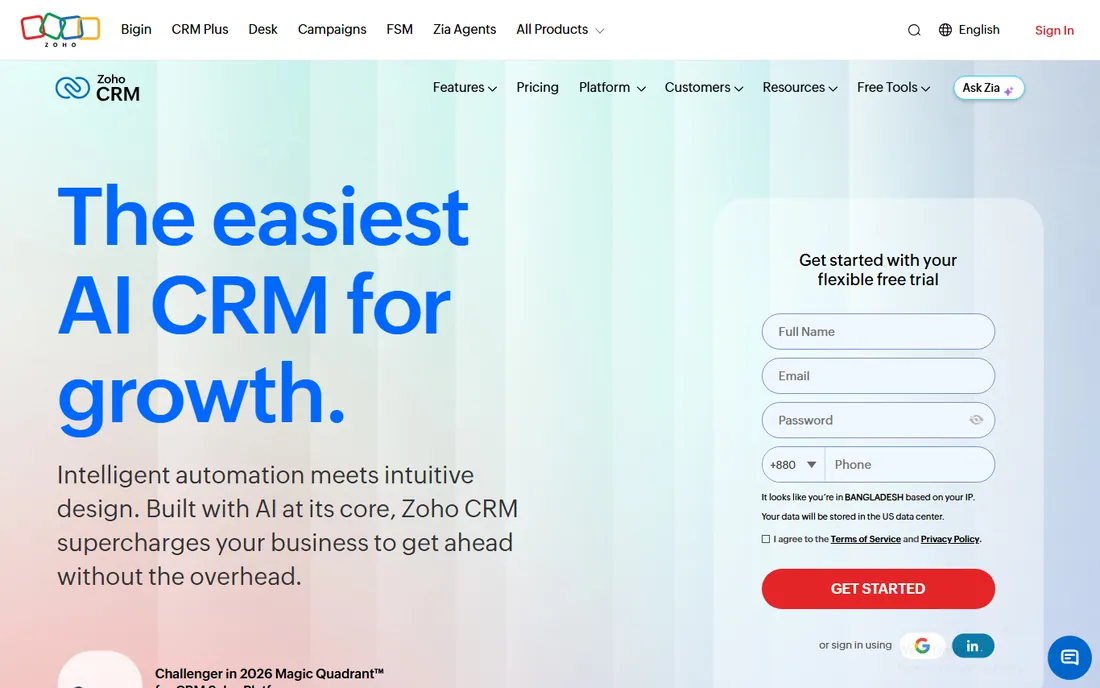
Zoho CRM is the value play. The free edition covers 3 users with basic CRM, Standard at $14 per user per month (billed annually) adds scoring rules and workflows, and Professional at $23 adds inventory, CPQ and process management. For an event rental company tracking equipment alongside bookings, that inventory management on Professional is a quiet advantage.
The trade is polish and limits. Workflow rules are capped (10 per module on Standard, 15 on Professional), and Zia AI plus custom modules require Enterprise at $40. Zoho's own pitch is the ecosystem: add Zoho Bookings, Zoho Campaigns and Zoho Analytics as you grow. If your event business runs on tight margins, Zoho delivers 80 percent of Salesforce for a fraction of the per-seat cost.
What we like- Lowest per-seat pricing of the general CRMs: $14 on Standard, $23 on Professional, $40 on Enterprise (all billed annually)
- Free edition covers 3 users
- Part of a 45-plus-app ecosystem you can add later
Watch out for- Interface and workflow setup feel dated next to HubSpot
- Workflow rules and custom modules are capped per tier, pushing growing teams to Enterprise
Starting price$14/seat/month (Lite, billed annually)
Free planFree trial (14 days)
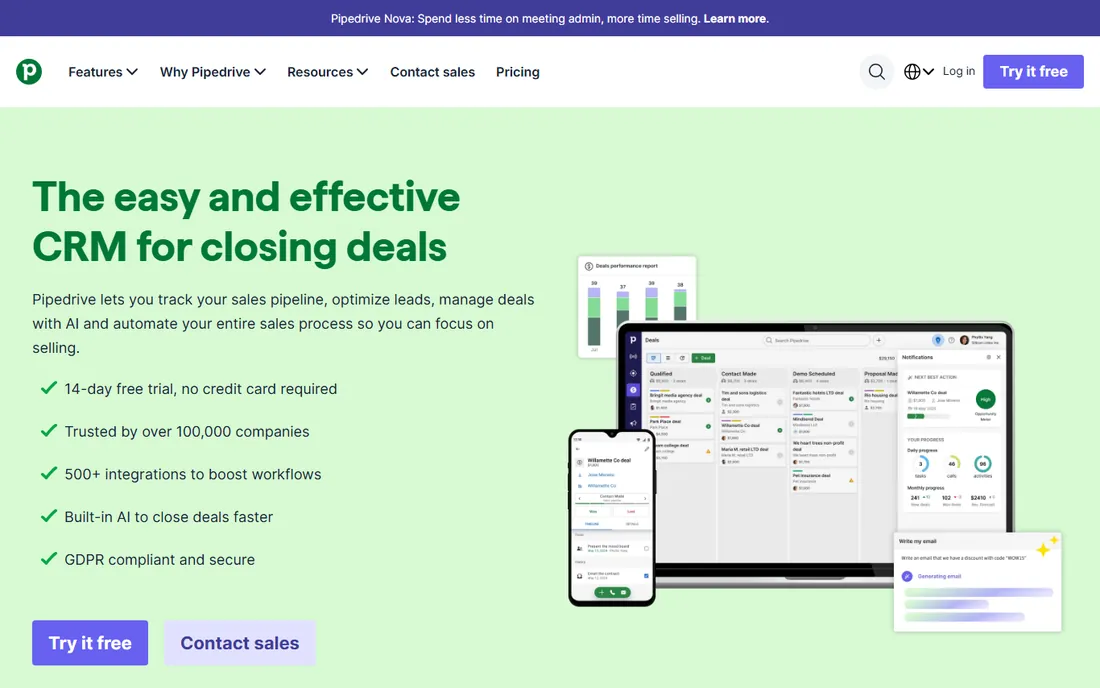
Pipedrive's strength is focus: it does the sales pipeline better than anyone and skips the rest. Lite at $14 per seat per month (billed annually) covers leads, deals, contacts and calendar management. Growth at $39 adds email sync, automations and a meeting scheduler. Premium at $59 adds lead generation, contracts and e-signatures. Ultimate at $79 adds security controls and a sandbox. Every plan includes a 14-day free trial with no credit card.
For an event venue's sales team, that pipeline-first design maps naturally to the booking funnel: inquiry, tour, proposal, contract, deposit. The honest catch is the marketing gap. If your event business needs email campaigns to a 5,000-person list, Pipedrive is not the tool: pair it with a marketing platform or pick HubSpot or Keap instead.
What we like- The cleanest pipeline view of any CRM here
- Simple pricing with a genuinely useful entry tier
- 500-plus integrations and built-in meeting intelligence on every plan
Watch out for- Marketing automation is thin, so event email campaigns need a separate tool
- Lite plan lacks email sync and automations, pushing most teams to Growth at $39
#5
Keap
Best for: Event businesses that automate their follow-up
Visit keap.com
Starting priceSee website (contact-based pricing)
Free planFree trial (14 days)
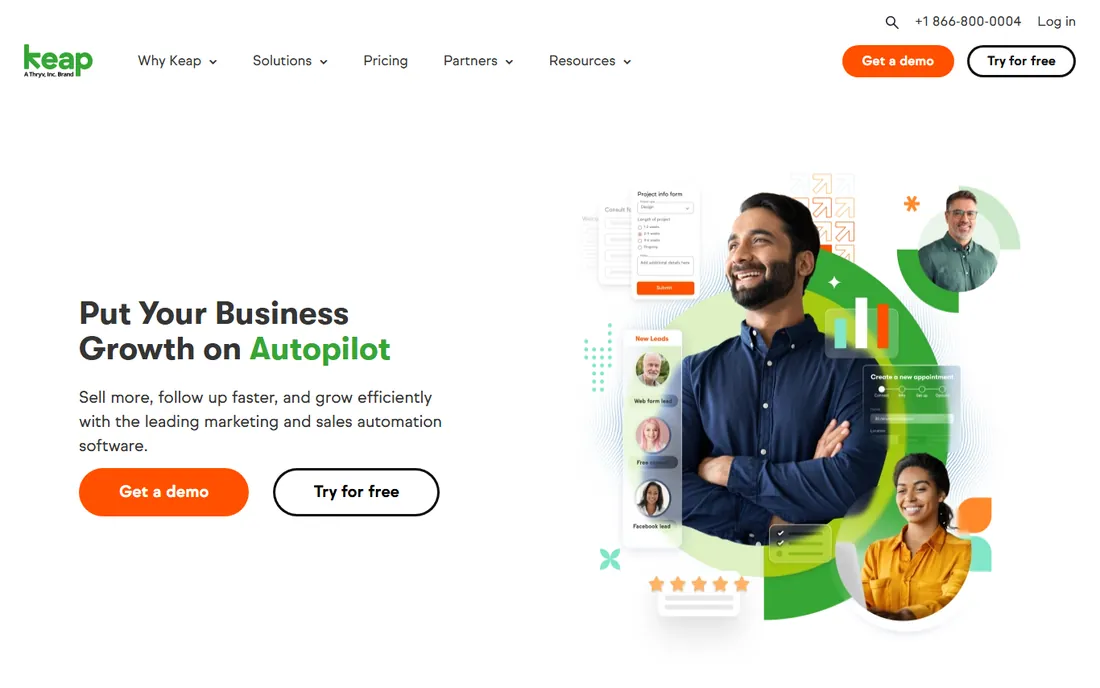
Keap (formerly Infusionsoft) is the automation specialist. Where HubSpot charges you for workflows on Professional, Keap builds its whole product around them: lead capture forms trigger nurture sequences, appointment reminders go out automatically, invoices chase themselves. The platform includes CRM, email marketing, text marketing, appointments, quotes, invoices and payments in one subscription, with 2 user licenses included and extra users at $39 per month.
The commercial reality is murkier. Keap publishes no prices on its pricing page and quotes are contact-based, meaning a 1,500-contact account and a 10,000-contact account pay very different amounts. Third-party estimates for the Pro tier range from $129 to $299 per month, which is too wide a range to trust. Talk to sales, get the number for your contact count in writing, and factor in the required implementation package before comparing.
What we like- The strongest built-in marketing automation of the general CRMs
- Invoicing, appointments and payments in the same platform
- Proven automation templates from 20-plus years serving small businesses
Watch out for- No published pricing, and third-party estimates vary wildly, so get the quote in writing
- Mandatory implementation package adds to first-year cost
- Pricing is contact-based, so your list size drives the bill
Starting priceSee website (custom quote only)
Free planNo (demo through sales)
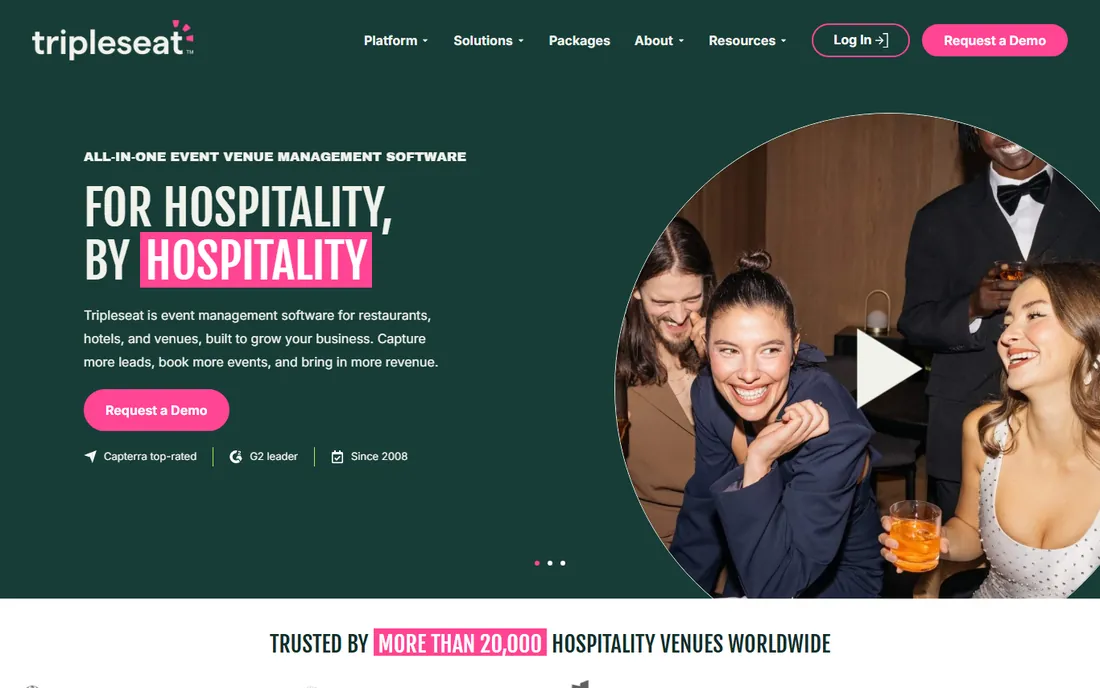
Tripleseat is what you buy when your business is the venue. The platform handles the whole venue sales cycle: leads from WeddingWire and The Knot flow into the pipeline, the booking calendar shows availability, BEOs (banquet event orders) generate from the event details, and contracts and payments close the loop. Packages include the core platform, a Direct Book add-on for 24/7 booking with approval, Floor Plans for 2D/3D layouts, and a Hotels package with PMS integration.
There is no published pricing and no self-serve trial; everything goes through a demo and a quote. That is normal for venue software, where pricing depends on event volume and property count. If you run events out of a space you operate, shortlist Tripleseat against Planning Pod below. If you are a planner without a venue, skip it.
What we like- Built specifically for venues: lead capture, booking calendar, BEOs, contracts and payments in one flow
- Packages for venues, direct booking and hotels
- AI features draw on your venue's own data
Watch out for- No published pricing and no free trial
- Built for venues, so pure planners get less value
#7
Planning Pod
Best for: Venues wanting end-to-end management without enterprise overhead
Visit planningpod.com
Starting price$199/month (most single-location venues pay $199-$319, per vendor)
Free planNo (personalized demo)
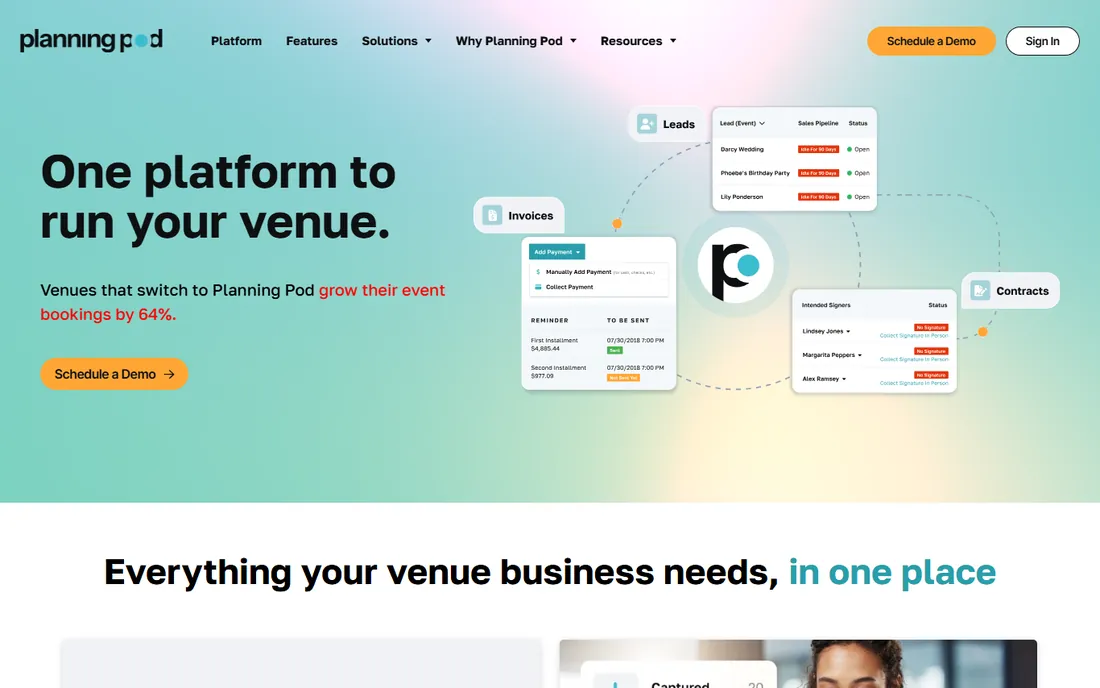
Planning Pod positions itself as the middle ground: end-to-end venue management without the enterprise overhead of Tripleseat. Its own FAQ puts the number on the table: most single-location venues land between $199 and $319 per month, with pricing based on the number of events managed at a time. That transparency is rare in venue software and worth noting.
The platform covers the full venue workflow: lead intake, booking calendar, floor plans, BEOs, proposals, contracts, payments and reporting, plus integrated payment processing so clients pay through a branded portal. Every new venue gets a real human migration specialist, not a self-service importer. The honest catch is scope: this is venue software first. A standalone wedding planner will find the venue-side features idle and should look at HoneyBook or Dubsado.
What we like- One system for lead intake, booking calendar, floor plans, BEOs, proposals, contracts, payments and reporting
- Every new venue gets a human data-migration specialist
- Integrations with WeddingWire, The Knot and QuickBooks
Watch out for- Venue-first: event planners without a space get less value
- No free tier, and pricing scales with event volume
#8
HoneyBook
Best for: Event planners and vendors managing clients from inquiry to payment
Visit honeybook.com
Starting price$29/month (Starter, billed yearly)
Free planFree trial
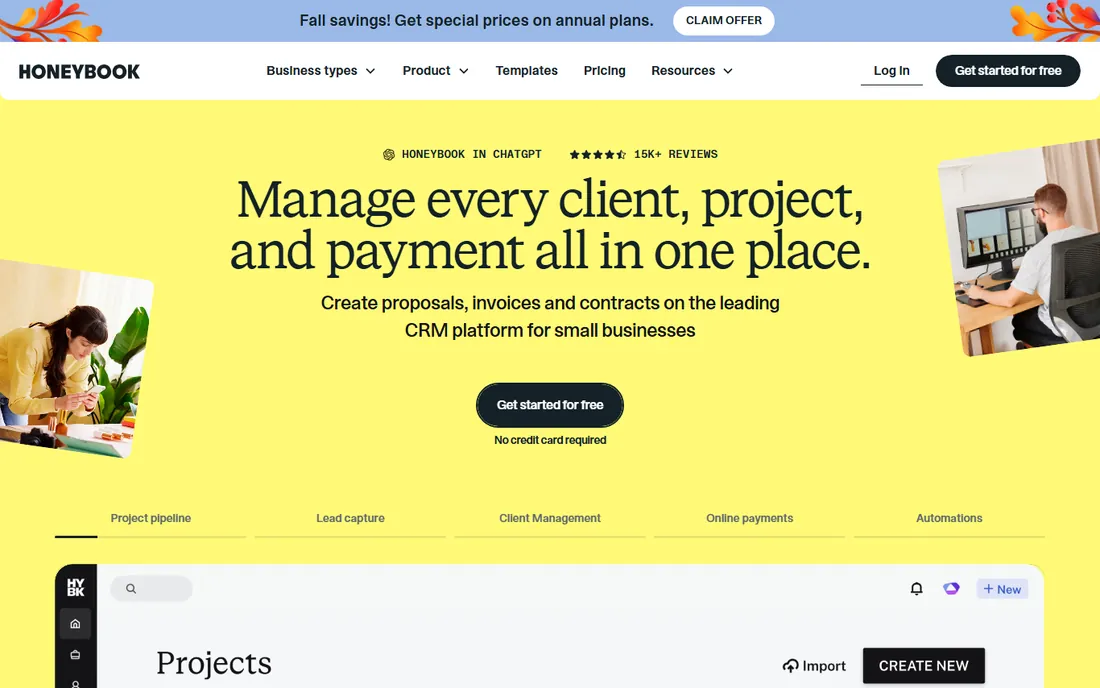
HoneyBook is the event industry's favorite all-rounder. The Starter plan at $29 per month (billed yearly, $36 month to month) includes unlimited clients and projects, invoices and payments, proposals and contracts, a calendar, templates, a client portal and HoneyBook AI. Essentials at $49 adds automations, a scheduler, SMS reminders and QuickBooks integration. Premium at $109 adds unlimited team members, priority support and advanced reports. All plans start with a free trial.
The platform's real strength is how it feels to the client: proposals, contracts and invoices arrive as one polished flow, and payments process through HoneyBook itself. Over $12 billion in payments have moved through the platform. The catch is automation ceiling: power users who need multi-branch workflows and deep customization will hit walls that Dubsado Premier or Keap do not have.
What we like- Full client flow in one place: lead capture, proposals, contracts, invoices, payments and scheduling
- Unlimited clients and projects on every plan
- Polished templates that look professional to clients
Watch out for- Automation depth is thinner than Keap or Dubsado's Premier tier
- Team features and advanced reports sit on the $109/month Premium plan
#9
Dubsado
Best for: Event planners who want total control over client workflows
Visit dubsado.com
Starting price$335/year (Starter plan)
Free planFree trial (21 days)
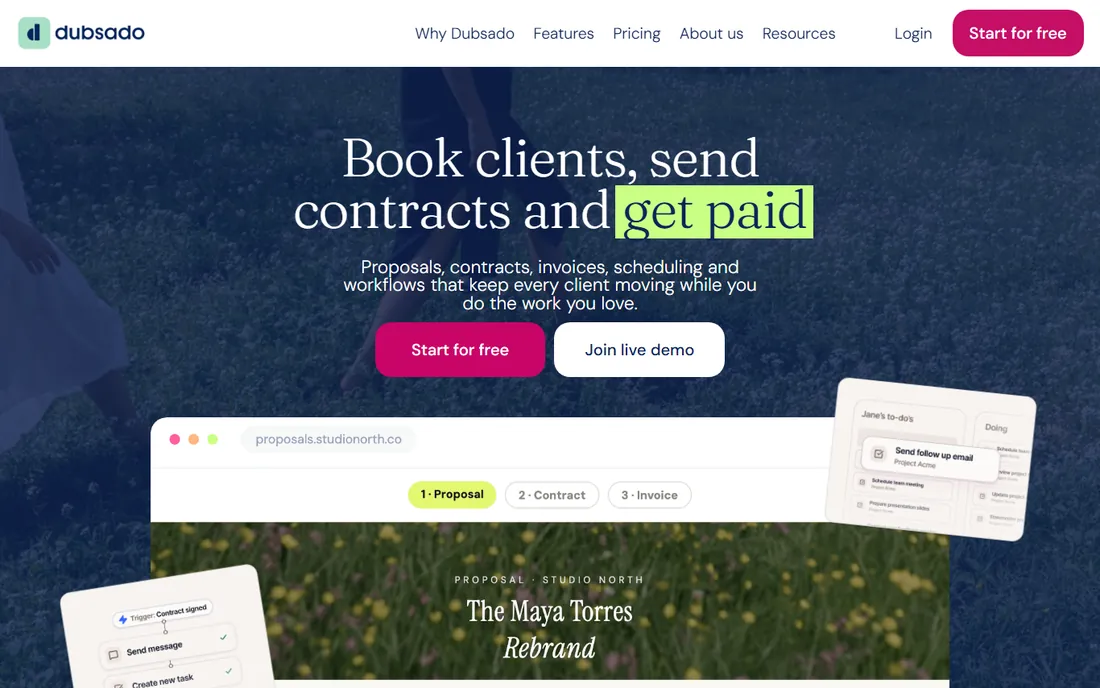
Dubsado is the planner's power tool. Where HoneyBook gives you a polished path, Dubsado gives you the parts: branded lead capture forms, discovery call scheduling, proposals, contracts, e-signatures, invoices with payment plans, questionnaires, client portals and automated workflows that trigger around your milestones. The Starter plan at $335 per year covers unlimited projects and clients; Premier at $525 per year adds automated workflows, advanced scheduling, Zapier and bookkeeping integration.
The honest catch is the learning curve. Dubsado's own FAQ says the Starter plan suits those starting out while Premier suits busy owners who need to streamline, but both plans assume you will build your workflows yourself. The payoff is control: no per-user fees, no contact tiers, your brand on everything the client sees. The 21-day trial gives full Premier access, so test the automation builder before you pay.
What we like- The most customizable client workflow builder here: proposals, contracts, invoices, scheduling and automations in any order
- Flat annual pricing with no per-user fees
- 21-day full-feature trial with no credit card
Watch out for- Setup takes real work: the flexibility means you build everything yourself
- Bookkeeping integration, advanced scheduling and automated workflows require the $525/year Premier plan
Matching the CRM to your event business
Start with what you sell. If you sell the space, you need venue software: Tripleseat or Planning Pod, because only they handle BEOs, floor plans, room blocks and venue-side payments. A general CRM cannot do a banquet event order, and bolting one onto HubSpot costs more than the venue platform.
If you sell planning, design or vendor services, you need a client platform: HoneyBook or Dubsado. Both run the inquiry-to-payment flow that planners live in, and both cost less per year than one month of a general CRM for a five-person team. Choose HoneyBook for polish and speed of setup; choose Dubsado for workflow control and flat pricing.
If events are one line of business among several, or you need marketing automation and reporting depth, buy a general CRM: HubSpot (free start), Zoho (cheapest seats), Pipedrive (cleanest pipeline), Keap (strongest automation) or Salesforce (deepest customization). The event features you need, like lead forms and email campaigns, are generic CRM features. The event features you do not get, like BEOs and floor plans, are the ones that would tell you to buy venue software instead.
How we chose
We started with the searches event businesses run: CRM for event management, event planning CRM and venue management software. For each candidate we opened the vendor's homepage to confirm the current domain, checked the vendor's own pricing page for published plans, and compared event-specific features (lead intake, BEOs, floor plans, contracts, payments, scheduling) against public reviews on G2 and Capterra and practitioner discussion in planner communities. Where a vendor published no prices, we wrote "See website" rather than quoting a third-party estimate. Keap's own pricing page shows no public numbers, so it carries that label too.
What event CRMs cost in 2026
The market splits cleanly. General CRMs run free to $165 per user per month: HubSpot and Zoho start at $0, Pipedrive Lite is $14 per seat, Salesforce Starter is $25 per user, Zoho Professional is $23 and Pipedrive Ultimate is $79. These scale with headcount, so a five-person team pays $840 to $9,900 per year before add-ons.
Event-native platforms run flat: HoneyBook Starter at $29 per month ($348/year), Dubsado Starter at $335 per year, Dubsado Premier at $525 per year, Planning Pod at $199 to $319 per month for most single-location venues. These do not charge per user, which makes them cheaper for teams and pricier for solos who only need one seat.
The custom-quote tier, Tripleseat and Keap, requires a sales conversation. Get the number in writing with your event volume, contact count and user seats specified, because all three price on volume. And whatever you pick, budget the first year fully: implementation fees, payment processing on client invoices and the cost of migrating your existing client list.
Frequently asked questions
Do I need an event-specific CRM or will a general CRM work?
It depends on what you sell. If you sell a venue, buy event-specific: only Tripleseat and Planning Pod handle BEOs, floor plans and venue payments. If you sell planning or vendor services, either works: HoneyBook and Dubsado are event-specific and cheaper, while HubSpot, Zoho and Pipedrive give you marketing and reporting depth the event tools lack.
What is the cheapest CRM for event management?
Zoho CRM and HubSpot both offer free plans ($0 for up to 3 and 2 users respectively). Among paid event-native tools, Dubsado Starter at $335 per year is the cheapest flat rate, and HoneyBook Starter at $29 per month is the cheapest monthly. A solo planner can run Dubsado for under $28 per month equivalent.
Can these CRMs handle contracts and payments?
HoneyBook, Dubsado, Tripleseat and Planning Pod all include contracts, e-signatures, invoices and payment processing in the platform. Keap includes quotes, invoices and payments too. HubSpot, Salesforce, Zoho and Pipedrive handle contracts through integrations or add-ons (Pipedrive Premium includes contracts and e-signatures; HubSpot and Salesforce need connected tools).
How do I migrate my client list into a new CRM?
Every platform here offers import from spreadsheets. Planning Pod assigns a human migration specialist to every new venue. HoneyBook, Dubsado and Pipedrive offer guided import on trial and paid plans. Keap includes data import in its required implementation package. Before migrating, clean your list: dedupe contacts, standardize event dates and decide which historical emails are worth bringing.
Should a small wedding planning business use Salesforce?
Almost certainly not. Salesforce starts at $25 per user per month and its value shows at scale, with customization and reporting a small team will not use. A planning studio gets more from HoneyBook ($29/month) or Dubsado ($335/year), which are built for the inquiry-to-payment flow planners actually run. Buy Salesforce when you have a sales team, not a planning team.
What is a BEO and why does it matter for venue CRMs?
A BEO (banquet event order) is the document that tells the venue team exactly what happens at an event: room setup, menu, timeline, AV, staffing. Tripleseat and Planning Pod generate BEOs from the event record automatically. General CRMs cannot do this, which is why venues buy venue software instead of adapting a sales CRM.
Sources we checked (11)
- https://www.hubspot.com/pricing/sales
- https://www.salesforce.com/
- https://www.zoho.com/crm/zohocrm-pricing.html
- https://www.pipedrive.com/en/pricing
- https://keap.com/pricing
- https://tripleseat.com/
- https://planningpod.com/
- https://honeybook.com/
- https://dubsado.com/pricing
- https://www.g2.com/categories/crm
- https://www.capterra.com/crm-software/
Is your product missing or out of date?
We review this list regularly. Vendors can request a listing, send updated pricing or ask about featured placement.

Shihab Mia · Founder, Rankite
Shihab has spent more than a decade helping SaaS and e-commerce brands grow through search. He writes Rankite's software buying guides from pricing pages, documentation and public user reviews. More about Shihab.