How we make this list: we compare pricing pages, product documentation and public user reviews. Rankite is independent; if a vendor ever pays for a featured spot, that listing is clearly labeled Partner.
The best invoicing software for construction
Construction does not get paid like other industries. You bill against a schedule of values, the owner holds retainage, change orders pile up in email, and the invoice that finally goes out may be the third revision. Generic invoicing tools were not built for any of this: they assume you sell a thing, send a bill and get paid. These nine tools were built for how contractors actually bill, with progress billing, AIA-style pay applications, change order tracking and lien waiver management where it counts.

#1
Buildertrend
Best for: Residential builders wanting one platform for projects and billing
Visit buildertrend.com
Starting priceSee website
Free planNo
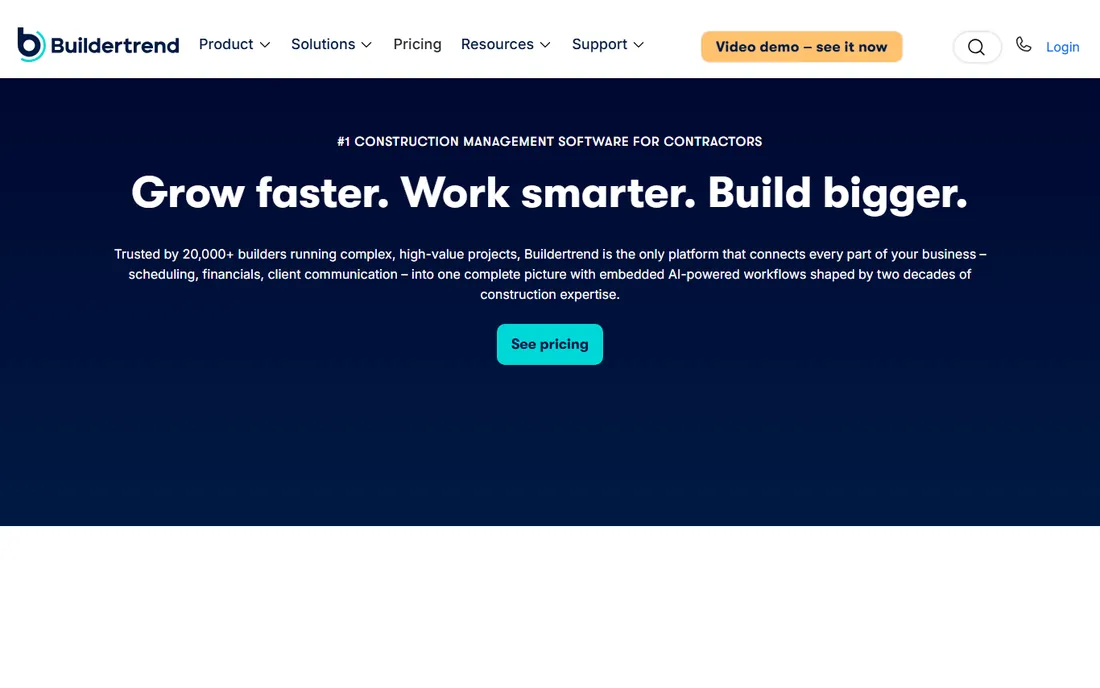
Buildertrend is the heavyweight of residential construction management, and its invoicing works because it is not a separate module. The estimate becomes the budget, the budget feeds the schedule of values, change orders update the contract value, and invoices draw from the same numbers. That chain is what kills the billing disputes that start when the invoice and the field tell different stories.
The cost of that depth is commitment. Pricing is quote-based and the platform covers everything from lead tracking to warranty management, which is overkill if you just want to send progress bills. But for builders running multiple jobs who lose money to unbilled change orders and slow pay applications, the financial workflow is the reason to buy. It is the safe default for established residential builders.
What we like- Estimates, budgets, change orders and invoices share one job record, so billing always matches the work
- Client portal with online payments reduces the "check is in the mail" problem
- Strong scheduling and project management alongside the financials
Watch out for- No published pricing, so budgeting starts with a sales call
- More platform than a small contractor needs if invoicing is the only goal
Starting price$99/month
Free planNo

Knowify was built from the ground up for specialty contractors: electrical, plumbing, HVAC, concrete and the rest of the trades. The billing model matches the work: progress billing against budgets, AIA-style pay applications, time-and-materials invoices and one-click invoicing from the project budget. The QuickBooks integration is genuinely two-way, which is rarer than vendors claim.
At $99 per month to start, it is one of the few construction tools with an honest public price. The tradeoff is scope: general contractors running big multi-sub jobs may find it lighter than Buildertrend or Jonas, and true accounting still lives in QuickBooks. For trade contractors who want job costing and billing that respect how they actually work, it is the best value on this list.
What we like- Published starting price of $99 per month with no quote games
- The strongest QuickBooks sync in construction, so invoices and job costs land correctly
- Built for specialty trades with pay apps, progress billing and service work
Watch out for- Trade-contractor focus means less for large general contractors
- Advanced accounting stays in QuickBooks rather than in Knowify itself
Starting priceSee website
Free planNo
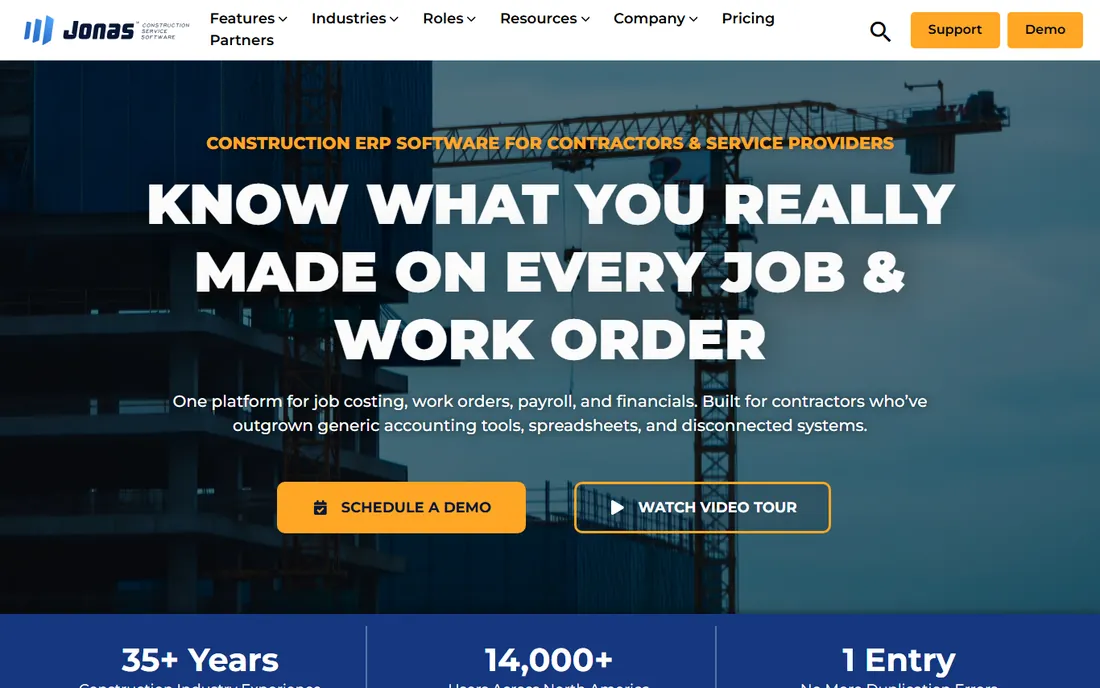
Jonas Construction is for contractors who have outgrown QuickBooks plus add-ons. It is a full ERP built for construction: accounting, job costing, payroll, service management, equipment and project management sharing one database. Billing is a natural output of that system rather than a separate app, which is why the AIA pay applications, lien waiver tracking and retention accounting actually reconcile.
This is a commitment, not a trial. Pricing is quote-based, implementations typically run months, and the feature depth assumes you have office staff to run it. Small contractors will drown in it. But for firms doing tens of millions in revenue with multiple entities, Jonas is the step up from patched-together tools, and the billing accuracy that comes from one ledger is the payoff.
What we like- True construction ERP: job costing, payroll, service management and financials in one ledger
- Handles complex billing including AIA, unit price and time-and-materials
- Multi-company and multi-division support for growing firms
Watch out for- Quote-only pricing with an enterprise sales process
- Implementation runs months, not days

#4
Foundation Software
Best for: Contractors who want accounting-first billing with real job costing
Visit foundationsoft.com
Starting priceSee website
Free planNo

FOUNDATION is construction accounting software that happens to do project management, and buyers who lead with the books should start here. Job costing, accounts receivable, payroll and billing live in one system built exclusively for contractors, so progress bills, retention and change orders tie directly to the general ledger. The ProjectHQ and related modules add field project management around that core.
The honest read is generational: this is mature, accounting-led software, and it does not have the consumer polish of Buildertrend or Houzz Pro. Pricing goes through sales. But if your biggest billing problems are job cost accuracy, payroll burden and clean financials rather than client communication, an accounting-first tool is the right starting point, and Foundation is the established name.
What we like- Construction accounting is the core product, not an add-on, with decades of trade focus
- Strong job costing, payroll and AIA-style billing in one system
- In-house US-based support from construction industry specialists
Watch out for- No published pricing
- The accounting-first design feels heavier than modern project management tools

#5
JobTread
Best for: Remodelers and small-to-mid contractors wanting estimating plus billing
Visit jobtread.com
Starting priceSee website
Free planNo
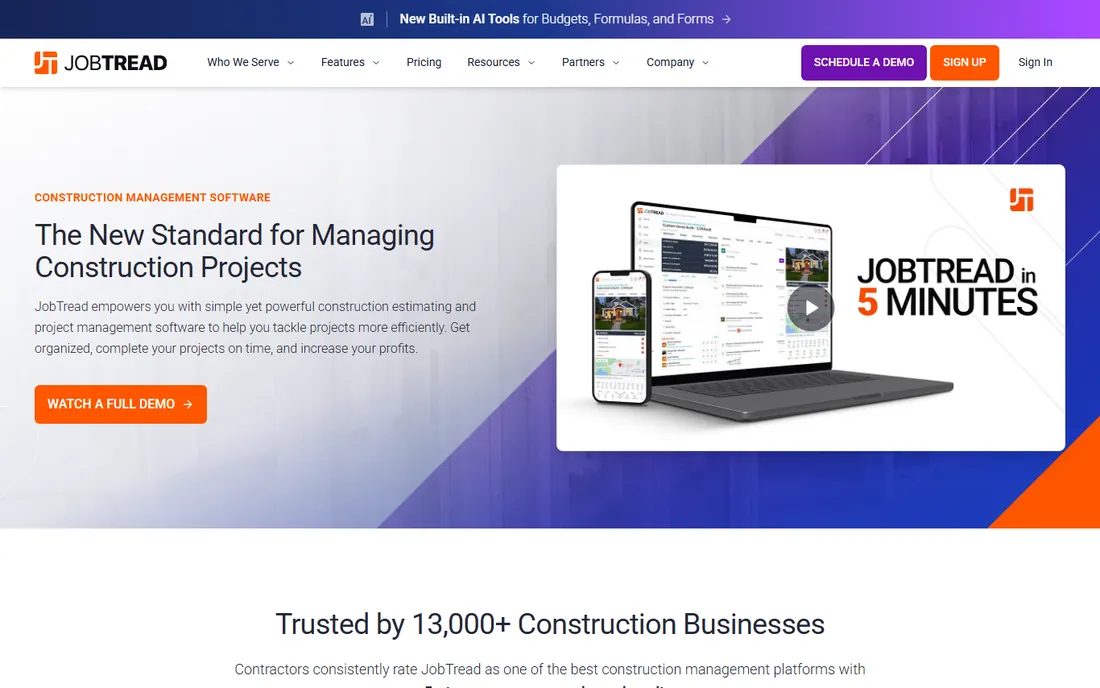
JobTread sits in the sweet spot for remodelers, home builders and specialty contractors: serious enough for real job costing and progress billing, simple enough that the whole team actually uses it. Estimates convert to budgets, budgets drive purchase orders and invoices, and the customer portal keeps clients informed without phone tag. The 30-day money-back guarantee on monthly plans lowers the trial risk.
The tradeoff against the ERPs is depth: complex multi-entity accounting, union payroll and heavy compliance live elsewhere. And while pricing is described as one simple price, the number itself is not published, so you still talk to sales. For contractors in the 1-to-50 employee range who want estimating and billing to finally agree with each other, JobTread is one of the easiest yeses on this list.
What we like- Estimating, budgeting, scheduling and invoicing in one flow with consistent pricing
- Strong customer reviews and a reputation for responsive support
- Unlimited jobs, documents and portal users on the simple pricing model
Watch out for- No published prices on the site
- Lighter on heavy accounting features than the ERP options

#6
CoConstruct
Best for: Custom home builders focused on client experience and selections
Visit coconstruct.com
Starting priceSee website
Free planNo
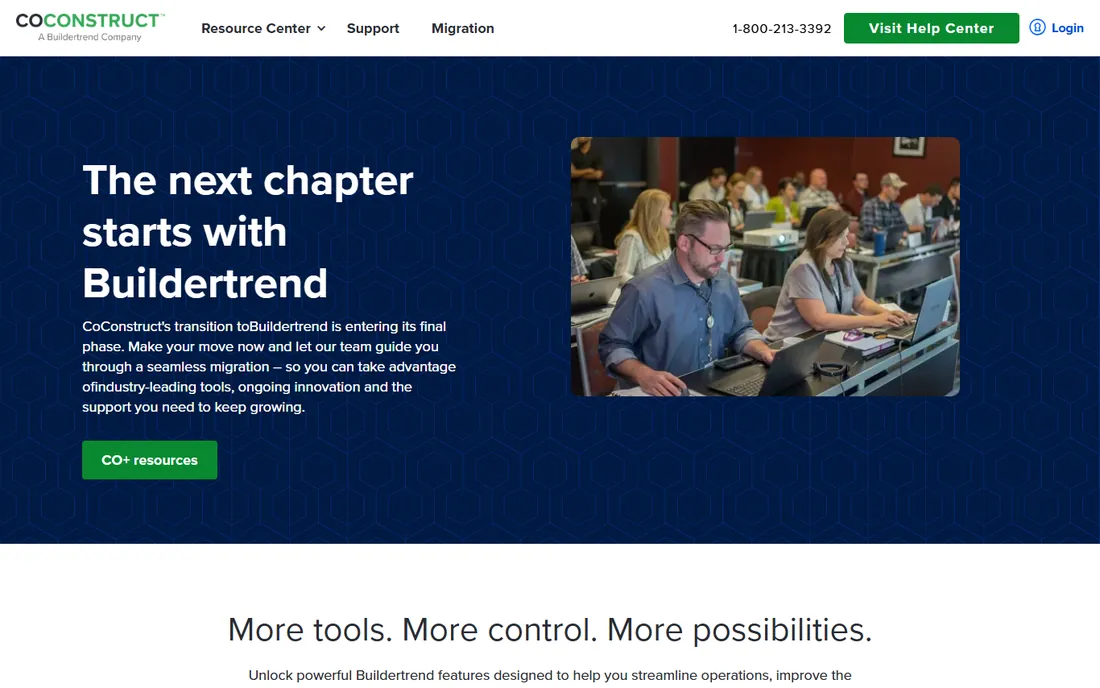
CoConstruct built its reputation with custom home builders who live and die by client selections, allowances and change orders. The financial tools track budgets against actual costs, change orders update contract values cleanly, and the client-facing side keeps homeowners informed, which is half the billing battle in custom work. It now operates alongside Buildertrend under one company.
That relationship is both reassurance and a question. Backing from the market leader means the product is not going anywhere, but buyers should compare CoConstruct and Buildertrend directly since they now come from the same vendor. For custom builders whose billing pain centers on selections, allowances and client-driven changes, CoConstruct's purpose-built workflow still stands on its own.
What we like- Client communication, selections and financial tools designed for custom home building
- Now part of the Buildertrend family, so the product direction is backed by the market leader
- Strong specs, allowances and change order workflows
Watch out for- No published pricing
- The Buildertrend relationship means evaluating both products to see which fits

#7
Houzz Pro
Best for: Design-build firms and remodelers who also need marketing
Visit houzz.com
Starting priceSee website
Free planFree trial
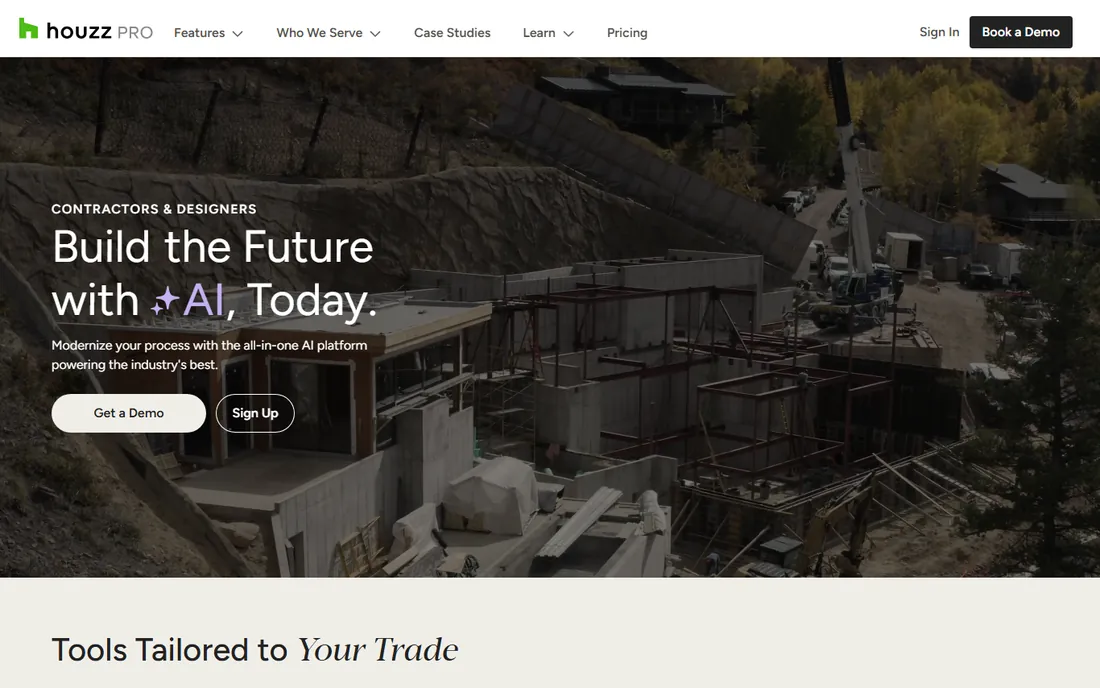
Houzz Pro is the only tool here that starts with the lead and ends with the invoice. Design-build firms and remodelers get marketing, estimates with 3D visualizations, scheduling, invoicing and online payments in one subscription, plus exposure to Houzz's homeowner audience. For firms where winning the job and billing the job are the same workflow, that combination is unique.
The billing itself is solid but not the deepest: contractors with heavy AIA requirements or complex retention accounting will find more in Jonas or Foundation. Pricing is quote-based, though the site advertises a free trial. Choose Houzz Pro when the business problem is the full pipeline from lead to payment. Choose a construction-first tool when the problem is purely the complexity of the billing.
What we like- Combines lead generation and marketing with project management and invoicing
- Estimates, 3D floor plans and takeoffs feed professional proposals
- Large existing audience of homeowners on the Houzz platform
Watch out for- No published pricing
- The marketing platform heritage means billing depth trails the construction-first tools
Starting priceSee website
Free planFree trial (14 days)
JobNimbus owns the roofing niche by designing around how roofers actually work. The job moves from lead to inspection to estimate to production to invoice in one pipeline, with EagleView measurements, CompanyCam photo integration and insurance claim tracking along the way. Billing connects to the job record, so invoices reflect the real scope instead of a separate spreadsheet.
The niche focus is the whole story. Roofers get a tool that speaks their language; everyone else should look elsewhere. Pricing is not published, which is the main frustration in an otherwise transparent trial (14 days, no credit card). If you replace roofs for a living, the workflow fit outweighs the quote-based pricing. If you do not, this was never your tool.
What we like- Built for roofing workflows: inspections, measurements, insurance claims and invoicing in one flow
- Strong mobile app for field teams
- 14-day free trial with no credit card required
Watch out for- Roofing-first design limits fit for other trades
- No published pricing
Starting priceSee website
Free planYes (Basic plan free)
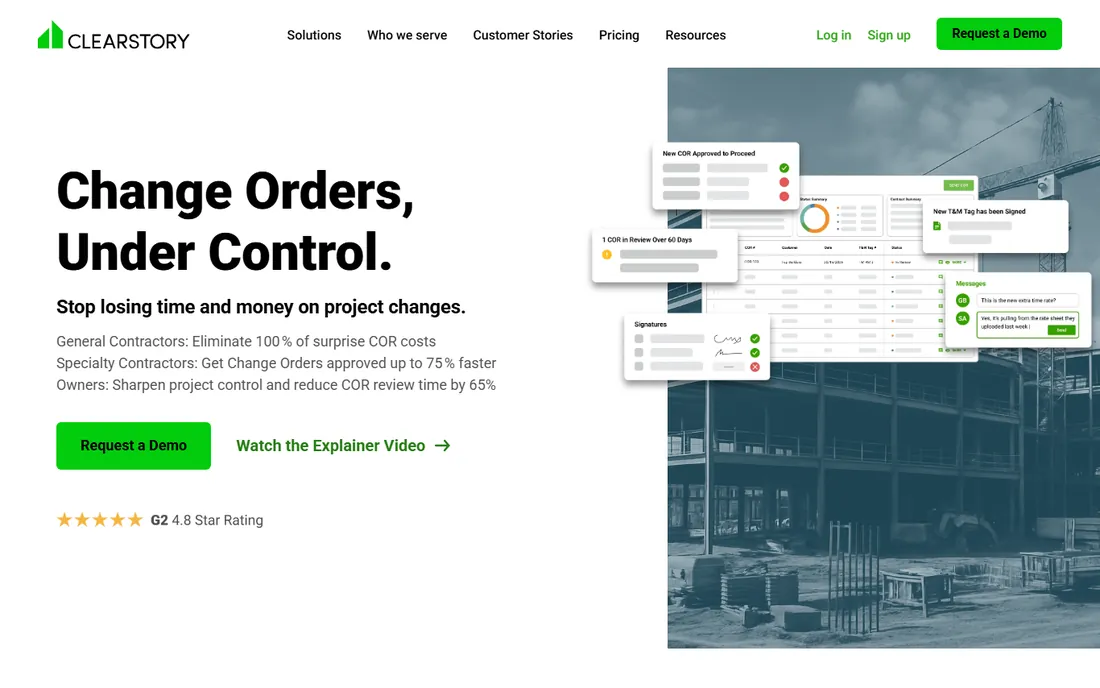
Clearstory attacks the exact spot where construction billing breaks: change orders. Instead of CORs living in email threads and spreadsheets, it gives every stakeholder a live, shared change order log with T&M tags, photo documentation, allowance tracking and real-time pricing alignment. When the change is agreed in Clearstory, the billing downstream has no surprises.
Be clear about scope: this is change order management, not a general ledger or a full project suite. It pairs with your accounting system rather than replacing it. But if your unbilled change orders are the reason margins slip, a dedicated tool for the problem beats a module inside a platform. The free basic plan makes it cheap to prove the concept on one project.
What we like- Change order requests, T&M tags and allowances tracked in a live shared log
- Built for the GC-subcontractor-owner triangle where change disputes actually happen
- Free basic plan to start
Watch out for- A change order specialist, not a full invoicing or accounting system
- Newer and narrower than the platform vendors
Quick comparison
| Tool | Best for | Starting price | Free plan |
|---|
| Buildertrend | Residential builders wanting one platform for projects and billing | See website | No |
 Knowify Knowify | Trade contractors who live in QuickBooks | $99/month | No |
 Jonas Construction Jonas Construction | Mid-sized and large contractors needing full construction ERP | See website | No |
| Foundation Software | Contractors who want accounting-first billing with real job costing | See website | No |
| JobTread | Remodelers and small-to-mid contractors wanting estimating plus billing | See website | No |
| CoConstruct | Custom home builders focused on client experience and selections | See website | No |
| Houzz Pro | Design-build firms and remodelers who also need marketing | See website | Free trial |
 JobNimbus JobNimbus | Roofing contractors who need CRM plus billing | See website | Free trial (14 days) |
 Clearstory Clearstory | Teams drowning in change orders and COR paperwork | See website | Yes (Basic plan free) |
Is your product missing or out of date?
We review this list regularly. Vendors can request a listing, send updated pricing or ask about featured placement.
Key takeaways
- If you bill progress against a schedule of values with retainage, you need a construction tool: Knowify ($99/month), JobTread and Buildertrend handle this natively, while generic invoicers do not.
- Trade contractors on QuickBooks get the best value from Knowify's two-way sync; larger firms needing one ledger should evaluate Jonas Construction and Foundation Software.
- Roofers should start with JobNimbus, design-build remodelers with Houzz Pro, and custom home builders with CoConstruct or Buildertrend: trade fit beats feature count.
- Unbilled change orders are the silent margin killer: Clearstory's free basic plan is the cheapest way to test whether a dedicated change log fixes yours.
Choosing contractor billing software that matches your jobs
Start with how you bill, not the feature list. Lump-sum residential work needs clean estimates-to-invoice flow (JobTread, Buildertrend). Commercial work with AIA pay applications and retainage needs tools that speak that language natively (Jonas, Foundation, Knowify). Time-and-materials service work needs fast field-to-invoice turnaround (Knowify, JobNimbus). Buy for your actual contract mix.
Next, follow the money into accounting. An invoice that does not reconcile with job costing is just a pretty PDF. If you run QuickBooks, Knowify's sync or JobTread's integration keeps the books honest. If you are leaving QuickBooks behind, Jonas and Foundation give you the ledger too. Ask every vendor to show you exactly how a change order flows from the field to the invoice to the general ledger, because that path is where billing breaks.
Third, count the change orders. Contractors consistently lose margin to work performed but never billed, and the fix is process more than software: every change gets priced, approved and logged before the work happens. Clearstory exists for exactly this; the platform tools handle it as part of the job record. Whichever you choose, make "no ticket, no work" the rule.
Finally, test with your messiest job. Run one real project with real change orders, a real pay application and real retainage through the trial. The demo always looks clean. Your worst job shows whether the tool survives your actual billing reality.
AIA billing and lien waivers, explained
AIA billing refers to the standardized pay application forms published by the American Institute of Architects, mainly the G702 application and G703 continuation sheet. On commercial jobs, owners and general contractors expect these forms: they break the contract into line items from the schedule of values, show percent complete and retainage per line, and produce the certified totals everyone signs off on. Tools like Jonas, Foundation and Knowify generate AIA-style applications because on commercial work, the form is not optional.
Lien waivers are the other piece of construction billing paperwork that generic tools ignore. In most states, contractors and subs sign waivers giving up lien rights in exchange for payment, with conditional waivers signed before payment and unconditional waivers after. Managing who has signed what across dozens of subs and pay periods is real administrative work, and several tools here track waiver status against payments so nothing slips. If you work as a sub, ask how the tool handles waiver collection; if you are a GC, ask how it enforces waivers before releasing payment.
Retainage deserves a mention too: owners typically hold 5 to 10 percent of each payment until project completion. Your billing tool needs to track retained amounts per line item and release them correctly at the end, or your final accounting will be a mess. This is one of the fastest ways to separate construction billing software from generic invoicing: if the tool cannot model retainage, it was not built for your industry.
How we chose
We started with the searches contractors actually run: invoicing software for construction, construction billing software and AIA billing software. For each candidate we opened the vendor's own homepage and pricing information, checked billing features against public reviews on G2 and Capterra and practitioner discussion on Reddit, and weighed trade fit, accounting integration and company-size fit. Generic invoicing tools with no construction billing features were excluded. Where a price could not be verified on the vendor's own page, we wrote "See website" instead of guessing.
Frequently asked questions
What is the best invoicing software for a small construction company?
For most small contractors, the choice is Knowify ($99/month, excellent QuickBooks sync) or JobTread (estimating through invoicing in one flow). Both handle progress billing and change orders without ERP complexity. Residential builders with bigger teams should look at Buildertrend; roofers at JobNimbus.
What is AIA billing and do I need it?
AIA billing uses standardized pay application forms (G702/G703) common on commercial construction projects. If you work as a sub or GC on commercial jobs, owners will likely require it. Residential remodelers and small trade contractors rarely need it. Jonas Construction, Foundation Software and Knowify all support AIA-style billing.
How do I handle change orders in my billing?
Log every change before the work happens: scope, price, approval and which contract line it affects. Tools like Clearstory give you a dedicated shared change log; platform tools like Buildertrend, JobTread and CoConstruct track changes inside the job record. The software matters less than the rule: no ticket, no work.
What are lien waivers and does my software need to track them?
Lien waivers are documents where contractors give up lien rights in exchange for payment. Conditional waivers are signed before payment, unconditional after. If you manage subcontractors or bill on commercial jobs, waiver tracking against payments saves real administrative pain. Ask vendors specifically how they handle it, since depth varies.
Can construction invoicing software integrate with QuickBooks?
Yes. Knowify has the deepest two-way QuickBooks sync among the trade-focused tools, and JobTread, Buildertrend and JobNimbus all integrate. Jonas Construction and Foundation Software are alternatives to QuickBooks entirely, with their own accounting. Whatever you choose, verify that invoices, payments and job costs reconcile, not just that the logos appear on an integrations page.
How much does construction invoicing software cost?
Knowify publishes $99 per month to start. Most others (Buildertrend, Jonas, Foundation, JobTread, JobNimbus, Houzz Pro, CoConstruct) price by quote, which typically means a few hundred dollars a month for small-team tools and much more for ERP. Clearstory has a free basic plan. Always separate the software subscription from implementation and onboarding fees when comparing quotes.
Sources we checked (11)
- https://buildertrend.com/
- https://knowify.com
- https://www.jonasconstruction.com/
- https://foundationsoft.com/
- https://jobtread.com/
- https://www.coconstruct.com
- https://www.houzz.com/pro
- https://www.jobnimbus.com/
- https://clearstory.build/
- https://www.g2.com/categories/construction-management
- https://www.capterra.com/construction-management-software/
Is your product missing or out of date?
We review this list regularly. Vendors can request a listing, send updated pricing or ask about featured placement.

Shihab Mia · Founder, Rankite
Shihab has spent more than a decade helping SaaS and e-commerce brands grow through search. He writes Rankite's software buying guides from pricing pages, documentation and public user reviews. More about Shihab.