How we make this list: we compare pricing pages, product documentation and public user reviews. Rankite is independent; if a vendor ever pays for a featured spot, that listing is clearly labeled Partner.
Key takeaways
- For small shops of 10 to 200 employees, MRPeasy is the straightforward value pick with per-user pricing and a 30-day trial; Katana has a free plan covering up to 30 SKUs for small makers.
- Job shops and precision machining operations should shortlist JobBOSS2, ProShop ERP and Global Shop Solutions, which build scheduling around quoting, routings and shop floor control.
- Teams that want ERP depth without buying everything at once get it from Odoo's modular model, Cetec ERP's browser-based system or Prodsmart's paperless shop floor approach.
- Pricing transparency is thin: Katana and MRPeasy publish real plan details, while Fishbowl, JobBOSS2, Global Shop Solutions and ProShop ERP keep pricing behind a sales conversation.
Quick comparison
| Tool | Best for | Starting price | Free plan |
|---|
 MRPeasy MRPeasy | Small manufacturers (10-200 employees) moving off spreadsheets | See website (per-user pricing) | Free trial (30 days) |
 Katana Katana | Makers and growing brands with straightforward production flows | See website (custom annual contract) | Yes (up to 30 SKUs) |
 Prodsmart Prodsmart | Shops that want to digitize shop floor data collection fast | See website | No |
 Fishbowl Fishbowl | QuickBooks users with serious inventory operations | See website | No |
 JobBOSS2 JobBOSS2 | Job shops, contract manufacturers and precision machining | See website | No |
 Cetec ERP Cetec ERP | Shops that want full ERP in a web browser | See website | No |
 Global Shop Solutions Global Shop Solutions | Growing manufacturers that want one integrated ERP system | See website | No |
 ProShop ERP ProShop ERP | Regulated shops (aerospace, medical) needing quality management | See website | No |
 Odoo Odoo | Businesses that want to assemble an ERP one app at a time | See website | Yes (one app free) |
Is your product missing or out of date?
We review this list regularly. Vendors can request a listing, send updated pricing or ask about featured placement.
The best production scheduling software
A production schedule that lives in a spreadsheet survives until the first rush order arrives. Then someone overwrites the wrong cell, the material plan stops matching the actual floor, and delivery dates become guesses. These nine tools replace that with live production planning: order priorities, material availability, capacity and work center status in one place. They range from lean shop-floor apps to full ERP platforms, so the right choice depends on how complex your routings are and how many people will actually use the system.
#1
MRPeasy
Best for: Small manufacturers (10-200 employees) moving off spreadsheets
Visit mrpeasy.com
Starting priceSee website (per-user pricing)
Free planFree trial (30 days)
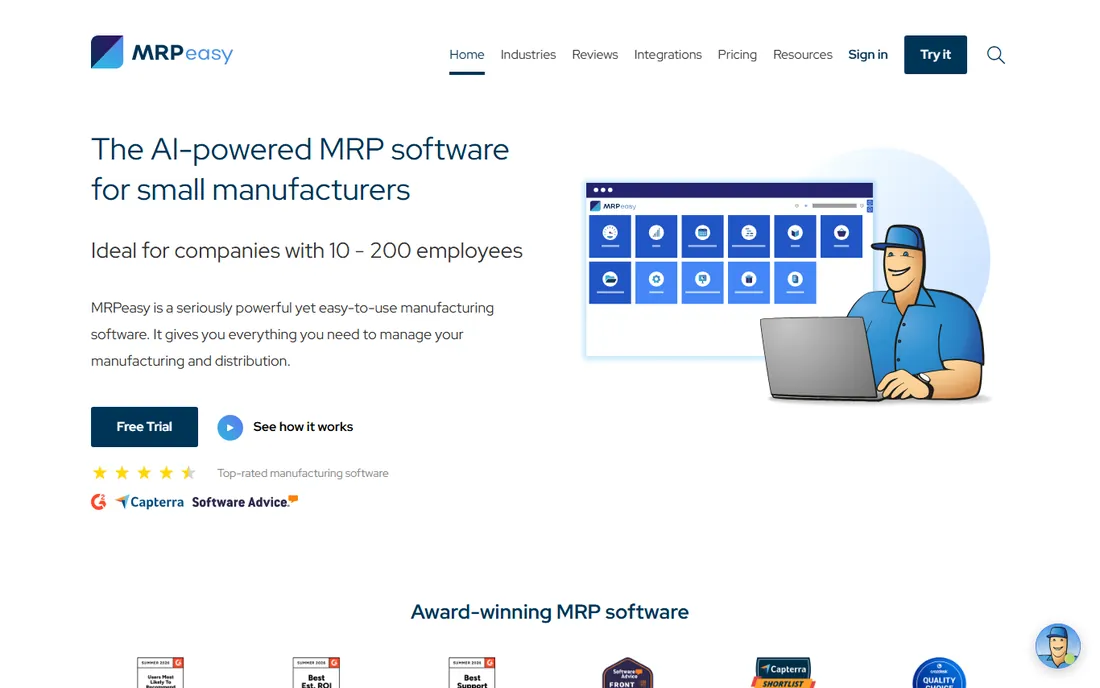
MRPeasy is built for the segment most ERP vendors ignore: the 30-person shop that cannot afford a six-month implementation. Production planning sits alongside inventory management, lot and serial tracking, procurement and shop floor reporting, all priced per user with a flat $79 per month bundle once you pass 10 users. You add seats as you grow instead of paying for modules you may never open.
The tradeoffs are honest ones for the price point. The free trial runs 15 plus 15 days with no credit card, which is enough to run a real order through the system. Where it shows its limits is advanced shop floor automation and deep quality modules: regulated shops with full traceability demands may outgrow it. For make-to-order, make-to-stock and batch production at SME scale, it is the least painful first ERP.
What we like- Straightforward per-user pricing with no module upsells and bulk discounts past 10 users
- Covers production planning, inventory, purchasing, CRM and basic accounting in one subscription
- Aimed squarely at small shops, so the learning curve stays reasonable
Watch out for- No published starting price on the pricing page, so budgeting needs a quote
- Advanced support and training hours are billed separately
#2
Katana
Best for: Makers and growing brands with straightforward production flows
Visit katanamrp.com
Starting priceSee website (custom annual contract)
Free planYes (up to 30 SKUs)
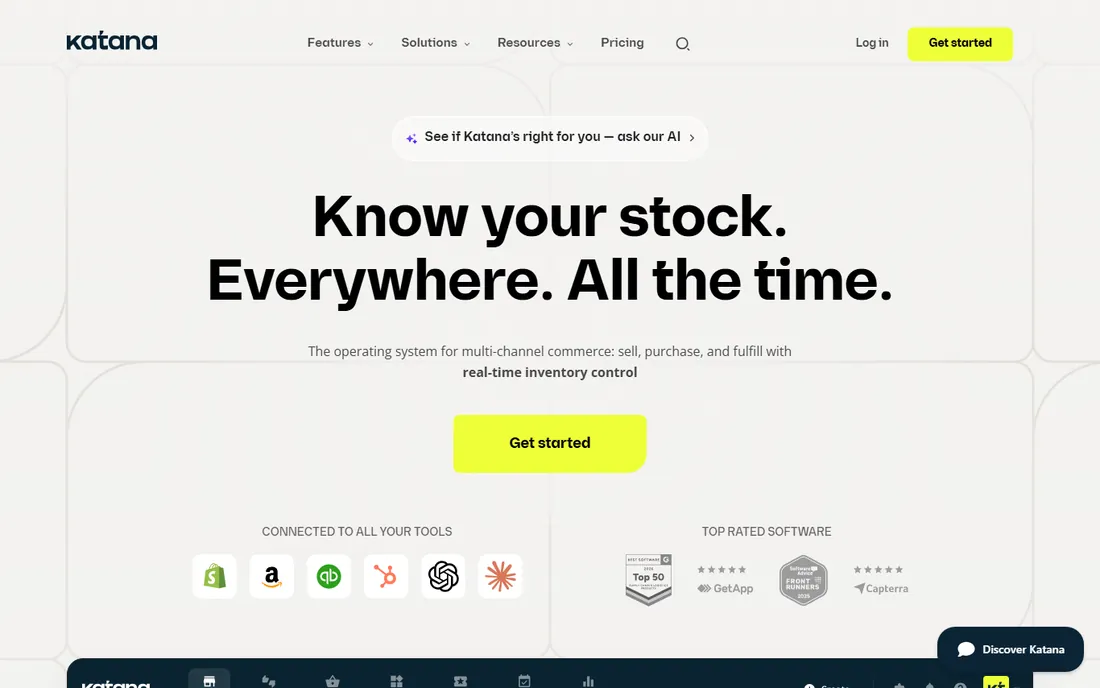
Katana started as inventory for makers and grew into light manufacturing. Its advantage is familiarity: the planning board looks like a project tool, not an ERP, and the free plan lets a small brand run real production for up to 30 SKUs with no credit card. Shopify integration is first-class, which matters when your sales orders drive your make plan.
The catch is where the ceiling sits. Katana moved paid plans to "Advantage," a custom annual contract scoped around your business, so you lose the old transparent price list and enter a sales process. Complex multi-level routings, capacity planning and compliance-heavy manufacturing are not its home turf. If you make and sell your own products online and hate ERP complexity, it fits. If you quote custom jobs, look at the job-shop tools below.
What we like- Free plan with all features for catalogs up to 30 SKUs and unlimited users
- Strong Shopify and e-commerce integrations for sell-make workflows
- Visual drag-and-drop planning that non-technical teams pick up fast
Watch out for- The paid tier is now a custom annual contract, so no public price list
- Deeper manufacturing features (complex routings, quality) lag behind true ERPs
#3
Prodsmart
Best for: Shops that want to digitize shop floor data collection fast
Visit prodsmart.com
Starting priceSee website
Free planNo
Prodsmart takes a different angle from the ERPs on this list: it digitizes what happens on the floor instead of rebuilding your planning stack. Operators log production, downtime and scrap on phones or tablets, and that data feeds back into scheduling decisions the same day. For shops still running paper travelers or whiteboards, that alone can be transformative.
Be clear about what you are buying. Prodsmart is a manufacturing execution layer, not a planning system: you still need somewhere that holds the master schedule, bills of materials and material planning. It works best alongside an ERP or MRP that does the planning while Prodsmart captures the reality. If your planning is already solid and the floor is the blind spot, it earns its place.
What we like- Focused on mobile shop floor data collection, so operators report production in real time
- Much lighter implementation than a full ERP
- Connects shop floor events to planning without custom development
Watch out for- Not a full planning engine on its own, so it pairs with rather than replaces ERP/MRP
- Pricing and plan details are not published
Starting priceSee website
Free planNo
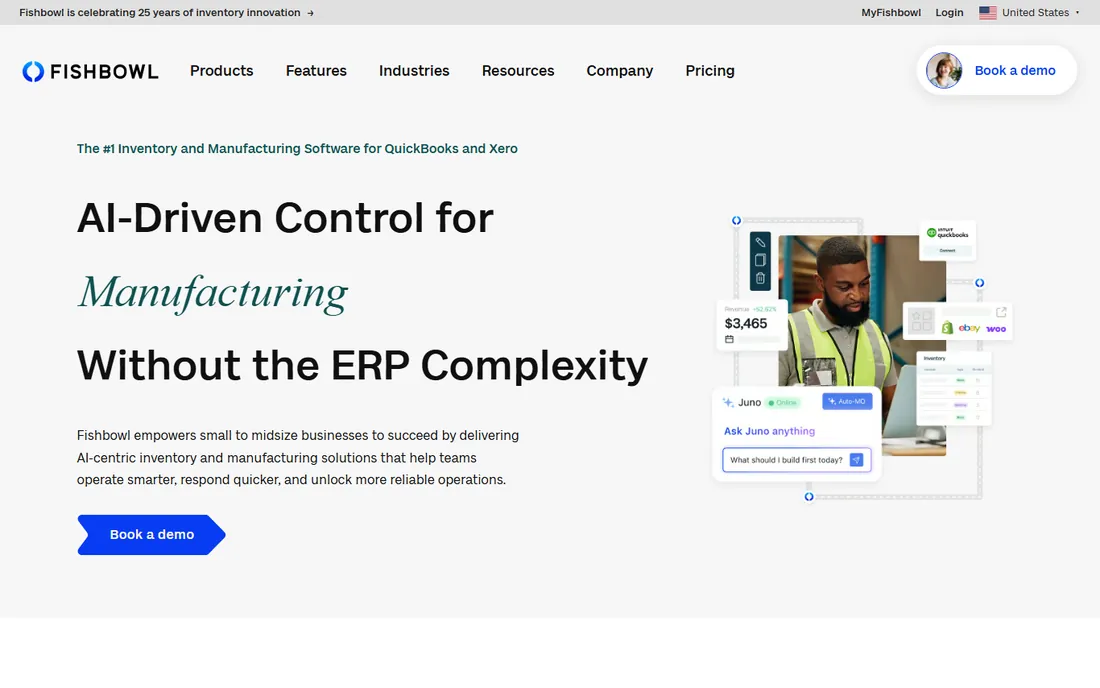
Fishbowl is an inventory management system first and a production tool second, and buyers should choose it for that reason. If your business runs on QuickBooks and your pain is really stock accuracy, warehousing and order fulfillment, Fishbowl plugs that gap without replacing your accounting. The manufacturing module adds work orders, bills of materials and MRP on top.
The honest read is that pure manufacturers usually find more scheduling depth in JobBOSS2 or ProShop. Fishbowl wins for distribution-heavy operations that also do some manufacturing, where inventory is the business and production is one function inside it. Implementation is lighter than a full ERP but still deserves a dedicated project owner.
What we like- Deep QuickBooks integration, the reason most buyers come to it
- Strong inventory control with lot tracking, barcoding and warehousing
- Mature product with a long track record in distribution and light manufacturing
Watch out for- Manufacturing scheduling is an add-on module rather than the core design
- Pricing is not published, so expect a quote process
#5
JobBOSS2
Best for: Job shops, contract manufacturers and precision machining
Visit jobboss.com
Starting priceSee website
Free planNo
JobBOSS (now JobBOSS2, from ECI Software) is one of the classic names in job shop software for a reason: it thinks in jobs. Estimating feeds scheduling, scheduling feeds the shop floor, and job costing closes the loop so you know which work is profitable. Machine shops, fabricators and contract manufacturers get features built for their world: routings, outside processing, material traceability and dispatch lists.
The tradeoff is modernity. This is a mature product from an acquisition-heavy vendor, and it does not have the polish of a Katana or the browser-native feel of Cetec. Everything goes through sales for pricing, and implementations can be substantial. But for shops quoting custom work every week, the job-centric design is worth more than a prettier dashboard.
What we like- Quoting, scheduling and shop floor control built for job-based work from the ground up
- Strong job costing so you know what each job actually earned
- Large installed base in machining with mature shop floor workflows
Watch out for- Pricing is entirely quote-based with no public numbers
- The interface shows its age compared with newer cloud tools
Starting priceSee website
Free planNo
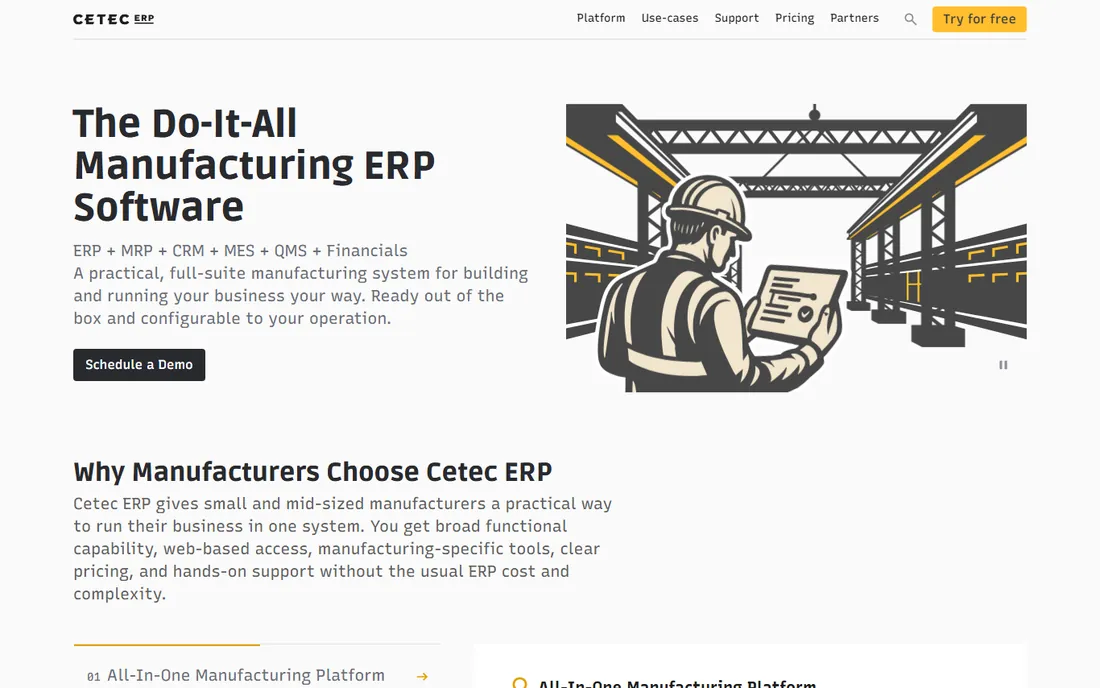
Cetec ERP is the cloud-native answer to the traditional manufacturing ERP. Everything runs in a browser, from quoting and MRP to quality management, accounting and even HR, with per-user pricing that scales with your team rather than with modules. For shops that want one system of record without managing infrastructure, that combination is attractive.
Scope is both the pitch and the warning. Cetec covers a lot, which means selecting it is an ERP project with data migration, process design and training, not a quick tool rollout. Shops with simple flows will find MRPeasy or Katana faster and cheaper. But if you are done with disconnected tools and want planning, execution and finance in one place, Cetec belongs on the shortlist.
What we like- Fully cloud-based with no local servers to maintain
- Broad ERP scope covering quoting, MRP, quality, accounting and HR in one login
- Per-user pricing keeps costs proportional to team size
Watch out for- No published prices, so every evaluation starts with a sales call
- Broad scope means a real implementation project, not a weekend setup
Starting priceSee website
Free planNo
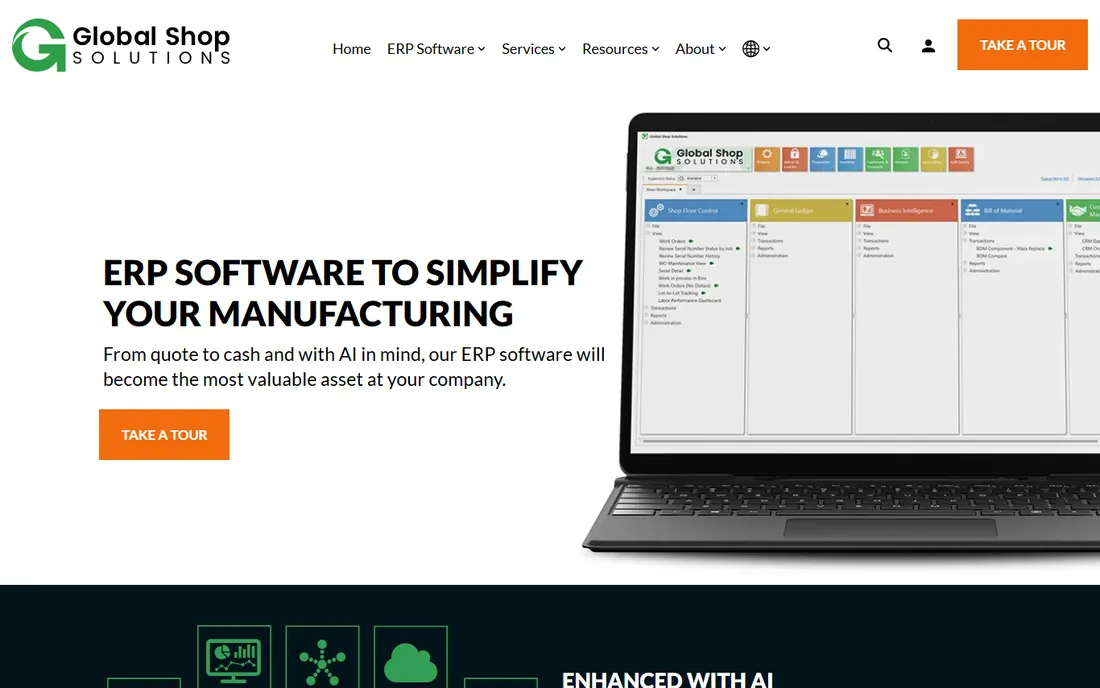
Global Shop Solutions has been selling to manufacturers for decades, and the depth shows: advanced planning and scheduling, shop floor control, quality, accounting, CRM and HR in a single database. The scheduling engine handles the complex constraint-based planning that simpler tools skip, which matters for shops juggling dozens of work centers and tight capacity.
The buying experience is old-school. Pricing is quote-only, and this is traditionally an on-premise system (cloud hosting options exist) with an implementation that needs real commitment. It is overkill for a 20-person shop. For established manufacturers with complex operations who want a vendor that only does manufacturing, the focus is the point.
What we like- Decades of manufacturing-only focus with a very broad module set
- Strong shop floor data collection and advanced planning and scheduling
- Implementation and consulting services from the vendor itself
Watch out for- No public pricing at all
- Traditionally an on-premise product with a learning curve that demands training
#8
ProShop ERP
Best for: Regulated shops (aerospace, medical) needing quality management
Visit proshoperp.com
Starting priceSee website
Free planNo
ProShop ERP was built by the team behind a working machine shop, and it shows in the details. The differentiator is quality: AS9100 and similar compliance requirements are part of the design, with document control, nonconformance tracking and inspection workflows that auditors actually accept. Scheduling, estimating, purchasing and job costing run on the same data.
That focus has a price in complexity. If you are not in a regulated industry, much of the quality machinery is overhead you will never use, and a lighter tool will serve you better. And like most of the established names here, pricing goes through sales. For aerospace, defense and medical device shops, though, ProShop is one of the few scheduling systems that treats compliance as a first-class feature rather than a checklist item.
What we like- Quality management is baked in, not bolted on, with strong compliance support for regulated industries
- Scheduling ties directly to shop floor execution and job costing
- Built by a machine shop, so the workflows match real floors
Watch out for- No published pricing
- The regulated-industry focus adds overhead that simple shops do not need
#9
Odoo
Best for: Businesses that want to assemble an ERP one app at a time
Visit odoo.com
Starting priceSee website
Free planYes (one app free)
Odoo is not one product but a suite of business apps that share a database. For production scheduling, the MRP app handles bills of materials, work orders, routings and work centers, and you can start with that single app free for unlimited users. As needs grow, you add inventory, purchasing, maintenance, quality or accounting from the same ecosystem.
The modular story cuts both ways. A simple shop can get real planning value with minimal setup, but complex manufacturing configurations need experienced Odoo partners, and costs rise as you stack apps and users on Enterprise. Self-hosted Community edition is free for technical teams willing to do the work. If you like the idea of building your system incrementally instead of buying it all at once, Odoo is the most flexible option here.
What we like- Modular design lets you start with MRP alone and add apps later
- One free app for unlimited users lowers the entry cost to zero
- Huge app ecosystem and open-source Community edition for technical teams
Watch out for- Manufacturing depth depends on configuration and partner expertise
- The free app model gets expensive as you add apps and users
How we chose
We started with the searches buyers actually run: production scheduling software, manufacturing scheduling software and MRP software for small business. For each candidate we opened the vendor's own homepage and pricing page, checked the scheduling feature set against public reviews on G2 and Capterra and practitioner threads on Reddit, and weighed company-size fit, implementation effort and pricing transparency. Tools that only schedule employee shifts were excluded: this list is manufacturing production scheduling. Where a price could not be verified on the vendor's own page, we wrote "See website" instead of guessing.
What to ask before you buy scheduling software
Start with your routings, not the feature list. If your products have simple, stable routings, a light tool like MRPeasy or Katana will plan them fine. If jobs route differently every time and share constrained work centers, you need the constraint-based scheduling in Global Shop Solutions, ProShop or JobBOSS2, and buying simpler will hurt later.
Second, count your real users and your floor technology. Per-user pricing (MRPeasy, Cetec, Odoo) rewards small office teams but punishes broad rollouts, while flat or bundled models favor shops that put tablets on every bench. Decide who needs a login and who just needs a dispatch list on a screen.
Third, check what your accounting team will accept. A scheduling tool that cannot post clean job costs to your accounting system creates a reconciliation job nobody wants. QuickBooks shops have a natural ally in Fishbowl; shops that want one ledger should lean toward the ERPs. Finally, run the trial on your messiest job, not the clean one. Every tool demos well on a simple product; the hard job shows whether the scheduler survives contact with your real floor.
Where scheduling software projects usually fail
The software is rarely the reason a scheduling project fails. The first failure is data: bills of materials and routings that live in someone's head cannot be scheduled by any system, and the migration always takes longer than the vendor quotes. Budget for cleaning your BOMs before go-live, not during.
The second failure is partial adoption. A schedule is only as good as its inputs, and if the floor does not report completions, scrap and downtime, the plan drifts from reality within weeks. Tools like Prodsmart exist precisely because floor reporting is the weak link, but any system needs the discipline of daily updates to stay honest.
The third is buying for the company you want to be. A full ERP bought "for when we grow" usually gets used as an expensive version of the spreadsheet it replaced. Match the tool to your current complexity and your team's actual appetite for change, then upgrade when the pain is real. The cheapest successful implementation beats the fanciest stalled one every time.
Frequently asked questions
What is production scheduling software?
It is software that plans what gets made, when and on which equipment. It takes sales orders, checks material availability against bills of materials, assigns work to work centers with available capacity and sequences jobs by priority. Manufacturing scheduling is different from employee shift scheduling, which only assigns people to time slots.
How much does production scheduling software cost?
It varies widely. Light tools like MRPeasy price per user per month, Katana moved to custom annual contracts, and most established ERPs (JobBOSS2, Global Shop Solutions, ProShop, Fishbowl) quote by size and scope. Expect a few hundred dollars a month for small-shop tools and five figures a year for full ERP implementations. Get every quote in writing with implementation costs separated.
Do I need full ERP or just scheduling?
If your pain is missed dates and chaotic priorities, scheduling plus MRP is enough: MRPeasy, Katana or a shop-floor layer like Prodsmart. If your pain is that quoting, production, quality and accounting never agree, that is an ERP problem, and Cetec, Odoo, Global Shop Solutions or ProShop fit better. Do not buy ERP scope for a scheduling problem.
What is the difference between MRP and production scheduling?
MRP (material requirements planning) figures out what materials you need and when, based on orders and bills of materials. Production scheduling figures out when each operation runs on which work center given capacity constraints. Most tools on this list do both, but some (like Fishbowl) lean toward materials and inventory while others (like Global Shop Solutions) lean toward capacity-constrained scheduling.
How long does implementation take?
Small-shop tools like MRPeasy or Katana can be running in days to weeks if your data is clean. Full ERPs typically take months: Cetec, Global Shop Solutions and ProShop implementations commonly run three to nine months depending on scope, data migration and training. The biggest variable is always your own data quality, not the vendor's timeline.
Can scheduling software integrate with QuickBooks?
Yes, and it matters more than most buyers think. Fishbowl has the deepest QuickBooks integration on this list. MRPeasy and Odoo also connect to QuickBooks and Xero. If your accounting stays separate, make sure the scheduling tool can at least export clean job cost data, or your finance team will be reconciling by hand.
Sources we checked (13)
- https://www.mrpeasy.com/
- https://www.mrpeasy.com/pricing
- https://katanamrp.com/
- https://katanamrp.com/pricing
- https://prodsmart.com
- https://fishbowlinventory.com/
- https://jobboss.com/
- https://cetecerp.com/
- https://globalshopsolutions.com/
- https://proshoperp.com
- https://odoo.com/
- https://www.g2.com/categories/manufacturing-erp
- https://www.capterra.com/manufacturing-erp-software/
Is your product missing or out of date?
We review this list regularly. Vendors can request a listing, send updated pricing or ask about featured placement.

Shihab Mia · Founder, Rankite
Shihab has spent more than a decade helping SaaS and e-commerce brands grow through search. He writes Rankite's software buying guides from pricing pages, documentation and public user reviews. More about Shihab.