How we make this list: we compare pricing pages, product documentation and public user reviews. Rankite is independent; if a vendor ever pays for a featured spot, that listing is clearly labeled Partner.
Key takeaways
- The fastest way to stop most endpoint attacks is to stop unknown software from running at all: that deny-by-default model is what all eight tools here implement.
- Budget buyers have two genuinely cheap options: ManageEngine Application Control Plus at $6 per endpoint per year (free for up to 25 endpoints) and Microsoft App Control for Business, which is built into Windows at no extra cost.
- Small teams without dedicated security staff should lean toward managed options like ThreatLocker (30-day free trial) or Heimdal's unified platform rather than policy-heavy enterprise tools.
- Large enterprises with existing security stacks should evaluate Carbon Black App Control, Ivanti and Trellix on integration fit, not just the allowlisting feature list.
The best application control software
Picture this: an employee downloads a "PDF converter" from a search ad. It installs a remote access tool. Your antivirus does not flag it because the binary is new and the signature database has not caught up. Application control stops this at the door: the software is not on the approved list, so it never runs. That is the whole idea behind these eight tools. They invert the security model from "block what we know is bad" to "allow only what we trust," which is why allowlisting keeps showing up in frameworks from NIST to the Essential Eight.

#1
ThreatLocker
Best for: Small and mid-sized businesses wanting a managed Zero Trust platform
Visit threatlocker.com
Starting priceSee website
Free planFree trial (30 days)
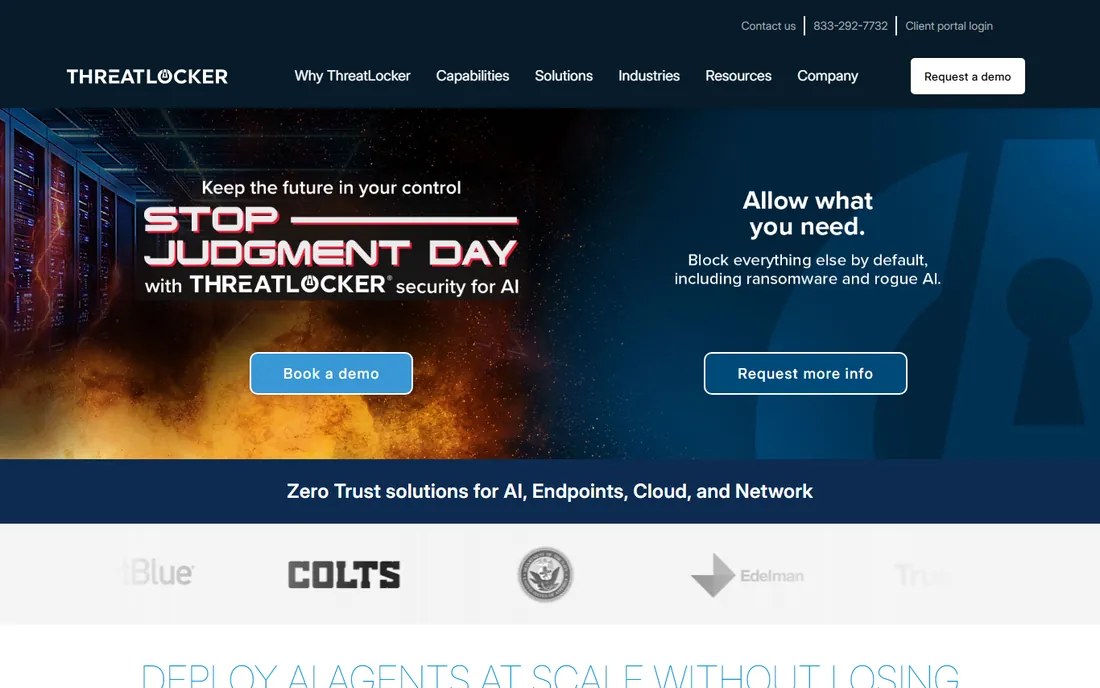
ThreatLocker built its name on one sentence: if it is not allowed, it does not run. The platform combines application allowlisting with ringfencing (controlling what approved apps can do, like blocking Office macros from launching scripts) and privileged access management, so you are not bolting three vendors together. The included Cyber Hero support team is the real differentiator for smaller shops: they help you build and tune policies instead of leaving you with a manual.
The honest cost is opacity and effort. Pricing is quote-only, which is frustrating for a product aimed at SMBs, and like every allowlisting tool it requires an initial period of approving legitimate software before the noise dies down. The 30-day free trial is the way to test that effort honestly. If you want one vendor, one agent and one support number for endpoint lockdown, this is the easiest on-ramp on the list.
What we like- Application allowlisting, ringfencing and privilege management in one platform instead of three products
- 24/7 US-based support team included, which reviewers consistently praise
- Deploys in days rather than the months enterprise tools need
Watch out for- No published pricing, so every deal goes through sales
- The deny-by-default model needs an initial tuning period before it runs quietly

#2
Airlock Digital
Best for: Organizations committed to a strict deny-by-default security posture
Visit airlockdigital.com
Starting priceSee website
Free planNo
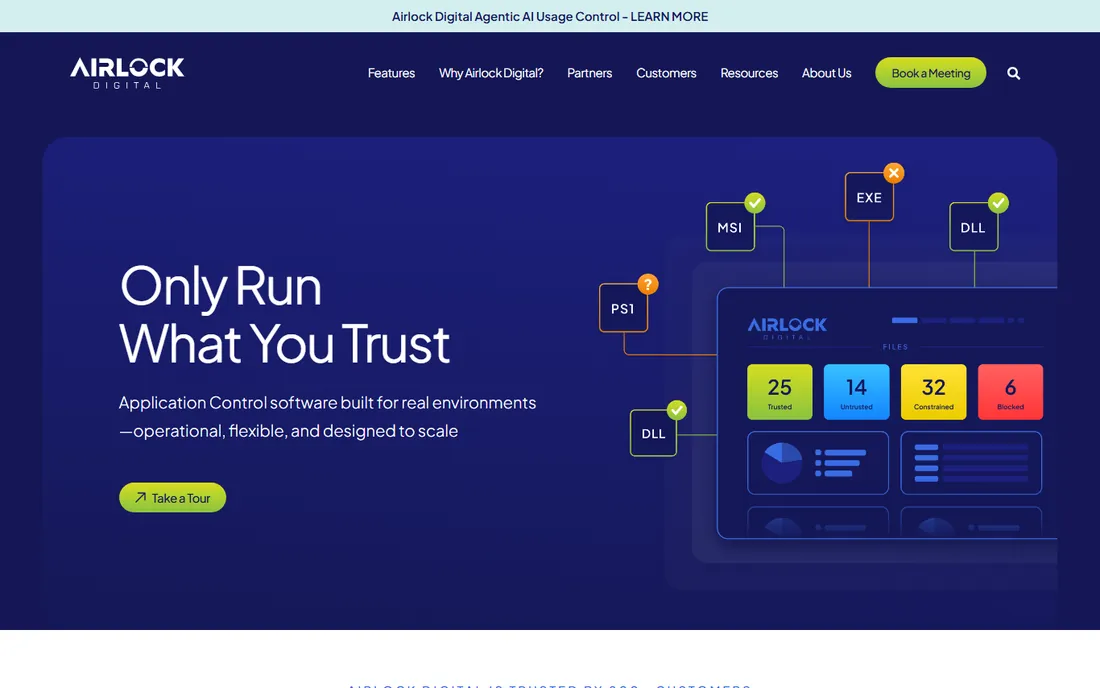
Airlock Digital does not try to be a security platform. It does application allowlisting and does it thoroughly: multiple trust models let you define approval by file attributes, publishers, installers, paths and execution relationships, and the product is designed to get you to enforced deny-by-default without disrupting operations. Australian government and enterprise users are its core audience, which tells you where its strength lies.
The flip side of focus is that you will pair it with other tools. There is no bundled EDR, no privilege management suite, no SIEM. That is fine if you already own those pieces and want best-of-breed allowlisting, but it is a harder sell if you are buying your first endpoint security stack. Evaluate it on policy flexibility and enforcement reliability, which is where its fans say it wins.
What we like- Purpose-built for allowlisting rather than a module inside a bigger suite, so the workflow is tighter
- Strong hashing and trust-model options for defining exactly what can execute
- Respected by practitioners for doing one thing well
Watch out for- Narrower ecosystem than the big-platform vendors, with fewer bundled extras
- Pricing is not published

#3
Carbon Black App Control
Best for: Critical systems, legacy OS and fixed-function devices
Visit broadcom.com
Starting priceSee website
Free planNo
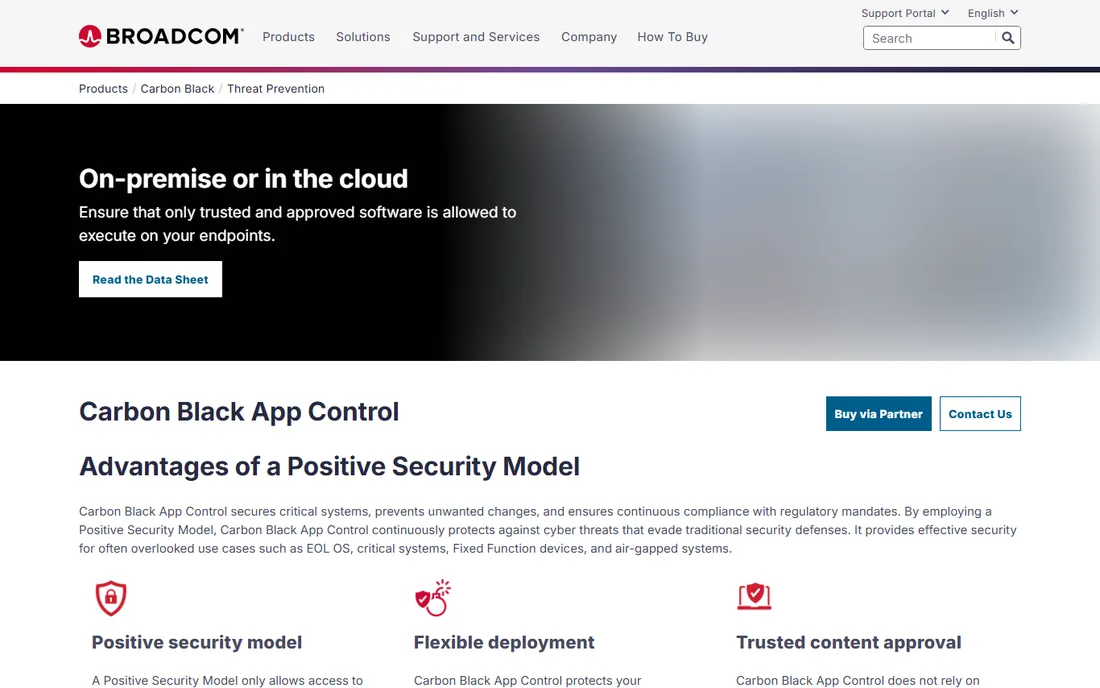
Carbon Black App Control (formerly Bit9, now part of Broadcom) is the veteran of this category, and its home is the systems other tools forget: ATMs, point-of-sale terminals, industrial controllers and servers running operating systems past end of life. The positive security model locks these down so only approved software changes anything, which is often the only practical protection for machines you cannot patch or reboot.
For regular office laptops it is heavier than needed. This is a tool bought by security teams with compliance mandates and fixed-function fleets, evaluated on change control and audit trails rather than user experience. If your environment is mostly standard Windows desktops, the cheaper options below will serve you better. If you have systems that cannot be touched, this is the reference product.
What we like- Positive security model designed for servers, point-of-sale and fixed-function devices that cannot run traditional AV well
- Handles end-of-life operating systems and air-gapped environments
- Deep approval mechanisms including trusted publishers and custom rules
Watch out for- Enterprise pricing and sales process with nothing published
- Overkill and overpriced for standard office desktops

#4
Ivanti Application Control
Best for: Teams that need privilege management alongside application control
Visit ivanti.com
Starting priceSee website
Free planNo
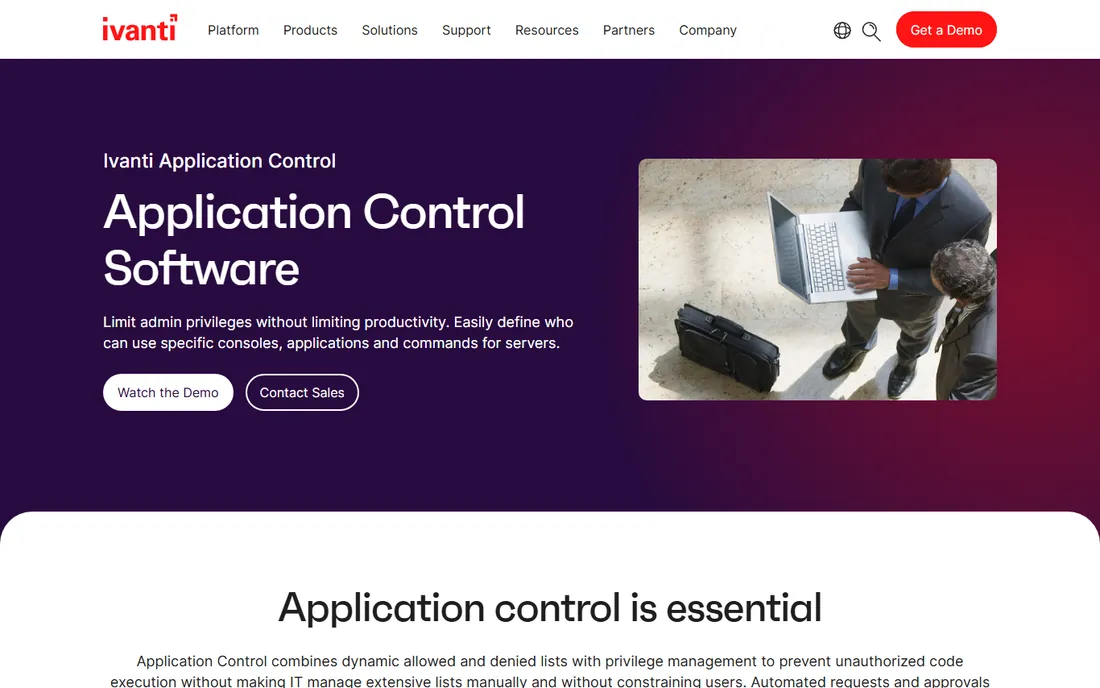
Ivanti's angle is that allowlisting alone creates friction, so it pairs application control with privilege management. Users lose local admin rights (the actual goal) but can be granted admin-level rights for specific trusted applications when policy allows, and on-demand change requests route through the helpdesk when they cannot. The result is fewer "I need admin for this installer" tickets without giving up the lockdown.
The natural buyer already runs Ivanti's endpoint or UEM products, where the integration and reporting pay off. Standalone buyers should compare it against ThreatLocker and ManageEngine, because Ivanti's strength is the ecosystem, not the allowlisting engine in isolation. Like most enterprise tools here, pricing goes through sales, and you should budget for the policy design work that every allowlisting rollout needs.
What we like- Combines dynamic allow and deny lists with privilege management, so users get elevation only where needed
- Self-elevation workflows cut helpdesk tickets for one-off exceptions
- Strong reporting and integration with the Ivanti management ecosystem
Watch out for- Makes most sense inside an existing Ivanti deployment
- Pricing is quote-based

#5
ManageEngine Application Control Plus
Best for: Budget-conscious IT teams that want allowlisting without enterprise pricing
Visit manageengine.com
Starting price$6/endpoint/year (Professional, for 1,000 endpoints)
Free planYes (up to 25 endpoints)
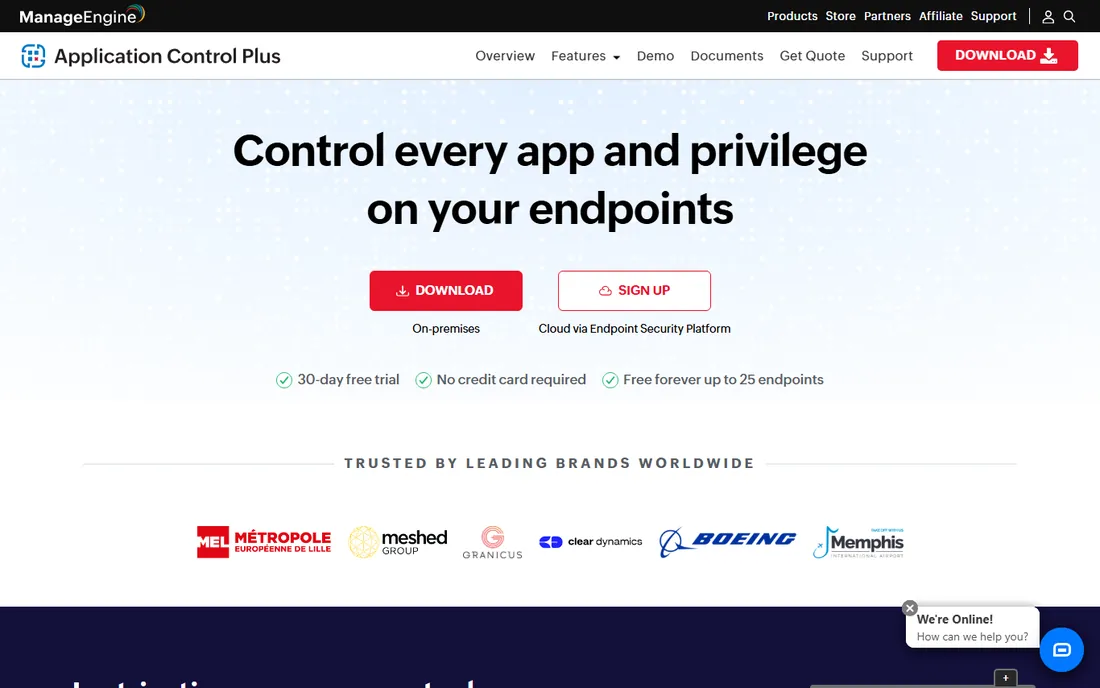
ManageEngine Application Control Plus is the price disruptor. At $6 per endpoint per year for the Professional edition, it undercuts the enterprise vendors by an order of magnitude, and the free edition for up to 25 endpoints lets a small team run it for real before spending anything. The workflow is sensible: discover what runs, audit in monitoring mode, then enforce allow-only policies.
The tradeoff is brand weight. In regulated industries where auditors recognize names, ManageEngine's security line does not carry the same weight as Carbon Black or Trellix. The product itself is competent, with just-in-time privilege elevation and application discovery, and it integrates with Endpoint Central if you are in that ecosystem. For schools, local government, nonprofits and SMBs, the math is hard to argue with.
What we like- The cheapest real allowlisting on this list at $6 per endpoint per year, with a free edition covering 25 endpoints
- Discover-audit-enforce workflow guides you from visibility to lockdown
- Part of the wider ManageEngine endpoint family if you use their other tools
Watch out for- Smaller security brand than the enterprise names, which matters to some compliance buyers
- The low per-endpoint price scales with add-ons and management infrastructure

#6
Microsoft App Control for Business
Best for: Windows shops that want allowlisting without buying anything
Visit learn.microsoft.com
Starting priceFree (included with Windows)
Free planYes
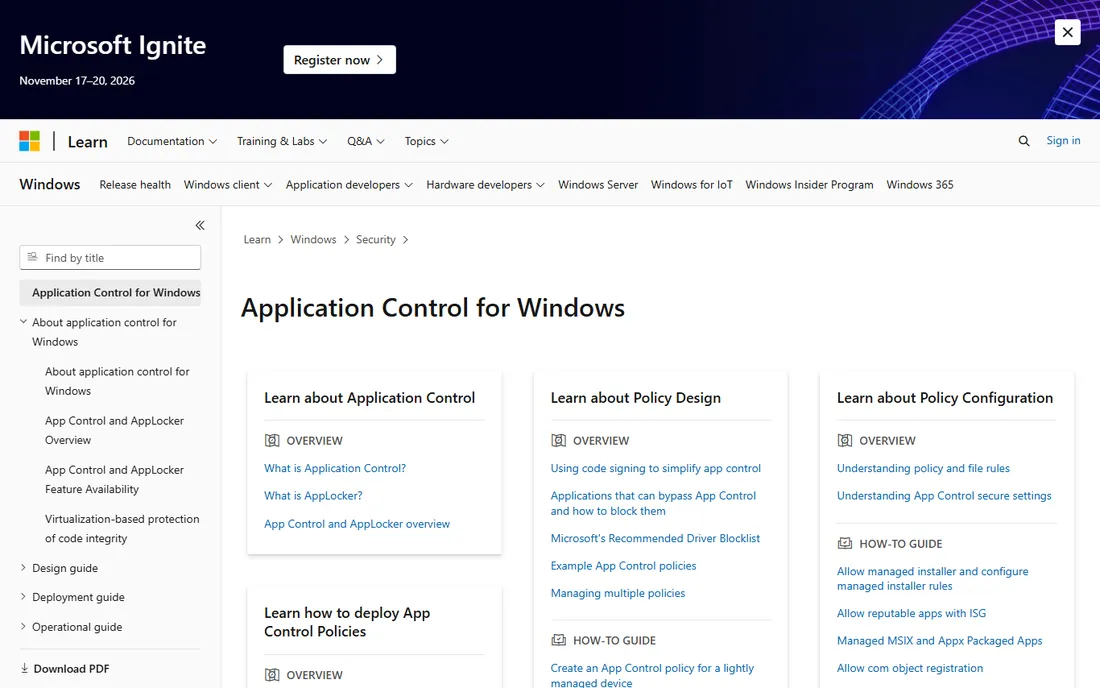
App Control for Business (the successor to Windows Defender Application Control) is the option hiding in plain sight. If your fleet is Windows, you already own an allowlisting engine: it just needs policies. Microsoft provides the App Control Wizard, example policies, audit mode for safe testing and deployment through Intune or Group Policy. For a standardized Windows environment, the price is right at zero.
The honest cost is expertise. Writing and maintaining App Control policies is genuinely technical work, and the documentation assumes you are comfortable with it. Mixed environments with macOS or Linux get little help. But for a Windows-only shop with IT staff willing to learn, this is the highest-value play on the list: enterprise-grade control with no vendor invoice attached.
What we like- No license cost at all, it ships with Windows
- Policy-based control with audit and enforcement modes for safe rollouts
- Integrates with Intune, Group Policy and Configuration Manager you may already run
Watch out for- Policy authoring has a real learning curve and the tooling feels built for engineers
- Weaker on macOS and mixed-OS fleets

#7
Heimdal Application Control
Best for: MSPs and IT teams wanting allowlisting inside a unified XDR platform
Visit heimdalsecurity.com
Starting priceSee website
Free planNo
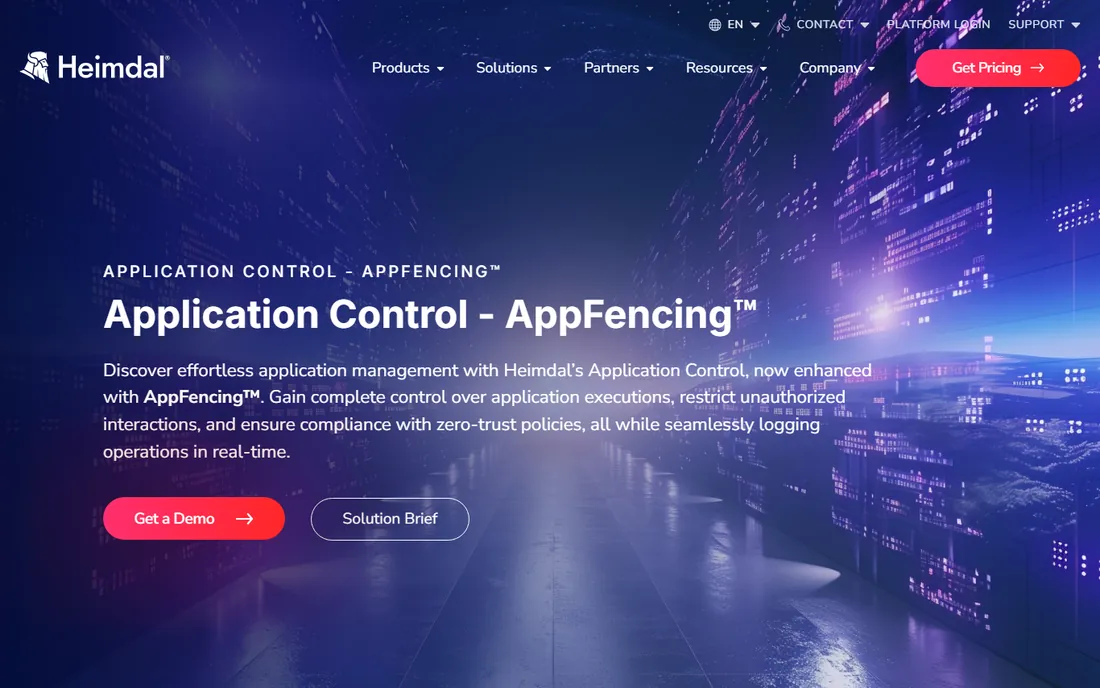
Heimdal sells a unified security platform, and Application Control with its AppFencing technology is one module inside it. The pitch is consolidation: one agent, one console, one vendor for patching, DNS security, EDR, privilege management and application control. Policies can be granular down to file path, hash, publisher or certificate, with approval workflows and full execution logging for audits.
That consolidation is also the lock-in question. Evaluated alone, Heimdal's application control is solid but not obviously better than the specialists. Evaluated as part of replacing four or five point tools with one platform, the value case is much stronger, especially for MSPs standardizing a stack across clients. Pricing is quote-based, so push for the bundled platform quote rather than the single module.
What we like- Application control with AppFencing zero-trust execution sits inside one agent and one console with the rest of Heimdal's suite
- Granular policies by path, hash, publisher or certificate with audit-ready logging
- Strong fit for MSPs managing many small clients
Watch out for- No published pricing
- Buying application control alone misses the point of the unified platform

#8
Trellix Application Control
Best for: Large enterprises already on the Trellix security stack
Visit trellix.com
Starting priceSee website
Free planNo
Trellix Application Control (the former McAfee Application Control, carried through the McAfee Enterprise and FireEye merger) is built for big Trellix shops. Managed through ePO alongside the rest of the Trellix suite, it combines application allowlisting with change control that write-protects critical files and registries. The threat intelligence backing gives it reputation data most standalone tools lack.
Nobody buys this as a first security product. It is for enterprises with thousands of endpoints, existing Trellix infrastructure and security teams who live in ePO. For that buyer, the integration is the feature: policies, events and enforcement in the same console as everything else. Everyone else should look at the simpler and cheaper options above, which deliver the core allowlisting outcome without the enterprise machinery.
What we like- Deep integration with Trellix ePO and the wider Trellix XDR ecosystem
- Change control features protect critical files from tampering, not just block apps
- Global threat intelligence feeds reputation-based decisions
Watch out for- Enterprise-only pricing and sales motion
- Makes little sense outside a Trellix-managed environment
Quick comparison
Is your product missing or out of date?
We review this list regularly. Vendors can request a listing, send updated pricing or ask about featured placement.
Start with your operating systems. Microsoft App Control is free and strong on Windows but thin elsewhere; most commercial tools cover Windows and macOS, with Linux support varying. Map your actual fleet before you fall in love with a demo.
Next, ask who writes the policies. Allowlisting fails when nobody maintains the trust list: every tool here needs someone to approve new software, handle exceptions and review blocks. Managed options like ThreatLocker include help with this; policy-heavy tools assume you have the staff. Be honest about your team's bandwidth.
Third, test the exception workflow. The difference between a good tool and a painful one is what happens when a legitimate app gets blocked: can the user request approval in one click, does IT see context, how fast is the turnaround. Run the trial with a real department, not just IT.
Finally, check the audit story. If you are buying for compliance (PCI, HIPAA, government frameworks), ask how the tool proves enforcement: execution logs, tamper protection on the agent itself and reporting your auditors will accept. Carbon Black, Trellix and Heimdal lead here; free and budget tools are thinner.
Application control vs. endpoint detection: do you need both?
Application control and EDR answer different questions. Application control asks "is this software allowed to run" and stops unknown code before it executes. EDR asks "is this running software behaving badly" and watches for malicious behavior after execution. The first prevents; the second detects and responds.
For most SMBs, application control plus a solid antivirus covers the realistic threat set at lower cost and noise than a full EDR deployment. The unknown installer that EDR would need to analyze simply never launches. Enterprises and regulated organizations generally run both: control shrinks the attack surface, and EDR catches what slips through or misbehaves within trusted apps.
Where the line blurs is the platform vendors. ThreatLocker, Heimdal and Trellix all bundle detection features with their control products, which is convenient but can muddy the evaluation. Buy the control capability on its own merits first: can it enforce deny-by-default reliably, handle your exceptions gracefully and prove it in an audit. Then decide whether the bundled detection replaces a separate EDR purchase or just duplicates one you already own.
How we chose
We started with the searches buyers actually run: application control software, application allowlisting software and application whitelisting tools. For each candidate we opened the vendor's own product page and pricing information, checked capabilities against public reviews on G2 and Capterra and practitioner discussion on Reddit, and compared deployment models, platform coverage and size fit. We excluded pure EDR products with no allowlisting engine. Where a price could not be verified on the vendor's own page, we wrote "See website" instead of guessing.
Frequently asked questions
What is application control software?
It is security software that controls which applications are allowed to run on your devices. Most tools here use allowlisting (deny by default): only approved software executes, and everything else is blocked. This stops malware, ransomware and unauthorized tools even when antivirus signatures do not recognize them.
Is application allowlisting better than antivirus?
They solve different problems. Antivirus tries to recognize bad software; allowlisting only permits known-good software. Allowlisting blocks more novel attacks but needs someone to maintain the approved list. Many organizations run both, with control preventing the unknown and antivirus handling the known.
How hard is it to deploy application control?
Expect a tuning period. Every tool needs an initial phase where you discover what software your users legitimately run and build the allowlist, usually in audit or monitoring mode first. Managed vendors like ThreatLocker help with this. The ongoing work is approving new software and handling exceptions, which is why the exception workflow matters more than the feature list.
Can application control stop ransomware?
It is one of the most effective controls against it. Most ransomware needs to execute an unauthorized binary or script, which deny-by-default policies block outright. Frameworks like Australia's Essential Eight list application control as a core mitigation. It does not replace backups or patching, but it closes the execution path most attacks depend on.
What is the difference between allowlisting and blocklisting?
Allowlisting permits only approved software and blocks everything else (deny by default). Blocklisting permits everything except known-bad software (allow by default, like traditional antivirus). Allowlisting is stronger against new threats but needs more maintenance; blocklisting is easier to run but misses anything not yet identified as malicious.
Is there a free application control tool?
Yes. Microsoft App Control for Business is built into Windows at no extra cost, and it is genuinely capable for Windows-only environments. ManageEngine Application Control Plus has a free edition for up to 25 endpoints. Both need more hands-on policy work than the paid managed options, so "free" means free of license fees, not free of effort.
Sources we checked (10)
- https://www.threatlocker.com/
- https://airlockdigital.com/
- https://www.broadcom.com/products/carbon-black/threat-prevention/app-control
- https://ivanti.com/products/application-control
- https://www.manageengine.com/application-control/
- https://learn.microsoft.com/en-us/windows/security/application-security/application-control/app-control-for-business/
- https://heimdalsecurity.com/enterprise-security/products/application-control
- https://trellix.com/products/trellix-application-control/
- https://www.g2.com/categories/application-control
- https://www.capterra.com/endpoint-protection-software/
Is your product missing or out of date?
We review this list regularly. Vendors can request a listing, send updated pricing or ask about featured placement.

Shihab Mia · Founder, Rankite
Shihab has spent more than a decade helping SaaS and e-commerce brands grow through search. He writes Rankite's software buying guides from pricing pages, documentation and public user reviews. More about Shihab.