How we make this list: we compare pricing pages, product documentation and public user reviews. Rankite is independent; if a vendor ever pays for a featured spot, that listing is clearly labeled Partner.
Key takeaways
- Adobe Photoshop remains the professional standard, from around $22 per month, with the best AI features and plugin ecosystem.
- Affinity is now free for individuals, making it the best no-cost Photoshop-class editor on desktop.
- GIMP and Photopea are the established free options: GIMP for desktop power, Photopea for browser-based PSD editing.
- Canva, Pixlr and Fotor suit non-designers who need quick, attractive edits without learning curves.
Quick comparison
| Tool | Best for | Starting price | Free plan |
|---|
 Adobe Photoshop Adobe Photoshop | professional design and photography work | From ~$22 per month | Free trial |
 Affinity Affinity | professional editing at zero cost | Free | Yes |
 GIMP GIMP | free open-source editing without compromise | Free | Yes |
 Photopea Photopea | Photoshop work in a browser tab | Free | Yes |
 Canva Canva | fast, attractive designs without skills | See website | Yes |
 Pixlr Pixlr | quick AI-assisted edits online | Free | Yes |
 Corel PaintShop Pro Corel PaintShop Pro | Windows users wanting a one-time purchase | $79.99 one-time | Free trial |
 Luminar Neo Luminar Neo | AI-driven photo enhancement | From ~$15 per month | Free trial |
 Fotor Fotor | casual edits, collages and filters | Free | Yes |
 Krita Krita | digital painting and illustration | Free | Yes |
Is your product missing or out of date?
We review this list regularly. Vendors can request a listing, send updated pricing or ask about featured placement.
Ten image editors compared
#1
Adobe Photoshop
Best for: professional design and photography work
Visit adobe.com
Starting priceFrom ~$22 per month
Free planFree trial
Photoshop is the reason "photoshopped" is a verb. Layers, masks, selections, retouching and compositing are all best-in-class, and Firefly's generative fill has added genuinely useful AI to the professional workflow. The plugin ecosystem and tutorial library dwarf every competitor.
It starts around $22 per month as a single app, and stopping payment means losing access. For professionals whose clients expect PSD files and whose workflows depend on Adobe's tools, it remains non-negotiable. For everyone else, the free options below now cover most everyday editing.
What we like- Industry standard with unmatched depth
- Firefly generative AI
- Enormous plugin and tutorial ecosystem
Watch out for- Subscription cost adds up
- Heavyweight for simple edits
- Lock-in to Adobe's ecosystem
Starting priceFree
Free planYes
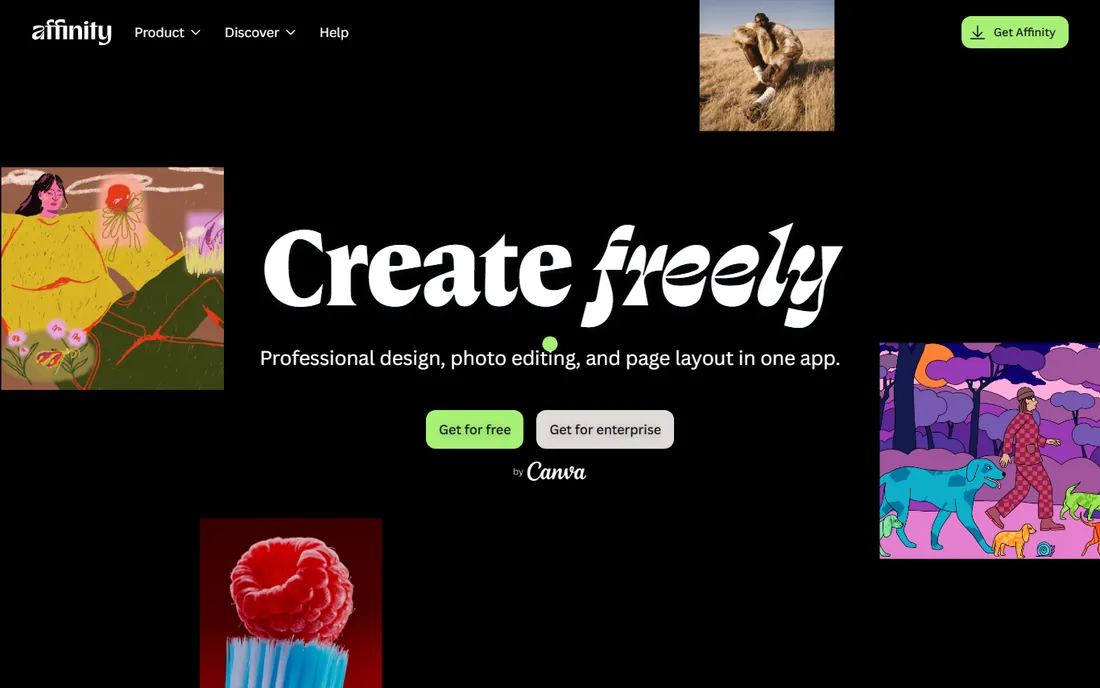
The biggest news in image editing: since October 2025, Canva has made the unified Affinity app free for individual use. That means full professional photo editing, RAW processing, layers, masks and non-destructive workflows for nothing, where it previously cost $70.
The Photoshop-like layout makes switching easy, and performance is excellent. Advanced AI generative features are reserved for Canva Pro subscribers, and the plugin ecosystem is thinner than Adobe's. As a free desktop editor, it is now the default recommendation.
What we like- Now free for individuals
- Photoshop-class layers, RAW and retouching
- Fast and modern
Watch out for- Requires a free Canva account
- Some AI features need Canva Pro
- Smaller plugin ecosystem
#3
GIMP
Best for: free open-source editing without compromise
Visit gimp.org
Starting priceFree
Free planYes
GIMP has been the free Photoshop alternative since 1996, and it shows in the depth: layers, masks, paths, filters, Python scripting and a huge plugin library cover most of Photoshop's core capabilities. It runs on Windows, Mac and Linux with no account and no ads.
The interface is the eternal complaint: powerful but idiosyncratic, with Photoshop converts needing to relearn terminology. RAW support comes via plugin rather than built in. For a permanently free, private, cross-platform editor, it remains essential.
What we like- Completely free forever
- Deep features with plugins and scripting
- Runs everywhere
Watch out for- Interface feels dated
- Learning curve is steep
- RAW needs a plugin
Starting priceFree
Free planYes
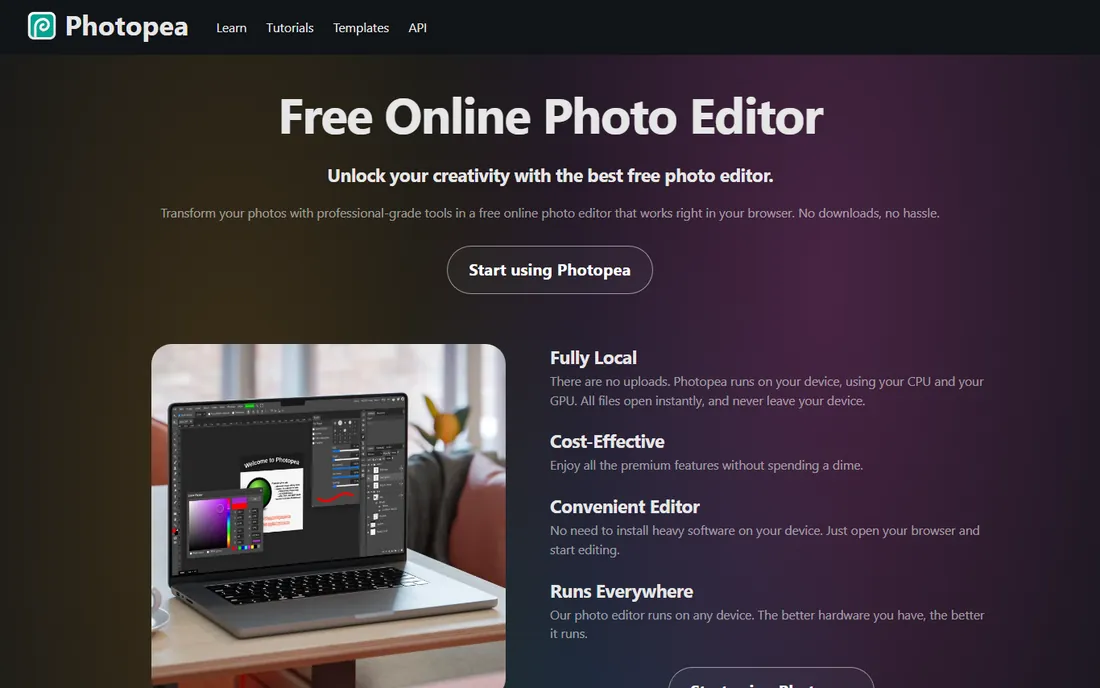
Photopea is astonishing: a near-complete Photoshop-class editor running in the browser, opening native PSD files with layers intact. On a Chromebook, a borrowed laptop or a locked-down work machine, it is the only serious option. The interface mirrors Photoshop closely enough that skills transfer directly.
The free version shows ads; Premium at around $5 per month removes them. It needs an internet connection and lacks the newest AI features. For quick professional edits anywhere, it is unmatched.
What we like- Opens PSD, XCF and Sketch files natively
- Photoshop-like interface
- No install
Watch out for- Ad-supported free tier
- Needs internet
- Fewer advanced AI tools
Starting priceSee website
Free planYes
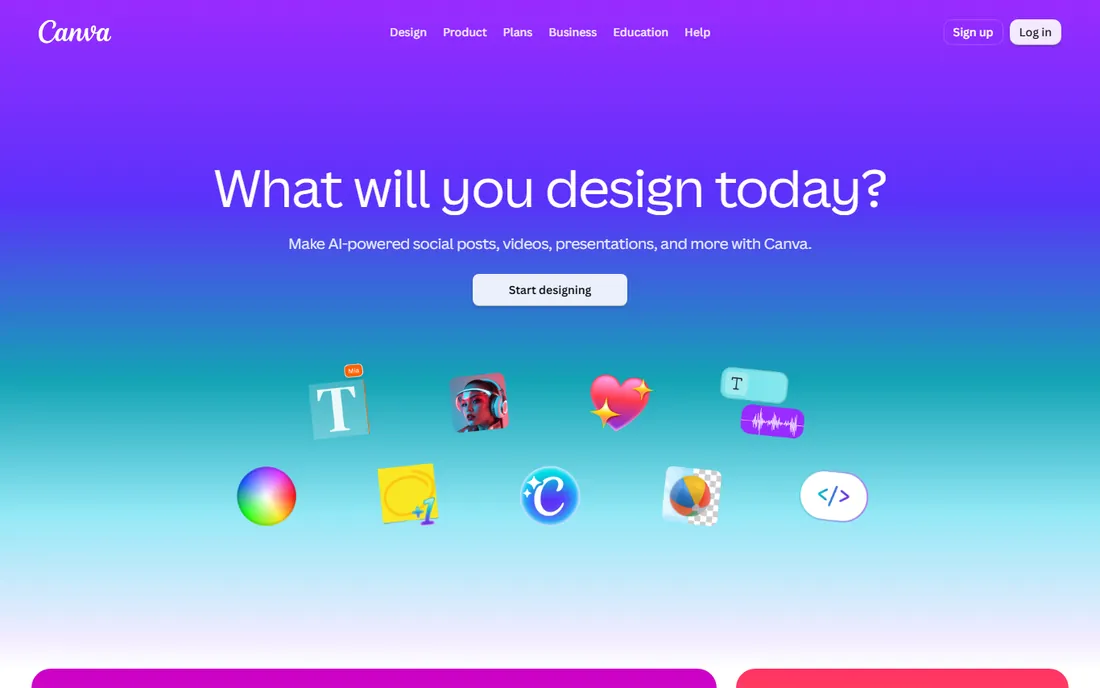
Canva is not trying to replace Photoshop; it replaces the designer for everyday marketing graphics. Templates for social posts, presentations and ads, drag-and-drop editing, and AI tools like Magic Edit let non-designers produce polished visuals in minutes.
The free tier is generous; Pro unlocks brand kits, premium stock and advanced AI. For pixel-level retouching or print production, look elsewhere. For "I need a good-looking graphic by lunch," Canva wins on speed.
What we like- Thousands of templates
- Magic Edit and background remover
- Easy team collaboration
Watch out for- Not a real photo editor
- Limited precision
- Best features need Pro
Starting priceFree
Free planYes
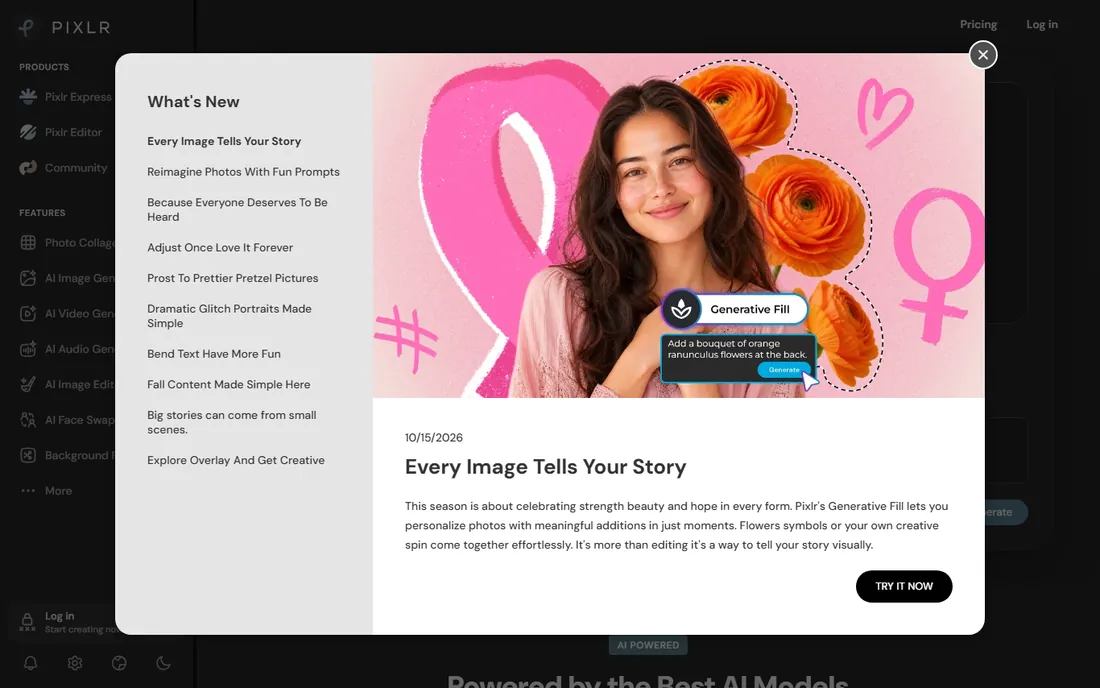
Pixlr packs surprising power into a browser tab: layers, AI background removal, object removal and filters, with a free tier that handles most quick edits. It is faster to open than any desktop app and simpler than Photopea.
The free experience includes ads, and serious work pushes toward the paid plans from a few dollars per month. Think of it as the middle ground between Canva's templates and Photopea's depth: real editing, minimal friction.
What we like- Free tier with AI background removal
- Fast and simple
- Mobile apps included
Watch out for- Ads on free tier
- Less depth than desktop editors
- Premium needed for full features
Starting price$79.99 one-time
Free planFree trial
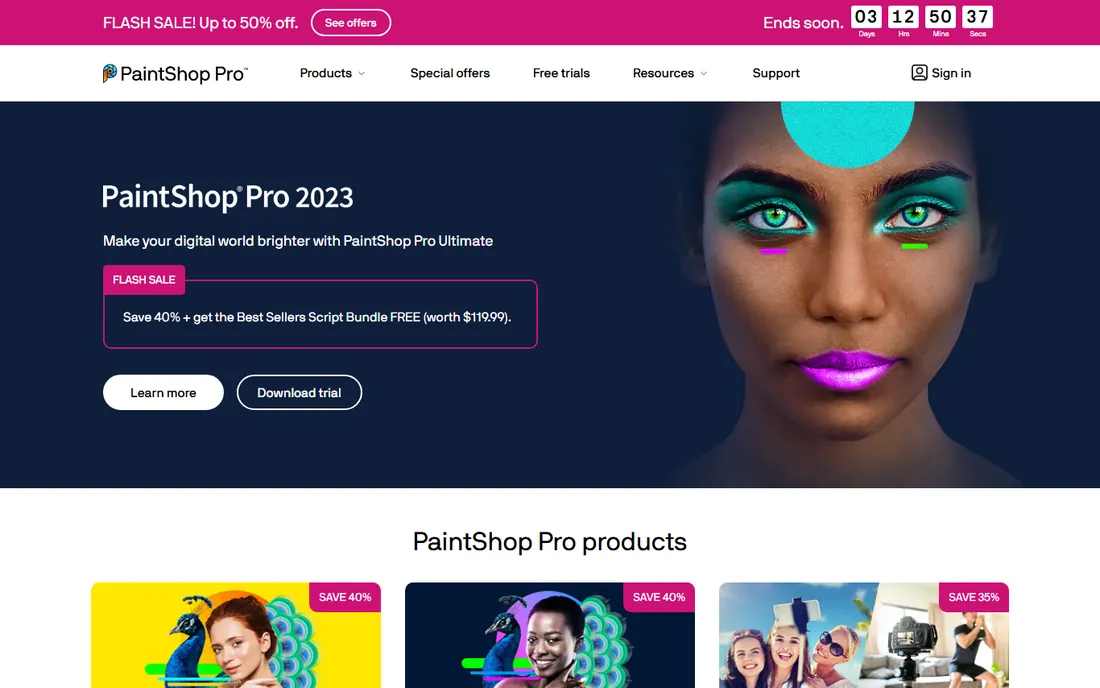
PaintShop Pro is the veteran Windows alternative: a capable photo editor with layers, RAW processing, HDR and AI-powered tools for a one-time $79.99. No subscription, no account pressure, just software you own.
It is Windows-only and its community and tutorial base are a fraction of Photoshop's or GIMP's. For Windows users who want a perpetual license with more polish than GIMP, it fills the gap Affinity's freeness has narrowed.
What we like- One-time purchase, no subscription
- Solid photo editing and AI tools
- Windows-optimized
Watch out for- Windows only
- Smaller community
- Trails Photoshop on advanced features
Starting priceFrom ~$15 per month
Free planFree trial
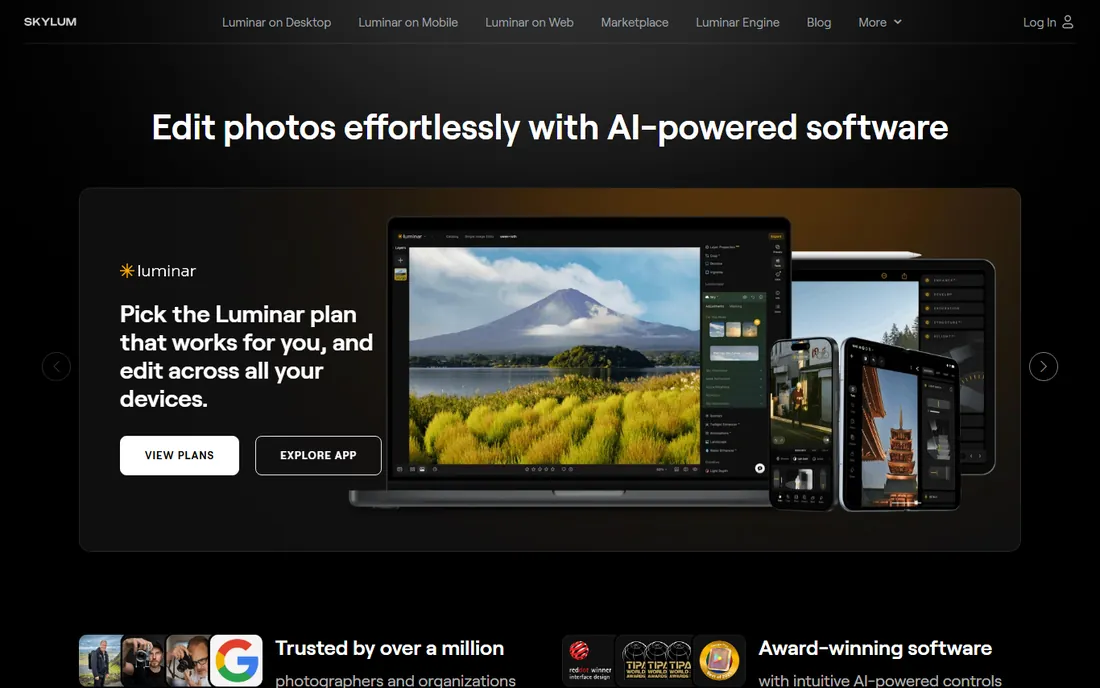
Luminar Neo is built around the idea that AI should do the tedious work: sky replacement, skin retouching, atmosphere and relighting happen with sliders rather than masks. Beginners get impressive results fast, and the interface guides rather than overwhelms.
It starts around $15 per month or a higher one-time price, and control freaks will miss Photoshop's precision. For photographers who want beautiful results without learning layer masks, it is the easiest path.
What we like- One-click AI enhancements
- Sky replacement and relight
- Gentle learning curve
Watch out for- Subscription or pricey lifetime
- Less manual control than Photoshop
- Catalog features thin
Starting priceFree
Free planYes
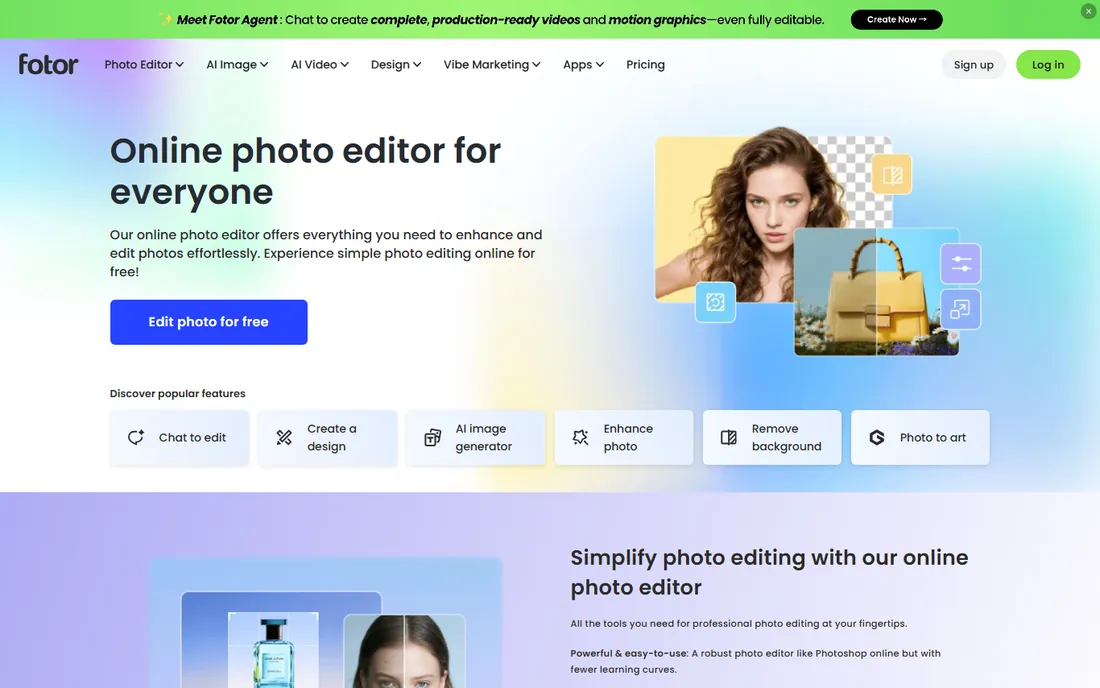
Fotor is the casual editor: one-click enhance, filters, collages, HDR and beauty retouching in a friendly interface. The free tier handles everyday photo fixes, and the web app means nothing to install.
It is not a tool for serious retouching or design work; layers and precision are limited. For social photos, quick collages and fun filters, its simplicity beats opening a pro editor.
What we like- Very easy
- Good collage and template tools
- Free tier usable
Watch out for- Limited advanced editing
- Ads and upsells on free tier
Starting priceFree
Free planYes
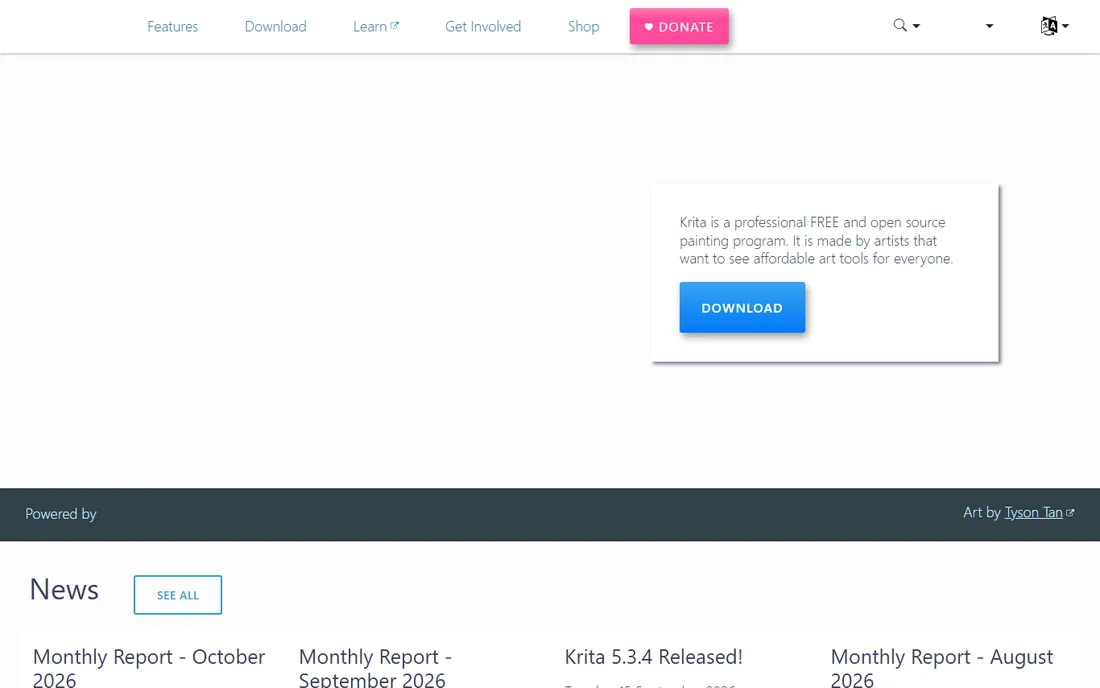
Krita is the free standard for digital painting: brush engines that rival paid art software, stabilizers, layer management and even frame-by-frame animation. Illustrators, comic artists and concept designers use it professionally at zero cost.
Photo editing exists but is not the focus; photographers should pick from above. For drawing and painting, though, Krita embarrasses tools costing hundreds, and its community keeps it improving fast.
What we like- Superb brush engines
- Completely free and open source
- Animation support
Watch out for- Photo editing is secondary
- Interface geared to artists
Choosing by what you make
Photographers choosing between pro workflows should compare Photoshop, Affinity, Luminar Neo and Capture One-style RAW tools. Designers needing PSD compatibility should look at Affinity, Photopea and Photoshop. Digital painters want Krita. Non-designers making marketing graphics want Canva, Pixlr or Fotor.
The free tier is now remarkably strong: Affinity, GIMP, Photopea and Krita together cover professional editing, PSD compatibility and digital art at zero cost. Pay for Photoshop when clients, plugins or Firefly demand it, not by default.
The Affinity effect
Canva making Affinity free reshaped this category's value equation. The old advice, pay $70 once to escape Adobe's subscription, is now "pay nothing." Evaluate every paid option against what Affinity does free before spending.
The RAW question every photographer faces
Pixel editors like Photoshop, Affinity and GIMP work on rendered images; RAW processors like Lightroom, Capture One and Darktable work on the sensor data before it becomes an image. Serious photographers need both: the RAW processor for exposure, color and batch culling across hundreds of shots, and the pixel editor for retouching, compositing and precise local work.
If you shoot RAW regularly, budget for the processor side too. Darktable and RawTherapee are free and genuinely capable; Lightroom and Capture One are the paid standards. The editors in this article pair with any of them. Beginners shooting JPEG can skip this entirely and edit directly; the RAW workflow earns its complexity only when you start pushing exposures and white balance hard.
How we compared them
We evaluated image editors on editing depth, ease of use, platform support, file compatibility and pricing, drawing on 2026 roundups and vendor sites. We distinguished photo editing from graphic design and digital painting. We did not complete benchmark edit projects in each app.
Frequently asked questions
What is the best free Photoshop alternative?
Affinity is now the best free desktop option since Canva made it free for individuals. GIMP offers the deepest free feature set, and Photopea is best for browser-based PSD editing.
Is Affinity really free?
Yes, since October 30, 2025 the unified Affinity app is free for individual use; you sign in with a free Canva account. Some advanced AI features require Canva Pro.
Should I still pay for Photoshop?
If your work depends on PSD workflows with clients, specific plugins, or Firefly's generative features, yes. For general photo editing and design, the free alternatives now cover most needs.
Can Photopea really replace Photoshop?
For many tasks, yes: it opens PSDs natively and mirrors Photoshop's interface. It lacks the latest AI features, offline use and Adobe's ecosystem, so professionals keep Photoshop for client work.
What is the easiest image editor for beginners?
Canva for designs, Fotor or Pixlr for quick photo edits, Luminar Neo for AI-enhanced photography. All prioritize simplicity over depth.
Which is better for digital art, Krita or Photoshop?
Krita's brush engines are superb and it is free, making it the pick for pure illustration. Photoshop wins for mixed photo-plus-illustration workflows and industry compatibility.
Should I edit on a laptop or desktop?
Either works, but prioritize RAM (16GB minimum), a calibrated display and fast storage over raw CPU. Photo editing is rarely CPU-bound; it is memory and screen quality that matter. A mid-range laptop with a good external monitor beats a powerful desktop with a bad one. Calibrate with a hardware colorimeter if your work goes to print; for web-only editing, the factory calibration of a decent IPS panel is usually close enough.
Sources we checked (11)
- https://www.adobe.com/
- https://affinity.serif.com/
- https://www.gimp.org/
- https://www.photopea.com/
- https://www.canva.com/
- https://pixlr.com/
- https://www.paintshoppro.com/
- https://skylum.com/
- https://www.fotor.com/
- https://krita.org/
- https://colorlib.com/wp/free-photoshop-alternatives/
Is your product missing or out of date?
We review this list regularly. Vendors can request a listing, send updated pricing or ask about featured placement.

Shihab Mia · Founder, Rankite
Shihab has spent more than a decade helping SaaS and e-commerce brands grow through search. He writes Rankite's software buying guides from pricing pages, documentation and public user reviews. More about Shihab.