How we make this list: we compare pricing pages, product documentation and public user reviews. Rankite is independent; if a vendor ever pays for a featured spot, that listing is clearly labeled Partner.
Key takeaways
- Start free: GarageBand (Mac), Cakewalk Sonar (Windows) and Audacity cost nothing and cover recording, editing and mixing.
- Reaper at $60 is the best value in recording software: a full professional DAW for less than a microphone cable multipack.
- For Mac owners, Logic Pro at $199.99 one-time is the obvious upgrade from GarageBand: same workflow, professional depth.
- Beatmakers should look at FL Studio (Fruity $99, lifetime free updates) or Ableton Live (Intro $99); band recording suits Pro Tools Artist ($99/year) or Studio One ($19.99/month).
Quick comparison
| Tool | Best for | Starting price | Free plan |
|---|
 Ableton Live Ableton Live | Electronic producers, beatmakers and live performers | $99 (Intro) | Free trial (30 days) |
 FL Studio FL Studio | Beatmakers and producers who never want to pay for an update again | $99 (Fruity) | Free trial |
 Logic Pro Logic Pro | Mac owners who want a professional DAW at a sane price | $199.99 (one-time, Mac App Store) | Free trial (90 days) |
 Pro Tools Pro Tools | Recording bands and collaborating with professional studios | $99/year (Artist) | Free trial |
 Cubase Cubase | Composers and producers with heavy MIDI needs | See website | Free trial |
 Studio One Studio One | Beginners who want to start recording in minutes | $19.99/month | Free trial |
 Reaper Reaper | Anyone who wants professional power for $60 | $60 (discounted personal license) | Free trial (60 days, fully functional) |
 Cakewalk Sonar Cakewalk Sonar | Windows users who want a free, fully professional DAW | Free | Yes |
 GarageBand GarageBand | Absolute beginners on Mac, iPhone or iPad | Free | Yes |
 Audacity Audacity | Simple recording, podcast editing and quick audio fixes | Free (open source) | Yes |
Is your product missing or out of date?
We review this list regularly. Vendors can request a listing, send updated pricing or ask about featured placement.
The best software for home recording
The computer is the cheapest part of a home studio now: the software decides what you can do with it. A DAW (digital audio workstation) records your microphone and instruments, arranges the parts, adds effects and mixes the result. The ten below span free to $749, and the honest truth is that the free ones record audio just as faithfully as the expensive ones. You pay for workflow, instruments and editing speed, not sound quality.
#1
Ableton Live
Best for: Electronic producers, beatmakers and live performers
Visit ableton.com
Starting price$99 (Intro)
Free planFree trial (30 days)
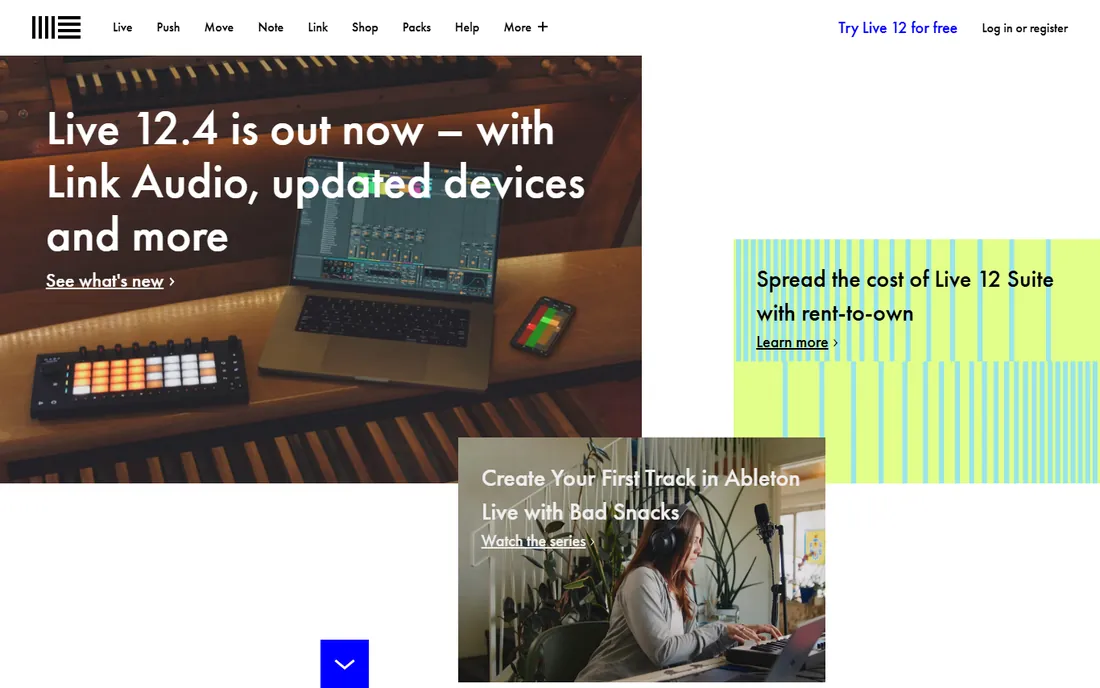
Ableton Live 12 comes in three editions: Intro at $99, Standard at $439 and Suite at $749. Intro covers 16 tracks and 5GB of sounds: enough to learn the workflow and finish simple productions. Standard and Suite add the deep instrument and effect collections, with Suite including Max for Live for building your own devices.
What sets Live apart is the two-view workflow: sketch clips in the Session View, jam and rearrange them live, then commit to the Arrangement View. For electronic producers and anyone who performs, nothing else works this way. Traditional band recordists sometimes find the MIDI-and-loop mindset less natural than Pro Tools or Studio One.
What we like- The Session View is unmatched for sketching ideas and performing live
- Warping and time-stretching are best in class
- Huge sound library and instrument collection in Standard and Suite
Watch out for- Intro at $99 is limited to 16 tracks
- Standard jumped to $439 and Suite is $749
- The arrangement workflow suits electronic music better than traditional band recording
#2
FL Studio
Best for: Beatmakers and producers who never want to pay for an update again
Visit image-line.com
Starting price$99 (Fruity)
Free planFree trial
FL Studio's pricing is refreshingly simple: Fruity $99, Producer $179, Signature $269, All Plugins $449, each a perpetual license with lifetime free updates. That last part is the killer feature: Image-Line has never charged for an update, so the $99 you spend today covers FL Studio 2036 too. A flash sale in October 2026 even dropped Fruity to $49.
The catch for home recordists: Fruity Edition does not record audio. If you sing or play guitar into a microphone, you need Producer at $179 or higher. For pure beatmaking with samples and virtual instruments, Fruity is excellent value. For recording bands, look at the options below first.
What we like- Lifetime free updates: buy once, get every future version
- The step sequencer and piano roll are the best in the business for beat-driven music
- Fruity at $99 is a genuine entry point
Watch out for- Fruity Edition cannot record audio: you need Producer at $179 for that
- Audio recording workflow still feels clunkier than the band-focused DAWs
- The interface divides opinion
#3
Logic Pro
Best for: Mac owners who want a professional DAW at a sane price
Visit apple.com
Starting price$199.99 (one-time, Mac App Store)
Free planFree trial (90 days)
Logic Pro is the best value in professional recording software, full stop: $199.99 once, and you own a DAW with a sample library, synthesizers, drum machines and effects that would cost thousands separately. GarageBand projects open directly in Logic, so Mac beginners grow into it without relearning anything. The 90-day free trial is generous enough to finish real projects.
The limitation is the platform: macOS only. If you record on a Mac, the decision is almost automatic: start in GarageBand, buy Logic when you hit its limits. Windows users should look at Cubase, Studio One or Cakewalk Sonar for the equivalent experience.
What we like- $199.99 one-time buys an enormous instrument, loop and effect library
- The upgrade path from GarageBand is smooth: projects open directly
- No subscription, no tiers, no upsells
Watch out for- Mac only: Windows users need not apply
- The sheer included content can overwhelm beginners
- Large library downloads eat significant disk space
#4
Pro Tools
Best for: Recording bands and collaborating with professional studios
Visit avid.com
Starting price$99/year (Artist)
Free planFree trial
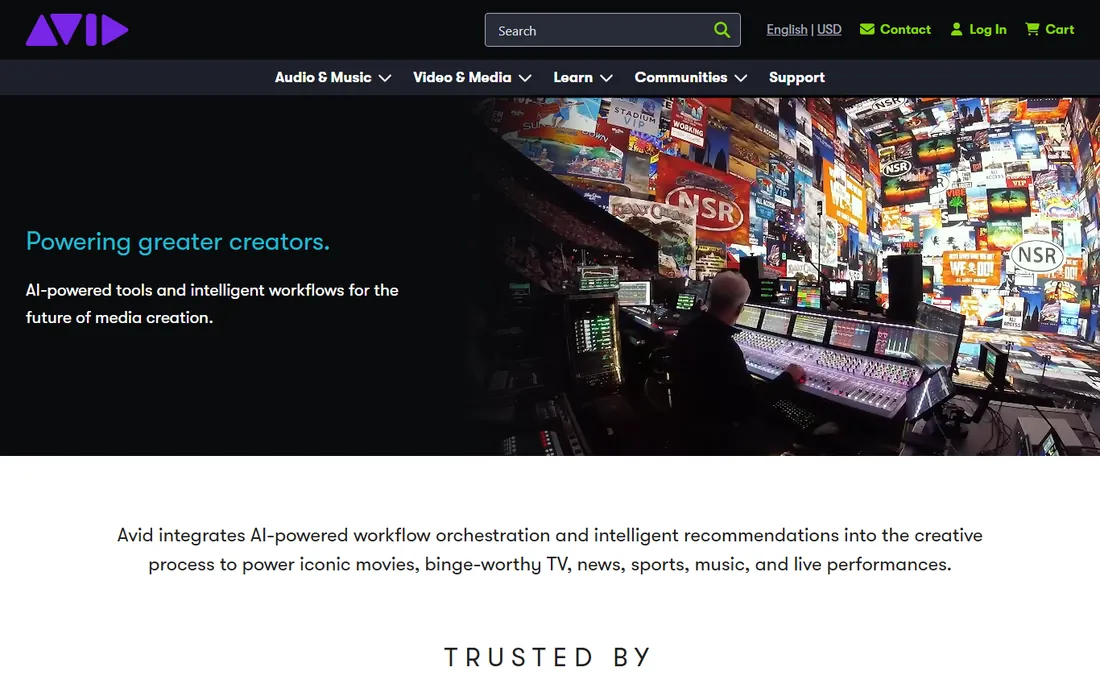
Pro Tools is what commercial studios run, which matters when you record at home and mix elsewhere: your session opens in Nashville or London without conversion. Artist at $99 a year (or $9.99 a month) covers home recording needs; Studio at $299 a year adds the track counts and features serious projects need.
The subscription model is the price of admission now: Avid sells no perpetual licenses. For a home recordist who collaborates with studios, that $99 a year buys compatibility that nothing else offers. For everyone else, the subscription stings compared with Logic's one-time price or Reaper's $60.
What we like- The industry standard: sessions open in any professional studio worldwide
- Artist at $99 a year makes it accessible to home recordists
- Editing and comping workflows are refined by decades of studio use
Watch out for- Subscription only: no perpetual license anymore
- Artist tier has track count limits that push serious users to Studio at $299/year
- Historically picky about hardware and system configuration
Starting priceSee website
Free planFree trial
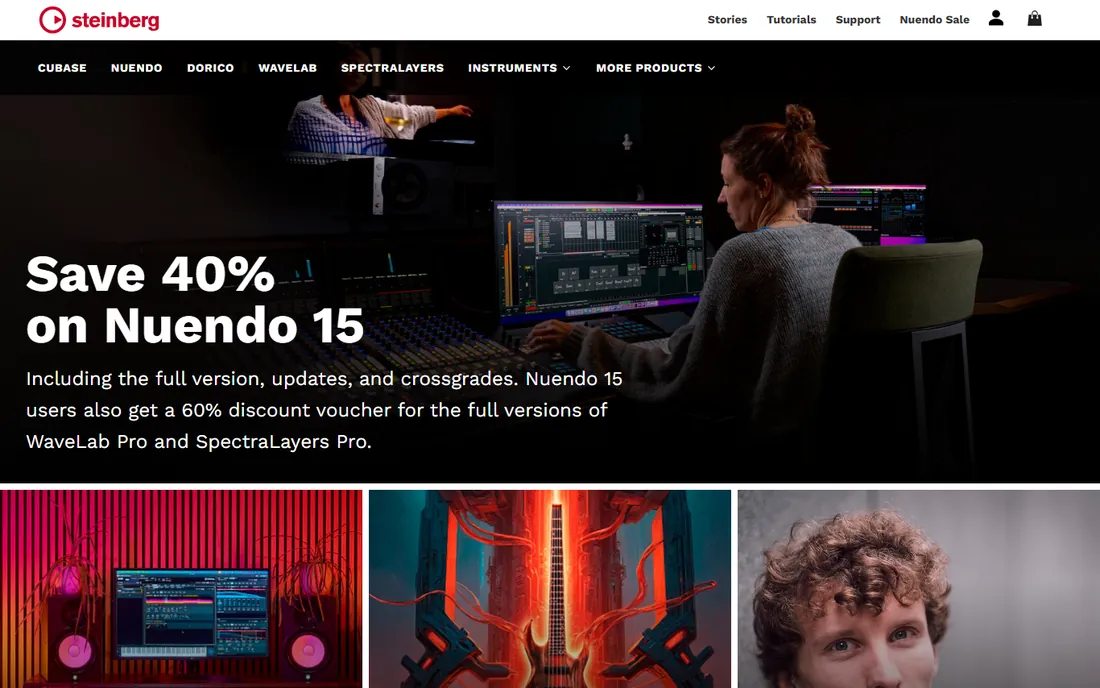
Cubase has been the composer's DAW for decades, and the MIDI tools show it: the Key Editor, Drum Editor and Score Editor handle orchestral mockups and complex arrangements that simpler DAWs fumble. VariAudio pitch correction is built in, comping is excellent, and it runs equally well on Windows and Mac. Retailers list Elements around $99 with higher tiers above.
For a home recordist who writes with virtual instruments and scores to picture, Cubase is the Windows answer to Logic. For straightforward band recording, Studio One or Reaper get you there faster and cheaper. Try the trial and spend a weekend with the MIDI editors before deciding.
What we like- The deepest MIDI editing of any major DAW: a favorite of film and game composers
- Excellent audio comping and VariAudio pitch correction
- Rock-solid on Windows and Mac
Watch out for- Pricing is tiered and not prominently advertised
- The feature depth creates a real learning curve
- The interface carries decades of accumulated panels and menus
#6
Studio One
Best for: Beginners who want to start recording in minutes
Visit presonus.com
Starting price$19.99/month
Free planFree trial
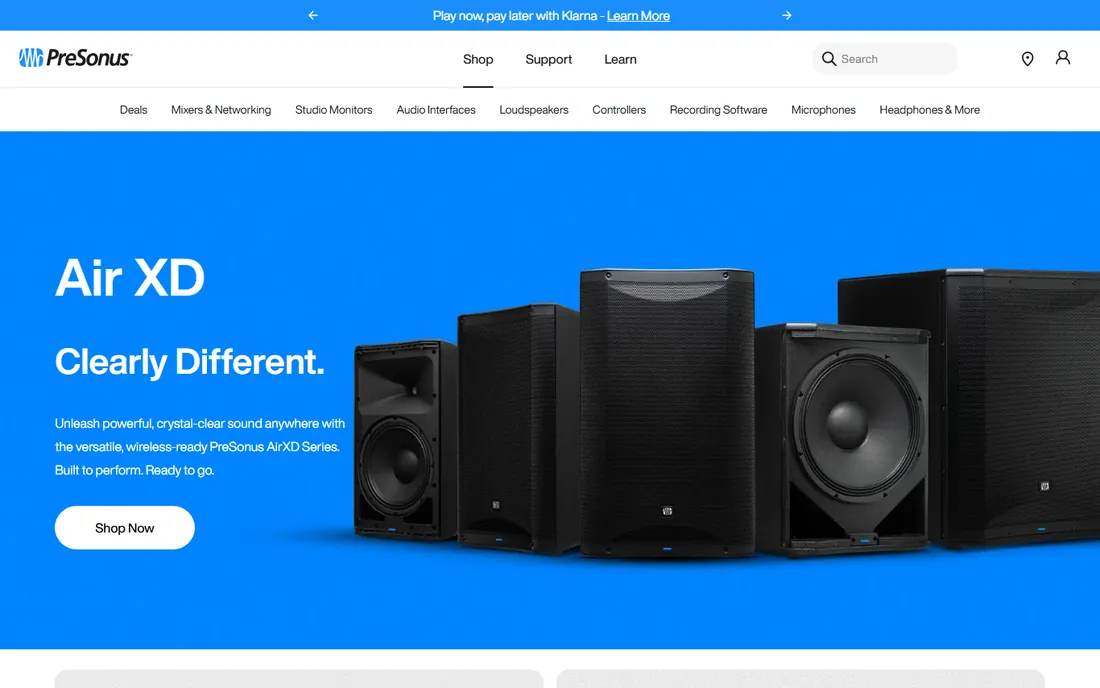
Studio One's pitch is speed: open a smart template, drag in your audio interface, and record. The single-window interface keeps everything visible, drag-and-drop handles instruments and effects, and the Project page masters and prepares releases. PreSonus now leads with the $19.99 monthly subscription, though perpetual licenses have historically been available.
For a home recordist who wants pro results without a manual, Studio One is the easiest on-ramp. The subscription math deserves scrutiny: two years at $19.99 a month exceeds Logic's $199.99 one-time price. But if you value the workflow and the mastering tools, it earns its place.
What we like- The most beginner-friendly pro DAW: drag-and-drop everything, smart templates, single-window workflow
- Built-in video track for scoring to picture
- Mastering and distribution tools included
Watch out for- Now subscription-led at $19.99 a month, which adds up against one-time rivals
- The user community is smaller than Ableton's or FL Studio's
- Advanced MIDI features trail Cubase
#7
Reaper
Best for: Anyone who wants professional power for $60
Visit reaper.fm
Starting price$60 (discounted personal license)
Free planFree trial (60 days, fully functional)
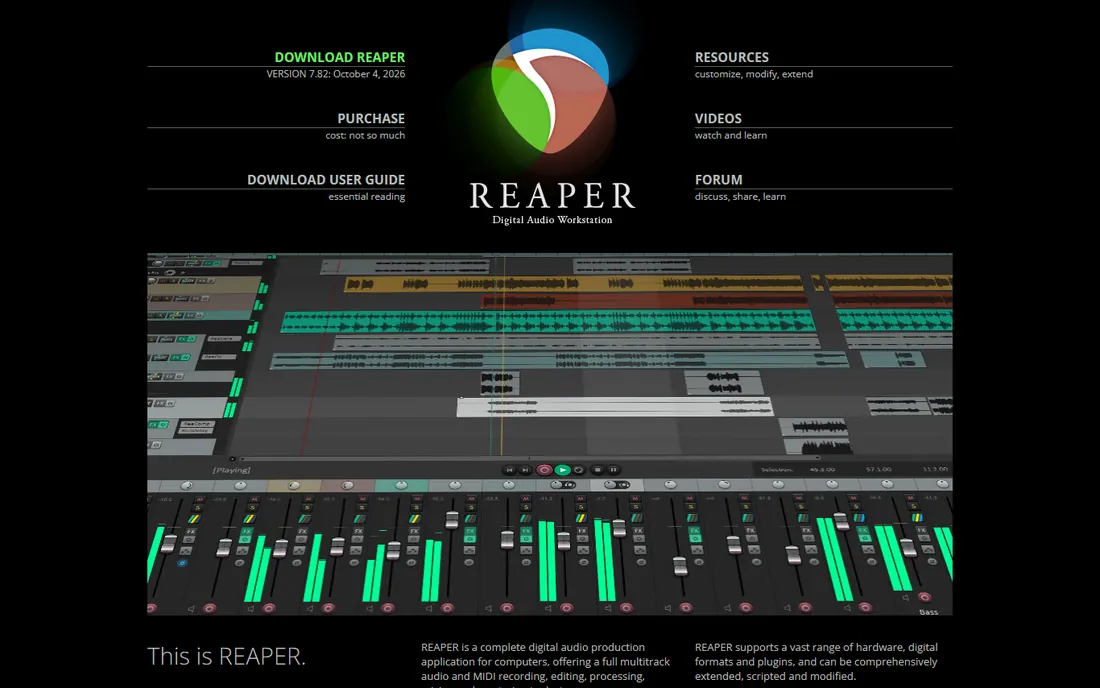
Reaper is the audio world's best-kept open secret: a $60 DAW (discounted license for individuals and small businesses) that records, edits, mixes and masters as well as software costing ten times more. The 60-day trial is fully functional and famously honor-based. It runs on anything, including Linux, and its scripting and customization go deeper than any competitor.
What $60 does not buy is hand-holding: the default theme is spartan, there is no big sound library, and the manual is long because the software does so much. Budget producers who enjoy tinkering consider that a feature. If you want polish out of the box, pay more; if you want power per dollar, stop here.
What we like- $60 buys a complete, professional, endlessly customizable DAW
- Tiny installer, famously efficient on modest hardware
- Runs on Windows, Mac and Linux
Watch out for- The stock interface is plain and the depth is overwhelming at first
- No included instrument library to speak of
- Customization is powerful but demands tinkering
#8
Cakewalk Sonar
Best for: Windows users who want a free, fully professional DAW
Visit cakewalk.com
Starting priceFree
Free planYes
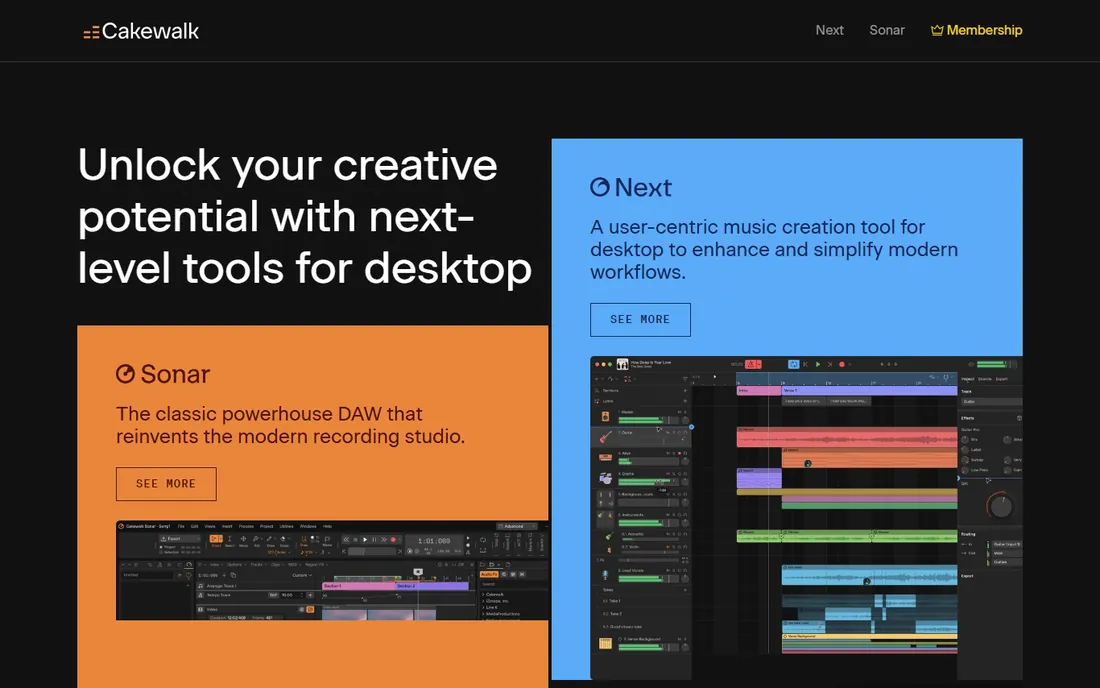
Cakewalk Sonar is the remarkable one: a genuinely professional DAW, free. It descends from SONAR Platinum with its award-winning Skylight interface, ProChannel modules, ARA integration and a 64-bit mix engine. The old Cakewalk by BandLab ceased in August 2025; Sonar is its free successor, with extra features available through BandLab Membership.
For Windows users, this is the free answer to Logic Pro: unlimited tracks, pro mixing tools, no cost. The interface is busier than Studio One's and the membership upsell exists, but the core recording and mixing experience costs nothing. Every Windows home studio should try it before spending a dollar.
What we like- Completely free: a pro-level DAW with unlimited tracks and the SONAR Platinum legacy
- Excellent ProChannel console emulation and ARA support
- Opens old Cakewalk projects
Watch out for- Windows only
- The free version gates some features behind BandLab Membership
- The interface shows its decades of heritage
#9
GarageBand
Best for: Absolute beginners on Mac, iPhone or iPad
Visit apple.com
Starting priceFree
Free planYes
GarageBand is where most Mac musicians start, and it is better than its reputation: multitrack audio recording, software instruments, the virtual Drummer, guitar amp modeling and iCloud sync with iOS. For a beginner recording songs in a bedroom, it handles the job for months before limits appear.
The limits do appear: fewer editing tools, no advanced mixing, and that cheerful interface. But every project opens in Logic Pro, so nothing is wasted when you outgrow it. If you own a Mac and have never recorded, start here today: it is already installed.
What we like- Free on every Mac and iOS device
- Genuinely capable: multitrack recording, virtual drummers, decent instruments
- Projects upgrade directly to Logic Pro
Watch out for- Apple platforms only
- Track and editing limits appear as skills grow
- The toy-like interface hides real capability poorly
Starting priceFree (open source)
Free planYes
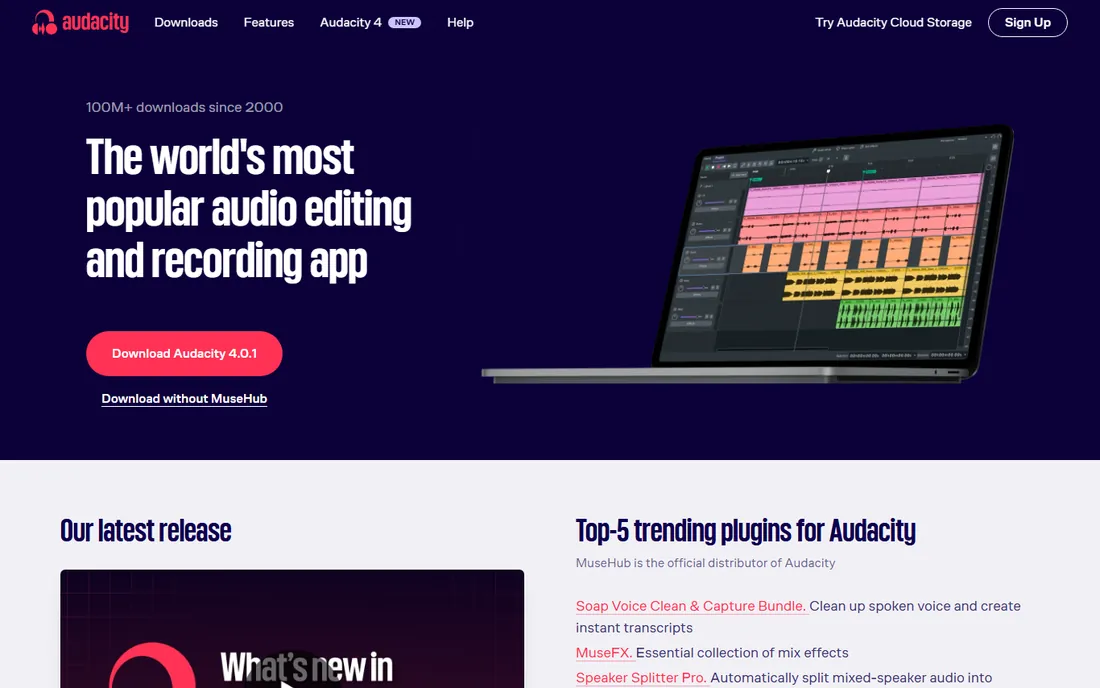
Audacity is the world's most popular audio editor, and it is free and open source. For recording a podcast, digitizing cassettes, trimming a voiceover or cleaning up a single track, it is ideal: simple, reliable, and documented everywhere. Millions of home recordists started here.
It is not a DAW for music production: editing is destructive, there are no virtual instruments, and multitrack music projects get painful fast. Use Audacity for what it is: a superb free audio editor and podcast tool. When you need to produce music, graduate to one of the DAWs above.
What we like- Free and open source on Windows, Mac and Linux
- Perfect for recording one or two tracks, editing podcasts and cleaning up audio
- Enormous tutorial base
Watch out for- Not a real multitrack DAW: destructive editing and no MIDI instruments
- The interface is utilitarian
- Overdubbing workflows are clunky compared with true DAWs
The interface question: your DAW matters less than your room
Beginners agonize over DAW choice, and the honest advice is that any of these records audio faithfully. What separates amateur recordings from professional ones is the room, the microphone placement and the performance: a $60 Reaper session in a treated room beats a $749 Ableton Suite session in a bare-walled bedroom.
Spend your first budget on acoustic treatment (even heavy blankets help), a decent interface and one good microphone. Learn mic placement before plugin collections. The DAW is the canvas; the room is the paint. Choose the DAW whose workflow clicks with you, then stop shopping and start recording.
Free vs paid: where the money actually goes
Three of these DAWs are completely free (Cakewalk Sonar, GarageBand, Audacity), one is $60 (Reaper), and the rest charge $99 to $749 or subscriptions. The free ones do not record worse audio: digital recording is digital recording. The paid money buys instruments, effects, editing speed and workflow polish.
The smart spending order: start free, and upgrade when a specific limit blocks you. Hit GarageBand's ceiling? Buy Logic. Need industry session compatibility? Subscribe to Pro Tools Artist. Tired of tweaking Reaper's theme? That is not a reason to spend $439. Most home recordists never outgrow the free tier plus one $60 to $200 purchase.
Frequently asked questions
What is the best free software for home recording?
On Mac, GarageBand; on Windows, Cakewalk Sonar; for simple editing anywhere, Audacity. All three are completely free and genuinely capable. Cakewalk Sonar is the most fully featured free DAW; GarageBand is the easiest; Audacity is the simplest for podcasts and quick edits.
Do I need an audio interface to record at home?
For microphones and instruments, yes: an interface converts the analog signal and provides clean preamps, starting around $100. For MIDI keyboards and virtual instruments, no: USB MIDI works directly. Your computer's headphone jack technically records, but the quality will disappoint you.
Which DAW is best for recording vocals and guitar?
Any of the band-focused DAWs: Logic Pro, Pro Tools Artist, Studio One, Cubase or Reaper. The differences are workflow, not recording quality. Pick the one whose trial feels most natural, and spend the savings on a better microphone.
Is Reaper really only $60?
Yes. The discounted license is $60 for individuals and small businesses under the revenue threshold, and the 60-day trial is fully functional. It is a complete professional DAW: the price reflects efficient development, not missing features.
Can I produce professional music with free software?
Yes. Countless released records were tracked in Reaper, mixed in free DAWs, or started in GarageBand. The free tools record the same digital audio as the expensive ones. Professional results come from the room, the source and the engineer, in that order.
Should I get Ableton or FL Studio for beats?
Both excel at beat-driven music. FL Studio's step sequencer and piano roll suit traditional beatmaking, and lifetime free updates make it cheaper long-term. Ableton's Session View suits live jamming and performance. Try both trials: the workflow that clicks is the right answer.
How we chose
We started with the searches home recordists run: best DAW for beginners, free recording software, Ableton vs FL Studio and Pro Tools alternatives. For each candidate we verified it is actively sold or maintained in 2026, confirmed the entry-level price from vendor pages and recent reviews, and weighed it for the home studio use case: recording quality, workflow speed and value. Free tiers are genuinely free; trial limitations are noted where they matter.
Sources we checked (8)
- https://musictech.com/guides/buyers-guide/best-daw-music-producers-in-all-genres-styles-workflows/
- https://www.projectavibes.com/fl-studio-vs-ableton-live-12-which-daw-is-right-for-you/
- https://www.levelsmusicproduction.com/blog/the-best-daw-for-music-production-a-comparison-guide-of-the-big-4-daws-ableton-live-pro-tools-logic-pro-and-fl-studio
- https://bedroomproducersblog.com/2026/10/07/fl-studio-fruity-edition/
- https://www.filehorse.com/download-ableton-live/
- https://www.selecthub.com/audio-editing-software/studio-one-vs-reaper-audio/
- https://help.cakewalk.com/hc/en-us/articles/41129734682393-Cakewalk-Sonar-FAQ
- https://www.accio.com/biz-cheap/cheap-daw
Is your product missing or out of date?
We review this list regularly. Vendors can request a listing, send updated pricing or ask about featured placement.

Shihab Mia · Founder, Rankite
Shihab has spent more than a decade helping SaaS and e-commerce brands grow through search. He writes Rankite's software buying guides from pricing pages, documentation and public user reviews. More about Shihab.