How we make this list: we compare pricing pages, product documentation and public user reviews. Rankite is independent; if a vendor ever pays for a featured spot, that listing is clearly labeled Partner.
Key takeaways
- Enterprise CFD is sold by quote, not by price list: Ansys Fluent, STAR-CCM+, COMSOL, Autodesk CFD, CONVERGE, and FLOW-3D all price per project, so budget for a sales conversation rather than a checkout page.
- OpenFOAM is the only fully free, open-source option with production-grade solvers, but it demands Linux comfort and real CFD expertise to run well.
- SimScale is the accessible middle ground: cloud-based CFD that runs in a browser, with a free Community plan for evaluation and quoted paid plans for private projects.
- CAD-embedded tools like SOLIDWORKS Flow Simulation and Autodesk CFD trade solver depth for workflow speed, which suits design engineers better than specialist analysts.
- Vendor consolidation is reshaping the market: Altair, including its AcuSolve solver, has been acquired by Siemens and folded into the Simcenter portfolio.
Quick comparison
| Tool | Best for | Starting price | Free plan |
|---|
 Ansys Fluent Ansys Fluent | Enterprise teams needing the deepest CFD physics coverage | Quote-based (enterprise licensing) | No (free student version available) |
 Siemens Simcenter STAR-CCM+ Siemens Simcenter STAR-CCM+ | Industrial teams wanting one platform for CFD, thermal and multiphase work | Quote-based (enterprise licensing) | No |
 COMSOL Multiphysics COMSOL Multiphysics | Engineers coupling fluid flow with heat, structures, or electromagnetics | Quote-based (perpetual and subscription licenses) | No (trial available) |
 OpenFOAM OpenFOAM | Expert teams that want full solver control at zero license cost | Free (open source) | Yes |
 SimScale SimScale | Teams that want CFD in a browser without buying hardware | Free Community plan; Professional and Team plans quoted | Yes (Community plan) |
 Autodesk CFD Autodesk CFD | Product designers validating flow and thermal performance early | See website (subscription licensing) | Free trial |
 SOLIDWORKS Flow Simulation SOLIDWORKS Flow Simulation | SOLIDWORKS users who need flow answers without leaving CAD | Quote via resellers | No |
 CONVERGE CONVERGE | Moving-geometry problems where meshing is the bottleneck | Quote-based | No |
 FLOW-3D FLOW-3D | Free-surface, casting, and hydraulics specialists | Quote-based | No |
Is your product missing or out of date?
We review this list regularly. Vendors can request a listing, send updated pricing or ask about featured placement.
The best software for fluid simulation
#1
Ansys Fluent
Best for: Enterprise teams needing the deepest CFD physics coverage
Visit ansys.com
Starting priceQuote-based (enterprise licensing)
Free planNo (free student version available)
Ask a room of CFD engineers which solver they trust with the hardest problem and Fluent still wins the vote. Its physics coverage is the benchmark: compressible and incompressible flow, multiphase, combustion, radiation, aeroacoustics, and coupled fluid-structure interaction all live in one solver family. For aerospace, turbomachinery, and automotive programs where the simulation replaces physical testing, that depth is the point.
The cost of that depth is money and mastery. Fluent is quote-based enterprise software, and a license capable of serious parallel runs is a five-to-six-figure annual commitment. New users face months of climbing the learning curve before they produce results anyone should trust. Fluent fits organizations where CFD is a core capability with dedicated analysts. Everyone else should read on.
What we like- Broadest solver depth across compressible, multiphase, reacting and turbulent flows
- Strong parallel scaling for large transient cases
- Huge user community and training ecosystem
Watch out for- Enterprise pricing puts it out of reach for small teams
- Steep learning curve for new analysts
- Licensing models reward negotiation skills as much as engineering ones
#2
Siemens Simcenter STAR-CCM+
Best for: Industrial teams wanting one platform for CFD, thermal and multiphase work
Visit siemens.com
Starting priceQuote-based (enterprise licensing)
Free planNo

STAR-CCM+ built its reputation on doing the whole job in one place. Geometry preparation, meshing, solving, and post-processing happen inside a single interface, and its automation tools make it practical to run dozens of design variants without babysitting each case. The polyhedral mesher is genuinely good at dirty CAD geometry that would choke other tools.
Siemens positions it as the centerpiece of the Simcenter simulation portfolio, which now also absorbs Altair's former CFD and HPC tools after the acquisition. That makes STAR-CCM+ a safe long-term bet inside Siemens shops, but it also means pricing and roadmaps flow through enterprise channels. It competes with Fluent head-on: pick it when workflow integration and design automation matter more than squeezing the last percent of solver exoticism.
What we like- Single integrated environment from CAD import to post-processing
- Strong automation for design studies and optimization
- Polyhedral meshing handles complex geometry well
Watch out for- Quote-based pricing with enterprise sales cycles
- Resource-hungry on large models
- The unified workflow means committing to the Siemens ecosystem
#3
COMSOL Multiphysics
Best for: Engineers coupling fluid flow with heat, structures, or electromagnetics
Visit comsol.com
Starting priceQuote-based (perpetual and subscription licenses)
Free planNo (trial available)
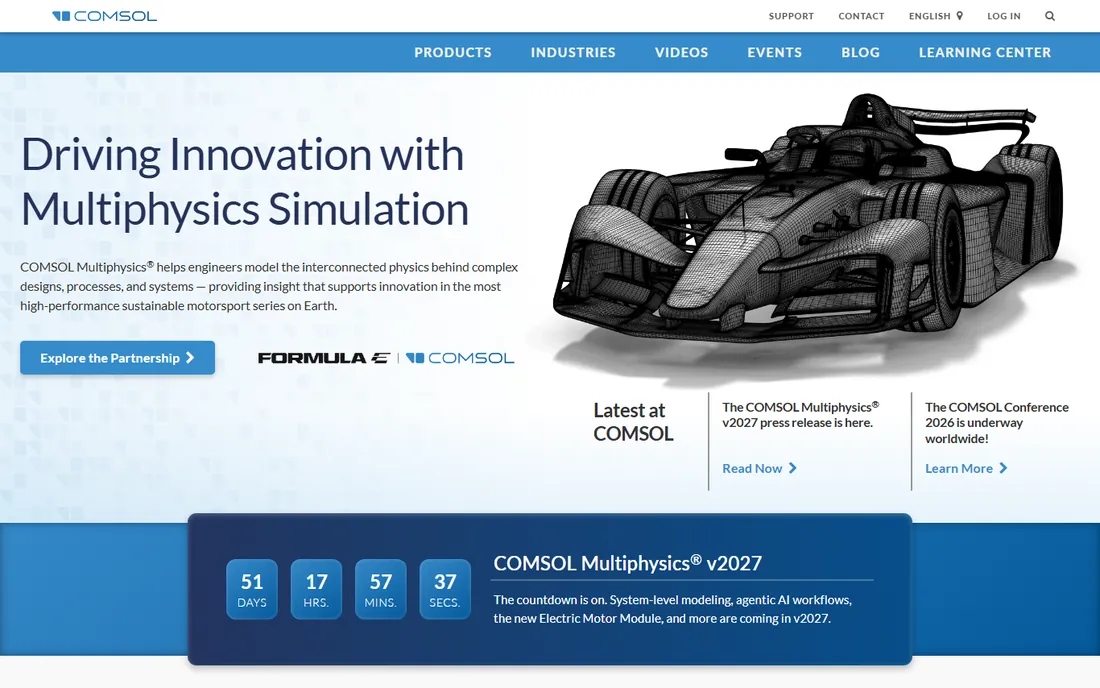
COMSOL is the tool you reach for when the problem refuses to stay in one physics domain. A microfluidic device with Joule heating, a loudspeaker with fluid-structure-acoustic coupling, a battery cell with electrochemical-thermal interaction: these are COMSOL's home turf. The equation-based modeling lets researchers implement custom physics rather than waiting for a vendor to add it.
For pure production CFD, a dedicated solver usually runs faster and scales better on clusters. COMSOL's licensing is also modular, so the base platform plus the CFD and heat transfer modules plus add-ons can surprise buyers who only budgeted for one line item. Choose it when multiphysics coupling is the actual requirement, not as a general-purpose CFD replacement.
What we like- Couples fluid dynamics with thermal, structural, acoustic and EM physics in one model
- Equation-based interface allows custom physics
- Strong in research and R&D settings
Watch out for- Pricing is quote-based and module costs add up
- Meshing and solver tuning still require expertise
- Less common in production CFD teams than Fluent or STAR-CCM+
#4
OpenFOAM
Best for: Expert teams that want full solver control at zero license cost
Visit openfoam.com
Starting priceFree (open source)
Free planYes
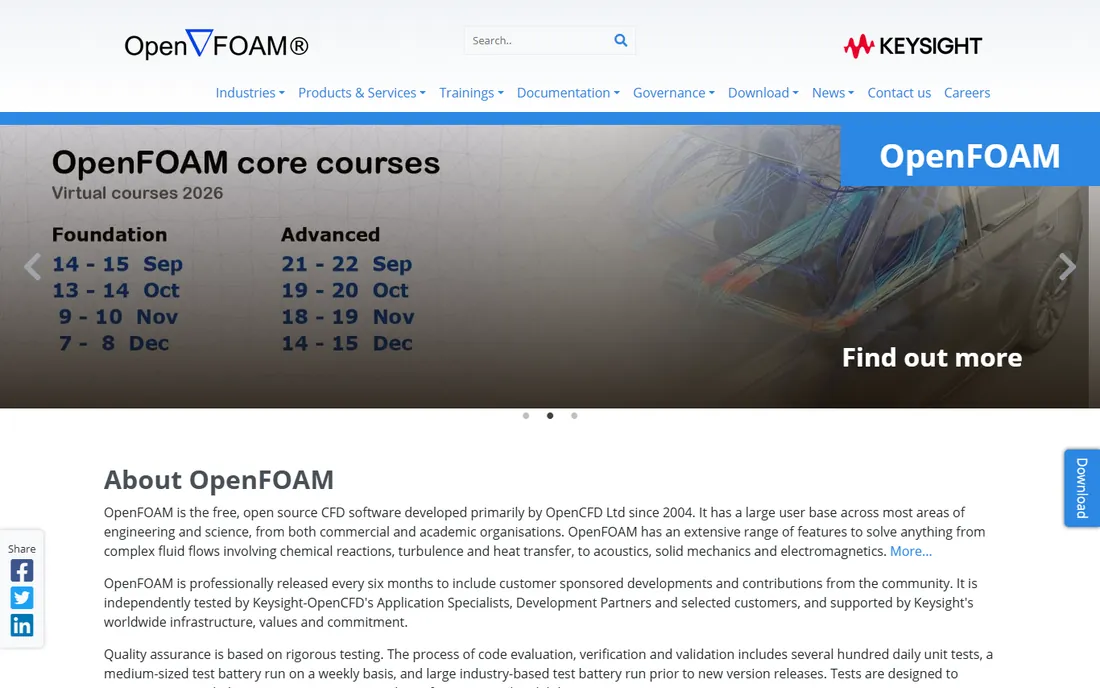
OpenFOAM is the only tool here that costs nothing and can still go toe-to-toe with commercial solvers on many problems. Developed by OpenCFD (now part of Keysight) with releases every six months, it offers an enormous library of solvers for incompressible and compressible flow, multiphase, combustion, and more. Because there are no license fees, scaling to thousands of cores costs only the hardware.
That freedom has a price in expertise. There is no polished GUI guiding you through setup; cases are built from text dictionaries, and meshing complex geometry takes skill. Commercial support exists through OpenCFD and third parties, but it is a separate purchase. OpenFOAM fits teams with strong CFD people and HPC access, universities, and anyone whose license budget is zero but whose talent budget is not.
What we like- No license fees at any scale, including massive HPC runs
- Full source access for custom solvers and boundary conditions
- Large global community and extensive solver library
Watch out for- Command-line driven with a real learning curve
- No vendor support contract unless you buy services
- Meshing and case setup demand genuine CFD knowledge
#5
SimScale
Best for: Teams that want CFD in a browser without buying hardware
Visit simscale.com
Starting priceFree Community plan; Professional and Team plans quoted
Free planYes (Community plan)
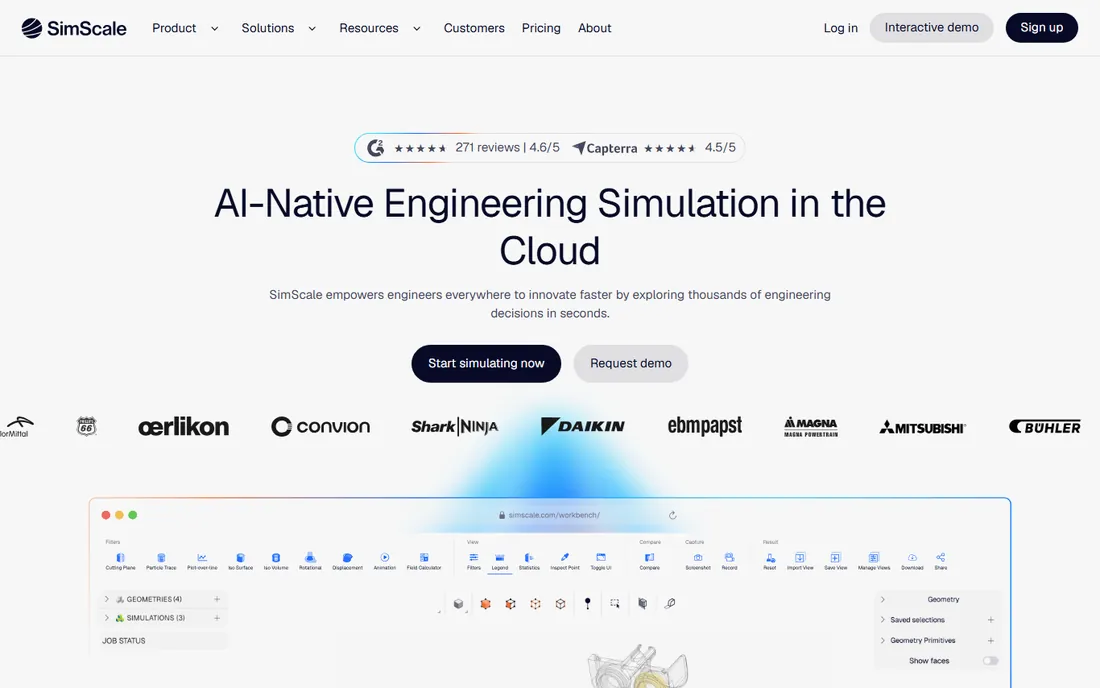
SimScale removes the two biggest barriers to CFD: hardware and installation. You upload CAD through a browser, set up the case with guided workflows, and the compute happens on SimScale's cloud. For small engineering teams, consultancies, and startups that need credible flow and thermal results without a six-figure software and hardware commitment, that proposition is compelling.
The free Community plan covers selected analysis types with a limited number of simulations, which is enough to evaluate the platform honestly. Paid tiers with private projects, full analysis types, and support are quote-based. The tradeoff is control: you cannot tune the solver the way OpenFOAM allows, and export-controlled or highly sensitive geometry may not belong in a public cloud. For mainstream aerodynamics, thermal management, and building airflow, SimScale hits a sweet spot.
What we like- Runs entirely in the cloud, so no workstations or clusters to buy
- Easy enough for design engineers, not just analysts
- Free Community plan for evaluation and learning
Watch out for- Paid pricing is quote-based rather than published
- Cloud-only means your geometry lives on someone else's servers
- Less solver depth than Fluent or STAR-CCM+ for exotic physics
#6
Autodesk CFD
Best for: Product designers validating flow and thermal performance early
Visit autodesk.com
Starting priceSee website (subscription licensing)
Free planFree trial
Autodesk CFD is built for the design engineer rather than the CFD specialist. It reads CAD natively, automates much of the meshing, and focuses on the questions product teams actually ask: will this enclosure overheat, will this duct distribute air evenly, will this heat sink suffice. For electronics cooling and AEC airflow work, it gets to answers quickly.
It does not pretend to replace Fluent for a transonic turbine stage. The physics models are narrower and the HPC story is thinner. Pricing is subscription-based through Autodesk's channels, and buyers should compare it against SimScale's cloud model and SOLIDWORKS Flow Simulation before committing. It earns its keep in Autodesk-centric design shops where simulation needs to live inside the design workflow.
What we like- CAD-driven workflow keeps simulation close to the design
- Good for electronics cooling and building airflow studies
- Familiar to teams already on Autodesk products
Watch out for- Less solver depth than enterprise CFD codes
- Windows-centric
- Pricing sits in an awkward middle between free tools and enterprise solvers
#7
SOLIDWORKS Flow Simulation
Best for: SOLIDWORKS users who need flow answers without leaving CAD
Visit solidworks.com
Starting priceQuote via resellers
Free planNo
If your team lives in SOLIDWORKS, Flow Simulation is the shortest path from a CAD model to a flow result. The integration is the entire argument: no exporting geometry, no learning a new interface, no separate meshing tool. Parametric studies let designers sweep dimensions and watch flow or thermal results update, which fits naturally into an iterative design process.
The limitations are the mirror of the strengths. It is a design-stage tool, not a research solver, and specialist analysts will outgrow it. Pricing flows through the SOLIDWORKS reseller channel rather than a public price list, so get a quote early. For mechanical design teams doing electronics cooling, HVAC, or internal flow checks, it is often the pragmatic choice over a standalone CFD package nobody has time to learn.
What we like- Embedded directly in the SOLIDWORKS interface designers already know
- Parametric studies tie simulation to design variables
- Quick adoption for existing CAD teams
Watch out for- Sold through resellers with quote-based pricing
- Limited advanced physics compared with dedicated CFD
- Windows and SOLIDWORKS only
Starting priceQuote-based
Free planNo
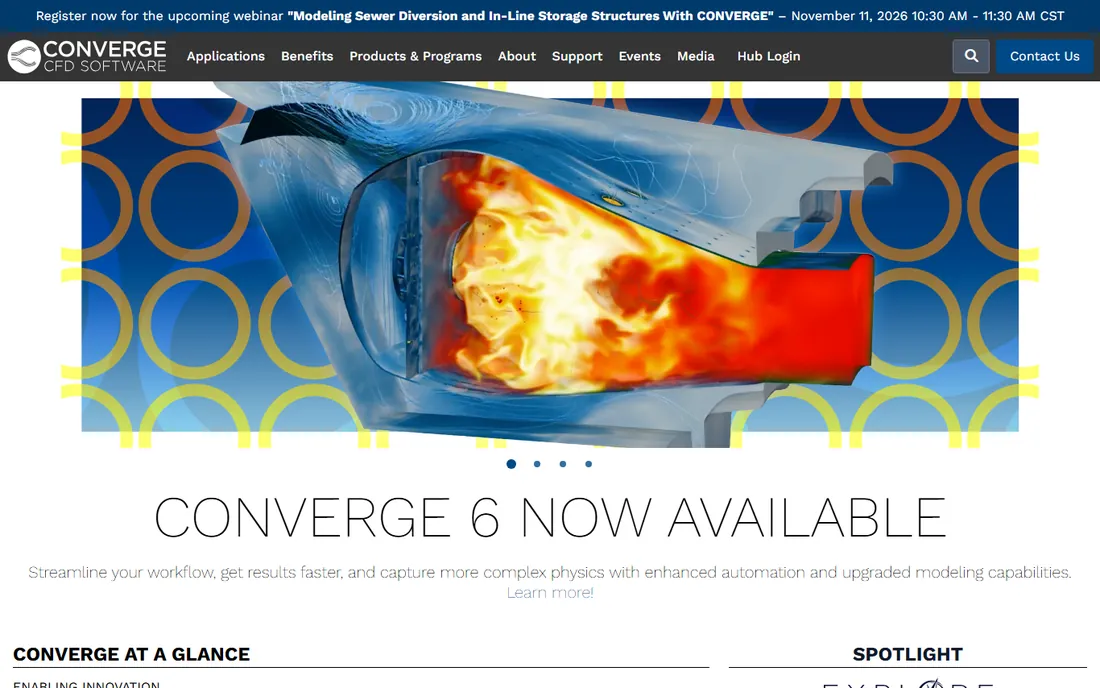
CONVERGE's calling card is the mesh it does not make you build. Its autonomous meshing generates the grid at runtime and refines it adaptively as the solution develops, which is transformative for problems with moving boundaries: pistons, valves, rotating pumps, fuel sprays. Engineers who have lost weeks to meshing a complex engine geometry tend to become converts.
Convergent Science is a smaller vendor than Ansys or Siemens, which cuts both ways: support is personal and expert, but the ecosystem of training material and third-party integrations is thinner. Pricing is quote-based. Choose CONVERGE when your bottleneck is geometry handling and turnaround time on moving-mesh problems rather than raw solver exoticism.
What we like- Autonomous meshing eliminates most manual mesh work
- Strong in internal combustion, sprays, and rotating machinery
- Adaptive mesh refinement targets compute where it matters
Watch out for- Quote-based enterprise pricing
- Narrower industry footprint than the big two
- Specialized strength means less generality for odd physics
#9
FLOW-3D
Best for: Free-surface, casting, and hydraulics specialists
Visit flow3d.com
Starting priceQuote-based
Free planNo
FLOW-3D, from Flow Science, owns a specific corner of CFD: flows with free surfaces. Dam spillways, metal casting mold filling, sloshing tanks, and coastal hydraulics are problems where its volume-of-fluid approach has decades of validation. The product family splits into focused editions for casting, hydraulics, additive manufacturing, and welding, each tuned to its domain.
It is not the tool for a general aerodynamics department, and the user community is smaller than the big-platform ecosystems. But when the physics matches its strengths, specialists consistently report that it gets the right answer faster than forcing a general-purpose solver into the job. Pricing is quote-based, and buyers should talk to Flow Science about which family member fits their application.
What we like- Volume-of-fluid free-surface modeling is its defining strength
- Dedicated products for metal casting, hydraulics, and additive manufacturing
- Four decades of validation in niche applications
Watch out for- Quote-based pricing
- Niche focus means a smaller general user base
- Interface reflects its specialist heritage rather than modern UX trends
How we chose
We reviewed vendor documentation, pricing pages, and release notes, then cross-checked capabilities against public reviews on G2, Capterra, and engineering forums including CFD Online and relevant Reddit communities. We required each product to be actively sold and supported in 2026, which is why Altair's AcuSolve does not appear separately: Siemens has acquired Altair and folded its solvers into the Simcenter portfolio. Enterprise tools are listed with quote-based pricing because none of these vendors publish list prices.
What actually drives the buying decision
Physics scope comes first
Write down the physics your projects need before looking at any demo. Incompressible flow with heat transfer is table stakes for every tool here. Multiphase, combustion, aeroacoustics, or fluid-structure interaction narrow the field fast. If your work is mostly one physics domain, a specialist like FLOW-3D or CONVERGE can outperform a general platform. If projects sprawl across domains, a platform like Fluent, STAR-CCM+, or COMSOL saves you from buying three tools.
Count the total cost, not the license
The license quote is only the first line. Add HPC hardware or cloud compute, which can exceed the software cost for large transient runs. Add training: budget months of reduced productivity while analysts climb the learning curve on any serious solver. Add support and maintenance renewals, typically 20 percent-ish of license value annually. OpenFOAM and SimScale change this math dramatically, which is exactly why they belong on every shortlist.
Pilot with your own geometry
Vendor benchmarks run on clean, favorable cases. Insist on a pilot using your own dirty CAD, your own mesh density requirements, and your own turnaround expectations. Measure time from CAD import to a converged result, not just solver speed. The tool that meshes your worst geometry without complaint is usually the tool your team will actually use.
The hidden costs buyers miss
Meshing labor is the quiet budget killer in CFD. A solver license might cost less than the engineer-months spent building meshes each year, which is why automated meshing tools like CONVERGE and SimScale's guided workflows deserve a hard look. Data management is the second: large transient cases generate terabytes, and someone has to store, version, and archive them. Finally, check export compliance early if your work touches defense or dual-use technology; cloud-only tools and foreign-vendor support arrangements can complicate approvals.
Frequently asked questions
How much does CFD software cost?
It ranges from free to six figures. OpenFOAM costs nothing for the software itself. SimScale starts free for evaluation with paid plans quoted. Enterprise solvers like Ansys Fluent and STAR-CCM+ are quote-based and typically run into five or six figures per year for a capable parallel license, plus hardware and support.
Can beginners use professional CFD software?
Design-stage tools like SOLIDWORKS Flow Simulation, Autodesk CFD, and SimScale are built for engineers without CFD PhDs. Full solvers like Fluent, STAR-CCM+, and OpenFOAM expect real expertise: bad setup produces colorful but wrong results. Training and mentorship matter more than the software choice.
Is OpenFOAM as good as commercial CFD software?
For many standard problems, yes, in the hands of an expert. Its solvers are well validated and it scales on HPC without license fees. What you give up is the guided workflow, integrated meshing, and support contract of commercial tools. Teams with strong CFD staff often prefer it; teams without them usually should not start there.
What happened to Altair's CFD software?
Siemens acquired Altair, and its simulation tools, including the AcuSolve CFD solver, are being integrated into the Siemens Simcenter portfolio. Existing Altair customers are being transitioned through Siemens channels. We list Simcenter STAR-CCM+ as the Siemens CFD platform rather than listing AcuSolve separately.
Do I need a supercomputer to run CFD?
Not necessarily. Design-stage and cloud tools run on ordinary workstations or in a browser. Large eddy simulations and big transient multiphase cases still want clusters, and that is where cloud options like SimScale or your own HPC allocation come in. Match the compute to the problem size.
Which CFD tool is best for electronics cooling?
Autodesk CFD, SOLIDWORKS Flow Simulation, and SimScale all handle board and enclosure thermal work well at the design stage. For detailed conjugate heat transfer with complex physics, Fluent and STAR-CCM+ go deeper. Start with the tool your mechanical team will actually open.
Sources we checked (12)
- https://ansys.com/
- https://www.siemens.com
- https://comsol.com/
- https://openfoam.com/
- https://simscale.com/
- https://www.autodesk.com
- https://solidworks.com/
- https://convergecfd.com/
- https://flow3d.com/
- https://altair.com/
- https://worldmetrics.org/best/fluid-dynamics-simulation-software/
- https://zipdo.co/best/fluid-dynamics-simulation-software/
Is your product missing or out of date?
We review this list regularly. Vendors can request a listing, send updated pricing or ask about featured placement.

Shihab Mia · Founder, Rankite
Shihab has spent more than a decade helping SaaS and e-commerce brands grow through search. He writes Rankite's software buying guides from pricing pages, documentation and public user reviews. More about Shihab.