How we make this list: we compare pricing pages, product documentation and public user reviews. Rankite is independent; if a vendor ever pays for a featured spot, that listing is clearly labeled Partner.
Key takeaways
- Most YouTubers do not need the most powerful editor. They need fast cutting, good captions, and quick export to YouTube. Match the tool to your upload schedule, not your ambitions.
- DaVinci Resolve, CapCut, Shotcut, and Clipchamp all edit real YouTube videos for free. Paid tools earn their price with speed, templates, and pro workflows, not basic capability.
- Mac creators choose between Final Cut Pro and Premiere Pro. Windows creators choose between Premiere Pro, DaVinci Resolve, PowerDirector, and Filmora.
- Vloggers who film, edit, and upload weekly should prioritize templates, auto-captions, and direct YouTube export over advanced color and effects.
Quick comparison
| Tool | Best for | Starting price | Free plan |
|---|
 Adobe Premiere Pro Adobe Premiere Pro | pro YouTubers and editors | See website | Free trial |
 Final Cut Pro Final Cut Pro | Mac creators who want speed | See website | Free trial |
 DaVinci Resolve DaVinci Resolve | free pro-grade editing and color | See website | Yes |
 Filmora Filmora | beginners and vloggers | See website | Free trial |
 CapCut CapCut | short-form and social video | See website | Yes |
 PowerDirector PowerDirector | Windows all-rounders | See website | Free trial |
 Movavi Video Editor Movavi Video Editor | simple, fast everyday editing | See website | Free trial |
 Shotcut Shotcut | free open-source editing | See website | Yes |
 Clipchamp Clipchamp | quick edits in the browser and desktop | See website | Yes |
Is your product missing or out of date?
We review this list regularly. Vendors can request a listing, send updated pricing or ask about featured placement.
The best software for editing youtube videos
Starting priceSee website
Free planFree trial
Premiere Pro is the editor behind a large share of professional YouTube channels, and the reasons are practical: it handles any format you throw at it, the timeline is endlessly customizable, and integrations with After Effects, Audition, and Photoshop cover graphics, audio, and thumbnails in one subscription. Auto-captions, text-based editing, and direct YouTube publishing streamline the upload workflow.
The honest catch is weight. Premiere Pro is a professional post-production tool, and weekly vloggers often use a tenth of it while paying for all of it and waiting through longer renders. It is also subscription-only through Creative Cloud. Buy it when your channel's editing has outgrown simpler tools or when you collaborate with editors who already use it, not as a first editor.
What we like- Industry-standard toolset
- Deep YouTube export presets
- Huge tutorial and template ecosystem
Watch out for- Subscription only
- Heavier than most vloggers need
Starting priceSee website
Free planFree trial
Final Cut Pro is the Mac creator's shortcut to finished videos. The magnetic timeline snaps clips together without gaps or sync issues, background rendering keeps playback smooth, and on Apple silicon Macs it exports remarkably fast. For talking-head videos, vlogs, and tutorials, the editing flow feels designed for people who upload weekly rather than for film finishing.
It is Mac-only, which settles the platform question immediately, and the template and plug-in market is smaller than Premiere's. But the pricing model is a genuine advantage: a one-time purchase instead of a subscription, plus a generous free trial. If you edit on a Mac and want pro results without a monthly bill, this is the obvious first look.
What we like- Very fast on Apple silicon
- Magnetic timeline speeds up assembly
- One-time purchase
Watch out for- Mac only
- Smaller template ecosystem than Premiere
Starting priceSee website
Free planYes
DaVinci Resolve's free version is the best deal in video editing. It includes professional editing, the industry's most respected color grading tools, Fairlight audio, and Fusion effects, with no watermark and no export limits. YouTubers who learn it get a tool that scales from vlogs to short films without ever paying.
The catch is the learning curve and the hardware. The interface assumes you will learn proper editing craft, and the free version still wants a capable computer, especially for effects and noise reduction. But for creators willing to invest a weekend in tutorials, Resolve removes every excuse related to software cost. The paid Studio version exists for those who need its extras, but most YouTubers never will.
What we like- Free version is remarkably complete
- Best color grading in any editor
- No watermark
Watch out for- Steeper learning curve
- Demands decent hardware
Starting priceSee website
Free planFree trial
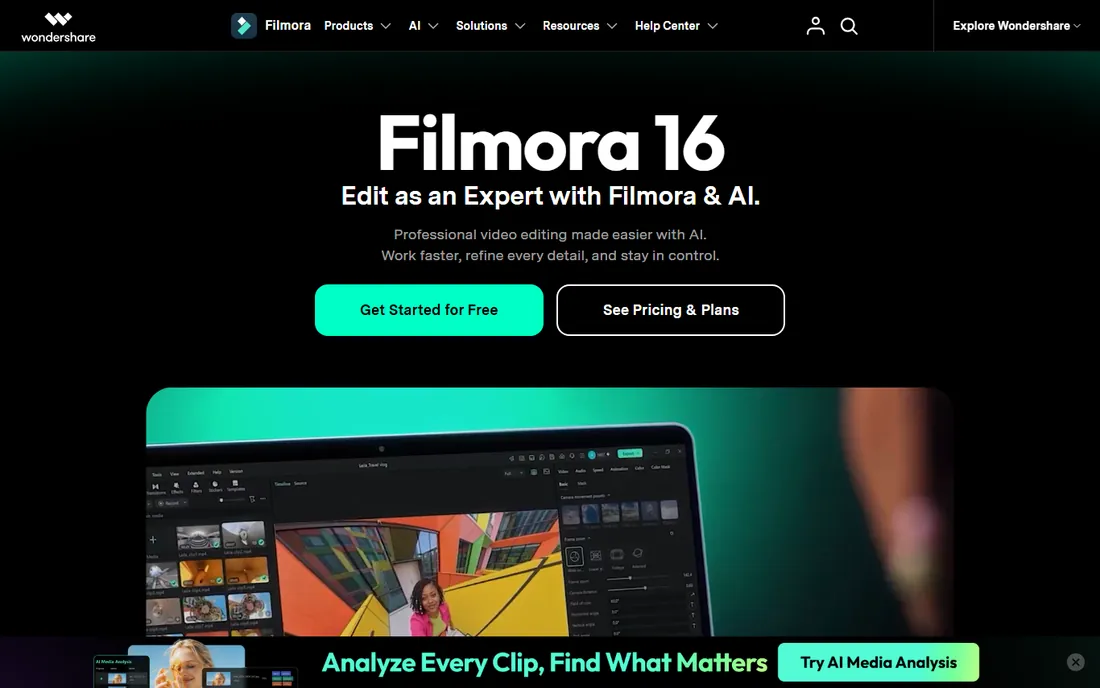
Filmora is built for the vlogger who wants to look good without learning editing theory. The interface is approachable, drag-and-drop effects, animated titles, transitions, and stock media are plentiful, and AI features like auto-captions and silence detection handle the tedious parts of talking-head videos. It is one of the most popular picks among creators asking for the best video editing software for vlogging specifically.
The free version watermarks exports, which pushes most serious users to a paid plan, and the toolset tops out below Premiere or Resolve for advanced color and compositing. But that ceiling is higher than most vlogs need. If your videos are you talking to a camera with B-roll and graphics, Filmora gets you there faster than the pro tools.
What we like- Gentle learning curve
- Big library of effects, titles, and templates
- Affordable plans
Watch out for- Free exports carry a watermark
- Less depth for advanced work
Starting priceSee website
Free planYes
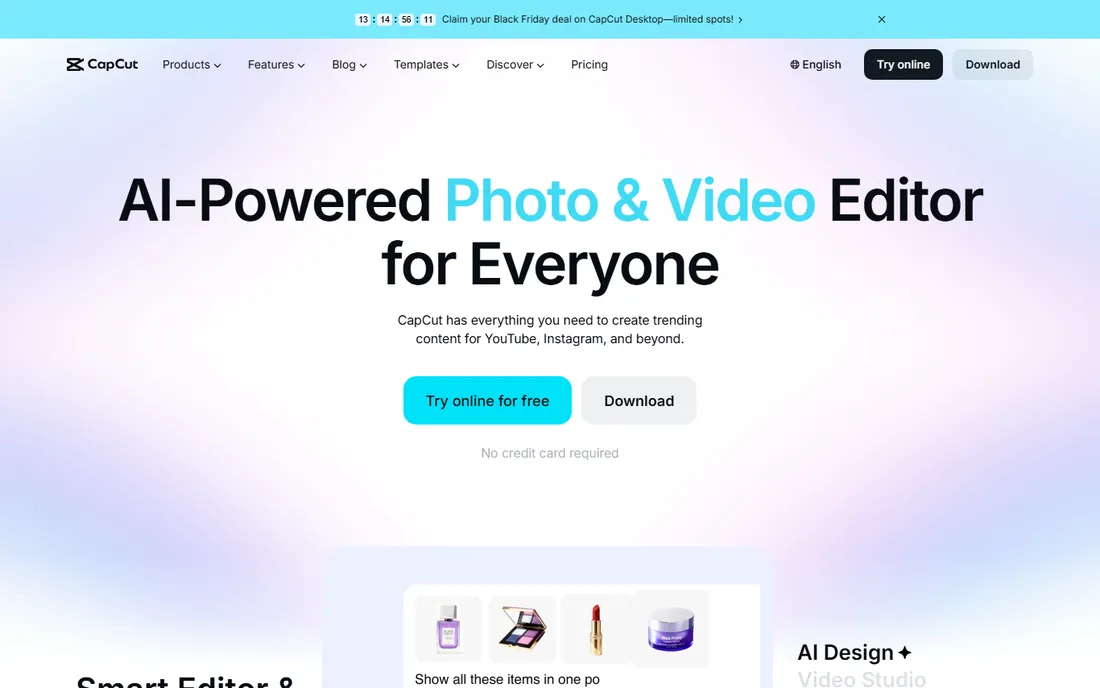
CapCut grew up with TikTok and Shorts, and it shows in everything from the vertical-first templates to the one-tap trending effects. But the desktop app is a real editor: multi-track timeline, keyframes, chroma key, auto-captions in many languages, and direct publishing. For creators whose YouTube strategy centers on Shorts or who repurpose long videos into clips, it is hard to beat at the price of free.
The trade-offs are depth and focus. Complex long-form projects with heavy color work or intricate audio mixing fit better in Resolve or Premiere, and the template-driven workflow can make videos look similar. Still, as a free tool for fast social video, including YouTube Shorts, CapCut belongs in every creator's toolkit even if a pro editor handles the main channel.
What we like- Free and genuinely capable
- Excellent auto-captions
- Templates for trends and Shorts
Watch out for- Desktop app less deep than pro editors
- Some features need an account
Starting priceSee website
Free planFree trial
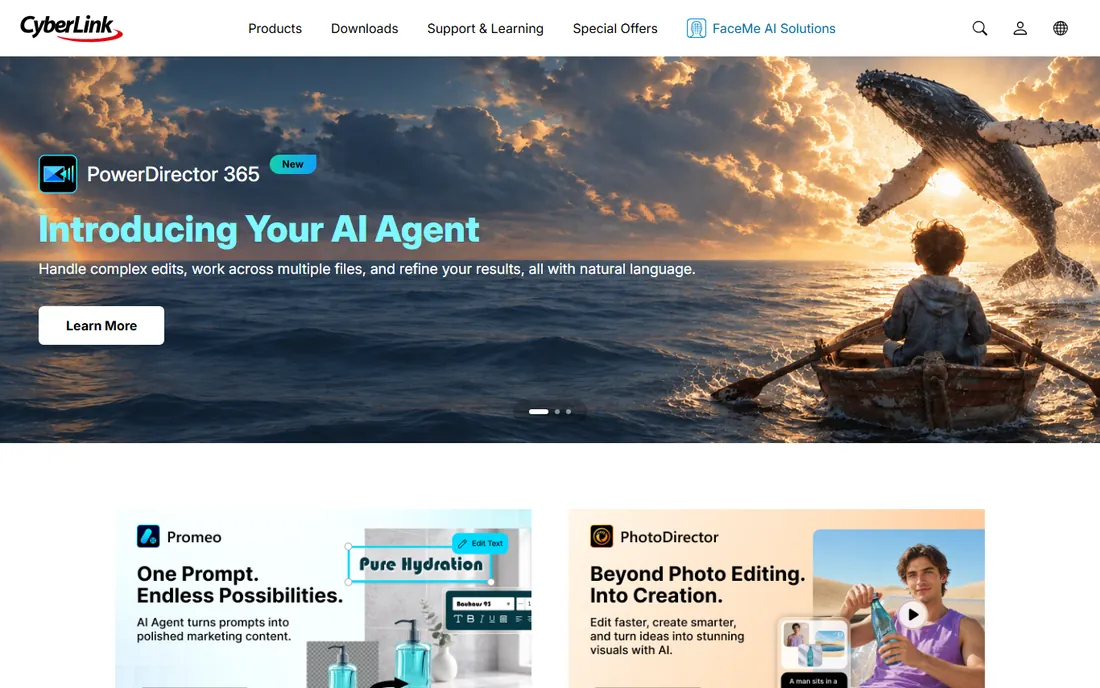
PowerDirector has been refining the Windows video editor formula for years: approachable enough for beginners, deep enough for enthusiasts, and fast at rendering. AI tools for captions, background removal, and object detection sit alongside a large library of effects, transitions, and title templates. It handles 4K comfortably and exports directly to YouTube.
CyberLink nudges users toward subscriptions, though perpetual licenses have historically been offered, so check current options. The interface packs in a lot, which can overwhelm on first launch. For Windows creators who find Filmora too basic but Premiere too much, PowerDirector is the middle ground that has satisfied that audience for a long time.
What we like- Fast rendering on Windows
- Strong effects and template packs
- Regular feature updates
Watch out for- Subscription push
- Interface can feel cluttered
Starting priceSee website
Free planFree trial
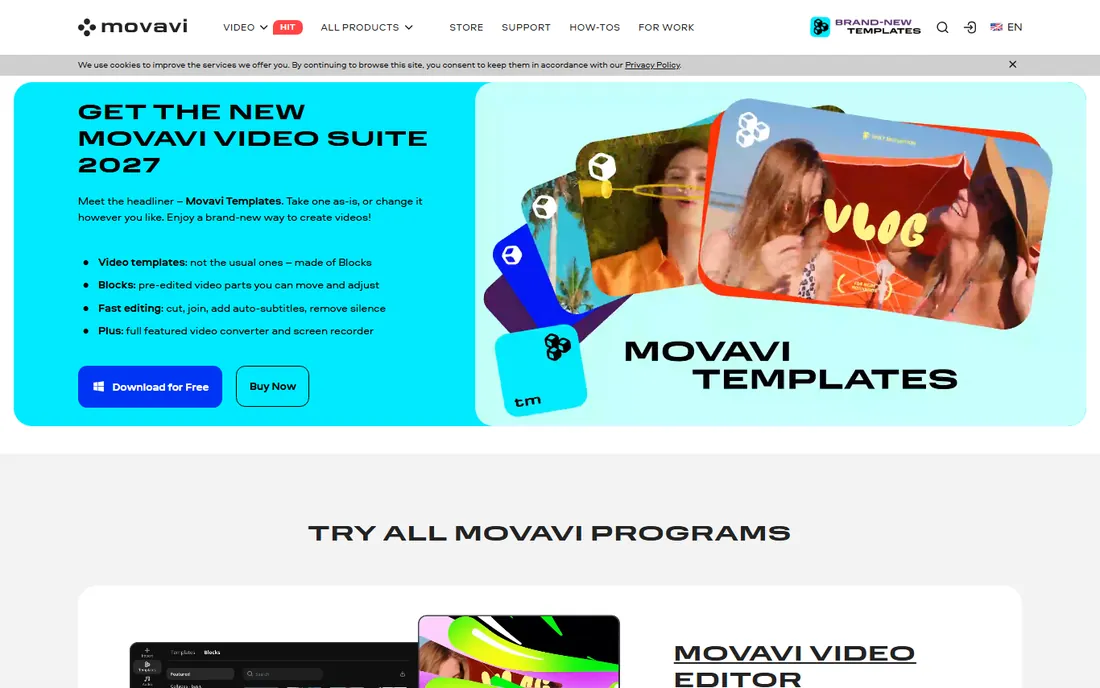
Movavi Video Editor targets the creator who finds even Filmora intimidating. Cutting, titles, transitions, stickers, and basic color correction are all a click or two away, and the program runs well on modest hardware that would choke on Premiere. Montage wizards and intro templates get a simple video finished in an evening.
That simplicity is also the ceiling. Multi-cam, advanced color, and serious audio work are beyond it, and trial exports carry a watermark. Movavi suits family videos, simple tutorials, school projects, and new YouTubers testing whether they enjoy editing at all. If you outgrow it, you will know exactly which features you need next.
What we like- Very easy to learn
- Quick montages and slideshows
- Lightweight on system resources
Watch out for- Limited advanced features
- Trial exports are watermarked
Starting priceSee website
Free planYes
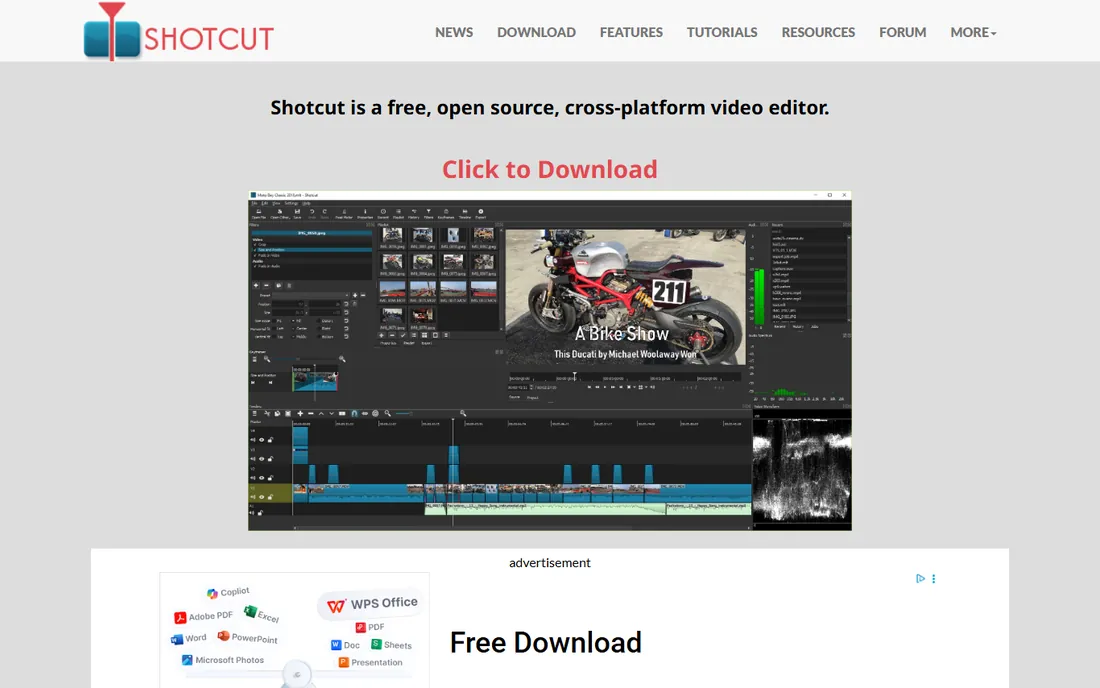
Shotcut is the open-source answer for creators who want a real timeline editor for zero cost. It handles 4K, offers a full multi-track timeline with filters and transitions, supports a huge range of formats natively, and exports without watermarks or restrictions. It runs on Windows, Mac, and Linux, which matters for creators outside the mainstream platforms.
The interface is functional rather than delightful, and you will not find the template libraries and AI helpers of the commercial tools. Documentation is community-driven. But nothing here costs money or locks features behind tiers. For budget creators, Linux users, and anyone who prefers open source, Shotcut does the core job, cutting and assembling videos, without compromise.
What we like- Completely free with no watermark
- Wide format support
- Cross-platform
Watch out for- Interface less refined
- Fewer guided templates and effects
Starting priceSee website
Free planYes
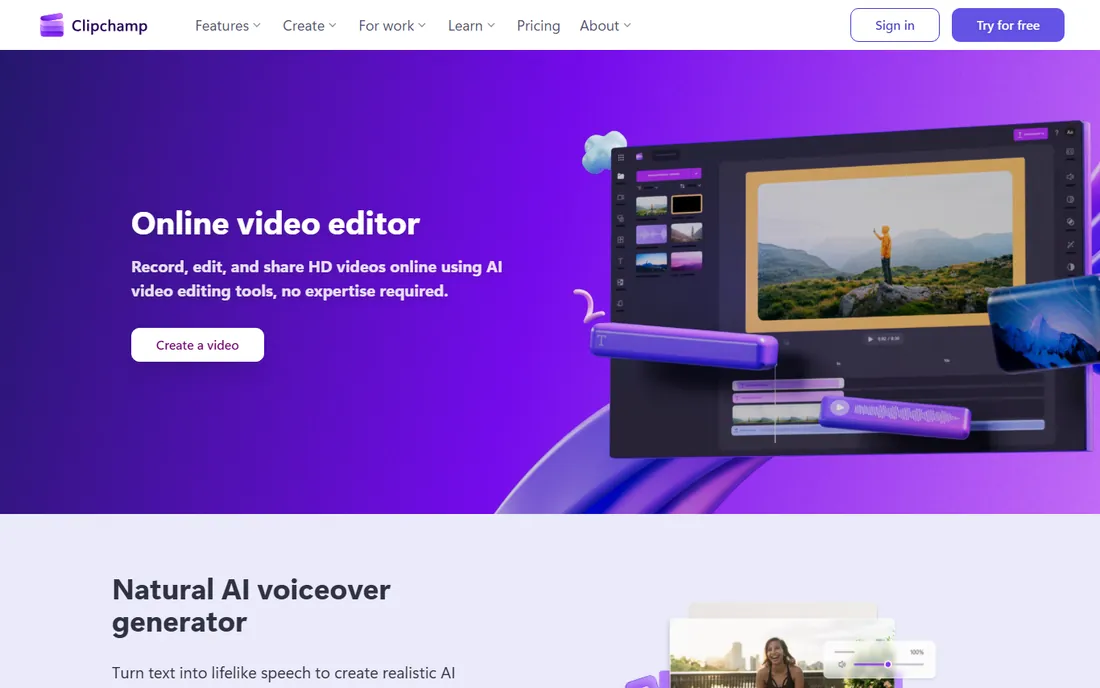
Clipchamp is Microsoft's video editor, and its pitch is convenience: start a project in the browser or the Windows app, use templates and stock media, add auto-captions, and export to YouTube without installing heavy software. The free tier is genuinely useful, with watermark-free exports, which puts it ahead of most free trials.
It is not a Premiere replacement. The toolset covers quick edits, social clips, and simple vlogs rather than complex productions, and power users will feel the limits quickly. But for Windows users who need to turn around simple YouTube videos fast, or for teams already in the Microsoft ecosystem, Clipchamp's zero-cost, zero-install path is compelling.
What we like- Free tier with no watermark on exports
- Simple templates and auto-captions
- Microsoft integration
Watch out for- Web-based roots mean simpler toolset
- Advanced editing needs a desktop app
How we chose
We focused on desktop editors and vlogger-friendly tools that real YouTubers use, from free options to professional suites. We checked that each product is currently available and maintained, read creator reviews and forum discussions about rendering performance, learning curve, and YouTube-specific workflows like captions and direct publishing. We did not edit video in each app ourselves. Pricing in this category shifts between subscription and perpetual models, so we point to each vendor's site for current prices rather than quoting numbers.
Free editors are better than you think
A persistent myth says free video editors are toys. In 2026 that is simply wrong. DaVinci Resolve's free version edits, grades, and finishes professional work. CapCut's free tier handles Shorts and social video end to end. Shotcut gives you a full multi-track timeline for nothing. Clipchamp exports watermark-free without paying.
What paid tools buy you is mostly speed and convenience: bigger template libraries, AI helpers, faster rendering, and deeper pro workflows. Those matter when you upload three times a week and every saved hour counts. They matter less when you upload monthly and enjoy the craft.
The smart path for a new channel: start free. Learn to cut, pace, caption, and export in Resolve or CapCut. When you can name the specific feature that is slowing you down, buy the tool that has it. Most creators who skip this step pay for software whose best features they never touch.
What to check before you buy
Start with your computer. Premiere Pro and DaVinci Resolve want real hardware, especially for 4K. Final Cut Pro needs a Mac and rewards Apple silicon. If your machine is modest, Filmora, Movavi, Clipchamp, and CapCut will run happier.
Then match the tool to your format. Talking-head vlogs and tutorials need fast cutting, captions, and templates, which Filmora, CapCut, and Clipchamp do well. Cinematic travel videos and short films benefit from Resolve's color and Premiere's depth. Shorts-first creators should weight CapCut and mobile workflows.
Check the export terms on free plans. Watermarks on Filmora and Movavi trials make them try-before-you-buy rather than free tools. Resolve, Shotcut, CapCut, and Clipchamp export clean without paying, which changes the value calculation completely.
Finally, count the subscription. A monthly fee you pay for years dwarfs a one-time purchase. Final Cut Pro's one-time price and Resolve's free tier are worth real money over a creator's career. If you choose a subscription, make sure the upload schedule justifies it.
Frequently asked questions
What is the best video editing software for vlogging?
Filmora and CapCut are the most vlogger-friendly: easy to learn, with templates, auto-captions, and direct YouTube export. DaVinci Resolve is the best free option if you will invest time learning. Premiere Pro and Final Cut Pro suit established channels with complex edits.
Can I edit YouTube videos for free?
Yes. DaVinci Resolve, CapCut, Shotcut, and Clipchamp all export real YouTube videos without watermarks for free. Paid tools add speed, templates, and pro features, but none of the basics require payment.
Which is better for YouTube, Premiere Pro or Final Cut Pro?
Both are excellent. Premiere Pro runs on Windows and Mac with the biggest ecosystem of templates and tutorials. Final Cut Pro is Mac-only, faster on Apple silicon, and costs less over time as a one-time purchase. Choose by your platform first.
Do I need a powerful computer for video editing?
It depends on the tool and footage. Premiere Pro and DaVinci Resolve benefit from strong CPUs, GPUs, and RAM, especially in 4K. Filmora, Movavi, CapCut, and Clipchamp are lighter. Proxy workflows and optimized media let modest machines edit smoothly in most of these apps.
What about editing on a phone?
CapCut's mobile app is the strongest phone editor and syncs with desktop. Premiere Rush and mobile versions of other editors exist but are limited. For serious channel work, most creators still finish on a desktop.
How important are auto-captions?
Very. Most viewers watch with sound off at least sometimes, and captions improve retention and accessibility. CapCut, Premiere Pro, Filmora, PowerDirector, and Clipchamp all generate captions automatically now. Make captions part of every upload workflow.
Sources we checked (9)
- https://www.adobe.com/
- https://www.apple.com/
- https://www.blackmagicdesign.com/
- https://filmora.wondershare.com/
- https://www.capcut.com/
- https://www.cyberlink.com/
- https://www.movavi.com/
- https://www.shotcut.org/
- https://www.clipchamp.com/
Is your product missing or out of date?
We review this list regularly. Vendors can request a listing, send updated pricing or ask about featured placement.

Shihab Mia · Founder, Rankite
Shihab has spent more than a decade helping SaaS and e-commerce brands grow through search. He writes Rankite's software buying guides from pricing pages, documentation and public user reviews. More about Shihab.