How we make this list: we compare pricing pages, product documentation and public user reviews. Rankite is independent; if a vendor ever pays for a featured spot, that listing is clearly labeled Partner.
Key takeaways
- Fiery Digital Factory, formerly CADlink, is the professional benchmark for DTF RIP software, with v12 replacing all CADlink-branded versions.
- AcroRIP is the budget pick for Epson-based DTF printers, but buy only from authorized resellers: counterfeit copies bundled with cheap printers are a real problem.
- Roland and Mimaki owners should start with the free bundled RIPs, VersaWorks and RasterLink, before spending on third-party software.
- Most DTF RIP pricing is quote-based or reseller-based, so expect "contact us" pages rather than public price lists outside the Fiery shop.
- White ink control and color profiles matter more than feature count: a RIP with profiles tuned for your ink and film beats a fancier RIP without them.
Quick comparison
Is your product missing or out of date?
We review this list regularly. Vendors can request a listing, send updated pricing or ask about featured placement.
The best software for dtf printing

#1
Fiery Digital Factory
Best for: Serious DTF production shops
Visit fiery.com
Starting priceSee website
Free planFree trial
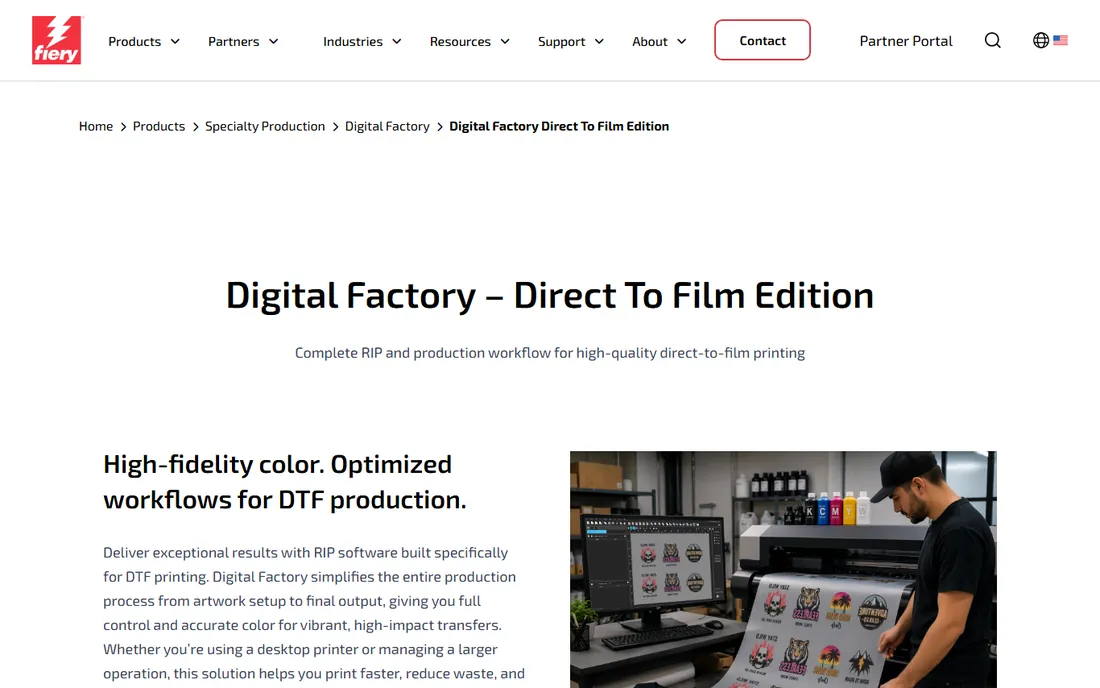
The name on the box changed, so let's clear that up first: CADlink was acquired by Fiery, and Digital Factory v12 is now sold as Fiery Digital Factory, replacing all CADlink-branded v10 and v11 versions. The original CADlink team still develops it, now with Fiery's color science behind it. For DTF work it remains the benchmark other RIPs get measured against.
Two editions cover the market. The Desktop Edition handles printers up to A2 or 18-inch roll width for small shops and home businesses, while the Production Edition targets A1-and-up machines with multi-printer management. Both include the v12 gang sheet builder, single-pass white underbase, knockout tools for black garments, and an optional Fiery Color Profiler add-on for in-house ICC profiling. Licenses are perpetual with free updates within v12, sold through the Fiery shop and resellers. It is the most expensive option here and the most capable; growing shops usually land here after outgrowing a bundled RIP.
What we like- Best-in-class color engine
- Desktop and Production editions
- Perpetual licenses
Watch out for- Highest cost in the category
- Learning curve for beginners
Starting priceSee website
Free planNo
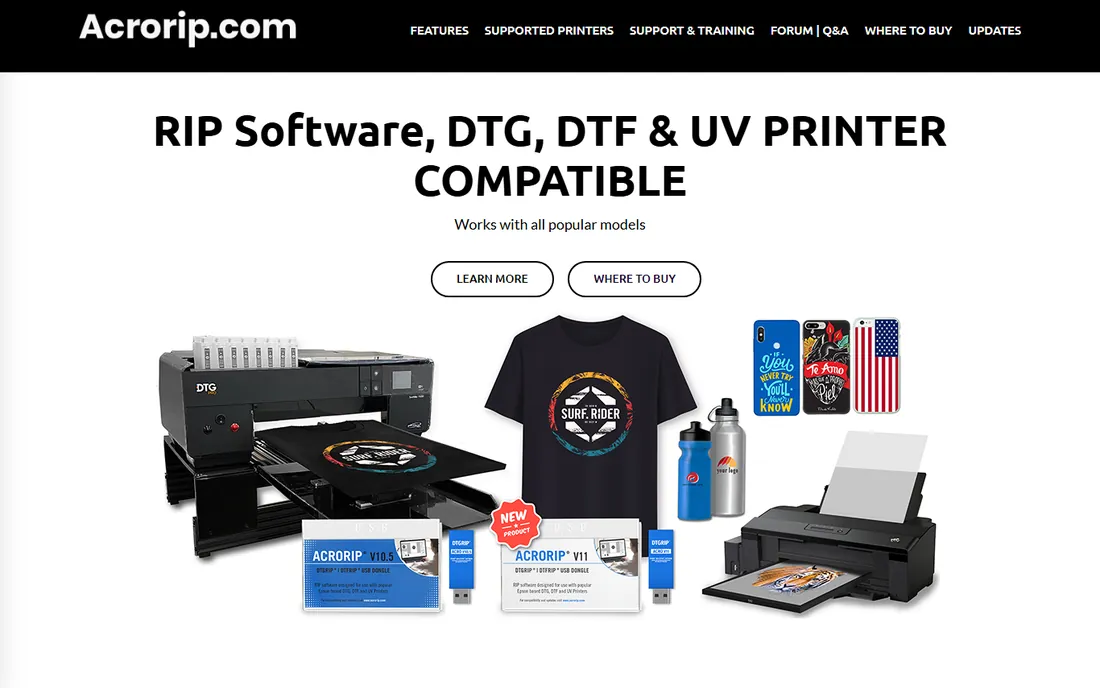
AcroRIP is the people's RIP: cheap, simple, and everywhere in the entry-level DTF world. The interface has barely changed in years, which is a compliment, since a beginner can go from install to first print in an afternoon. It handles the DTF essentials, white underbase control, one-pass white plus color, ICC profiles, and roll printing, across a wide range of Epson-based DTG, DTF, and UV printers. V11 is the current generation, with V10 still supported for bug fixes.
The buying process needs care. Genuine AcroRIP ships as licensed software with a USB dongle through authorized resellers, and the official site maintains a reseller list. Counterfeit copies bundled with bargain printers are widespread and cause exactly the glitches, crashes, and dead-end upgrades you would expect. Buy the software from a named reseller, keep the dongle safe, and you have the best value RIP for a converted Epson setup.
What we like- Simple interface anyone can learn
- One-pass white and color
- Licensed USB dongle
Watch out for- Epson-based printers only
- Windows only
- Rampant counterfeit copies
Starting priceSee website
Free planNo
If your DTF printer arrived from China with software in the box, it was probably Maintop. Version 6.1 is the workhorse RIP bundled with countless Epson-head DTF machines, supporting DX5, DX7, XP600, I3200, and 5113 printheads, plus Ricoh and Konica Minolta in large-format configurations. It rips PS, EPS, PDF, JPG, and TIF directly, previews before and after processing, and handles the standard DTF job without fuss.
Nobody buys Maintop for its color science. The interface is dated, the English documentation is thin, and advanced profiling is not its strength. But it is frequently included with the printer at no extra cost, it is stable for everyday production, and every DTF technician has seen it. Treat it as the starter RIP: learn the process on Maintop, then upgrade to Fiery or Wasatch when color consistency starts costing you reprints.
What we like- Ships free with many DTF printers
- Broad printhead support
- Simple workflow
Watch out for- Basic color management
- Dated interface
- Documentation mostly in Chinese
Starting priceSee website
Free planNo
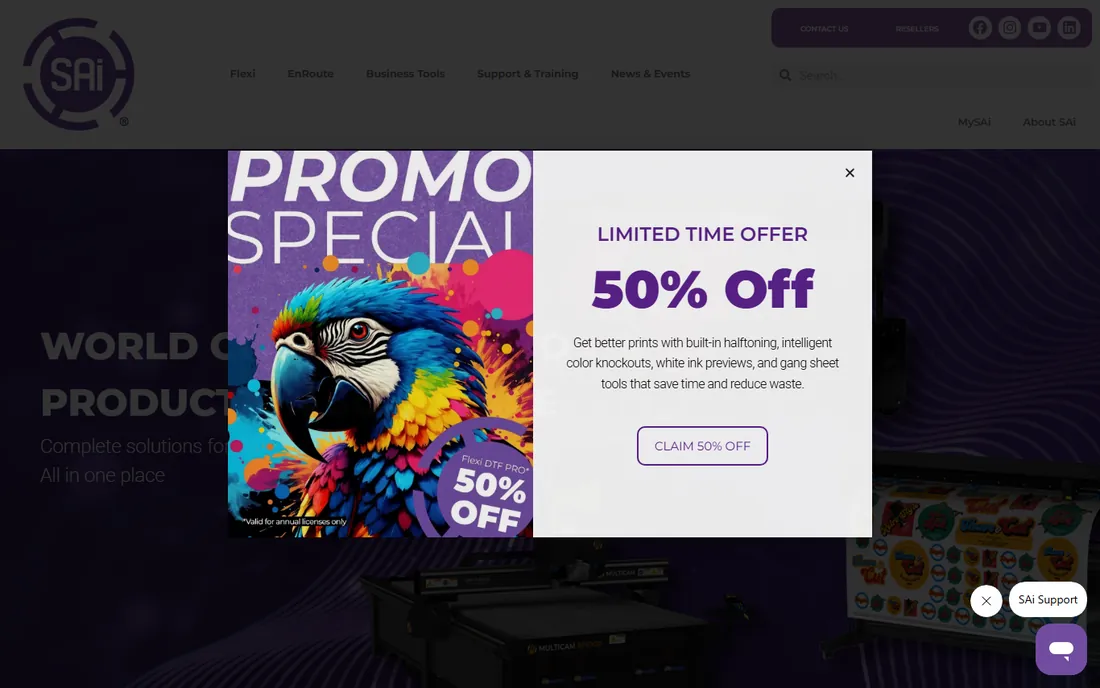
SAi has sold Flexi to sign shops for over three decades, and its DTF support rides on that foundation. The package combines design tools, a production RIP, and contour cutting in one workflow, driving up to five printers simultaneously with job tiling, nesting, and color profiling. White ink layering, including sandwich-mode multi-layer printing, is handled natively, which matters for DTF shops also running UV or vinyl work.
The sign-shop DNA cuts both ways. If your business does DTF alongside banners, wraps, and decals, Flexi unifies everything beautifully. If you only print DTF transfers, much of the package sits idle. Pricing runs on subscription through SAi and resellers, so get a quote for your configuration. It is the right call for diversified print shops, not for single-process DTF startups.
What we like- Design, RIP, and cut in one package
- Drives up to five printers
- White ink layering
Watch out for- Sign-industry roots show
- Subscription pricing
- Overkill for print-only DTF
Starting priceSee website
Free planFree trial
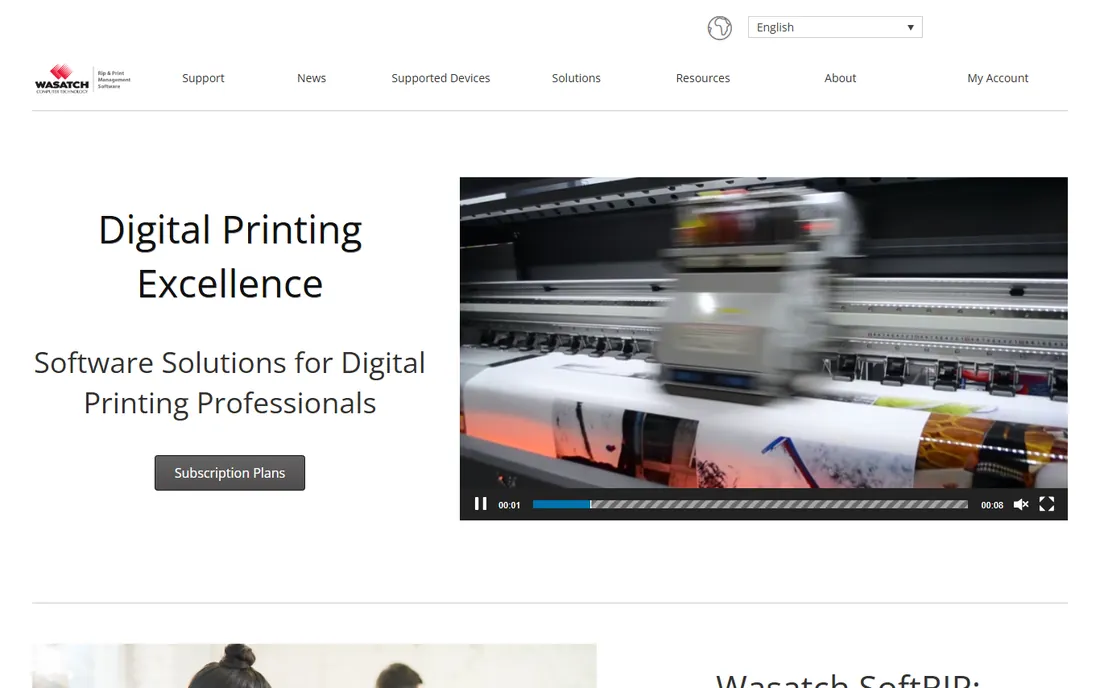
Wasatch built its reputation on color, and SoftRIP carries it into DTF. Setup is famously quick for a professional RIP, the color output is consistently praised by print shops, and options like variable data printing and automation let it scale into serious production. It covers dye sublimation, direct to garment, and DTF workflows with the same engine.
Pricing is quote-based, which is standard for this tier but annoying when budgeting. The interface prioritizes function over beauty, and Wasatch has less DTF-specific community content than Fiery, so expect to lean on dealer support. For shops where color accuracy directly affects client retention, textiles, fashion, corporate merch, it deserves a demo alongside Fiery before you commit.
What we like- Excellent color quality
- Simple setup
- Variable data and automation options
Watch out for- Quote-based pricing
- Interface utilitarian
- Smaller DTF mindshare than Fiery
Starting priceSee website
Free planNo
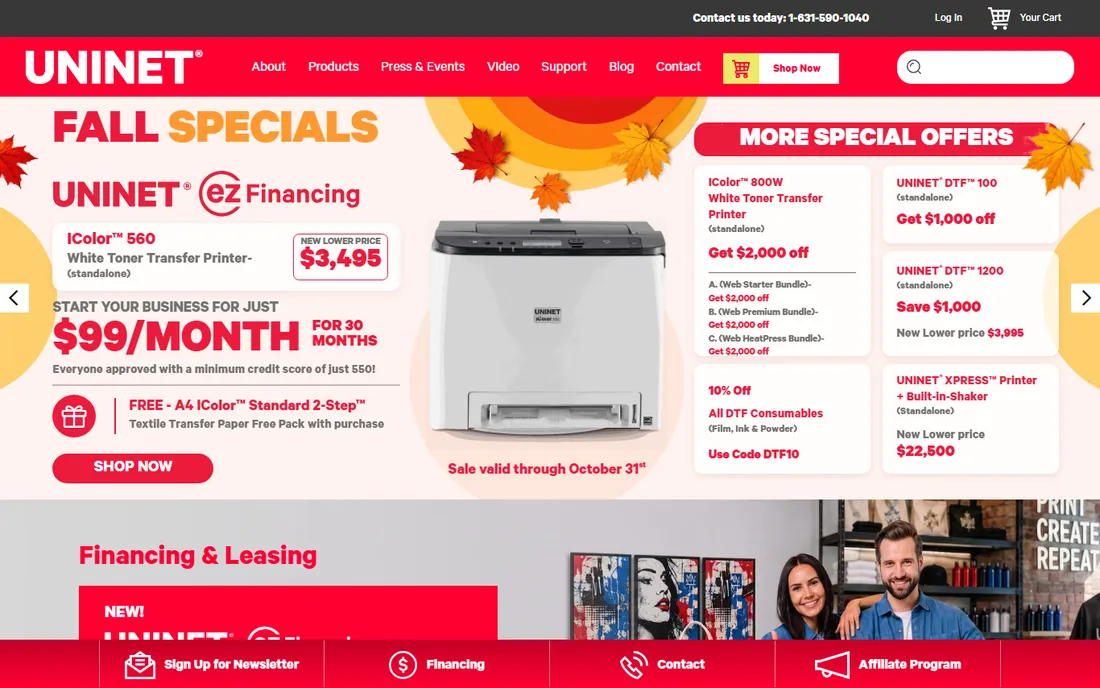
UNINET sells printers and the RIP together, and ProRIP is tuned for that pairing. Every print mode comes pre-configured, mirror, choke, white density, media type, so operators pick the media and print instead of dialing in settings. It prints directly from popular graphics programs, includes custom ICC profiles per print mode and media, and ships with a perpetual license covering updates for the product version.
The trade-off is ecosystem lock-in. ProRIP shines on UNINET's DTF and white-toner machines and is less compelling as a general RIP for mixed fleets. If you bought a UNINET DTF printer, use the software built for it; the integration, support, and pre-built profiles are the point. If you run multiple printer brands, a brand-neutral RIP like Fiery or Wasatch fits better.
What we like- Pre-configured for UNINET hardware
- Prints direct from design apps
- Perpetual license
Watch out for- Tied to UNINET ecosystem
- Less flexible for mixed printer fleets
Starting priceIncluded with Roland printers
Free planYes
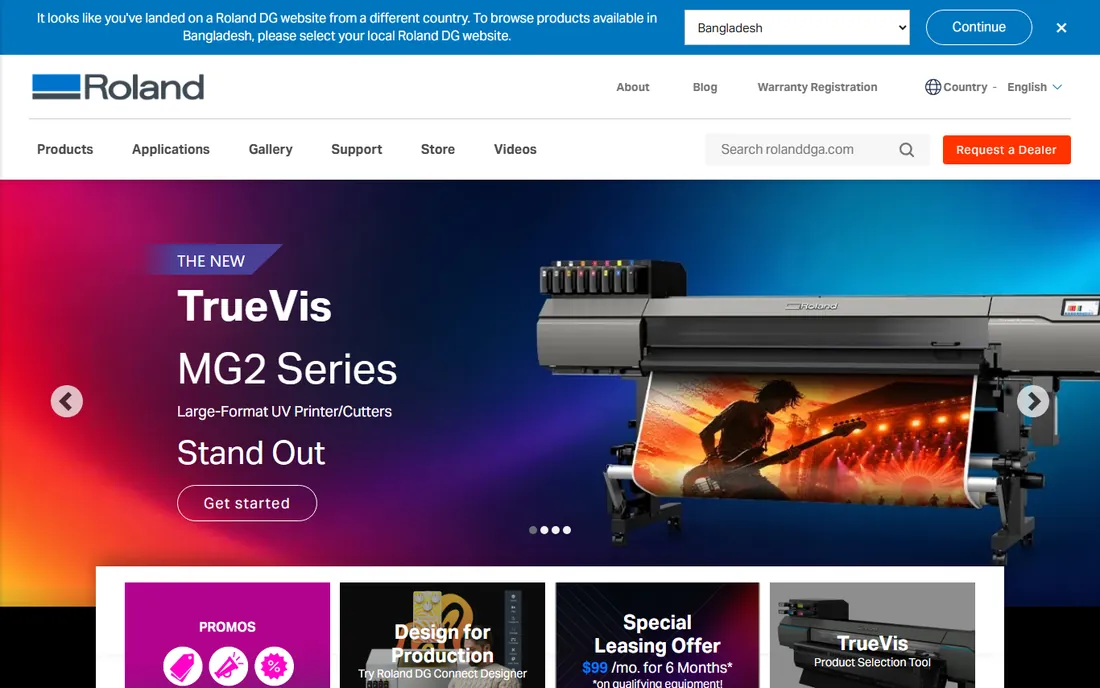
Roland bundles VersaWorks with its printers, including DTF-capable models, and for most Roland owners that is the end of the software search. The current VersaWorks 7 keeps the famously straightforward queue, drag, drop, print, with job management and nesting that cover everyday production. Because Roland builds both ends, printer profiles and ink handling are dialed in from day one.
It is not a color laboratory. Advanced profiling and multi-brand management belong to the paid RIPs above. But it costs nothing beyond the printer, it is stable, and Roland's support covers the whole chain. New DTF shops buying Roland hardware should run VersaWorks until they hit a specific limitation, then upgrade with a clear reason rather than a vague hope.
What we like- Free with the printer
- Dead-simple workflow
- Tuned for Roland hardware
Watch out for- Roland printers only
- Fewer advanced color tools
Starting priceIncluded with Mimaki printers
Free planYes
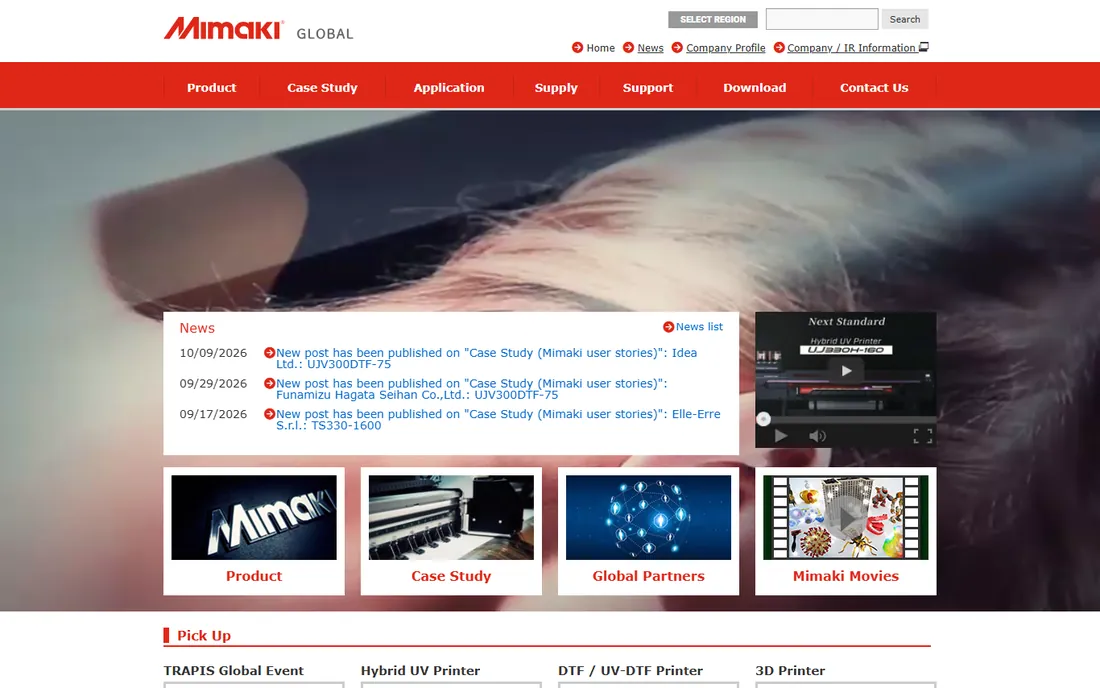
Same story, different badge. Mimaki's RasterLink ships with its printers, including the TxF series DTF machines, and handles ripping, color management, and job queuing without extra cost. Profiles are built for Mimaki inks and media, so output is consistent out of the box, and the interface covers the daily production routine without a manual.
Power users eventually want more: finer profiling control, advanced nesting, or multi-brand support. Until then, RasterLink is free, stable, and supported by the same company that made the printer. Like VersaWorks, it sets the baseline every paid RIP must beat to justify its price on a Mimaki.
What we like- Free with the printer
- Reliable job management
- Matched to Mimaki inks
Watch out for- Mimaki printers only
- Basic compared to premium RIPs
Starting priceSee website
Free planNo
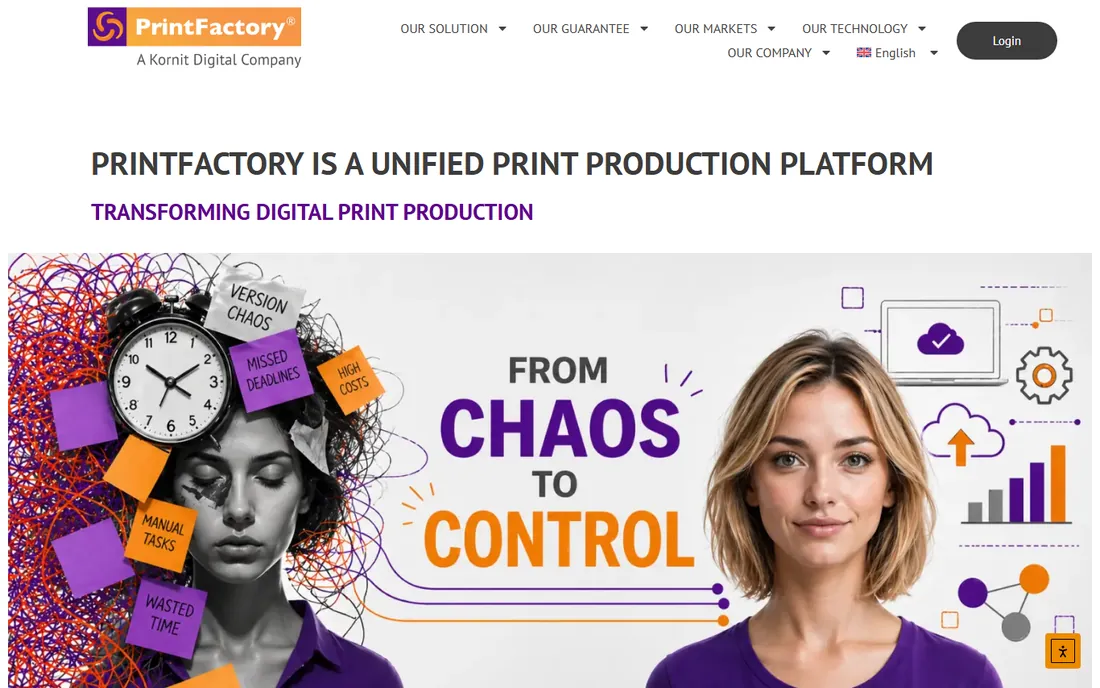
PrintFactory pitches itself as more than a RIP: a unified production platform covering ripping, color management, nesting, and automation in one system. Its ink optimization technology claims measurable savings, and the workflow tools let shops build rule-based automation across multiple printers and processes, including DTF and DTG alongside wide format.
This is production-floor software with production-floor pricing, sold through consultation rather than a shopping cart. Smaller DTF shops may find it more platform than they need, but multi-printer operations juggling DTF with other processes get a single system instead of a software stack. Evaluate it when your bottleneck is workflow coordination rather than any single printer's output.
What we like- Unified RIP plus workflow platform
- Strong automation
- Ink-saving technology
Watch out for- Enterprise-leaning pricing
- Less DTF-specific community content
RIP software versus design software: what you actually need
Newcomers confuse two different tools. Design software, Photoshop, Illustrator, CorelDRAW, creates the artwork. RIP software translates that artwork into precise printer instructions: dot placement, ink density, white underbase generation, and color management. You need both, and they solve different problems.
The practical stack for a DTF startup is a design app you already know, plus the RIP matched to your printer. Bought a Roland or Mimaki? The bundled RIP covers you. Running a converted Epson? AcroRIP is the standard starting point. Scaling to daily production? That is when Fiery Digital Factory, Wasatch, or PrintFactory earn their price through color consistency, automation, and fewer reprints. Do not buy a premium RIP before you have a printer that needs it.
Choosing a RIP for your printer and volume
Start with compatibility, because nothing else matters if the RIP cannot drive your printer. Check the vendor's supported-printer list before anything else: AcroRIP and Maintop target Epson-based machines, VersaWorks and RasterLink are brand-locked, and Fiery, Wasatch, SAi, and PrintFactory publish broad compatibility lists. When in doubt, ask the printer seller which RIP their customers actually run.
Then match the software to your volume. A few dozen shirts a week runs fine on a bundled or budget RIP. Daily production with deadlines needs queue management, nesting to save film, and profiles tuned to your exact ink and film combination, which is where the premium tier pays for itself in reduced waste. White ink control deserves special attention: ask how the RIP handles underbase generation and choke, because poor white layers are the most common DTF quality complaint.
Finally, budget the learning curve alongside the license. A powerful RIP misconfigured produces worse results than a simple RIP set up correctly. Dealer installation and training, included with many reseller purchases, is worth more than a feature checklist.
How we chose
We surveyed 2026 DTF printing guides, dealer sites, and production forums to find which RIP software shops actually run, then verified each product is current and available. The CADlink-to-Fiery rebrand was confirmed against Fiery's own product pages, and AcroRIP's reseller-only model against its official site. We prioritized real printer compatibility, white ink handling, and production track records over marketing claims. Pricing in this category is largely quote-based, so where vendors do not publish prices we say so rather than repeating reseller figures as fact.
Frequently asked questions
What does RIP software do in DTF printing?
RIP stands for raster image processor. It converts your artwork into the precise dot patterns, ink densities, and white underbase layers your DTF printer needs, while managing color through ICC profiles. Without a RIP, or with a poorly configured one, colors drift, white layers misregister, and ink gets wasted.
Do I need RIP software for DTF printing?
Yes, in practice. Every DTF printer needs something performing the RIP function; the question is only which software does it. Many printers bundle a RIP, Maintop with Chinese machines, VersaWorks with Roland, RasterLink with Mimaki, so check what yours includes before buying anything separately.
What is the best RIP software for beginners in DTF?
AcroRIP for Epson-based printers, because it is affordable and simple enough to learn in a day. If your printer came with Maintop, VersaWorks, or RasterLink, start there since it costs nothing extra. Move to Fiery Digital Factory when production volume or color demands outgrow the starter software.
Why did CADlink become Fiery?
Fiery acquired CADlink, and Digital Factory v12 is now sold under the Fiery brand, replacing the CADlink-branded v10 and v11. The development team stayed the same. If you see "CADlink Digital Factory" on reseller sites, it usually refers to older stock or older versions; new purchases are Fiery Digital Factory.
How much does DTF RIP software cost?
It ranges from free, bundled with printers, to budget options like AcroRIP sold through resellers, up to professional RIPs like Fiery Digital Factory and Wasatch that run into four figures. Most vendors price by printer size and edition and sell through dealers, so published list prices are rare outside the Fiery shop.
Sources we checked (12)
- https://www.fiery.com/products/digital-factory-dtf/
- https://acrorip.com/
- https://www.maintop.cn/
- https://www.thinksai.com/
- https://wasatch.com/
- https://www.icolorprint.com/
- https://www.rolanddga.com/
- https://mimaki.com/
- https://printfactory.cloud/
- https://geekbitz.com/best-rip-software-for-dtf-printing/
- https://www.deconetwork.com/top-6-rip-software-for-dtf-printers/
- https://www.sublimet.com/en/rip-software-cadlink-digital-factory-v11-dtf-desktop-edition/
Is your product missing or out of date?
We review this list regularly. Vendors can request a listing, send updated pricing or ask about featured placement.

Shihab Mia · Founder, Rankite
Shihab has spent more than a decade helping SaaS and e-commerce brands grow through search. He writes Rankite's software buying guides from pricing pages, documentation and public user reviews. More about Shihab.
 AcroRIP
 Maintop
 SAi Flexi
 Wasatch SoftRIP
 UNINET iColor ProRIP
 Roland VersaWorks
 Mimaki RasterLink
 PrintFactory