How we make this list: we compare pricing pages, product documentation and public user reviews. Rankite is independent; if a vendor ever pays for a featured spot, that listing is clearly labeled Partner.
Key takeaways
- Affinity is now completely free: since the October 2025 relaunch, the unified Affinity app covers vector, raster and layout with no subscription.
- Adobe still charges per app: Photoshop and Illustrator each cost $22.99/month on annual billing, which adds up fast for freelancers.
- The best one-time buys are Clip Studio Paint PRO ($49.99), Procreate ($12.99, iPad only) and PaintTool SAI ($50.81); all are pay-once, own-forever.
- Krita, MediBang Paint and SketchBook are genuinely free with no catch, and Krita rivals paid software for digital painting.
Quick comparison
| Tool | Best for | Starting price | Free plan |
|---|
 Adobe Photoshop Adobe Photoshop | Photo editing, digital painting and compositing professionals | $22.99/month (single app, billed annually) | Free trial (7 days) |
 Adobe Illustrator Adobe Illustrator | Vector illustration, logos and graphic design | $22.99/month (single app, billed annually) | Free trial (7 days) |
 Affinity Affinity | Designers who want professional tools without a subscription | Free | Yes |
 Clip Studio Paint Clip Studio Paint | Comic, manga and illustration artists | $49.99 (PRO, one-time) | Free trial |
 Corel Painter Corel Painter | Artists who want traditional media simulated digitally | $429 (one-time) | Free trial |
 Krita Krita | Digital painters who want pro features for free | Free | Yes |
 Procreate Procreate | iPad illustrators and painters | $12.99 (one-time) | No |
 Autodesk SketchBook Autodesk SketchBook | Quick sketching, ideation and concept thumbnails | Free | Yes |
 PaintTool SAI PaintTool SAI | Windows users painting in anime and manga styles | $50.81 (one-time) | Free trial |
 MediBang Paint MediBang Paint | Comic creators who want free cloud-connected tools | Free | Yes |
Is your product missing or out of date?
We review this list regularly. Vendors can request a listing, send updated pricing or ask about featured placement.
The best software for drawing
The drawing software market flipped in late 2025 when Canva made Affinity completely free, and every recommendation written before that is now suspect. A freelancer who once paid Adobe $55 a month can now do vector, raster and layout work for nothing. That does not make the paid tools pointless, but it moves the question from "which can I afford" to "which fits how I draw." These ten tools cover the real options, free and paid.
#1
Adobe Photoshop
Best for: Photo editing, digital painting and compositing professionals
Visit adobe.com
Starting price$22.99/month (single app, billed annually)
Free planFree trial (7 days)
Photoshop remains the reference for raster work: digital painting, photo manipulation, textures and compositing. The brush engine is deep, the layer and masking system is the one every other app imitates, and the plugin ecosystem covers everything from noise reduction to 3D texturing. If you work with clients, printers or studios, PSD compatibility is non-negotiable.
The cost is the honest catch. At $22.99 a month for the single app, you pay $276 a year forever, and canceling an annual plan early triggers a fee. For pure drawing, Krita or Clip Studio Paint cover most of the painting workflow for free or $50 once. Buy Photoshop when your work demands the ecosystem, not just the brushes.
What we like- The industry standard: unmatched brush engine, layer system and plugin ecosystem
- Every client and printer speaks PSD
- Constant updates with AI-assisted editing tools
Watch out for- Subscription only, and the price never stops
- Heavy on RAM and storage
- Overkill if you only need to draw and paint
#2
Adobe Illustrator
Best for: Vector illustration, logos and graphic design
Visit adobe.com
Starting price$22.99/month (single app, billed annually)
Free planFree trial (7 days)
Illustrator is where logos, icons, packaging and vector illustration get made professionally. The pen tool, shape builder and pathfinder operations are precise in a way raster tools cannot match, and vector files scale from business card to billboard without losing quality. For brand work and print, it is still the default.
But the free alternative changed the math. Affinity's unified app handles vector illustration competently at $0, which makes Illustrator's $276 a year a harder sell for freelancers who do not need the Adobe ecosystem. Buy Illustrator when clients demand AI files and Creative Cloud libraries; otherwise try Affinity first.
What we like- The vector standard: precise pen tools, path operations and typography controls
- Infinite scalability for logos and print
- Deep integration with the rest of Creative Cloud
Watch out for- Same subscription treadmill as Photoshop
- The learning curve is steep for beginners
- Affinity now does most of this for free
Starting priceFree
Free planYes
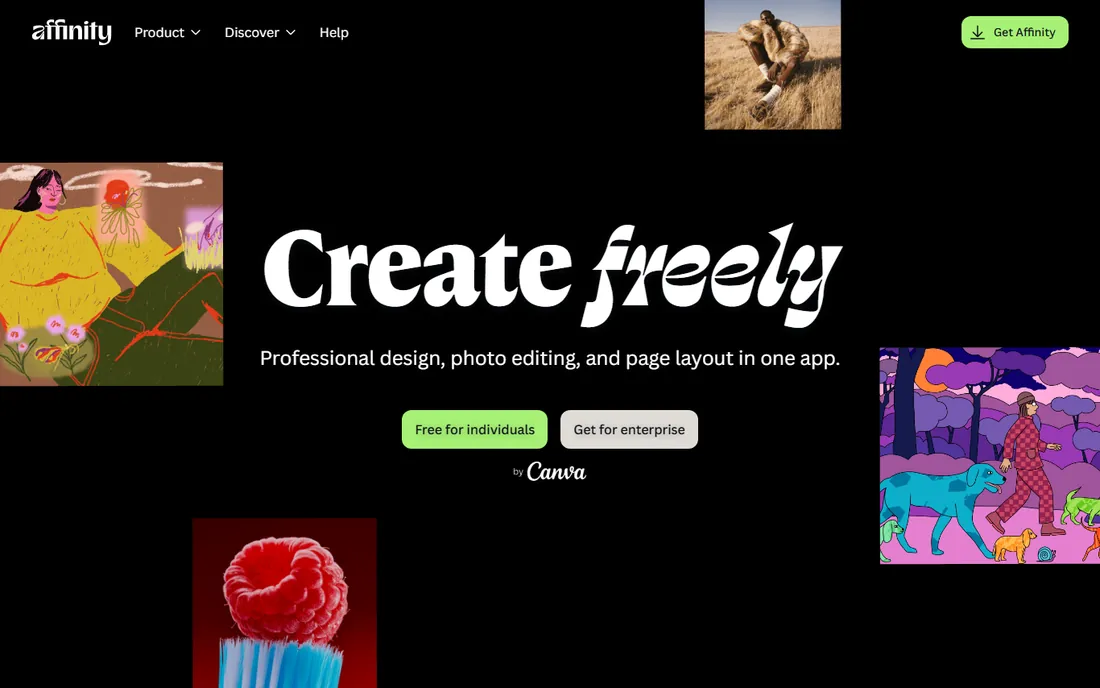
Affinity is the story of 2026 in creative software. After Canva acquired Serif, the three Affinity apps (Designer, Photo, Publisher) were merged into one unified application and made free forever for everyone on Windows and Mac, with iPad support on the way. Vector illustration, photo editing and page layout all live in one polished app at exactly $0.
The catch is compatibility, not capability. Opening complex Adobe files can take a while and occasionally loses fidelity, which matters if clients send you layered PSDs or AI files daily. The advanced AI features sit behind a Canva subscription. But for original work, this is now the default recommendation for anyone who refuses subscriptions.
What we like- Completely free since the October 2025 relaunch: vector, raster and layout in one app
- No subscription, no license fee, no stripped-down tier
- Fast and well-designed interface
Watch out for- Adobe file import can be slow and imperfect
- The premium AI tools need a Canva subscription
- The ecosystem is younger than Adobe's
Starting price$49.99 (PRO, one-time)
Free planFree trial
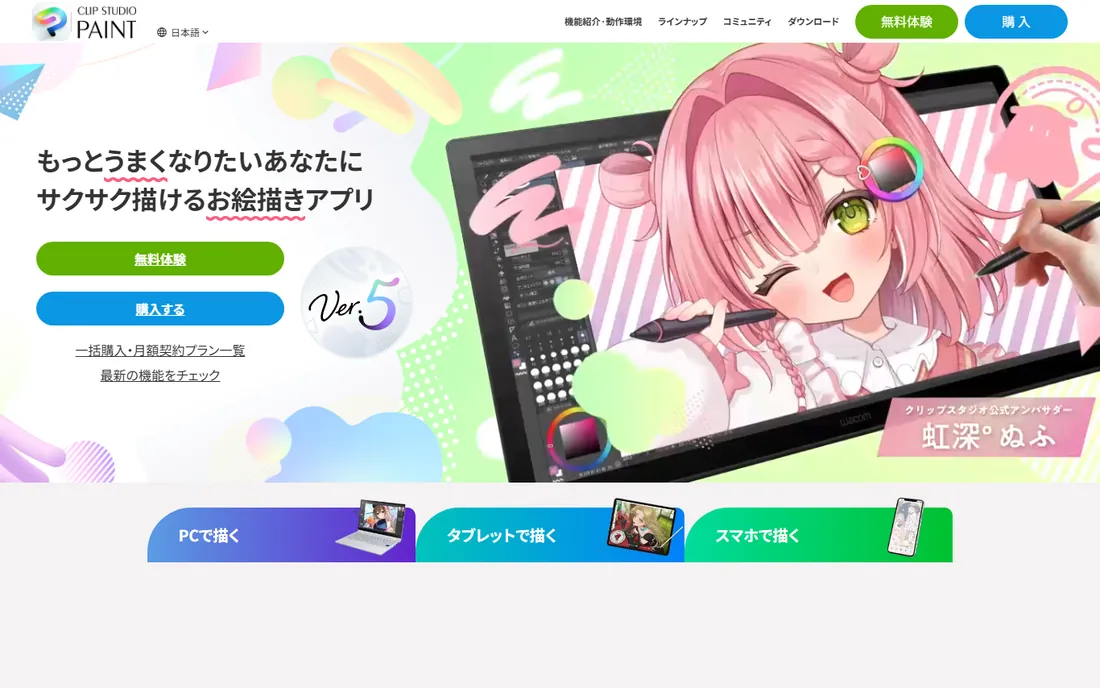
Clip Studio Paint owns the comic and manga workflow. Panel creation, speech balloons, screentones, perspective rulers and multi-page management (in EX) are built in, not bolted on. The brush engine with stabilization produces the clean line art the style demands, and Clip Studio Assets offers thousands of community brushes and 3D models for posing reference.
Pricing is refreshingly old-fashioned: $49.99 once for PRO on Windows or Mac, $219 once for EX with unlimited animation and multi-page comics. Subscriptions exist for mobile and multi-device use. If you draw comics, manga or detailed illustration, this is the tool built for you.
What we like- The comic artist's standard: panel tools, perspective rulers, 3D poseable models and a huge asset store
- PRO is $49.99 once for desktop, a rare perpetual license
- Excellent brush stabilization for line art
Watch out for- The perpetual license is desktop-only
- IPad and mobile need a subscription from $4.99/month
- Animation beyond 24 frames needs the $219 EX version
Starting price$429 (one-time)
Free planFree trial
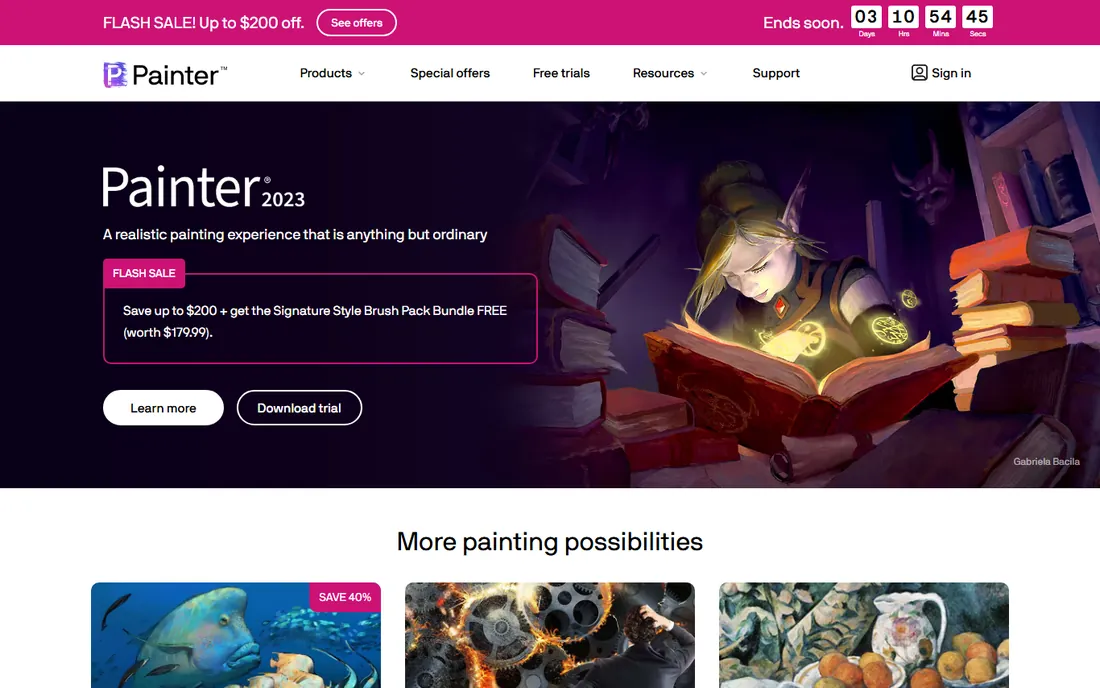
Corel Painter is for painters, not illustrators: its brushes simulate real oil, watercolor, chalk and pastel with a fidelity nothing else matches. Traditional artists moving to digital feel at home fastest here, because the tools behave like the physical media they know. The brush customization goes deeper than any competitor.
The price is the barrier: $429 one-time or $199 a year, with a $19.99 monthly option. That only makes sense if natural-media painting is your actual work. Illustrators, comic artists and concept artists get more for less from Clip Studio Paint or Krita. Buy Painter when the medium is the message.
What we like- The best natural-media simulation: oils, watercolors and pastels that behave like the real thing
- Huge brush library with deep customization
- One-time purchase option still exists
Watch out for- $429 is the highest price on this list by far
- The interface is dense and dated in places
- Overkill for cartoon, comic or vector styles
#6
Krita
Best for: Digital painters who want pro features for free
Visit krita.org
Starting priceFree
Free planYes
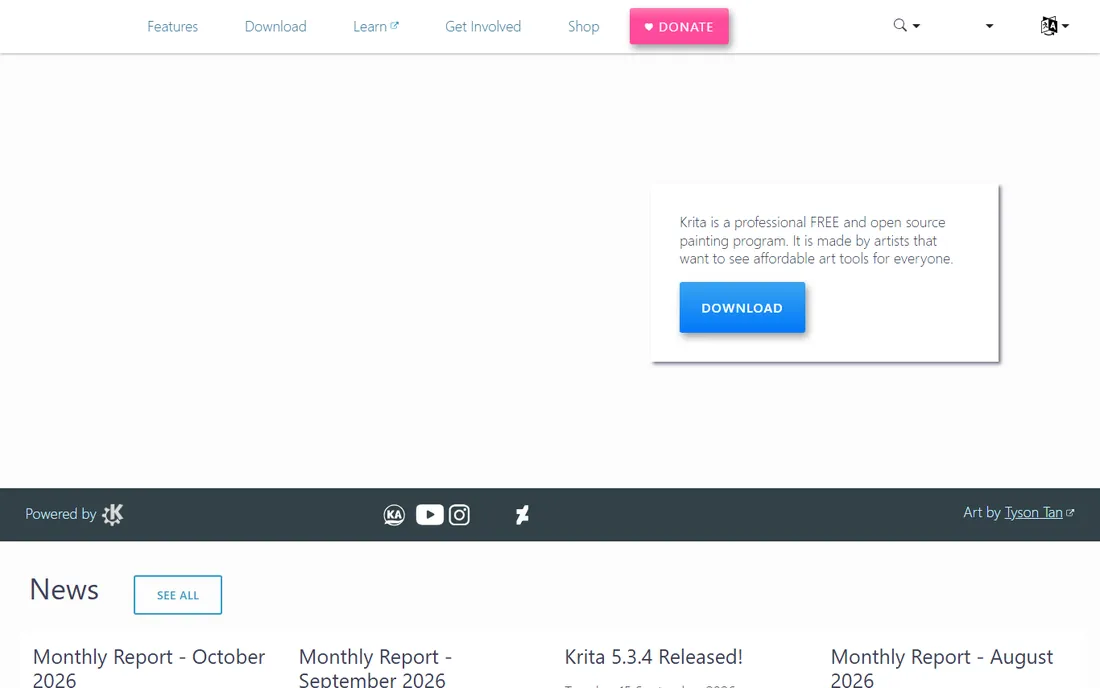
Krita is the proof that free software can be professional software. Built by artists for artists, it offers a deep brush engine, full layer and mask support, HDR painting, animation tools and a wrap-around mode for tiling textures, all for $0 with no catch. Concept artists and illustrators use it in production.
It is not perfect: the UI shows its open-source roots, and the animation workflow is weaker than Clip Studio EX. But for digital painting, it stands next to software costing hundreds of dollars. If your budget is zero, start here before looking anywhere else.
What we like- Free and open source with no ads, accounts or feature limits
- A brush engine and layer system that rival paid software
- Active development with regular releases
Watch out for- The interface is less polished than commercial rivals
- Animation tools exist but trail Clip Studio EX
- Photo editing and vector tools are basic
Starting price$12.99 (one-time)
Free planNo
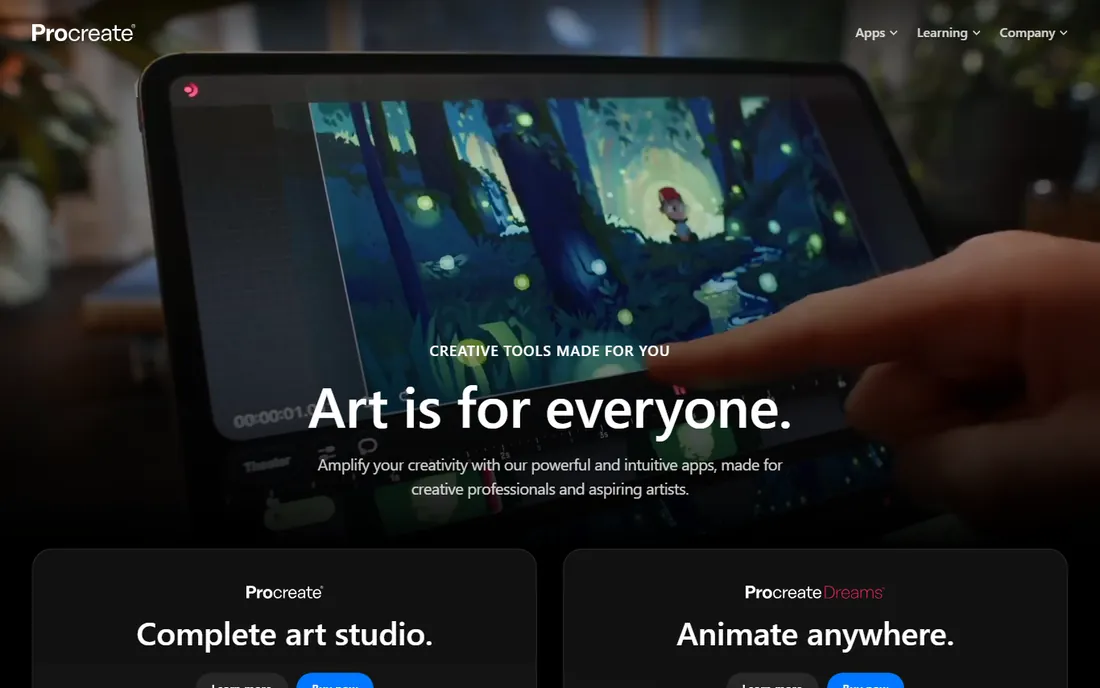
Procreate is the reason many illustrators own an iPad. The $12.99 one-time purchase buys a complete raster illustration studio: a brush engine artists genuinely customize, huge canvases, frame-by-frame animation assist, and 3D model painting. The Apple Pencil integration feels natural, and the interface stays out of the way.
The limits are platform and format: iPad only, raster only. Logo and vector work belongs in Affinity or Illustrator. There is no trial, but at $12.99 the risk is trivial. For pure drawing on a tablet, nothing matches it at any price.
What we like- The best drawing experience on iPad: 200-plus brushes, 16K canvases and a superb touch interface
- $12.99 once with no subscription
- Animation Assist and 3D painting included
Watch out for- IPad only, so desktop workflows need another tool
- No vector support
- No free trial, so you buy on reputation
#8
Autodesk SketchBook
Best for: Quick sketching, ideation and concept thumbnails
Visit sketchbook.com
Starting priceFree
Free planYes
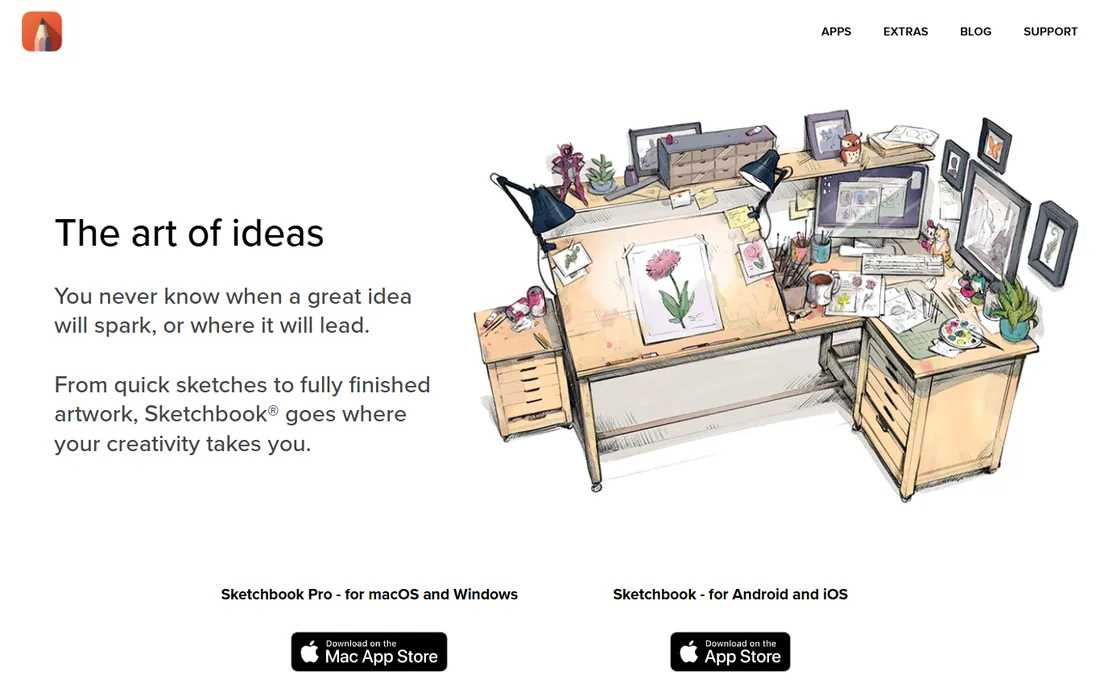
SketchBook is the digital napkin: open it and draw, with no panels, docks or decisions in the way. The predictive stroke smooths shaky lines, symmetry tools speed up character design, and the interface hides everything until you need it. For thumbnails, storyboards and concept sketching, that minimalism is the feature.
It will not replace a full illustration tool: text handling, animation and advanced brushes are limited or absent. But as a free sketching companion to Krita, Clip Studio or Procreate, it earns its place. Sometimes the best tool is the one with the fewest buttons.
What we like- Free with a clean, minimal interface that stays out of the way
- Excellent predictive stroke and symmetry tools for fast sketching
- Runs on desktop, mobile and tablet
Watch out for- Thin on advanced features: no animation, limited text and vector tools
- Development pace has slowed since the Autodesk spinoff
#9
PaintTool SAI
Best for: Windows users painting in anime and manga styles
Visit systemax.jp
Starting price$50.81 (one-time)
Free planFree trial
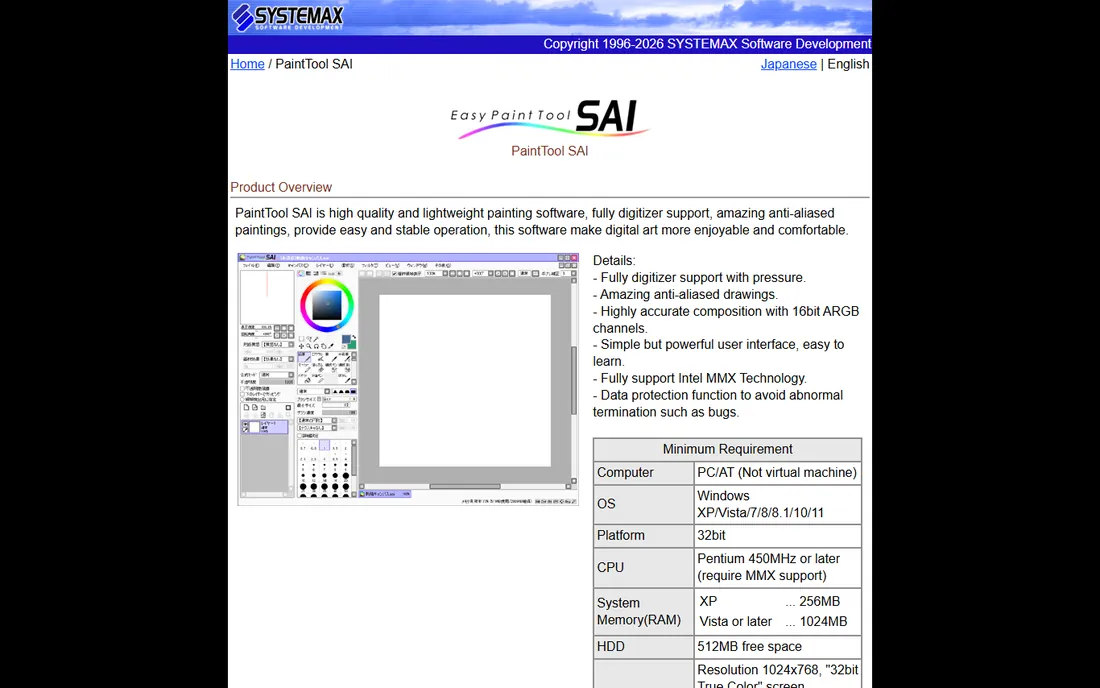
PaintTool SAI has a cult following for one reason: it feels right. The line stabilization is still the benchmark for smooth inking, and the watercolor blending suits anime and manga coloring perfectly. It launches instantly, runs on weak hardware, and stays out of the artist's way. Version 2 added rulers, perspective tools and better brushes.
The limits are real: Windows only, a dated interface, and a small Japanese developer with a slow release pace. At $50.81 one-time it is cheap enough to be a specialist tool. Buy it if you ink on Windows and love the feel; otherwise Clip Studio Paint covers the same ground with more features.
What we like- Featherweight and fast: runs well on old hardware with minimal lag
- Beloved line stabilization and watercolor-style blending
- $50.81 one-time with no subscription
Watch out for- Windows only, with no Mac, iPad or Android version
- The interface looks dated
- Development is slow and the feature set is narrow
Starting priceFree
Free planYes
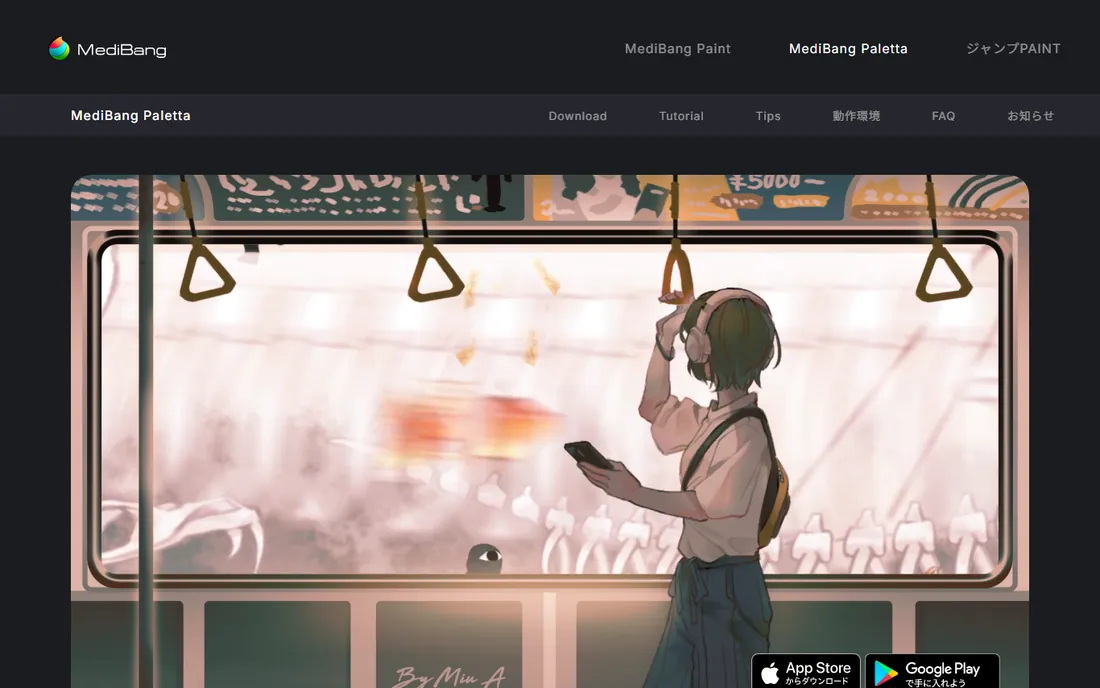
MediBang Paint is the free comic studio: panel tools, tone materials, cloud brushes and multi-device sync, all for nothing. The cloud integration is the differentiator: start a page on your desktop, continue on your phone, with fonts and materials following you. The community shares a huge library of free resources.
The free version shows ads, and the painting engine is less sophisticated than Krita's. But for manga and comic creation on a zero budget, especially across devices, it is the most complete free option. Many artists pair it with Clip Studio Paint later; many never need to.
What we like- Free with comic-specific tools: panel dividers, screentones and cloud fonts
- Cloud saving syncs work across desktop, tablet and phone
- A large community sharing brushes and materials
Watch out for- Ads in the free version can annoy
- The brush engine is simpler than Krita or Clip Studio
- Some advanced materials cost extra
Raster vs vector: pick the right canvas
The first decision is not which app but which kind of image. Raster tools (Photoshop, Krita, Procreate, Clip Studio, Painter, SAI, MediBang, SketchBook) paint with pixels: great for illustration, painting and texture, but enlarging loses quality. Vector tools (Illustrator, Affinity's vector persona) draw with math: perfect for logos, icons and anything that must scale.
Most drawing buyers want raster. If you illustrate, paint or make comics, start with the raster list. If you design logos, brand assets or UI graphics, you need vector, which means Affinity (free) or Illustrator ($22.99/month). Some artists need both: Affinity covers both in one free app, which is why it now sits at the center of so many setups.
The subscription question
Drawing software now spans every pricing model, so match the model to your career stage. Students and hobbyists should live on the free tier: Affinity, Krita, MediBang and SketchBook cover professional-quality work at $0. Freelancers doing client work can justify one subscription (usually Photoshop) while keeping Affinity for everything else.
One-time purchases are the sweet spot for working artists who hate subscriptions: Clip Studio Paint PRO at $49.99, Procreate at $12.99 and PaintTool SAI at $50.81 never bill you again. Corel Painter's $429 is the exception that proves the rule: only pay it if natural-media painting is your specialty. And remember Adobe's cancellation fee on annual plans: never start a subscription the week before a slow month.
How we chose
We started with the searches artists run: drawing software, digital painting software, illustration software and comic drawing software. For each candidate we confirmed it is actively maintained in 2026, checked the current pricing model (subscription, one-time or free), and weighed the real workflow fit: brush quality, comic tools, vector capability and platform support. The Affinity pricing reflects the October 2025 relaunch, verified against multiple 2026 sources.
Frequently asked questions
What is the best free drawing software?
Krita for digital painting, Affinity for vector and layout, and MediBang Paint for comics. Between the three, a beginner can do professional-quality work without spending anything. Affinity going free in late 2025 made the free tier stronger than many paid options.
Is Photoshop worth it for drawing?
Worth it if your work demands the Adobe ecosystem: client PSD files, specific plugins, or studio pipelines. For pure drawing and painting, Krita and Clip Studio Paint match most of the brush workflow for free or $50 once. Many illustrators now pair Affinity with Krita and skip Adobe entirely.
Which drawing software is best for comics and manga?
Clip Studio Paint: it is built for the workflow with panel tools, perspective rulers, 3D models and multi-page management. MediBang Paint is the free alternative with solid comic tools and cloud sync. Krita handles the painting side well if your comic style is painterly.
Can I draw professionally on an iPad?
Yes. Procreate at $12.99 is the standard recommendation, with a brush engine and canvas sizes that handle professional illustration. Clip Studio Paint runs on iPad via subscription, and Affinity's iPad version is on the way. Pair the iPad with an Apple Pencil; the stylus matters as much as the app.
What is the difference between raster and vector drawing?
Raster images are made of pixels: great for painting and illustration, but they lose quality when enlarged. Vector images are made of mathematical paths: they scale infinitely, which is why logos and icons are vector. Choose raster for art, vector for design.
Do I need a drawing tablet?
For serious work, yes. A pen display or tablet with pressure sensitivity changes everything about digital drawing; a mouse cannot replicate it. Budget tablets work fine with Krita, Clip Studio and SAI. The tablet matters more than the software: a good tablet with free software beats an expensive app with a mouse.
Sources we checked (9)
- https://www.windowscentral.com/software-apps/canva-affinity-to-free-model
- https://www.techradar.com/pro/affinity-by-canva-2026-review
- https://mycreatorstack.com/2026/01/03/affinity-designer-2026-vs-adobe-illustrator/
- https://www.g2.com/products/clip-studio-paint/pricing
- https://toolradar.com/tools/clip-studio-paint/pricing
- https://drawingbyte.com/corel-painter-one-time-purchase/
- https://tickcoupon.com/coupons/corel-painter-promotion
- https://techilu.com/best-ipad-drawing-apps/
- https://www.capterra.ca/compare/1011998/1012481/procreate/vs/painttool-sai
Is your product missing or out of date?
We review this list regularly. Vendors can request a listing, send updated pricing or ask about featured placement.

Shihab Mia · Founder, Rankite
Shihab has spent more than a decade helping SaaS and e-commerce brands grow through search. He writes Rankite's software buying guides from pricing pages, documentation and public user reviews. More about Shihab.