How we make this list: we compare pricing pages, product documentation and public user reviews. Rankite is independent; if a vendor ever pays for a featured spot, that listing is clearly labeled Partner.
Key takeaways
- dbdiagram.io and MySQL Workbench cost nothing and cover solo developers and small teams surprisingly well, with real DDL generation included.
- Lucidchart and DbSchema suit teams that want approachable diagramming with enough database awareness to stay honest.
- SqlDBM, Navicat Data Modeler, and Moon Modeler sit in the middle: purpose-built modelers with per-user pricing that data teams can actually get approved.
- Redgate Data Modeler and erwin Data Modeler are the enterprise picks for governed, large-scale modeling across many databases and stakeholders.
Quick comparison
| Tool | Best for | Starting price | Free plan |
|---|
 Lucidchart Lucidchart | Teams that want approachable visual modeling | See website | Yes |
 dbdiagram.io dbdiagram.io | Developers who think in code first | Free ($0) | Yes |
 Redgate Data Modeler Redgate Data Modeler | Governed modeling for SQL Server shops | From $189/user/year | Free trial (14 days) |
 SqlDBM SqlDBM | Cloud-native modeling for data teams | See website | Free trial |
 Navicat Data Modeler Navicat Data Modeler | Navicat users adding visual design | See website | Free trial (14 days) |
 DbSchema DbSchema | Affordable desktop modeling for many databases | See website | Yes |
 erwin Data Modeler erwin Data Modeler | Enterprise data governance at scale | See website | Free trial |
 MySQL Workbench MySQL Workbench | Free modeling for MySQL databases | Free ($0) | Yes |
 Moon Modeler Moon Modeler | Lightweight modeling for relational and NoSQL | From $99 one-time | Free trial (14 days) |
Is your product missing or out of date?
We review this list regularly. Vendors can request a listing, send updated pricing or ask about featured placement.
Starting priceSee website
Free planYes
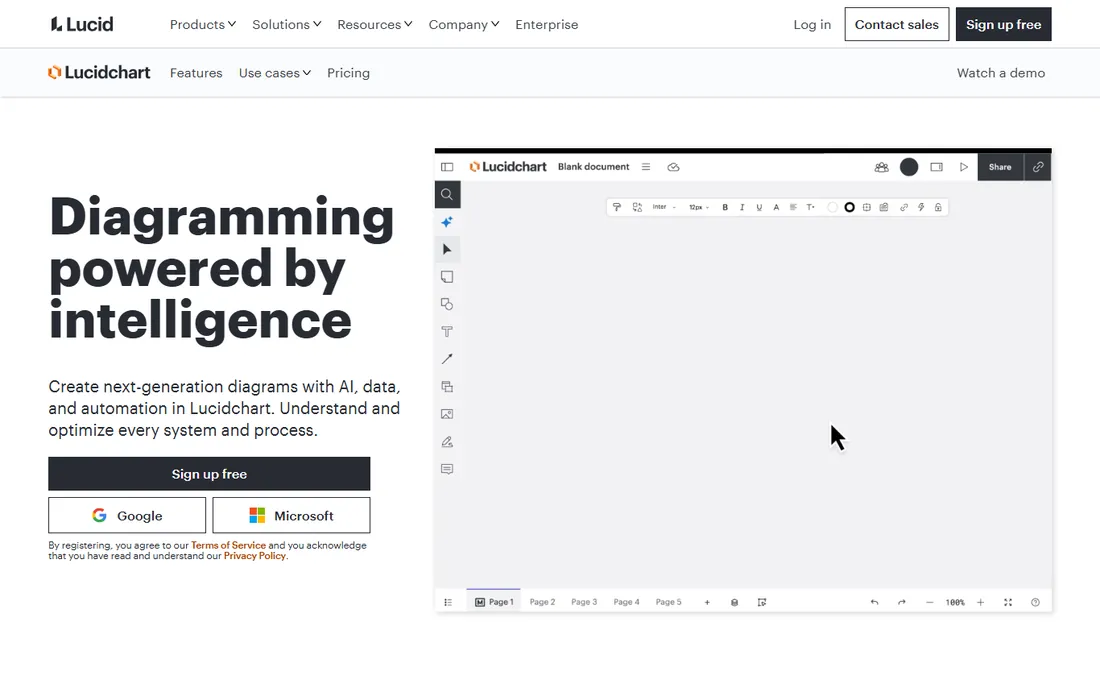
Lucidchart is the tool people reach for when the priority is a diagram everyone can read, not a schema the database can execute. The entity-relationship shapes are clean, collaboration happens in real time, and a non-technical stakeholder can follow the result without a legend. For documenting an existing design or sketching a proposal, that readability is worth a lot.
The honest limit is depth. Lucidchart will not generate DDL from your diagram or reverse-engineer a live database into one, so the drawing and the schema drift apart over time. If your team needs the model to stay synchronized with production, pick a purpose-built modeler below. If you need shared understanding fast, this is the fastest path to it.
What we like- Easiest learning curve on this list
- Real-time collaboration
- Solid entity-relationship shapes
Watch out for- Not a true database modeler
- No forward or reverse engineering to speak of
Starting priceFree ($0)
Free planYes
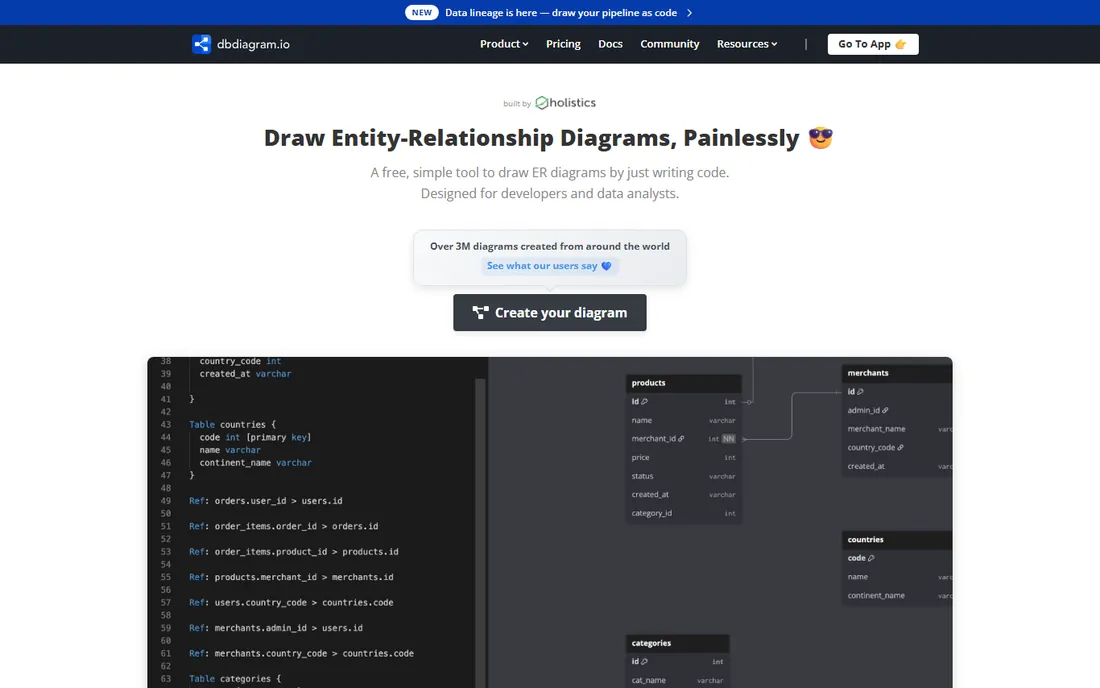
dbdiagram.io flips the usual workflow. Instead of dragging boxes, you write your tables in a compact modeling language, and the tool renders the entity-relationship diagram and exports the SQL. Developers who live in code find this dramatically faster than mouse-driven modeling, and version-controlling a text file beats diffing binary diagram formats.
The free tier covers the core experience with no time limit, which makes this the easiest recommendation for solo developers and small teams on a budget. What you give up is everything enterprise: no team workspaces worth mentioning, no governance workflows, and a learning curve for anyone who does not read code comfortably. For a developer-owned schema, though, few tools move this fast.
What we like- Define models in a simple DSL
- Generates diagrams and SQL instantly
- Free for the core use
Watch out for- Code-first approach excludes non-technical users
- Limited enterprise governance features
#3
Redgate Data Modeler
Best for: Governed modeling for SQL Server shops
Visit red-gate.com
Starting priceFrom $189/user/year
Free planFree trial (14 days)
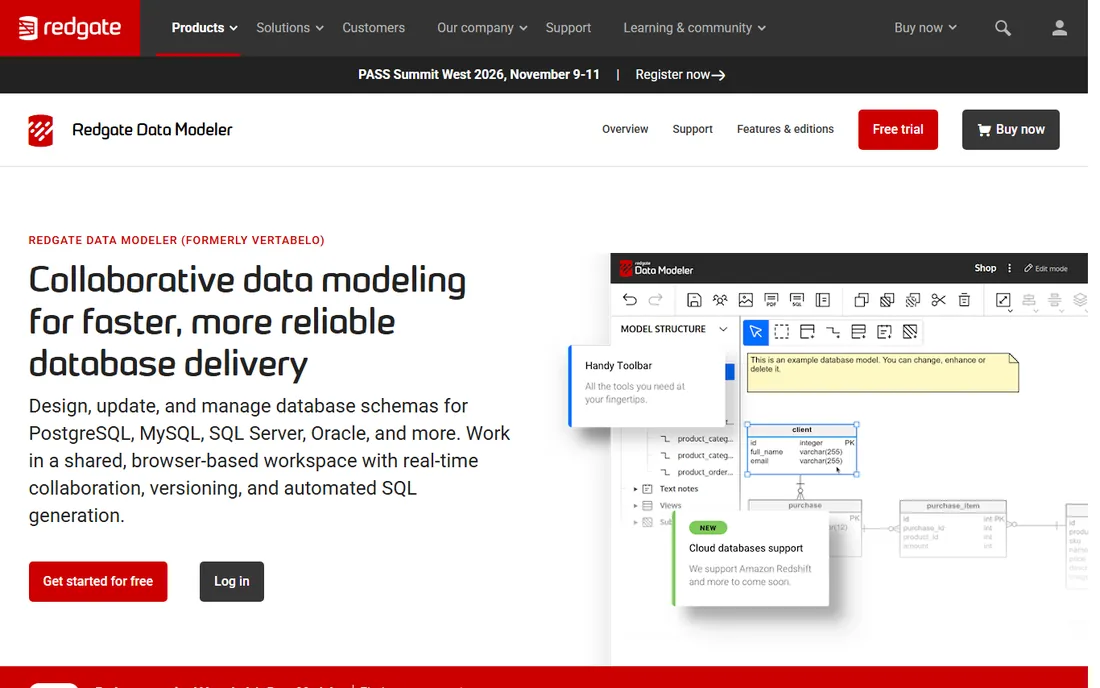
Redgate Data Modeler is the current name for the product formerly known as Vertabelo Data Modeler, which Redgate acquired in late 2025. The rebrand matters less than the continuity: it remains a web-based modeler aimed at teams that want shared, versioned data models without the weight of a legacy enterprise suite. SQL Server and Azure SQL Database get first-class treatment, which will decide the matter for many Microsoft shops.
Pricing starts at $189 per user per year for the Standard edition, with a 14-day trial. That positions it as a serious team tool at a price a manager can approve without a procurement cycle. The tradeoff is breadth. If your estate spans a dozen different database platforms, the wider coverage of erwin or DbSchema may serve you better.
What we like- Strong SQL Server and Azure support
- Team-friendly web interface
- Sensible per-user pricing
Watch out for- Narrower database coverage than some rivals
- Newest branding after the Vertabelo acquisition
Starting priceSee website
Free planFree trial
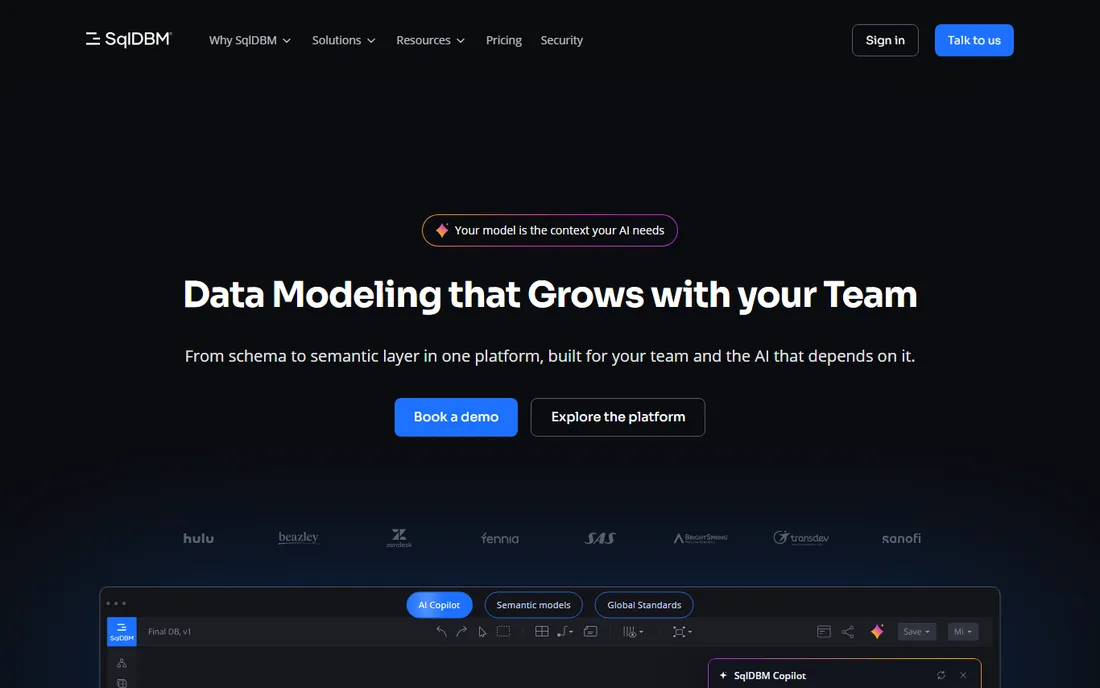
SqlDBM assumed from the start that data modeling happens in a browser, with teammates, on cloud warehouses. It supports the usual relational targets plus Snowflake and other modern platforms, and it handles the full loop: draw the model, generate the DDL, and reverse-engineer an existing database back into a diagram. For analytics teams whose warehouse is the center of gravity, that loop is the product.
The catch is transparency. Pricing is not published, so you will talk to sales before you know the cost. That is normal at this tier, but it slows down evaluation. SqlDBM also lives and dies by the browser, so teams that prefer a desktop tool with offline access should look at DbSchema or Navicat instead.
What we like- Built for the browser from day one
- Forward and reverse engineering
- Project sharing for teams
Watch out for- Pricing is not published
- Heavy Oracle or DB2 shops may want a desktop alternative
#5
Navicat Data Modeler
Best for: Navicat users adding visual design
Visit navicat.com
Starting priceSee website
Free planFree trial (14 days)
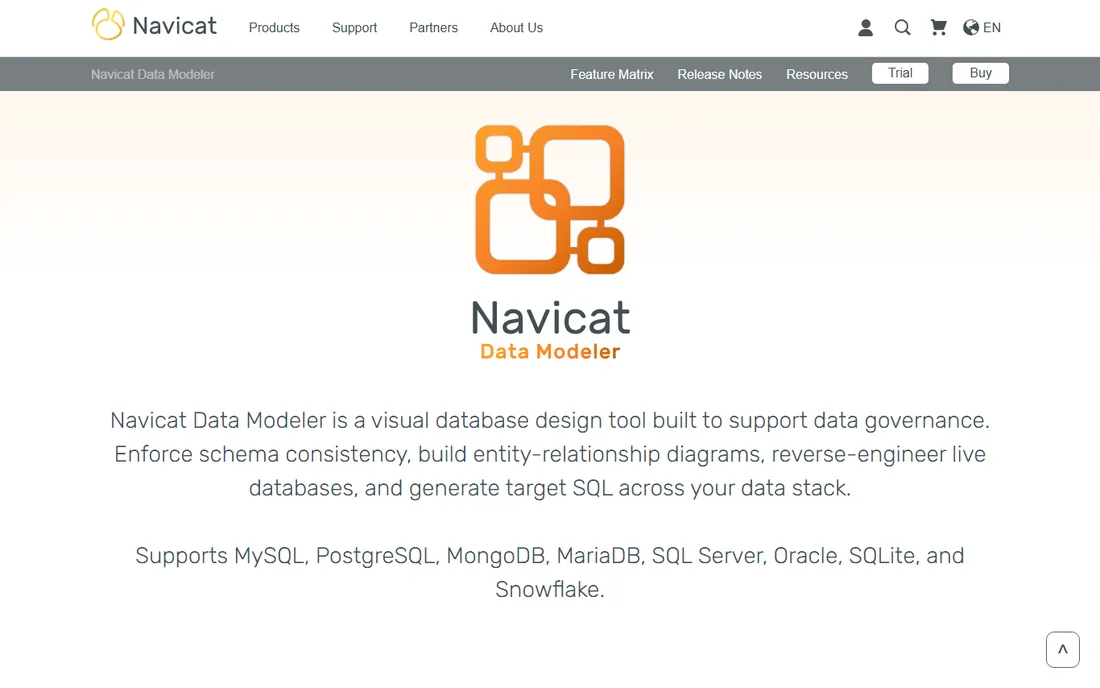
If your team already manages databases with Navicat, the Data Modeler feels like a natural extension rather than a new tool to learn. It covers MySQL, PostgreSQL, SQL Server, Oracle, and SQLite, and it does the core modeling jobs well: visual design, DDL generation, and reverse engineering from a live database. The interface follows Navicat conventions, so the learning curve is short for existing users.
The 14-day trial gives you room to evaluate properly. Pricing is not published, which is the main friction. Collaboration is also thinner than the web-native options: this is a desktop tool for individual modelers first, with team workflows second. For a DBA or developer who wants a capable personal modeler inside a familiar ecosystem, it fits neatly.
What we like- Familiar to anyone in the Navicat family
- Multi-database support
- Clean forward and reverse engineering
Watch out for- Pricing not published on the product page
- Less collaboration depth than web-native tools
Starting priceSee website
Free planYes
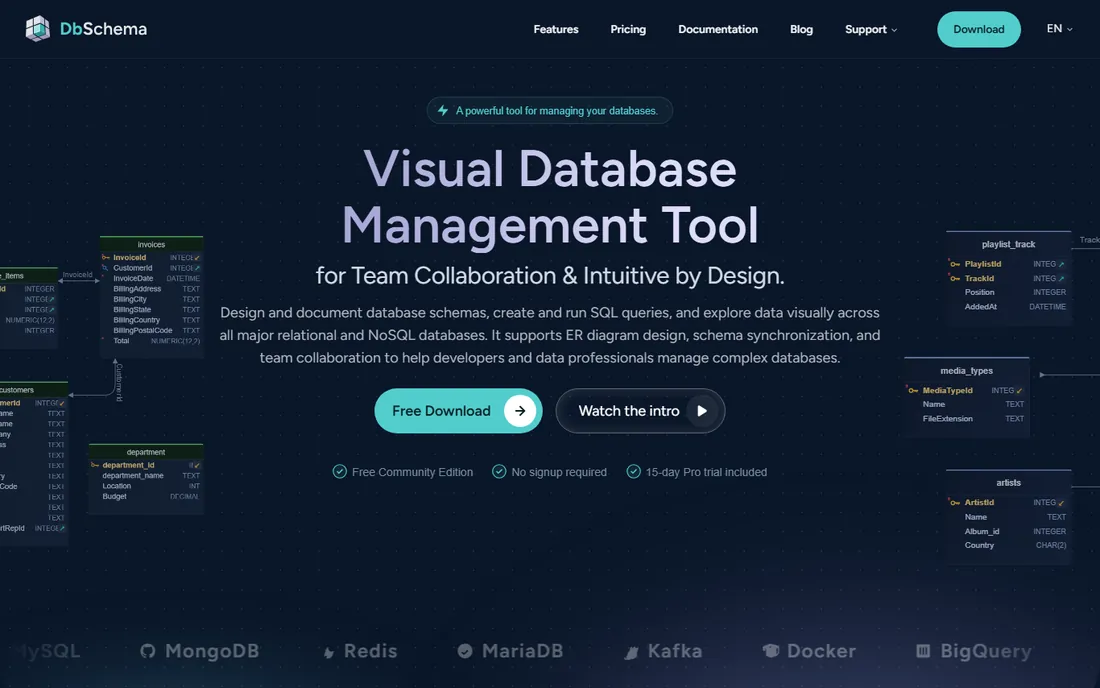
DbSchema has been quietly doing the job for years: a desktop modeler that talks to just about every relational database you are likely to meet, plus a few NoSQL ones. It draws clean entity-relationship diagrams, generates DDL, reverse-engineers existing schemas, and synchronizes changes between the model and the database. Nothing about it is flashy, and that is rather the point.
The free Community Edition handles personal use, which makes this an easy tool to try without any sales conversation. Paid licenses are modestly priced by this category's standards. The interface will not win design awards, and teams that need web-based collaboration with commenting and shared workspaces will find it thin. For a developer or DBA who wants a dependable desktop modeler at a fair price, it remains a strong value.
What we like- Broad database compatibility
- Free Community Edition
- Offline desktop workflow
Watch out for- Interface shows its age
- Team collaboration features are limited
#7
erwin Data Modeler
Best for: Enterprise data governance at scale
Visit erwin.com
Starting priceSee website
Free planFree trial

erwin Data Modeler is the tool large organizations buy when data modeling becomes a governance function, not a drawing exercise. It handles enormous models, enforces naming standards, tracks lineage, and integrates with the broader erwin data intelligence platform. When auditors, architects, and dozens of developers all need to work from one governed model, this is the category leader for a reason.
Everything about the buying process signals enterprise: pricing is quote-based, evaluation involves sales, and implementation benefits from someone who has done it before. Small teams should not bother. But if your organization already thinks in terms of data governance councils and standards enforcement, the depth here justifies the weight.
What we like- The deepest modeling and governance feature set
- Handles very large and complex estates
- Mature ecosystem
Watch out for- Enterprise pricing and sales process
- Heavier than small teams need
Starting priceFree ($0)
Free planYes
MySQL Workbench is the official free toolkit for MySQL, and its modeling module is more capable than many paid tools' trial versions. You get visual entity-relationship design, forward engineering to generate SQL, reverse engineering from a live database, and schema synchronization, all at no cost under the GPL. For teams standardized on MySQL, the price-to-capability ratio is unbeatable.
The boundary is the database. Workbench models MySQL and nothing else, so polyglot teams need something broader. The interface also carries its age; it is functional rather than delightful. But as a free, official, genuinely capable modeler for the world's most common open-source database, it earns its place on every shortlist.
What we like- Completely free under an open-source license
- Solid visual modeling plus admin tools
- Official MySQL backing
Watch out for- MySQL only
- Interface feels dated next to modern tools
Starting priceFrom $99 one-time
Free planFree trial (14 days)
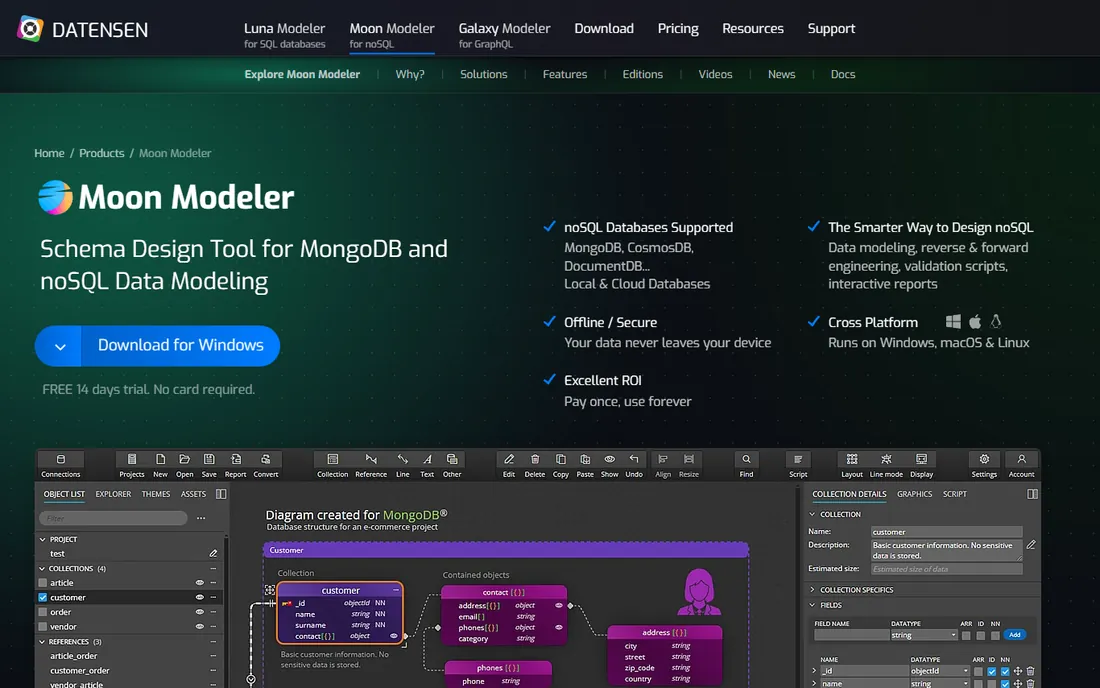
Moon Modeler takes the unfashionable but welcome approach of selling software instead of renting it: licenses start at a $99 one-time payment. The tool covers traditional relational databases alongside MongoDB, PostgreSQL, and a handful of others, with visual modeling, DDL generation, and reverse engineering. It launches fast, stays out of the way, and does the core job without ceremony.
The tradeoff for the price is scale. This is a small vendor's desktop tool, so you will not find the collaboration workspaces, governance workflows, or integration catalogs of the bigger platforms. Support is personal but the ecosystem is thin. For an individual developer or a small team that wants to pay once and model for years, that tradeoff is easy to accept.
What we like- One-time pricing instead of subscription
- Covers relational plus MongoDB and others
- Light and fast
Watch out for- Smaller vendor with a narrower ecosystem
- Fewer team features than web platforms
How we chose
We verified every vendor's homepage and current pricing page, then judged each tool on the modeling loop that actually matters: visual design, forward engineering to DDL, and reverse engineering from a live database. We considered database coverage, collaboration features, and pricing transparency, and we read public reviews on G2 and Capterra for recurring complaints about stability and support. Tools earned their place by fitting a clear buyer, from the solo developer to the enterprise architecture team.
Start from your database reality, not the feature list. The wrong choice here is usually a mismatch of scale, not of quality.
Count your databases first
A single-database team should pick the tool that loves that database: MySQL Workbench for MySQL, Redgate Data Modeler for SQL Server. Polyglot teams need the broad coverage of DbSchema, Navicat, or erwin. Buying a single-database tool for a five-database estate guarantees a second purchase within a year.
Decide whether the model must stay in sync
If the diagram is documentation that gets redrawn each quarter, Lucidchart or dbdiagram.io is plenty. If the model is the source of truth that generates migrations, you need forward and reverse engineering that you trust, which means SqlDBM, DbSchema, Navicat, Redgate, erwin, or Moon Modeler. Sync features you do not use are just menu clutter.
Be honest about who will use it
Developers adopt code-first tools like dbdiagram.io in an afternoon and ignore drag-and-drop tools for months. Mixed teams with analysts and stakeholders need the approachability of Lucidchart or the guided workflows of the web modelers. The best modeler is the one your team opens voluntarily.
Free vs paid: where the line falls
The free tier in this category is genuinely useful, not a teaser. MySQL Workbench and dbdiagram.io are free without meaningful limits for their core jobs, and DbSchema's Community Edition covers personal use. Lucidchart's free plan handles light diagramming. You start paying when you need team collaboration, governance, or support for many databases at once. As a rule of thumb, solo developers rarely need to pay; teams of three or more usually do, and the per-user prices here are modest compared with most enterprise software.
Frequently asked questions
What is a data modeler, exactly?
A data modeler is software for designing database schemas visually: tables, columns, keys, and the relationships between them. Good ones also generate the SQL to create that schema and can read an existing database back into a diagram, keeping the drawing and the reality in sync.
Do I need a data modeling tool if I use an ORM?
An ORM handles the code-to-database mapping, but it does not show you the whole schema at a glance or help the team agree on it before building. Many teams use both: the modeler for design discussions and the ORM for implementation.
What is the difference between logical and physical data models?
A logical model describes entities and relationships in business terms, independent of any database. A physical model specifies the actual tables, columns, data types, and indexes for a particular database platform. Most tools on this list handle both, and let you move between them.
Can these tools work with NoSQL databases?
Some can. Moon Modeler and DbSchema support MongoDB and a few other non-relational stores, and several tools handle cloud warehouses like Snowflake. If NoSQL is your primary store, check the supported list carefully, since relational-first tools may only offer partial support.
Is it worth paying for a data modeler when free options exist?
For individuals and small teams, often not; the free tools are capable. Pay when collaboration, governance, or multi-database support becomes the bottleneck. The cost of a misunderstood schema in production dwarfs any license fee on this list.
Sources we checked (9)
- https://lucidchart.com/
- https://dbdiagram.io/
- http://www.red-gate.com/products/redgate-data-modeler/
- https://sqldbm.com/
- https://dbschema.com/
- https://www.navicat.com/en/products/navicat-data-modeler
- https://erwin.com/
- https://dev.mysql.com/downloads/workbench/
- https://www.datensen.com/products/moon-modeler/
Is your product missing or out of date?
We review this list regularly. Vendors can request a listing, send updated pricing or ask about featured placement.

Shihab Mia · Founder, Rankite
Shihab has spent more than a decade helping SaaS and e-commerce brands grow through search. He writes Rankite's software buying guides from pricing pages, documentation and public user reviews. More about Shihab.