How we make this list: we compare pricing pages, product documentation and public user reviews. Rankite is independent; if a vendor ever pays for a featured spot, that listing is clearly labeled Partner.
Key takeaways
- PlanetScale is the safest pick for MySQL stores that expect to outgrow a single server, since its Vitess sharding and Postgres options start at $5 a month.
- MongoDB Atlas and Supabase get a storefront running fastest: Atlas fits catalogs with messy, changing product data, while Supabase bundles auth and storage next to Postgres for $25 a month.
- Neon and Turso reward spiky or read-heavy traffic with true usage-based billing and generous free tiers, which suits seasonal stores better than fixed instances.
- DynamoDB and Firestore make sense when the store already lives on AWS or Google Cloud, but their per-operation pricing punishes careless queries at scale.
- Upstash is not a primary database; it is the caching and session layer that keeps checkout fast next to whichever database you choose.
Quick comparison
| Tool | Best for | Starting price | Free plan |
|---|
 PlanetScale PlanetScale | MySQL stores planning to scale past one server | From $5/month (Postgres single node) | No |
 MongoDB Atlas MongoDB Atlas | Product catalogs with flexible schemas | $8/month (Flex tier, pay-as-you-go) | Yes |
 Supabase Supabase | Full-stack stores wanting database plus auth in one place | $25/month (Pro) | Yes |
 Neon Neon | Postgres apps with spiky or idle traffic | Usage-based, typical spend $15/month (Launch) | Yes |
 CockroachDB CockroachDB | Multi-region stores that cannot afford downtime | Usage-based, from ~$203/month (Standard, 2 vCPU) | Free trial (30 days, $400 credit) |
 Amazon DynamoDB Amazon DynamoDB | Carts, sessions and feeds at massive scale | Pay-as-you-go ($0.25 per million reads, $1.25 per million writes) | Yes |
 Google Cloud Firestore Google Cloud Firestore | Mobile-first storefronts with realtime sync | Pay-as-you-go ($0.03 per 100K reads, $0.09 per 100K writes) | Yes |
 Turso Turso | Global edge reads for read-heavy storefronts | $4.99/month (Developer) | Yes |
 Upstash Upstash | Caching, sessions and queues next to the database | Pay-as-you-go ($0.20 per 100K commands) or $10/month fixed | Yes |
Is your product missing or out of date?
We review this list regularly. Vendors can request a listing, send updated pricing or ask about featured placement.
The best database software for ecommerce websites
Starting priceFrom $5/month (Postgres single node)
Free planNo
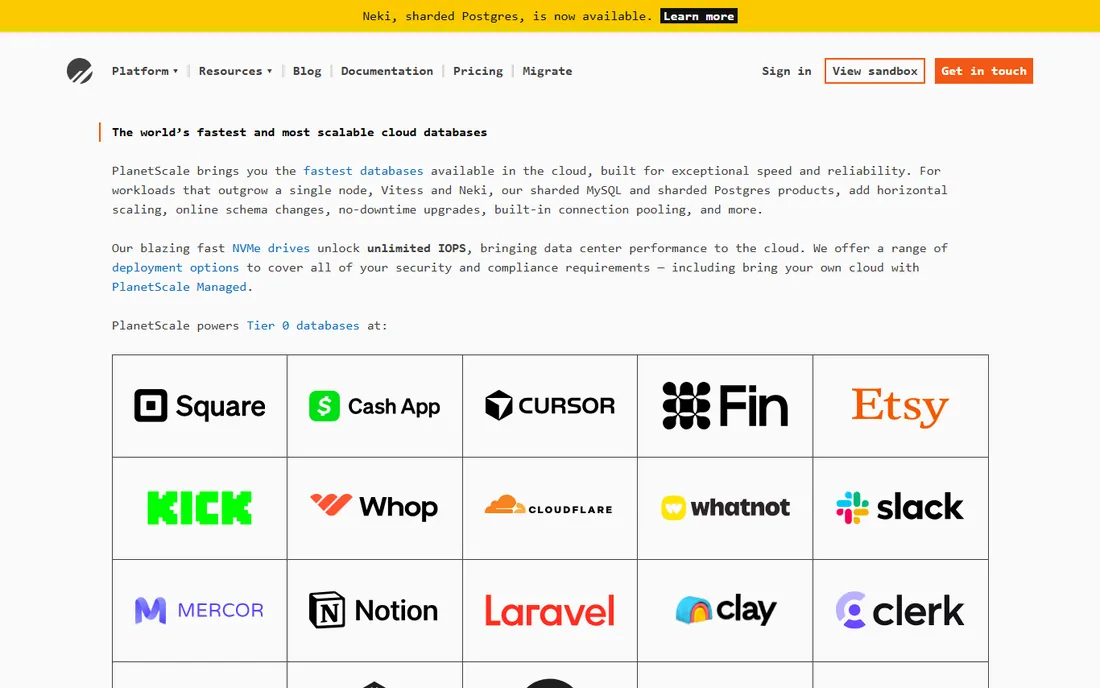
If your store runs on MySQL and you expect real growth, PlanetScale removes the moment where the database becomes the emergency. Its Vitess engine shards MySQL horizontally, so Black Friday traffic does not require a 2 a.m. migration. The branching workflow is the part developers love most: you can branch the database like code, test a migration on a copy of production data, then merge it with zero downtime.
Pricing is resource-based with no contract. PlanetScale Postgres starts at $5 a month for a single node, which is enough for a small store or staging, while high-availability and Metal tiers step up from there. Vitess pricing is cluster-based and climbs faster, so it only makes sense once you genuinely need sharding.
The honest catch is the missing free tier. PlanetScale retired its Hobby plan, so you pay from day one. For a store already doing meaningful revenue on MySQL, that is a fair trade.
What we like- Non-blocking schema changes and database branching
- Vitess-based horizontal sharding for MySQL
- Single-node Postgres from $5 a month
Watch out for- No free tier since the Hobby plan was retired
- Vitess clusters get expensive quickly
Starting price$8/month (Flex tier, pay-as-you-go)
Free planYes
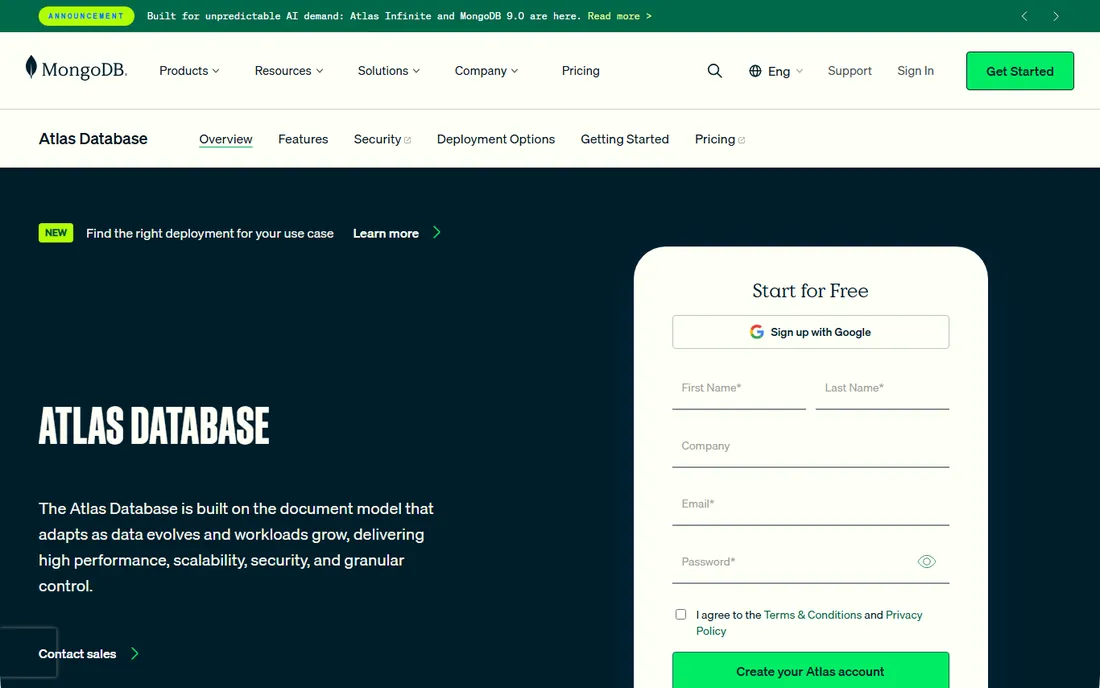
Product catalogs are awkward in rigid tables. Variants, bundles, localized descriptions and seasonal attributes change constantly, and MongoDB's document model absorbs that without a schema migration every sprint. Atlas is the managed version: automated backups, scaling and patching, plus built-in full-text search and vector search for product discovery and recommendations.
The Flex tier bills from about $8 to $30 a month based on usage, which covers a surprising amount of early traffic. Dedicated clusters start at $0.08 an hour (roughly $57 a month), and that is where real production stores land. Watch the add-ons: search nodes, backups and data transfer each have their own meter.
One caution for larger companies: MongoDB's SSPL license is not OSI-approved open source, which can trip procurement rules in regulated industries.
What we like- Document model fits products with many variants
- Atlas Search and vector search built in
- Runs on AWS, Azure and Google Cloud
Watch out for- Costs climb steeply on dedicated tiers
- SSPL license blocks some procurement rules
#3
Supabase
Best for: Full-stack stores wanting database plus auth in one place
Visit supabase.com
Starting price$25/month (Pro)
Free planYes
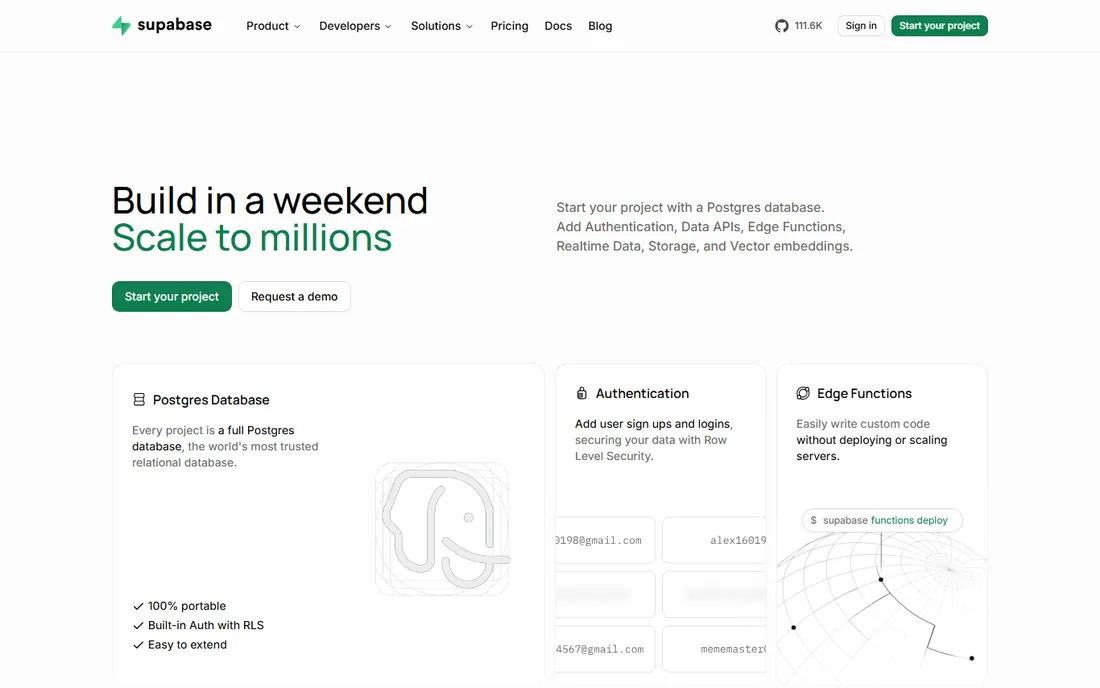
Supabase is the fastest way to get a store's backend working. One project gives you a real Postgres database, user authentication with social logins, file storage for product images and edge functions for webhooks, all behind an auto-generated API. A solo founder can ship checkout, accounts and order history without hiring a backend engineer.
The free tier is genuinely useful for building: 500 MB of database, 50,000 monthly active users and 1 GB of file storage. The catch is that free projects pause after seven days of inactivity, so it is a building tool, not a host for a live store. Pro at $25 a month per organization removes the pause and adds 8 GB of database, daily backups and email support.
Keep an eye on the metered extras. Each additional project adds compute cost, and egress overages at $0.09 per GB can sting image-heavy stores.
What we like- Postgres with auth, storage and edge functions included
- Open source and self-hostable
- Generous free tier for prototypes
Watch out for- Free projects pause after a week of inactivity
- Usage overages can surprise at scale
#4
Neon
Best for: Postgres apps with spiky or idle traffic
Visit neon.com
Starting priceUsage-based, typical spend $15/month (Launch)
Free planYes
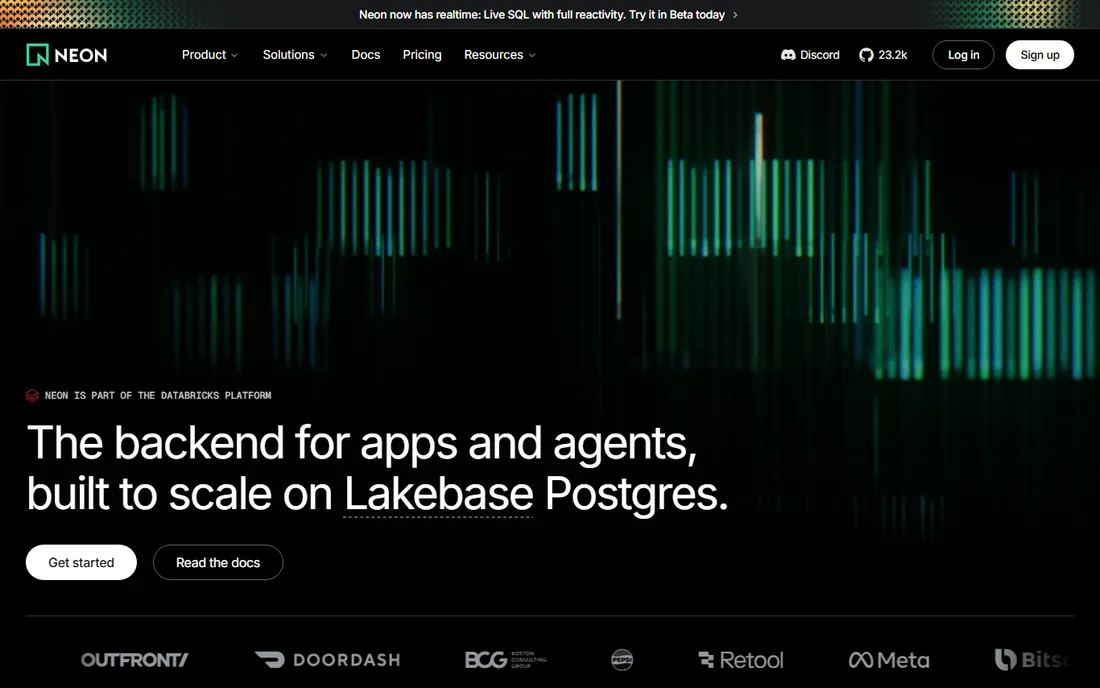
Neon separates Postgres storage from compute, so the database scales to zero when the store is quiet and wakes in milliseconds when traffic arrives. For seasonal ecommerce, that is money saved every night and every off-season week. Database branching is the other standout: each pull request gets a copy-on-write clone of production data, which makes testing migrations and new features safe.
The free plan covers 100 projects with 100 compute-unit hours and 1 GB of storage per project each month. Paid Launch billing is usage-based at $0.106 per compute-unit hour plus $0.35 per GB-month of storage, with a typical spend around $15 a month and no monthly minimum. Scale adds larger compute and compliance features.
Neon is now part of Databricks, and its pricing page brands the engine as Lakebase Postgres. If your team already knows Postgres, there is almost no learning curve.
What we like- Scale-to-zero means idle databases cost almost nothing
- Database branching for every pull request
- Full Postgres compatibility
Watch out for- No bundled auth or storage (those are separate add-ons now)
- Usage billing needs monitoring
Starting priceUsage-based, from ~$203/month (Standard, 2 vCPU)
Free planFree trial (30 days, $400 credit)
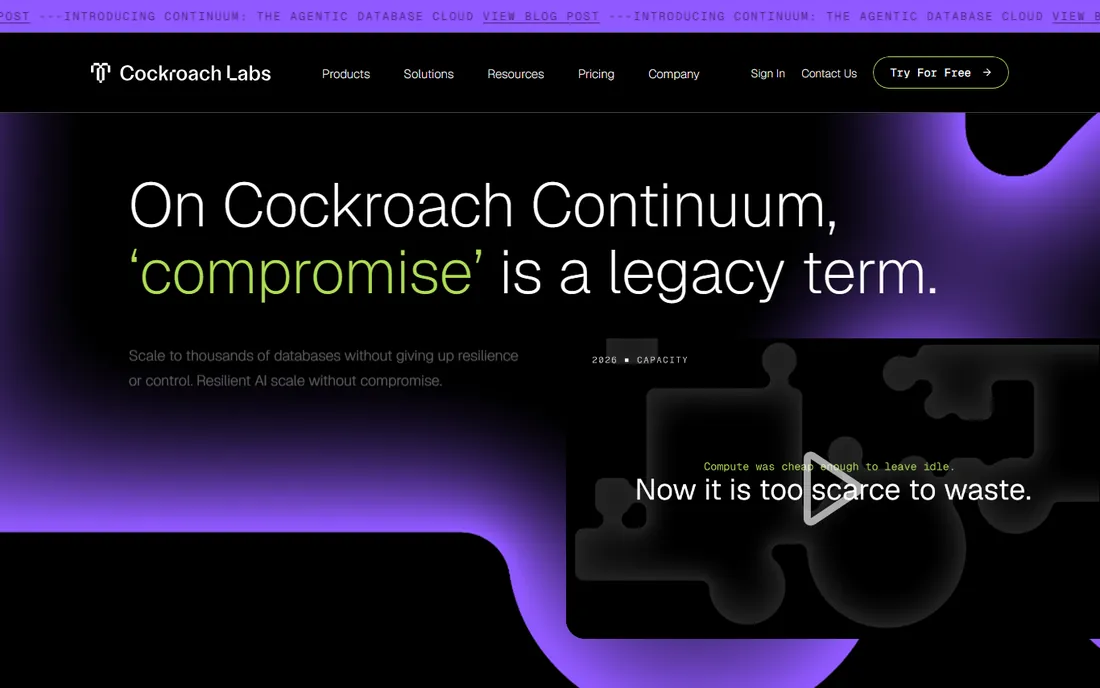
CockroachDB is the database you choose when downtime costs more than the database. It spreads data across regions with strong consistency, so a store serving the US and Europe can fail over without losing a single order. It speaks the Postgres wire protocol, so most Postgres drivers and ORMs connect without changes.
The current cloud product is branded Cockroach Continuum, with two editions: Standard at $0.092 per vCPU-hour (about $203 a month for 2 vCPUs and 100 GB) and Mission Critical at $0.162 per vCPU-hour for dedicated infrastructure with stricter SLAs. New organizations get a 30-day trial with $400 in credit, but the old always-free serverless tier is no longer offered to new signups.
This is overkill for a store doing a few hundred orders a day. It earns its price when you run high-volume checkout across regions or have already been burned by a regional outage.
What we like- Survives region failures with strong consistency
- Postgres-compatible
- Multi-region data placement for compliance
Watch out for- Expensive at low scale
- The old free serverless tier is gone for new signups
Starting pricePay-as-you-go ($0.25 per million reads, $1.25 per million writes)
Free planYes
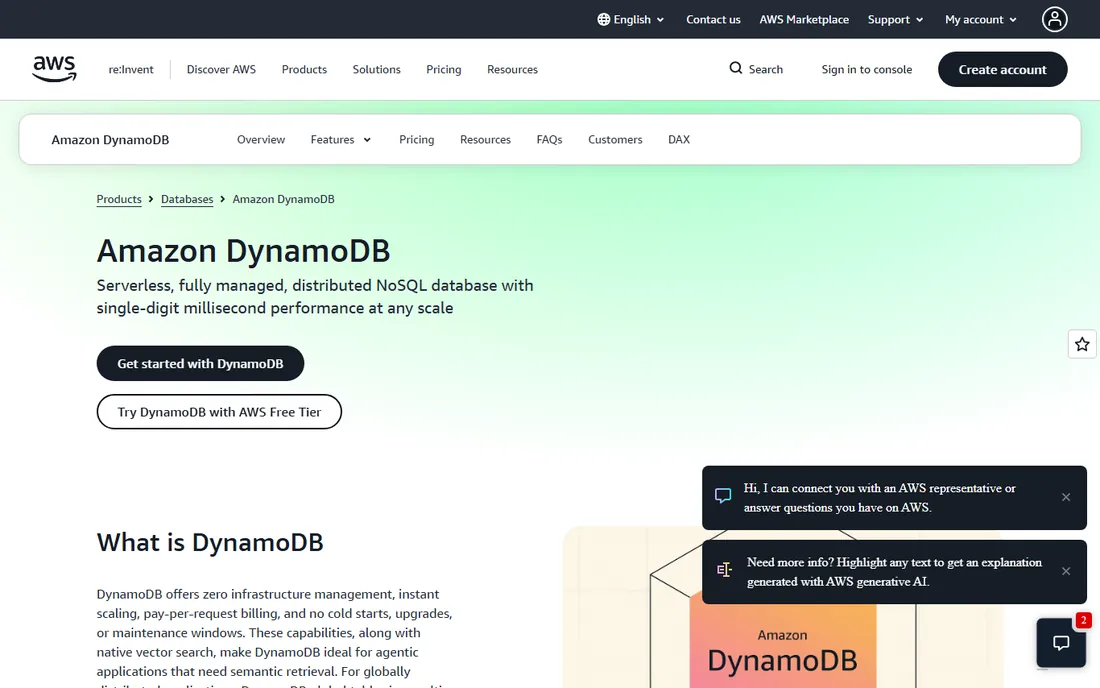
DynamoDB is the workhorse behind shopping carts, session stores and product metadata at companies that measure traffic in millions of requests per second. It is fully managed and serverless: no servers, no patching, no capacity planning on the on-demand mode. Pay per request and it absorbs a viral traffic spike without a phone call.
The pricing is pure usage: $0.25 per million read request units and $1.25 per million write request units on-demand, plus $0.25 per GB-month of storage. The always-free tier (25 GB storage, 25 read and write capacity units) runs a small store at zero cost permanently. Vector search is now built in, which helps with recommendations and agent-driven storefronts.
The catch is the data model. DynamoDB has no joins and no ad-hoc SQL, so your access patterns must be designed up front. Teams that treat it like Postgres end up with slow, expensive scans.
What we like- Single-digit millisecond latency at any scale
- Always-free tier covers small apps
- Global tables for multi-region stores
Watch out for- No joins or ad-hoc queries, data modeling takes real skill
- Costs are hard to predict without careful design
Starting pricePay-as-you-go ($0.03 per 100K reads, $0.09 per 100K writes)
Free planYes
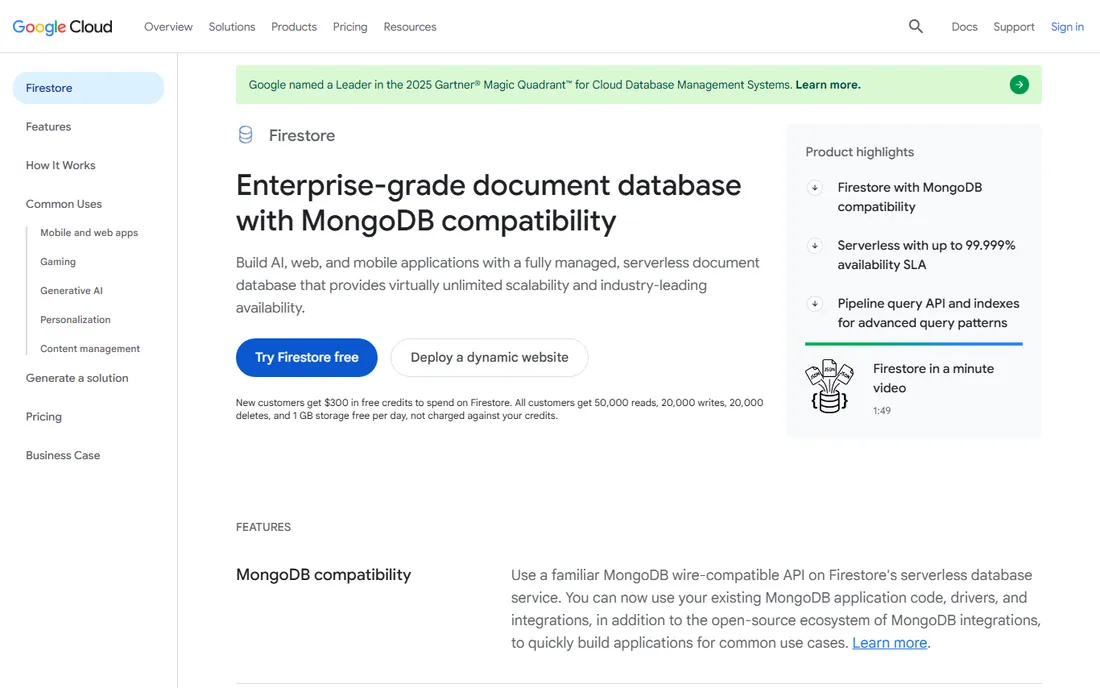
If your store lives in a mobile app, Firestore feels like it was built for you. Client SDKs sync data in real time and keep working offline, so carts and inventory counts stay correct even on flaky connections. It scales automatically with no servers to manage, and Firebase Authentication plugs straight in.
Pricing is per operation: $0.03 per 100,000 document reads, $0.09 per 100,000 writes and $0.15 per GB-month of storage on the Standard edition, with an Enterprise edition that adds MongoDB wire compatibility and an advanced query engine. The daily free quota (50,000 reads, 20,000 writes, 1 GB storage) covers development and tiny stores.
Watch the read bill. Every document returned by a query costs a read, so a category page listing 200 products costs 200 reads per visitor. Design list pages and indexes carefully.
What we like- Realtime sync and offline support out of the box
- Generous daily free quota
- New MongoDB-compatible API eases migration
Watch out for- Per-document read pricing punishes list-heavy pages
- Queries are limited compared to SQL
Starting price$4.99/month (Developer)
Free planYes
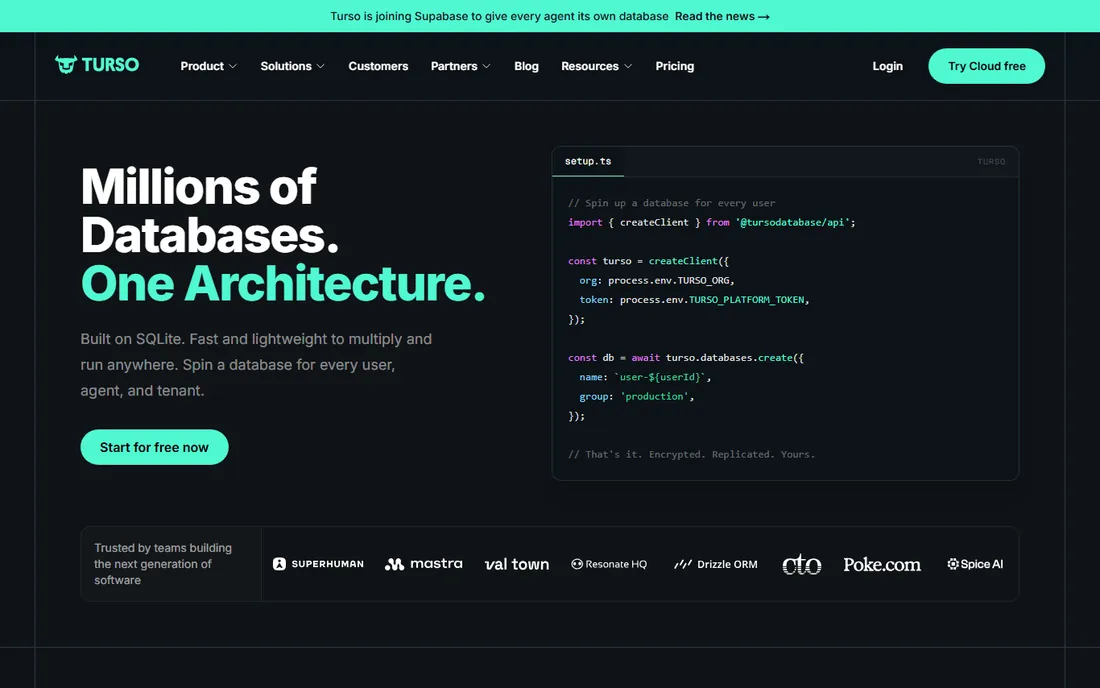
Turso takes SQLite, a database every developer already knows, and turns it into a globally distributed edge database. Reads happen close to the shopper, which is ideal for product pages, content and catalogs that are read far more than written. Embedded replicas even let the database run on a device and sync to the cloud later.
The free tier is the most generous in this list: 500 databases, 9 GB of storage and a billion row reads a month. The Developer plan at $4.99 a month adds 9 GB of storage and billions of rows, and Scaler at $24.92 a month suits growing apps. Idle databases cost only storage, so a fleet of per-tenant databases stays cheap.
Two things to know. First, SQLite semantics are not Postgres: no stored procedures and different write concurrency, so write-heavy checkout flows need care. Second, Turso announced it is joining Supabase, so expect the product and pricing to evolve.
What we like- SQLite-compatible with edge replication for fast global reads
- Huge free tier (500 databases, 9 GB)
- Cheap for read-heavy apps
Watch out for- SQLite semantics differ from Postgres
- Being acquired by Supabase, so the roadmap may change
#9
Upstash
Best for: Caching, sessions and queues next to the database
Visit upstash.com
Starting pricePay-as-you-go ($0.20 per 100K commands) or $10/month fixed
Free planYes
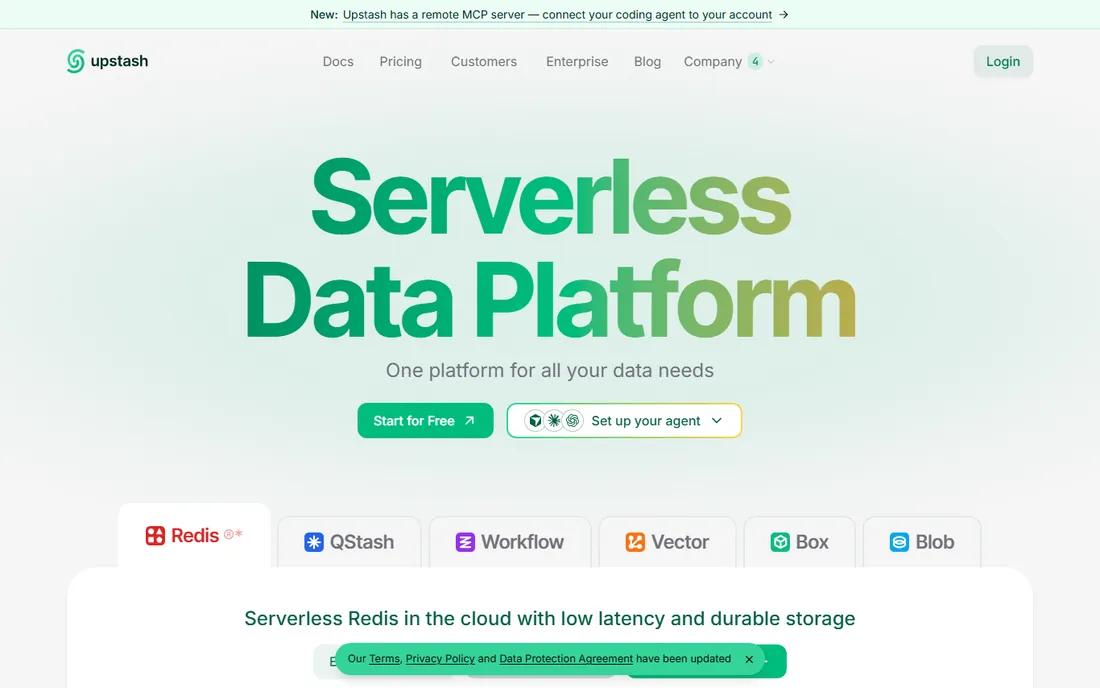
Upstash is the speed layer, not the system of record. Put it in front of your database for session storage, cart caching, rate limiting, product search and message queues, and checkout stays fast when traffic spikes. Its REST API works from Cloudflare Workers and Vercel Edge functions where normal Redis connections cannot go, which matters for modern storefront stacks.
Pricing is per request at $0.20 per 100,000 commands, with a free tier of 250 MB and 500,000 commands a month. Fixed plans start at $10 a month for predictable workloads, and the first gigabyte of storage is free. The same platform also offers vector search, full-text search and messaging, so recommendations and notifications can live next to the cache.
Do not try to run the whole store on it. Use Upstash for what it is: the fast, cheap layer that keeps your primary database from melting during a sale.
What we like- Serverless Redis with a REST API that works from edge functions
- Vector and search products in one platform
- Per-request pricing with a free tier
Watch out for- Not a replacement for a primary relational database
- Per-command pricing adds up on chatty workloads
How we chose
We started with the databases that ecommerce teams actually deploy: the managed Postgres and MySQL platforms, the document stores built for catalogs, and the serverless options from the big clouds. Every product above exists today and serves production ecommerce workloads. We opened each vendor's homepage to confirm the current name and URL, then pulled starting prices and free-tier terms from the vendor's own pricing page on October 14, 2026. We checked public reviews on G2 and Capterra, Reddit threads about real billing surprises, each vendor's documentation for ecommerce-relevant features like branching, search and multi-region replication, and how each product fits teams from solo founders to mid-size retailers. We left out products that shut down: Fauna announced the end of its service, so it is not listed here.
What to check before you pick a database for your store
Start with traffic shape, not brand names. A store with steady daily orders does fine on a fixed-size database like Supabase Pro or PlanetScale's single-node Postgres. A store with sharp seasonal peaks or mostly idle nights saves real money on usage-based billing from Neon, Turso or DynamoDB, because you stop paying for capacity you are not using.
Match the data model to the catalog. Relational databases (Postgres, MySQL) fit orders, inventory and anything with strict relationships and transactions. Document stores (MongoDB, Firestore) fit product catalogs with variants and attributes that change often. Key-value stores (DynamoDB, Upstash) fit carts, sessions and feeds, but they are painful as the only database.
Read the pricing page twice. The headline number is rarely the bill. Look for egress charges, backup storage, per-project compute, read and write unit costs, and what happens when you exceed the free tier. Supabase's egress overages, Firestore's per-document reads and DynamoDB's write costs are the three most common surprises in Reddit threads.
Plan the boring parts early. Confirm automated backups and point-in-time recovery on any paid plan, check that you can export your data without the vendor's help, and test support response times before launch week.
Running the store on one database plus a cache
Most stores end up with two data systems, not one. The primary database holds orders, customers, inventory and products with full guarantees. A second layer handles sessions, carts, rate limits and search suggestions at speed. That is why Upstash appears in this list next to full databases: it is the standard companion, not a competitor.
Add the cache when page loads slow down under traffic or when your primary database bill starts climbing from repetitive reads. The cache pays for itself the first time it absorbs a traffic spike that would otherwise have required a bigger database.
Frequently asked questions
Which database is best for a small ecommerce store just starting out?
Supabase or Neon. Supabase gives you Postgres plus auth and storage for free while you build, and Neon gives you serverless Postgres that costs nearly nothing when the store is quiet. Both let you start without a credit card and grow into paid plans as orders arrive.
Is MongoDB good for ecommerce product catalogs?
Yes, it is one of the best fits. Product data with variants, bundles and localized attributes maps naturally to documents, and Atlas adds built-in search for product discovery. Just budget carefully: dedicated clusters start around $57 a month and climb fast with add-ons.
Should I use DynamoDB for my online store?
Use it for carts, sessions and high-velocity feeds, especially if you are already on AWS. It handles massive scale with single-digit millisecond latency. Do not use it as your only database unless your team is comfortable with its access-pattern-first data modeling, because there are no joins.
What is the cheapest database for an ecommerce site?
For a tiny store, several options cost nothing to start: Supabase, Neon, Turso, MongoDB Atlas and DynamoDB all have free tiers. Among paid plans, Turso's Developer plan at $4.99 a month and PlanetScale's $5 single-node Postgres are the cheapest entry points with real production features.
How do I avoid surprise database bills?
Read the usage-based pricing details before launch. Cap the risks: enable spend caps where offered (Supabase has one on Pro), set billing alerts on AWS and Google Cloud, design indexes so list pages do not scan thousands of documents, and cache repetitive reads. Most surprise bills come from reads and egress, not storage.
Can I migrate my store's database later without downtime?
Usually yes, with planning. Tools like PlanetScale's branching and deploy requests, MongoDB's live migration service and AWS Database Migration Service move data with minimal downtime. Test the migration on a copy of production first, migrate during low-traffic hours, and keep the old database as a rollback target until the new one proves itself.
Sources we checked (9)
- https://planetscale.com/pricing
- https://www.cockroachlabs.com/pricing/
- https://www.mongodb.com/pricing
- https://supabase.com/pricing
- https://neon.com/pricing
- https://turso.tech/pricing
- https://aws.amazon.com/dynamodb/pricing/
- https://cloud.google.com/firestore/pricing
- https://upstash.com/pricing
Is your product missing or out of date?
We review this list regularly. Vendors can request a listing, send updated pricing or ask about featured placement.

Shihab Mia · Founder, Rankite
Shihab has spent more than a decade helping SaaS and e-commerce brands grow through search. He writes Rankite's software buying guides from pricing pages, documentation and public user reviews. More about Shihab.