How we make this list: we compare pricing pages, product documentation and public user reviews. Rankite is independent; if a vendor ever pays for a featured spot, that listing is clearly labeled Partner.
Key takeaways
- Square is the easiest free start: the POS app costs $0, Tap to Pay needs no reader, and paid plans scale into restaurants and retail.
- Shopify POS suits retailers who already sell online: in-person selling is included in every plan, with POS Pro at $89/month per location.
- PayPal POS (formerly Zettle), Helcim, SumUp and eHopper all charge no monthly fees, which makes them strong picks for mobile vendors and pop-ups.
- Toast, Lightspeed and Clover are built for full counters and multi-location operations, with hardware ecosystems that go far beyond a phone.
- Watch the tradeoff every vendor hides: free software usually means higher per-transaction fees, while monthly plans buy lower processing rates.
Quick comparison
| Tool | Best for | Starting price | Free plan |
|---|
 Square Square | sellers who want a free POS that runs on a phone | Free | Yes |
 Shopify POS Shopify POS | online stores that also sell in person | $89/month/location | Free trial |
 Clover Clover | businesses that want a polished countertop system | See website | No |
 Toast Toast | restaurants with serious operational complexity | See website | No |
 Lightspeed Lightspeed | retailers and restaurants that need inventory depth | See website | No |
 Helcim Helcim | sellers who want wholesale processing rates with no monthly fee | Free | Yes |
 SumUp SumUp | mobile vendors and market stalls that want simple flat pricing | Free | Yes |
 PayPal POS (formerly Zettle) PayPal POS (formerly Zettle) | PayPal users who want in-person selling without monthly fees | Free | Yes |
 eHopper eHopper | US sellers who want free POS software and zero-fee processing options | Free | Yes |
Is your product missing or out of date?
We review this list regularly. Vendors can request a listing, send updated pricing or ask about featured placement.
The best mobile-compatible POS software
Starting priceFree
Free planYes
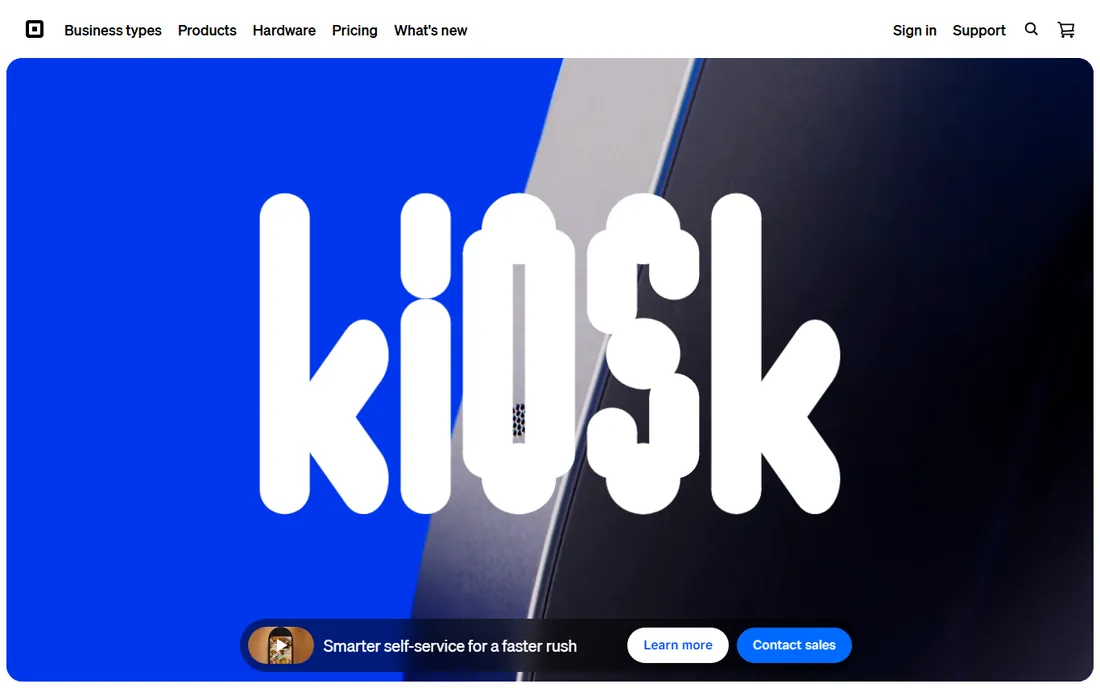
Square remains the default answer for mobile POS, and the pricing page makes the case plainly: the complete business toolkit starts at $0. You can download the POS app, accept contactless payments with just your phone and pay nothing until a sale happens. For a farmers market stall, a food truck or a side business testing in-person sales, there is no cheaper way to start.
The ecosystem is the real lock-in, good and bad. Invoices, appointments, payroll, loyalty, banking and a website all live in one account, which is convenient until you want to leave. Paid Plus plans add lower processing rates and advanced features for food, retail and appointments, plus a Pro tier with custom pricing for high-volume sellers. Start free, and only upgrade when your processing volume makes the monthly plan cheaper than the free tier's rates.
What we like- POS app is free with Tap to Pay on iPhone and Android, no reader needed
- One ecosystem covers invoices, appointments, payroll and banking
- Free tier has no monthly fees or contracts
Watch out for- Free plan carries higher per-transaction processing rates
- Dedicated hardware costs extra
- Advanced restaurant and retail features sit behind paid Plus plans
Starting price$89/month/location
Free planFree trial

Shopify POS is the natural pick if you already run on Shopify. Every paid plan includes casual in-person selling, and the mobile app runs on iOS and Android for markets, pop-ups and shop floors. Inventory, customers and orders stay unified between your website and your physical locations, which removes the double-entry problem that plagues separate systems.
POS Pro, at $89 per month per location, adds the features serious retailers need: unlimited staff with roles and permissions, purchase orders and stock alerts, rich customer profiles and professional reports. The honest math is that Shopify POS only makes sense inside a Shopify subscription, so pure brick-and-mortar shops should compare Square or Clover first. For omnichannel retailers, though, nothing else keeps online and in-person this tightly synced.
What we like- Casual in-person selling included in every Shopify plan
- POS Pro adds staff roles, inventory and omnichannel features for $89/month per location
- One back office for online and in-store sales
Watch out for- Requires a Shopify subscription underneath, so it is not standalone
- POS Pro is priced per location, which adds up for chains
- Hardware sold separately
#3
Clover
Best for: businesses that want a polished countertop system
Visit clover.com
Starting priceSee website
Free planNo

Clover, from Fiserv, is the countertop classic: a family of devices from the phone-sized Clover Go to full point-of-sale stations, all running the same software. The app marketplace is a genuine strength, with add-ons for gift cards, loyalty, employee management and industry-specific workflows that smaller vendors cannot match.
The tradeoff is flexibility. Clover hardware only works on the Clover network, and pricing runs through resellers, so the monthly cost depends on your processor's quote rather than a public price list. Mobile compatibility is real but secondary: the Go device and the smartphone app cover on-the-go selling, but Clover shines behind a counter. Choose it when you want a complete, supported hardware system and are comfortable committing to one ecosystem.
What we like- Purpose-built hardware from handhelds to full stations
- App marketplace extends the POS with hundreds of add-ons
- Offline mode keeps sales running during outages
Watch out for- Pricing is quote-based through resellers and processors
- Hardware is proprietary and locked to the Clover network
- Monthly software fees on top of processing
Starting priceSee website
Free planNo
Toast owns the restaurant POS conversation, with 180,000 locations on the platform and features built for peak-volume service: kitchen display systems, coursing, split checks, handheld ordering and tip management. The mobile story is strong for staff: servers take tableside orders on Toast handhelds, and the guest-facing app supports QR ordering and payment.
Pricing is the friction. The pricing page lists plans but shows no dollar figures publicly, and the Pay-As-You-Go option trades $0 upfront hardware for higher processing rates, with an $85 per month inactivity fee in the fine print. Toast is the right call for full-service restaurants and growing multi-unit groups. For a retail shop or a solo mobile vendor, it is overkill and overpriced.
What we like- Restaurant-specific depth: coursing, floor plans, KDS, payroll and online ordering in one platform
- Pay-As-You-Go plan reduces upfront hardware cost
- 24/7 support included in subscriptions
Watch out for- Pricing is quote-based with no public plan prices
- Hardware is Toast-approved only
- Built for restaurants, a weaker fit for pure retail
Starting priceSee website
Free planNo
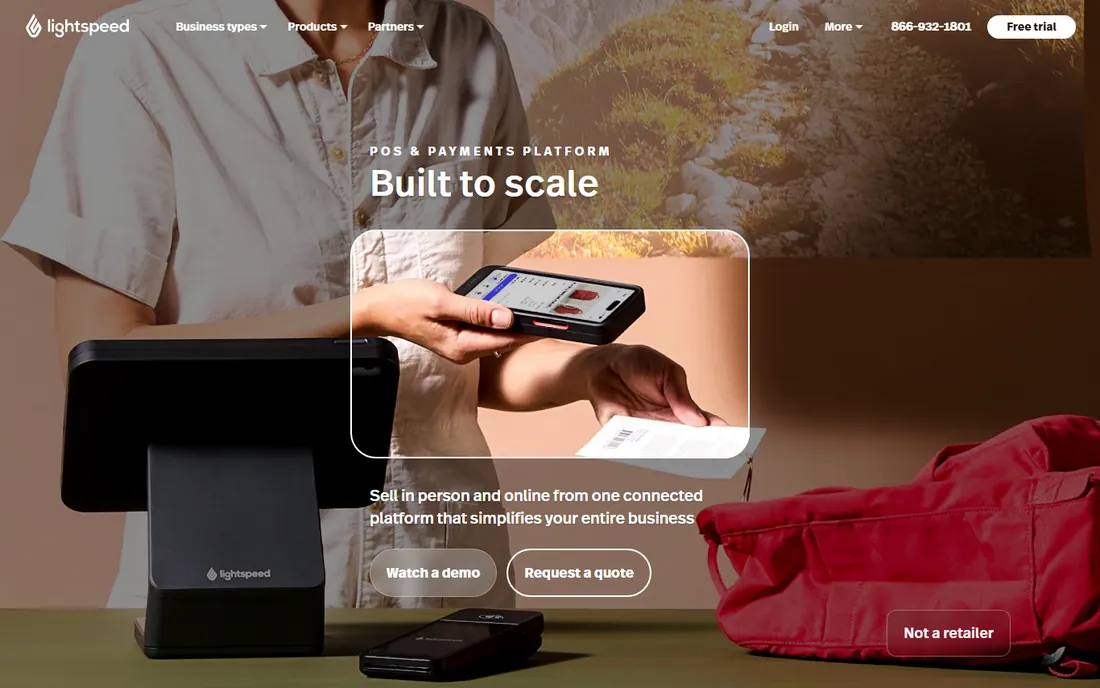
Lightspeed splits its product into Retail and Restaurant lines, and both go deeper on operations than the free mobile-first tools. Retail offers purchase orders, landed costs, supplier catalogs and forecasting; Restaurant covers floor plans, coursing and kitchen workflows. The mobile scanner app lets staff check stock and sell from anywhere in the store.
The buying experience is enterprise-flavored: the pricing page describes plans without showing prices, so you will talk to sales. That is the signal about who this is for. Lightspeed fits established retailers and restaurant groups with real inventory complexity and multiple locations. A solo vendor with a phone and a card reader gets 90 percent of what they need from Square or SumUp at a fraction of the commitment.
What we like- Advanced inventory with purchase orders, landed costs and multi-location stock
- Separate Retail and Restaurant products with real depth
- Works on iPad, Mac and PC, not just proprietary hardware
Watch out for- No public plan prices on the pricing page
- Quote and demo-led sales process
- More system than a mobile-only seller needs
#6
Helcim
Best for: sellers who want wholesale processing rates with no monthly fee
Visit helcim.com
Starting priceFree
Free planYes
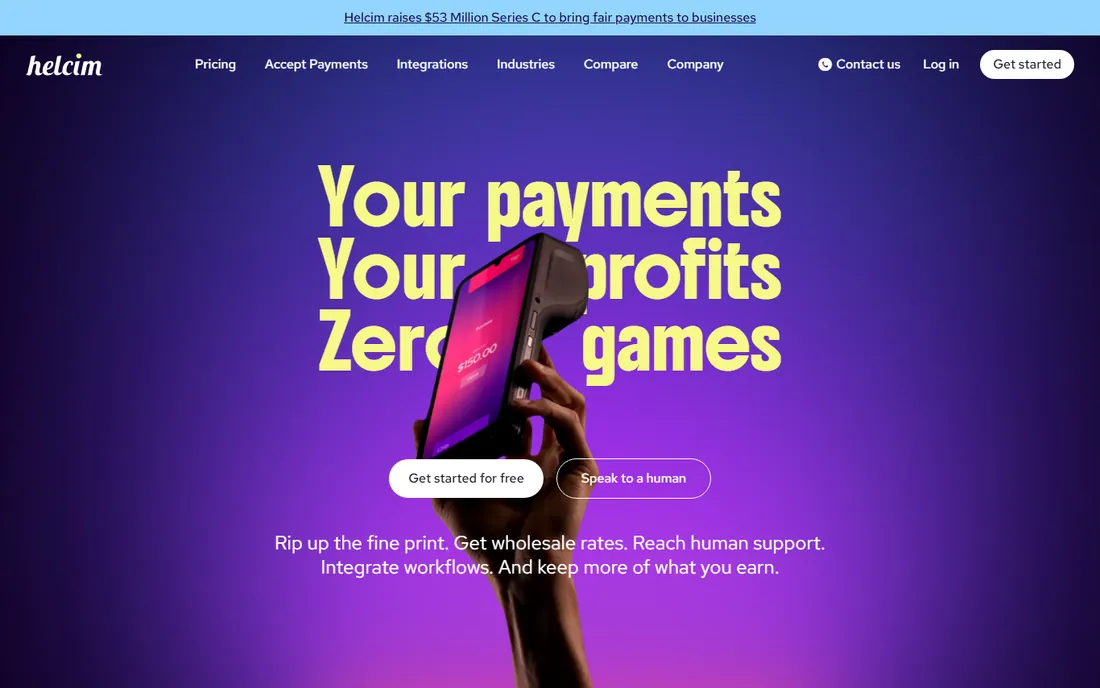
Helcim's pitch is refreshingly blunt: no monthly fees, no hidden fees, pay only when you process. The homepage states it plainly, and the interchange-plus model means you see the actual card-network cost plus Helcim's margin, which shrinks automatically as your volume grows. For sellers doing $40,000 or more a month, the company claims average savings of 25 percent over flat-rate processors.
The mobile POS app runs on phones and tablets with a card reader, covering the basics well. The honest caveat is that interchange-plus helps most when your tickets are large and your volume is real; a coffee shop selling $3 drinks may do better on a flat rate. Helcim is the value pick for growing businesses that have outgrown Square's free tier but are not ready for enterprise contracts.
What we like- No monthly fees, signup costs or PCI fees
- Interchange-plus pricing passes wholesale card costs through with a small margin
- Free account with POS app included
Watch out for- In-person rates favor higher-volume sellers over tiny tickets
- Hardware selection is smaller than Square or Clover
- Less brand recognition with customers
#7
SumUp
Best for: mobile vendors and market stalls that want simple flat pricing
Visit sumup.com
Starting priceFree
Free planYes
SumUp built its name on the solo mobile seller: a pocket card reader, a free app and one flat transaction rate. The POS Lite line extends that to the countertop with free pre-installed software at $0 per month, plus bundles with a 13-inch touchscreen and the SumUp Solo reader. There are no contracts and no monthly minimums anywhere in the lineup.
The product ladder is clear. POS Lite covers single-counter selling; POS Pro adds table management, multi-location support, loyalty and accounting integrations for a monthly fee. For a market stall, food truck or pop-up, the free tier is genuinely enough. Businesses that need deep integrations or US-based phone support at scale should look at Square or Clover instead.
What we like- POS Lite software is free with $0 monthly fee
- Simple per-transaction pricing with no contracts
- Compact hardware from pocket readers to full countertop bundles
Watch out for- Advanced features like multi-location management need the paid POS Pro tier
- Smaller ecosystem of integrations than Square
- Support is thinner outside Europe
#8
PayPal POS (formerly Zettle)
Best for: PayPal users who want in-person selling without monthly fees
Visit zettle.com
Starting priceFree
Free planYes
PayPal retired the Zettle brand and now calls this the PayPal Point of Sale System, but the deal is unchanged: a free POS app, no monthly fees and pay-per-sale pricing. If you already take PayPal online, the in-person side slots into the same account, the same payouts and the same reporting. Tap to Pay on iPhone and Android means the phone in your pocket is the terminal.
The limits follow from the simplicity. You are locked to PayPal processing, and the feature set covers payments, inventory, staff and basic reporting without the depth of a retail suite. For mobile sellers, service businesses and side hustles already in the PayPal world, it is the path of least resistance. Retailers planning multiple locations will outgrow it.
What we like- Free POS app with no monthly fees or long-term commitments
- Tap to Pay on phone with no extra hardware
- Funds land in the existing PayPal business account
Watch out for- Works only within the PayPal payments infrastructure
- Advanced retail features are thinner than Shopify or Lightspeed
- Card reader and terminal hardware costs extra
#9
eHopper
Best for: US sellers who want free POS software and zero-fee processing options
Visit ehopper.com
Starting priceFree
Free planYes
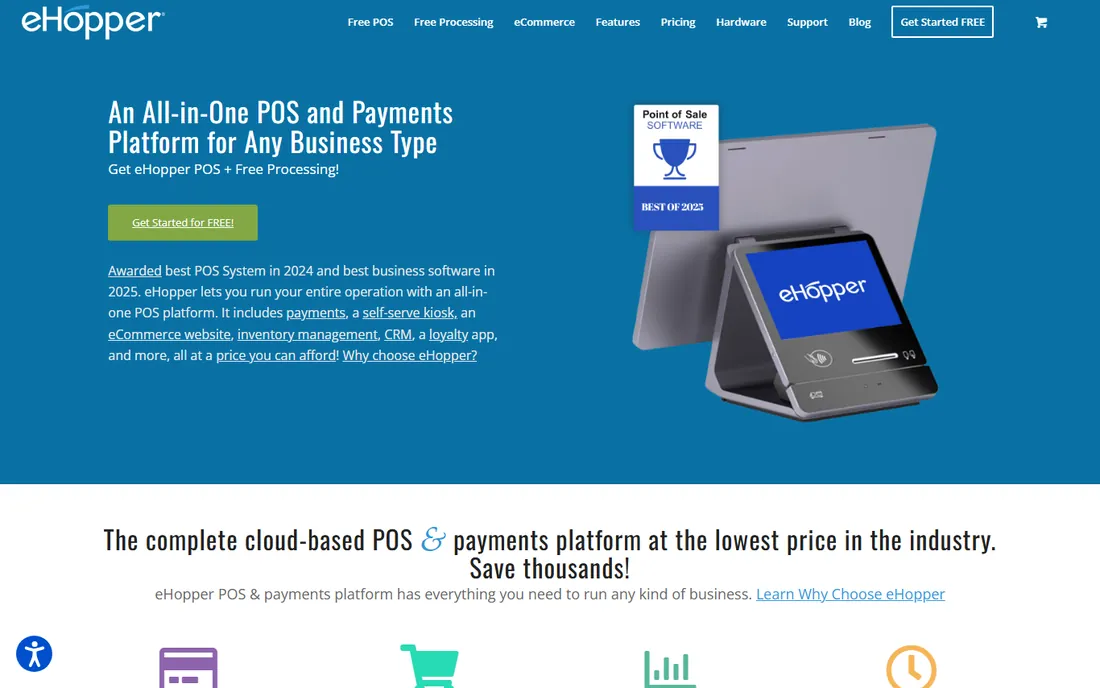
eHopper's headline is aggressive: free POS software, no monthly fees and a 100% free credit card processing program for US customers. The software itself covers the essentials, inventory, employees, reporting and customer management, and runs on commodity Android tablets and PCs rather than locked hardware, with an offline mode for dead zones.
The zero-processing-fee offer deserves a clear-eyed read: it works through surcharging or cash-discount programs, so the card fees land on the customer instead of you. That suits some businesses and alienates others. As pure software, though, eHopper is a legitimate free option for a single-location shop or a mobile setup that wants a real back office without a subscription.
What we like- POS software is free with full support included
- 100% free credit card processing option for US customers
- Runs on Android tablets, PCs and Poynt terminals with offline mode
Watch out for- The zero-fee processing model passes fees to customers, which not every business wants
- Smaller vendor with a thinner integration ecosystem
- US-focused
How mobile POS changes the hardware math
The old POS decision started with hardware: a $1,000 terminal, a cash drawer, a receipt printer, a installation visit. Mobile-compatible POS inverts that. Square, PayPal POS, SumUp and Helcim all let you start with the phone you already own, adding a $29 to $59 card reader only if you want one. Tap to Pay on iPhone and Android removed the last excuse: the device in your pocket is now a compliant card terminal.
That changes who should buy what. If you sell at markets, events, pop-ups or client sites, a free app plus Tap to Pay is the whole system, and paying a monthly subscription buys you nothing. The paid plans and proprietary hardware start making sense at a fixed counter with staff, lines and inventory to manage. That is where Toast, Clover and Lightspeed earn their keep: their hardware is faster at volume, their software handles the complexity, and the monthly fee buys support and uptime guarantees.
Watch the fee structure, because it is where the real cost lives. Free software almost always pairs with higher per-transaction rates, typically around 2.6 to 2.9 percent plus a fixed fee. Monthly plans from Shopify, Lightspeed and Helcim buy those rates down. Run your own numbers: multiply your average monthly card volume by the rate difference, and compare it to the subscription. Somewhere around $10,000 to $15,000 a month in card sales, the paid plan usually wins.
How to pick the right mobile-compatible POS
Start with where you sell. A fixed retail store with staff and inventory needs a different system than a food truck. Countertop operations should shortlist Square, Clover, Lightspeed, Toast for restaurants, and Shopify POS if online sales matter. Mobile-first sellers should start with the free tier of Square, PayPal POS, SumUp or Helcim and only spend money when volume justifies it.
Then check the ecosystem fit. If you run Shopify online, Shopify POS is nearly automatic. If you live in PayPal, PayPal POS keeps everything in one account. If you use QuickBooks or Xero, confirm the integration exists before you commit, because reconciling two systems by hand gets old fast. The POS is the center of your money flow, so it should connect to your accounting without heroics.
Trial the software on your actual phone before buying hardware. Every vendor on this list except Clover, Toast and Lightspeed lets you download the app free and run test sales. Check that the interface is fast with gloves on, that offline mode actually works, and that receipts, refunds and tips behave the way your staff expects. Ten minutes behind the counter teaches more than ten review sites.
Finally, read the processing agreement, not just the software pricing. Monthly fees, hardware leases, inactivity fees and early termination clauses hide in the fine print, and Toast's $85 per month inactivity fee is a good reminder to look. The software price is the headline; the processing terms are the total cost.
Frequently asked questions
What is a mobile POS system?
A mobile POS system is point-of-sale software that runs on smartphones and tablets instead of fixed terminals. It processes card payments through a small reader or Tap to Pay, manages inventory and sales, and syncs data to the cloud. Vendors like Square, PayPal POS, SumUp and Helcim offer free mobile apps, while Toast, Clover and Lightspeed pair mobile apps with dedicated countertop hardware.
How much does POS software cost?
It ranges from free to several hundred dollars a month. Square, PayPal POS, SumUp, Helcim and eHopper offer free software with no monthly fees, charging only per-transaction processing rates. Shopify POS Pro costs $89 per month per location on top of a Shopify plan. Toast, Clover and Lightspeed use quote-based pricing with monthly software fees plus hardware costs.
Can I use my phone as a POS terminal?
Yes. Square, PayPal POS and SumUp all support Tap to Pay on iPhone and Android, which turns a compatible phone into a contactless card terminal with no extra hardware. You download the free POS app, complete the vendor's account setup and verification, and accept tap cards and mobile wallets. A dedicated card reader still helps for chip cards and high-volume counters.
What is the difference between mobile POS and traditional POS?
Traditional POS runs on fixed, proprietary terminals at a counter with peripherals like cash drawers and receipt printers. Mobile POS runs on phones and tablets, works anywhere with a connection, and usually costs less upfront. Many modern systems blend both: Square, Toast and Clover offer mobile apps alongside countertop stations, so one platform covers the shop floor and the field.
Do I need a card reader for mobile POS?
Not always. Tap to Pay on iPhone and Android accepts contactless cards and digital wallets with no reader. A Bluetooth card reader, typically $29 to $59, adds chip and swipe support and speeds up checkout at volume. Fixed counters usually pair the app with a reader or a full terminal for reliability during rushes.
Which mobile POS is best for small businesses?
Square is the most popular starting point because the app is free, Tap to Pay needs no hardware and the ecosystem grows with the business. PayPal POS suits existing PayPal users, SumUp suits market and event sellers, and Helcim suits growing businesses that want lower processing margins. Restaurants should evaluate Toast, and retailers with deep inventory needs should look at Lightspeed or Shopify POS.
Sources we checked (14)
- https://squareup.com
- https://squareup.com/us/en/pricing
- https://www.shopify.com/pos
- https://www.shopify.com/pos/pricing
- https://www.clover.com
- https://www.toasttab.com/
- https://www.toasttab.com/pricing
- https://www.lightspeedhq.com/
- https://www.lightspeedhq.com/pricing/
- https://helcim.com/
- https://www.sumup.com/
- https://www.sumup.com/en-us/pos/pos-lite/
- https://zettle.com/
- https://ehopper.com/
Is your product missing or out of date?
We review this list regularly. Vendors can request a listing, send updated pricing or ask about featured placement.

Shihab Mia · Founder, Rankite
Shihab has spent more than a decade helping SaaS and e-commerce brands grow through search. He writes Rankite's software buying guides from pricing pages, documentation and public user reviews. More about Shihab.