How we make this list: we compare pricing pages, product documentation and public user reviews. Rankite is independent; if a vendor ever pays for a featured spot, that listing is clearly labeled Partner.
Key takeaways
- Canva is the easiest choice for most people: huge template library, free tier, and print ordering built in.
- Adobe Express suits teams already in the Adobe world who want quick, on-brand designs.
- Marq (formerly Lucidpress) is built for businesses that need locked templates used correctly across teams.
- Adobe InDesign, Affinity Publisher, and CorelDRAW are the professional desktop tools for serious print work.
- Visme, Venngage, and PosterMyWall each serve a niche: presentations and infographics, infographics, and quick social-plus-print designs.
Quick comparison
| Tool | Best for | Starting price | Free plan |
|---|
 Canva Canva | Easy designs for everyone | See website | Yes |
 Adobe Express Adobe Express | Quick Adobe-powered designs | See website | Yes |
 Marq Marq | Brand-controlled templates | See website | No |
 Visme Visme | Presentations and infographics | See website | Yes |
 Venngage Venngage | Infographics and reports | See website | Yes |
 PosterMyWall PosterMyWall | Fast flyers and social graphics | See website | Yes |
 Adobe InDesign Adobe InDesign | Professional print layout | See website | No |
 CorelDRAW CorelDRAW | Vector design and layout | See website | No |
 Affinity Publisher Affinity Publisher | Pro layout without subscription | See website | No |
Is your product missing or out of date?
We review this list regularly. Vendors can request a listing, send updated pricing or ask about featured placement.
The best software for creating flyers and brochures
Starting priceSee website
Free planYes
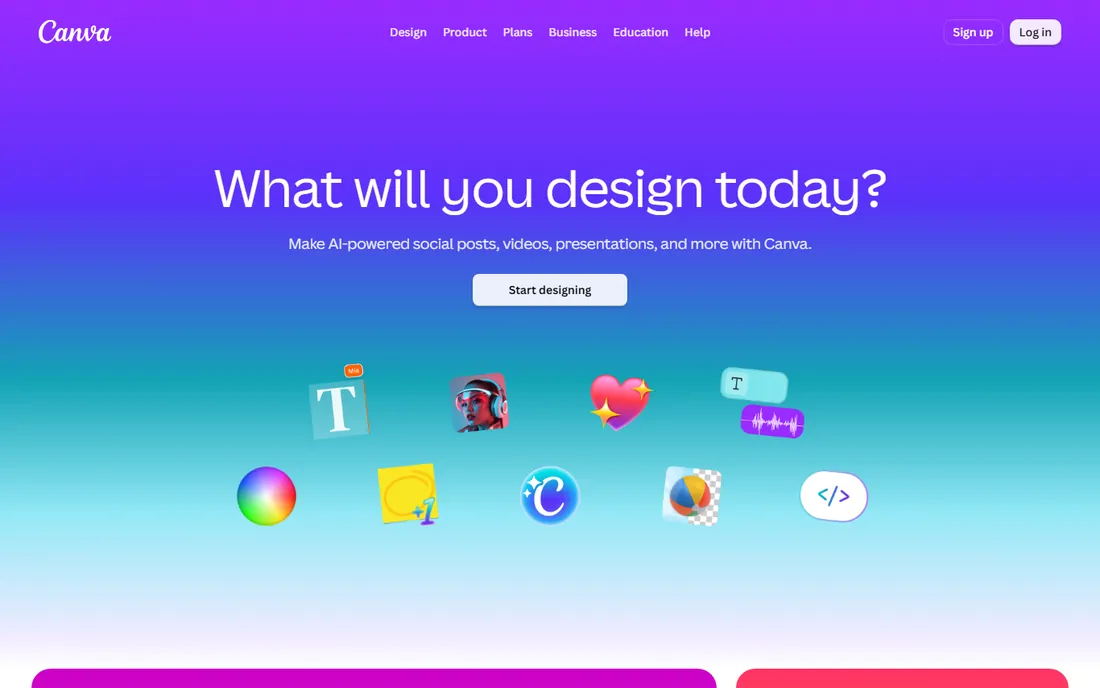
Canva is the default answer for a reason. Millions of flyer and brochure templates, drag-and-drop editing anyone learns in minutes, and a free tier that covers most casual needs. Brand kits keep colors and fonts consistent, and Canva Print will produce and ship your flyers so you never touch a print shop's file requirements.
The honest limitation is originality and control. Heavily used templates are recognizable, and professional printers sometimes want finer control over bleeds, color profiles, and imposition than Canva offers. For small businesses, events, and community organizations, though, Canva turns "we need a flyer by Friday" from a crisis into a task.
What we like- Enormous template library
- Very easy to learn
- Print ordering built in
Watch out for- Designs can look generic
- Advanced print controls are limited
Starting priceSee website
Free planYes
Adobe Express is Adobe's answer to Canva: template-based design with Adobe's font library, stock assets, and brand controls behind it. Teams already paying for Creative Cloud get premium features included, and the brand kit features keep distributed teams producing consistent materials. The free tier is genuinely useful.
It will not replace InDesign or Illustrator for serious work; that is not its job. Express is for speed: social graphics, flyers, and simple brochures produced quickly by non-designers. If your organization already lives in Adobe's ecosystem, Express is the natural quick-design layer on top.
What we like- Adobe-quality assets and fonts
- Brand controls
- Generous free tier
Watch out for- Less deep than full Adobe apps
- Template-driven
Starting priceSee website
Free planNo
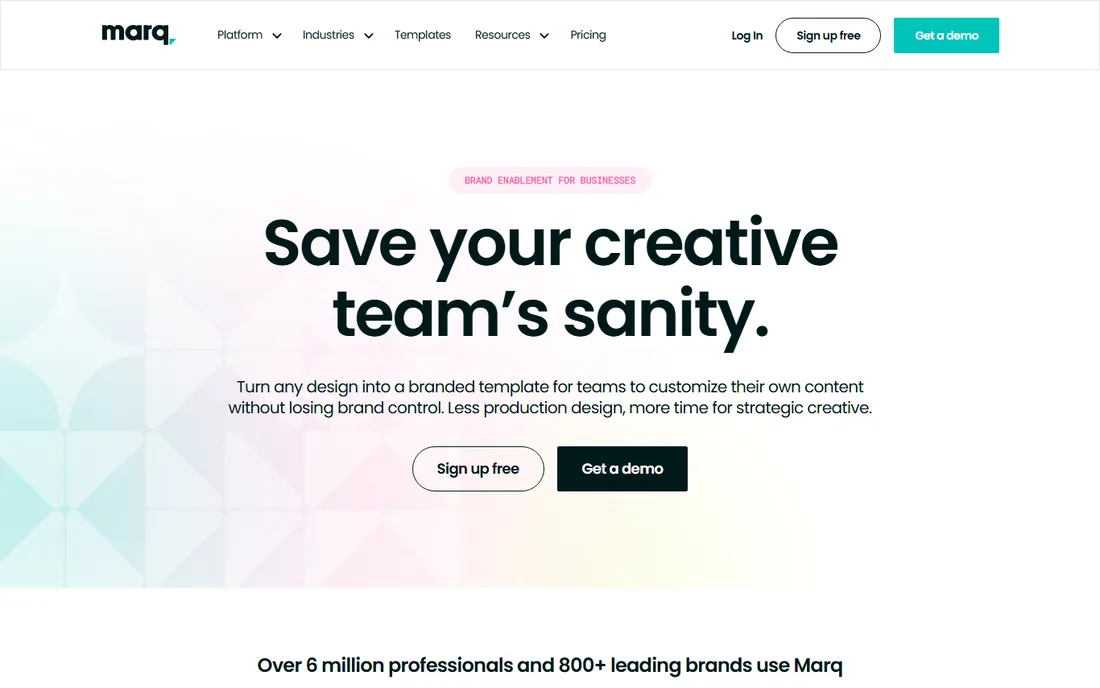
Marq (formerly Lucidpress) solves a specific business problem: how do fifty locations produce flyers without fifty different interpretations of the brand? Administrators lock down templates (fonts, colors, logos fixed), and local users customize only approved fields like addresses and offers. The result is on-brand materials from people with no design skills.
It requires upfront setup and is overkill for a solo designer. Pricing targets businesses, not individuals. But for franchises, multi-location businesses, and marketing teams supporting non-designers, Marq's template governance is exactly the right tool.
What we like- Locked templates protect the brand
- Built for distributed teams
- Print and digital
Watch out for- Needs admin setup
- Less for solo designers
Starting priceSee website
Free planYes
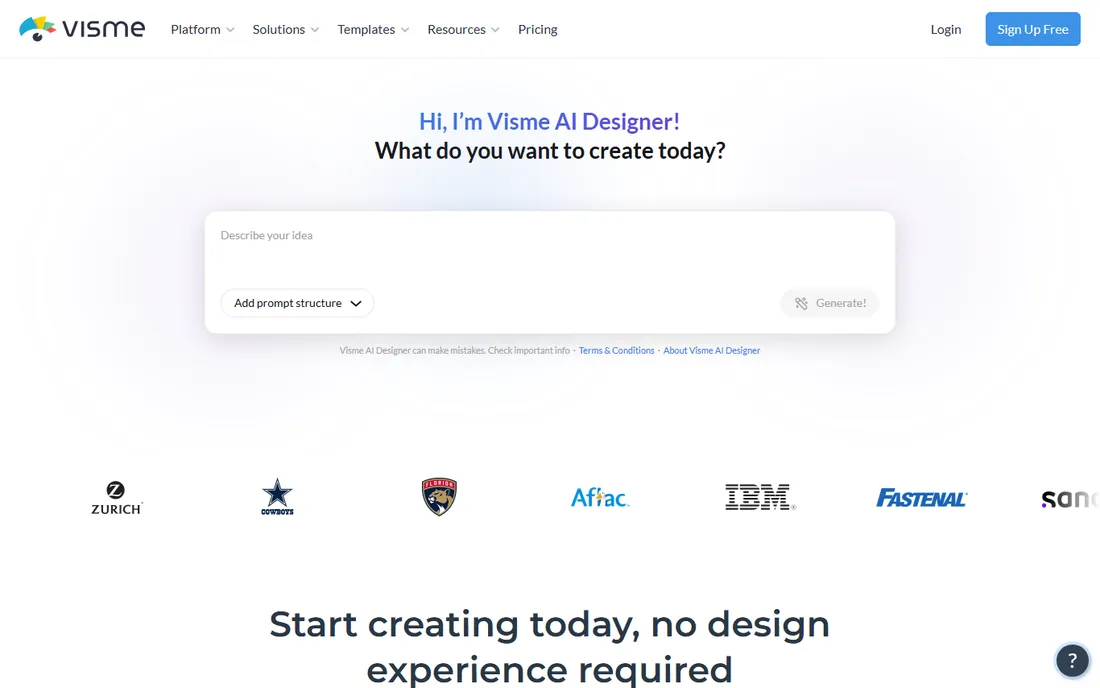
Visme started with infographics and presentations and expanded into flyers, brochures, and documents. Its strength is data-driven design: charts, graphs, and data widgets that make reports and informational brochures easy. Interactive elements suit digital distribution, and print export covers the physical side.
The interface packs in a lot, which can overwhelm simple flyer projects. For pure print layout, the dedicated tools go deeper. But for businesses whose brochures are really data stories (annual reports, capability decks, informational pamphlets), Visme's chart and infographic tools are a genuine advantage.
What we like- Strong infographic and data tools
- Presentations plus print
- Interactivity
Watch out for- Interface can feel busy
- Print features trail design specialists
Starting priceSee website
Free planYes
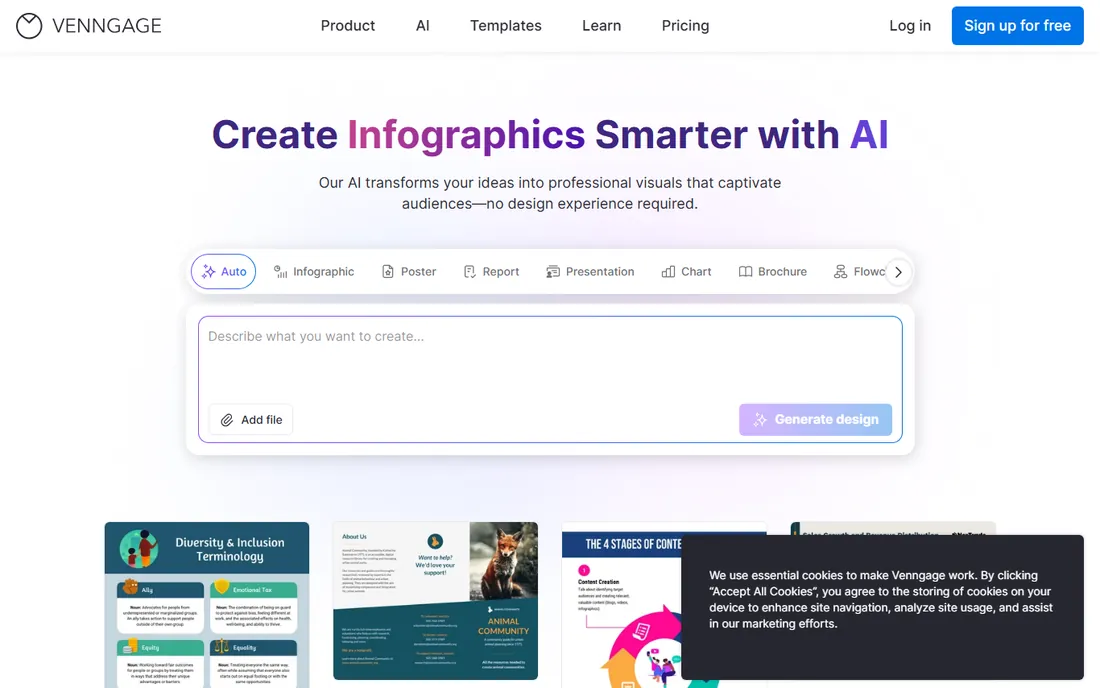
Venngage focuses on turning information into visuals: infographics, reports, and data-heavy brochures. Templates are designed around common business documents, data imports from spreadsheets easily, and the editor stays approachable. Teams producing regular reports appreciate the consistency.
It is not a general-purpose design tool; for a photo-heavy event flyer, Canva serves better. The free plan is limited enough that regular users need a subscription. But when the job is "make this data look good in a brochure," Venngage's specialization shows.
What we like- Excellent infographic templates
- Easy data import
- Team collaboration
Watch out for- Narrower than general design tools
- Free plan is limited
Starting priceSee website
Free planYes
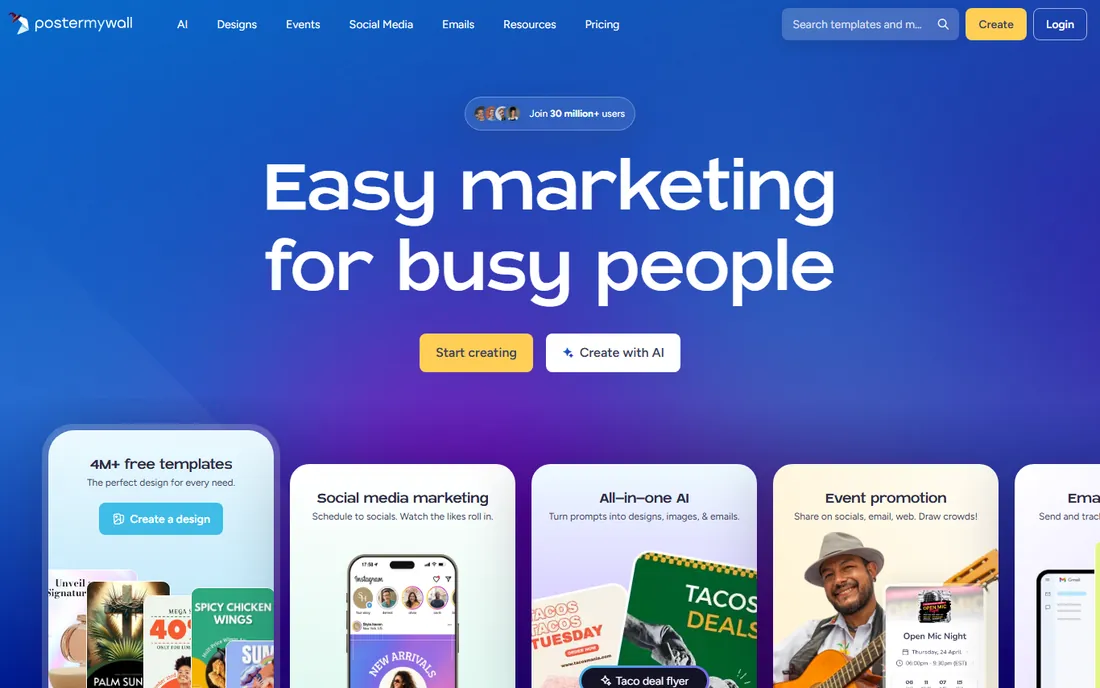
PosterMyWall is built for speed on promotional materials: event flyers, sale posters, social graphics, and email headers. The template library is enormous, search works well, and you can go from idea to finished flyer in minutes. Pricing is affordable, with a free tier for trying it out.
The output looks like templates because it is templates; originality takes extra effort. Advanced design control is limited compared with Canva, let alone InDesign. For bars, churches, schools, and small retailers churning out weekly promotional flyers, PosterMyWall's speed and price are hard to beat.
What we like- Huge template library
- Fast for events and promotions
- Affordable
Watch out for- Designs skew templated
- Advanced editing is limited
Starting priceSee website
Free planNo
InDesign is what professional brochures are made with. Precise typography, master pages, paragraph and character styles, and prepress controls give designers total command over multi-page documents. Print shops expect InDesign files (or print-ready PDFs from it), and the integration with Photoshop and Illustrator completes the professional workflow.
It demands real learning and a Creative Cloud subscription. Non-designers should not start here. But for marketing teams producing serious brochures, catalogs, and annual reports, InDesign remains the industry standard, and fluency in it is a marketable skill.
What we like- Industry standard for print
- Precise typographic control
- Handles long documents
Watch out for- Subscription only
- Steep learning curve
Starting priceSee website
Free planNo
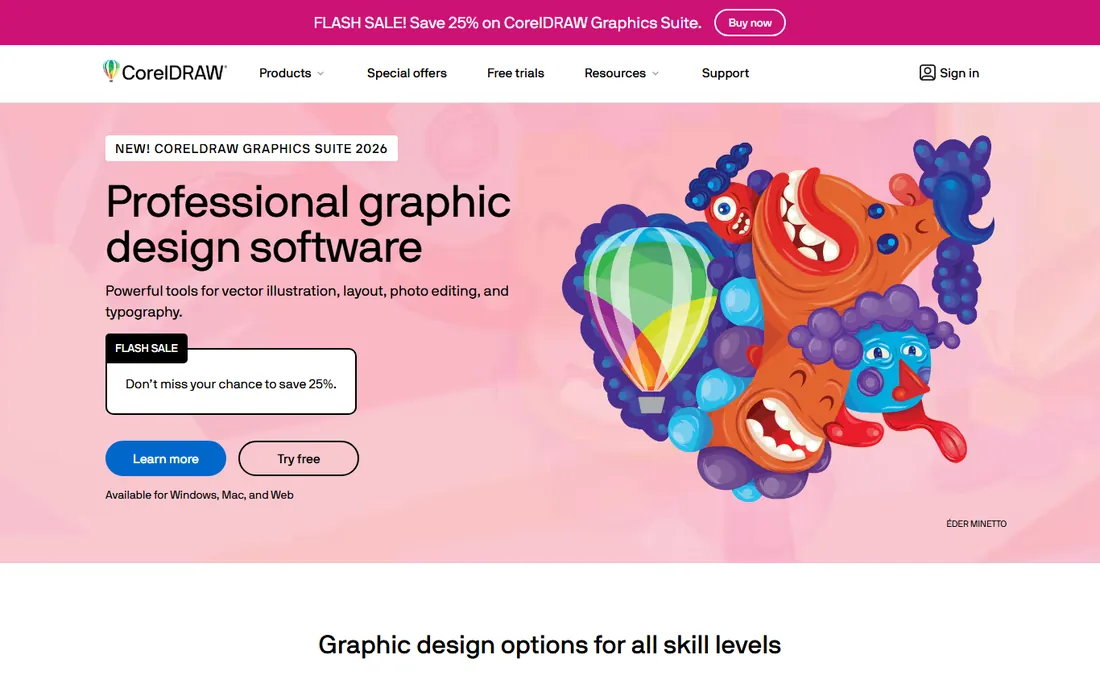
CorelDRAW combines vector illustration with page layout, which suits the many print shops and sign makers who design and produce under one roof. Flyers, brochures, signage, and packaging all work in one application. Corel offers purchase options beyond subscription, which appeals to buyers tired of monthly billing.
The community and tutorial ecosystem is smaller than Adobe's, and the Mac version has historically trailed Windows. But in the print and signage world, CorelDRAW is deeply entrenched for good reason: it handles the full journey from design to production file efficiently.
What we like- Strong vector tools plus layout
- One-time purchase options
- Popular in print shops
Watch out for- Smaller community than Adobe
- Mac version trails Windows
Starting priceSee website
Free planNo
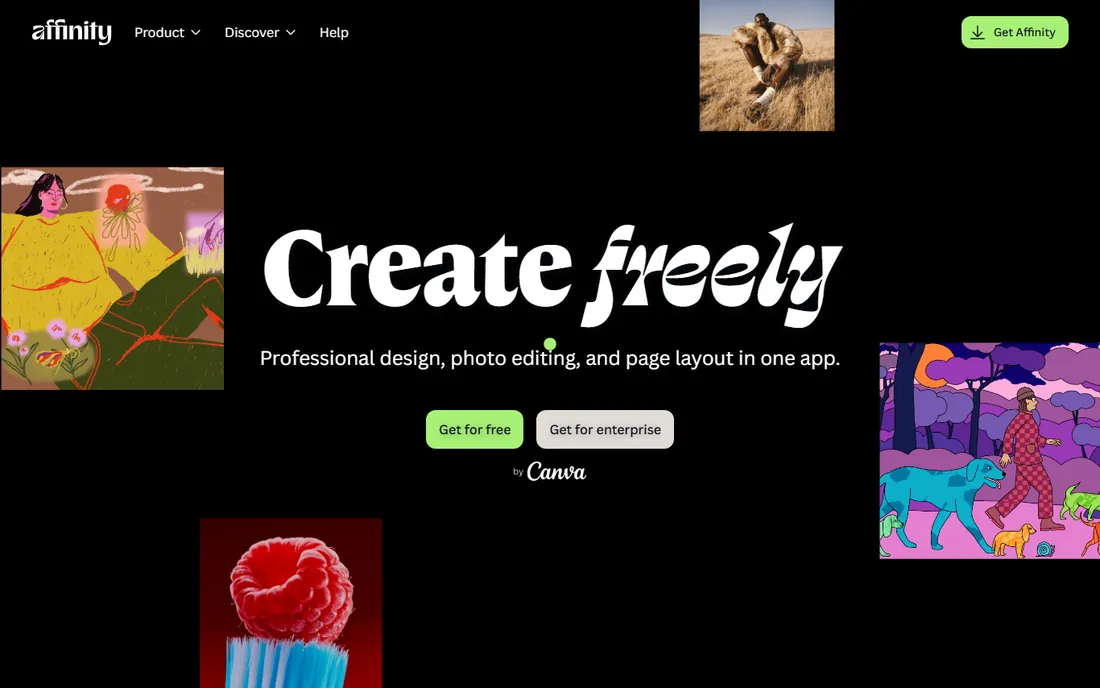
Affinity Publisher (now at affinity.studio) is the professional layout tool for people who refuse subscriptions. It handles multi-page brochures with master pages, typography controls, and print export that satisfy most professional needs, at a one-time price far below Adobe's annual cost. Integration with Affinity Designer and Photo covers the full design workflow.
The ecosystem is smaller: fewer templates, fewer tutorials, less print-shop familiarity than InDesign. Some advanced long-document features trail Adobe. But for freelancers and small studios doing professional print work without a Creative Cloud subscription, Affinity Publisher's value is exceptional.
What we like- Professional layout tools
- No subscription
- Excellent value
Watch out for- Smaller ecosystem
- Some advanced features trail InDesign
Print versus digital: design for the destination
Flyers and brochures live in two worlds, and the software choice follows the destination. Print needs bleeds, CMYK color, and resolution of 300 DPI; the professional tools (InDesign, Affinity Publisher, CorelDRAW) handle this natively, while Canva and its peers simplify it. Digital needs RGB, smaller file sizes, and sometimes interactivity; Visme and Canva excel here. The most common mistake is designing for screen and sending it to print, which produces dull colors and fuzzy images. Decide where the piece will be seen before you start, set up the document correctly, and proof a printed copy before ordering five thousand.
What to check before you buy
Template quality in your industry
Browse templates for your actual use case before committing. A tool with ten thousand templates but none for your industry is less useful than one with five hundred relevant ones. Canva and PosterMyWall win on volume; Marq wins when templates must enforce brand rules.
Brand control for teams
If multiple people create materials, brand governance matters more than design freedom. Marq's locked templates, Canva's brand kits, and Adobe Express's brand controls each address this differently. Solo designers can ignore this; marketing managers cannot.
Print requirements and export
Check bleed settings, CMYK support, and PDF export standards (PDF/X) if you use professional printers. The desktop tools handle this completely. Web-based tools vary; test the export with your printer before committing to a large run.
Cost over time
Subscriptions (Adobe, Canva Pro, Marq) versus one-time purchases (Affinity, CorelDRAW options) change the multi-year math. A freelancer producing brochures weekly may find Affinity cheaper within a year. A team needing collaboration and brand controls will pay for cloud features regardless. Model two years, not two months.
How we chose
We selected software people actually use to create flyers and brochures in 2026, from free web tools to professional desktop layout applications. We evaluated vendor documentation, template quality, print capabilities, and fit for different skill levels. We excluded discontinued products (including Microsoft Publisher, retired in 2026) and generic image editors without layout features. No vendor paid for placement, and we did not design test pieces for this guide.
Frequently asked questions
What is the easiest software for making flyers?
Canva. The template library, drag-and-drop editor, and free tier make it the fastest path from idea to finished flyer for non-designers. PosterMyWall is the runner-up for pure speed on promotional flyers.
What do professionals use for brochures?
Adobe InDesign is the industry standard for multi-page brochures, followed by Affinity Publisher for those avoiding subscriptions and CorelDRAW in print-shop environments. These tools offer the typographic and prepress control that professional print work demands.
Can I make print-ready flyers in Canva?
Yes, with care. Use the print PDF export, set up bleeds, and check color settings. For most small-business printing (including Canva Print), it is sufficient. For demanding commercial print work with specific color requirements, professional tools give more control.
What happened to Microsoft Publisher?
Microsoft retired Publisher, with support ending in 2026. Existing files still open in other applications, but Microsoft now points users to alternatives like Word templates, Designer, and third-party tools. If you have a library of Publisher files, convert important ones to PDF for archiving and rebuild active templates in a current tool.
Is it worth learning InDesign in 2026?
If you produce print materials professionally, yes. InDesign fluency remains a marketable skill and the tool of choice for serious layout work. If you only make occasional flyers, Canva or Adobe Express will serve you better for far less learning investment.
Sources we checked (9)
- https://www.canva.com
- https://www.adobe.com/express/
- https://www.marq.com
- https://www.visme.co
- https://venngage.com
- https://www.postermywall.com
- https://www.adobe.com/products/indesign.html
- https://www.coreldraw.com
- https://www.affinity.studio/
Is your product missing or out of date?
We review this list regularly. Vendors can request a listing, send updated pricing or ask about featured placement.

Shihab Mia · Founder, Rankite
Shihab has spent more than a decade helping SaaS and e-commerce brands grow through search. He writes Rankite's software buying guides from pricing pages, documentation and public user reviews. More about Shihab.