How we make this list: we compare pricing pages, product documentation and public user reviews. Rankite is independent; if a vendor ever pays for a featured spot, that listing is clearly labeled Partner.
Key takeaways
- Free gets you further than you think: the Church Online Platform is completely free, and OBS Studio handles encoding and switching for free too.
- Church-specific platforms (BoxCast, Resi, ChurchStreaming-style services) cost $65 to $109 a month but remove the technical headaches volunteers face.
- Reliability is the real product. Resi built its name on resilient streaming, and BoxCast powers more than 10,000 live broadcasts a week with support staffed on Sundays.
- Browser tools like StreamYard and Restream are the fastest path to your first stream, and both have usable free plans for small churches.
- Multistreaming matters if your congregation lives on Facebook and YouTube: Restream, Castr and vMix send one feed to every platform at once.
Quick comparison
| Tool | Best for | Starting price | Free plan |
|---|
 BoxCast BoxCast | all-in-one church streaming | $109/month (Standard) | No (free demo) |
 Resi Resi | reliable broadcast-grade streaming | $99/month (Social Only) | Free demo |
 Church Online Platform Church Online Platform | free online ministry home | $0 | Yes |
 StreamYard StreamYard | easiest browser streaming | $44.99/month (Core) | Yes |
 Restream Restream | multistreaming to every platform | $19/month (Standard) | Yes |
 vMix vMix | pro multi-camera switching on Windows | $60 one-time (Basic HD) | Free trial |
 Switcher Studio Switcher Studio | multi-camera streaming from iPhones | $65/month (Studio) | 14-day free trial |
 Castr Castr | church multistreaming and hosting | $16/month (plans from) | 7-day free trial |
 OBS Studio OBS Studio | free encoding and switching | $0 | Yes |
 Ecamm Live Ecamm Live | Mac-based production | See website | 14-day free trial |
Is your product missing or out of date?
We review this list regularly. Vendors can request a listing, send updated pricing or ask about featured placement.
The best software for church live streaming
Starting price$109/month (Standard)
Free planNo (free demo)
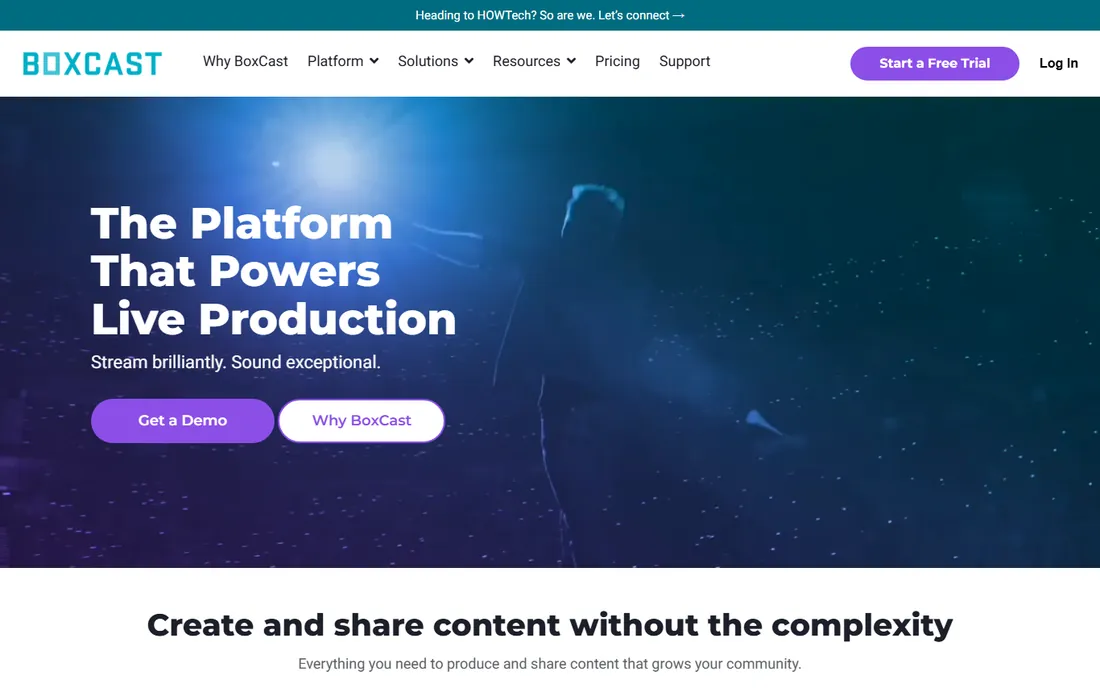
BoxCast is the name most church tech teams reach for first, and it earned that by solving the whole problem: streaming, a church website builder, OTT apps for Roku and Apple TV, remote audio mixing and highlight clips, all in one dashboard. Its patented BoxCast Flow protocol is designed for the shaky church internet connection, resending lost data so the stream stays smooth.
Standard starts at $109 a month with Deluxe at $169 and Advanced at $249, and support runs seven days a week, including Sunday mornings, which tells you who they serve. If your church wants one vendor, one bill and one support line, BoxCast is the simplest answer, provided the budget fits.
What we like- Purpose-built for churches with sites, OTT apps and clip sharing
- Patented BoxCast Flow protocol for unstable internet
- US-based support 7 days a week including Sundays
Watch out for- No free plan
- $109 a month is steep for very small churches
#2
Resi
Best for: reliable broadcast-grade streaming
Visit resi.io
Starting price$99/month (Social Only)
Free planFree demo
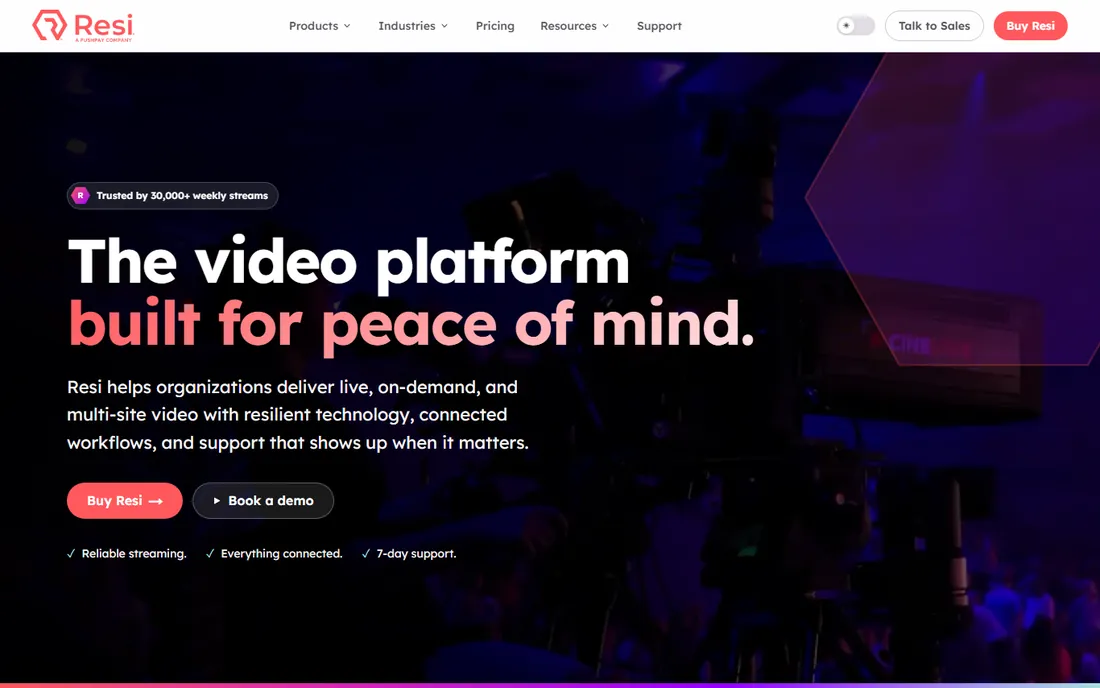
Resi, formerly Living As One and now part of Pushpay, sells peace of mind. Its patented Resilient Streaming Protocol checks and resends every packet of data, so a brief internet hiccup at the church does not become a frozen frame for the congregation. Around 7,000 churches use it, mostly in the US, and the volunteer-friendly design means a checklist-follower can run the whole workflow.
Pricing is transparent on the site: Social Only at $99 a month streams to Facebook and YouTube, Starter Lite at $159 adds your website with simulated-live rebroadcasts, and Pro at $299 adds apps and more bandwidth. It is not the cheapest option, but churches that have lost a service to a dropped stream will understand the premium.
What we like- RSP technology resends every packet for near-perfect reliability
- Automated scheduling a volunteer can run
- Trusted by thousands of churches weekly
Watch out for- Full website streaming starts at $159 a month
- No free plan, only a demo
Starting price$0
Free planYes
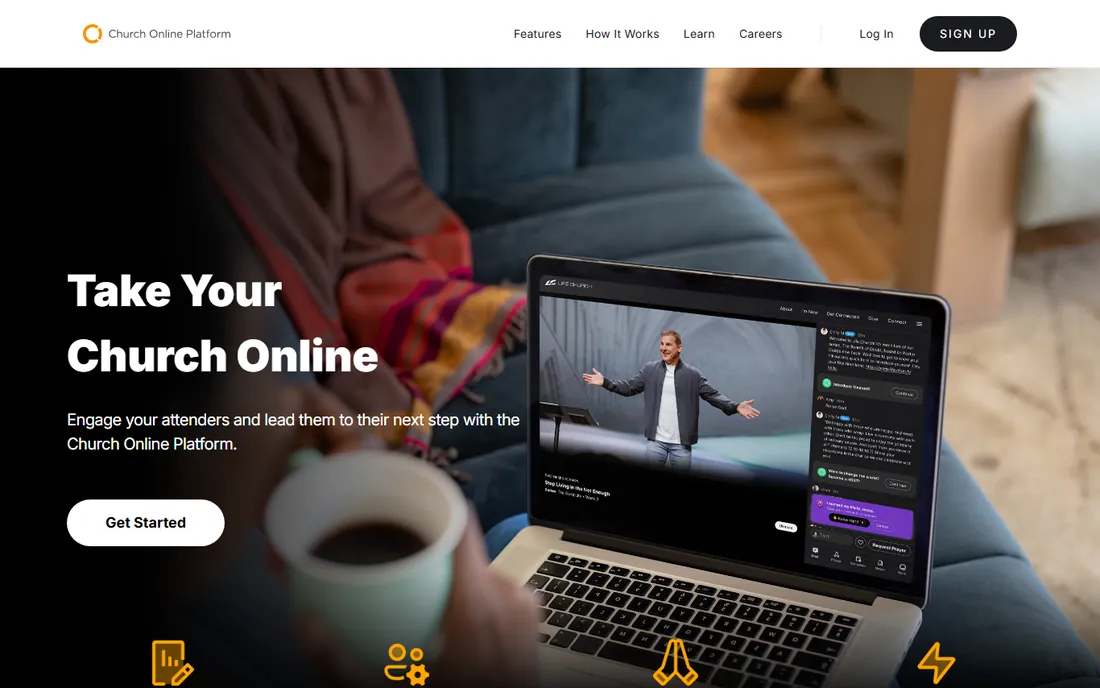
Life.Church built the Church Online Platform in 2011 and gives it away free, forever. It is not a streaming service: you bring your stream from YouTube, Vimeo or any provider, and the platform wraps it in a branded online church experience with live chat, private prayer requests, volunteer hosts and customizable next steps. Setup takes under five minutes, and everything, unlimited services, attenders, admins and chat, is included.
The catch is exactly that split. You still need something to encode and send your service, whether that is OBS Studio for free or a paid service. But as the free home for your online congregation, nothing else in this guide comes close to the value.
What we like- Completely free, including support and upgrades
- Live chat, prayer requests and volunteer hosting tools
- Over 38,000 churches joined since 2011
Watch out for- It is a platform, not a streaming service, so you still need an encoder
- Customization is more limited than paid sites
Starting price$44.99/month (Core)
Free planYes
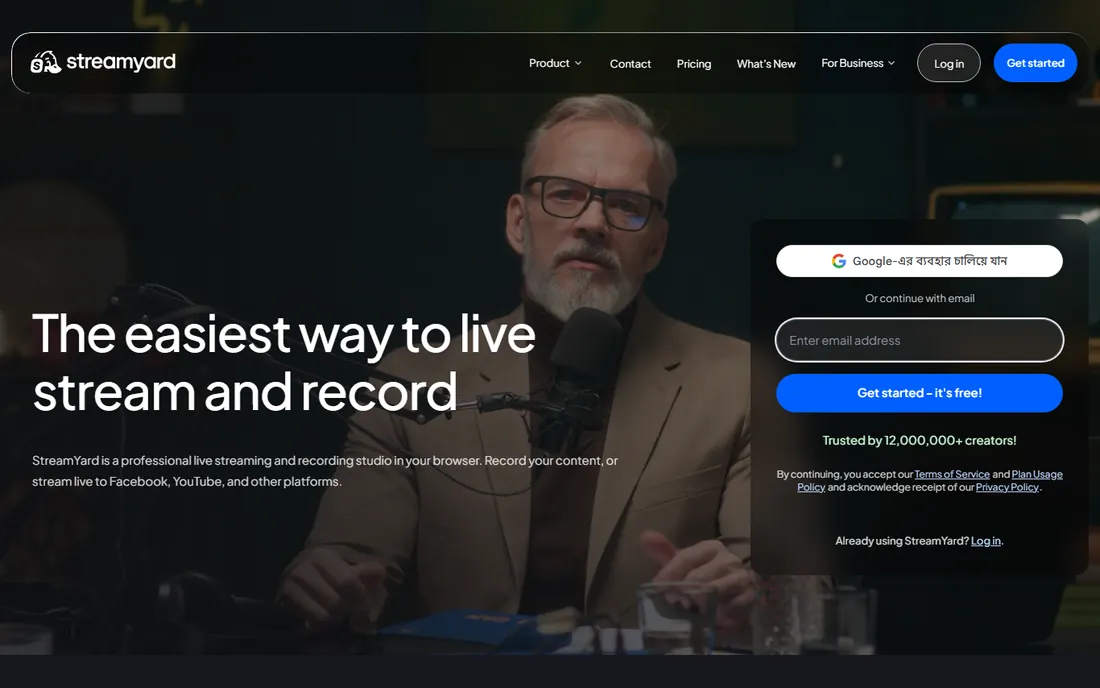
StreamYard is the fastest way to look professional without learning broadcast software. It runs entirely in the browser, guests join from a link with no downloads, and you get layouts, lower thirds, banners and recordings with a few clicks. Churches use it for talk-style services, midweek devotionals, interviews and testimonies where the webcam is the camera.
The free plan streams to one destination with branding. Core at $44.99 a month ($35.99 billed annually) adds 1080p, unlimited streaming and recording, and Advanced at $88.99 a month adds multistreaming to more destinations and webinars. For volunteer teams with no technical staff, the simplicity is worth the price.
What we like- Runs in a browser with nothing to install
- Best-in-class guest management for interviews and panels
- Local HD recording survives internet drops
Watch out for- Free plan covers only one destination at 720p
- Paid plans cost more than Restream
Starting price$19/month (Standard)
Free planYes
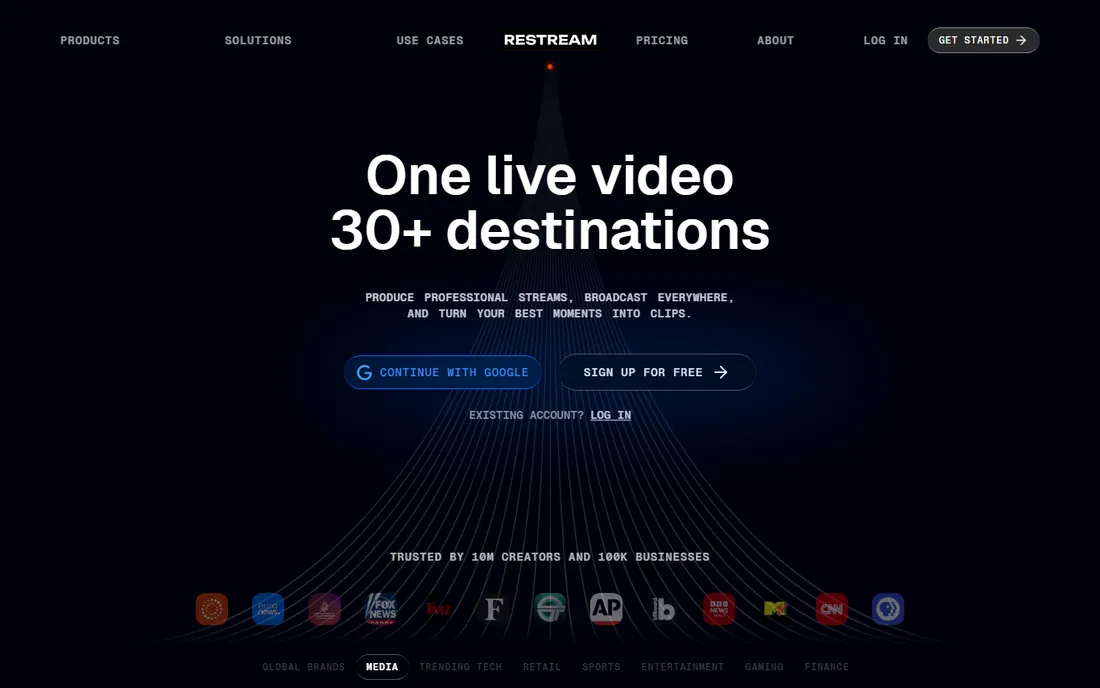
If your congregation is split between Facebook, YouTube and your website, Restream sends one stream to all of them. The free plan covers two channels with branding, Standard at $19 a month ($16 billed annually) adds a third, and Professional at $49 a month adds 1080p, five channels and team seats. It also pairs with OBS, so your in-house switching setup can feed every platform through one pipe.
Restream is cheaper than StreamYard for pure multistreaming and its free plan is genuinely usable for a small church testing the waters. What it does not do is host your online church home, so pair it with the Church Online Platform or your website.
What we like- Streams to 30+ destinations at once from one broadcast
- Free plan covers two channels
- Works with OBS and other external encoders
Watch out for- Free studio streams carry Restream branding
- Advanced features like webinars cost extra as add-ons
Starting price$60 one-time (Basic HD)
Free planFree trial
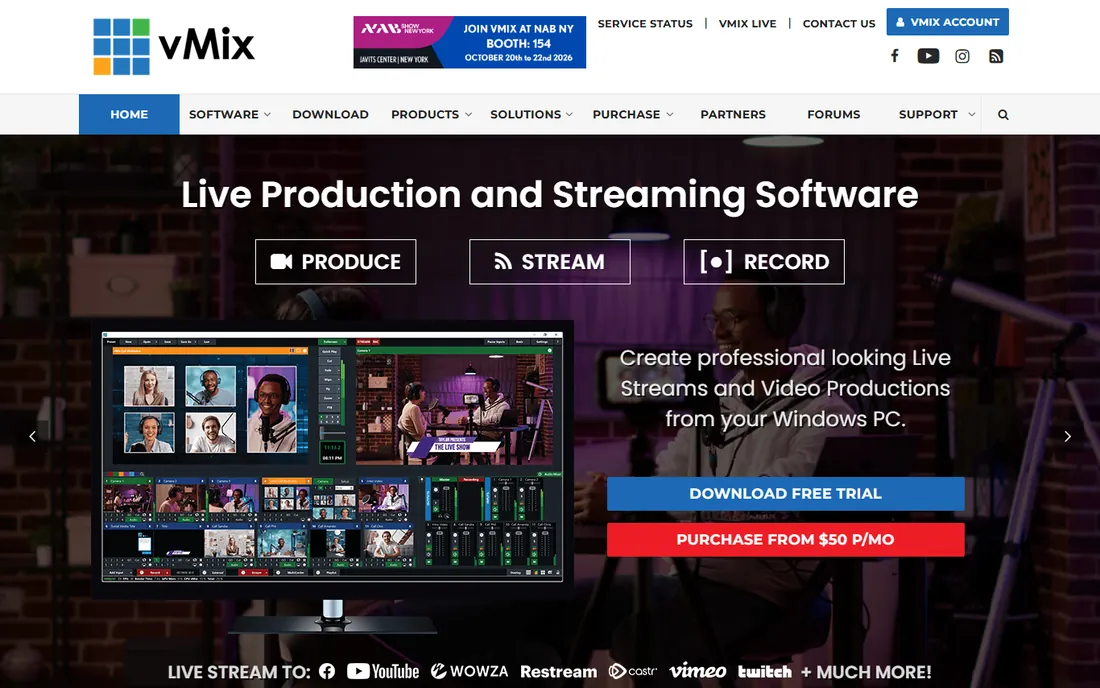
vMix turns a Windows PC into a live production switcher: multiple cameras, graphics, instant replay, remote guests via vMix Call, and streaming to Facebook, YouTube, Twitch, Vimeo and more, up to five destinations at once. Churches with a dedicated tech volunteer use it to produce services that look like television.
The pricing model is the standout: Basic HD is a $60 one-time license, HD is $350, 4K is $700 and Pro is $1,200, with no subscription. The trade-off is complexity and platform. It is Windows-only, and a volunteer needs real training. But for the price of two months of some platforms, you own a professional switcher forever.
What we like- True broadcast switching with overlays, instant replay and vMix Call guests
- One-time licenses, not subscriptions
- Streams to five destinations at once
Watch out for- Windows only
- The interface has a real learning curve for volunteers
Starting price$65/month (Studio)
Free plan14-day free trial
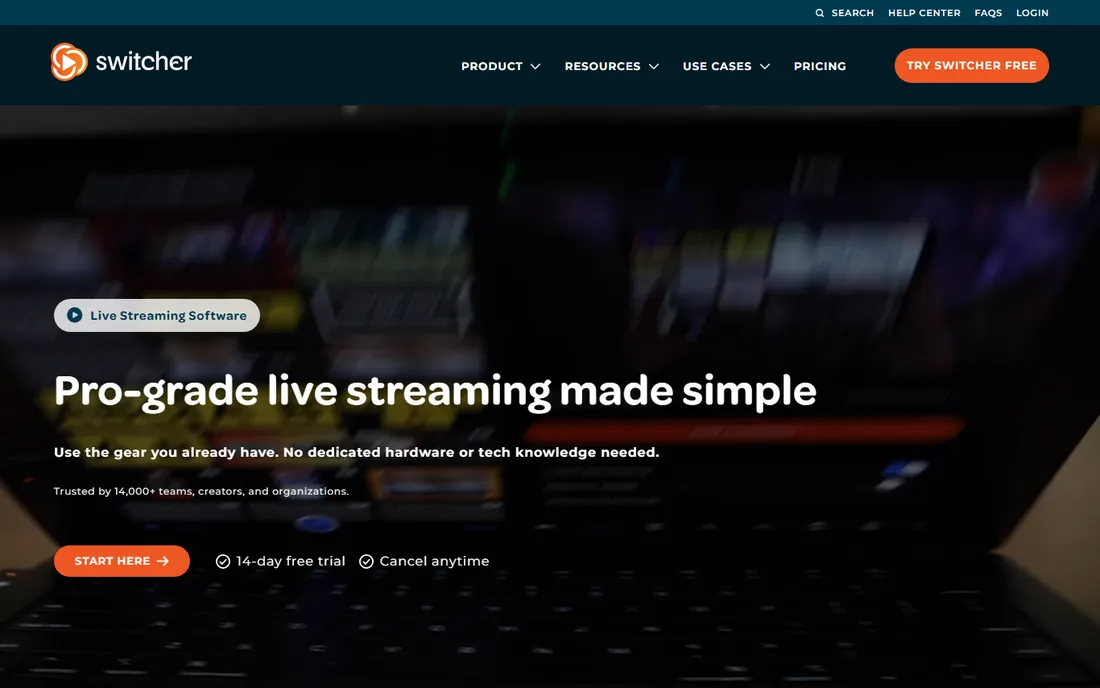
Switcher Studio is built for the church that owns iPhones but not a switcher. One iPhone acts as the switcher while others join wirelessly as cameras, giving you multi-angle services with no capture cards, no cables and no computer. It includes multistreaming, real-time editing, donation tools and video hosting in one app.
Studio is $65 a month ($45 billed annually) and Suite is $99 a month ($71 billed annually) with more destinations and monetization. There is a 14-day trial but no free plan. For portable setups, youth services and mission trips, the phone-as-studio concept is hard to beat.
What we like- Turns iPhones and iPads into a wireless multi-camera rig
- No capture hardware or computers needed
- Built-in multistreaming, donations and video hosting
Watch out for- Apple devices only
- Monthly cost adds up compared with one-time software
Starting price$16/month (plans from)
Free plan7-day free trial
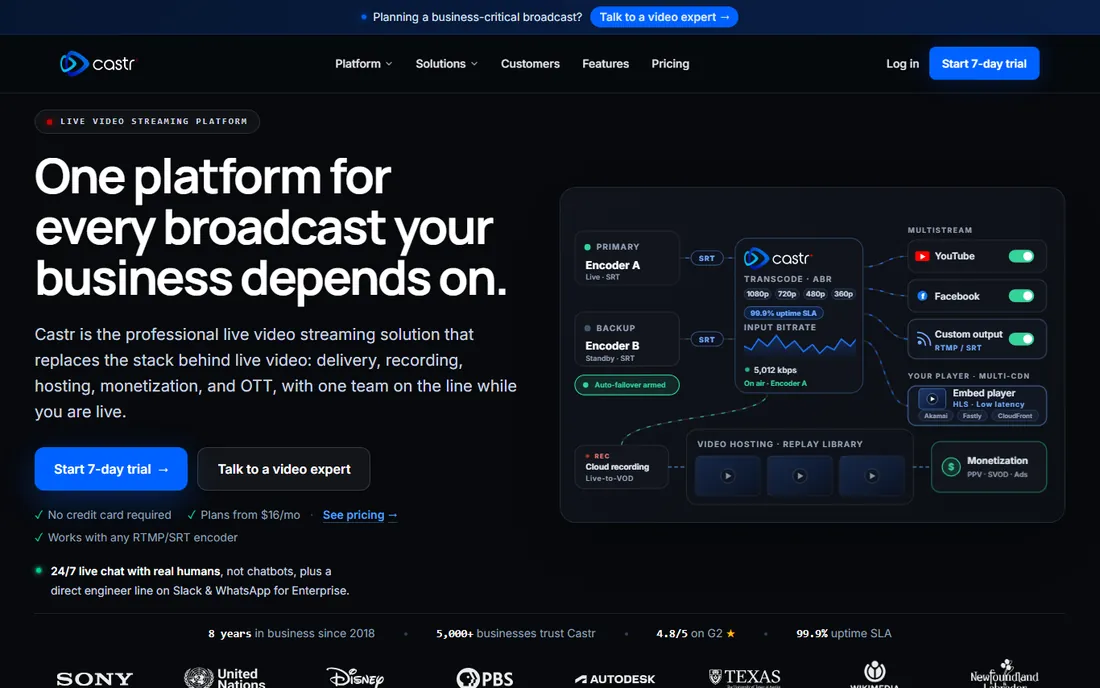
Castr is a professional multistreaming platform with a self-serve church solution: multistream to social platforms, cloud record every service, turn live streams into on-demand video automatically, and host it all on a branded player. Delivery runs over multiple CDNs with a 99.9% uptime SLA, and every plan includes 24/7 human support.
Plans start from $16 a month on the vendor's pricing page, with a 7-day trial and no credit card. It is less famous than Restream but comparable in function, and churches that want recordings and hosting in the same tool should compare it head to head with Restream before committing.
What we like- Professional multistreaming with multi-CDN delivery
- Cloud recording and live-to-VOD built in
- Dedicated self-serve option for churches
Watch out for- Only a 7-day trial, no free plan
- Higher tiers climb quickly for small budgets
Starting price$0
Free planYes
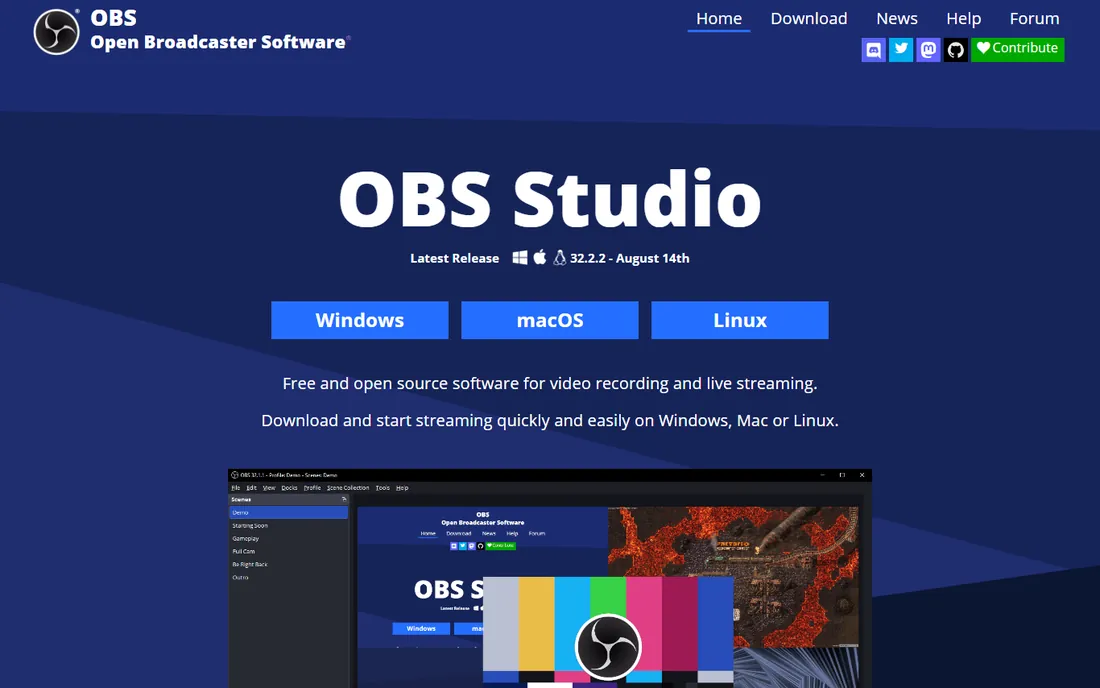
OBS Studio is the free engine behind countless church streams. Build scenes from cameras, slides, browser sources and media, switch live, and send the result anywhere: YouTube, Facebook, the Church Online Platform, or a multistreaming service like Restream. It costs nothing and does the core job as well as software costing hundreds.
The honest cost is learning. OBS looks like broadcast software because it is, so budget a few hours of setup and training for your volunteer. The common winning combo is OBS for production plus Restream or Castr for distribution plus the Church Online Platform for the congregation, all for under $20 a month.
What we like- Free and open source with no limits
- Scenes, sources, transitions and plugins for full productions
- Streams to any RTMP destination
Watch out for- The interface intimidates first-time volunteers
- No built-in multistreaming without plugins or a service
Starting priceSee website
Free plan14-day free trial
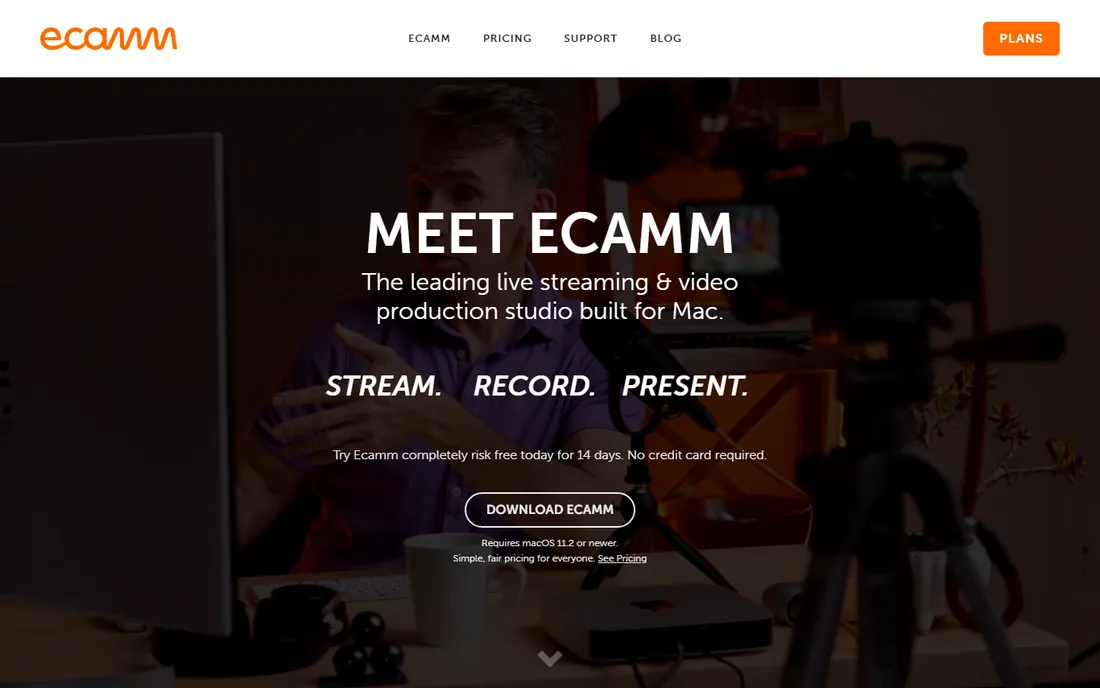
Ecamm Live is what many Mac-based churches graduate to when OBS feels too raw. It combines a camera switcher, scenes, up to ten remote guests, screen sharing, green screen effects and streaming to YouTube, Facebook and more in a polished interface that volunteers actually enjoy. It also handles recording and podcasting, so one app covers the whole media ministry.
It is Mac-only, requiring macOS 11.2 or newer, and pricing sits behind a "See Pricing" link, so we could not verify current numbers from the vendor's public page. There is a 14-day free trial. If your church is all-Mac and wants professional results without a learning cliff, start the trial and compare it with OBS.
What we like- The friendliest pro-grade studio on Mac
- Scenes, guests, screen sharing and camera effects in one app
- Streams to all major destinations
Watch out for- Mac only
- Pricing is not listed on the homepage, so check the pricing page
Volunteer-proofing your stream: the part most guides skip
The software is only half the decision. Most church streams fail for human reasons, not technical ones, so build a setup a volunteer can run half-asleep. Write a one-page checklist: power on, open the app, check the preview, go live, watch the first 60 seconds, end the stream. Laminate it and tape it to the desk.
Then rehearse the failure. Have the volunteer practice what to do when the internet drops, a camera dies, or the slides freeze, because it will happen during a service. The platforms in this guide that handle failures gracefully, Resi's packet recovery, BoxCast Flow, StreamYard's local recording, earn their price in those moments. A runbook matters more than a feature list.
Pick the setup that matches your team, not your ambitions
Start with your people, then your budget. One volunteer with a laptop: StreamYard or OBS plus the Church Online Platform. A team with cameras and a tech lead: vMix on Windows or Ecamm on Mac for switching, feeding Restream or Castr for distribution. A church that wants it handled: BoxCast or Resi, with support that answers on Sunday mornings.
Do not buy for the production you wish you had. A simple stream that goes live every week beats an ambitious setup that breaks and stays broken. Start with the free tools, prove the habit, then spend money on the bottleneck you actually hit, which is usually reliability, not features.
How we chose
We focused on what churches actually need: getting a service online reliably, every week, with volunteers. We included church-specific platforms (BoxCast, Resi, Church Online Platform, Switcher Studio, Castr) alongside general streaming tools churches commonly use (StreamYard, Restream, vMix, OBS Studio, Ecamm Live). We verified pricing on vendor pages where available and used "See website" where we could not confirm a number. We checked reviews on G2, Capterra and church tech publications for reliability reports. We did not test the software hands-on.
Frequently asked questions
What is the cheapest way to live stream a church service?
Stream to YouTube for free with OBS Studio doing the encoding and switching, and use the free Church Online Platform as your congregation's online home. Total software cost: $0. When you outgrow it, add Restream at $19 a month to multistream to Facebook at the same time.
Do churches need permission to stream worship music?
Yes, usually. Streaming copyrighted worship music requires a streaming license, commonly from CCLI or CCS, on top of your regular performance license. YouTube and Facebook can also mute or block streams over copyright claims, which is one reason some churches stream to their own site with BoxCast, Resi or Castr.
BoxCast vs Resi: which is better for churches?
Both are church-focused and reliable. BoxCast at $109 a month bundles streaming with a website builder, OTT apps and remote audio mixing, making it the broader all-in-one. Resi from $99 a month focuses on streaming reliability through its RSP protocol, which resends lost packets. Choose BoxCast for the ecosystem, Resi if drop-proof streaming is your top priority.
Can volunteers run church live streaming software?
Yes, with the right choice. StreamYard, BoxCast, Resi and Switcher Studio are designed for non-technical operators. OBS Studio and vMix need trained volunteers. Whatever you pick, write a one-page runbook and rehearse the stream before Sunday, not during it.
Should our church stream to Facebook, YouTube, or our website?
Ideally all three, which is what multistreaming tools are for. YouTube is free and reliable, Facebook reaches members where they already are, and your website (or the Church Online Platform) gives you control without algorithm or copyright surprises. Restream or Castr can send one feed to all of them.
What internet speed does a church need to live stream?
For a stable 1080p stream, aim for at least 10 Mbps of dedicated upload speed at the church, tested during service time, not on a quiet Tuesday. Wired ethernet beats Wi-Fi for the streaming computer. If your upload is shaky, Resi's RSP or BoxCast Flow are built for exactly that problem.
Sources we checked (15)
- https://boxcast.com/
- https://www.g2.com/products/boxcast/reviews
- https://resi.io/
- https://resi.io/church-live-streaming/
- https://online.church
- https://streamyard.com/
- https://www.learningrevolution.net/restream-vs-streamyard/
- https://restream.io/
- https://www.vmix.com/
- https://www.saasworthy.com/product/vmix/pricing
- https://www.switcherstudio.com/
- https://www.switcherstudio.com/blog/live-streaming-setup
- https://castr.com/
- https://obsproject.com/
- https://ecamm.com/
Is your product missing or out of date?
We review this list regularly. Vendors can request a listing, send updated pricing or ask about featured placement.

Shihab Mia · Founder, Rankite
Shihab has spent more than a decade helping SaaS and e-commerce brands grow through search. He writes Rankite's software buying guides from pricing pages, documentation and public user reviews. More about Shihab.