How we make this list: we compare pricing pages, product documentation and public user reviews. Rankite is independent; if a vendor ever pays for a featured spot, that listing is clearly labeled Partner.

Key takeaways
- Real-time tools (Lumion, Twinmotion, D5 Render, Enscape, Unreal Engine) trade some realism for speed: you walk through the design live instead of waiting hours for a render.
- Offline renderers (V-Ray, Corona) still produce the most photorealistic still images, at the cost of render time and a steeper learning curve.
- Free options are genuinely competitive. Twinmotion, D5 Render, Blender and Unreal Engine all offer free tiers that handle professional work.
- Match the renderer to your modeler. Every tool here plugs into specific CAD and BIM software, and a bad pipeline wastes more time than a slow renderer.
Quick comparison
| Tool | Best for | Starting price | Free plan |
|---|
 Lumion Lumion | fast real-time renders for architects | See website | No (free trial) |
 V-Ray V-Ray | photorealistic stills and animation | See website | No (free trial) |
 Enscape Enscape | live walkthroughs inside your CAD model | See website | No (free trial) |
 Twinmotion Twinmotion | free real-time visualization | See website | Yes |
 D5 Render D5 Render | fast GPU rendering with a free tier | See website | Yes |
 Corona Renderer Corona Renderer | easy photorealism for 3ds Max users | See website | No (free trial) |
 Blender Blender | free complete 3D pipeline | Free (open source) | Yes |
 Unreal Engine Unreal Engine | interactive experiences and films | See website | Yes |
 3ds Max 3ds Max | modeling plus rendering in one package | See website | No (free trial) |
Is your product missing or out of date?
We review this list regularly. Vendors can request a listing, send updated pricing or ask about featured placement.
The best software for architectural visualization
Starting priceSee website
Free planNo (free trial)
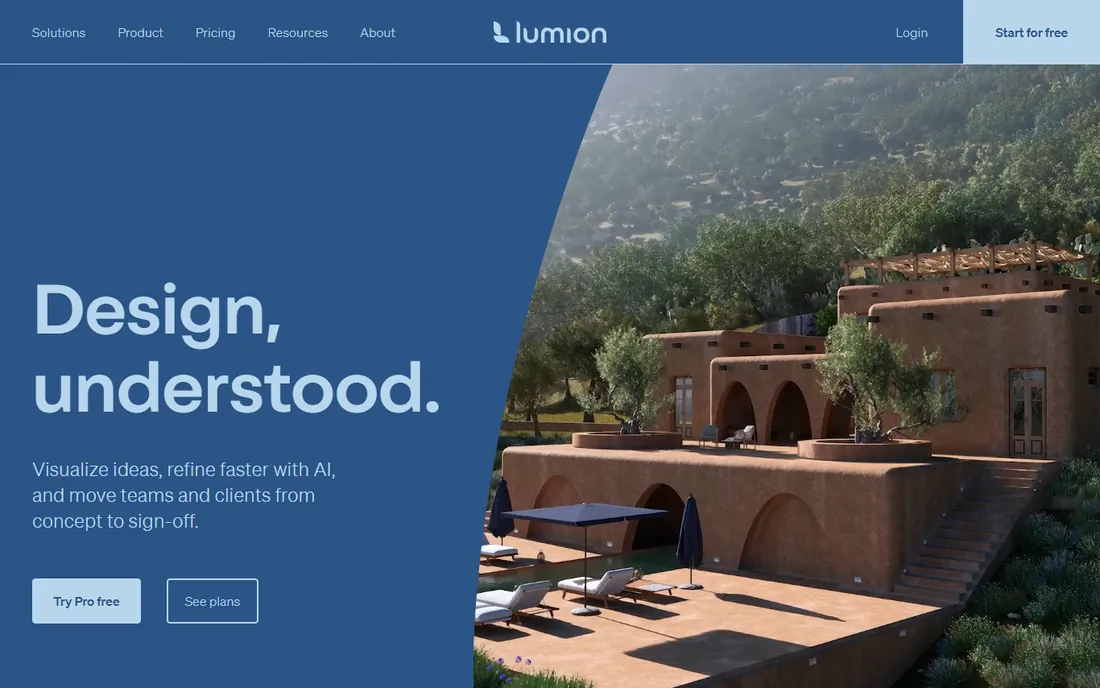
Lumion is the reason small architecture firms can produce visualization in-house. You import your SketchUp, Revit or ArchiCAD model, and within minutes you have a rendered scene with skies, vegetation, people and cars from a built-in library of thousands of assets. The real-time engine means changes appear instantly, so design iteration and client feedback happen in the same meeting.
The price reflects the professional positioning: this is subscription software aimed at firms, with a free trial for evaluation. It is also Windows only, which matters for Mac-based studios. What you give up against V-Ray or Corona is fine-grained control over light behavior and materials. What you gain is speed that changes how a practice works: rendering stops being a specialist task outsourced to a viz studio and becomes part of the design process.
What we like- Renders finished-looking images in minutes
- Enormous built-in content library
- Easy enough for architects, not just viz artists
Watch out for- Subscription priced for professional firms
- Windows only
- Less control than offline renderers for fine art direction
Starting priceSee website
Free planNo (free trial)
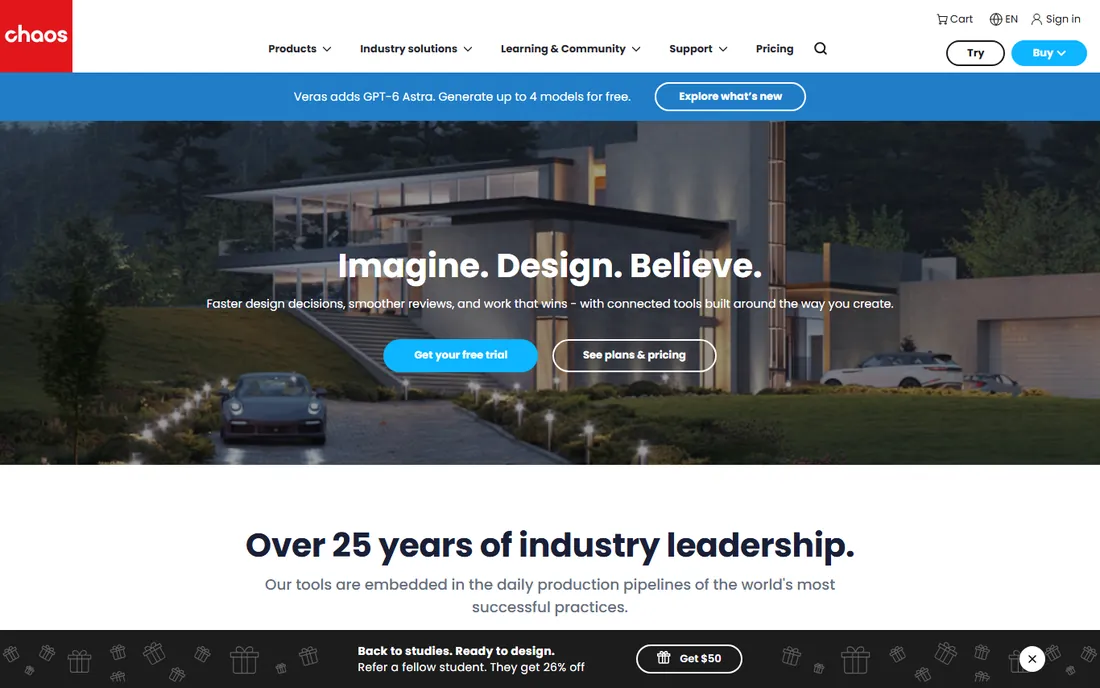
V-Ray by Chaos is the renderer behind a huge share of the architectural imagery you see in competitions and marketing. It is an offline renderer, which means it calculates light physically accurately and takes its time doing it, but the results are the benchmark for photorealism. The material system, global illumination and lighting tools give experienced artists control that real-time engines cannot match.
That control comes with demands. V-Ray takes real study to master, final-quality stills can take minutes to hours per frame depending on hardware, and serious animation work usually means render farms or Chaos Cloud credits. Licensing is subscription based with trials available. Choose V-Ray when the image itself is the product: competition entries, developer marketing, and portfolio pieces where realism is non-negotiable.
What we like- Industry standard for photorealism
- Deep material and lighting control
- Integrates with 3ds Max, SketchUp, Rhino, Revit and more
Watch out for- Learning curve is real
- Render times demand good hardware or cloud rendering
- Subscription cost per seat
#3
Enscape
Best for: live walkthroughs inside your CAD model
Visit chaos.com
Starting priceSee website
Free planNo (free trial)
Enscape, also from Chaos, takes the opposite approach from V-Ray: instead of exporting to a separate program, you stay inside your CAD model and walk through it rendered in real time. The plugin launches with one click from Revit, SketchUp, Rhino, Vectorworks or ArchiCAD, and every change to the model updates the visualization instantly. For design reviews and client presentations, that immediacy is transformative.
The visual quality is presentation-grade rather than portfolio-grade. It will not match a tuned V-Ray still, and the asset library is more modest than Lumion's. But the learning curve is measured in hours, not weeks, because there is almost no new interface to learn. For architects who want visualization without hiring a viz artist or learning a second profession, Enscape is the most frictionless option here.
What we like- One-click launch from Revit, SketchUp, Rhino or ArchiCAD
- Clients walk through the live model
- Minimal learning curve
Watch out for- Realism trails dedicated renderers
- Subscription per seat
- Asset library smaller than Lumion's
Starting priceSee website
Free planYes

Twinmotion is Epic Games' answer to architectural visualization, and its headline feature is the price: free for individuals and companies under $1 million in annual revenue, which covers most small firms and all students. The workflow is drag-and-drop simple: import your model, add environment, weather, people and vegetation, and produce stills, panoramas, videos or interactive presentations.
Against Lumion it is visibly the budget option. Materials and vegetation look good but not quite as refined, and the professional community and training resources are thinner. But the direct synchronization with major CAD tools is excellent, and for firms that need solid client visuals without a software budget, the value is unmatched. Check Epic's current licensing terms if your firm is near the revenue threshold.
What we like- Free for most users
- Drag-and-drop simplicity
- Direct links to Revit, SketchUp, ArchiCAD and Rhino
Watch out for- Asset quality and realism trail paid rivals
- Epic's licensing terms need checking for large firms
- Smaller professional community
Starting priceSee website
Free planYes
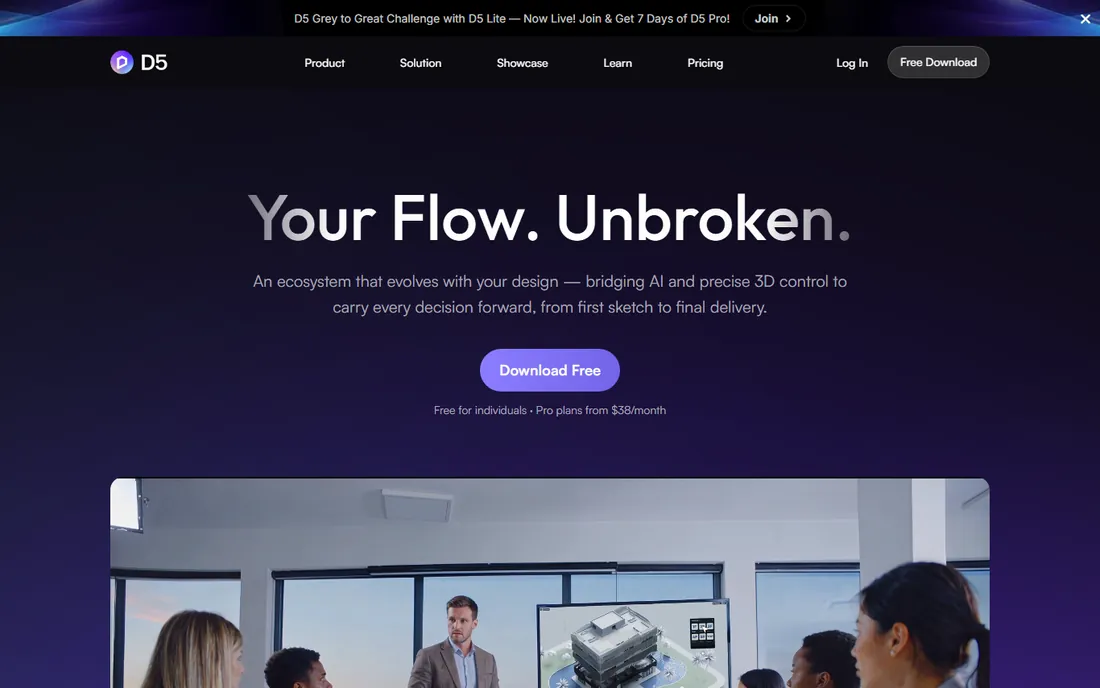
D5 Render has become the favorite of a generation of viz artists who want near-Lumion speed without the Lumion price. The free community version handles real projects, and the GPU-accelerated engine produces clean, attractive images quickly. Recent versions have added AI-assisted features for materials and atmosphere that genuinely save time.
The requirements are specific: you want an NVIDIA RTX graphics card to get the best from it, which is a hardware cost to factor in. The Pro subscription adds the full asset library and higher output limits. As a younger product it has less of a track record in large firms than the established names, but its community is enthusiastic and growing fast. For freelancers and small studios with good GPUs, the free tier alone is worth evaluating.
What we like- Free community version is genuinely usable
- GPU-accelerated speed
- Growing asset library and AI features
Watch out for- Needs an NVIDIA GPU for best performance
- Pro features gated behind subscription
- Younger product with a smaller track record
Starting priceSee website
Free planNo (free trial)
Corona Renderer built its reputation on a simple promise: photorealistic results without the PhD. Where V-Ray exposes every parameter, Corona makes intelligent defaults that produce beautiful images with minimal tuning, which is why so many small viz studios standardized on it. Chaos acquired Corona years ago, and it now sits alongside V-Ray in the same product family with shared technology.
The practical notes: it is primarily a CPU renderer, so render speed depends on your processor rather than your graphics card, and it lives mainly inside 3ds Max and Cinema 4D. Licensing is subscription based with a trial. For 3ds Max users who want V-Ray-adjacent quality with a fraction of the learning curve, Corona is the natural choice.
What we like- Famous for ease of use among offline renderers
- Excellent price to quality ratio
- Now part of Chaos with shared development
Watch out for- Primarily a 3ds Max and Cinema 4D renderer
- CPU-based, so no GPU speed shortcut
- Subscription only
Starting priceFree (open source)
Free planYes
Blender's Cycles renderer produces images that stand next to commercial renderers, and the entire package costs nothing, forever, under an open-source license. For archviz, the typical workflow is importing a model from SketchUp or another CAD tool, then handling materials, lighting and rendering in Blender. The Eevee real-time engine also gives quick previews and stylized output.
The friction is in the pipeline, not the renderer. Blender is not CAD software, so round-tripping models from Revit or ArchiCAD takes plugins and patience, and precise architectural modeling inside Blender is possible but not its strength. The interface is famously dense for newcomers. But for freelancers and students, the combination of zero cost and professional output is unbeatable, and the tutorial ecosystem is the largest of any tool here.
What we like- Completely free forever with no tiers
- Cycles produces genuinely photorealistic renders
- Huge tutorial community
Watch out for- Not built for CAD workflows, so importing BIM models takes work
- Interface overwhelms beginners
- No dedicated archviz support channel
Starting priceSee website
Free planYes

Unreal Engine is the most powerful and most demanding option here. It is a full game engine, free to start using, that produces real-time visuals beyond what any dedicated archviz tool can do: interactive walkthroughs, virtual reality, configurators where clients change finishes live, and even film-quality output. Large developers and high-end viz studios use it for flagship presentations.
Everything about it is heavier. The learning curve is measured in months, projects need powerful hardware, and using a game engine for a set of still renderings is like hiring a film crew to take a photograph. Epic's licensing is generous for small users but has revenue thresholds larger firms must check. Choose Unreal when the deliverable is an experience rather than an image: VR walkthroughs, interactive sales tools, or marketing films.
What we like- Free to start with generous revenue terms
- Unmatched real-time fidelity
- Powers interactive walkthroughs, VR and film
Watch out for- Steepest learning curve on this list
- Overkill for still images
- Projects demand serious hardware
Starting priceSee website
Free planNo (free trial)
3ds Max is not a renderer, it is the modeling home where most high-end archviz happens. The reason it belongs on this list is the pipeline: the majority of professional viz studios model in 3ds Max and render with V-Ray, Corona or Arnold, and the plugin and asset ecosystem around that combination is unmatched. If you plan to work in or hire from that world, Max is the common language.
The costs are real: an Autodesk subscription priced for professional use, Windows only, and a learning curve that takes months of dedicated practice. The trial lets you evaluate it properly. For architects who only need visuals of their own designs, the real-time tools above deliver faster with less training. For anyone building a career in visualization itself, 3ds Max plus a renderer remains the industry path.
What we like- Industry-standard modeling for viz studios
- Native V-Ray, Corona and Arnold integration
- Huge asset and plugin ecosystem
Watch out for- Expensive subscription
- Windows only
- Modeling skills take serious time to build
Buying guide: choosing visualization software
Real-time vs offline rendering: the one decision that matters
This is the fork everything else hangs on. Real-time tools (Lumion, Enscape, Twinmotion, D5, Unreal) show you the result instantly and let clients walk through the design, but top-end realism takes more effort. Offline renderers (V-Ray, Corona, Cycles) calculate light accurately for maximum photorealism, but each image costs minutes or hours. If your work is design iteration and client meetings, go real-time. If your work is competition images and marketing stills, go offline. Many studios run both.
Follow your models
A renderer is only as good as its connection to your CAD software. Enscape's one-click Revit and SketchUp plugins, Twinmotion's direct sync, and Lumion's broad import support exist because broken pipelines kill projects. Before committing, test the round trip with one of your actual models: import it, change something in CAD, and update the visualization. The tools that make that loop painless are worth more than the ones with slightly prettier output.
Budget for hardware, not just software
Rendering performance is hardware performance. D5 Render wants an NVIDIA RTX card. Offline renderers scale with CPU cores or cloud credits. Real-time walkthroughs need a decent GPU on the presentation laptop too. A free renderer on a weak machine can cost more in lost time than a paid renderer on proper hardware. Price the workstation alongside the license, especially for GPU-based tools.
Start free, pay when the work demands it
Four tools here cost nothing to start: Twinmotion, D5 Render, Blender and Unreal Engine. That is enough to learn visualization, produce client work and discover which workflow fits you before spending anything. Pay for Lumion, V-Ray, Enscape or Corona when a specific limitation costs you money: render quality that loses competitions, speed that misses deadlines, or a pipeline your clients require.
How we chose
We selected tools with active development and real professional user bases in architecture and visualization, checking vendor sites and industry communities. We covered both rendering paradigms, real-time and offline, and included the free options that professionals actually use rather than padding the list with demos. We confirmed each product is current and available; several once-popular renderers have been discontinued or absorbed, so we excluded anything sunset or merged out of existence. We did not run hands-on rendering benchmarks.
Putting it together: the hybrid studio workflow
Use real-time when the design is still moving. Client meetings, design reviews, planning consultations and early concept presentations all benefit from walking through a live model and changing things on the spot. Lumion, Enscape, Twinmotion and D5 Render are built for exactly this, and the speed changes the conversation from "here is what we designed" to "let us try your idea right now."
Use offline rendering when the image must be perfect. Competition submissions, developer marketing, portfolio pieces and print materials reward the physical accuracy of V-Ray, Corona or Cycles. Budget the render time into the project plan, and consider cloud rendering services for animation or tight deadlines. The hybrid studios winning the most work use real-time tools through design development, then switch to offline renderers for the final hero images.
Frequently asked questions
What is the best rendering software for architects?
For most architects, Lumion or Enscape: Lumion for polished real-time output with a huge asset library, Enscape for the most frictionless workflow inside Revit or SketchUp. Budget-conscious firms should evaluate Twinmotion and D5 Render, both free to start. For maximum photorealism, V-Ray and Corona remain the standards.
Is architectural visualization software expensive?
It ranges from free to several thousand dollars per seat per year. Twinmotion, D5 Render, Blender and Unreal Engine offer free tiers that handle professional work. Mid-range real-time tools are subscription based, and high-end combinations like 3ds Max plus V-Ray are priced for professional studios. Hardware is the hidden cost: budget for a strong GPU or CPU alongside the license.
Can I learn architectural visualization for free?
Yes. Blender's tutorial ecosystem is enormous and the software is free forever. Twinmotion and D5 Render are free to start with gentler learning curves, and Unreal Engine's free tier includes extensive learning resources. Expect weeks to months of practice before producing client-ready work, regardless of the tool.
Do I need CAD software alongside a renderer?
Usually yes. Most renderers import models rather than building them: Enscape and Twinmotion sync directly with Revit, SketchUp, Rhino and ArchiCAD, while V-Ray and Corona plug into 3ds Max and others. Blender and 3ds Max can model from scratch, but the common professional workflow is CAD for modeling plus a dedicated renderer for visualization.
What hardware do I need for architectural visualization?
A mid-range desktop handles learning and small projects. For serious work, real-time tools want a dedicated NVIDIA GPU (D5 Render benefits most from RTX cards), while offline renderers scale with CPU cores or use cloud render farms. For client presentations, make sure the laptop you present on can run the walkthrough smoothly.
Sources we checked (9)
- https://www.lumion.com
- https://www.chaos.com
- https://www.chaos.com/enscape
- https://www.twinmotion.com
- https://www.d5render.com
- https://corona-renderer.com
- https://www.blender.org/
- https://www.unrealengine.com
- https://www.autodesk.com
Is your product missing or out of date?
We review this list regularly. Vendors can request a listing, send updated pricing or ask about featured placement.

Shihab Mia · Founder, Rankite
Shihab has spent more than a decade helping SaaS and e-commerce brands grow through search. He writes Rankite's software buying guides from pricing pages, documentation and public user reviews. More about Shihab.