How we make this list: we compare pricing pages, product documentation and public user reviews. Rankite is independent; if a vendor ever pays for a featured spot, that listing is clearly labeled Partner.
Key takeaways
- Jira remains the default for agile teams that need deep customization, while Linear wins with teams that want speed and an opinionated workflow out of the box.
- The cheapest verified paid starting points: Shortcut Team ($8.50/user/month), monday dev Basic ($9/seat/month billed annually) and YouTrack (free up to 10 users, then from $4.50/user/month annually).
- Already hosting code on GitHub? GitHub Projects is included in every GitHub plan including Free, so many small teams never need a separate tracker.
- ClickUp and Asana both bundle docs, timelines and dashboards, but ClickUp's free plan is far more generous while Asana's free tier stops at 2 users.
Quick comparison
| Tool | Best for | Starting price | Free plan |
|---|
 Jira Jira | Agile teams that need deep workflow customization | See website (Free, Standard, Premium and Enterprise tiers) | Yes (free for up to 10 users) |
 Linear Linear | Product and engineering teams that prize speed | See website | Yes |
 ClickUp ClickUp | Teams that want tasks, docs, chat and goals in one workspace | $9/user/month (Core plan, billed annually; regular price $12) | Yes (Free Forever plan) |
 Asana Asana | Cross-functional teams where devs work with marketing and ops | $10.99/user/month (Starter plan, billed annually) | Yes (Personal plan, limited to 2 users) |
 monday dev monday dev | Product and development teams already on monday.com | $9/seat/month (Basic plan, billed annually) | Free trial (14 days; no permanent free dev plan) |
 GitHub Projects GitHub Projects | Teams whose work already lives in GitHub | See website (included in all GitHub plans) | Yes (Projects included in the GitHub Free plan) |
 YouTrack YouTrack | Teams in the JetBrains ecosystem who like powerful search | From $4.50/user/month (annual billing, 11+ users; free for up to 10 users) | Yes (free for teams up to 10 users) |
 Shortcut Shortcut | Software teams that want Jira-style structure without Jira-style admin | $8.50/user/month (Team plan) | Yes (free for up to 10 users) |
Is your product missing or out of date?
We review this list regularly. Vendors can request a listing, send updated pricing or ask about featured placement.
The best software development project management software
Picking a tracker for a software team is really a decision about how much process you want. Too little and work slips through the cracks. Too much and developers spend their days feeding the tool instead of shipping. The eight tools below cover the full range, from Jira's deep configurability to Linear's deliberate minimalism, with honest notes on where each one starts to hurt.
Starting priceSee website (Free, Standard, Premium and Enterprise tiers)
Free planYes (free for up to 10 users)
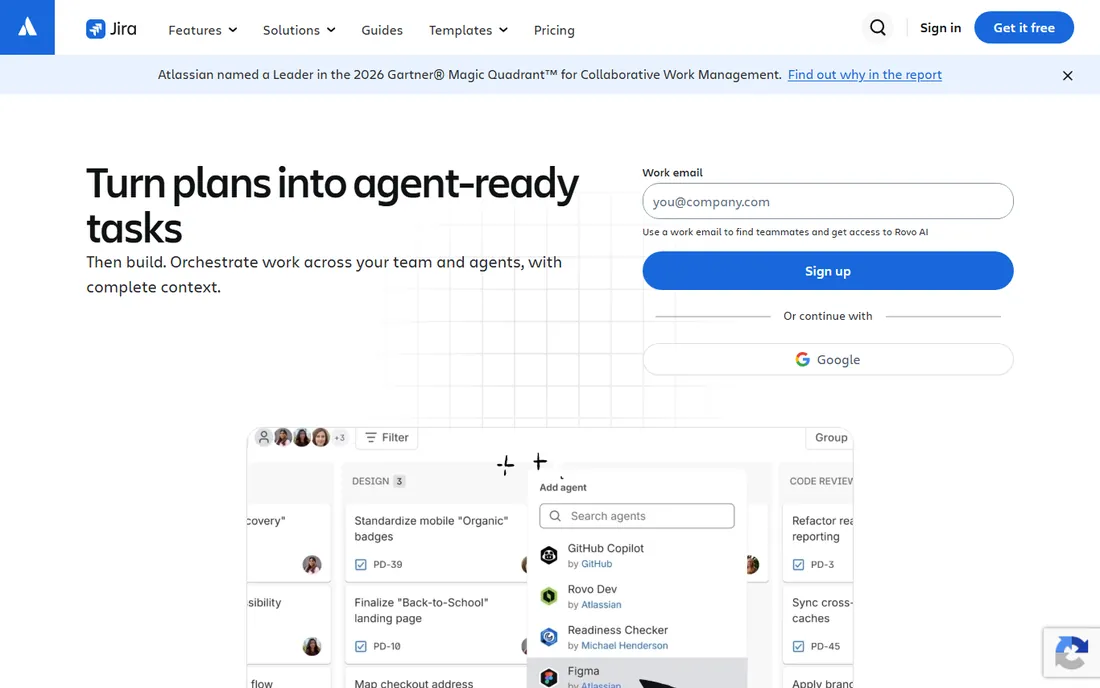
Jira is the tool everything else gets compared against, and for good reason. If your team runs real Scrum with story points, sprint planning, velocity charts and release tracking, Jira does all of it natively and has done it longer than anyone. The workflow engine lets you model almost any process, and the two-way sync with Bitbucket plus deep GitHub integration keeps code and issues connected.
The honest catch is overhead. Small teams routinely report that Jira feels heavy: schemes, permission models and custom fields multiply until someone has to own them. Atlassian's own site pushes you toward a trial rather than showing a simple price, and costs rise as you add Premium features like advanced roadmaps. If you want power and plan to grow into it, Jira is the safe long-term pick. If you want to start fast, look at Linear or Shortcut first.
What we like- The deepest agile feature set on this list, with Scrum and Kanban boards, customizable workflows and out-of-the-box reports
- Huge Atlassian Marketplace for integrations
- Scales from startups to enterprises without switching tools
Watch out for- Pricing is not published as a simple per-user figure, so budgeting takes a sales conversation
- Configuration complexity means most teams need a dedicated Jira admin past a certain size
#2
Linear
Best for: Product and engineering teams that prize speed
Visit linear.app
Starting priceSee website
Free planYes
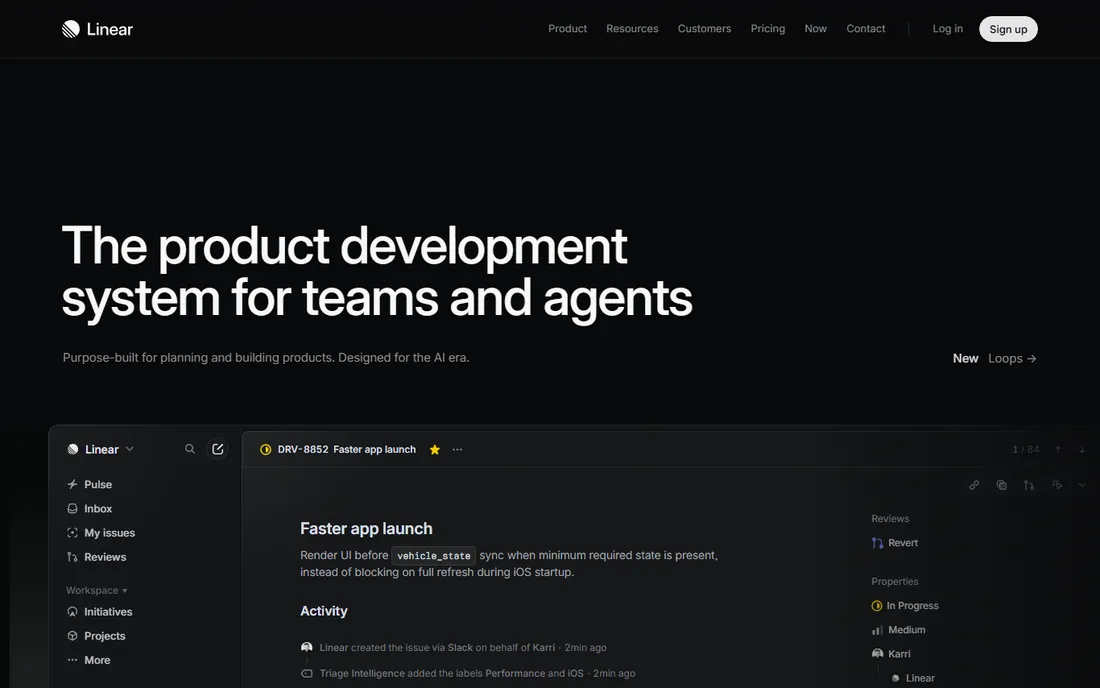
Linear built its reputation by being the opposite of Jira: fast, minimal and opinionated. Issues, cycles (its take on sprints) and projects come preconfigured in a way that matches how most modern software teams already work, so setup takes hours rather than weeks. The keyboard shortcuts and command palette make triage genuinely quick, and the GitHub integration closes the loop between pull requests and issues automatically.
The tradeoff is flexibility. Teams with unusual workflows or heavy compliance requirements sometimes hit the edges of what Linear will let them configure. It is cloud-only, and larger organizations that need advanced permissions or audit controls will pay for higher tiers. For startups and product-led teams that want to move fast without hiring a Jira admin, it is the most loved option on this list.
What we like- Noticeably fast interface with keyboard-first design that developers actually enjoy
- Opinionated cycles, initiatives and triage workflows that work well without configuration
- Clean GitHub and GitLab integrations with automatic issue linking
Watch out for- Deliberately less customizable than Jira, so unusual processes may not fit
- Priced per seat with no self-hosted option
#3
ClickUp
Best for: Teams that want tasks, docs, chat and goals in one workspace
Visit clickup.com
Starting price$9/user/month (Core plan, billed annually; regular price $12)
Free planYes (Free Forever plan)
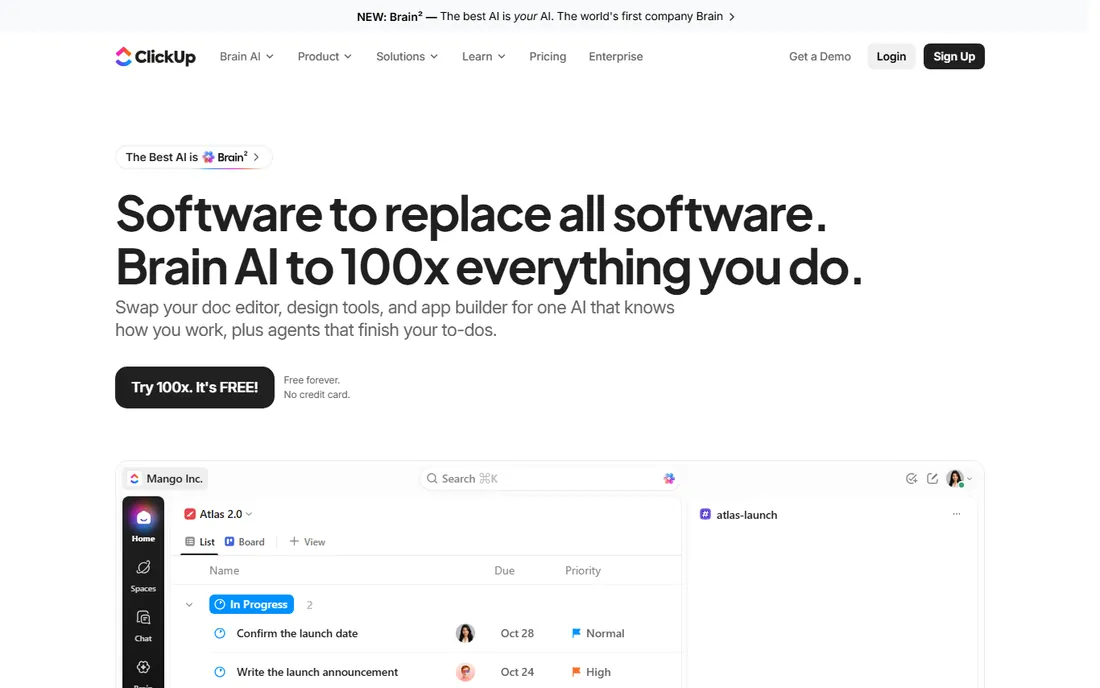
ClickUp's pitch is consolidation: instead of paying for a tracker, a docs tool, a whiteboard and a chat app, you get one workspace. The Free Forever plan is the most generous here, with unlimited tasks and members, which makes it a real option for bootstrapped teams. Paid plans add the views developers care about, like Gantt charts and workload views, plus sprint management with story points and burndown.
Breadth is also the risk. Teams describe a real learning curve, and the customization options that make ClickUp powerful can turn into a configuration project of their own. Note the current pricing page shows a promotional structure: Core at $9 per user per month billed annually (regular $12) and Business at $17 (regular $25), so confirm the price at checkout. If your team wants one tool to rule them all and will invest in setup, the value is hard to beat.
What we like- Generous free plan with unlimited tasks and members
- 15-plus views including Gantt, mind maps and whiteboards
- Native docs, time tracking and chat reduce the need for extra tools
Watch out for- The sheer breadth of features can overwhelm new users and slow adoption
- AI capabilities cost extra on top of seat prices
#4
Asana
Best for: Cross-functional teams where devs work with marketing and ops
Visit asana.com
Starting price$10.99/user/month (Starter plan, billed annually)
Free planYes (Personal plan, limited to 2 users)
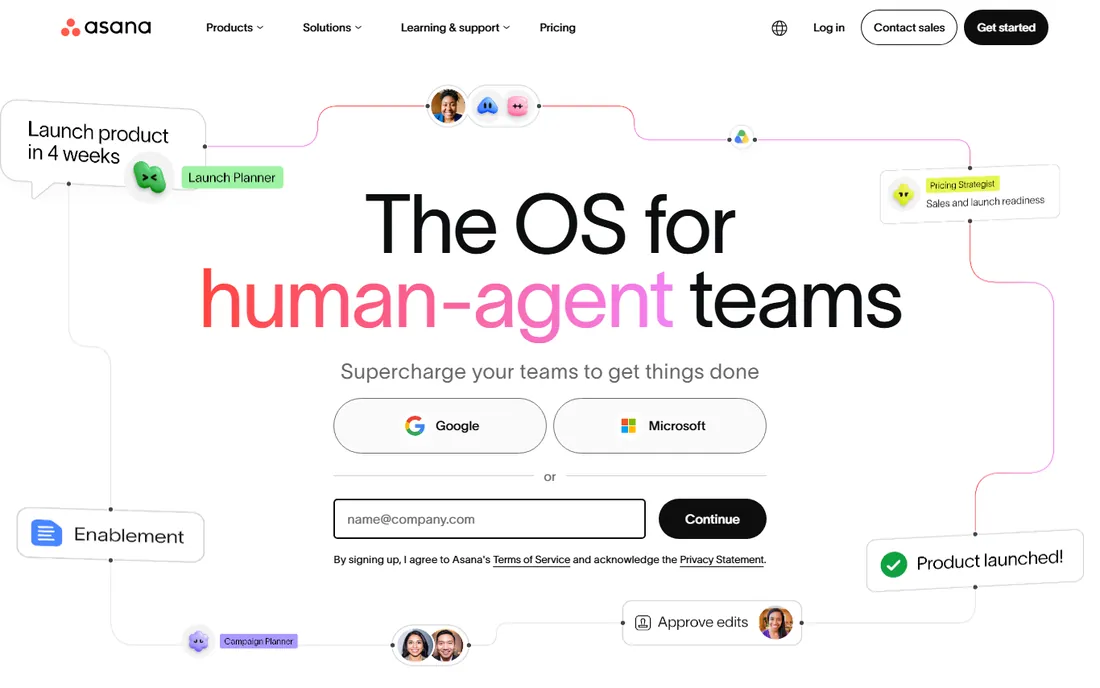
Asana shines when the software team is not working alone. Designers, marketers and operations people all live in the same projects, and Asana's interface is the easiest here for non-technical teammates to pick up. Timeline views, custom fields, forms and reporting dashboards cover standard project management well, and the Jira Cloud two-way sync means engineering can keep its tracker while stakeholders follow along in Asana.
For pure software development workflows it is thinner than the specialists. There are no native story points or sprint velocity reports, and the free Personal plan only covers 2 users, which rules it out as a free team solution. Starter at $10.99 per user per month billed annually is the realistic entry point. Choose Asana when the whole company needs visibility, not when the dev team needs the deepest agile tooling.
What we like- Clean, approachable interface that non-developers adopt quickly
- Timeline and Gantt views plus portfolios and goals on paid plans
- Unlimited free guests on Starter for client collaboration
Watch out for- Free plan caps at 2 users, so real teams pay from day one
- Less dev-specific depth than Jira or Linear, with no native story points
#5
monday dev
Best for: Product and development teams already on monday.com
Visit monday.com
Starting price$9/seat/month (Basic plan, billed annually)
Free planFree trial (14 days; no permanent free dev plan)
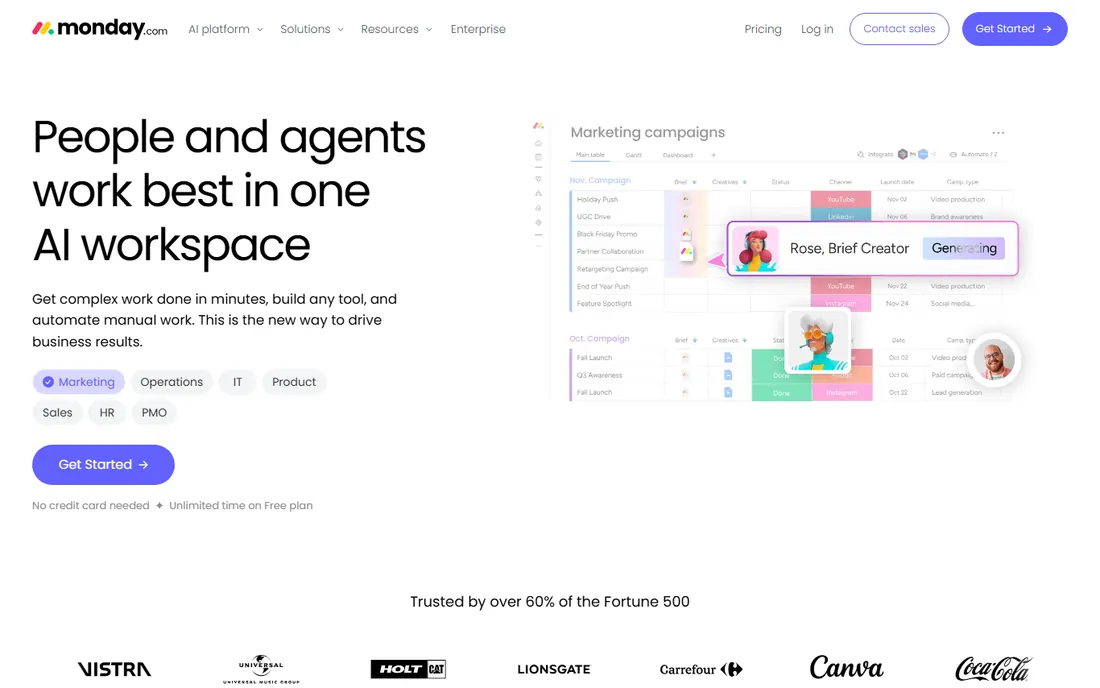
monday dev is monday.com's answer to Jira: a product built for software teams with agile templates, sprint planning, bug tracking and release roadmaps. The standout is the GitHub integration with two-way sync, so commits, pull requests and issues stay connected without manual updates. If your company already runs on monday.com for other departments, keeping development on the same platform removes a lot of friction.
The pricing structure deserves attention. Plans start at 3 seats minimum, and the verified pricing is $9 per seat per month for Basic, $12 for Standard and $20 for Pro, all billed annually. A 10-developer team on Standard pays $120 per month before any add-ons. There is no permanent free tier for the dev product, just a trial. It is a strong pick for companies standardized on monday.com, and a pricey one for teams choosing a tracker from scratch.
What we like- Built specifically for dev workflows with sprint management, story points and roadmaps
- Two-way GitHub sync keeps code and tasks aligned
- Visual dashboards and no-code automations
Watch out for- Plans start at a 3-seat minimum, so solo developers pay for three
- Per-seat pricing adds up fast for larger engineering orgs
#6
GitHub Projects
Best for: Teams whose work already lives in GitHub
Visit github.com
Starting priceSee website (included in all GitHub plans)
Free planYes (Projects included in the GitHub Free plan)
GitHub Projects is the tracker you already have. If your team lives in GitHub, the project boards sit right next to the code: drag a pull request onto the board, link issues with keywords, and watch work move without ever leaving the repository. Custom fields, multiple views and basic automation cover the needs of many small to mid-size teams, and it costs nothing beyond the GitHub plan you already pay for.
It is not a Jira replacement for process-heavy organizations. There is no built-in sprint planning with velocity tracking, no story point estimation and only basic reporting. Teams that outgrow it usually do so when they need portfolio-level planning or advanced agile metrics. But for teams of up to a dozen developers shipping from GitHub, it removes an entire tool from the stack, which is a feature in itself.
What we like- Zero context switching: issues, pull requests and project boards live next to the code
- Included free with GitHub, so there is nothing extra to buy
- Flexible table, board and roadmap views with custom fields
Watch out for- Lighter-weight than dedicated PM tools, with no native sprint velocity or story points
- Reporting and portfolio views are basic compared to Jira or Asana
#7
YouTrack
Best for: Teams in the JetBrains ecosystem who like powerful search
Visit jetbrains.com
Starting priceFrom $4.50/user/month (annual billing, 11+ users; free for up to 10 users)
Free planYes (free for teams up to 10 users)
YouTrack is the connoisseur's issue tracker. Its query language lets you slice issues with a precision the board-and-filter tools cannot match, and the workflow scripting handles automation that other tools reserve for paid add-ons. JetBrains shops get the extra benefit of tight IDE integration: create and update issues without leaving IntelliJ or PyCharm.
The pricing is refreshingly straightforward and cheap. Teams up to 10 users pay nothing with full features, and paid cloud plans start from $4.50 per user per month on annual billing, with the per-user price dropping as teams grow. The tradeoff is approachability: new users face a learning curve with the query syntax, and the integration ecosystem is smaller than Atlassian's. For technical teams that value power over polish, it is one of the best values on this list.
What we like- Free for teams up to 10 users with full functionality
- Excellent query language for finding and organizing issues
- Deep integration with JetBrains IDEs and TeamCity
Watch out for- Interface and query syntax take learning
- Smaller third-party integration marketplace than Jira or ClickUp
#8
Shortcut
Best for: Software teams that want Jira-style structure without Jira-style admin
Visit shortcut.com
Starting price$8.50/user/month (Team plan)
Free planYes (free for up to 10 users)
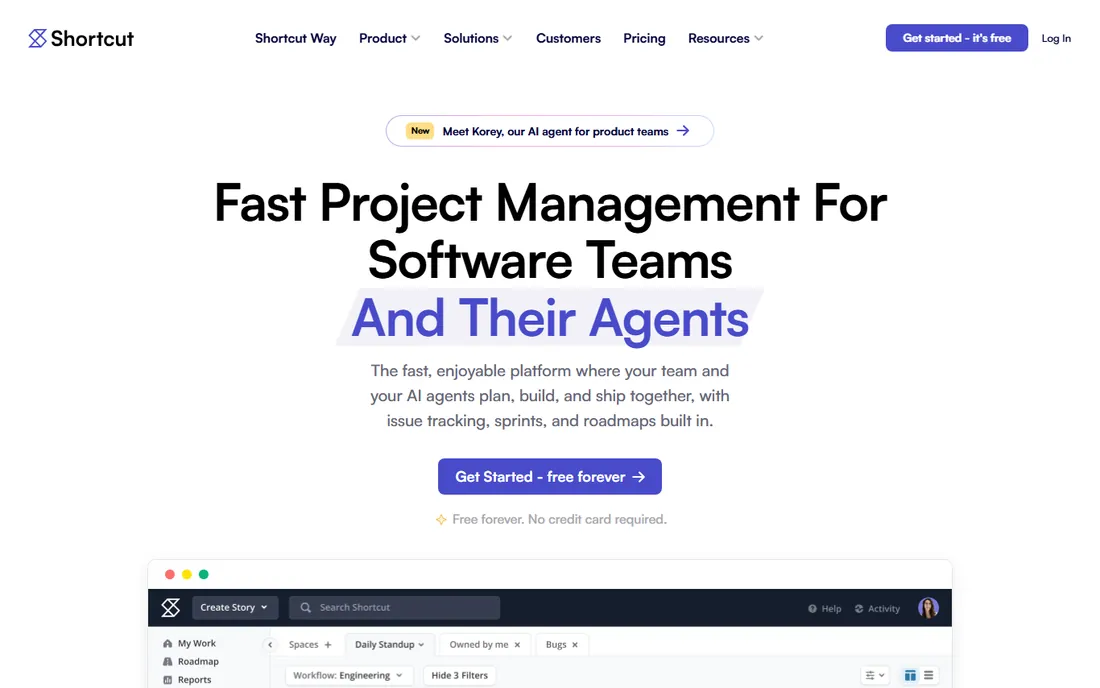
Shortcut, formerly Clubhouse, occupies the middle ground Jira refugees keep asking for: real agile structure without the administrative burden. Stories roll up to epics, epics to milestones, iterations handle sprints, and the reporting layer covers velocity, cycle time and cumulative flow without plugins. The interface is fast and the learning curve is short, which is why small engineering teams adopt it quickly.
Pricing is simple and verified: free for up to 10 users, then $8.50 per user per month for Team and $12 for Business, with Enterprise on custom pricing. Note that SSO is an add-on rather than included, and there is no self-hosted version for teams with strict data requirements. For software teams between 5 and 50 people who want structure without ceremony, Shortcut hits a sweet spot of price and capability.
What we like- Purpose-built for software teams with stories, epics, iterations and roadmaps
- Clean reporting including velocity and cycle time charts
- Fast, modern interface with GitHub, GitLab and Sentry integrations
Watch out for- Cloud-only with no self-hosted option
- Free plan caps at 10 users and SSO sits on higher tiers
How we chose
We started with the searches buyers actually run: software development project management software, agile project management tools, Jira alternatives and developer task tracking. For each candidate we opened the vendor's homepage and pricing page, then checked plan details against public reviews on G2 and Capterra and practitioner discussion on Reddit. We compared agile features, GitHub and GitLab integrations, permission models and company-size fit. Where a vendor's pricing page did not show a clear per-user figure in our check, we wrote "See website" rather than guessing.
What to check before you buy dev project management software
Start with your workflow, not the feature list. If your team runs Scrum with story points and velocity tracking, you need a tool with native agile reporting: Jira, Shortcut and YouTrack qualify, while Asana and GitHub Projects will leave you building workarounds. If you run Kanban or a loose Shape Up style process, Linear or GitHub Projects will feel more natural and cost less in configuration time.
Integrations decide more purchases than features do. Every tool here connects to GitHub, but the depth varies: two-way sync (monday dev, Asana's Jira sync) beats one-way issue creation. Check your chat tool too, since standup bots and notifications usually live in Slack or Teams. Also confirm the permission model: client or contractor access, guest seats and SSO availability differ widely, and SSO is often gated to enterprise tiers.
Finally, model the seat count honestly. Most of these tools bill per user per month, and the difference between $8.50 and $24.99 per seat is thousands of dollars a year at 20 developers. Count everyone who needs a paid seat, including product managers and QA, and check whether guests or viewers are free. Annual billing typically saves 15 to 20 percent, but only commit annually after a real trial with your actual workflow.
The per-seat math: what 10 developers actually cost
Per-user pricing looks small until you multiply. Using verified annual prices, 10 developers cost roughly $85 per month on Shortcut Team, $90 on monday dev Basic, $110 on Asana Starter and $120 on monday dev Standard. ClickUp Core at the current promotional $9 per user lands at $90 per month, though the regular price is $12. YouTrack is free at 10 users, and GitHub Projects adds nothing if you already pay for GitHub.
Then add what the base price excludes. SSO, advanced permissions, audit logs and premium support usually sit on higher tiers or enterprise plans. AI features are increasingly sold as add-ons rather than included. And watch for minimums: monday dev starts at 3 seats, so small teams pay for seats they do not use. Run the numbers for your actual headcount at 12 months, including the tier you will realistically need, before comparing sticker prices.
Frequently asked questions
What is the best project management software for software development teams?
There is no single best pick. Jira suits agile teams that need deep customization and plan to scale. Linear suits product teams that want speed with minimal setup. Shortcut gives smaller teams Jira-like structure simply. Teams already on GitHub should try GitHub Projects first since it is free.
Is Jira still the best choice for agile software teams?
Jira remains the deepest agile tool here, with mature Scrum boards, workflows and reporting. The tradeoff is complexity: most teams need someone to administer it, and pricing requires a conversation with Atlassian. Teams that want agility without the admin overhead increasingly choose Linear, Shortcut or YouTrack.
Which dev project management tool has the best free plan?
ClickUp's Free Forever plan is the most generous with unlimited tasks and members. YouTrack and Shortcut are both free for up to 10 users with full features. GitHub Projects is free with any GitHub account. Asana's free plan only covers 2 users, so it is not a real team option.
Do I need a separate tool if my team already uses GitHub?
Often not. GitHub Projects handles boards, tables, roadmaps and basic automation next to your code at no extra cost. Consider a dedicated tool when you need sprint velocity tracking, story points, portfolio planning or advanced permissions that Projects does not offer.
How much should a small dev team budget for project management software?
For 10 developers, verified annual prices run from $0 (YouTrack, GitHub Projects) to about $85 to $120 per month (Shortcut Team, monday dev Basic, Asana Starter, ClickUp Core). Budget extra if you need SSO, advanced security or AI add-ons, which usually sit on higher tiers.
Can we migrate from Jira to something simpler later?
Yes, and most of these tools offer Jira importers: Linear, Shortcut, ClickUp and monday dev all document migration paths. The hard part is not the data but the workflows: custom Jira workflows rarely map one to one, so expect to simplify your process during the move. Run the new tool in parallel for one sprint before cutting over.
Sources we checked (17)
- https://www.atlassian.com/software/jira
- https://linear.app/
- https://linear.app/pricing
- https://clickup.com/
- https://clickup.com/pricing
- https://asana.com/
- https://asana.com/pricing
- https://monday.com/
- https://monday.com/dev/pricing
- https://github.com/
- https://github.com/pricing
- https://www.jetbrains.com/youtrack/
- https://www.jetbrains.com/youtrack/buy/incloud.html
- https://shortcut.com/
- https://shortcut.com/pricing
- https://www.g2.com/categories/project-management
- https://www.capterra.com/project-management-software/
Is your product missing or out of date?
We review this list regularly. Vendors can request a listing, send updated pricing or ask about featured placement.

Shihab Mia · Founder, Rankite
Shihab has spent more than a decade helping SaaS and e-commerce brands grow through search. He writes Rankite's software buying guides from pricing pages, documentation and public user reviews. More about Shihab.