How we make this list: we compare pricing pages, product documentation and public user reviews. Rankite is independent; if a vendor ever pays for a featured spot, that listing is clearly labeled Partner.

Key takeaways
- You are 62, still working, and wondering whether to file now or wait until 70. The right software turns that guess into a year-by-year claiming strategy.
- Maximize My Social Security and Social Security Solutions are built for individuals who want a precise answer without hiring an advisor.
- Covisum, Horsesmouth, RightCapital, eMoney, and Envestnet MoneyGuide are advisor tools, meant to run client scenarios and generate reports.
- Filing decisions interact with taxes, spousal benefits, and earnings limits. Tools that model only the benefit amount miss half the picture.
- Most of these tools cost less than one hour of an advisor's time, which makes them cheap insurance against a bad claiming decision.
Quick comparison
Is your product missing or out of date?
We review this list regularly. Vendors can request a listing, send updated pricing or ask about featured placement.
Starting priceSee website
Free planNo

Maximize My Social Security comes from Economic Security Planning, the company founded by economist Laurence Kotlikoff, and it shows in the math. You enter your actual earnings history, and the software computes the household claiming strategy that maximizes lifetime benefits, accounting for spousal, survivor, and divorced-spouse benefits. The output is a specific month-by-month filing plan, not generic guidance.
The interface looks like a spreadsheet tool from another era, and you are on your own interpreting edge cases. But for a one-time fee that costs less than an hour of professional advice, it answers the central question (when should each spouse file) with unusual rigor. Individuals comfortable with numbers get the most from it.
What we like- Precise household claiming strategy from real earnings records
- Built by economists
- Low one-time price
Watch out for- Interface is utilitarian
- No ongoing advisor relationship included
Starting priceSee website
Free planNo
Social Security Solutions takes a friendlier approach to the same problem. The software interviews you about your situation, then recommends a claiming strategy with explanations a non-expert can follow. It handles the important complications: spousal benefits, survivor benefits, the earnings test if you keep working, and tax interactions at a basic level.
Power users may find it less rigorous than Kotlikoff's tool, and the company naturally steers toward its advisor network for complex cases. But for someone who wants guidance rather than raw optimization, the guided format works well. There is also a professional version for advisors who want the same engine for clients.
What we like- Walks you through the decision step by step
- Covers spousal and survivor strategies
- Advisor version available
Watch out for- Less analytical depth than Maximize My Social Security
- Upsells to advisor services

#3
Covisum Social Security Timing
Best for: Advisors running client scenarios
Visit covisum.com
Starting priceSee website
Free planNo
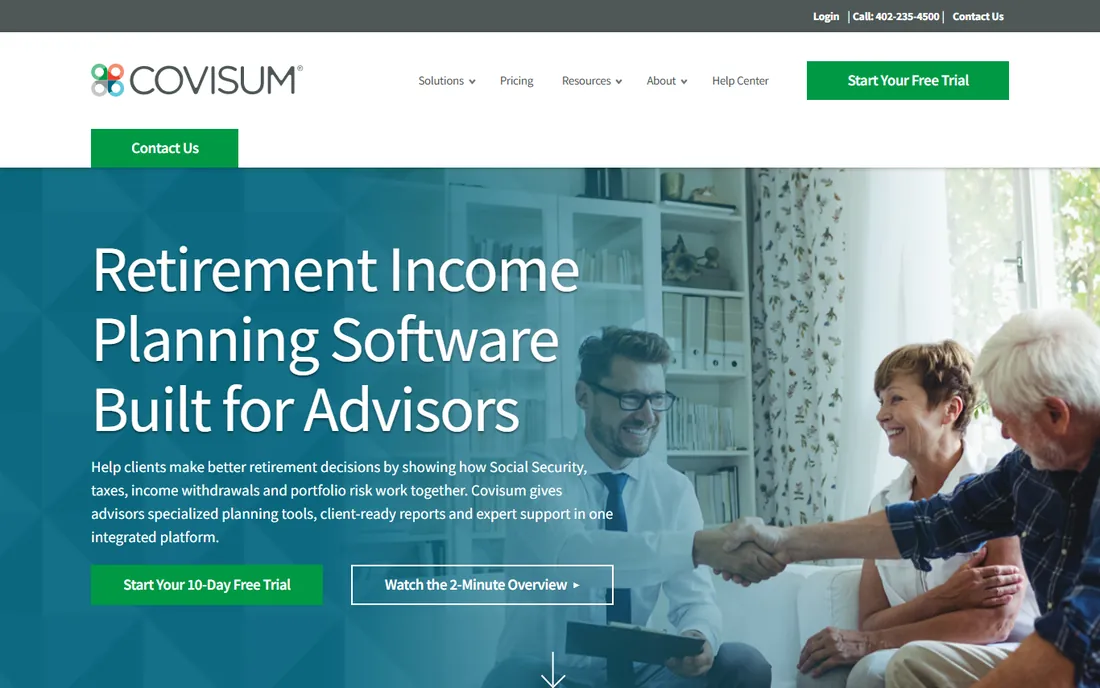
Covisum built its reputation on software advisors can run live in client meetings. Social Security Timing lets an advisor compare claiming ages side by side, show the lifetime benefit difference visually, and layer in tax effects, Roth conversions, and RMDs through the connected Tax Clarity and other modules. The visuals are designed to make a client say yes to waiting until 70 when the math supports it.
This is professional software with professional pricing, sold as a subscription to advisors and institutions. Occasional users will find the subscription hard to justify. But for practices where Social Security advice is a regular conversation, the meeting-ready output pays for itself.
What we like- Fast, visual scenario comparisons for client meetings
- Tax-aware modeling
- Integrates with the broader Covisum suite
Watch out for- Advisor-only pricing
- Requires a subscription even for occasional use

#4
Horsesmouth Savvy Social Security Planning
Best for: Advisor education and client reports
Visit horsesmouth.com
Starting priceSee website
Free planNo
Horsesmouth has trained advisors on Social Security for years, and Savvy Social Security Planning pairs its calculation engine with that educational depth. Advisors get accurate benefit estimates, what-if scenarios for early versus late filing, and reports written in plain language for clients. The learning resources help advisors answer the follow-up questions the software raises.
The platform itself feels older than Covisum or RightCapital, and new features arrive slowly. But the combination of solid math and genuine education is why many advisors keep it alongside a shinier planning tool. If your practice wants to get measurably better at Social Security conversations, this is the training wheels and the engine in one.
What we like- Deep educational content behind the calculations
- Client-ready reports
- Trusted by thousands of advisors
Watch out for- Dated platform feel
- The education focus means slower feature updates
Starting priceSee website
Free planFree trial
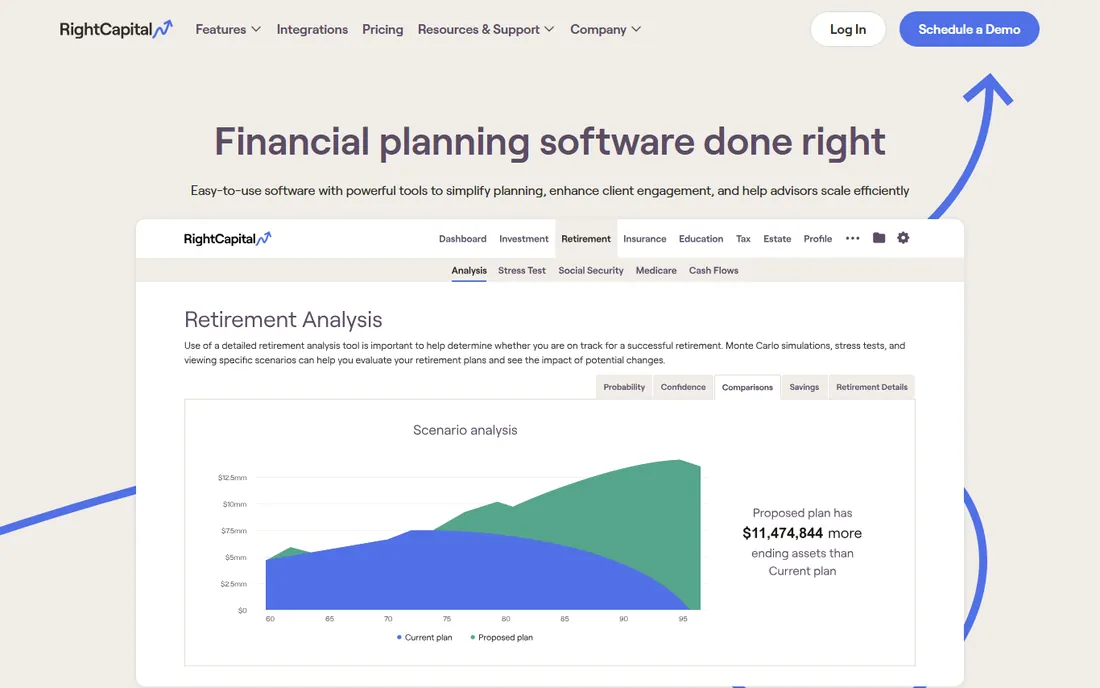
RightCapital is a full financial planning platform where Social Security is one module among many: retirement, tax, insurance, estate, and budgeting all live together. The Social Security section optimizes claiming strategy and immediately shows how it interacts with the rest of the plan, which is the real value. Clients get a modern portal instead of a PDF.
Dedicated SS tools go deeper on the benefit rules themselves, so specialists may want both. But most advisors prefer one system, and RightCapital's all-in-one approach with per-advisor pricing and a free trial has made it one of the fastest-growing planning tools. For the generalist practice, it covers Social Security well enough.
What we like- Social Security optimization inside a full financial plan
- Modern client portal
- Fast-growing advisor base
Watch out for- SS-specific depth is less than dedicated tools
- Pricing per advisor adds up for large firms
Starting priceSee website
Free planNo
eMoney is the heavyweight planning platform for advisors with complex clients. Its Social Security modeling sits inside detailed year-by-year cash-flow projections that handle concentrated stock, business sales, estate issues, and layered tax strategies. When the claiming decision interacts with a dozen other moving parts, eMoney keeps them all in one model.
The price and complexity reflect that power. This is enterprise-grade software for established practices, not a tool you buy to answer one filing question. Implementation takes real effort. But for advisors whose clients have complicated balance sheets, the depth is unmatched.
What we like- Extremely detailed cash-flow modeling
- Strong for high-net-worth scenarios
- Deep integrations
Watch out for- Expensive and complex
- Overkill for simple claiming questions
Starting priceSee website
Free planNo

MoneyGuide, now part of Envestnet, pioneered goals-based planning: instead of abstract projections, clients see their probability of funding retirement, college, and other goals. Social Security claiming fits naturally into that framework, and the software shows how filing early or late moves the goal probabilities. The Envestnet ecosystem adds managed accounts and integrations at scale.
Specialists will note it lacks the rule-by-rule granularity of Covisum or Maximize My Social Security. And as an enterprise product, buying it means a sales process. But for large firms that want consistent, client-friendly planning across hundreds of advisors, MoneyGuide remains a standard choice.
What we like- Goals-based approach clients understand
- Massive scale and integrations
- Strong retirement modeling
Watch out for- Less SS-specific granularity than niche tools
- Enterprise sales process
Starting priceSee website
Free planNo
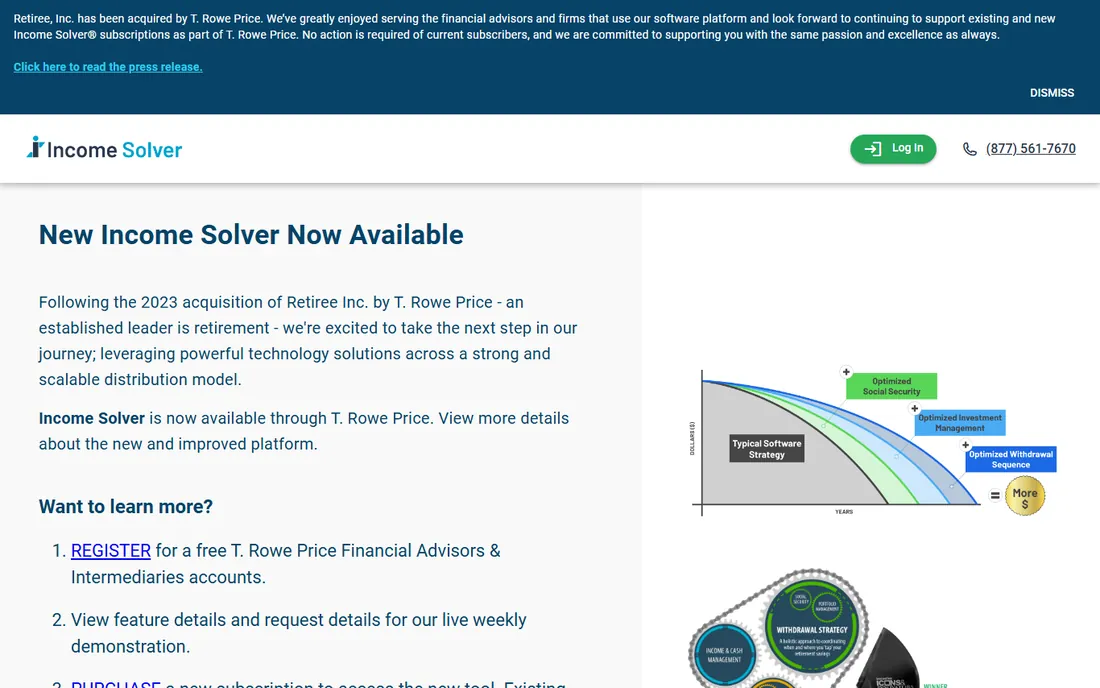
Income Solver attacks the problem most retirees actually have: turning accounts and benefits into reliable monthly income. Social Security timing is modeled alongside Roth conversion windows, RMDs, and withdrawal sequencing, so the claiming recommendation accounts for the tax bill, not just the benefit check. The output is an income plan, which is what clients experience.
It is a smaller company than the giants here, and the feature set is deliberately narrower than full planning suites. But that focus is the appeal. Advisors who find eMoney overwhelming and RightCapital too general get a purpose-built income tool at a sensible price.
What we like- Focuses on the income puzzle, not just benefits
- Models Roth conversions and RMDs
- Practical withdrawal sequencing
Watch out for- Smaller vendor with less brand recognition
- Narrower feature set than full planners
Starting priceSee website
Free planYes
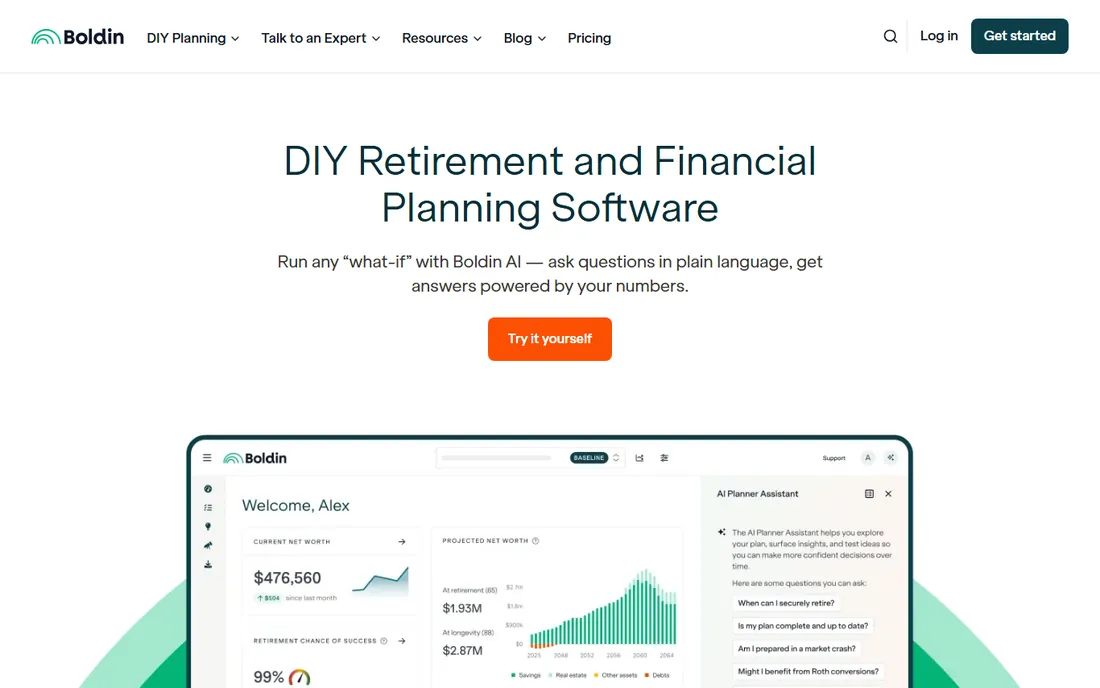
NewRetirement is the best DIY option on this list. The free planner covers Social Security scenarios, expenses, savings, and basic tax modeling with clear visuals, and the paid PlannerPlus tier adds Roth conversion modeling, detailed tax analysis, and more scenarios. You can compare filing at 62 versus 70 and watch the lifetime income chart move.
The honest limitation of any DIY tool is the absence of a professional second opinion on edge cases like disability benefits or government pensions. But for self-directed planners, the free tier alone beats most spreadsheet attempts, and the paid tier costs a fraction of one advisor meeting.
What we like- Full retirement planner with a genuinely useful free tier
- Models SS scenarios visually
- No advisor required
Watch out for- Paid tier needed for advanced scenarios
- DIY means no professional review
Starting priceSee website
Free planFree trial
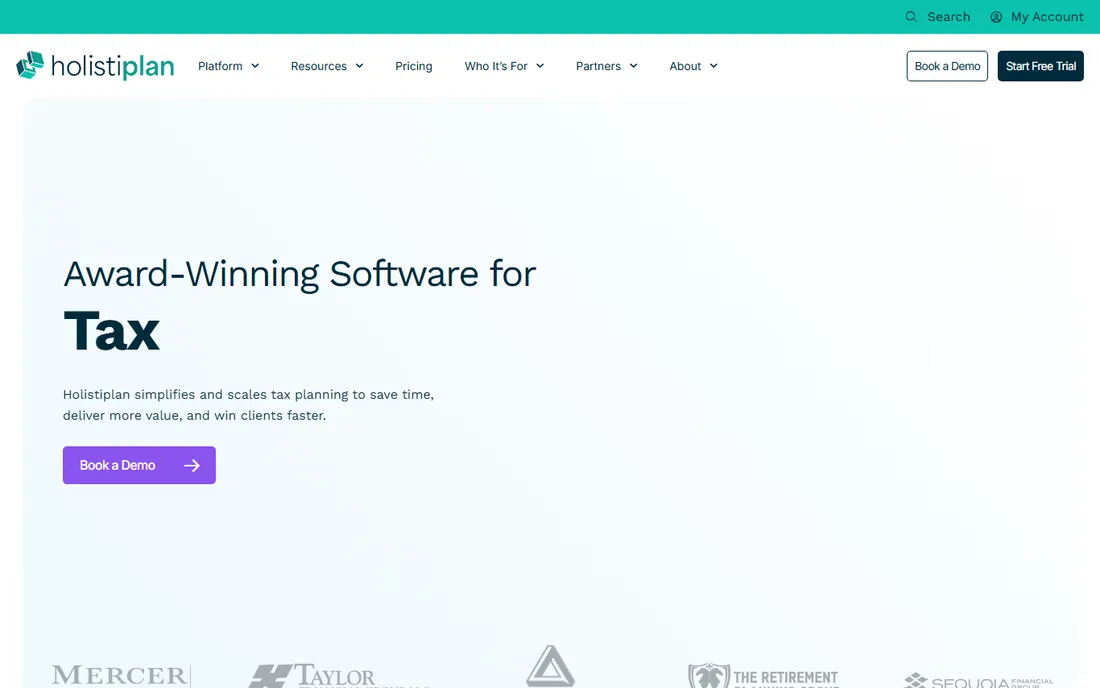
Holistiplan approaches Social Security from the tax side. It ingests a client's tax return, then flags exactly how Social Security benefits are being taxed, whether provisional income thresholds are being crossed, and whether IRMAA surcharges loom. For advisors, it turns tax prep season into planning conversations backed by specific numbers.
It does not replace a claiming-strategy optimizer; it complements one. The audience is strictly advisors, with per-advisor pricing and a free trial. But since taxes are where most Social Security strategies succeed or fail, pairing Holistiplan with a timing tool covers the full picture.
What we like- Reads tax returns automatically to find SS tax issues
- Flags IRMAA and provisional income problems
- Fast client reports
Watch out for- Tax-focused rather than a full SS optimizer
- Advisor-only audience
How to choose Social Security planning software
Decide who the user is
Individual tools (Maximize My Social Security, Social Security Solutions, NewRetirement) are priced and designed for consumers. Advisor tools (Covisum, eMoney, Holistiplan) assume professional training and charge accordingly. Buying an advisor tool as an individual wastes money; using a consumer tool for clients risks your credibility.
Demand spousal and survivor modeling
Roughly half the value of good software is in the household rules: spousal benefits, survivor benefits, divorced-spouse benefits, and file-and-suspend successors. Any tool that only models a single person's benefit is incomplete. Ask specifically how it handles survivor scenarios before you buy.
Check the tax integration
The best claiming age on benefits alone is often not the best after taxes. Tools that model Roth conversions, RMDs, and provisional income (Covisum, eMoney, Income Solver, Holistiplan) give better answers than benefit-only calculators. This is the feature most worth paying for.
Verify it uses your real earnings record
Estimates based on assumed earnings are fine for illustration but not for decisions. The best tools import or accept your actual Social Security earnings history. Create your account at the Social Security Administration site first, then bring those numbers to whichever tool you choose.
The market splits cleanly. DIY tools cost tens of dollars, run in a browser, and answer the core question for straightforward situations: a married couple, both with solid earnings records, deciding when each files. That covers most households, and the software is genuinely good.
Advisor tools cost hundreds to thousands per year because they do three extra things: model the tax interactions, generate client-ready reports, and handle edge cases like pensions, disability, and complex family situations. They also come with the advisor, whose judgment the software cannot replace.
The mistake is buying the wrong tier. A straightforward couple does not need eMoney. An advisor should not run client recommendations through a $49 consumer tool. Match the tool to the complexity of the situation and the credentials of the person interpreting the output.
How we chose
We reviewed vendor product pages, pricing pages, and documentation, plus advisor community discussions and public reviews on G2, Capterra, and Trustpilot. We weighted accurate benefit-rule modeling and household scenario support over marketing claims, and we separated consumer tools from advisor platforms rather than ranking them against each other. We did no hands-on testing; Social Security rules change, so verify current thresholds with the Social Security Administration before acting on any output.
Frequently asked questions
When should I file for Social Security benefits?
There is no universal answer, which is why the software exists. Filing early at 62 permanently reduces monthly benefits, while waiting until 70 increases them. Health, other income, spousal benefits, and tax situation all shift the math. Run your numbers through one of the individual tools above before deciding.
Is Social Security planning software worth paying for?
For most people, yes. The difference between a good and bad claiming strategy can amount to tens of thousands of dollars over a retirement, while the software costs less than a nice dinner. The free tools and trials are enough to test whether a paid tool adds value for your situation.
Can this software replace a financial advisor?
For straightforward claiming decisions, the consumer tools are often sufficient. For complex situations involving pensions, disability, divorce, business income, or large tax interactions, an advisor using professional software adds judgment the tools cannot. Many people reasonably do both: run the software, then validate with an advisor.
Do I need my Social Security earnings record first?
You get better answers with it. The Social Security Administration website lets you view your full earnings history and estimated benefits. The best planning tools accept these real numbers instead of estimates, which meaningfully improves the recommendation.
How do spousal benefits affect the filing decision?
Significantly. A lower-earning spouse may claim spousal benefits based on the higher earner's record, and survivor benefits can be worth more than either spouse's own benefit. Coordinating two filing dates as a household usually beats optimizing each person separately, which is why household modeling is a key feature to demand.
Sources we checked (10)
- https://maximizemysocialsecurity.com
- https://socialsecuritysolutions.com
- https://www.covisum.com
- https://www.horsesmouth.com
- https://www.rightcapital.com
- https://www.emoneyadvisor.com
- https://www.envestnet.com
- https://www.incomesolver.com
- https://www.newretirement.com
- https://www.holistiplan.com
Is your product missing or out of date?
We review this list regularly. Vendors can request a listing, send updated pricing or ask about featured placement.

Shihab Mia · Founder, Rankite
Shihab has spent more than a decade helping SaaS and e-commerce brands grow through search. He writes Rankite's software buying guides from pricing pages, documentation and public user reviews. More about Shihab.
 Social Security Solutions
 RightCapital
 eMoney Advisor
 Envestnet MoneyGuide
 Income Solver
 NewRetirement
 Holistiplan