How we make this list: we compare pricing pages, product documentation and public user reviews. Rankite is independent; if a vendor ever pays for a featured spot, that listing is clearly labeled Partner.
Key takeaways
- SmartSHOW 3D and PTE AV Studio are the strongest choices if your slideshow is the product, with cinematic motion and precise timing controls.
- Movavi Video Editor and Wondershare Filmora make more sense if you want slideshows plus general video editing in one purchase.
- Icecream Slideshow Maker and 4K Slideshow Maker cover simple photo-to-video needs for almost nothing, with a free version on both.
- Ashampoo Slideshow Studio and MAGIX Photostory Deluxe are solid picks for Windows users who prefer one-time purchases over subscriptions.
- PhotoStage sits in the middle: affordable, easy to learn, and good enough for family and business presentations alike.
You have 200 photos from a wedding, a reunion, or a product launch, and someone needs a slideshow by Friday. Windows Photos will not cut it. The tools in this guide turn photo collections into watchable videos with transitions, music, titles, and 4K export, without asking you to learn a full video editor.
We compared nine slideshow tools for PC, mixing dedicated slideshow makers with video editors that handle slideshows well. Every pick below works on a desktop computer, and most run on both Windows and Mac.
Quick comparison
Is your product missing or out of date?
We review this list regularly. Vendors can request a listing, send updated pricing or ask about featured placement.
Starting price$29.95 (1-year license)
Free planFree trial
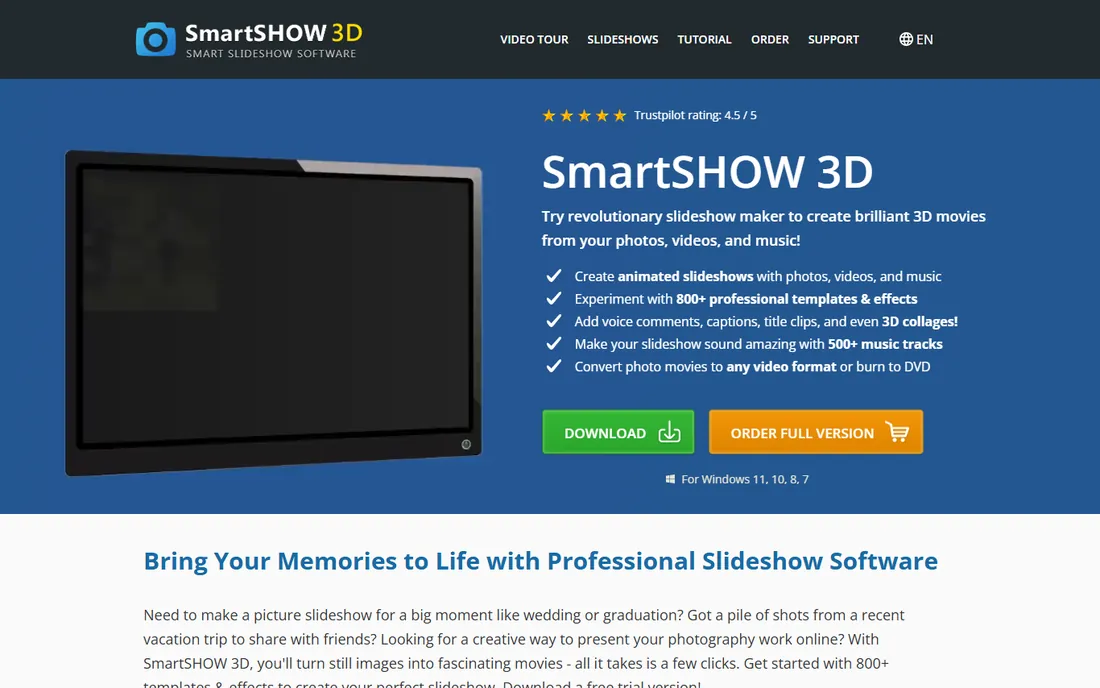
SmartSHOW 3D is built for people who care how their slideshow looks, not just that it exists. The 3D transitions, pan-and-zoom effects, and animated collages genuinely turn family photos into something people will sit through. A free trial lets you build a real project before buying, and the entry license starts at $29.95 for a year.
The honest weakness is the learning curve and the Windows-centric design. The interface packs a lot of options into small panels, and new users will spend an evening learning where things live. Mac users should look elsewhere. But for Windows users who make slideshows regularly, the effects library justifies the time investment.
What we like- 3D transitions and animation effects that look professional
- Large library of templates and title styles
- Licenses from $29.95 for a year
Watch out for- Interface feels dated in places
- Windows-focused, with limited Mac support

#2
Movavi Video Editor
Best for: Slideshows plus full video editing
Visit movavi.com
Starting priceSee website
Free planFree trial
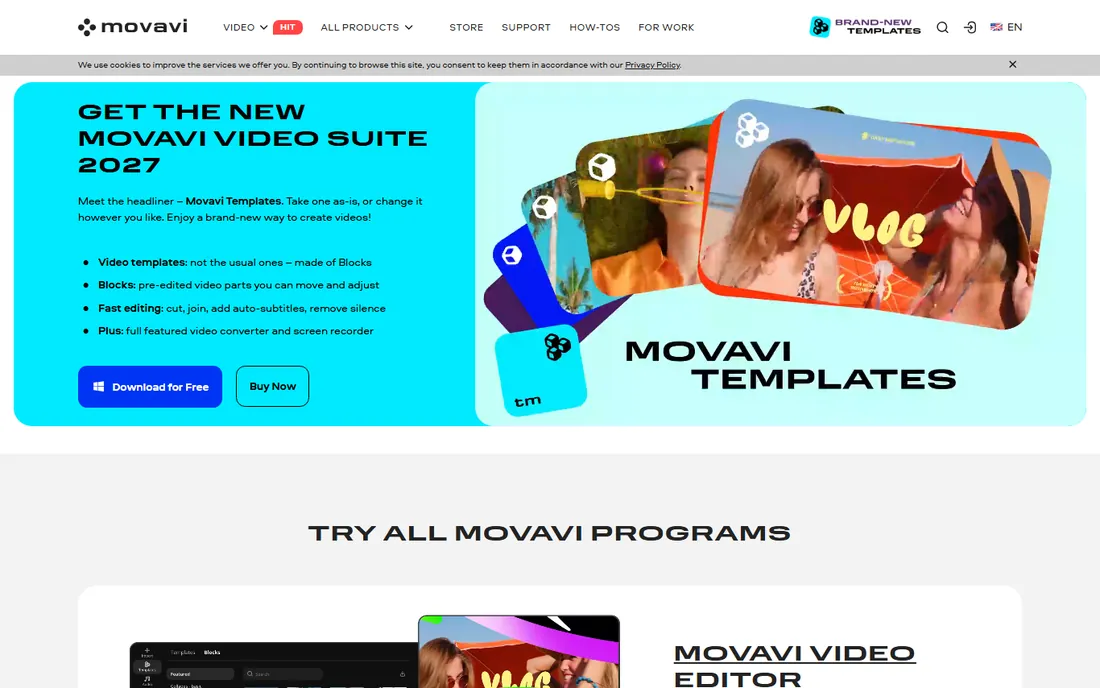
Movavi is the pick if your slideshow is the start of a bigger project. The editor handles photos, video clips, titles, and audio on a straightforward timeline, so a slideshow with embedded video segments is easy. The 7-day free trial is enough to finish one real project and see if the workflow suits you.
The catch is pricing transparency. Movavi's own pricing pages make it hard to compare plans cleanly, so verify the current price before purchasing. It is also subscription-priced, which costs more over two or three years than a one-time tool. If you only make slideshows twice a year, a simpler dedicated tool may be cheaper.
What we like- Combines slideshow creation with real video editing tools
- 7-day free trial
- Beginner-friendly timeline
Watch out for- Vendor pricing pages are hard to pin down, so check before buying
- Subscription model adds up over time
Starting price$49.99 per year
Free planYes
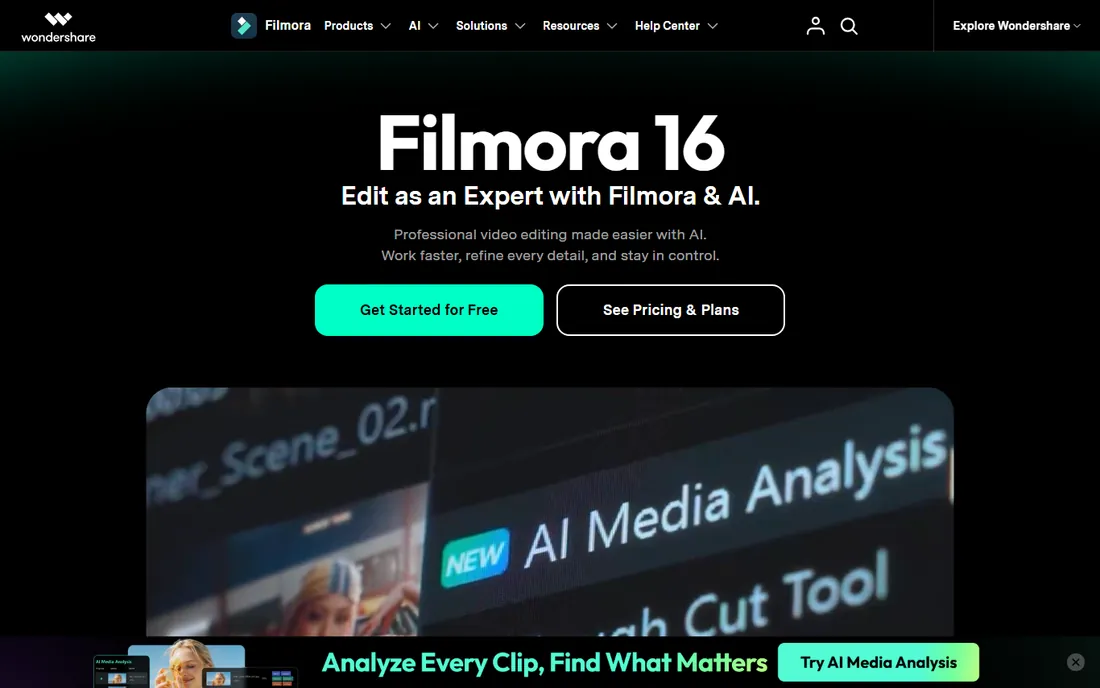
Filmora wins on sheer volume of starting points. The template library includes slideshow-specific intros, transitions, and title packs that make a polished result achievable in an afternoon. The free version is fully functional for exploration, so you can learn the tool before paying. The paid plan runs $49.99 a year.
The watermark on free exports is the obvious limitation. You cannot produce a final deliverable without paying, which is fair but worth knowing upfront. Filmora is also a general video editor at heart, so its slideshow workflow has more steps than a dedicated tool. Beginners who want templates will love it. People who want the fastest path from photos to video may prefer something simpler.
What we like- Huge template and effects library
- Free version lets you explore everything
- Strong audio tools for music and narration
Watch out for- Free version watermarks exports
- Yearly subscription is the main pricing path

#4
PTE AV Studio
Best for: Audiovisual shows with precise timing
Visit wnsoft.com
Starting price€74 one-time (Standard)
Free planFree trial
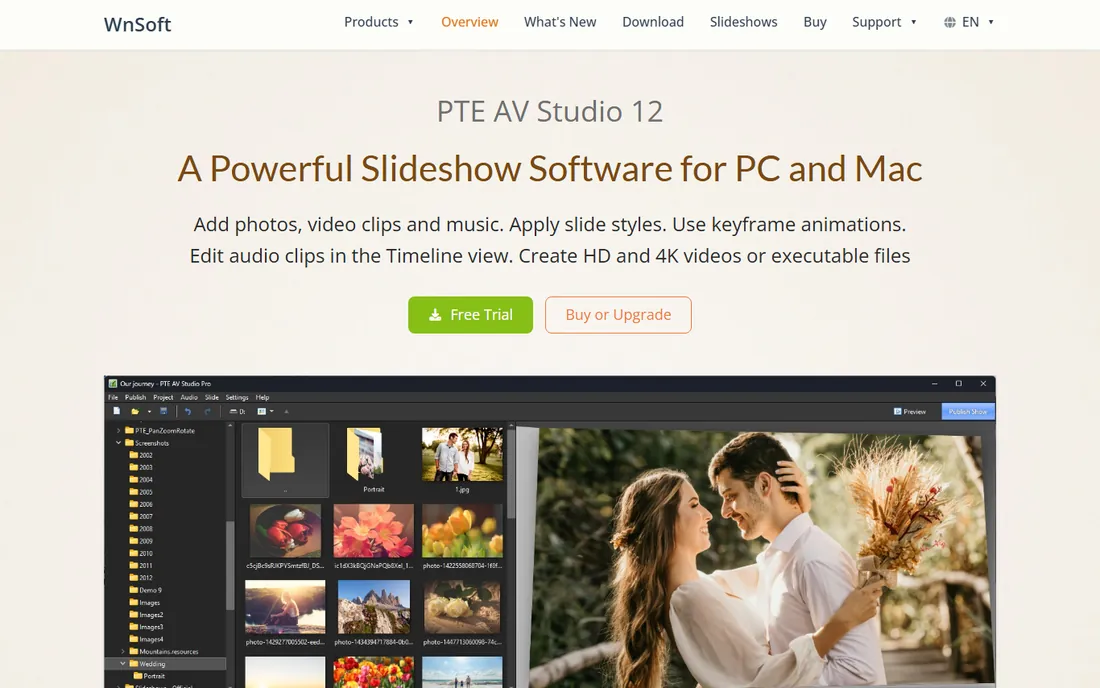
PTE AV Studio is the tool of choice for people who enter slideshow competitions or produce shows for clubs and events. The timing controls are exact, keyframe animation is deep, and the output quality is excellent. Standard costs €74 as a one-time purchase, which is a genuine bargain for this level of control. A free trial is available.
This is not a tool for casual users. The interface prioritizes function over beauty, and you will not find hundreds of drag-and-drop templates. If you want to sync slides to music with precision and control every fade, it is outstanding. If you want a pretty wedding slideshow by tomorrow, SmartSHOW 3D will get you there faster.
What we like- Frame-accurate timing and keyframe animation
- One-time purchase at €74 for Standard
- Respected by the AV club and competition crowd
Watch out for- Interface is utilitarian rather than pretty
- Fewer flashy templates than consumer tools
Starting priceSee website
Free planYes
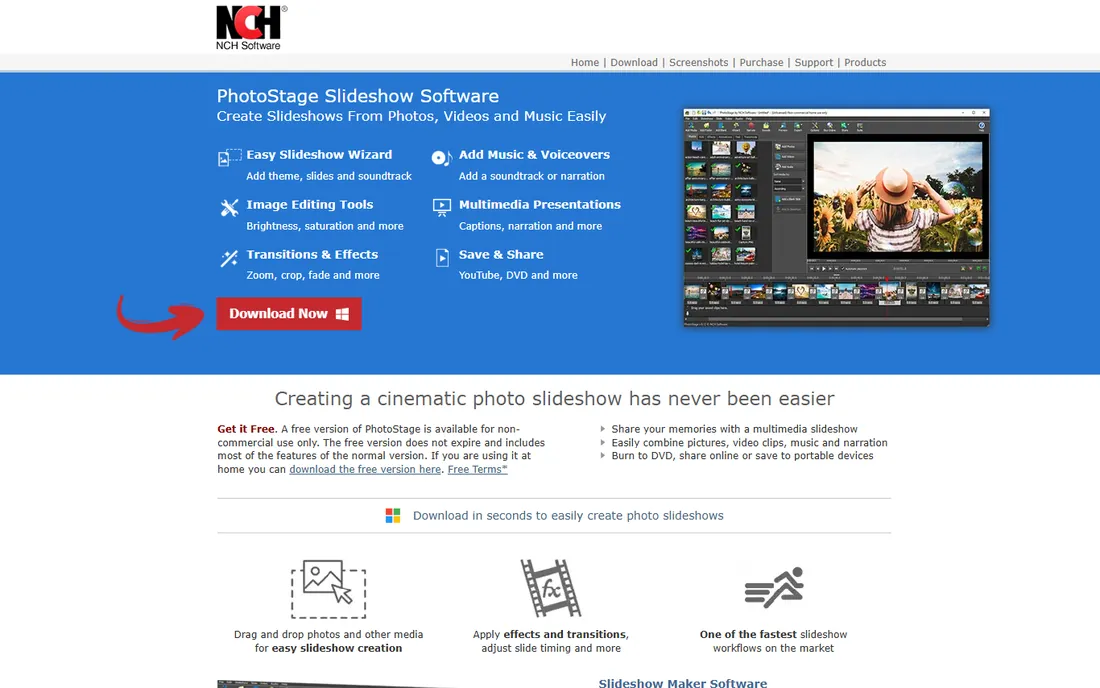
PhotoStage is the unglamorous workhorse of this list. It turns photos and music into a slideshow with minimal fuss, runs on Windows and Mac, and has a free version that handles simple projects. The learning curve is nearly flat: most people produce their first slideshow within an hour.
The effects are basic, and the interface looks older than the competition. Nobody will mistake a PhotoStage output for a SmartSHOW 3D production. But for business presentations, school projects, and family archives, basic is enough. If your budget is tight and your needs are simple, start here before paying for anything.
What we like- Free version covers basic slideshow needs
- Easy to learn in one sitting
- Runs on both Windows and Mac
Watch out for- Effects and transitions are basic
- Interface design lags behind competitors
Starting price$19.95 one-time (PRO)
Free planYes
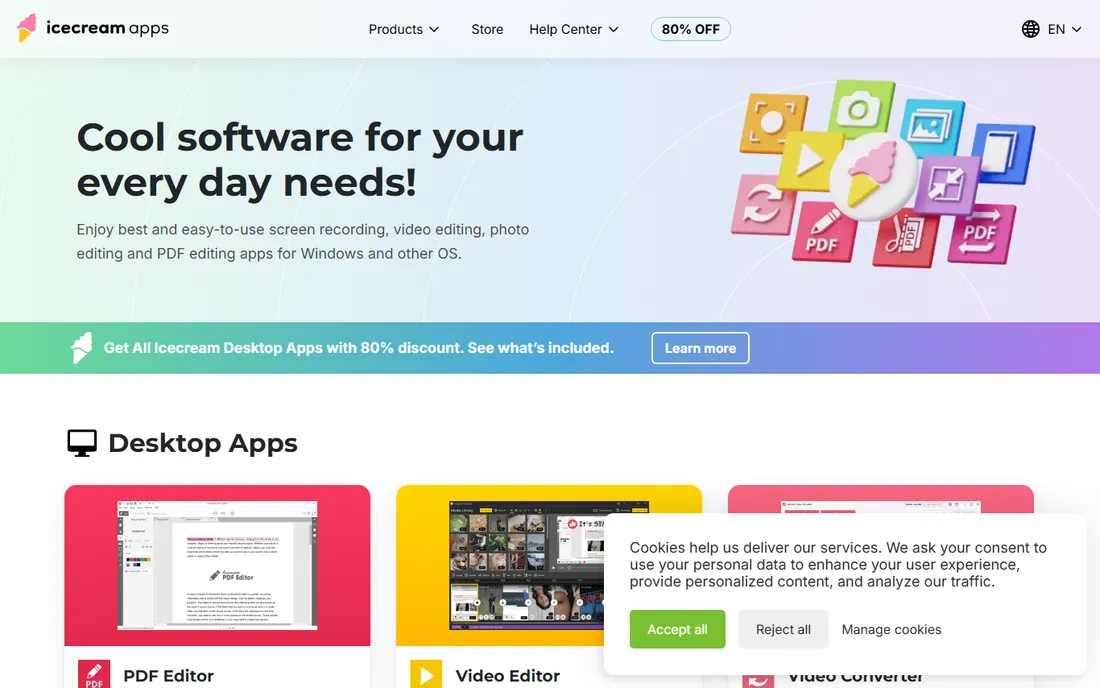
Icecream Slideshow Maker does one thing and does it quickly. Add photos, add music, pick transitions, export. The free version covers short projects, and the PRO upgrade is a $19.95 one-time payment, one of the cheapest paid options in this guide.
The narrow scope is both the strength and the limit. You will not find advanced animation, multi-track audio, or 4K mastering workflows here. For a 20-photo family slideshow set to music, that is fine. For anything ambitious, step up to a fuller tool. The one-time pricing makes it an easy impulse buy for occasional use.
What we like- PRO license is a $19.95 one-time purchase
- Free version handles short projects
- Clean, minimal interface
Watch out for- Free version limits project length
- Feature set is deliberately narrow
Starting priceFree $0
Free planYes
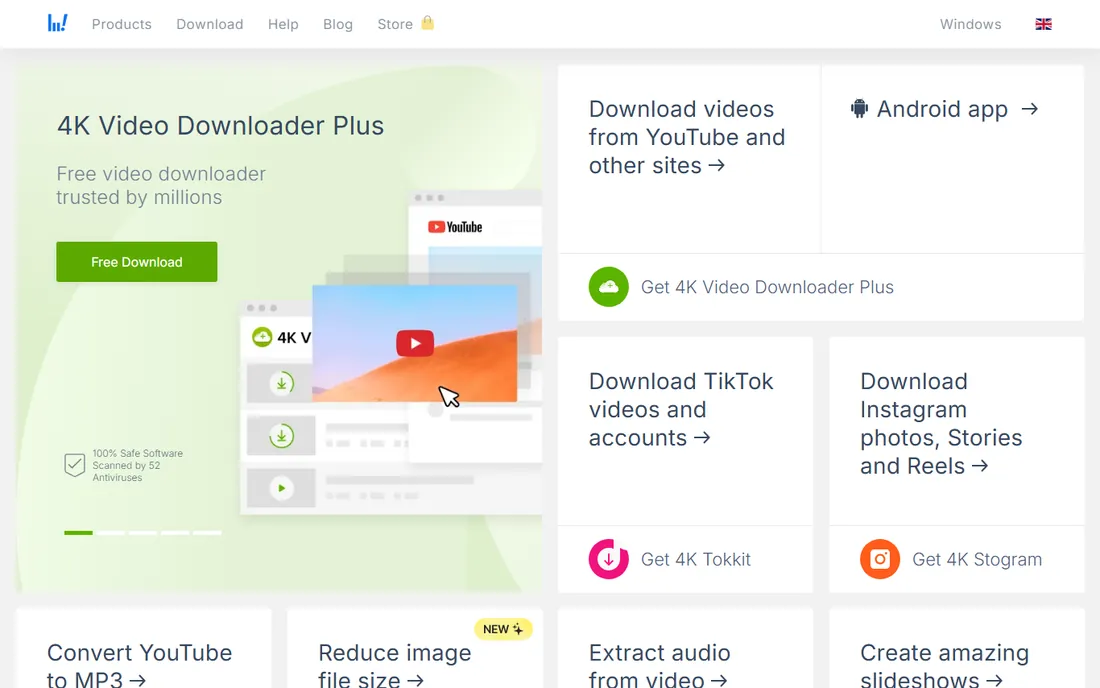
4K Slideshow Maker is exactly what the name promises: a free tool that turns photos into high-resolution slideshows. No watermark, no trial clock, no paid tier pushing you to upgrade. Face detection helps keep faces centered during pan effects, which is a thoughtful touch for portrait-heavy projects.
Expectations should stay modest. Transitions and effects are minimal, there is no timeline editing to speak of, and music options are basic. This is the tool you grab when someone needs a slideshow tomorrow and the budget is zero. For that job, it is hard to beat, and the 4K export means the output looks sharp on modern TVs.
What we like- Completely free with no watermark
- Exports in high resolution
- Face-detection helps with photo framing
Watch out for- Minimal effects and transitions
- No advanced editing features

#8
Ashampoo Slideshow Studio
Best for: Windows users who want a one-time purchase
Visit ashampoo.com
Starting priceSee website
Free planFree trial
Ashampoo's slideshow tool follows the company's familiar formula: a guided wizard, stable performance, and a license you buy once. The free trial lets you test the full workflow. It is a comfortable choice for Windows users who dislike subscriptions and want something between the bare-bones free tools and the feature-heavy editors.
The template and effects library is respectable but not remarkable. You will produce clean, professional slideshows, just not the cinematic variety. Windows-only is a real limitation for mixed-platform households. Check the vendor's current pricing page, since Ashampoo runs frequent promotions that change the effective price.
What we like- One-time licensing instead of subscriptions
- Wizard-driven workflow suits beginners
- German engineering shows in stability
Watch out for- Template variety is thinner than top competitors
- Windows only

#9
MAGIX Photostory Deluxe
Best for: Deep Windows slideshow editing
Visit magix.com
Starting priceSee website
Free planFree trial
Photostory Deluxe is the most fully featured Windows-only option here. Travel-map animations, detailed audio editing, and a deep effects library make it suitable for ambitious projects like vacation documentaries. MAGIX's audio heritage shows: the music and narration tools are better than most slideshow competitors.
All that depth comes with a busy interface. Beginners may find the learning curve steep compared to Icecream or PhotoStage. It is also Windows-only, which rules out Mac households. Verify pricing on the vendor's page before buying, and use the free trial to confirm the workflow fits you.
What we like- Deep feature set including travel-map animations
- Strong audio editing inherited from MAGIX's music tools
- Free trial available
Watch out for- Interface can overwhelm beginners
- Windows only
How to Pick a Slideshow Maker
Start by being honest about how often you will use it. Twice-a-year family slideshows do not justify a subscription or a steep learning curve. The free tools and one-time purchases on this list cover occasional use well. Weekly or monthly production justifies a fuller tool with templates and a faster workflow.
Next, decide what matters more: speed or control. Tools like Icecream and PhotoStage optimize for speed. SmartSHOW 3D, PTE AV Studio, and Photostory Deluxe optimize for control. There is no wrong answer, but buying a control-oriented tool for speed-oriented jobs leads to frustration, and vice versa.
Check export options before you buy
Your slideshow is only as good as its export. Confirm the tool exports at the resolution your audience will watch: 4K for modern TVs, 1080p for most online sharing. Also check whether it uploads directly to YouTube or burns to disc if those matter to you. Some tools limit high-resolution export to paid tiers, which is fine as long as you know before paying.
Think about music and licensing
Background music makes or breaks a slideshow. Check whether the tool includes royalty-free tracks or only accepts your own files. If you use your own music, make sure you have the rights for how you will share the result. Several tools on this list include built-in music libraries that sidestep this problem entirely.
How we chose
We reviewed vendor pricing pages, documentation, and feature lists for dedicated slideshow makers and video editors with strong slideshow workflows. We cross-checked against public reviews on G2, Capterra, and Reddit, paying attention to what real users praise and complain about. We weighted effects quality, ease of use, export options, and pricing model, and we favored tools with free versions or trials so you can test before buying. This is research-based comparison, not hands-on testing.
Building a Slideshow That Holds Attention
The most common slideshow mistake is length. A 200-photo show at five seconds per photo runs over 16 minutes, and nobody watches that. Aim for 60 to 90 photos for a five-minute show, and be ruthless in the edit. Every photo should earn its place.
Music choice matters more than transitions. Pick one track that fits the mood and let it set the pace. Syncing major photo changes to the beat takes a slideshow from amateur to engaging, and tools like SmartSHOW 3D and PTE AV Studio make this straightforward. Avoid using three different songs unless the show has clear chapters.
Finally, test on the actual display. A slideshow that looks fine on a laptop can feel slow on a big TV and cramped on a phone. Export a test version, watch it where your audience will watch it, and adjust pacing before you finalize. This single habit improves results more than any effects pack.
Frequently asked questions
What is the best free slideshow software for PC?
4K Slideshow Maker is the best truly free option, with no watermark and high-resolution export. Icecream Slideshow Maker and PhotoStage also have capable free versions for shorter projects. Wondershare Filmora's free version is fully featured but adds a watermark to exports.
Can I make a slideshow with music?
Yes, every tool in this guide supports background music. Most accept MP3 and other common formats, and several include royalty-free music libraries. If you plan to share the slideshow publicly, use licensed or royalty-free music to avoid copyright issues.
Do these tools work on Mac?
Most do. Movavi, Filmora, PhotoStage, and Icecream run on both Windows and Mac. SmartSHOW 3D, Ashampoo Slideshow Studio, and MAGIX Photostory Deluxe are Windows-focused. Check the vendor's site for current platform support before buying.
What resolution should I export my slideshow in?
Export at the highest resolution your display supports. 4K (2160p) looks best on modern TVs, while 1080p is fine for phones and online sharing. All the paid tools here support at least 1080p, and most support 4K.
How long does it take to make a slideshow?
A simple 50-photo slideshow with music takes 30 to 60 minutes in a beginner-friendly tool. An ambitious project with custom animations and synced music can take several hours. Templates and wizards cut the time significantly.
Sources we checked (9)
- https://smartshow-software.com
- https://www.movavi.com
- https://filmora.wondershare.com
- https://www.wnsoft.com/pte-av-studio/
- https://www.nchsoftware.com/slideshow/
- https://icecreamapps.com
- https://www.4kdownload.com
- https://www.ashampoo.com
- https://www.magix.com
Is your product missing or out of date?
We review this list regularly. Vendors can request a listing, send updated pricing or ask about featured placement.

Shihab Mia · Founder, Rankite
Shihab has spent more than a decade helping SaaS and e-commerce brands grow through search. He writes Rankite's software buying guides from pricing pages, documentation and public user reviews. More about Shihab.
 SmartSHOW 3D
 Wondershare Filmora
 PhotoStage
 Icecream Slideshow Maker
 4K Slideshow Maker