How we make this list: we compare pricing pages, product documentation and public user reviews. Rankite is independent; if a vendor ever pays for a featured spot, that listing is clearly labeled Partner.
Key takeaways
- Helicon Focus is the fastest all-rounder for macro and product shooters who want capture-to-stack in one ecosystem, while Zerene Stacker wins on difficult subjects with fine detail like insect hairs, at the cost of speed.
- Affinity Photo and Adobe Photoshop are the sensible picks if you already own them, since both include competent focus stacking and you avoid buying a single-purpose app.
- DeepSkyStacker and AutoStakkert are free and purpose-built for astrophotography, which focus stacking apps handle poorly, so night-sky shooters should start there.
- Picolay and PlaneFuse are free options for macro stacking, with Picolay being the veteran pick for microscopy and PlaneFuse the newer open-source choice with a RAW-friendly workflow.
- ON1 Photo RAW fits photographers who want stacking inside a full editor with a one-time purchase instead of a subscription.
Quick comparison
| Tool | Best for | Starting price | Free plan |
|---|
 Helicon Focus Helicon Focus | Macro and product photographers who stack often | See website | Free trial (30 days) |
 Zerene Stacker Zerene Stacker | Extreme macro and scientific subjects | $89 one-time (Personal license) | Free trial (30 days) |
 Affinity Photo Affinity Photo | Photographers who want stacking inside a full editor | See website | Free trial |
 Adobe Photoshop Adobe Photoshop | Existing Creative Cloud subscribers | See website | Free trial (7 days) |
 Picolay Picolay | Microscopy and zero-budget macro stacking | Free | Yes |
 PlaneFuse PlaneFuse | Technical users who want free, open-source stacking | Free | Yes |
 DeepSkyStacker DeepSkyStacker | Deep-sky astrophotography on any budget | Free | Yes |
 AutoStakkert AutoStakkert | Planetary, lunar and solar lucky imaging | Free | Yes |
 ON1 Photo RAW ON1 Photo RAW | Photographers who want an all-in-one editor without a subscription | See website | Free trial (30 days) |
Is your product missing or out of date?
We review this list regularly. Vendors can request a listing, send updated pricing or ask about featured placement.
The best photo stacking software
Starting priceSee website
Free planFree trial (30 days)
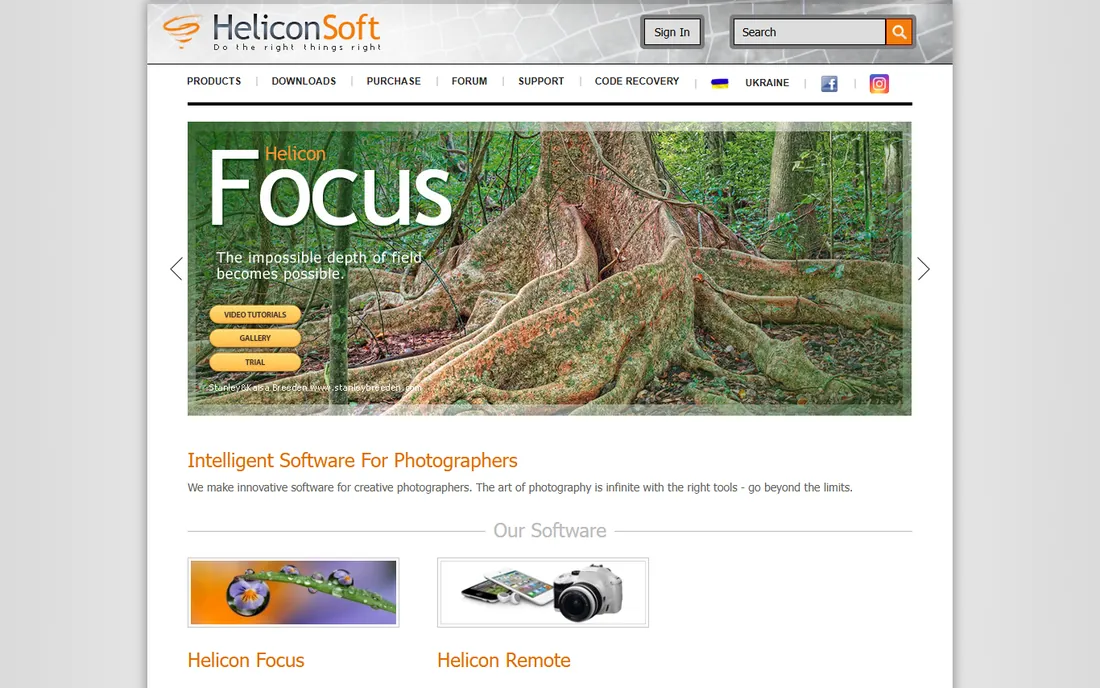
Speed is the reason Helicon Focus keeps its crown among working macro photographers. It offers three rendering methods, weighted average, depth map and pyramid, so you can switch approaches when a subject produces halos or soft edges under one of them. Batch processing handles whole folders of bracketed shots, and a folder monitor can pick up new stacks automatically. For product photographers shooting dozens of items a day, that throughput matters more than any single algorithmic edge.
The companion app Helicon Remote is a genuine differentiator. It tethers to Canon and Nikon DSLRs and drives focus bracketing with precise, even steps, removing the biggest source of failed stacks: uneven manual focus steps. With Lite, Pro and Premium tiers sold yearly or as lifetime licenses, an occasional stacker pays for power they rarely use. If you stack weekly, it earns its keep. If you stack twice a year, Affinity Photo below is the smarter buy.
What we like- Three stacking methods (A, B, C) for different subjects
- Fast rendering even on large stacks
- Helicon Remote automates focus bracketing from the camera
Watch out for- Subscription or lifetime pricing adds up for casual users
- Can struggle with highly reflective subjects
- Retouching workflow takes practice
Starting price$89 one-time (Personal license)
Free planFree trial (30 days)
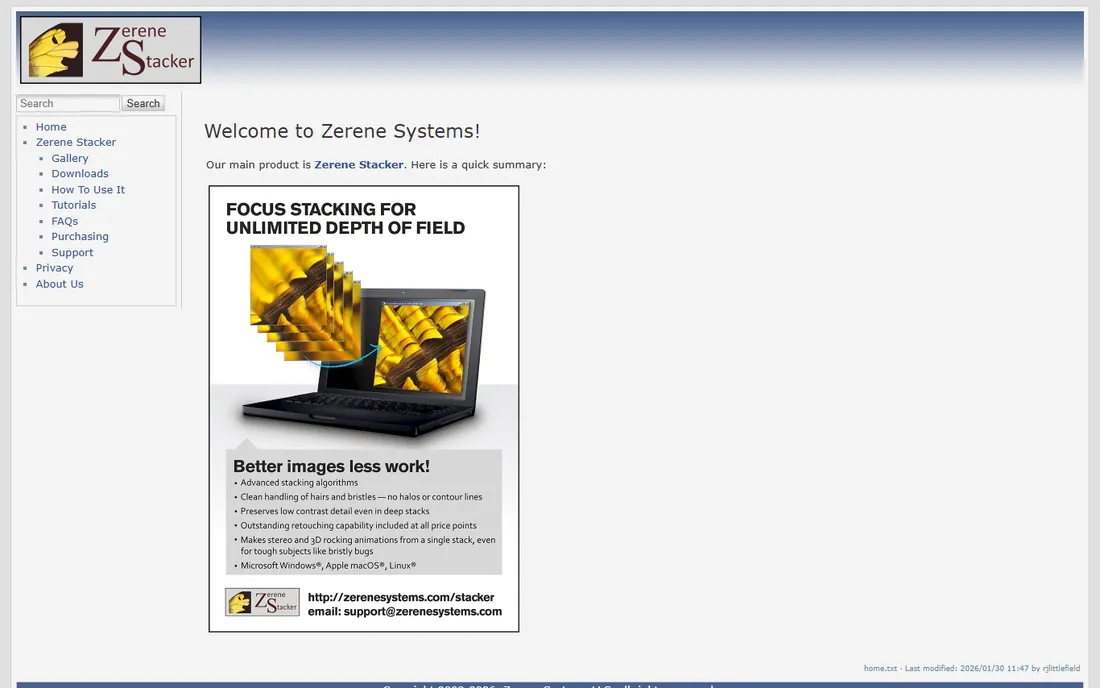
Zerene Stacker is the tool macro specialists reach for when a subject defeats everything else. Its PMax algorithm preserves low-contrast detail in deep stacks without turning fine structure into mush, and it handles insect hairs and bristles with fewer halos than most competitors. The retouching brush, available even in the $89 Personal license, lets you paint corrections from individual source frames directly onto the result. It runs on Windows, macOS and Linux, and one license covers all three.
The tradeoff is pace and polish. Rendering takes noticeably longer than Helicon Focus, and the Java-based interface feels utilitarian. There is no tethered capture companion, so pair it with your camera's own bracketing or a rail like the StackShot, which the Pro and Prosumer editions drive directly. The $89 Personal license is fair for hobbyists, with Prosumer at $189 and Professional at $289 for commercial use. If your subjects have legs, antennae or setae, Zerene is worth the wait.
What we like- PMax and DMap algorithms handle hairs, bristles and deep stacks cleanly
- One-time license with free updates
- Retouching included even in the cheapest tier
Watch out for- Slower rendering than Helicon Focus
- Dated interface
- No camera tethering companion
Starting priceSee website
Free planFree trial
Most buyers overestimate how much stacking software they need. If you already edit in Affinity Photo, its Focus Merge feature stacks a bracketed set into one sharp image without leaving the app, and the result stays editable as layers with masks. For the common case, a product shot, a flower, a watch, the output is genuinely good. You also get a complete Photoshop-class editor for retouching, compositing and print work, which no dedicated stacker offers.
What you give up is specialization. There are no alternative stacking algorithms to switch between, no depth-map controls, and no batch mode for processing many stacks unattended. Serif, now part of Canva, sells Affinity as a one-time purchase rather than a subscription, which keeps the long-term cost low. The honest assessment: Affinity is the best value if you need an editor anyway and stack occasionally. It is not a replacement for Helicon or Zerene if stacking is central to your work.
What we like- Full professional photo editor with stacking built in
- One-time purchase, no subscription
- Focus merge handles typical macro stacks well
Watch out for- Fewer stacking controls than dedicated apps
- No batch stacking workflow
- RAW handling is good but not class-leading
#4
Adobe Photoshop
Best for: Existing Creative Cloud subscribers
Visit adobe.com
Starting priceSee website
Free planFree trial (7 days)
Photoshop stacks images through its Auto-Align Layers and Auto-Blend Layers commands, and for straightforward subjects the results are perfectly usable. If you already subscribe to Creative Cloud, the Photography plan or a single-app plan, this costs you nothing extra and requires no new software to learn. For a real estate shooter blending a few focus brackets or a marketer stacking a product shot once a month, that is enough.
The limits show up fast on hard subjects. There is no choice of stacking method, no depth map, and no retouching brush tied to source frames. Complex macro work with overlapping fine detail can produce smearing and halos that dedicated tools avoid. Photoshop is also subscription-only, so buying it just for stacking makes no financial sense next to Affinity's one-time price or the free tools below. Use what you have, but do not subscribe for this feature alone.
What we like- Auto-Align and Auto-Blend layers handle simple stacks
- You probably already pay for it
- Enormous tutorial base
Watch out for- No dedicated stacking algorithms or controls
- Can produce artifacts on complex subjects
- Subscription-only
Starting priceFree
Free planYes
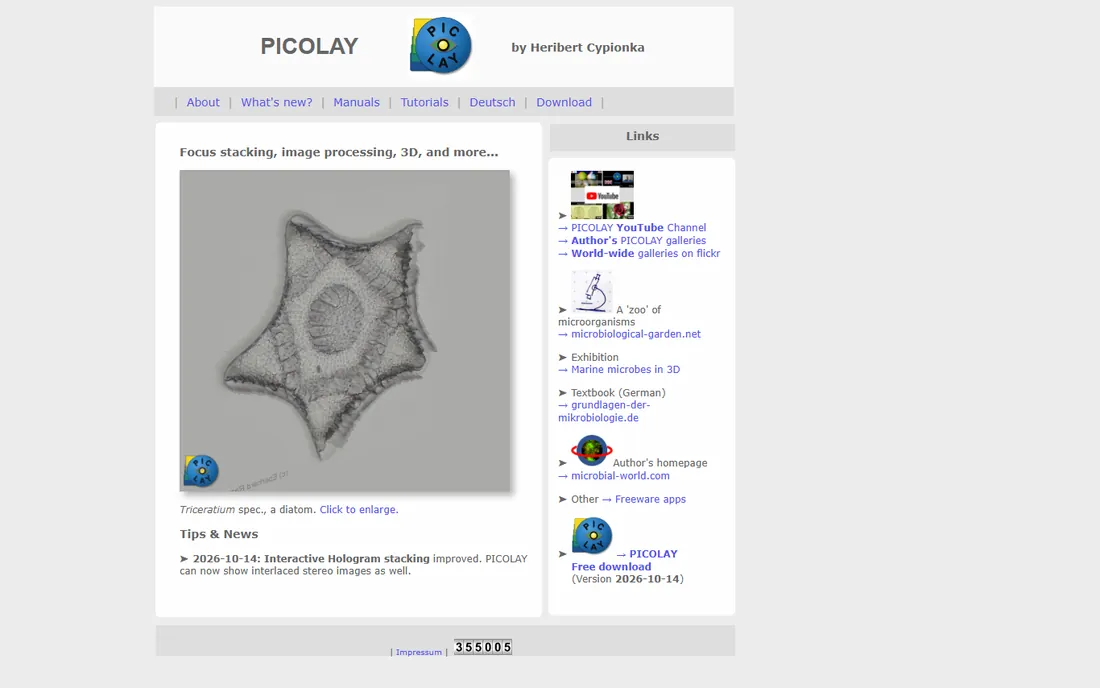
Picolay has been quietly doing focus stacking since long before it was fashionable, and its developer was still shipping improvements in October 2026, including better interactive hologram stacking. It is popular in microscopy circles, where it stacks diatoms, pollen and slide specimens, but it handles ordinary macro photography too. Beyond basic stacking it offers 3D anaglyph output and extended depth of field tricks that the big commercial tools do not bother with.
The price is zero, and the interface shows it. This is a functional Windows program, not a polished product, and learning it relies on forum posts and experimentation more than guided tutorials. It will not replace Helicon for a working pro. For students, microscopists and hobbyists who need real stacking without spending anything, it remains a legitimate choice, and its continued development in 2026 is a good sign it is not abandonware.
What we like- Completely free
- Actively maintained with updates in 2026
- Handles focus stacking, 3D and hologram-style stacking
Watch out for- Dated Windows-centric interface
- Documentation is thin
- Smaller user community for troubleshooting
#6
PlaneFuse
Best for: Technical users who want free, open-source stacking
Visit github.com
Starting priceFree
Free planYes
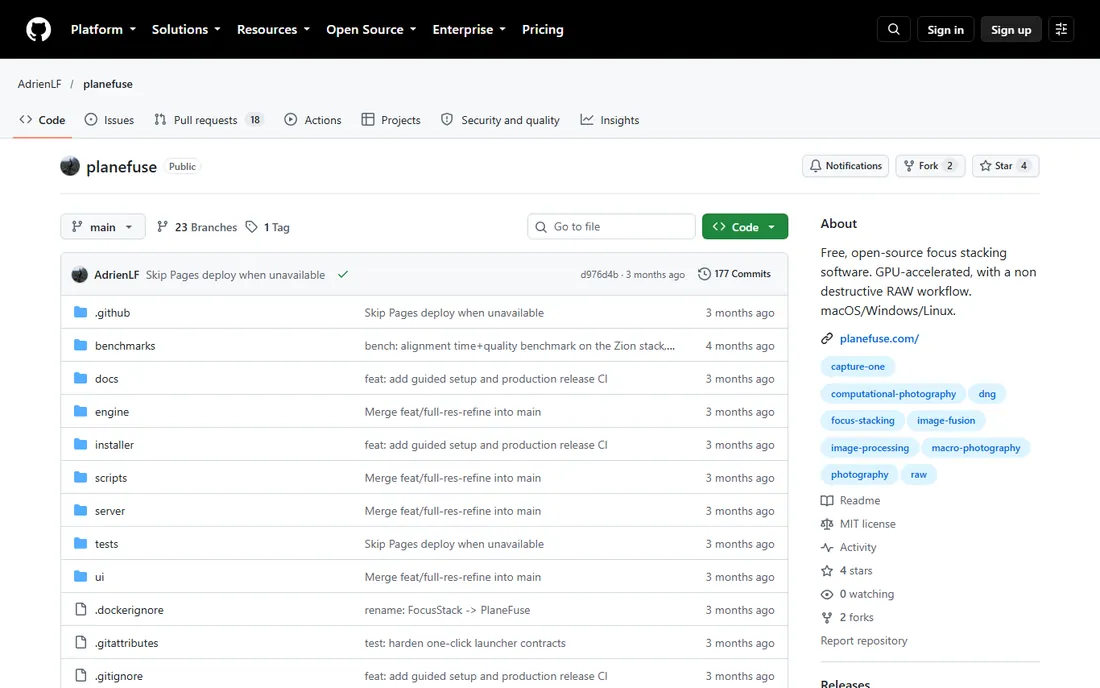
PlaneFuse arrived in 2026 as a free, open-source answer to Helicon and Zerene, and its design choices are thoughtful. It offers four stacking methods including PMax and DMap equivalents, GPU acceleration on NVIDIA and Apple Silicon, and a local web workspace with deep-zoom comparison views. Its standout idea is the no-bake RAW pipeline: instead of developing your RAW files as part of stacking, it fuses them in scene-linear space and hands back a Linear DNG you grade yourself in Capture One or another raw developer.
Being new cuts both ways. The documentation is unusually thorough for an open-source project, with a full user guide and API, but the community is tiny and you should expect rough edges. Installation uses a guided assistant rather than a standard installer, and the first launch downloads its processing environment, which takes several minutes. If you are comfortable with open-source software and want a free stacker that respects your RAW files, PlaneFuse is the most interesting new option in this category.
What we like- Free and open source under the MIT license
- GPU acceleration via CUDA and Apple MPS
- Non-destructive RAW workflow exporting Linear DNG
Watch out for- New project with a small community
- Browser-based workspace may feel unfamiliar
- Setup involves a guided installer rather than a simple download
Starting priceFree
Free planYes
Everything above this point is about focus stacking, which is the wrong technique for the night sky. DeepSkyStacker does the other kind of stacking: aligning and averaging tens or hundreds of light frames to beat down noise, while properly applying dark, flat and bias calibration frames. It is free, it has been the standard entry point to deep-sky processing for years, and it handles the unglamorous bookkeeping, file grouping, drizzle, comet stacking, that makes deep-sky work possible.
The interface looks its age and the workflow assumes you understand calibration frames, so beginners face a learning curve. It is also strictly a deep-sky tool. Planetary imagers should look at AutoStakkert below, and macro shooters should look at the top of this list. For nebulae, galaxies and star clusters shot with a DSLR or dedicated astro camera, DeepSkyStacker remains the free tool to learn first, usually paired with a general editor for final stretching and color.
What we like- Free
- Purpose-built for stacking hundreds of sub-exposures
- Handles calibration frames (darks, flats, biases) properly
Watch out for- Windows-centric with a dated interface
- Deep-sky only, not for planets or macro
- Learning curve around calibration frames
Starting priceFree
Free planYes
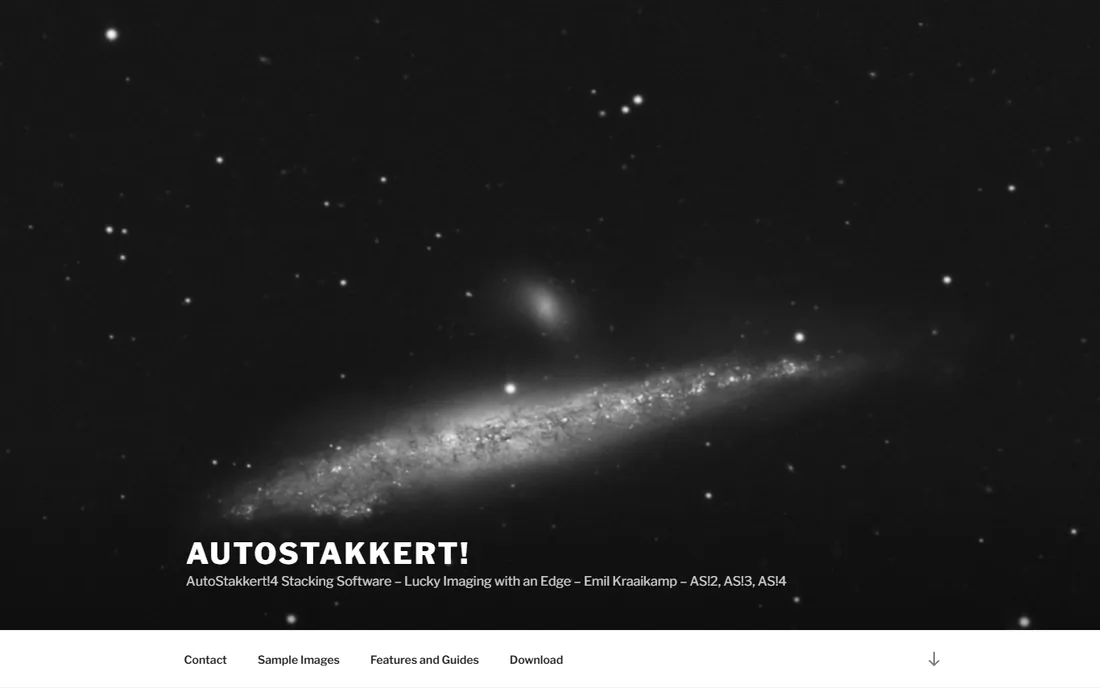
Planetary imaging works nothing like deep-sky imaging. You record video of Jupiter or the Moon, and software ranks thousands of frames by sharpness, then stacks only the best few percent. AutoStakkert, by Emil Kraaikamp, is the free tool that defined this workflow, and it remains the standard that planetary imagers compare everything against. It handles alignment points across the planetary disk, drizzle, and RGB channel alignment with a control set built exactly for this job.
The specialization is total. This software does one thing, lucky imaging of bright solar system targets, and it does not attempt deep-sky or macro work at all. It is Windows-only, and the interface expects you to understand concepts like alignment points and quality graphs. If you shoot planets or the Moon, download this before anything else. Everyone else can skip it.
What we like- Free
- The standard for stacking planetary video
- Quality-based frame selection from thousands of frames
Watch out for- Windows only
- Planetary-specific, useless for deep sky or macro
- Interface assumes you know lucky imaging
#9
ON1 Photo RAW
Best for: Photographers who want an all-in-one editor without a subscription
Visit on1.com
Starting priceSee website
Free planFree trial (30 days)
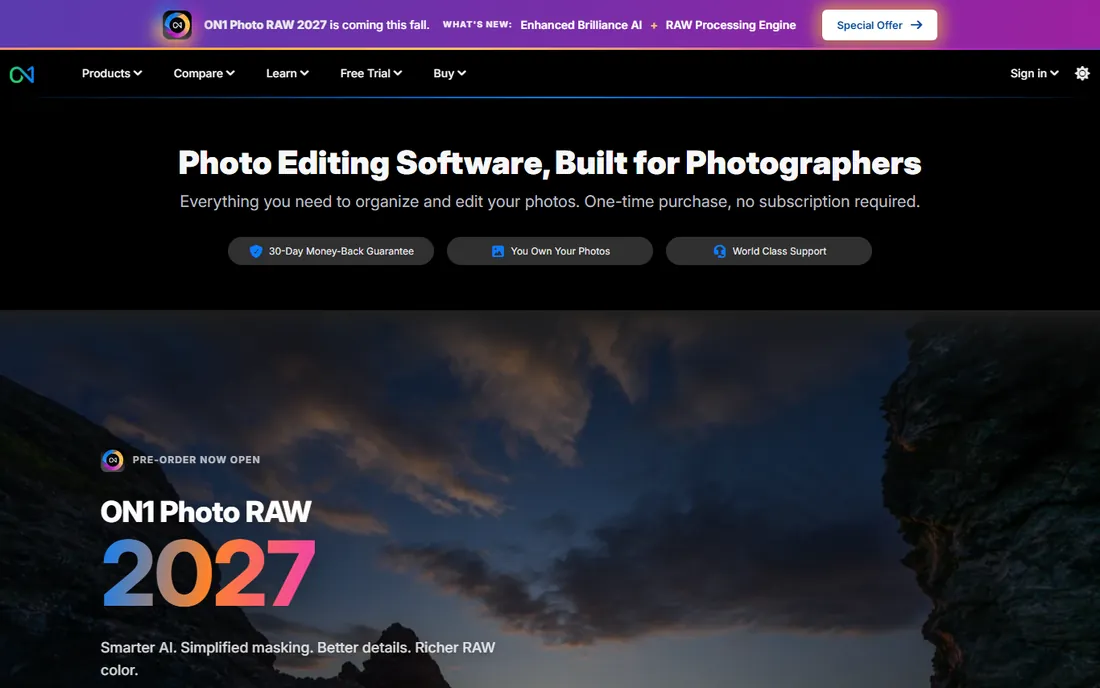
ON1 Photo RAW takes the Affinity Photo argument one step further: a complete Lightroom-and-Photoshop-style workflow, organizing, RAW development, layers, effects, portrait retouching, with focus stacking folded in, sold as a one-time purchase. The company leans hard on the no-subscription message, and for photographers tired of Adobe's monthly billing that alone is persuasive. It installs on two computers per license and offers a 30-day money-back guarantee.
Stacking here is a feature, not the product. You get solid focus merging for typical subjects, but none of the algorithm choice, batch automation or retouching depth of the dedicated tools. Version numbering has moved quickly, Photo RAW 2027 was already on pre-order in late 2026, so check whether your purchase includes future upgrades. For a small studio that wants one app for everything and one payment, ON1 is a coherent choice. For stacking-obsessed macro work, pair a dedicated stacker with whatever editor you prefer.
What we like- Full photo editor and organizer with stacking included
- One-time purchase, no subscription required
- Works standalone or as a plugin
Watch out for- Stacking features are secondary to the editing tools
- Smaller ecosystem of tutorials than Adobe
- Version upgrades are paid
How we chose
Buyers use "best photo stacking software" and "best focus stacking software" interchangeably, but the category splits into macro focus stacking and astrophotography stacking, which need different tools. We checked each vendor's site for current availability and documentation, read user discussions on photography forums and Reddit, and compared feature lists against what small studios and serious hobbyists need: algorithm choice, batch handling, RAW support, platform coverage and honest pricing. We excluded discontinued tools and did not claim hands-on testing.
Matching the stacker to your subject
The single most useful question is what you photograph. Macro and product shooters should choose between Helicon Focus for speed and volume, Zerene Stacker for difficult fine detail, or a free option like Picolay or PlaneFuse if the budget is zero. If you already own Affinity Photo, Photoshop or ON1 Photo RAW, try their built-in stacking first. You may never need a dedicated app.
Astrophotographers should ignore the focus stackers entirely. DeepSkyStacker handles deep-sky stills with calibration frames, and AutoStakkert handles planetary video. Neither costs anything, and both outperform general tools at their specific jobs. Mixing the two kinds of stacking is the mistake we see most often in buyer questions, so treat them as separate purchases even when both are free.
Budget buyers have real options. Picolay and PlaneFuse cover macro stacking for free, DeepSkyStacker and AutoStakkert cover astro for free, and Affinity's one-time price covers occasional stacking inside a full editor. Pay for Helicon or Zerene only when stacking is frequent enough that speed and quality affect your output.
Focus stacking and astrophotography stacking are different jobs
Product marketing blurs this, so here it is plainly. Focus stacking merges frames shot at different focus distances to extend depth of field; the software picks the sharp parts. Astrophotography stacking merges frames of the same scene to reduce noise; the software averages them. A focus stacker fed with sky frames produces garbage, and an astro stacker fed with a macro bracket does the same. When a vendor claims one tool does both, check what it actually implements.
Frequently asked questions
What is the difference between focus stacking software and photo stacking software?
Focus stacking merges frames shot at different focus distances for extended depth of field, common in macro and product photography. Photo stacking is the broader term and also covers astrophotography stacking, where many frames of the same scene are averaged to reduce noise. This guide covers both, grouped by which job each tool does.
Is there good free focus stacking software?
Yes. Picolay is free and actively maintained, and PlaneFuse is a newer free open-source option with GPU acceleration and a RAW-friendly workflow. Affinity Photo is not free but its one-time price is low for what you get. For astro work, DeepSkyStacker and AutoStakkert are both free and are the standards in their niches.
Do I need Helicon Focus or Zerene Stacker if I have Photoshop?
Probably not for occasional use; Photoshop's Auto-Align and Auto-Blend handle simple stacks well. Consider a dedicated stacker when you stack often, work with difficult subjects like insects or jewelry, or need batch processing.
Can I use focus stacking software for astrophotography?
No. Focus stacking algorithms select sharp regions from differently-focused frames, the wrong operation for sky images. Use DeepSkyStacker for deep-sky targets or AutoStakkert for planets and the Moon.
Which stacking software works on Mac?
Helicon Focus, Zerene Stacker, Affinity Photo, Photoshop, ON1 Photo RAW, PlaneFuse and DeepSkyStacker-adjacent workflows all support macOS. AutoStakkert and Picolay are Windows-focused. Zerene Stacker and PlaneFuse also run on Linux.
One-time purchase or subscription for stacking software?
Zerene Stacker, Affinity Photo and ON1 Photo RAW use one-time pricing. Helicon Focus offers both yearly and lifetime tiers. Photoshop is subscription-only. Several strong tools are free. Match the pricing model to how often you stack.
Sources we checked (10)
- https://heliconsoft.com/
- https://zerenesystems.com/
- https://affinity.serif.com/
- https://www.adobe.com/products/photoshop.html
- https://picolay.de/
- https://github.com/adrienlf/planefuse
- https://deepskystacker.free.fr
- https://autostakkert.com/
- https://www.on1.com/
- https://www.photoworkout.com/best-focus-stacking-software/
Is your product missing or out of date?
We review this list regularly. Vendors can request a listing, send updated pricing or ask about featured placement.

Shihab Mia · Founder, Rankite
Shihab has spent more than a decade helping SaaS and e-commerce brands grow through search. He writes Rankite's software buying guides from pricing pages, documentation and public user reviews. More about Shihab.