How we make this list: we compare pricing pages, product documentation and public user reviews. Rankite is independent; if a vendor ever pays for a featured spot, that listing is clearly labeled Partner.
Key takeaways
- Trello and Todoist are the simplest starting points: kanban boards and task lists anyone learns in minutes.
- Asana and Basecamp add team structure while staying approachable for non-technical users.
- TickTick, Any.do and Microsoft To Do suit individuals and tiny teams with generous free plans.
- Notion combines notes, docs and tasks for teams that want one workspace.
- MeisterTask and Freedcamp offer capable free tiers for budget-conscious teams.
Quick comparison
| Tool | Best for | Starting price | Free plan |
|---|
 Todoist Todoist | Personal and small-team task lists | Free | Yes |
 Trello Trello | Visual kanban simplicity | Free | Yes |
 Asana Asana | Simple team projects | Free | Yes |
 TickTick TickTick | Tasks with calendar and habits | Free | Yes |
 Any.do Any.do | Simple lists with reminders | Free | Yes |
 Microsoft To Do Microsoft To Do | Microsoft users wanting basics | Free | Yes |
 Basecamp Basecamp | All-in-one simplicity for teams | See website | No |
 Notion Notion | Docs plus tasks in one workspace | Free | Yes |
 MeisterTask MeisterTask | Pretty kanban with automation | Free | Yes |
 Freedcamp Freedcamp | Free project management suite | Free | Yes |
Is your product missing or out of date?
We review this list regularly. Vendors can request a listing, send updated pricing or ask about featured placement.
The best simple project management app
Starting priceFree
Free planYes
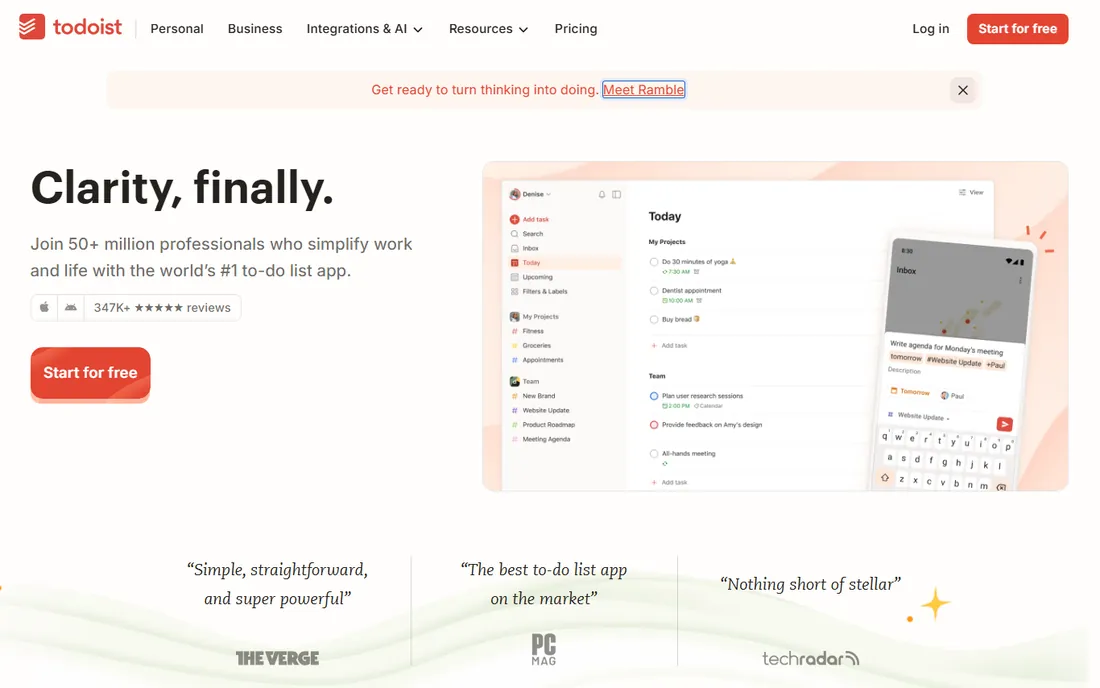
Todoist is the task list perfected: type "call dentist tomorrow at 3pm" and it becomes a scheduled task with a reminder. The apps are fast on every platform, karma gamification nudges consistency, and the free plan covers individuals completely. Small teams share projects and assign tasks without friction.
It is a task manager, not a project platform: kanban views exist but are basic, and complex project tracking needs more. Teams that outgrow lists usually move to Asana or Trello. For personal productivity and small-team task coordination, Todoist's speed and simplicity remain unmatched.
Long-term Todoist users point to the filters and labels system as the feature that keeps thousand-task lists manageable: create a filter for overdue high-priority items and the morning review takes two minutes. The karma streaks genuinely nudge consistency, gimmicky as they sound. Paid plans add reminders and calendar layouts, but the free tier covers most personal use completely. Sync across phone, desktop and browser is effectively instant.
What we like- The fastest task capture anywhere
- Natural language date entry
- Excellent free plan
Watch out for- Project views are list-centric
- Advanced team features need paid tiers
- No built-in kanban depth
Starting priceFree
Free planYes
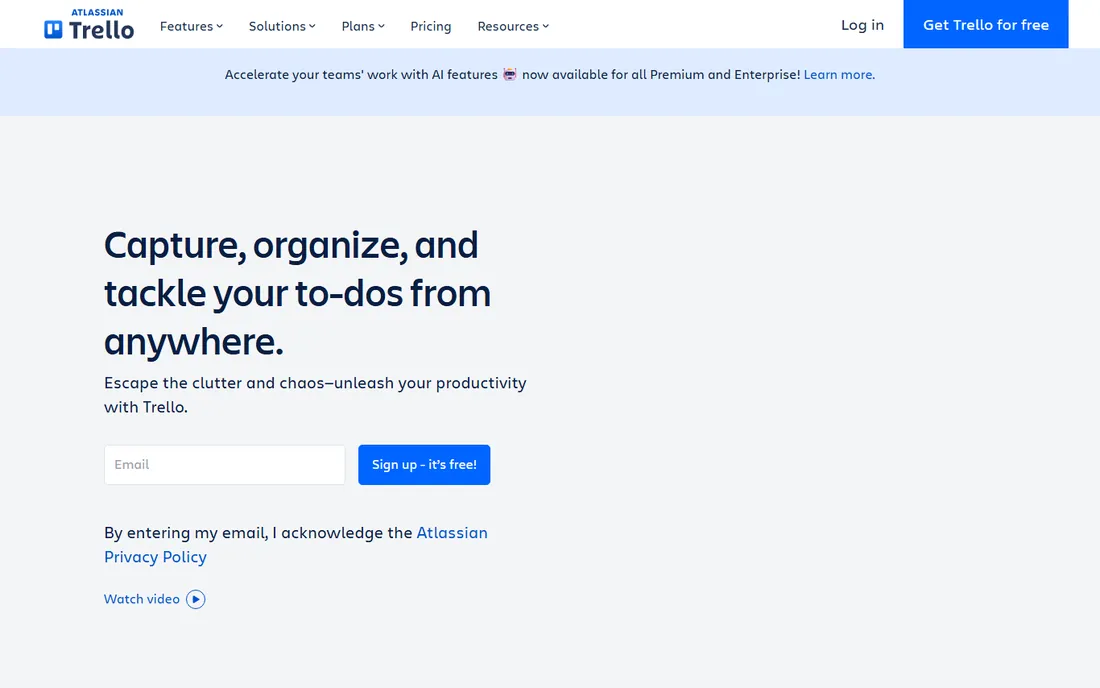
Trello made kanban mainstream: boards, lists and cards that anyone understands without training. The free plan is generous enough for real team use, templates cover everything from editorial calendars to sprint boards, and Butler automation handles routine moves. Non-technical teams adopt it in an afternoon.
Scale is the enemy. Big projects sprawl across dozens of cards, reporting is thin, and the free tier limits power-ups per board. Teams that need structure graduate to Asana or Monday. For visual thinkers and simple projects, Trello's immediacy is still the easiest on-ramp in project management.
Trello's Butler automation, even with limited runs on the free plan, removes the repetitive card-moving that kills kanban discipline: set rules to move cards when checklists complete or to assign members by label. Power-ups add calendar views, voting and time tracking, though the free tier limits how many each board can enable. Teams usually outgrow Trello around fifty active cards, when the lack of structured reporting starts to hurt.
What we like- Kanban anyone understands instantly
- Generous free plan
- Huge template gallery
Watch out for- Gets messy at scale
- Reporting is basic
- Power-ups gated on free tier
Starting priceFree
Free planYes
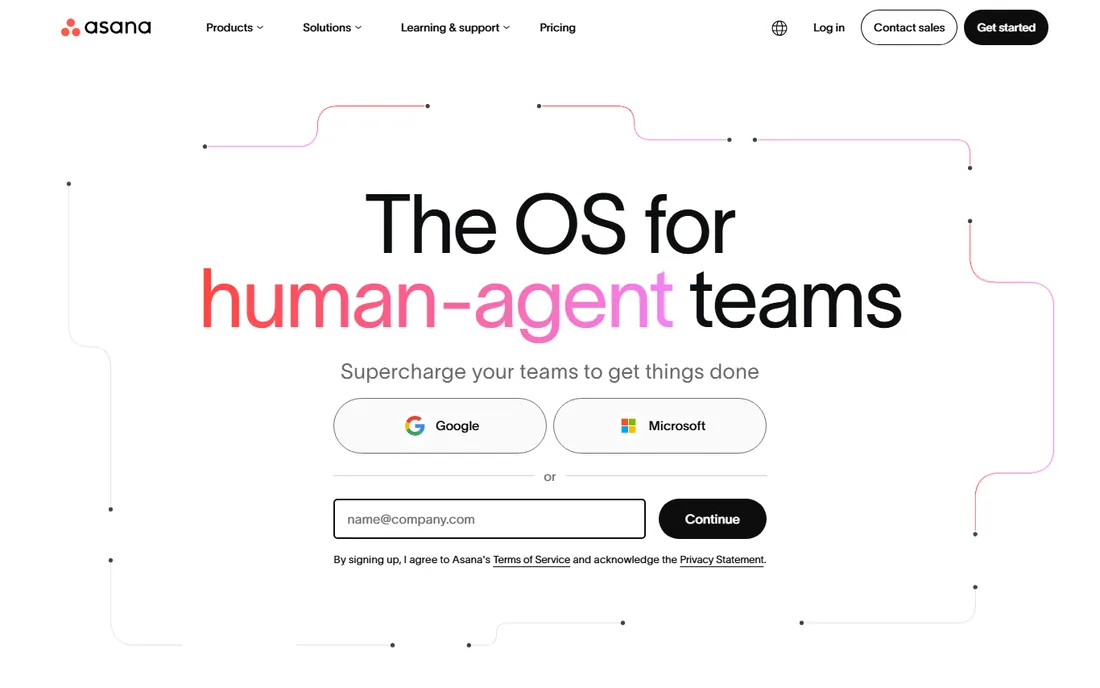
Asana sits in the sweet spot between simple and capable: list, board, calendar and timeline views over the same tasks, with a free plan covering up to ten users. Teams organize projects without an admin, and the interface stays friendly while handling real complexity. It is the most common answer to "we outgrew Trello."
The free plan's limits appear with growth: timelines, advanced search and custom fields need paid tiers. Very small teams may find it more than they need. For teams of five to fifty that want structure without enterprise software, Asana's balance is hard to beat.
Asana's free tier includes unlimited tasks, projects and messages for up to ten users, which covers most small teams fully. The timeline view on paid plans converts skeptics: seeing dependencies visually catches scheduling conflicts that lists hide. Integrations with Slack, Google Drive and over a hundred other tools fit existing workflows. Start with one team project to learn the conventions before rolling it out widely.
What we like- Clean interface teams adopt quickly
- List, board, calendar and timeline views
- Strong free plan
Watch out for- Advanced features need paid tiers
- Can feel sprawling for tiny teams
- Reporting depth costs extra
Starting priceFree
Free planYes
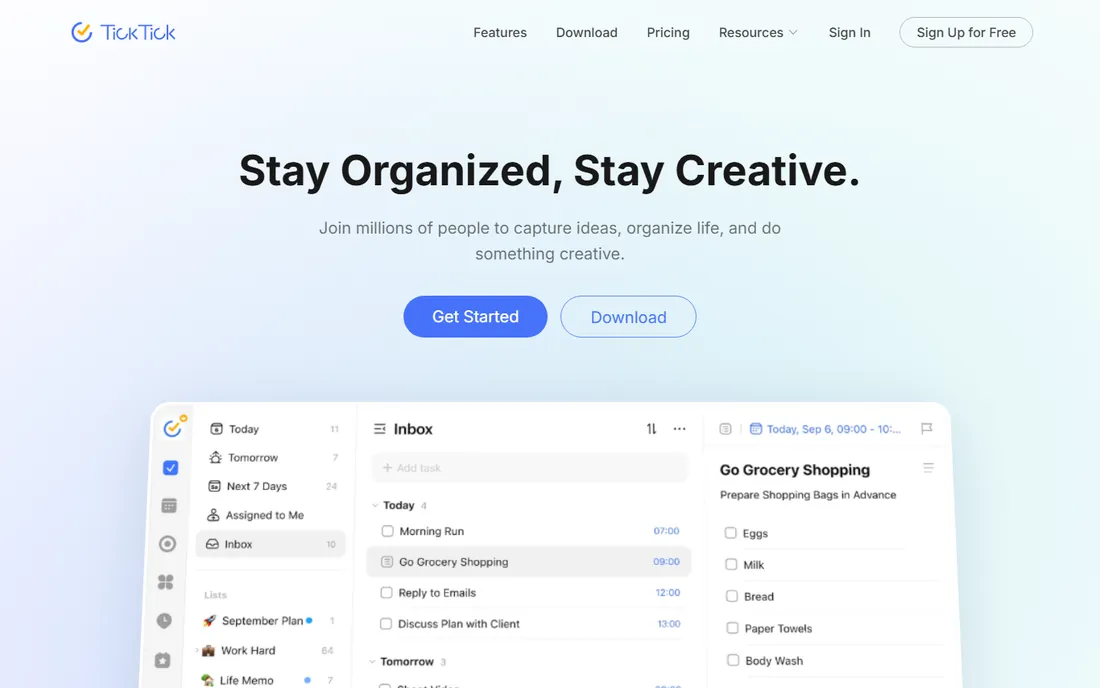
TickTick is the everything app for personal productivity: task lists, calendar, habit tracking and a Pomodoro timer in one clean package. The free plan is generous, the apps are quick, and the calendar view unifies tasks and events. Individuals who want one app for their whole day love it.
Team collaboration exists but trails the team-first tools. The interface packs a lot in, which minimalists may find busy. For personal and tiny-team use, especially for people who also want habits and focus timers, TickTick delivers remarkable value free.
TickTick's calendar view unifies tasks, events and habits in one timeline, which is rare at this price: most tools force a choice between task manager and calendar. The Pomodoro timer with white noise options supports focus sessions, and the Eisenhower matrix view separates the urgent from the important. Premium adds calendar subscriptions and advanced filters, but the free tier is generous enough that many users never pay.
What we like- Tasks, calendar, habits and Pomodoro in one
- Excellent free plan
- Fast apps
Watch out for- Team features are lighter
- Interface is busy for minimalists
- Smaller ecosystem
Starting priceFree
Free planYes
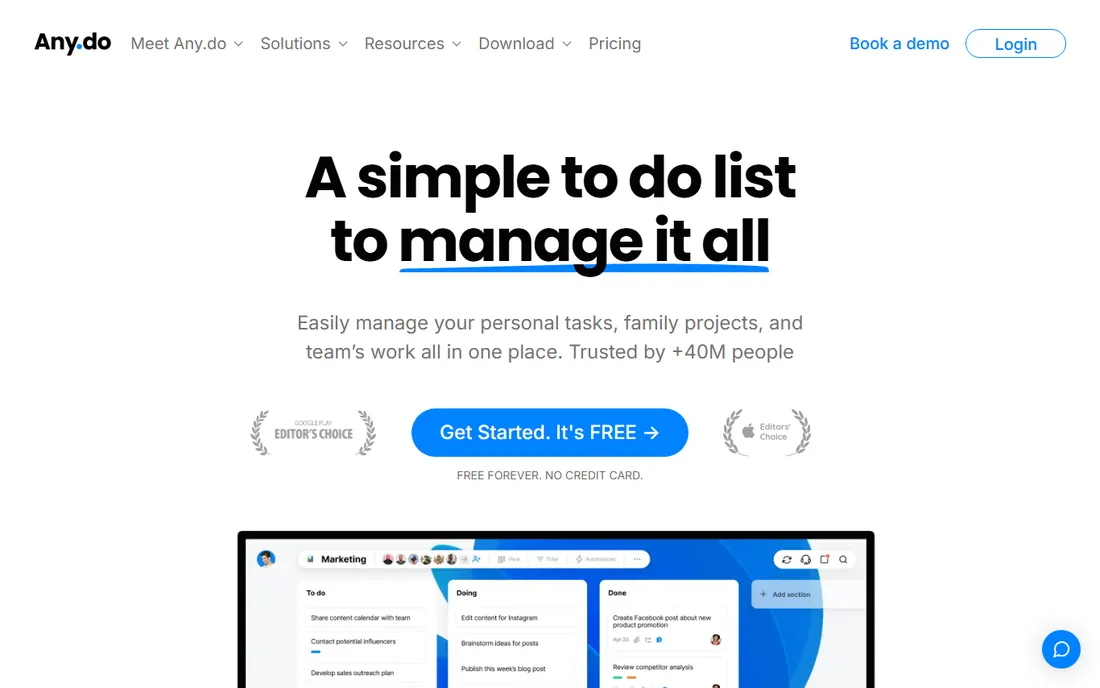
Any.do keeps task management minimal: lists, reminders, a daily planner and calendar sync in an interface your least technical employee understands. Location and time reminders are genuinely smart. The free plan covers personal use well.
It is not a project management tool in any serious sense: no boards worth mentioning, thin collaboration, basic reporting. Teams need more. But for individuals and families coordinating tasks, and for small businesses whose "project management" is really shared to-do lists, Any.do's simplicity is the point.
Any.do's Moment feature, a daily review walking through today's tasks each morning, is the standout for people whose lists otherwise go stale. Location-based reminders fire on arrival at the store or office, which beats time-based nudges for errand-heavy days. The grocery list autocomplete is oddly beloved. It will never replace a project tool, but as the personal capture layer above one, it works well.
What we like- Dead simple lists with smart reminders
- Nice calendar integration
- Easy for non-technical users
Watch out for- Limited project management depth
- Free plan has caps
- Team features are basic
Starting priceFree
Free planYes
Microsoft To Do is the simple task list for the Microsoft world: free, synced across devices, integrated with Outlook and Planner. My Day view focuses each morning, lists stay clean, and there is nothing to learn. For Office 365 users, it is already there.
Expectations should stay low: this is personal task lists, not project management. No boards, no timelines, minimal collaboration. Teams doing real project work need Planner or Asana. But as a free, reliable personal list inside the Microsoft ecosystem, it does exactly what it promises.
Microsoft To Do syncs with Outlook tasks and flagged emails, so items flagged in email appear automatically: for Office workers this removes a whole category of manual entry. The My Day view with its daily reset keeps the list honest about what fits today. It is basic, but free, private and already installed. Teams needing shared project tracking should look at Planner, one step up in the same ecosystem.
What we like- Free with any Microsoft account
- Syncs with Outlook tasks
- Clean and simple
Watch out for- Very basic feature set
- No real project views
- Team features are minimal
Starting priceSee website
Free planNo
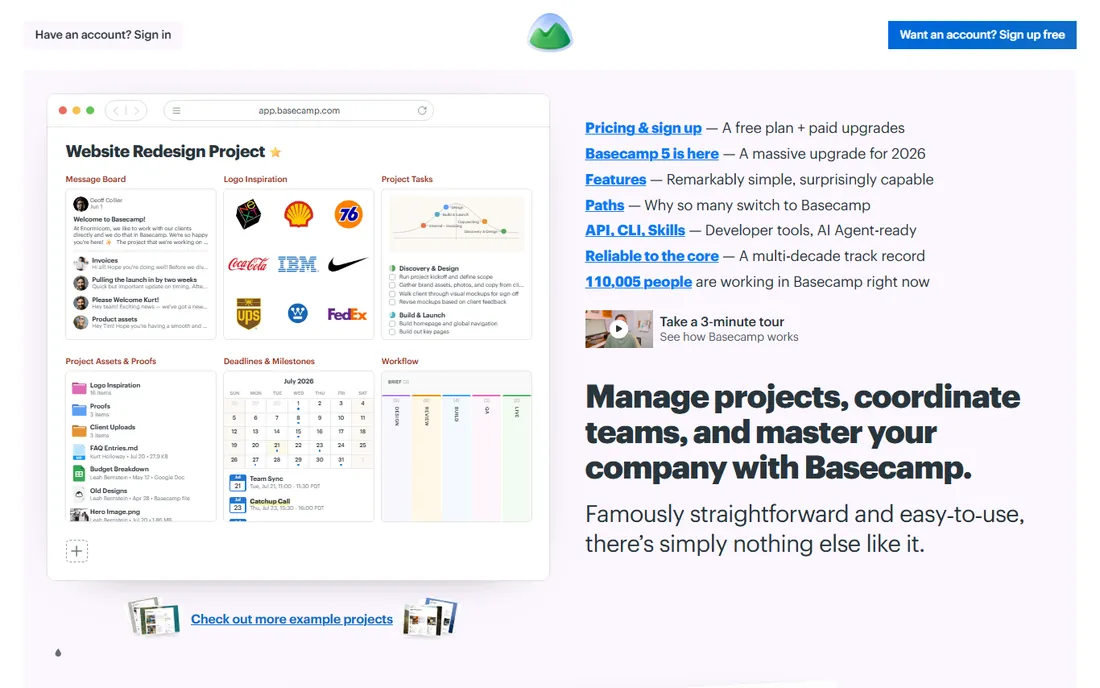
Basecamp's pitch is radical: one flat price for unlimited users, with to-dos, message boards, chat, schedules and docs in a deliberately simple package. Small businesses avoid per-user pricing anxiety entirely, and the opinionated structure means teams spend zero time configuring. It is project management for people who hate project management software.
The opinions cut both ways: you work Basecamp's way or not at all, and customization is limited. There is no free plan, though the flat pricing is cheap for larger teams. For small businesses that want one calm place for projects without per-seat meters running, Basecamp's simplicity is a philosophy worth buying.
Basecamp's flat pricing, one price for unlimited users and projects, changes the math for larger teams: a fifty-person company pays the same as a five-person one. Hill Charts visualize project uncertainty honestly, showing which work is stuck versus cruising. Automatic check-ins replace status meetings with written updates. It is opinionated software; teams that fight the opinions should choose something else, but teams that accept them move fast.
What we like- Tasks, chat, docs and scheduling in one flat-priced package
- Deliberately simple
- No per-user fees
Watch out for- No free plan
- Opinionated structure not everyone likes
- Limited customization
Starting priceFree
Free planYes
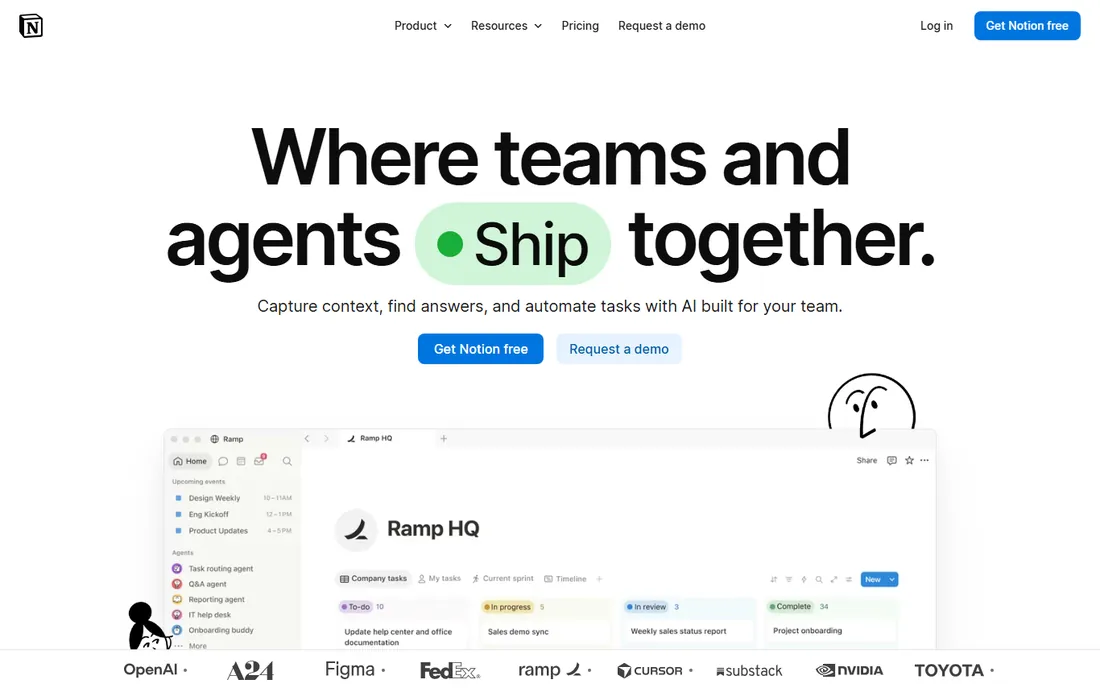
Notion lets teams build their own project system: task databases with kanban, calendar and timeline views, linked to docs, wikis and meeting notes in one workspace. The free plan is generous, templates jumpstart setup, and the flexibility suits teams with unusual workflows.
That flexibility is also the cost: someone has to design the system, and neglected Notion workspaces become graveyards. Performance lags on huge databases, and offline access disappoints. For teams that want docs and tasks together and will invest in setup, Notion replaces three tools. For teams that want structure out of the box, Asana is easier.
Notion's database views, table, board, calendar, timeline and gallery over the same tasks, let one dataset serve planners, visual thinkers and calendar people simultaneously. Templates for sprints, editorial calendars and roadmaps shortcut the setup burden that stops most teams. Relations and rollups connect tasks to goals and projects. Budget a day to design the workspace properly, because a well-built Notion beats three disconnected tools.
What we like- Notes, wikis, databases and tasks unified
- Extremely flexible
- Generous free plan
Watch out for- Flexibility means setup work
- Can get slow with large workspaces
- Offline support is weak
Starting priceFree
Free planYes
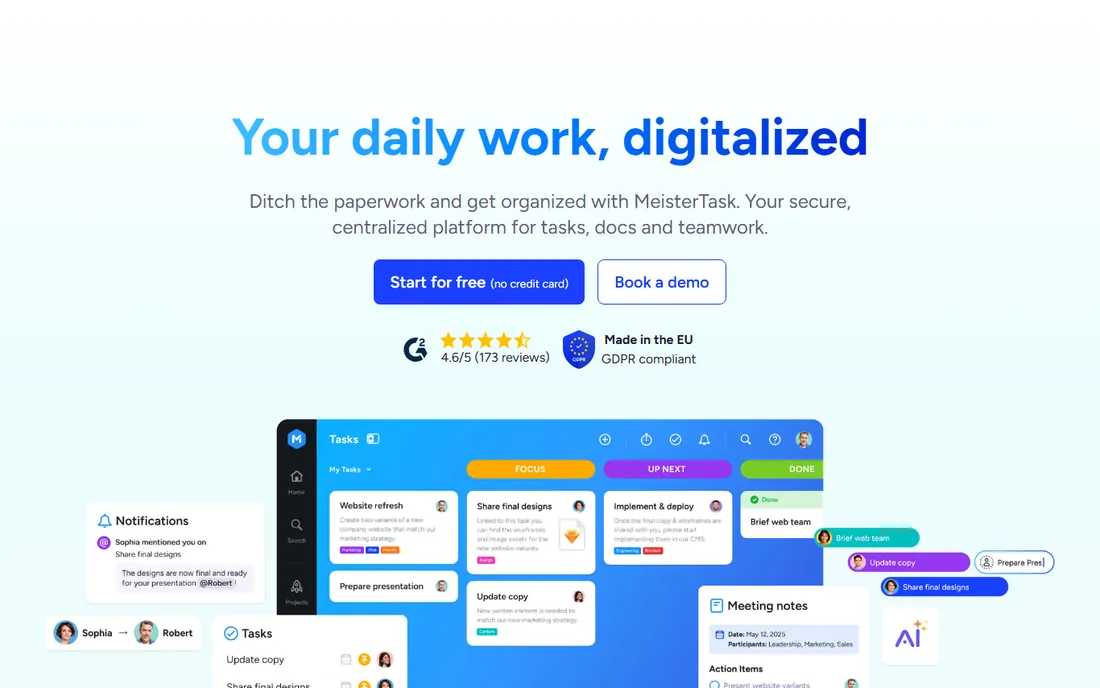
MeisterTask is the design-conscious kanban: German-engineered, beautiful, with automations that move cards and notify teams on paid plans. Integration with MindMeister mind maps suits brainstorm-to-execution workflows. The free plan covers basic use well.
Project limits on the free tier push active teams to paid plans, and the smaller user base means fewer templates and community resources than Trello. But for teams that find Trello too plain and Asana too much, MeisterTask's polished middle ground is appealing.
MeisterTask's automations, triggered by section moves, due dates and assignments, handle the routine triage that eats project managers' mornings. Integration with MindMeister turns brainstorming maps into task boards in one click, which suits creative teams. Built-in time tracking feeds reports without a separate tool. It sits in a sweet spot: prettier than Trello, simpler than Asana, with enough automation to feel professional.
What we like- Beautiful kanban interface
- Good automation on paid tiers
- Integrates with MindMeister
Watch out for- Free plan has project limits
- Less known than Trello
- Advanced features cost extra
Starting priceFree
Free planYes

Freedcamp's free plan is remarkably complete: tasks, kanban, discussions, milestones, time tracking and file sharing for unlimited users, free. Small teams and nonprofits get a genuine project suite without paying. Paid tiers add storage, CRM and invoicing.
The interface is functional rather than beautiful, and it lacks the polish and ecosystem of the bigger names. But the value is undeniable: no other tool gives this much project management free. Budget-conscious teams that prioritize function over form should start here.
What we like- Tasks, discussions, milestones and time tracking free
- Unlimited users on free plan
- Good value
Watch out for- Interface feels dated
- Less polished than rivals
- Smaller ecosystem
How we chose
We prioritized tools a non-technical person can learn in under an hour, with generous free plans and real team usage. We tested the core workflows: creating tasks, organizing projects and collaborating. We excluded powerful-but-complex platforms like Jira and Monday, which belong in a different roundup.
What simplicity actually costs
Simple tools save training time and adoption battles, which is real money. They cost you when projects get complex: reporting, automation and scale limits appear exactly when the business depends on the tool. The trick is honest sizing: if your projects fit on a board or a list, simple tools win. If you need portfolios, resource planning and audit trails, admit it early and buy accordingly.
Watch the free plan limits that matter: user caps, project caps and feature gates. A tool that is free for five users and expensive for six creates an awkward conversation at headcount six. And confirm export options, because even simple tools accumulate history worth keeping.
Frequently asked questions
What is the simplest project management app?
Trello for visual thinkers, Todoist for list people. Both are free, learnable in minutes, and cover personal and small-team needs without training.
Are free plans actually enough?
For individuals and teams under ten, usually yes. Clockify-style generosity varies: check user caps, project limits and whether key features like timelines or automations need paid tiers.
Trello vs Asana: which is simpler?
Trello is simpler: pure kanban with minimal structure. Asana adds structure, multiple views and more team features while staying approachable. Start with Trello; move to Asana when boards get chaotic.
Can simple tools handle client work?
For light client work, yes: shared boards or task lists keep everyone aligned. Agencies with complex client projects usually need the reporting and time tracking of heavier tools.
What about Microsoft and Google users?
Microsoft To Do is free inside Office 365 for personal lists; Google users get Google Tasks free. Both are basic. Teams in those ecosystems often pair them with Planner or Asana for real projects.
When should I upgrade from a simple tool?
When you spend more time working around the tool than with it: reporting needs, automation, permissions or scale. The upgrade signal is usually frustration, not features.
Sources we checked (10)
- https://www.todoist.com/
- https://trello.com/
- https://asana.com/
- https://ticktick.com/
- https://www.any.do/
- https://to-do.office.com/tasks
- https://basecamp.com/
- https://www.notion.so/
- https://www.meistertask.com/
- https://freedcamp.com/
Is your product missing or out of date?
We review this list regularly. Vendors can request a listing, send updated pricing or ask about featured placement.

Shihab Mia · Founder, Rankite
Shihab has spent more than a decade helping SaaS and e-commerce brands grow through search. He writes Rankite's software buying guides from pricing pages, documentation and public user reviews. More about Shihab.