How we make this list: we compare pricing pages, product documentation and public user reviews. Rankite is independent; if a vendor ever pays for a featured spot, that listing is clearly labeled Partner.
Key takeaways
- WinSCP and FileZilla are the free clients most IT teams reach for, and both handle everyday SFTP work well.
- Cyberduck and Transmit are the polished Mac options, with Transmit aimed squarely at Apple users.
- JSCAPE, Globalscape EFT, and Files.com are managed file transfer platforms for companies where file exchange is a business process, not a chore.
- Core FTP covers the Windows users who want a capable client without enterprise complexity.
Quick comparison
| Tool | Best for | Starting price | Free plan |
|---|
 WinSCP WinSCP | free Windows SFTP client | Free | Yes |
 FileZilla FileZilla | free cross-platform client | Free | Yes |
 Cyberduck Cyberduck | Mac and Windows, cloud plus SFTP | Free | Yes |
 Transmit Transmit | Mac power users | See website | Free trial |
 Core FTP Core FTP | Windows FTP/SFTP client | Free | Yes |
 JSCAPE JSCAPE | enterprise managed file transfer | See website | Free trial |
 Globalscape EFT Globalscape EFT | secure enterprise file transfer | See website | Free trial |
 Files.com Files.com | cloud file transfer platform | See website | Free trial |
Is your product missing or out of date?
We review this list regularly. Vendors can request a listing, send updated pricing or ask about featured placement.
The best SFTP software
Starting priceFree
Free planYes
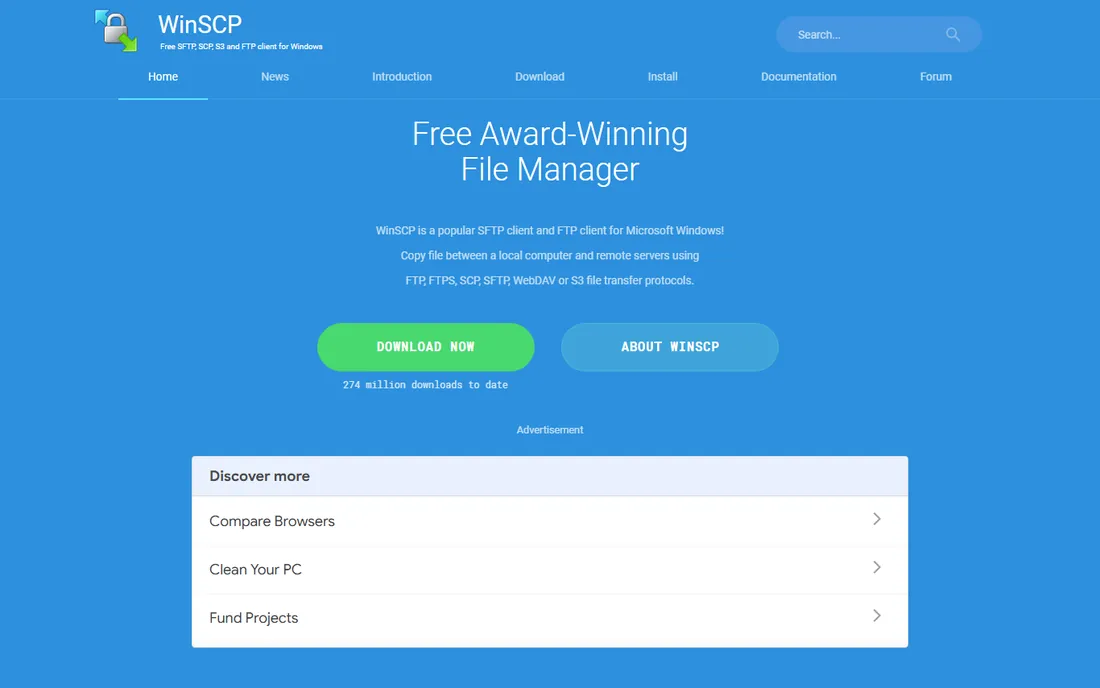
WinSCP is the free SFTP client that Windows administrators have trusted for twenty years. It handles SFTP, SCP, FTP, and WebDAV, with a dual-pane interface that makes moving files between local and remote systems effortless.
The automation story is what keeps it in production use. Scripts and the .NET assembly let you build unattended transfers into batch jobs and applications, which is how many companies actually move files day to day. The portable version runs from a USB stick for technicians working on unfamiliar machines.
The interface prioritizes function over form, and there is no Mac or Linux version. But for free, reliable, scriptable SFTP on Windows, WinSCP has no serious competition.
What we like- Free and open source
- Scripting and .NET automation
- Portable version available
Watch out for- Windows only
- Interface is functional rather than beautiful
Starting priceFree
Free planYes
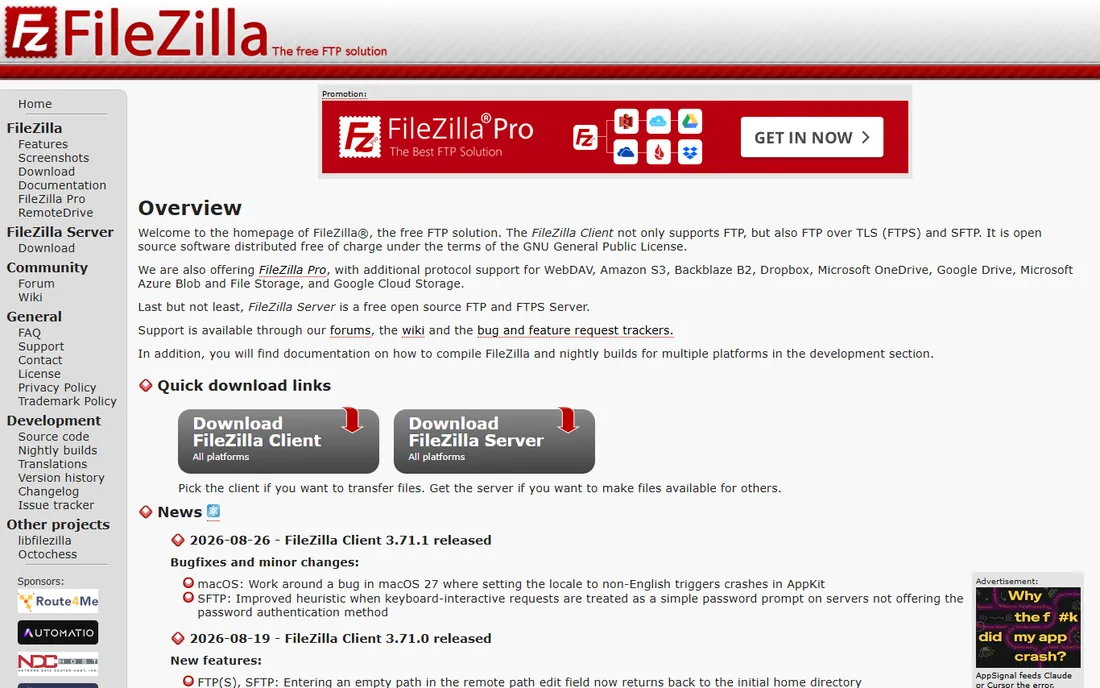
FileZilla is the cross-platform answer to WinSCP: a free, open-source client that runs on Windows, macOS, and Linux with the same familiar interface everywhere. Teams with mixed operating systems standardize on it so everyone follows the same workflow.
Transfer performance is a strong point. The queue handles many simultaneous transfers well, and resume support recovers gracefully from interrupted connections. Bookmarks and the site manager cover the basics of organizing frequent connections.
Two caveats. The Windows installer has historically bundled optional offers, so download from the official site and read each screen. And the site manager is functional but plain compared to paid clients. For free SFTP across platforms, though, it does the job.
What we like- Free and open source
- Runs on Windows, Mac, and Linux
- Fast transfer queue
Watch out for- Installer bundles offers if you are not careful
- Site manager is basic
Starting priceFree
Free planYes
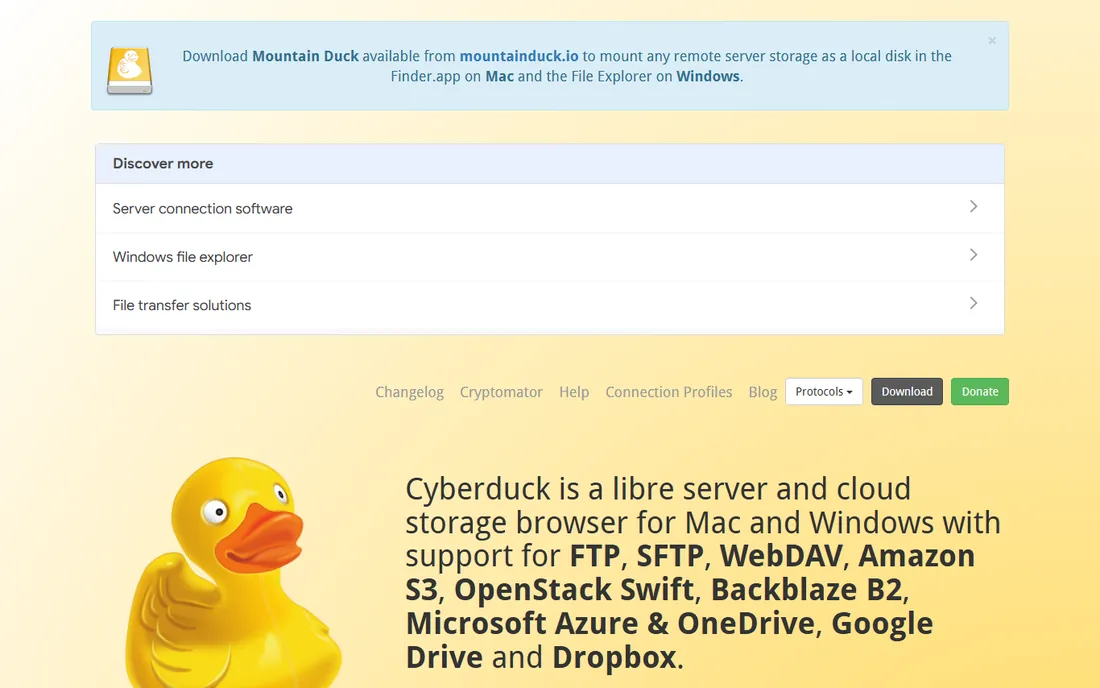
Cyberduck is the free client that treats SFTP as one protocol among many. Alongside SFTP and FTP, it connects to Amazon S3, Google Cloud Storage, Dropbox, and dozens of other services, making it a universal remote file browser.
The interface is cleaner than WinSCP or FileZilla, which Mac users appreciate. Cryptomator integration adds client-side encryption for sensitive files, a thoughtful touch for security-conscious teams.
Very large transfers sometimes expose performance limits, and long-time users report occasional quirks. But as a free, attractive client that speaks both traditional SFTP and modern cloud storage, Cyberduck fills a useful niche.
What we like- Free and open source
- Connects to S3, Google Drive, and more
- Clean interface
Watch out for- Large transfers can be slow
- Occasional stability quirks
Starting priceSee website
Free planFree trial
Transmit, from Panic, is the file transfer client Mac users buy when free tools frustrate them. The interface is fast and polished, transfers fly, and support for S3, Backblaze, Google Drive, and other cloud services is first-class.
The details show craft: batch rename, two-factor login support, droplet shortcuts for frequent destinations, and sync features that keep local and remote folders matched. It feels like a native Mac app because it is one.
It costs money and only runs on macOS, which rules it out for mixed-platform teams. But for Mac-based developers, designers, and sysadmins who move files all day, Transmit earns its price in saved frustration.
What we like- The best Mac file transfer experience
- Very fast
- Great cloud service support
Starting priceFree
Free planYes
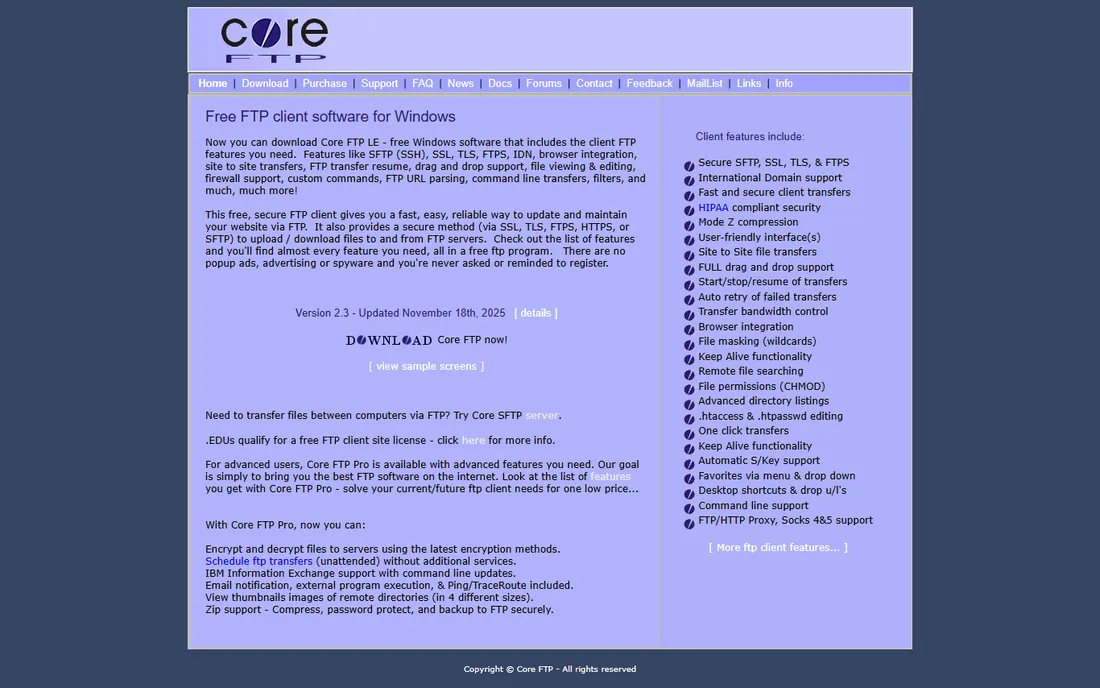
Core FTP has been a solid Windows file transfer client for years, with free and paid versions. The free version covers SFTP, FTP, and FTPS with a transfer engine that benchmarks well, plus scheduling for automated transfers.
The paid Pro version adds encryption, advanced automation, and priority support, but most individual users never need it. The client handles large files and flaky connections reliably, which is what matters in production use.
The interface looks its age, and there is no Mac version. For Windows users who want a free client with a bit more polish than WinSCP's utilitarian design, Core FTP is worth a look.
What we like- Free version is capable
- Fast transfers
- Good scheduling features
Watch out for- Windows only
- Dated interface
Starting priceSee website
Free planFree trial
JSCAPE is managed file transfer for companies where moving files is a regulated business process. The platform automates transfers between systems, partners, and clouds, with workflows that trigger on schedules, file arrivals, or events.
Compliance is the core selling point. Detailed audit logs, encryption at rest and in transit, and support for HIPAA, PCI, and SOX requirements satisfy auditors in healthcare, finance, and government. Ad-hoc secure file sharing gives business users a safe alternative to email attachments.
This is enterprise software with enterprise pricing and a real implementation effort. Small teams moving occasional files should stick with a client. But when file transfer has SLAs and compliance obligations, JSCAPE provides the control and evidence auditors demand.
What we like- Full MFT platform with automation
- Strong compliance features
- Multiple protocols
Watch out for- Enterprise pricing
- Requires dedicated administration
Starting priceSee website
Free planFree trial
Globalscape's Enhanced File Transfer (EFT) platform serves enterprises with demanding file exchange requirements. The automation engine builds event-driven workflows: files arrive, get validated, encrypted, routed, and confirmed, all with full audit trails.
Regulated industries are the stronghold. Banks, healthcare organizations, and government agencies use EFT where every transfer must be logged, encrypted, and provable. High availability configurations keep critical file flows running through failures.
Configuration depth means complexity; getting the most from EFT takes skilled administrators. Pricing reflects the enterprise positioning. For organizations where file transfer failure means regulatory trouble, that investment is justified.
What we like- Proven in regulated industries
- Strong automation engine
- High availability options
Watch out for- Complex to configure fully
- Enterprise pricing
Starting priceSee website
Free planFree trial
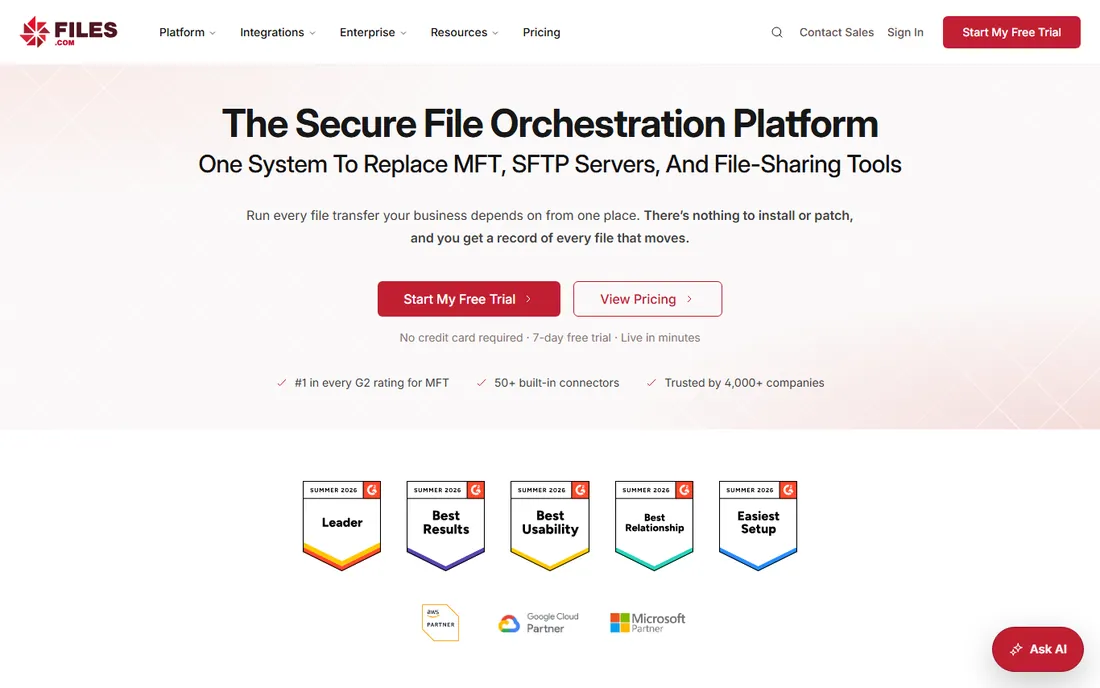
Files.com (formerly ExaVault) delivers managed file transfer as a cloud service. You get SFTP, FTPS, and AS2 endpoints plus a web interface and API, with none of the server maintenance that self-hosted MFT requires.
The automation features cover the common enterprise patterns: scheduled transfers, webhook notifications, and integrations with cloud storage. Remote users get branded portals for uploading and downloading without SFTP clients, which simplifies life for non-technical partners.
Being cloud-only means less control than running your own servers, and costs scale with storage and transfer volume. But for companies that want enterprise file transfer without operating infrastructure, Files.com removes the biggest barrier.
What we like- Cloud-native, no servers to manage
- SFTP plus web and API access
- Strong automation
Watch out for- Subscription cost scales with usage
- Less control than self-hosted
Most people searching for SFTP software need a client: a program that connects to someone else's server to upload or download files. WinSCP, FileZilla, Cyberduck, Transmit, and Core FTP are clients. They are free or cheap, install in minutes, and solve the problem.
A managed file transfer platform is a different purchase. JSCAPE, Globalscape EFT, and Files.com run the server side: they receive files from partners, automate processing, enforce security policy, and prove compliance. You buy these when file exchange is a business process with requirements, not when you occasionally need to move a file.
Choosing wrong wastes money in both directions. Do not buy an MFT platform to replace a ten-dollar client need, and do not try to run partner file exchange on a desktop client.
Whatever software you choose, the security fundamentals decide the outcome. Use key-based authentication instead of passwords wherever possible; it eliminates an entire class of attacks. Disable password auth on servers you control.
Encrypt transfers end to end, verify host keys on first connection, and keep client software updated. Most SFTP incidents trace to weak credentials or unpatched software, not to flaws in the tools on this list.
For regulated data, add the compliance layer: audit logs of every transfer, retention policies, and documented procedures. The enterprise platforms provide these natively; with free clients, the discipline has to come from your processes.
Automating transfers the right way
Manual file transfers do not scale, and they fail silently. Whatever client you choose, learn its scripting or scheduling features early. WinSCP's scripting, for example, turns a daily manual upload into a scheduled job with logging and error alerts.
Build in verification. After each automated transfer, check that the file arrived intact: compare sizes, verify checksums for critical files, and alert on failures. The transfers that matter most are the ones nobody watches, so make them noisy when they break.
Keep credentials out of scripts. Use key-based authentication with passphrase-protected keys, store secrets in a proper vault, and rotate keys periodically. Most SFTP security incidents trace to credentials in plaintext scripts, not to protocol flaws.
How we chose
We compared software for secure file transfer over SFTP, covering both free clients and enterprise managed file transfer platforms, based on vendor documentation, pricing pages, and practitioner discussion on IT forums and Reddit. We verified each vendor's homepage and used current product names. The list separates the two buying decisions, client vs. platform, because they serve different needs and budgets.
Frequently asked questions
What is the difference between SFTP, FTPS, and FTP?
FTP is the old unencrypted protocol; avoid it. FTPS adds SSL encryption to FTP. SFTP is a different protocol that runs over SSH and is the modern standard for secure transfers. When someone says "secure FTP," they almost always mean SFTP.
Is WinSCP really enough for business use?
For client-side use, yes. WinSCP's scripting handles automated transfers reliably, and it is free. Businesses outgrow it when they need to receive files from partners with audit trails and compliance reporting; that is when MFT platforms enter the picture.
Do I need a static IP for SFTP?
Not for the client side. For servers, a static IP or hostname makes life easier for partners who whitelist addresses, but dynamic DNS works for informal use. Cloud MFT platforms like Files.com eliminate the question entirely.
How do I automate SFTP transfers?
WinSCP scripting, RoboTask-style schedulers, or the automation engines in MFT platforms all work. The key decisions are error handling (what happens when a transfer fails at 2 AM) and alerting. Test failure modes before relying on any automation.
Can I use SFTP for large files?
Yes. SFTP handles multi-gigabyte files fine; the limits are bandwidth and timeouts, not the protocol. For very large files, ensure resume support is enabled and consider splitting transfers. MFT platforms add checkpoint restart for extra reliability.
Sources we checked (8)
- https://winscp.net/eng/index.php
- https://filezilla-project.org/
- https://cyberduck.io/
- https://panic.com/transmit
- https://www.coreftp.com/
- https://www.jscape.com/
- https://www.globalscape.com/
- https://www.files.com/
Is your product missing or out of date?
We review this list regularly. Vendors can request a listing, send updated pricing or ask about featured placement.

Shihab Mia · Founder, Rankite
Shihab has spent more than a decade helping SaaS and e-commerce brands grow through search. He writes Rankite's software buying guides from pricing pages, documentation and public user reviews. More about Shihab.