How we make this list: we compare pricing pages, product documentation and public user reviews. Rankite is independent; if a vendor ever pays for a featured spot, that listing is clearly labeled Partner.
Key takeaways
- What happens when your accountant's laptop dies the week before payroll, and she is working from home? The answer is remote access software, and the right pick costs anywhere from $0 to $230 per month.
- RemotePC at $29.50 per year and Splashtop Business Access from $5 per month prove you do not need TeamViewer money for solid remote desktop.
- TeamViewer ($24.90/month) and AnyDesk ($28.90/month) remain the famous names, but both price on concurrent connections, so read the licensing model before comparing stickers.
- Zoho Assist ($8/technician/month billed annually) and ScreenConnect's free single-tech license are the value plays for small IT teams.
Quick comparison
| Tool | Best for | Starting price | Free plan |
|---|
 TeamViewer TeamViewer | The known standard for remote support | $24.90/month (Remote Access, billed annually) | Yes (free for personal use) |
 AnyDesk AnyDesk | Fast, lightweight connections | $28.90/month (Solo, billed annually) | Yes (free for personal use) |
 Splashtop Splashtop | Affordable high-performance access | $5/month (Business Access) | Free trial |
 RemotePC RemotePC | Cheapest always-on access per computer | $29.50/year (Consumer) | Free trial (7 days) |
 Zoho Assist Zoho Assist | Budget remote support for small teams | $8/technician/month (Standard, billed annually) | Yes |
 ConnectWise ScreenConnect ConnectWise ScreenConnect | MSP-grade remote support | $30/month (One, billed annually) | Yes (free single-technician license) |
 BeyondTrust Remote Support BeyondTrust Remote Support | Privileged, audited enterprise access | See website | No |
 GoTo Resolve GoTo Resolve | IT support with ticketing built in | See website | Free trial |
 Chrome Remote Desktop Chrome Remote Desktop | Free basic remote access | Free | Yes |
Is your product missing or out of date?
We review this list regularly. Vendors can request a listing, send updated pricing or ask about featured placement.
The best remote access software
Remote access software answers two different questions that buyers constantly confuse. The first: "how do I reach my own office computer from home?" The second: "how does IT fix someone else's computer without driving there?" The tools overlap, but the pricing models do not. Unattended access to your own machines is cheap. Supporting other people's machines, with ticketing, auditing and multiple technicians, is where the real money goes. Nine tools across both jobs.
Starting price$24.90/month (Remote Access, billed annually)
Free planYes (free for personal use)
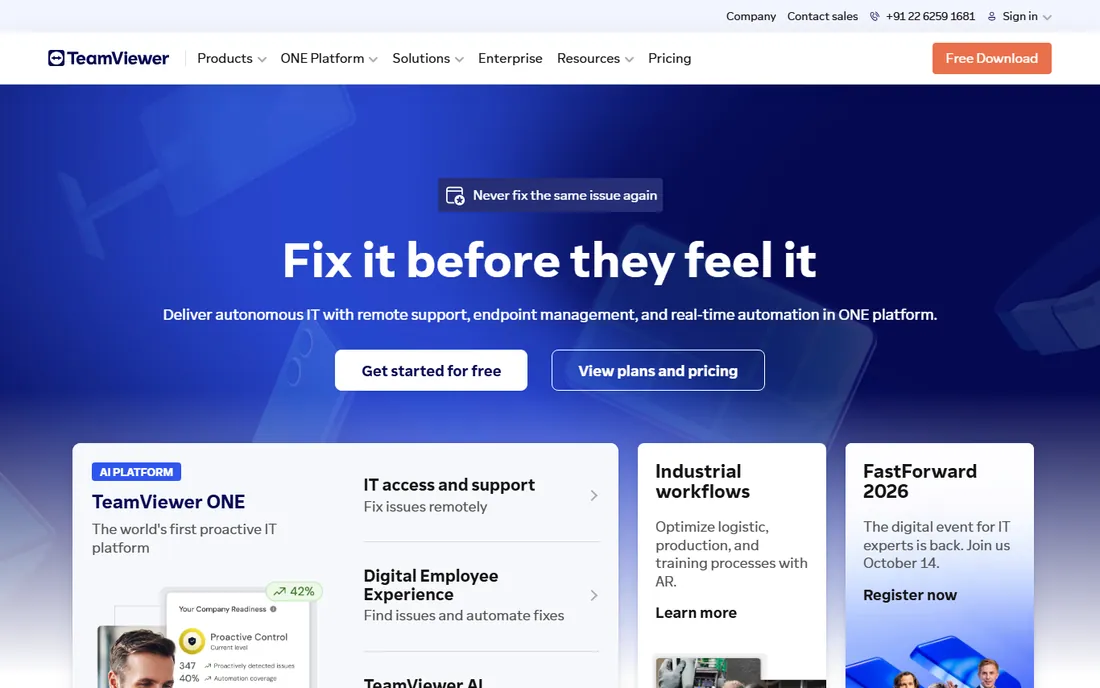
TeamViewer is the Kleenex of remote access: the name everyone knows. Remote Access at $24.90 per month billed annually covers one licensed user reaching their own devices; Business at $50.90 adds support features for 200 managed devices; Premium and Corporate scale licensed users and channels upward. Cross-platform coverage is complete, from Windows and macOS to Linux, Android and iOS, and the free tier for personal use is genuinely free.
The licensing model is the part buyers underestimate. TeamViewer charges by licensed users and concurrent channels together, so a team of five technicians who all work at once needs more than one Business license. Contracts auto-renew with a 28-day cancellation window, and the company is famously aggressive about flagging free accounts for suspected commercial use. For organizations that need the recognized standard with enterprise controls, Tensor is the answer; for everyone else, the price deserves comparison.
What we like- Works on every major platform with a huge existing user base
- Free forever for personal non-commercial use
- Tensor tier adds enterprise SSO and conditional access
Watch out for- Licenses on concurrent channels, so teams pay more than the sticker suggests
- Aggressive detection of commercial use on the free tier annoys legitimate users
Starting price$28.90/month (Solo, billed annually)
Free planYes (free for personal use)
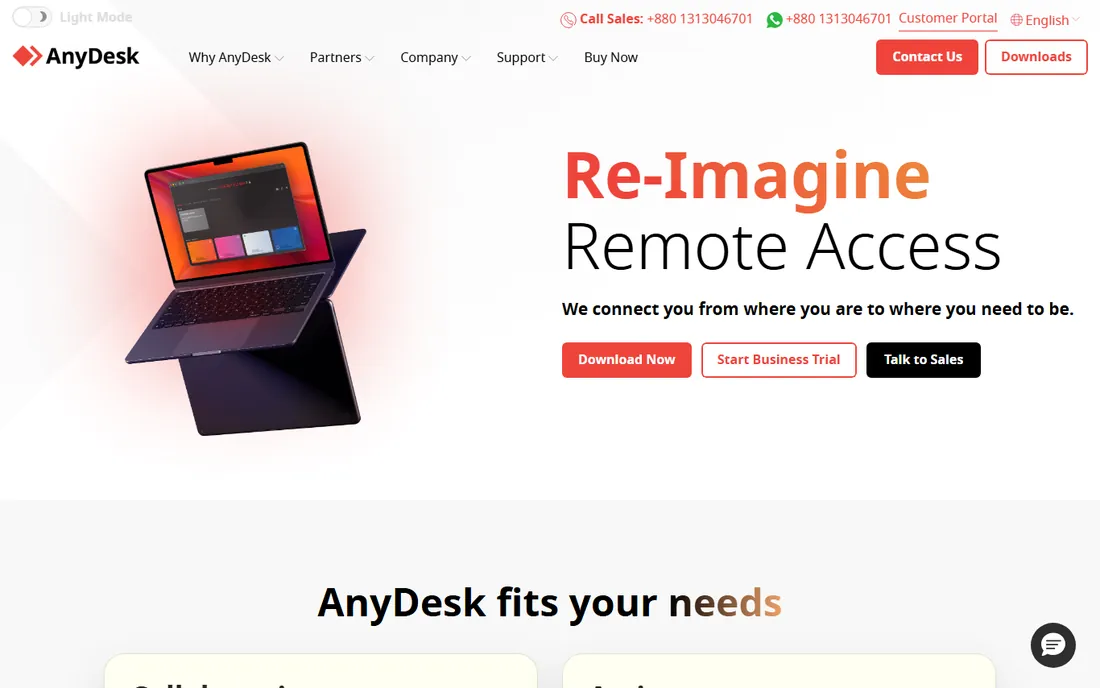
AnyDesk built its following on speed. The DeskRT video codec keeps sessions usable on poor connections where heavier tools stutter, and the client is famously small and fast to launch. Solo at $28.90 per month billed annually covers one connection; Standard at $49.90 adds team features; Advanced at $111.90 covers two connections. Only the person starting the session needs a license, so supporting clients costs less than the seat math suggests.
Two caveats belong in every evaluation. First, AnyDesk raised prices steeply: Solo went from $14.90 in 2024 to $28.90 in 2026, and Standard from $22.90 to $49.90, so check renewal pricing, not just the first-year quote. Second, the late-2023 compromise of AnyDesk's production systems, with source code and signing certificates stolen, remains a procurement discussion point; the company has since rebuilt its security posture, but expect your security team to ask. For raw connection performance, AnyDesk still leads.
What we like- Proprietary DeskRT codec delivers low latency on weak connections
- Tiny client that runs without installation
- Only the session initiator needs a license
Watch out for- Prices rose sharply in 2024-2026, roughly doubling on some plans
- The 2023 production breach still comes up in security reviews
Starting price$5/month (Business Access)
Free planFree trial
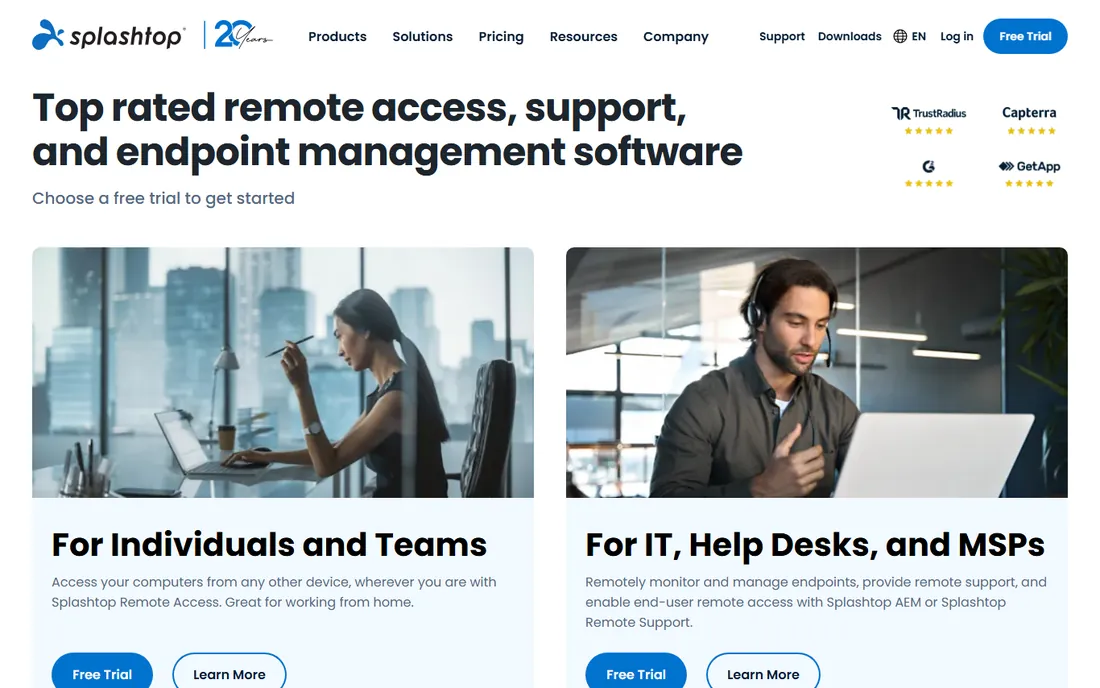
Splashtop is the value pick that performance-sensitive buyers keep landing on. Business Access starts at $5 per month for reaching your own computers remotely, while SOS, the support product for reaching other people's machines, starts around $17 per month per technician. The streaming quality rivals tools costing five times more, which is why creative professionals and remote workers with demanding applications choose it. ISO 27001, SOC 2 and GDPR compliance cover the security conversation.
The product naming is the main friction: Business Access, SOS, SOS+, Remote Support and Enterprise overlap in ways that confuse first-time buyers. Map your need first, own machines or other people's, then pick the matching product. There is no permanent free tier, but trials are available. For cost-conscious teams that refuse to compromise on session quality, Splashtop is usually the answer.
What we like- The best price-to-performance ratio in the category
- Separate products for access (Business Access) and support (SOS) so you buy only what you need
- Strong security certifications
Watch out for- Product lineup is confusing with overlapping editions
- No free tier, only trials
Starting price$29.50/year (Consumer)
Free planFree trial (7 days)
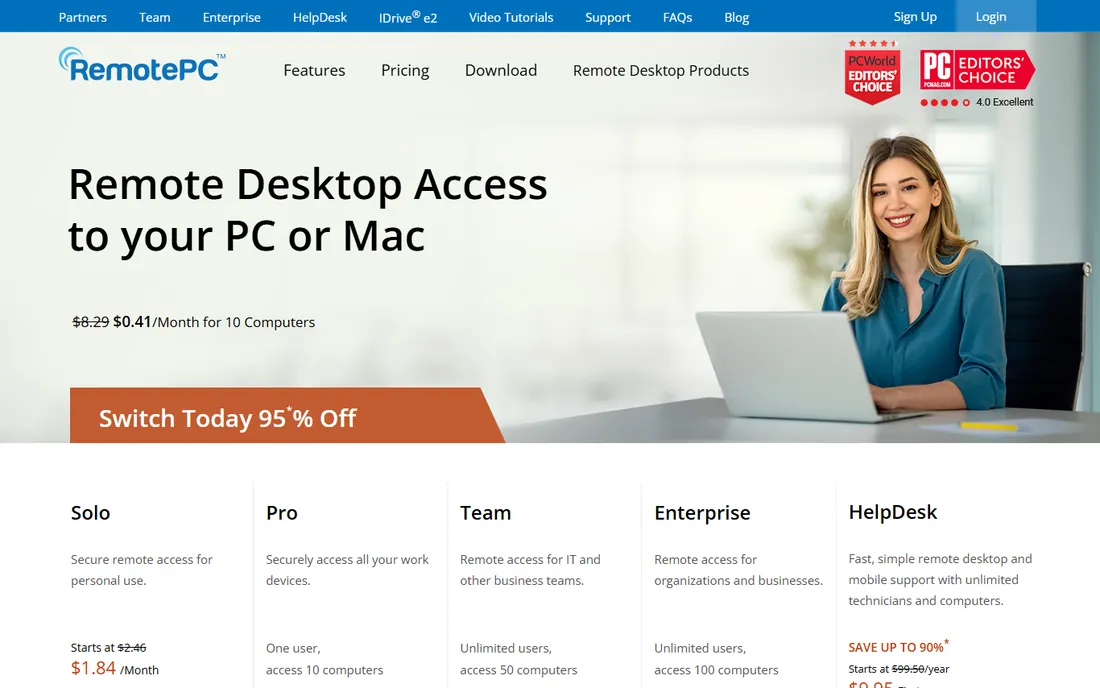
RemotePC, from the IDrive team, wins on arithmetic. The Consumer plan costs $29.50 per year for one computer; SOHO covers 10 computers for $99.50 per year; Team covers 50 computers for $299.50 per year, all with unlimited users. Pricing by computer instead of by user flips the economics for teams: ten people accessing five machines pay for five machines. A 7-day trial and 30-day money-back guarantee lower the risk.
The trade is refinement. Session quality, mobile apps and admin polish do not match Splashtop or TeamViewer, and the headline prices are first-year promos that rise at renewal, Consumer renews at $29.50 from a $22.12 intro. For always-on access to a known set of machines on a tight budget, RemotePC is the cheapest credible option by a wide margin.
What we like- Radically cheap per-computer pricing with unlimited users
- Prices by computers, not seats, so teams scale free
- 30-day money-back guarantee
Watch out for- Interface and polish trail TeamViewer and Splashtop
- First-year promo pricing jumps at renewal
#5
Zoho Assist
Best for: Budget remote support for small teams
Visit zoho.com
Starting price$8/technician/month (Standard, billed annually)
Free planYes
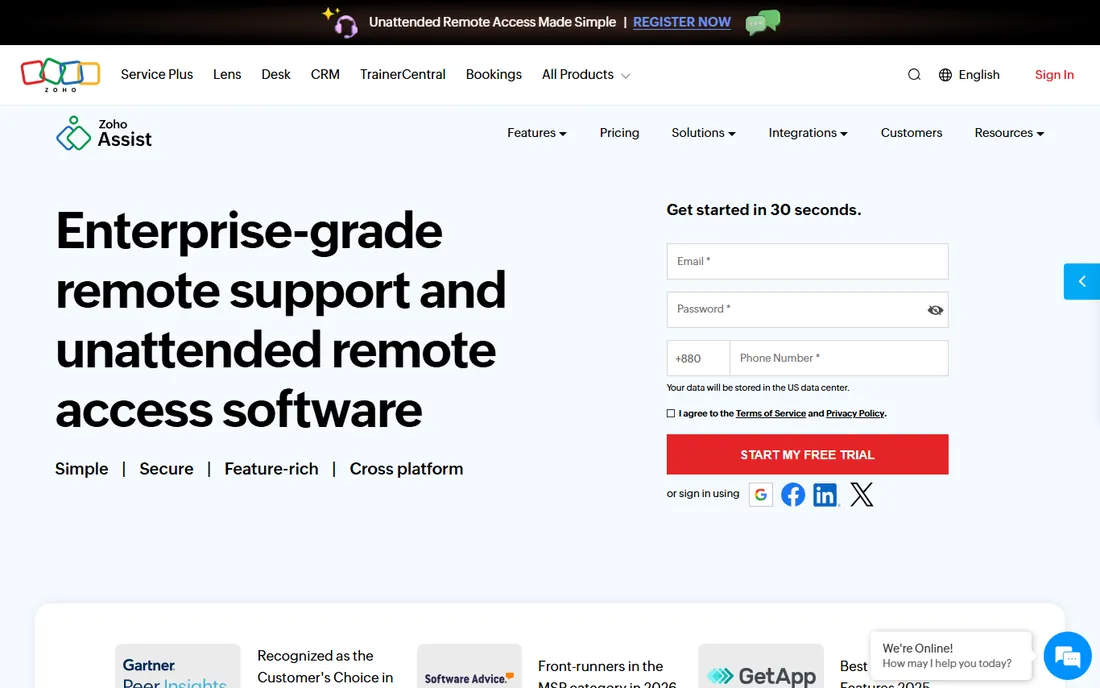
Zoho Assist is the quiet bargain of remote support. The free plan gives one technician remote support plus five unattended computers with chat and file transfer, which handles a surprising amount of real IT work. Standard remote support costs $10 per technician per month, or $8 billed annually; unattended access is $10 per month for 25 computers with unlimited technicians. Professional and Enterprise add mobile support, rebranding, recording and audit features at $15 and $24.
The product is honest about its limits: it is remote support and unattended access done well, not a full RMM platform. Teams already on Zoho Desk or other Zoho products get natural integrations; everyone else gets a capable standalone tool at a price that embarrasses the category. For small businesses and startups doing their own IT support, start here before spending more.
What we like- Free plan covers one technician and five unattended computers
- Paid plans start at a fraction of rivals
- Unattended access priced per computer batch with unlimited technicians
Watch out for- Advanced features like session recording need higher tiers
- Outside the Zoho ecosystem, integrations are thinner
Starting price$30/month (One, billed annually)
Free planYes (free single-technician license)
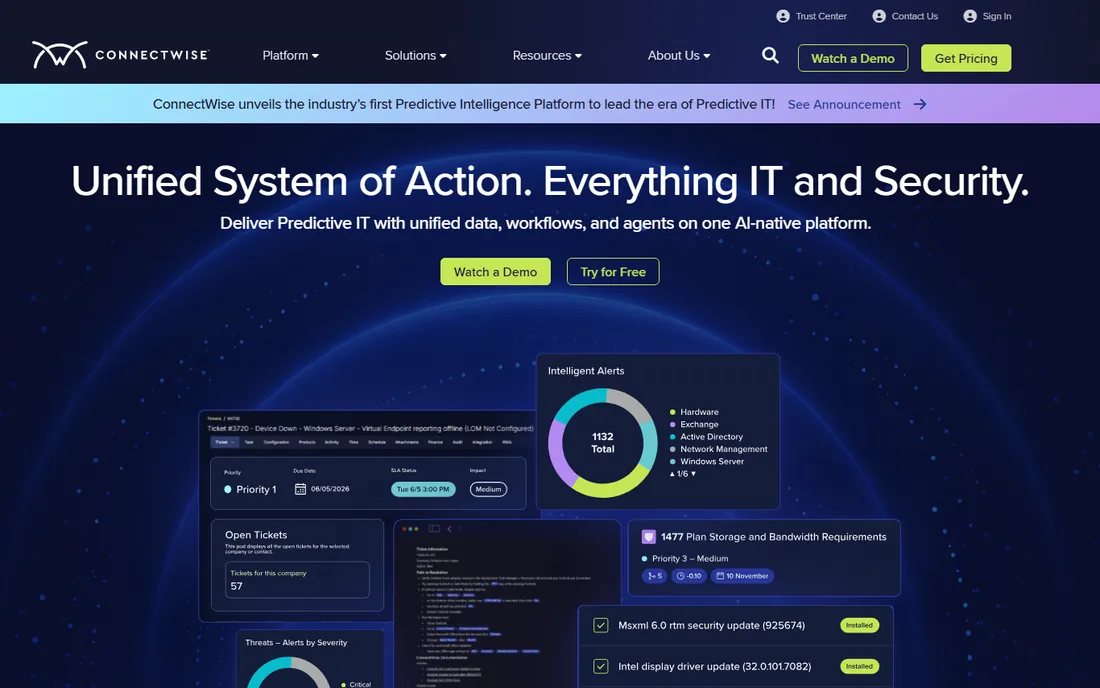
ScreenConnect, formerly ConnectWise Control, is the technicians' tool. It offers remote support, unattended access, remote meetings and a deep technician toolbox with command-line access, scripting and automation that go beyond simple screen sharing. The standout commercial fact is the free single-technician license: one tech, real features, $0. Paid plans start with One at $30 per month billed annually for a single concurrent session, scaling to Standard and Premium for teams.
The product shows its MSP roots in the interface, which assumes technical users, and paid plans carry onboarding fees. But for IT service providers and internal IT teams that live in remote sessions all day, the depth matters more than the polish. The free tier alone makes it the default recommendation for solo IT consultants.
What we like- Free license for a single technician with real features
- Cloud and on-premise deployment options
- Deep toolbox, command line and automation for technicians
Watch out for- Interface carries its MSP heritage and feels technical
- Onboarding fees of $500 to $2,000 apply to paid plans
Starting priceSee website
Free planNo
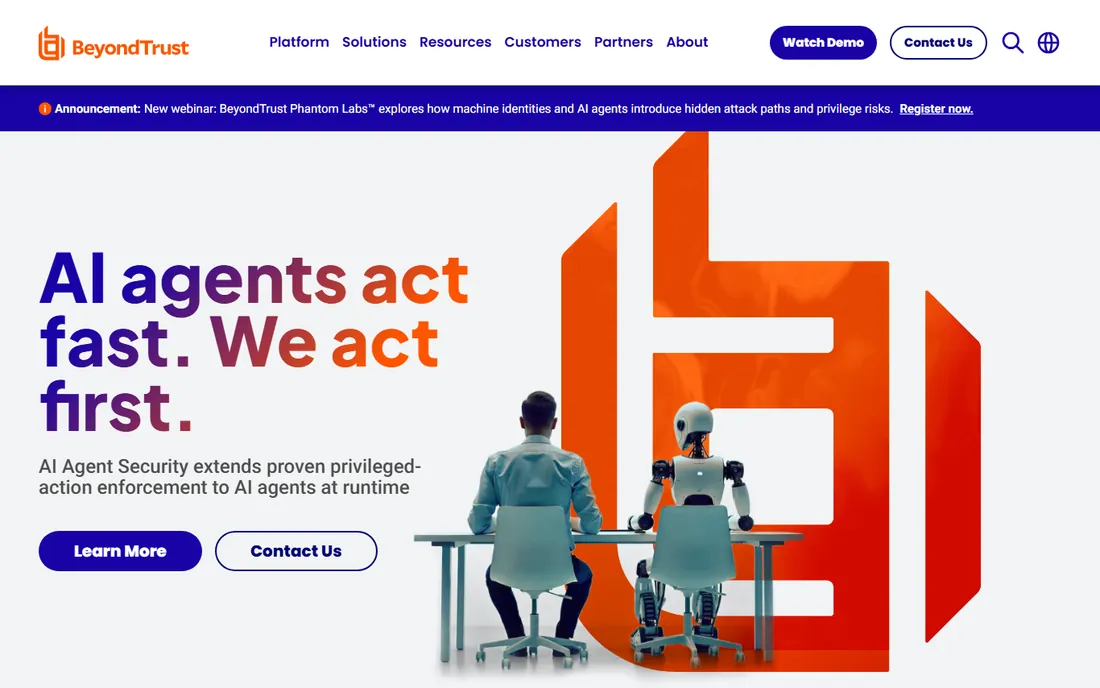
BeyondTrust, formerly Bomgar, plays in a different league: privileged remote support for enterprises where every session must be authenticated, authorized and audited. The platform controls who can access which systems, records sessions for compliance, and integrates with identity providers and SIEM tools. Banks, healthcare systems and government agencies choose it because auditors accept its controls without argument.
Everything about the commercial model is enterprise: quote-based pricing, consultative sales, implementation services. There is no free tier and no self-serve path. If your requirement includes privileged access management and audit trails, BeyondTrust is the shortlist. If you need to fix laptops remotely, it is ten times the product and the price you need.
What we like- Purpose-built for privileged access with full session auditing
- Strong compliance story for regulated industries
- Granular permission controls
Watch out for- Quote-only enterprise pricing
- Overkill for simple remote desktop needs
#8
GoTo Resolve
Best for: IT support with ticketing built in
Visit goto.com
Starting priceSee website
Free planFree trial
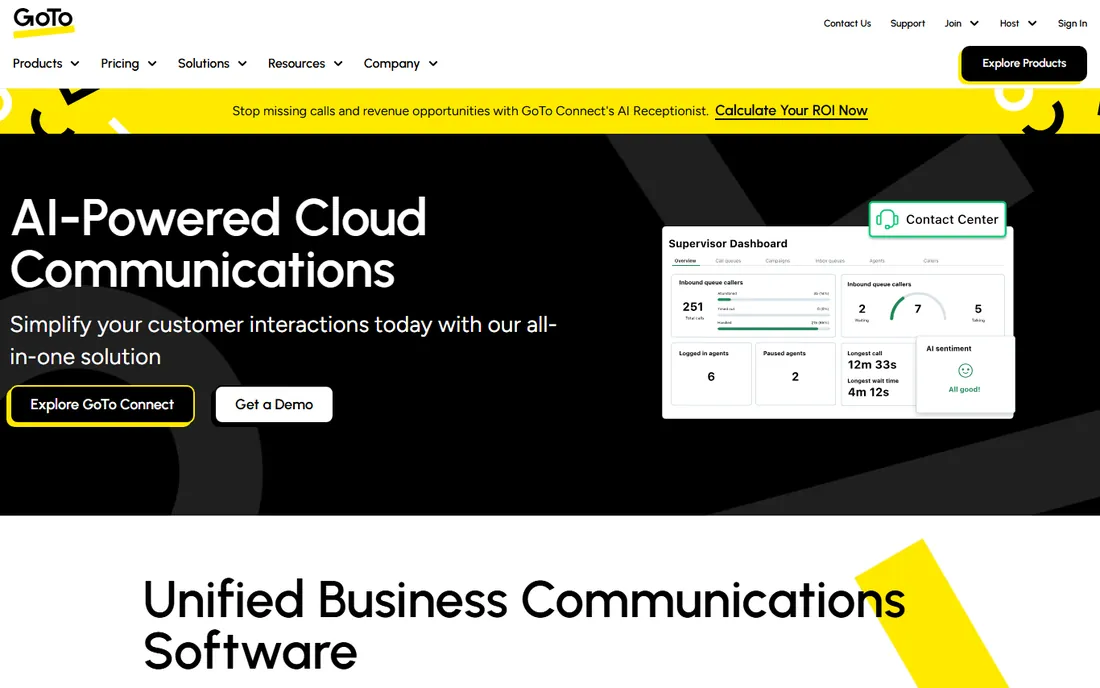
GoTo Resolve bundles remote access into a fuller IT support product: remote control plus ticketing, device monitoring, patch management and automation in one subscription. For small IT teams that need more than screen sharing but less than an enterprise RMM, the bundle replaces two or three separate tools. Existing GoTo customers get a natural extension of products they already know.
The frustration is pricing transparency: GoTo does not publish Resolve prices, so every evaluation starts with a sales call. The bundle economics only work if you use the ticketing and management pieces; teams that only need remote sessions pay for shelfware. Get an itemized quote and compare the remote-access component against Zoho Assist and ScreenConnect before deciding the bundle is worth it.
What we like- Remote support bundled with ticketing, device management and automation
- Familiar GoTo ecosystem for existing customers
- Conversational ticketing for end users
Watch out for- Pricing is not published, so budgeting requires a sales conversation
- The bundle includes features small teams may never use
Starting priceFree
Free planYes
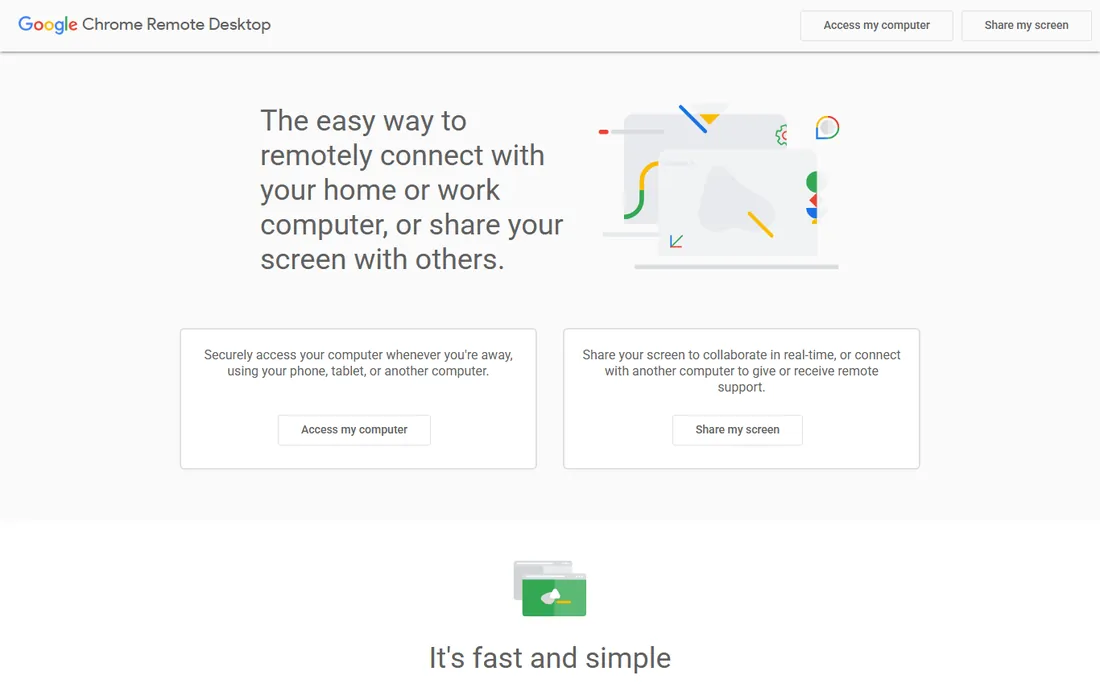
Chrome Remote Desktop is Google's free answer to "I need to reach my home computer." Install the extension, set a PIN, and connect from any Chrome browser or the mobile app. There are no accounts to pay for, no device limits and no feature gates because there are barely features: remote control, and not much else.
The limits are absolute. No file transfer between machines, no chat during sessions, no multi-monitor handling, no unattended fleet management, no audit logs, no support. It is a personal convenience tool, not business infrastructure. For occasional personal access it is perfect and free. For anything a business depends on, the $5 per month for Splashtop buys an enormous upgrade.
What we like- Completely free with no user or device limits
- Dead simple setup through the Chrome browser
- Cross-platform including mobile apps
Watch out for- No file transfer, chat, multi-monitor or session management features
- No business support or admin controls
Remote access vs remote support: know which one you are buying
Vendors blur these terms deliberately, so define your job before shopping. Remote access means reaching your own unattended machines: your office desktop from home, a server in the closet, a kiosk at a branch. It is priced per computer or per user, and the cheap tier of almost every vendor covers it. RemotePC, Splashtop Business Access and TeamViewer Remote Access are pure remote access products.
Remote support means fixing other people's attended machines: an IT technician connecting to an employee's laptop with permission, usually starting from a support request. It is priced per technician or per concurrent session, and it brings ticketing integration, session auditing, chat and file transfer. Zoho Assist, ScreenConnect, SOS and BeyondTrust are remote support products.
Most businesses need both eventually, and most vendors sell both, which is where the product-line confusion comes from. Buy the product that matches today's job, confirm the upgrade path to the other job, and do not pay remote support prices for remote access needs.
How we chose
We split the category by job first: unattended access to your own machines versus attended support of other people's. We verified starting prices on vendor pricing pages and recent pricing analyses, marking BeyondTrust and GoTo Resolve as "See website" where vendors publish no prices. We read documentation for platform coverage and security features, and checked public reviews on G2, Capterra and TrustRadius plus practitioner threads on Reddit for the recurring complaints: licensing traps, renewal price jumps, breach histories and free-tier commercial-use flags. We included the free options honestly, because for personal and very small-scale use, free is the right answer.
How to buy remote access without overpaying
Count the right thing. TeamViewer and AnyDesk license concurrent connections, so five technicians who never work simultaneously need fewer channels than five who do. RemotePC and Splashtop SOS price by computers or technicians respectively, which favors different team shapes. Model your actual concurrency before comparing prices, because the cheapest sticker often belongs to the most expensive licensing model for your usage.
Second, watch renewals. RemotePC's promo pricing, AnyDesk's steep increases and TeamViewer's auto-renewal terms all reward buyers who calendar the renewal date and re-shop annually. Never assume the renewal price equals the purchase price.
Third, trial with your worst connection. Remote desktop quality varies enormously with bandwidth and latency, and no spec sheet predicts your experience on a hotel Wi-Fi. Run every finalist from the actual locations your people work, on the actual machines they support, before committing. The free tiers and trials exist for exactly this.
Frequently asked questions
What is the difference between remote access and remote desktop?
They describe the same technology from different angles. Remote desktop is the mechanism: viewing and controlling a distant computer's screen. Remote access is the use case: reaching your own machines when you are elsewhere. Remote support is the related but distinct use case of IT staff fixing someone else's machine.
Is free remote access software safe for business use?
Free tiers from TeamViewer and AnyDesk prohibit commercial use and actively detect it, so businesses should not rely on them. Chrome Remote Desktop is free without that restriction but lacks business features like audit logs and admin controls. For business use, paid plans from Splashtop, RemotePC or Zoho Assist start low enough that free workarounds are a false economy.
How many licenses do I need for my IT team?
It depends on the licensing model. Concurrent-session products like TeamViewer and AnyDesk need licenses for technicians working at the same time, not for every technician employed. Per-technician products like Zoho Assist and ScreenConnect need one per support person. Per-computer products like RemotePC need one per machine accessed. Count your actual usage pattern against each model.
Can remote access software work through firewalls?
Yes, with caveats. All the tools here use outbound connections that traverse typical firewalls without special configuration, which is why they are popular. Highly restricted networks may need allowlisting the vendor's domains or relay servers. On-premise options from ScreenConnect and Splashtop exist for organizations that cannot use cloud relay infrastructure at all.
What security features should I require?
At minimum: encrypted sessions, multi-factor authentication on the admin account, and approval prompts on the remote machine for attended sessions. For unattended access, require strong unique passwords or PINs per machine, not one shared credential. Regulated industries should add session recording and audit logs, which is BeyondTrust's home turf.
Will remote access software slow down the remote computer?
Slightly, but good tools minimize it. The remote machine runs a lightweight agent; the heavy work is video encoding, which modern tools offload efficiently. AnyDesk's codec and Splashtop's streaming are the performance leaders for demanding applications. On very old hardware, expect some lag regardless of vendor; trial on your actual oldest machine.
Sources we checked (29)
- https://ifeeltech.com/blog/best-teamviewer-alternatives-small-business
- https://www.saasworthy.com/product/teamviewer
- https://costbench.com/software/remote-desktop/teamviewer/
- https://www.flamingo.run/blog/teamviewer-review-for-msps
- https://www.trustradius.com/compare-products/teamviewer
- https://www.splashtop.com/blog/anydesk-price-increase
- https://sobrii.io/blog/anydesk-alternatives-2026
- https://www.trustradius.com/compare-products/anydesk-vs-splashtop-enterprise
- https://pricingsaas.com/companies/anydesk?page=html
- https://www.topadvisor.com:443/products/splashtop/pricing
- https://www.getapp.ie/software/117491/splashtop-business-access
- https://www.trustradius.com/compare-products/splashtop-enterprise-vs-zoho-lens
- https://www.fahimai.com/how-to-use-remotepc
- https://www.g2.com/products/remotepc/pricing
- https://wheelhouse.com/products/zoho-assist/pricing
- https://www.saasworthy.com/product/zoho-assist
- https://comparisons.financesonline.com/domotz-vs-zoho-assist
- https://www.itqlick.com/connectwise-control/pricing
- https://www.softwareworld.co/software/connectwise-screenconnect-reviews/
- https://comparisons.financesonline.com/zendesk-remote-vs-connectwise-control-vs-atera
- https://www.teamviewer.com
- https://www.anydesk.com
- https://www.splashtop.com
- https://www.remotepc.com
- https://www.zoho.com/assist
- https://www.connectwise.com
- https://www.beyondtrust.com
- https://www.goto.com
- https://remotedesktop.google.com
Is your product missing or out of date?
We review this list regularly. Vendors can request a listing, send updated pricing or ask about featured placement.

Shihab Mia · Founder, Rankite
Shihab has spent more than a decade helping SaaS and e-commerce brands grow through search. He writes Rankite's software buying guides from pricing pages, documentation and public user reviews. More about Shihab.