How we make this list: we compare pricing pages, product documentation and public user reviews. Rankite is independent; if a vendor ever pays for a featured spot, that listing is clearly labeled Partner.
Key takeaways
- Microsoft Intune is the default for Microsoft-centric companies managing Windows devices.
- Jamf is the Apple standard: no serious Mac fleet runs without it.
- NinjaOne, Atera, and PDQ serve IT teams and MSPs who need practical endpoint management.
- ManageEngine, ConnectWise, and Hexnode cover multi-platform, MSP, and mobile-heavy environments.
Quick comparison
| Tool | Best for | Starting price | Free plan |
|---|
 Microsoft Intune Microsoft Intune | Microsoft 365 device management | See website | Free trial |
 Jamf Pro Jamf Pro | Apple device management | See website | Free trial |
 NinjaOne NinjaOne | modern endpoint management | See website | Free trial |
 ManageEngine Endpoint Central ManageEngine Endpoint Central | multi-platform unified endpoint | See website | Free trial |
 PDQ PDQ | Windows patching and deployment | See website | Free trial |
 Atera Atera | all-in-one IT management | See website | Free trial |
 ConnectWise Automate ConnectWise Automate | MSP automation | See website | No |
 Hexnode Hexnode | multi-OS including mobile | See website | Free trial |
Is your product missing or out of date?
We review this list regularly. Vendors can request a listing, send updated pricing or ask about featured placement.
The best desktop management software
Starting priceSee website
Free planFree trial
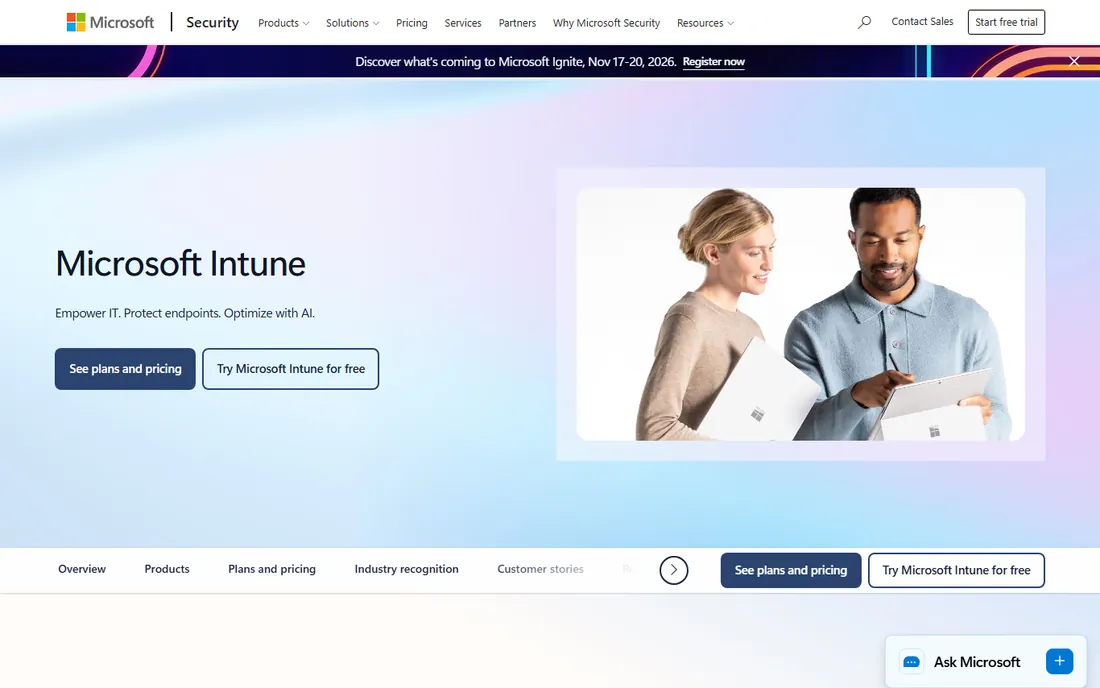
Intune is Microsoft's cloud endpoint management: enroll Windows, Mac, iOS, and Android devices, push policies, deploy apps, and enforce security baselines from the cloud. Microsoft 365 companies get device management that integrates with Entra ID, Defender, and the whole security stack.
The cloud-native design suits remote and hybrid work; no on-premises infrastructure needed. Autopilot provisions new devices without IT touching them, and conditional access ties device compliance to resource access.
The learning curve is real, and the value concentrates inside the Microsoft ecosystem. But for organizations standardized on Microsoft, Intune's integration makes it the obvious endpoint management choice.
What we like- Native Microsoft 365 integration
- Cloud-based
- Strong policy management
Watch out for- Learning curve
- Best inside Microsoft ecosystem
Starting priceSee website
Free planFree trial
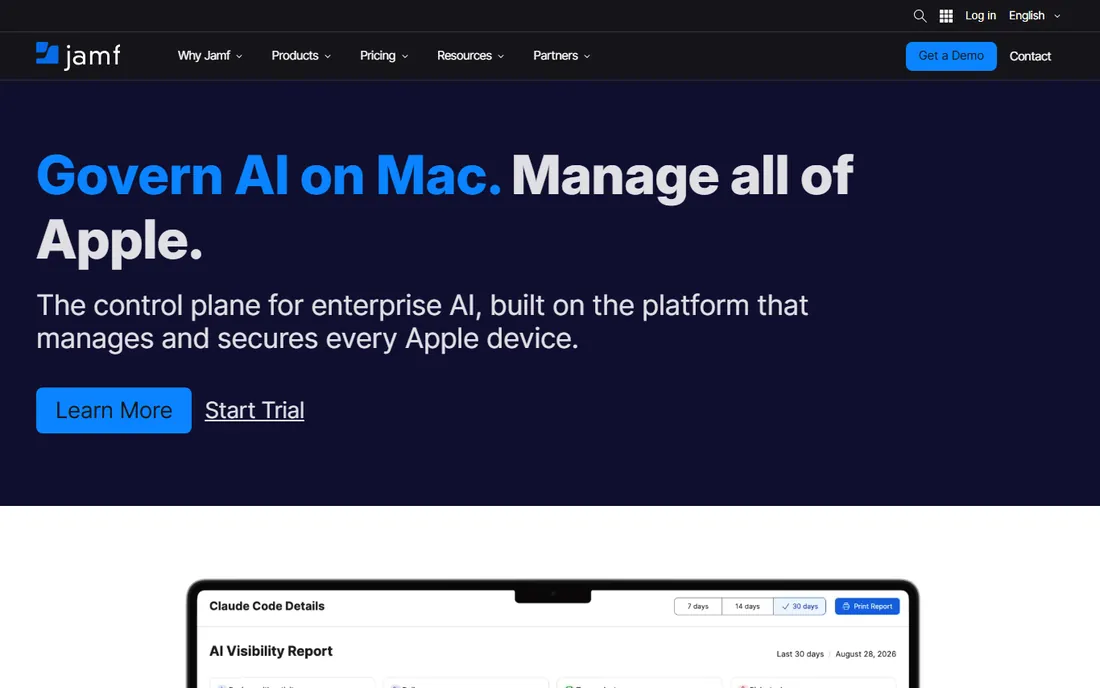
Jamf Pro is how organizations manage Apple devices at scale: zero-touch deployment, app distribution, security policies, and inventory for Macs, iPhones, and iPads. Apple's own enterprise features work best through Jamf.
The zero-touch workflow defines the experience: devices ship to users, enroll automatically, and configure themselves. IT never touches hardware. The management depth covers the Apple-specific needs that cross-platform tools handle shallowly.
It manages Apple devices only; Windows needs a companion tool. Pricing reflects the premium positioning. But for organizations serious about Macs, Jamf is not optional, it is the standard.
What we like- The Apple management standard
- Deep macOS/iOS support
- Great zero-touch deployment
Watch out for- Apple-only
- Premium pricing
Starting priceSee website
Free planFree trial
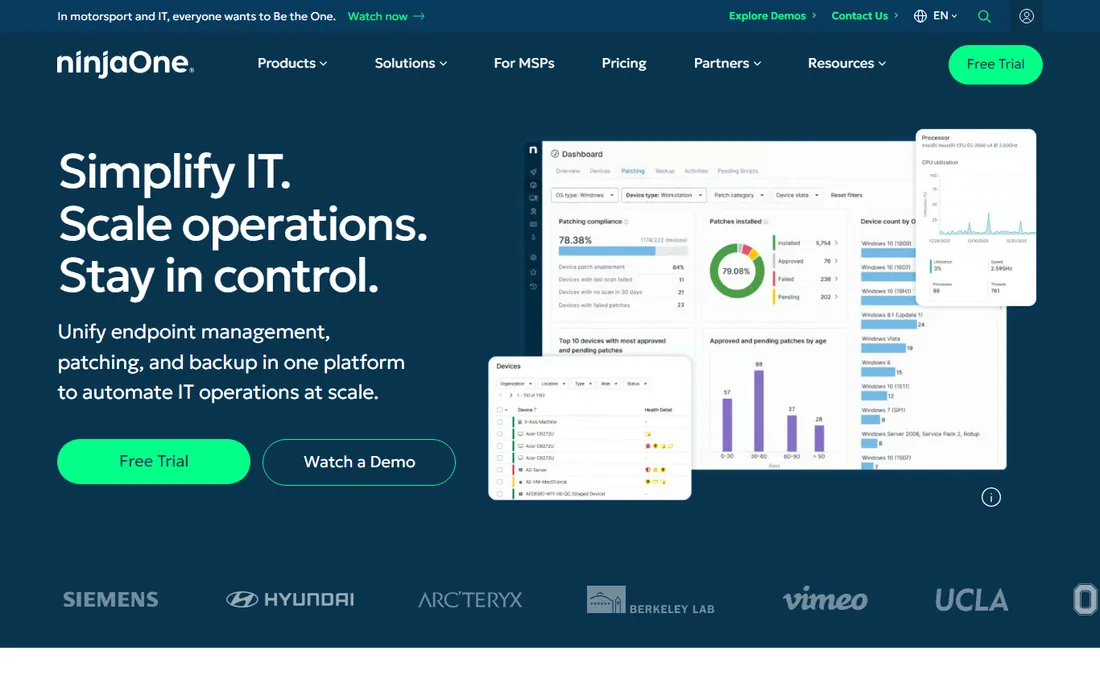
NinjaOne modernized endpoint management with speed: the interface is fast, patching is reliable, and automation handles the routine work. IT teams and MSPs manage Windows, Mac, and Linux endpoints from one clean console.
The automation library covers common tasks without scripting, and the remote access tools work well. Backup, documentation, and ticketing integrations extend it toward full IT management.
It is newer than the incumbents, and some advanced features are still maturing. But the combination of modern UX, reliable core functions, and fair pricing has won it a devoted following among IT professionals.
What we like- Fast modern interface
- Strong automation
- MSP and IT friendly
Watch out for- Newer than incumbents
- Some advanced features maturing
Starting priceSee website
Free planFree trial
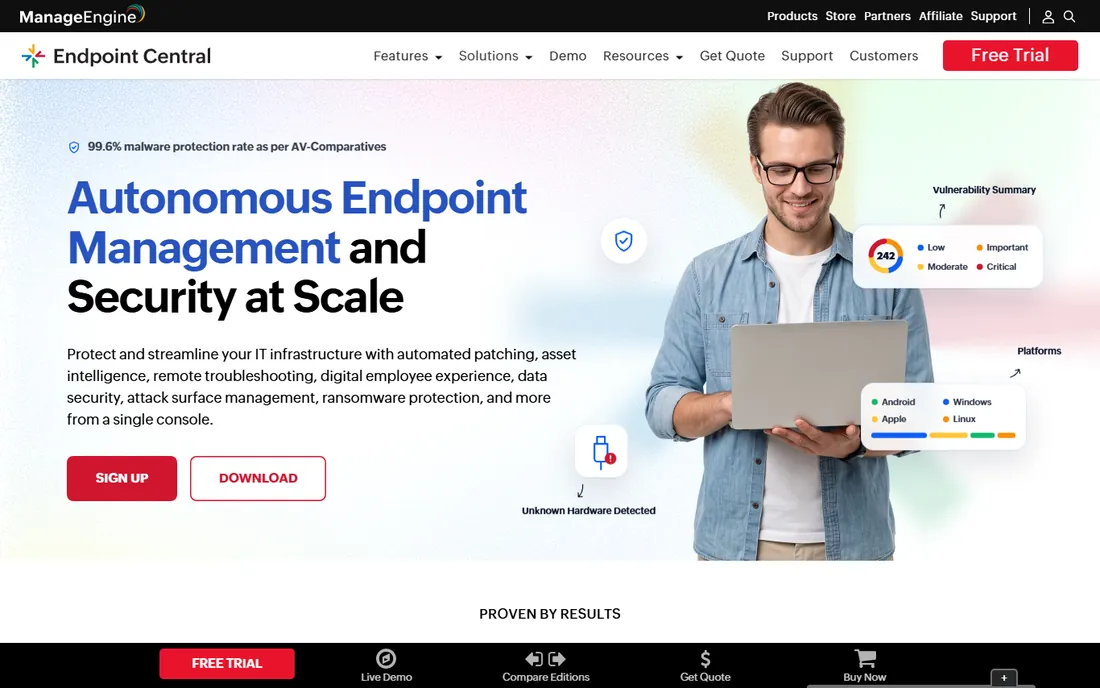
ManageEngine Endpoint Central (formerly Desktop Central) offers comprehensive unified endpoint management: patching, software deployment, asset management, and security configurations across Windows, Mac, and Linux. The feature breadth at the price surprises first-time evaluators.
Mixed environments benefit most: one console for the heterogeneous reality of most IT departments. The free tier covers small deployments, letting teams prove value before paying.
The interface shows its enterprise software heritage, and the breadth means a learning curve. But for IT departments wanting comprehensive endpoint management at reasonable cost, Endpoint Central delivers unusual value.
What we like- Comprehensive features
- Affordable
- Good for mixed environments
Watch out for- Interface feels dated
- Learning curve
Starting priceSee website
Free planFree trial
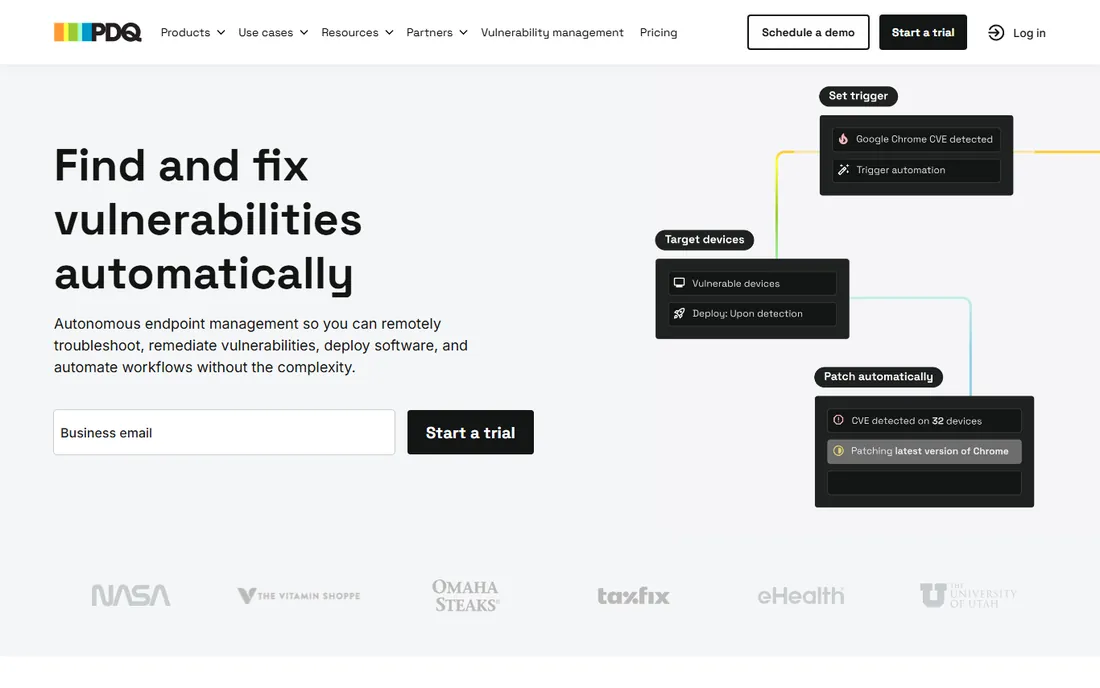
PDQ does two things superbly: deploy software and patch Windows systems. PDQ Deploy pushes applications silently; PDQ Inventory tracks what's installed where. Sysadmins love the speed and reliability.
The simplicity is deliberate. No bloated suites, no confusing modules, just fast tools that do their jobs. The package library covers common applications, and custom packages handle the rest.
Windows focus limits mixed environments, and it is point solutions rather than a full management suite. But for the core jobs of keeping Windows software current and deployed, PDQ's focused excellence is hard to beat.
What we like- Excellent patch management
- Simple and fast
- Sysadmin-loved
Watch out for- Windows-focused
- Less full-suite than others
Starting priceSee website
Free planFree trial
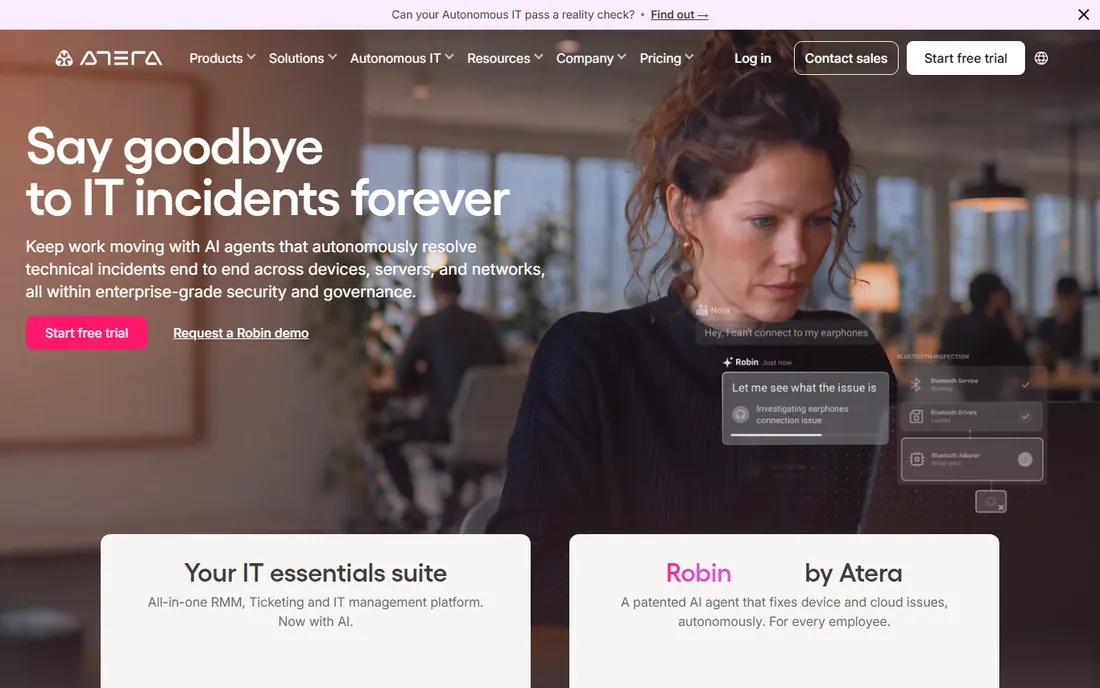
Atera combines remote monitoring and management with professional services automation: endpoint management, remote access, patching, ticketing, and billing in one platform with per-technician pricing. MSPs and IT departments get the full operational stack.
The per-technician pricing (rather than per-device) favors growing device counts. The AI-assisted features help with ticket triage and scripting. The all-in-one design reduces the tool sprawl that plagues IT operations.
Covering both RMM and PSA means less depth in each than specialists. But for organizations wanting one platform for IT operations, Atera's integration and pricing are compelling.
What we like- RMM plus PSA in one
- Per-technician pricing
- AI-assisted features
Watch out for- Breadth means less depth in spots
- Newer PSA features
Starting priceSee website
Free planNo
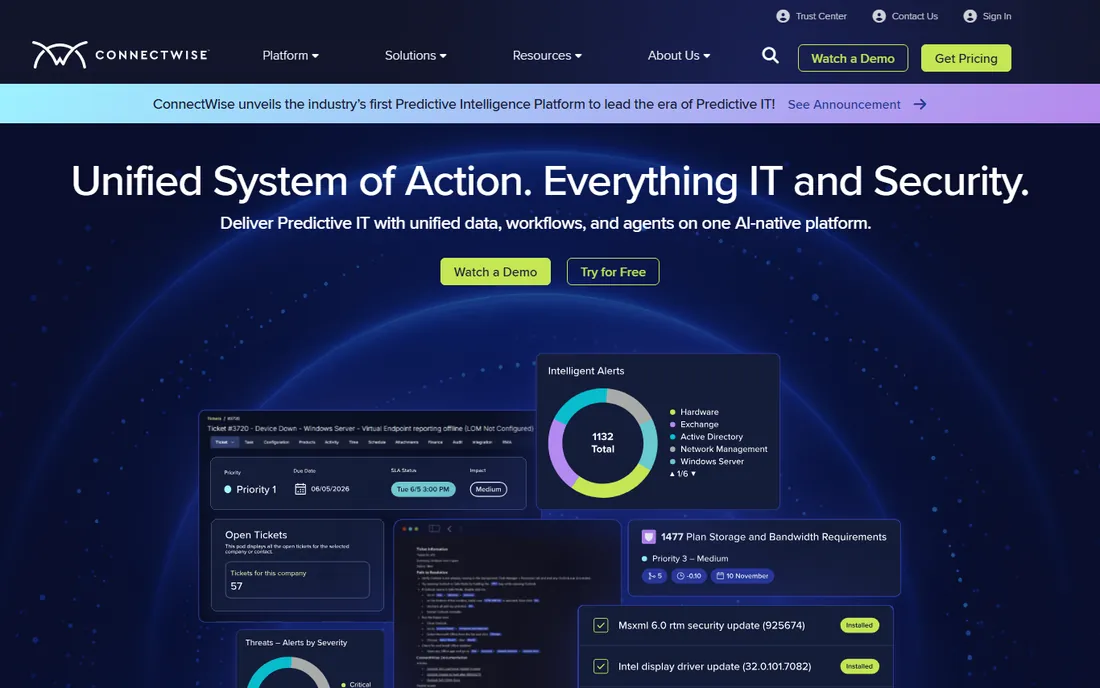
ConnectWise Automate (formerly LabTech) is the RMM platform that serious MSPs build on: deep scripting, automation, and monitoring across client endpoints. The maturity shows in the depth of control available.
MSPs value the automation at scale: manage thousands of endpoints across clients with policies, scripts, and proactive remediation. The ConnectWise ecosystem connects to PSA, quoting, and business management.
Complexity is the price of depth; new users face a learning curve. Pricing suits established MSPs rather than small IT departments. But for MSPs where automation efficiency determines profitability, Automate's power justifies the investment.
What we like- Deep MSP automation
- Mature platform
- Extensive integrations
Watch out for- Complex
- Pricing for established MSPs
Starting priceSee website
Free planFree trial
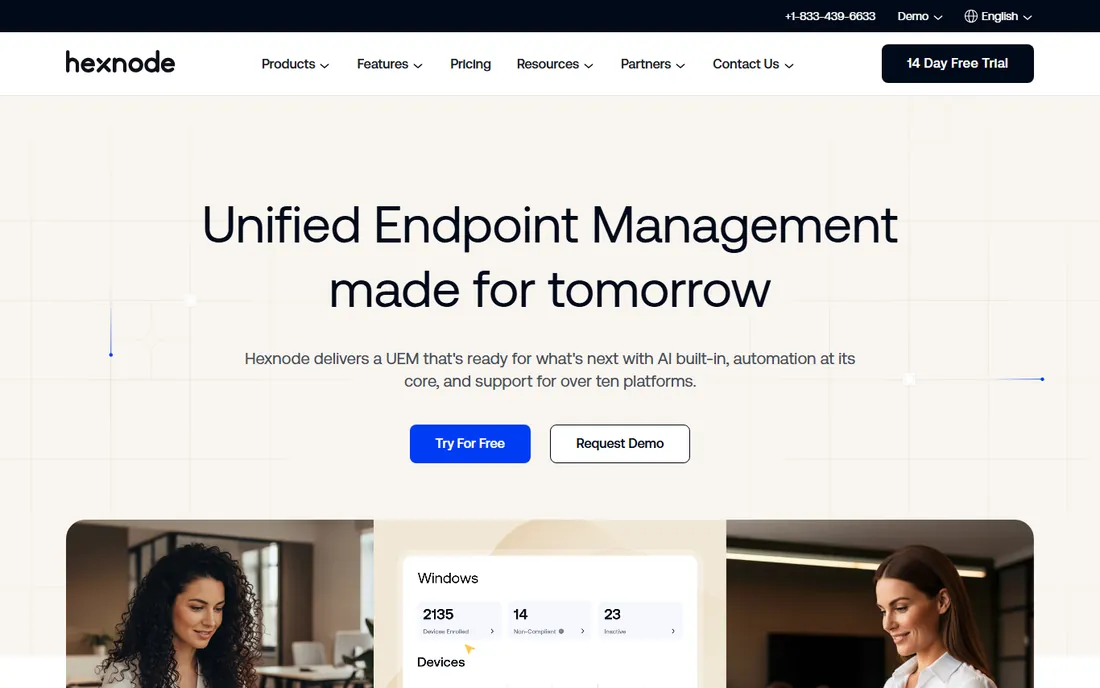
Hexnode manages the full device spectrum: Windows, Mac, iOS, Android, and even IoT, with particular strength in mobile device management. Organizations with diverse fleets get one console for everything.
The value pricing and ease of use suit mid-size companies without dedicated endpoint teams. Kiosk modes, app management, and security policies cover the practical needs.
Desktop management depth trails the Windows and Mac specialists. But for organizations where mobile devices matter as much as desktops, Hexnode's breadth is the right trade.
What we like- Strong mobile device management
- Good value
- Easy to use
Watch out for- Less depth on desktop vs. specialists
- Smaller ecosystem
The patching imperative
Whatever tool you choose, patching is the job that matters most. Unpatched systems cause the majority of breaches, and the tools here all automate it. Configure patch policies, test critical updates, and monitor compliance.
The 3 AM test applies: when a critical vulnerability drops, can you patch the fleet quickly and verify completion? The answer should be yes without heroics.
Do not forget third-party applications. OS patches are table stakes; browsers, Office, Java, and line-of-business apps need patching too. The tools with strong third-party patch catalogs save real risk.
Choosing for your environment
Microsoft-centric with Windows fleet: Intune, possibly with PDQ for patching depth. Apple-heavy: Jamf Pro, no contest. Mixed environments: NinjaOne, ManageEngine, or Hexnode depending on mobile needs.
MSPs have their own calculus: ConnectWise Automate for depth, Atera or NinjaOne for modern simplicity, with per-technician versus per-device pricing modeled carefully.
Small IT teams should prioritize ease and automation over feature depth. The best tool is the one the team actually operates well, not the one with the longest datasheet.
Onboarding and offboarding automation
Employee lifecycle events are where endpoint management proves its worth. New hire: device enrolled, apps deployed, accounts provisioned, all before day one. Departure: access revoked, data wiped, device recovered, all within hours. Manual processes cannot match that speed or reliability.
Build the workflows once, in the tool, triggered by HR system events where possible. The integration between HR and IT systems eliminates the email chains that delay provisioning and, worse, leave ex-employees with access.
Audit the lifecycle quarterly. Stale accounts, unrecovered devices, and lingering access are the findings every security assessment surfaces. Automation plus periodic review keeps the lifecycle tight.
Measuring IT effectiveness
Track the metrics that matter: mean time to provision, patch compliance percentage, ticket resolution times, and device health scores. The tools here report these; the discipline is reviewing them regularly and acting on trends.
Survey users periodically. IT exists to enable work, and user satisfaction is the ultimate metric. The fastest patch deployment means little if users dread contacting IT. Balance operational metrics with human ones.
Benchmark against peers cautiously. Every environment differs, but industry data helps calibrate expectations. The goal is continuous improvement against your own baseline, not winning a contest.
How we chose
We compared endpoint and desktop management tools that IT teams actually deploy, based on vendor documentation, practitioner discussion on IT forums and Reddit, and reviews on G2 and Capterra. We covered the platform standards (Intune, Jamf), modern RMM (NinjaOne, Atera), MSP tools (ConnectWise), and multi-platform options, because IT environments vary widely. Pricing is typically quote-based, so we link to vendors for current numbers.
Frequently asked questions
Do we need MDM if everyone works from personal devices?
Yes, arguably more. BYOD needs management for security: separate work data, enforce encryption, and enable remote wipe of company data. The tools here all handle BYOD with privacy-respecting profiles.
How do we handle Macs and Windows together?
Either one multi-platform tool (NinjaOne, Hexnode, ManageEngine) or best-of-breed pairing (Jamf for Macs plus Intune or PDQ for Windows). The pairing gives deeper management; the single tool gives simpler operations.
What is zero-touch deployment?
Devices ship directly to users and configure themselves on first boot: enrollment, apps, policies, and security settings applied automatically. Jamf and Intune Autopilot do this well. It eliminates IT imaging work and scales effortlessly.
How do we secure remote workers' devices?
Enroll them in management, enforce encryption and OS updates, deploy endpoint protection, require VPN or zero-trust access for company resources, and enable remote wipe. The tools here provide the framework; the policies provide the security.
Should we outsource endpoint management to an MSP?
If you lack IT staff, yes. MSPs using these tools professionally manage endpoints better than stretched internal teams. If you have capable IT staff, in-house management with good tools usually costs less and responds faster.
Documentation: the multiplier
Every IT process should be documented: common fixes, onboarding steps, network diagrams, credential locations. The tools here include documentation features; use them. The knowledge in one technician's head is a single point of failure.
Keep documentation current with a simple rule: if you fixed it twice, document it. The second occurrence proves it will happen again. Good documentation turns senior technicians' knowledge into team capability.
How do we justify endpoint management spending?
Calculate the cost of one bad incident: ransomware downtime, a breach notification, or a week of manual patching. Compare against the annual tool cost. The math almost always favors the tools.
Should we standardize on one device type?
Standardization simplifies management enormously: one image, one patch process, one support playbook. The business case for device choice should clear a high bar against the operational cost of diversity.
Sources we checked (8)
- https://www.microsoft.com/en-us/security/business/microsoft-intune
- https://www.jamf.com/
- https://www.ninjaone.com/
- https://www.manageengine.com/products/desktop-central
- https://www.pdq.com/
- https://www.atera.com/
- https://www.connectwise.com/
- https://www.hexnode.com/
Is your product missing or out of date?
We review this list regularly. Vendors can request a listing, send updated pricing or ask about featured placement.

Shihab Mia · Founder, Rankite
Shihab has spent more than a decade helping SaaS and e-commerce brands grow through search. He writes Rankite's software buying guides from pricing pages, documentation and public user reviews. More about Shihab.