How we make this list: we compare pricing pages, product documentation and public user reviews. Rankite is independent; if a vendor ever pays for a featured spot, that listing is clearly labeled Partner.
Key takeaways
- VMware vSphere remains the enterprise standard but now sells only as per-core subscriptions (vSphere Foundation around $135/core, Cloud Foundation around $350/core), quote-only through partners.
- Microsoft Hyper-V is the cheapest path for Windows Server shops since it ships with the OS license, and it keeps improving for hybrid setups with Azure.
- Proxmox VE is the open-source favorite for VMware leavers: free and fully featured, with optional subscriptions from 120 euros per socket per year.
- XCP-ng and QEMU/KVM give you free, open hypervisors with different management stories; both need more DIY effort than commercial platforms.
- Nutanix AHV, Red Hat OpenShift Virtualization and Scale Computing target specific architectures (hyperconverged, containers, edge) and are all quote-based.
Quick comparison
| Tool | Best for | Starting price | Free plan |
|---|
 VMware vSphere VMware vSphere | enterprises staying on VMware | Quote-based (per-core annual subscription) | No (free ESXi limited to non-production use) |
 Microsoft Hyper-V Microsoft Hyper-V | Windows Server shops | Included with Windows Server license | No (licensed with the OS) |
 Proxmox VE Proxmox VE | open-source VMware alternative | Free (subscriptions from 120 euros per socket per year) | Yes (fully featured, open source) |
 XCP-ng XCP-ng | open-source Xen-based virtualization | Free (paid support via Vates) | Yes (fully open source) |
 QEMU/KVM QEMU/KVM | Linux-native virtualization | Free (included in Linux) | Yes (open source) |
 Oracle VM Server Oracle VM Server | Oracle workload shops | Free download (paid support available) | Yes (free to download and use) |
 Nutanix AHV Nutanix AHV | hyperconverged simplicity | Included with Nutanix Cloud Infrastructure (quote-based, per core) | No (trial available) |
 Red Hat OpenShift Virtualization Red Hat OpenShift Virtualization | VM and container shops | Subscription (quote-based) | No (developer trial available) |
 Scale Computing Platform Scale Computing Platform | edge and simple HCI | Quote-based | No (demo available) |
Is your product missing or out of date?
We review this list regularly. Vendors can request a listing, send updated pricing or ask about featured placement.
The best server virtualization software
Starting priceQuote-based (per-core annual subscription)
Free planNo (free ESXi limited to non-production use)
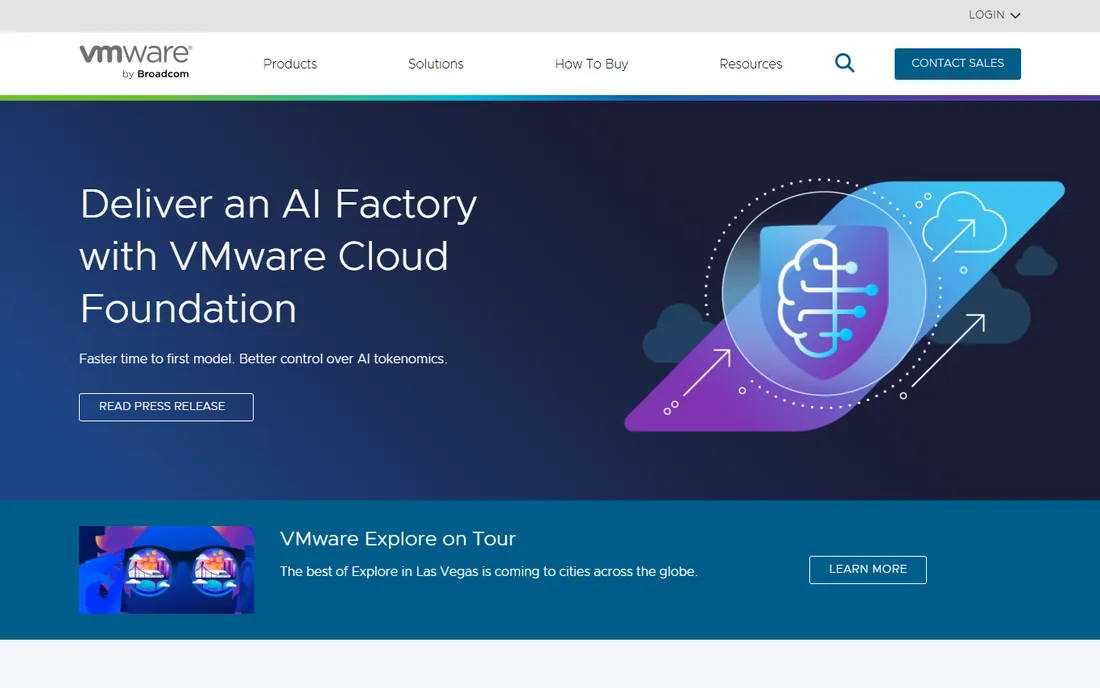
vSphere is still the platform everything else is measured against. vMotion, Distributed Resource Scheduler, High Availability and the distributed switch remain the reference implementation, and the backup, monitoring and security ecosystem around it is unmatched. If your team, runbooks and vendor certifications are built on VMware, staying usually costs less in risk than migrating, even at the new prices.
The licensing is the whole conversation now. Perpetual licenses are gone; you buy vSphere Foundation (around $135 per core) or VMware Cloud Foundation (around $350 per core) as annual subscriptions with a 16-core minimum per processor, through Broadcom partners only. Small deployments report cost increases of several hundred percent versus the old Essentials kits. Free ESXi returned in 2025 but is limited to non-production use with no vCenter. Get the quote early and model three years, because the renewal is where the real number lives.
What we like- Most mature feature set and ecosystem
- VMotion, DRS and HA are best in class
- Huge third-party support
Watch out for- Subscription-only licensing with per-core minimums
- No public pricing
- Small deployments face steep cost increases
Starting priceIncluded with Windows Server license
Free planNo (licensed with the OS)
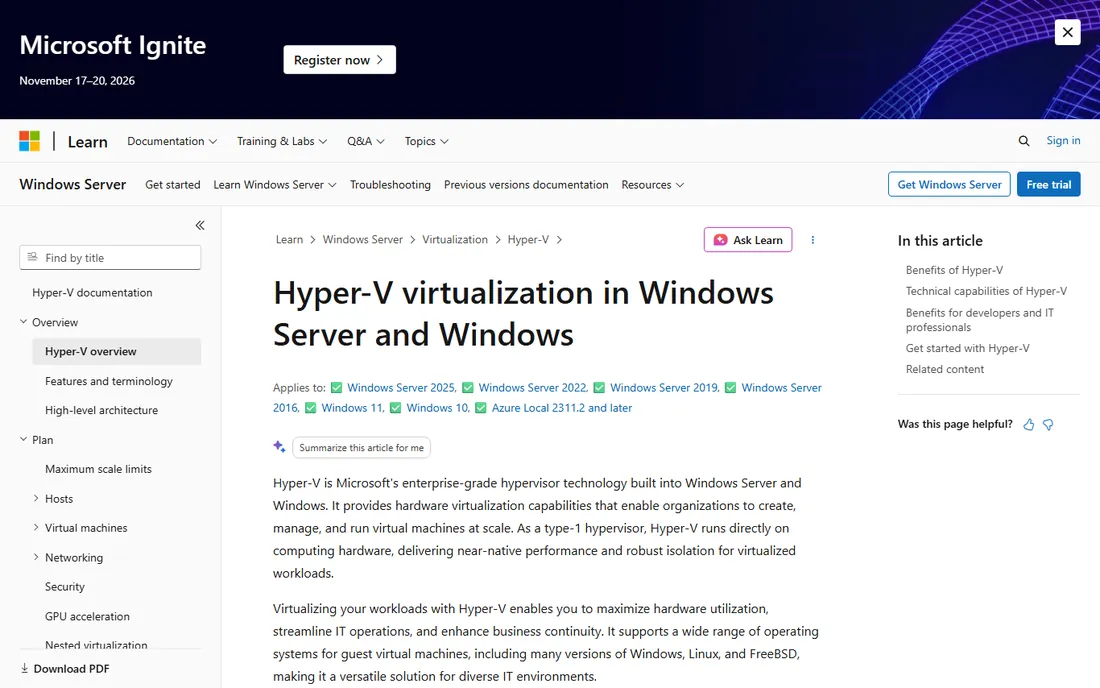
Hyper-V is the quiet value play. If you already license Windows Server, the hypervisor is included, which makes it effectively free for the large share of SMB infrastructure that runs on Windows. Live migration, replication and shielded VMs cover the core enterprise needs, and Azure Arc plus Azure Site Recovery give it a genuine hybrid story for shops splitting workloads between on-prem and cloud.
The limits show up at the edges. Linux guest tooling and performance management are not as smooth as on KVM-based platforms, and features like distributed switching do not match vSphere's depth. You are also inside Microsoft's licensing world, which has its own complexity around virtualization rights per edition. For Windows-centric teams that want virtualization without a second vendor contract, Hyper-V is the obvious first look.
What we like- No extra hypervisor cost for Windows shops
- Deep Azure hybrid integration
- Familiar management via Windows Admin Center
Watch out for- Linux guest management is weaker than KVM
- Advanced features trail vSphere
- Tied to the Microsoft licensing stack
Starting priceFree (subscriptions from 120 euros per socket per year)
Free planYes (fully featured, open source)
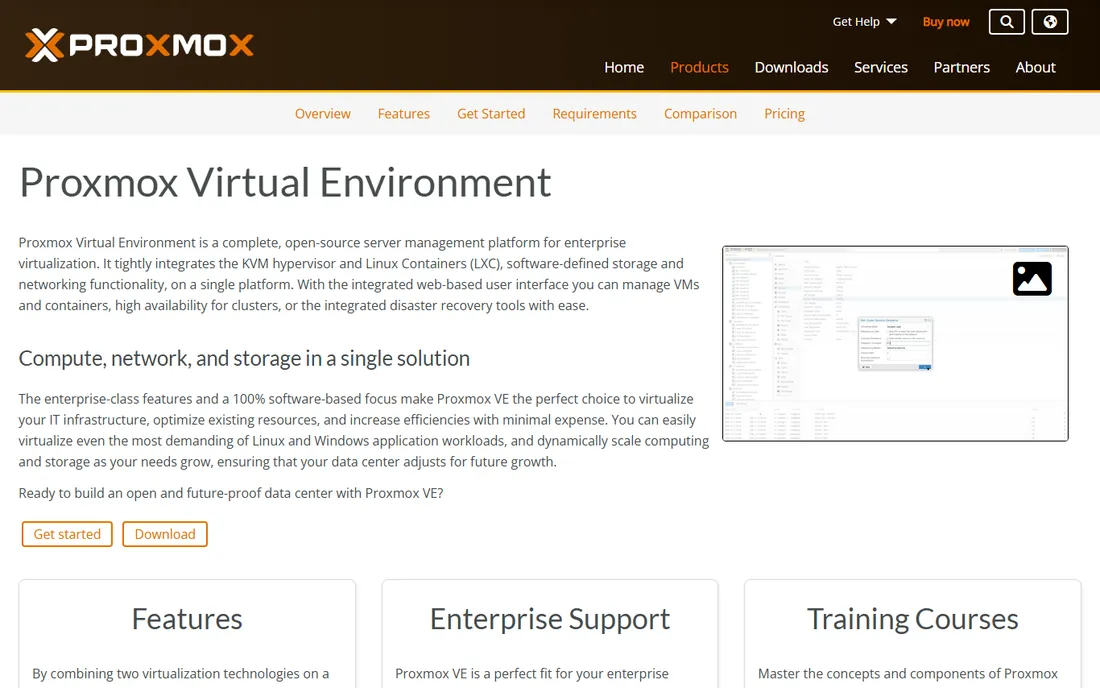
Proxmox VE has absorbed more VMware refugees than any other platform. It combines KVM virtual machines and LXC containers in one web-managed environment, with clustering, high availability, live migration, software-defined networking and integrated backup included free. The software is AGPLv3 open source and functionally identical at every subscription level; subscriptions buy the enterprise repository and vendor support, from the Community tier at 120 euros per socket per year up to Premium at 1,100 euros.
Two things to know before migrating. First, without a subscription you get community-forum support and the public repository, which most enterprises will not accept for production; budget at least the Standard tier. Second, application vendors that certify only on VMware may not support you on Proxmox, so check certification for business-critical apps before moving them. For labs, SMBs and cost-driven migrations, it is the strongest free option available.
What we like- Free with the full feature set
- Clustering, HA, backup and Ceph built in
- No license keys that expire
Watch out for- Support is community-based without a subscription
- Smaller third-party ecosystem
- Some learning curve for VMware admins
Starting priceFree (paid support via Vates)
Free planYes (fully open source)
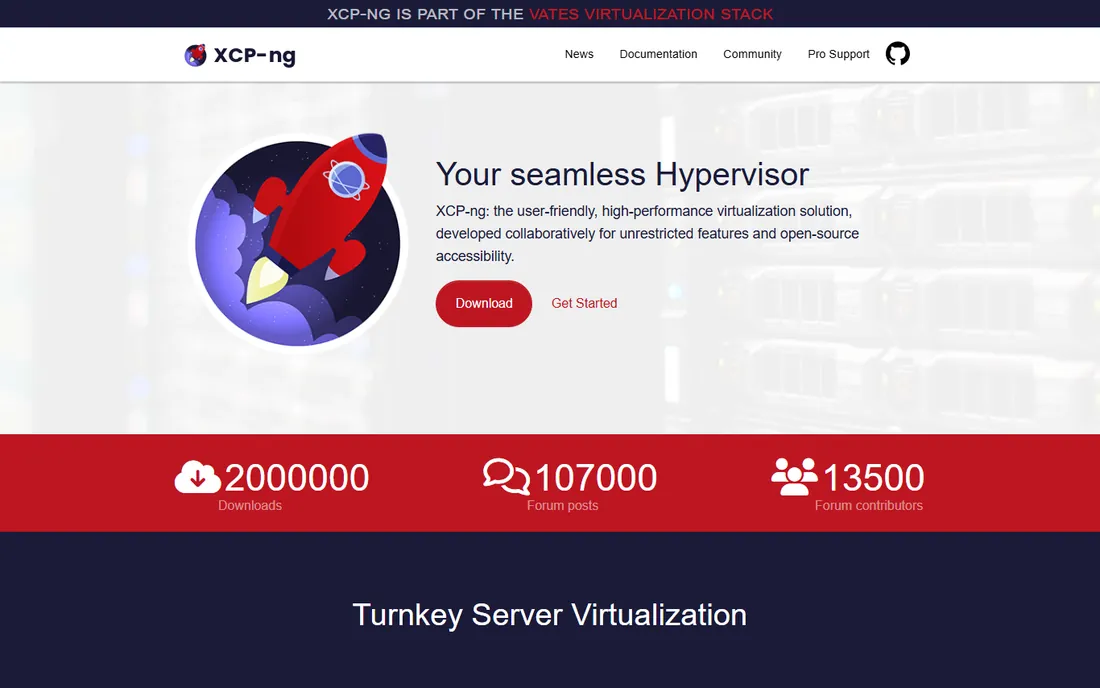
XCP-ng is the community continuation of the XenServer lineage, and it is the natural landing spot for Citrix Hypervisor users. The hypervisor itself is free and open source with live migration, high availability and a centralized management console, and commercial support comes from Vates, the company behind the project. Migration tooling from XenServer and VMware exists and is actively maintained.
Compared with Proxmox, the community is smaller and the web management experience is less refined, though the Xen Orchestra web interface (also from Vates) closes much of the gap. Paid support tiers add access to the enterprise repository and faster response times. Choose XCP-ng if your team already thinks in Xen terms or you are leaving Citrix licensing; choose Proxmox if you are starting fresh and want the larger community.
What we like- Free and open Xen hypervisor
- Familiar to Citrix Hypervisor users
- Live migration and HA included
Watch out for- Smaller community than Proxmox
- Enterprise features need paid Vates support
- Management tooling is less polished
Starting priceFree (included in Linux)
Free planYes (open source)
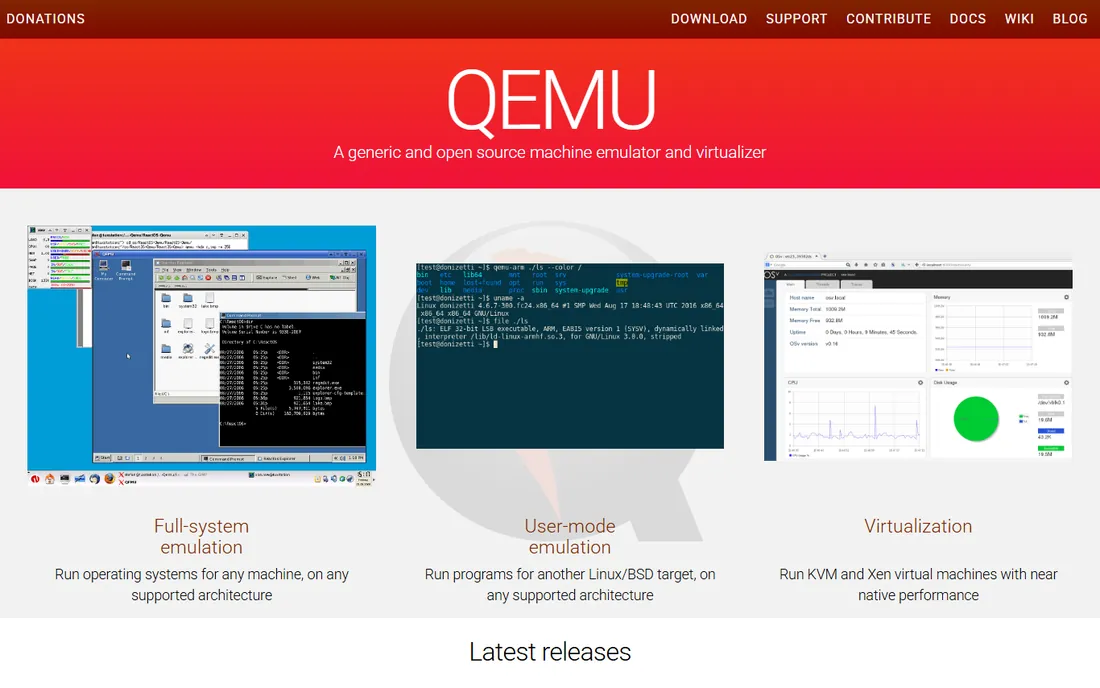
KVM is the hypervisor inside the Linux kernel, and QEMU provides the machine emulation around it. Together they are the engine behind Proxmox, OpenStack, oVirt and much of the public cloud, which tells you everything about their maturity. Linux guest performance is excellent, and there is no license cost at all: it ships with RHEL, Ubuntu, Debian and SUSE.
What you do not get is a product. There is no built-in clustering UI, no integrated backup, no centralized management; you assemble those from oVirt, OpenStack, Proxmox or your own automation. That makes raw KVM a platform for teams with Linux and automation skills, not for shops that want a console on day one. If you have the skills, it is the most flexible and cheapest foundation available; if not, pick one of the products built on top of it.
What we like- Free and built into every major Linux distro
- Excellent Linux guest performance
- Powers Proxmox, OpenStack and public clouds
Watch out for- No management layer out of the box
- DIY clustering and backup
- Needs surrounding tooling for enterprise use
Starting priceFree download (paid support available)
Free planYes (free to download and use)
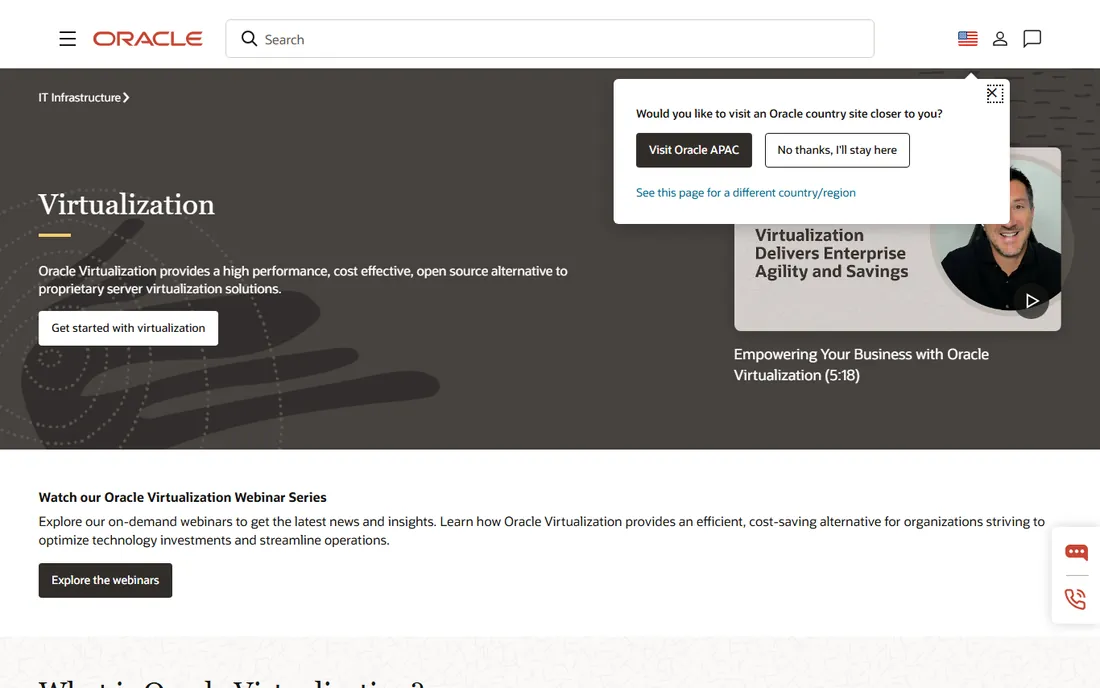
Oracle VM Server exists for one audience: shops running Oracle Database and Oracle applications. The hypervisor is free to download and use, with paid support available, and it carries a feature Oracle customers care about deeply: hard partitioning, which Oracle recognizes for limiting database license counts to specific cores. That alone can justify it in Oracle-heavy estates.
Outside that niche, there is little reason to choose it. The community is small, third-party ecosystem support is thin, and the roadmap follows Oracle's priorities rather than the broader market. Management is functional but dated compared with Proxmox or Nutanix. If Oracle licensing costs dominate your infrastructure budget, evaluate it seriously; otherwise the general-purpose platforms offer more.
What we like- Free to use
- Optimized for Oracle Database and applications
- Hard partitioning recognized for Oracle licensing
Watch out for- Oracle ecosystem lock-in
- Smaller community
- Future roadmap tied to Oracle's priorities
Starting priceIncluded with Nutanix Cloud Infrastructure (quote-based, per core)
Free planNo (trial available)
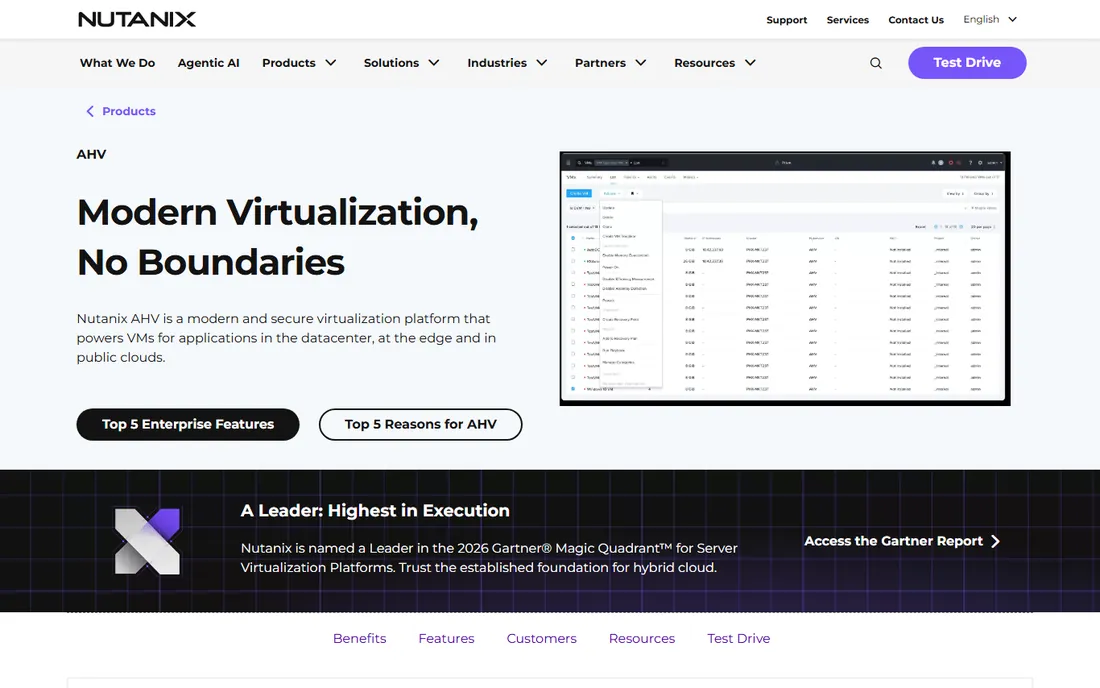
AHV is Nutanix's built-in hypervisor, included with Nutanix Cloud Infrastructure at no separate license cost, which was a deliberate strike at VMware's per-socket pricing. Management through Prism is genuinely simple: one-click upgrades, built-in automation, live migration and disaster recovery without the patchwork of tools vSphere needs. For teams standardizing on hyperconverged infrastructure, it removes the hypervisor line item entirely.
The catch is the bundle. You buy into the Nutanix stack, licensed per physical core with no published price, and production needs a 3-node minimum cluster. Reseller benchmarks put NCI Pro in the hundreds of dollars per core per year, but your quote is the only number that matters. AHV fits shops already committed or committing to HCI; it is not a drop-in hypervisor for existing SAN-based infrastructure.
What we like- Hypervisor included at no extra license cost
- One-click upgrades and management
- Strong automation and DR features
Watch out for- Requires the Nutanix stack
- No published pricing
- 3-node minimum for production
#8
Red Hat OpenShift Virtualization
Best for: VM and container shops
Visit redhat.com
Starting priceSubscription (quote-based)
Free planNo (developer trial available)
OpenShift Virtualization, built on KubeVirt, lets you run traditional virtual machines next to containers on the same OpenShift cluster. That is its entire reason to exist: teams modernizing applications can keep legacy VMs running while new services go container-native, managed through one control plane with one Red Hat support contract. Migration tooling from VMware is included and actively developed.
The price of admission is Kubernetes itself. If your team does not already operate OpenShift, the learning curve and operational overhead are significant, and the subscription is quote-based per core. For pure VM estates with no container plans, it adds complexity without benefit. For organizations already on the OpenShift path, it is the most coherent way to bring VMs along.
What we like- Runs VMs alongside containers on Kubernetes
- Red Hat support and ecosystem
- Good for app modernization
Watch out for- Quote-based subscription pricing
- Operational complexity of Kubernetes
- Overkill for pure VM estates
Starting priceQuote-based
Free planNo (demo available)
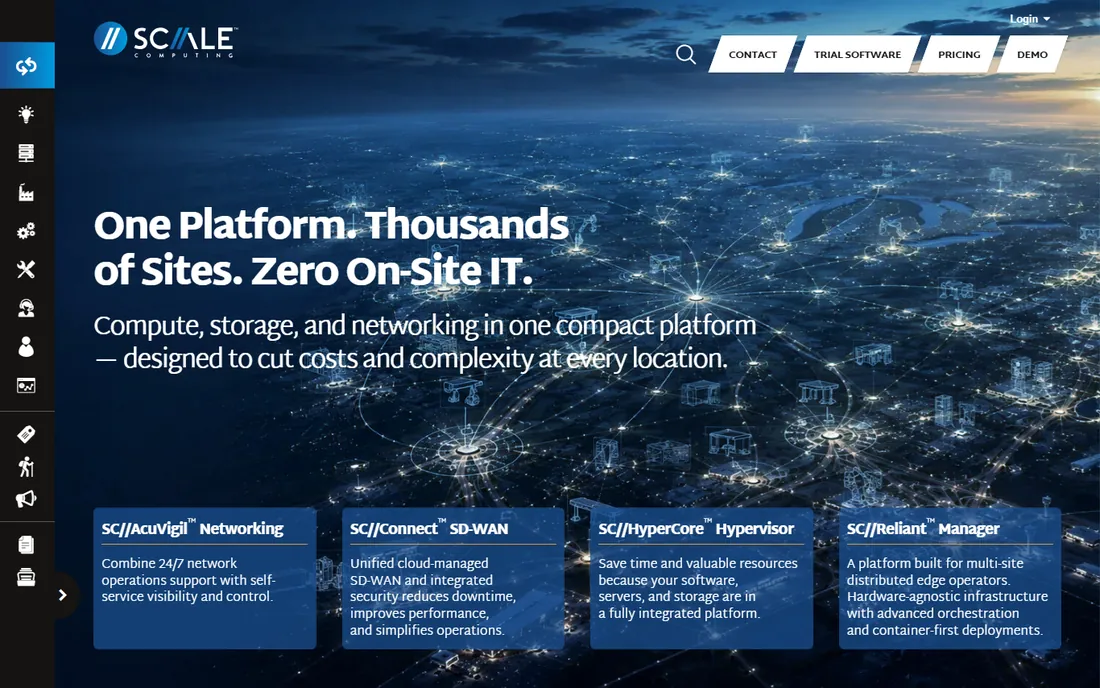
Scale Computing built its name on simplicity: hyperconverged clusters that deploy in under an hour and mostly manage themselves, with a self-healing architecture that handles drive and node failures automatically. It is popular in edge deployments, retail chains, branch offices and SMBs that have no dedicated virtualization staff. The built-in hypervisor (based on KVM) means no separate hypervisor license.
Pricing is quote-based, and the ecosystem of third-party integrations is smaller than VMware's or Nutanix's. Large centralized data centers with complex networking usually outgrow it. For distributed edge estates where each site needs to run itself, Scale Computing's simplicity is a genuine operational advantage that shows up in staffing costs, not just license costs.
What we like- Extremely simple to deploy and manage
- Strong edge and retail use cases
- Self-healing architecture
Watch out for- Quote-only pricing
- Smaller ecosystem
- Less suited to large centralized data centers
How we chose
We compared server virtualization platforms available today across commercial, open-source and hyperconverged categories. For each we checked the vendor's licensing model and published pricing or credible 2026 benchmarks, reviewed feature documentation and public admin feedback on Reddit and review sites, and noted management tooling, ecosystem depth and fit for VMware migration scenarios. We weighted licensing transparency and total cost structure over raw feature counts. We did not run hands-on lab tests; operational notes come from published reviews and vendor documentation.
Licensing traps to watch
The 16-core minimum per processor is the trap most buyers miss. A host with an 8-core CPU still licenses 16 cores, so small hosts pay for capacity that does not exist, and the subscription renews that waste every year. Count physical cores per host, apply the minimum, then multiply by the per-core rate before comparing anything.
Second, check what the bundle actually includes. vSphere Foundation and Cloud Foundation bundle vCenter and management tools that used to be separate purchases, which softens the sticker shock, but advanced networking and storage features may still tier up. Third, verify support terms: free ESXi covers non-production only, community Proxmox gets forum support, and Oracle's free download does not include patches without a support contract. Fourth, confirm application certification; moving a certified app to an uncertified hypervisor can void vendor support. Get the renewal terms in writing, because year-one discounts are common and year-two bills are not.
Open source vs commercial: the real tradeoff
Open source saves license money and spends it on people. Proxmox, XCP-ng and KVM cost nothing to run, but production use needs either paid subscriptions (Proxmox Standard at 550 euros per socket per year, Vates support for XCP-ng) or in-house expertise for patching, backup and troubleshooting. Shops with strong Linux admins often come out ahead; shops without them discover the savings were theoretical.
Commercial platforms sell certainty: vendor support SLAs, certified ecosystems, application vendor support and someone to call at 3 a.m. VMware, Nutanix and Red Hat charge for that certainty per core per year, and the bill compounds. The middle path most migrations take is open source plus a paid support tier, which typically costs a fraction of the commercial equivalent. Whatever you choose, budget the people cost alongside the license cost, because the hypervisor is only as reliable as the team running it.
Frequently asked questions
What is server virtualization software?
Server virtualization software (a hypervisor) lets one physical server run multiple isolated virtual machines, each with its own operating system. It improves hardware utilization, enables live migration and high availability, and is the foundation of private clouds and hyperconverged infrastructure.
How much does server virtualization software cost in 2026?
It ranges from free (Proxmox VE, XCP-ng, KVM, Hyper-V with Windows Server) to per-core subscriptions: VMware vSphere Foundation around $135 per core per year and Cloud Foundation around $350 per core, both quote-only. Nutanix, Red Hat and Scale Computing are quote-based. Always model three years including support renewals.
Is Proxmox a good VMware replacement?
For many workloads, yes. It offers clustering, HA, live migration and backup free, and paid subscriptions add vendor support. Check two things first: whether your applications are certified on non-VMware hypervisors, and whether your team has the Linux skills for production operations. Large enterprises often keep VMware for certified workloads and move the rest.
What is the difference between Type 1 and Type 2 hypervisors?
Type 1 hypervisors (vSphere ESXi, Hyper-V, KVM, XCP-ng, AHV) run directly on the hardware and are used for servers. Type 2 hypervisors (VirtualBox, VMware Workstation) run on top of a desktop OS and are used for development and testing. All nine tools in this guide are Type 1.
Can I virtualize for free in production?
Yes, with caveats. Proxmox VE, XCP-ng and KVM are free for production use, but you should budget for a support subscription or in-house expertise. Free ESXi is non-production only, and Oracle VM's free download does not include patches without paid support. Free software still needs backup, monitoring and patching processes.
Should I choose hyperconverged infrastructure or separate SAN storage?
Hyperconverged (Nutanix, Scale Computing, Proxmox with Ceph) simplifies scaling by adding nodes that bring compute and storage together, and it suits edge and mid-size deployments. Traditional SAN architectures still suit large centralized data centers with existing storage investments. Do not rip out working SAN infrastructure just to chase the HCI trend; evaluate at hardware refresh time.
Sources we checked (13)
- https://www.sdxcentral.com/analysis/whats-up-with-broadcoms-vmware-price-license-changes/
- https://www.stackscale.com/blog/vmware-licensing-2026/
- https://www.riministreet.com/solutions/vmware/vsphere/
- https://v2cloud.com/blog/vmware-vsphere-licensing-and-costs
- https://fone.tips/vmware-vsphere-hypervisor/
- https://redresscompliance.com/vvf-licensing-guide-2026
- https://www.cocus.com/en/proxmoxve-migration/
- https://www.comparethecloud.net/articles/renew-vmware-cloud-foundation-move-to-nutanix-or-migrate-to-proxmox-ve
- https://en.wikipedia.org/wiki/Proxmox_Virtual_Environment
- https://www.saashub.com/compare-proxmox-vs-xcp-ng
- https://slashdot.org/software/comparison/Microsoft-Hyper-V-vs-Nutanix-AHV-vs-Oracle-VM/
- https://slashdot.org/software/comparison/IBM-Cloud-Red-Hat-Openshift-vs-Nutanix-AHV/
- https://Slashdot.org/software/comparison/Nutanix-AHV-vs-Red-Hat-Enterprise-Virtualization/
Is your product missing or out of date?
We review this list regularly. Vendors can request a listing, send updated pricing or ask about featured placement.

Shihab Mia · Founder, Rankite
Shihab has spent more than a decade helping SaaS and e-commerce brands grow through search. He writes Rankite's software buying guides from pricing pages, documentation and public user reviews. More about Shihab.