How we make this list: we compare pricing pages, product documentation and public user reviews. Rankite is independent; if a vendor ever pays for a featured spot, that listing is clearly labeled Partner.
Key takeaways
- Stop using the card the moment files go missing, and never recover files back onto the same card.
- Disk Drill is the best all-rounder for most people, with 500MB free on Windows and a camera-specific recovery module.
- PhotoRec and DMDE are the free and cheap options that still recover files reliably if you can handle the learning curve.
- R-Studio and UFS Explorer are the professional picks for damaged cards, fragmented video and RAID-style rebuilds.
Quick comparison
| Tool | Best for | Starting price | Free plan |
|---|
 Disk Drill Disk Drill | most people recovering photos and video | $89 per year | Yes (500MB on Windows) |
 R-Studio R-Studio | professionals and difficult cases | See website | Free trial |
 UFS Explorer UFS Explorer | complex recoveries and RAID-style media | See website | Free trial |
 PhotoRec PhotoRec | free recovery with no limits | Free | Yes |
 EaseUS Data Recovery Wizard EaseUS Data Recovery Wizard | beginners who want guidance | See website | Yes (500MB) |
 Wondershare Recoverit Wondershare Recoverit | guided recovery of photos and video | See website | Free trial |
 Stellar Data Recovery Stellar Data Recovery | simple recovery with a generous free tier | See website | Yes (1GB) |
 Recuva Recuva | quick undeletion of recently deleted files | See website | Yes |
 DMDE DMDE | technical users who want pro features cheap | See website | Yes (4,000 files per operation) |
 DiskGenius DiskGenius | recovery plus partition and disk management | See website | Free trial |
Is your product missing or out of date?
We review this list regularly. Vendors can request a listing, send updated pricing or ask about featured placement.
Starting price$89 per year
Free planYes (500MB on Windows)
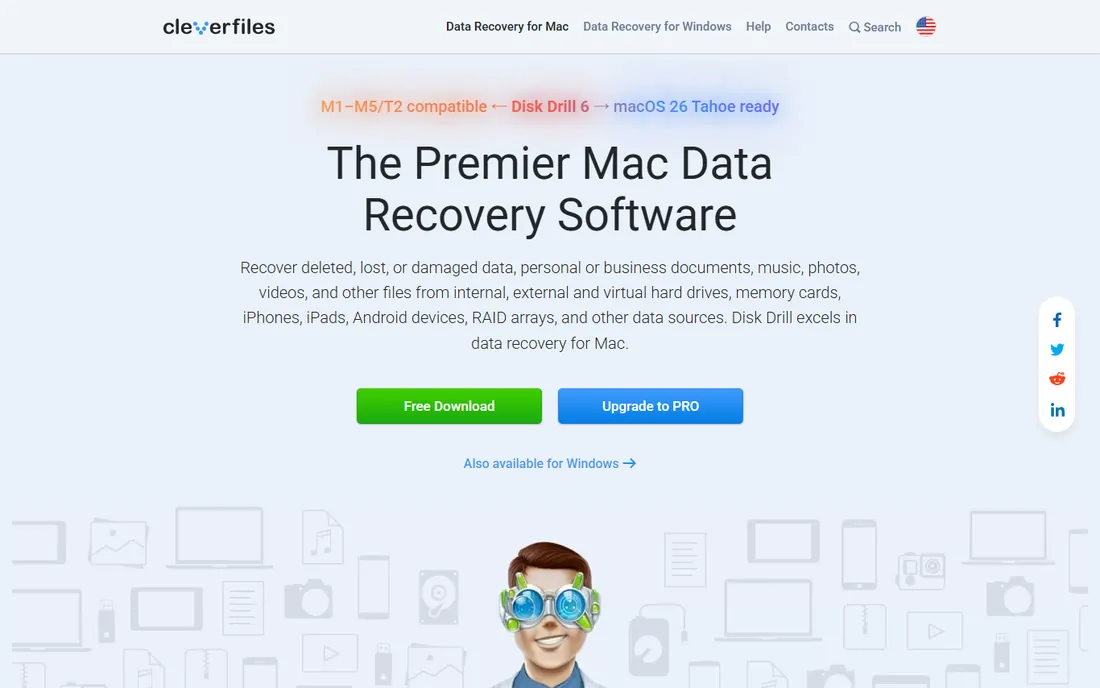
Disk Drill consistently tops independent SD card recovery tests, scoring near-perfect recovery on photos and video in 2026 roundups. The interface walks you through scanning in plain language, and the Advanced Camera Recovery module reconstructs fragmented video files from GoPro, DJI and Canon cameras, a common failure point where simpler tools return corrupt clips. You can preview everything recoverable before spending anything.
The free tier allows 500MB of recovery on Windows, enough to verify the tool works on your card. Paid plans run $89 per year or $149 for a lifetime license. On Mac the free recovery is far more limited. For the typical "my camera card got formatted" disaster, this is the first tool to try.
What we like- Excellent recovery rates in independent tests
- Advanced Camera Recovery for fragmented video
- Preview before paying
Watch out for- Mac free tier is very limited
- Subscription needed for full use
Starting priceSee website
Free planFree trial
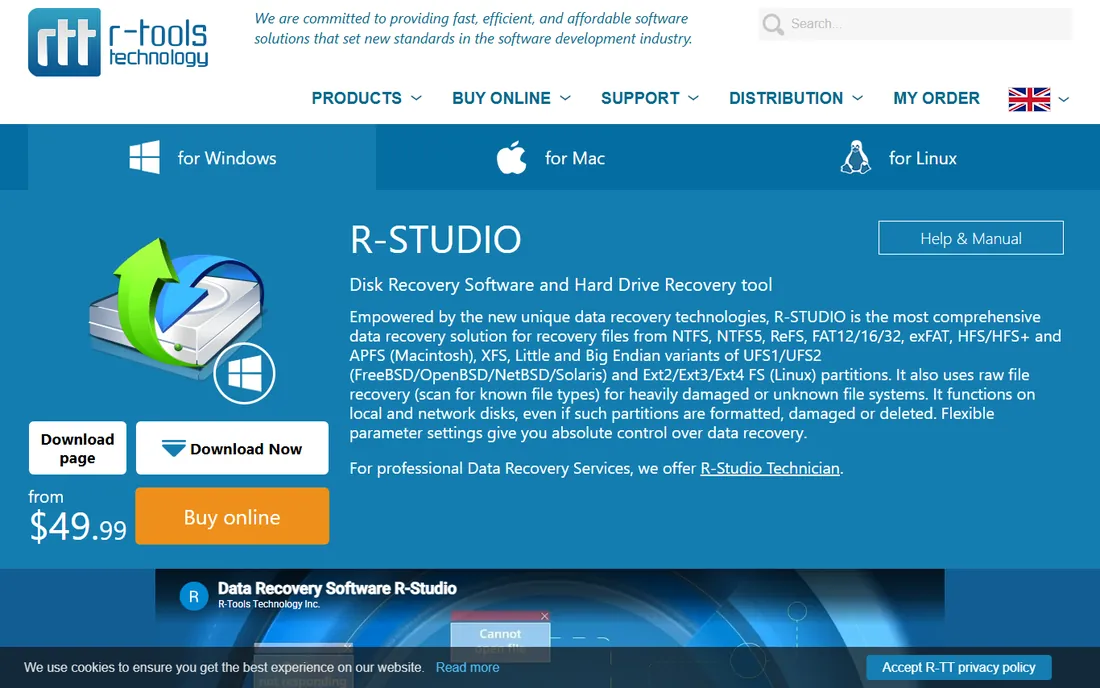
R-Studio is what data recovery technicians reach for when consumer tools fail. Its scan engine handles damaged file systems, lets you edit file signatures, and scans specific regions of a card, which matters when a card reads slowly or throws errors. It creates byte-to-byte disk images so you can work on a copy instead of stressing failing media.
All that power comes with an interface built for engineers, not casual users. Pricing is per-license rather than subscription, but check the current site for exact figures. If your card is unstable, partially readable, or holds footage worth real money, R-Studio earns its reputation.
What we like- One of the deepest scan engines available
- Works on Windows, Mac and Linux
- Disk imaging built in
Watch out for- Steep learning curve
- Interface is unapologetically technical
Starting priceSee website
Free planFree trial
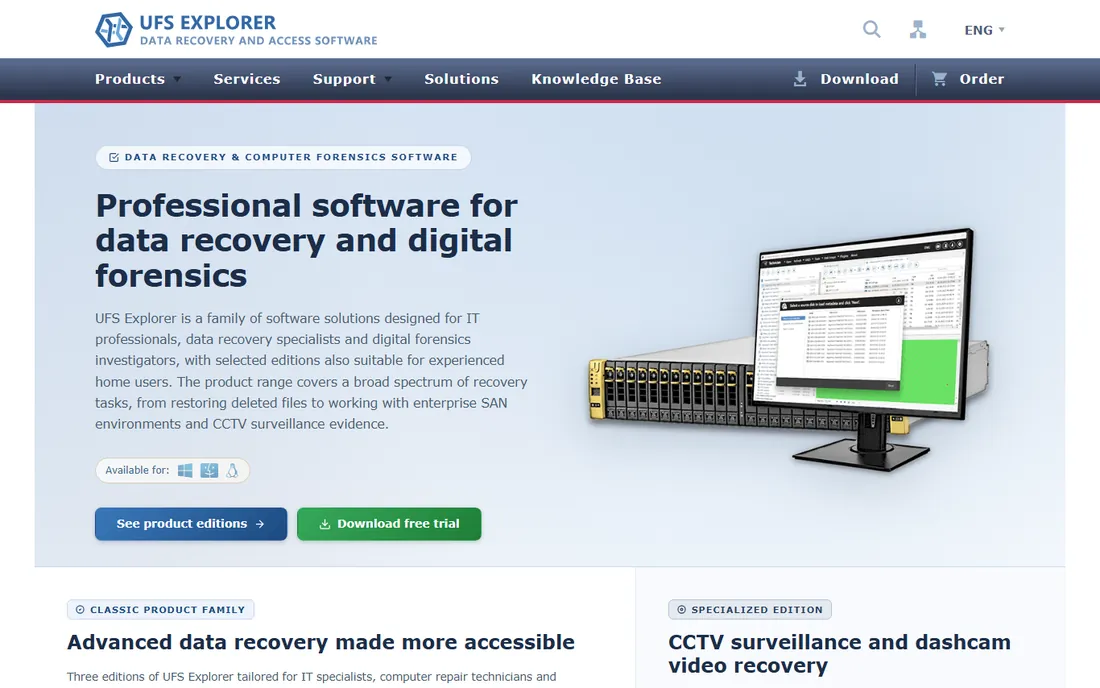
UFS Explorer sits in the same professional tier as R-Studio, with its IntelliRAW engine doing sector-level deep scans that find files other tools miss. Independent testers praise its recovery performance on formatted and damaged media, and it handles file systems and RAID configurations far beyond what consumer tools attempt.
The Standard edition is the sensible buy for most serious cases; the Pro edition targets labs. The interface is logical but dense, and high-DPI scaling could be better. For SD cards specifically, its strength shows on corrupted cards where the file system itself is damaged rather than just deleted.
What we like- IntelliRAW deep scan engine
- Handles exotic file systems
- Strong with fragmented files
Watch out for- Dense interface
- Standard edition needed for full recovery features
Starting priceFree
Free planYes
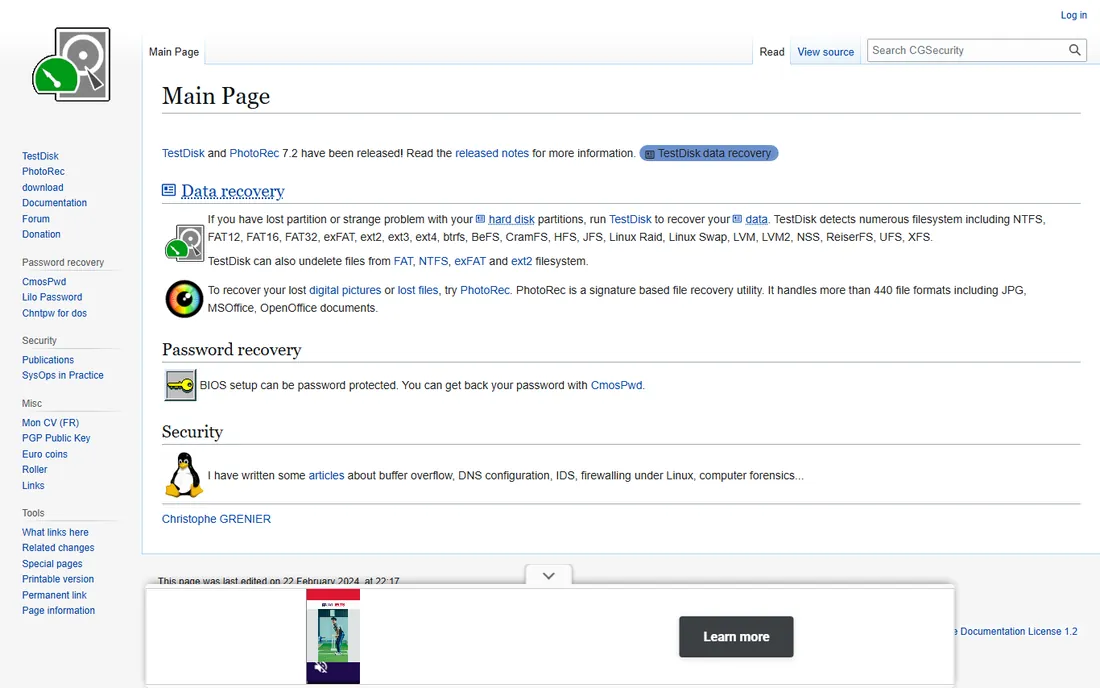
PhotoRec is the free tool that professionals keep in their kit anyway. It ignores the file system entirely and carves files by their signatures, which means it works even when the card's file system is destroyed. It is read-only, so it cannot make things worse, and there are no recovery caps, trials or upsells.
The price is usability: the interface is text-based, and recovered files come back with generic names in flat folders, leaving you to sort hundreds of images manually. For photos that is often acceptable; for organized projects it is painful. When the budget is zero and the files matter, PhotoRec delivers.
What we like- Completely free and open source
- Read-only, safe carving
- Works after file system damage
Watch out for- Text-based interface
- Recovered files lose original names and folders
#5
EaseUS Data Recovery Wizard
Best for: beginners who want guidance
Visit easeus.com
Starting priceSee website
Free planYes (500MB)
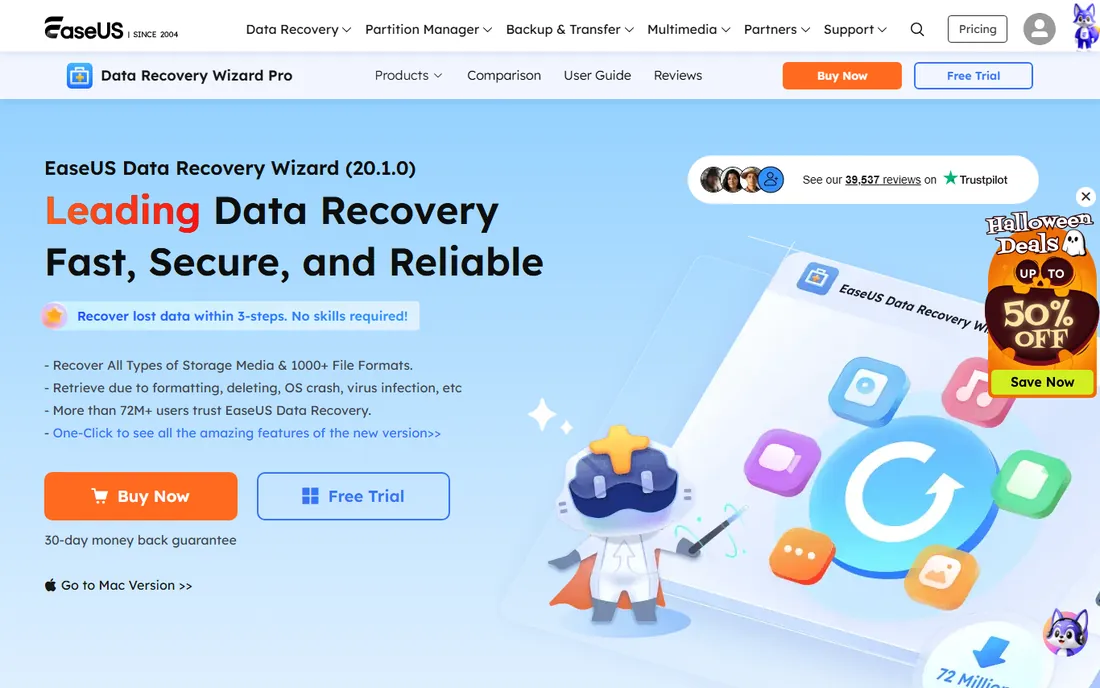
EaseUS is the most beginner-friendly commercial option: pick the card, scan, preview, recover. In independent speed tests it scanned faster than most rivals while finding a large number of files. The default free tier covers 500MB, extendable to 2GB through their sharing program, which is generous for a commercial tool.
The catch is long-term cost. Subscription pricing makes it one of the pricier options if you keep it installed, so treat it as a one-job purchase unless you recover data regularly. For a first-timer panicking over a formatted card, the guided workflow is worth a lot.
What we like- Very approachable three-step workflow
- Fast scans in tests
- Generous 2GB free tier with sharing
Watch out for- Subscription pricing is expensive long-term
- Upsells during the process
Starting priceSee website
Free planFree trial
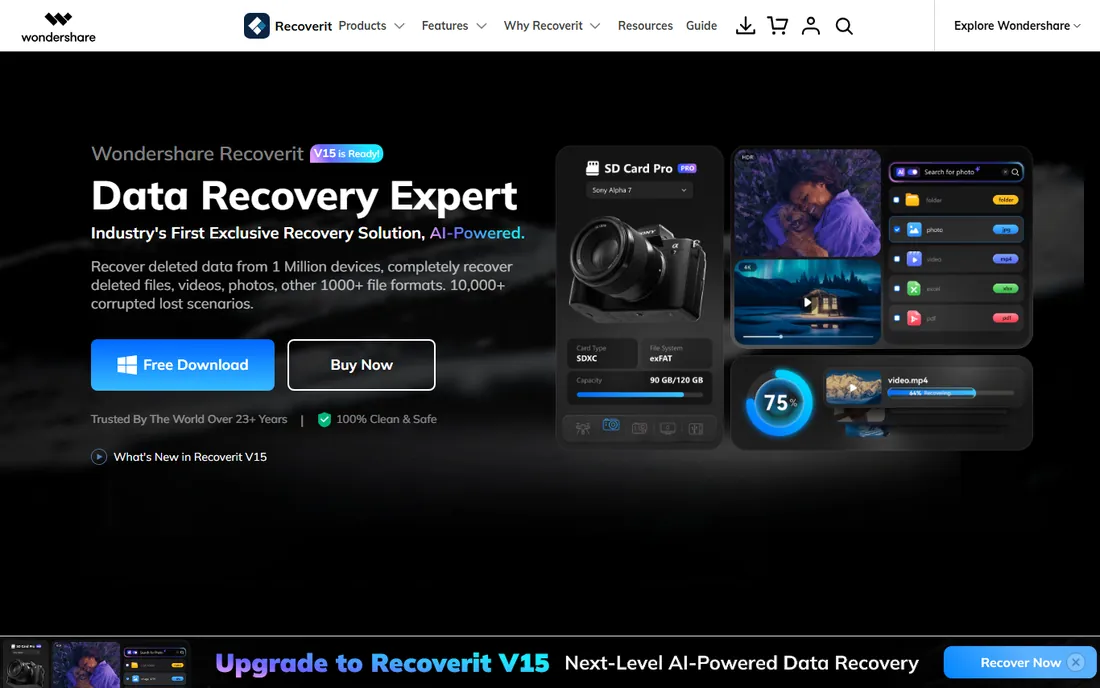
Recoverit offers one of the most hand-held recovery experiences: a dedicated SD card mode, clear file type filters, and previews that let you confirm files before paying. It handles deleted, formatted and RAW cards well, and the interface is among the most polished in the category.
The free version lets you scan and preview but requires a paid plan to actually recover, so budget accordingly. Pricing is subscription-based, which independent reviewers flag as less cost-effective than lifetime licenses for occasional use. If you want the calmest possible experience and do not mind the subscription, it is a strong pick.
What we like- Dedicated SD card recovery mode
- Good preview and filtering
- Polished interface
Watch out for- Subscription pricing
- Free tier is scan-and-preview only
Starting priceSee website
Free planYes (1GB)
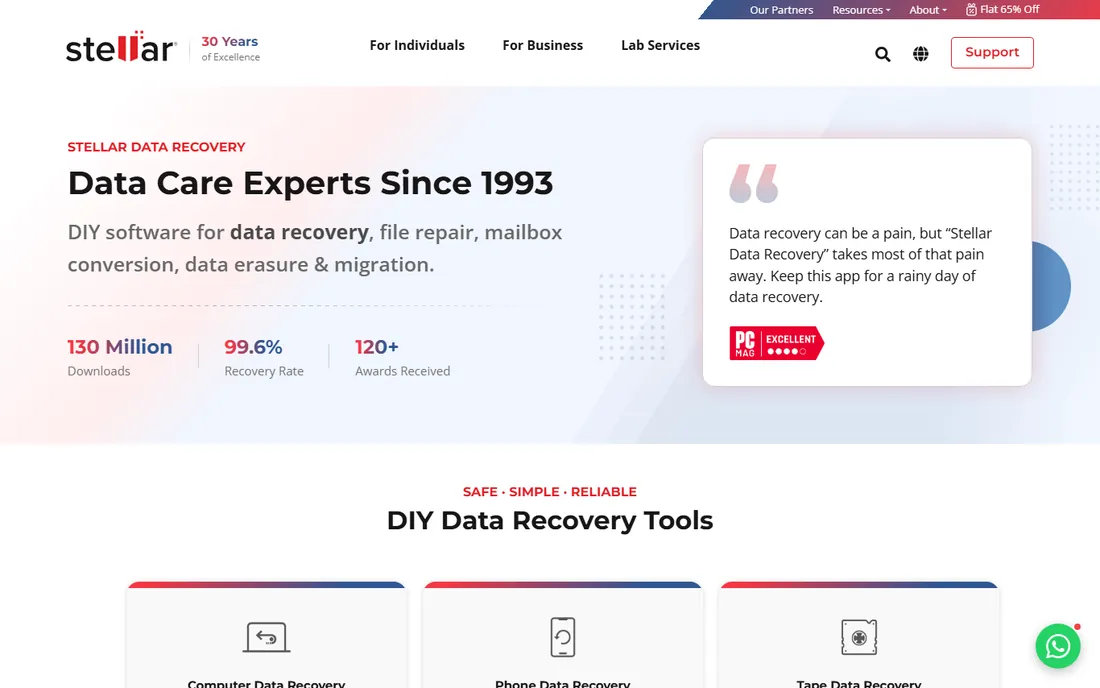
Stellar's standout is the free tier: 1GB of actual recovery, double what most commercial rivals offer, plus file previews before you commit. The interface is clean and the scans are straightforward, making it a good first attempt before reaching for heavier tools.
On genuinely difficult cards, fragmented video, damaged file systems, independent tests rank it a notch below Disk Drill and R-Studio. Paid plans add unlimited recovery with a 30-day money-back guarantee. Try the free gigabyte first; if it finds your files intact, you may not need anything else.
What we like- 1GB free recovery
- Clean interface
- 30-day money-back guarantee
Watch out for- Recovery depth trails the leaders on tough cases
- Paid plans needed beyond 1GB
Starting priceSee website
Free planYes
Recuva is the old reliable of free undeletion. For recently deleted photos on a healthy card, it finds and restores them with no recovery limits and no payment. It is small, fast, and simple enough for anyone to use.
Its limits show on harder jobs: RAW camera files, fragmented video and formatted cards are where it falls behind modern tools. Development has been quiet in recent years. Think of it as the quick first attempt for simple deletions, and move to Disk Drill or PhotoRec if it comes up short.
What we like- Completely free with no recovery caps
- Tiny and fast
- From the CCleaner team
Watch out for- Weak on RAW files and fragmented video
- Interface is dated
#9
DMDE
Best for: technical users who want pro features cheap
Visit dmde.com
Starting priceSee website
Free planYes (4,000 files per operation)
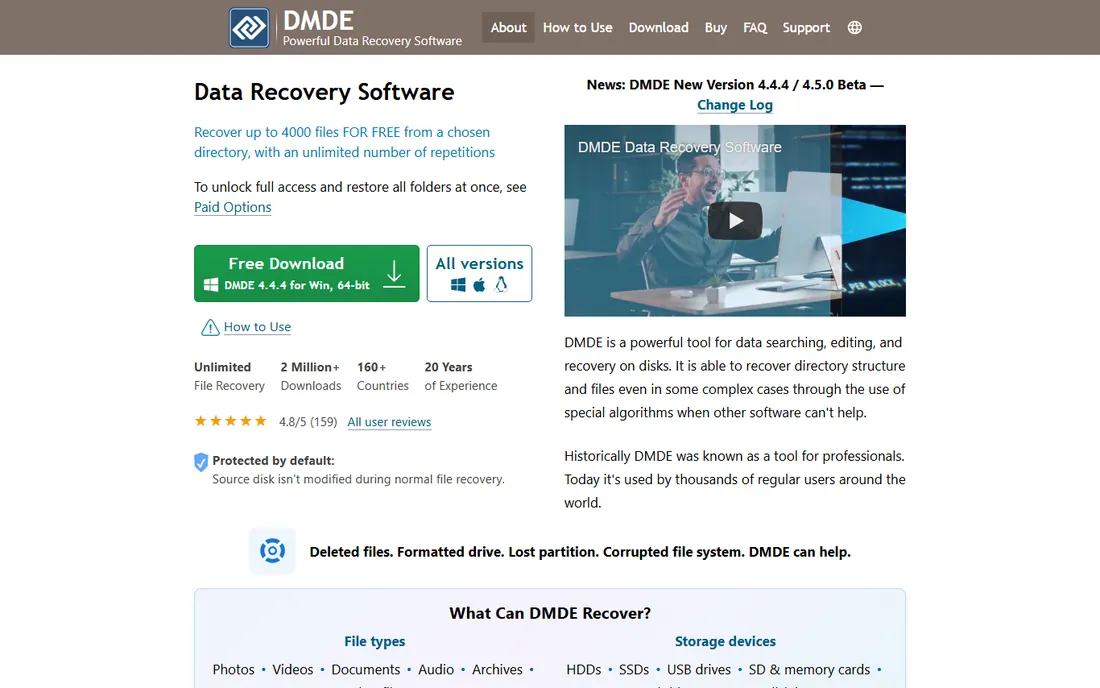
DMDE (DM Disk Editor) is a favorite among technicians: a disk editor, partition manager and recovery tool in one, with a paid license that costs a fraction of the big commercial tools. The free edition recovers up to 4,000 files per directory per operation, which covers many real SD card jobs outright.
It also creates disk images, which is exactly what you want for an unstable card. The interface and documentation assume you know what a partition table is. If you are comfortable with technical tools, DMDE offers remarkable value; if not, the learning curve is real.
What we like- Powerful disk editor and imaging
- Very affordable paid license
- Free edition is genuinely useful
Watch out for- Interface assumes technical knowledge
- Documentation is dense
Starting priceSee website
Free planFree trial
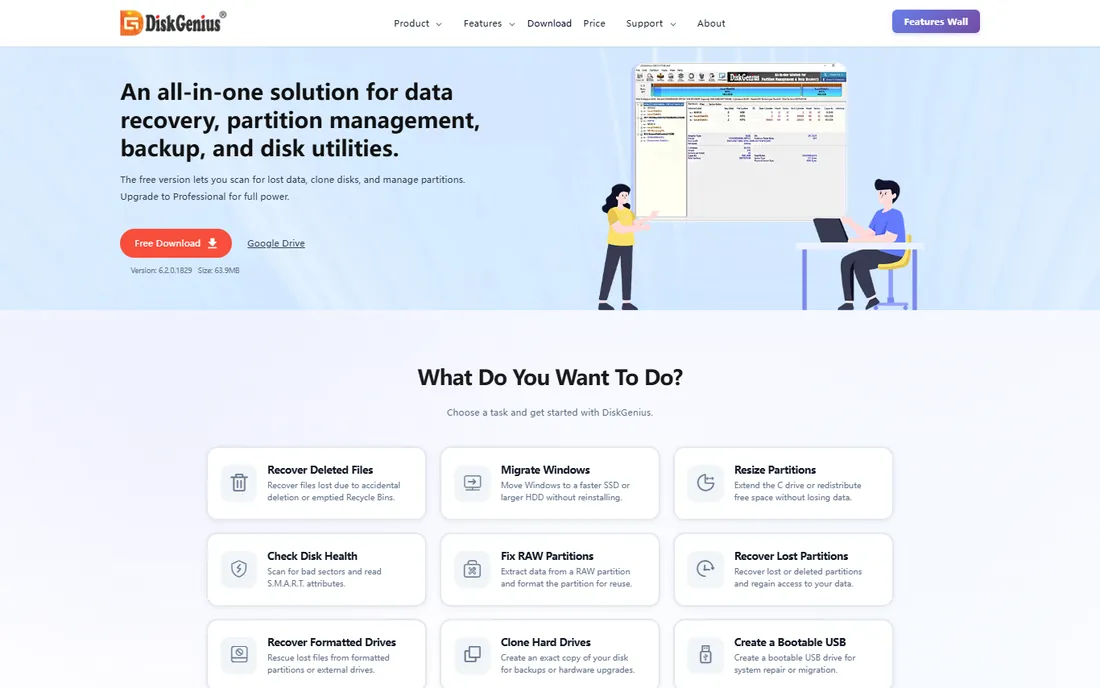
DiskGenius bundles file recovery with partition management, disk cloning and bad-sector repair, which makes it useful when the SD card problem is really a partition problem. It recovers deleted and formatted files competently and gives you the tools to fix the underlying disk issues in the same program.
The interface packs a lot into one window and can overwhelm. The free version scans and previews; recovery needs a license. For users who also manage disks and partitions regularly, the bundle makes sense; for a one-off photo recovery, a simpler tool gets there faster.
What we like- Combines recovery with partition tools
- Handles lost partitions well
- Bad-sector handling
Watch out for- Interface is busy
- Full features need the paid edition
What to do first when files go missing
Stop using the card immediately. Every new write risks overwriting the deleted files, and on some devices background processes make deleted data unrecoverable fast. If the card reads slowly, shows errors, or feels hot, create a byte-to-byte disk image first with Disk Drill, R-Studio or DMDE, then scan the image instead of the card.
Recover to a different drive, never back to the same card. And if the card is physically cracked, not detected at all, or overheating, skip software entirely and talk to a professional lab: no application can fix broken hardware.
When software is not enough
Multiple formats with no new writes still leave decent odds, but a full overwrite or heavy reuse after deletion usually means only fragments survive. If two good tools both come up empty on files that matter, a lab with cleanroom equipment is the next step, at hundreds of dollars and up. Know when to stop scanning and start calling.
How we compared them
We drew on 2026 independent test roundups that scored tools on recovery performance, usability, speed, compatibility and cost, and cross-checked pricing and free-tier limits against vendor sites. We favored tools with SD-card-specific features like camera recovery modes and disk imaging. We did not run our own recovery benchmarks.
Frequently asked questions
Can I recover files from a formatted SD card?
Often yes, if nothing has overwritten them. Quick formats only remove the file index, so recovery software can usually rebuild it. Stop using the card immediately for the best odds.
What is the best free SD card recovery software?
PhotoRec is the best fully free option with no recovery limits, though it needs technical comfort. Disk Drill's free 500MB and Stellar's free 1GB let you recover a meaningful amount without paying.
How much does Disk Drill cost?
Disk Drill is $89 per year or $149 for a lifetime license, with 500MB of free recovery on Windows to test with before buying.
Should I scan the card directly or make an image first?
If the card is healthy and readable, direct scanning is fine. If it reads slowly, reports errors, or disconnects, image it first with Disk Drill, R-Studio or DMDE and scan the image to avoid stressing failing media.
Can recovery software fix a physically broken SD card?
No. Cracked cards, cards that are not detected, and cards that overheat need a professional data recovery lab. Software only helps when the card is electronically readable.
Why do recovered files sometimes have wrong names?
File carvers like PhotoRec rebuild files from raw data signatures without the original file system index, so names and folder structure are lost. Tools that can read the surviving file system, like Disk Drill or R-Studio, preserve names when the index is intact.
Sources we checked (12)
- https://www.cleverfiles.com/
- https://www.r-studio.com/
- https://www.ufsexplorer.com/
- https://www.cgsecurity.org/
- https://www.easeus.com/datarecoverywizard/
- https://recoverit.wondershare.com/
- https://www.stellarinfo.com/
- https://www.ccleaner.com/recuva
- https://dmde.com/
- https://www.diskgenius.com/
- https://www.handyrecovery.com/free-sd-card-recovery-software/
- https://ratings.7datarecovery.com/sd-card-recovery-software/
Is your product missing or out of date?
We review this list regularly. Vendors can request a listing, send updated pricing or ask about featured placement.

Shihab Mia · Founder, Rankite
Shihab has spent more than a decade helping SaaS and e-commerce brands grow through search. He writes Rankite's software buying guides from pricing pages, documentation and public user reviews. More about Shihab.