How we make this list: we compare pricing pages, product documentation and public user reviews. Rankite is independent; if a vendor ever pays for a featured spot, that listing is clearly labeled Partner.
Key takeaways
- PhotoRec is the only truly free and unlimited option, but it has no graphical preview and gives every recovered file a generic name.
- Disk Drill and EaseUS Data Recovery Wizard are the easiest for beginners, with free tiers that cover small recoveries (500MB and 2GB).
- R-Studio is the technician favorite for badly damaged cards, though its interface assumes you already know what a file system is.
- If your card is physically cracked, bent, or not detected by any computer, no software will help. That is a job for a recovery lab.
- Always recover files to a different drive, never back to the same SD card, or you risk overwriting the files mid-recovery.
Quick comparison
| Tool | Best for | Starting price | Free plan |
|---|
 Disk Drill Disk Drill | Beginners who want a clean interface | $89/year (one-year subscription) | Yes (up to 500MB free recovery) |
 EaseUS Data Recovery Wizard EaseUS Data Recovery Wizard | Guided step-by-step recovery | $69.95/month | Yes (up to 2GB free recovery) |
 Recuva Recuva | Quick free recovery on Windows | See website | Yes |
 R-Studio R-Studio | Technicians and damaged cards | See website | Free trial |
 PhotoRec PhotoRec | Free unlimited recovery, no frills | Free | Yes |
 Stellar Data Recovery Stellar Data Recovery | Photo and video repair included | See website | Yes (1GB free recovery) |
 Wondershare Recoverit Wondershare Recoverit | Corrupted video recovery | See website | Free trial |
 DiskGenius DiskGenius | Partition loss plus full disk tools | See website | Yes (free edition) |
Is your product missing or out of date?
We review this list regularly. Vendors can request a listing, send updated pricing or ask about featured placement.
The best SD card recovery software, compared
Starting price$89/year (one-year subscription)
Free planYes (up to 500MB free recovery)
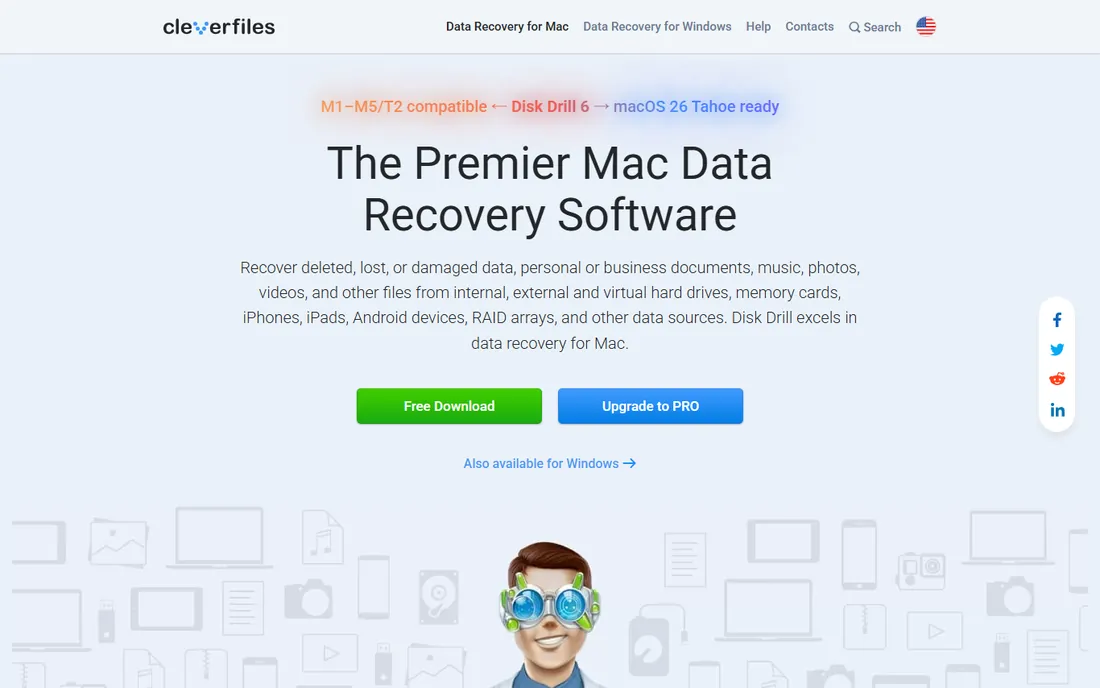
Disk Drill is the tool to hand someone who has never done data recovery before. You plug in the card, pick it from the device list, run the scan, preview what it found, and recover. The interface stays in plain English the whole way, which matters when you are stressed about lost wedding photos.
What sets it apart is the safety-first design. Disk Drill can create a byte-to-byte backup image of the card before you scan, so you work on the image instead of the fragile original. It also scans cards even when the file system is unreadable, which is exactly the state most corrupted SD cards are in.
The honest catch is the 500MB free recovery cap. That covers a handful of photos, but a full day of RAW shooting will blow past it fast. The $89 yearly subscription removes the cap, and a $149 lifetime license exists if you prefer paying once. Deep scans on large cards can also take a couple of hours, so start the scan and walk away.
What we like- Three-click recovery with plain-English steps
- Byte-to-byte card backup before scanning
- Recovery Vault protection guards against future deletions
Watch out for- Free tier capped at 500MB
- Deep scans are slow on cards above 128GB
#2
EaseUS Data Recovery Wizard
Best for: Guided step-by-step recovery
Visit easeus.com
Starting price$69.95/month
Free planYes (up to 2GB free recovery)
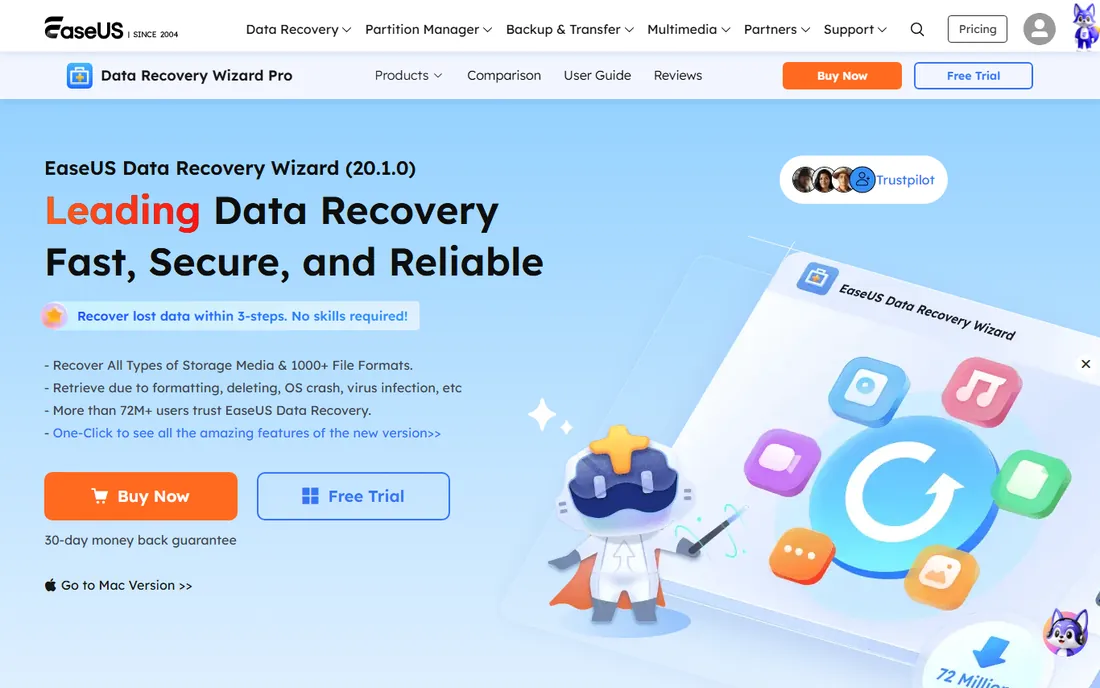
If Disk Drill is the friendly option, EaseUS is the hand-holding one. The software opens with a simple three-step flow (select location, scan, recover) and it supports more than 1,000 file types, including the RAW formats from Canon, Nikon, and Sony cameras. For photographers, that format coverage is the whole point.
The 2GB free recovery tier is genuinely useful. Many single-session losses, like one afternoon of JPEGs, fit inside it. The scanner also shows a live preview of found files while it works, so you can tell within minutes whether your photos are still there.
The downside is the pricing structure. At $69.95 a month, it is the priciest way to recover one card one time. The yearly plan at $99.95 and the $149.95 lifetime license make more sense if you do this regularly. Also, the installer has a habit of suggesting other EaseUS tools, so read each screen during setup.
What we like- Wizard flow walks you through every step
- Recovers over 1,000 file types including camera RAW
- Free tier allows 2GB of actual recovery
Watch out for- Monthly plan is expensive for one-time use
- Installer pushes other EaseUS products
Starting priceSee website
Free planYes
Recuva has been around for years, and it remains the fastest way to attempt a free recovery on a Windows PC. The program is small, installs in under a minute, and the free version recovers unlimited data with no cap. For a recently deleted batch of photos on a healthy card, it often finishes the job before you have poured your coffee.
It includes a deep scan mode for files that the quick scan misses, plus a secure overwrite feature for permanently deleting sensitive files. The paid Professional tier adds virtual drive support and automatic updates for around $25 a year, which is cheap by this category's standards.
The tradeoffs are real. Recuva runs on Windows only, so Mac users need to look elsewhere. The interface looks like it stopped evolving a decade ago, and it is not the strongest pick when the card's file system is badly damaged. Think of it as a fast first attempt, not a last resort.
What we like- Free version recovers unlimited data
- Tiny download and fast install
- Deep scan mode finds buried files
Watch out for- Windows only
- Dated interface
- Struggles with heavily damaged file systems
Starting priceSee website
Free planFree trial
When the friendly tools fail, technicians reach for R-Studio. It is built for the ugly cases: cards that show up as RAW, partitions that vanished, file systems that no consumer tool can read. Its raw file recovery mode searches by file signature, so it can pull JPEGs and videos off a card even when every trace of the file table is gone.
R-Studio also does the professional workflow properly. You image the card first, then scan the image, so the dying original is touched as little as possible. It supports RAID reconstruction and network recovery too, though neither matters for a single SD card.
The catch is that it expects you to know what you are doing. Terms like inode, MFT, and block size appear without apology. The license is also priced for professionals, so buying it for one corrupted vacation card is hard to justify. Use the free demo to see if it finds your files, then decide.
What we like- Best-in-class handling of damaged and RAW cards
- Creates disk images and works from them
- Supports network recovery for remote machines
Watch out for- Steep learning curve
- Overkill and overpriced for one lost folder
Starting priceFree
Free planYes
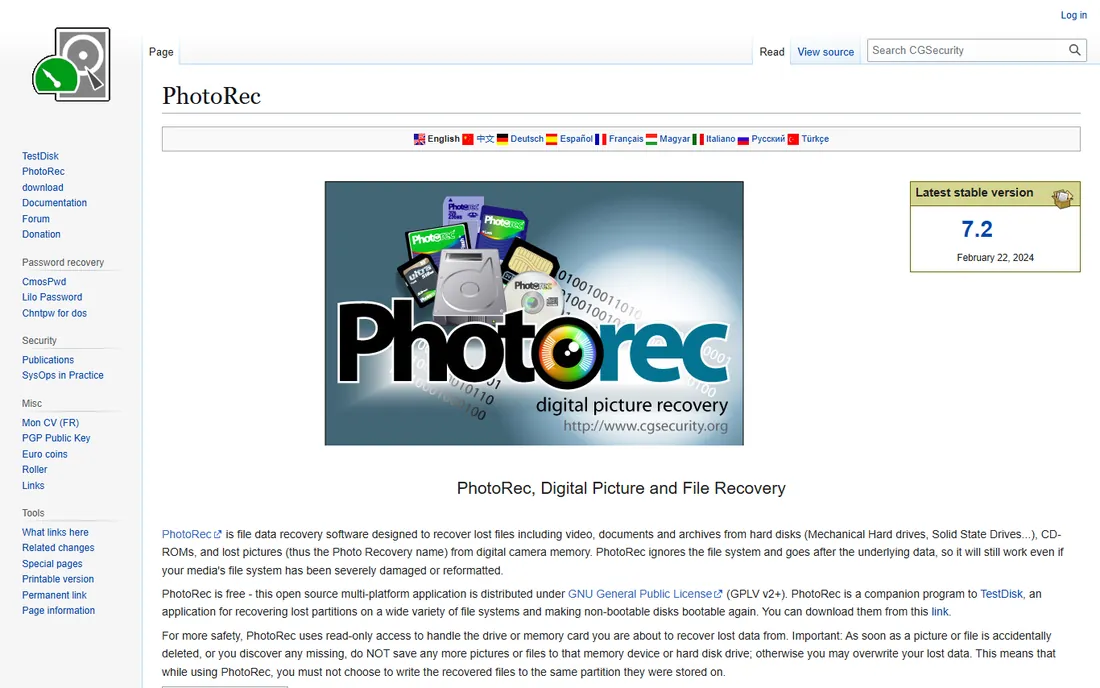
PhotoRec is the only tool here that is free forever with zero limits, and it is open source to boot. It ignores the file system entirely and carves files straight from the raw data, which is why it still works on cards that have been formatted or badly corrupted. It runs on Windows, Mac, and Linux.
The reason everyone does not just use PhotoRec is the experience. There is no graphical preview, no click-to-recover buttons, just a text interface that walks you through options. Recovered files come out with generic names, so a 2,000-photo recovery means sorting through f0012345.jpg by hand.
If you are comfortable with that tradeoff, nothing beats the price. Pair it with its companion TestDisk for partition problems. For non-technical users, try a graphical tool first and keep PhotoRec as the free backup plan.
What we like- Completely free and open source with no caps
- Ignores the file system so it works on formatted cards
- Runs on Windows, Mac, and Linux
Watch out for- Command-line interface with no file preview
- Recovered files get generic names like f0012345.jpg
Starting priceSee website
Free planYes (1GB free recovery)
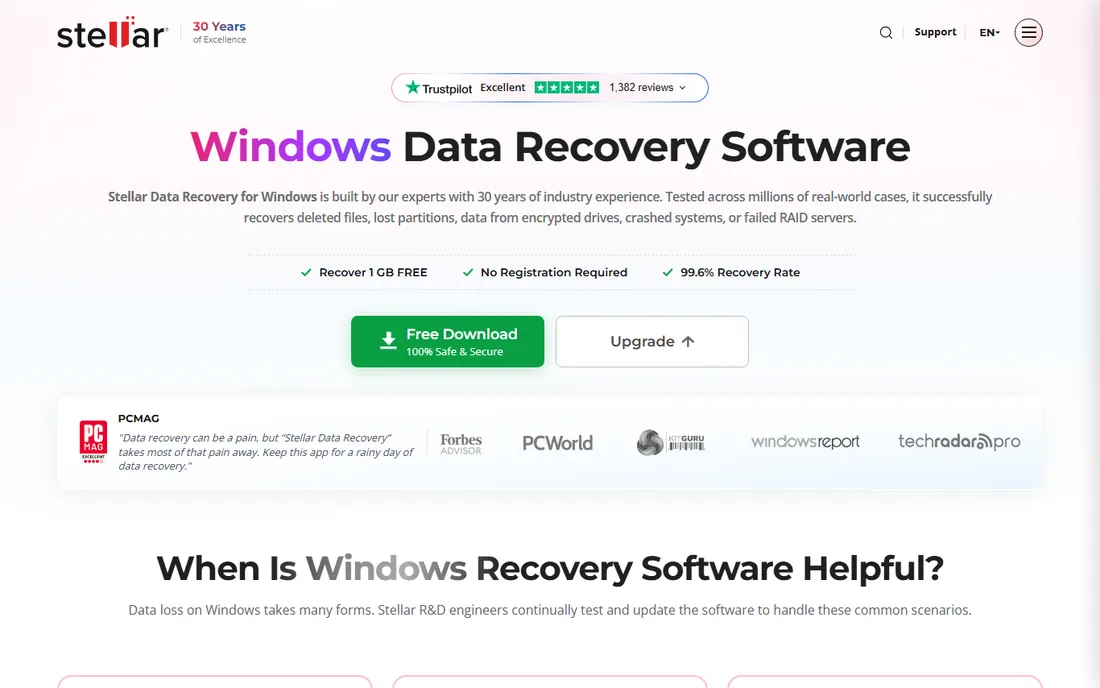
Stellar earns its spot with a feature most rivals lack: built-in repair for corrupted photos and videos. SD cards from action cameras and drones often produce files that are recovered but will not open, and Stellar's repair module fixes gray, pixelated, or unplayable files in the same workflow.
The free tier recovers up to 1GB without registration, which is enough to test whether your files are intact. It also handles BitLocker-encrypted drives and can create bootable media for unbootable systems, though those matter more for hard drives than memory cards.
Pricing is the weak point. The Standard plan starts around $60 a year, noticeably more than Recuva's paid tier or a Disk Drill year, and the software nudges you toward the higher Professional and Premium tiers during recovery. If you only need plain file recovery, cheaper tools do the same job.
What we like- Repairs corrupted photos and videos after recovery
- Recovers from BitLocker-encrypted drives
- Free tier covers 1GB
Watch out for- Paid plans cost more than simpler rivals
- Upsells repair features during recovery
Starting priceSee website
Free planFree trial
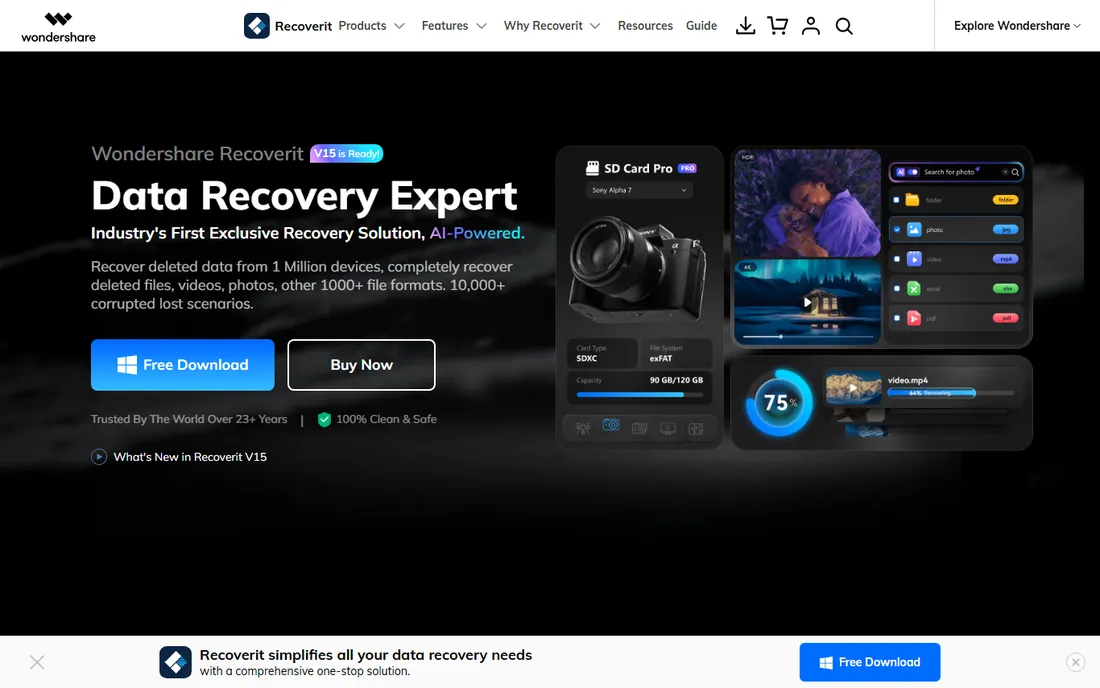
Recoverit targets the same pain point as Stellar: video that comes back broken. Its patented fragment-gathering tech reassembles Ultra HD, 4K, and 8K footage, which is exactly what drone and GoPro users lose when a card corrupts mid-write. If your loss is video-heavy, it deserves a look.
The interface is modern and the AI search lets you describe what you are looking for by file type, camera, or date instead of digging through folder trees. It also covers NAS and Linux recovery, unusual breadth for a consumer tool.
The free version is more of a demo than a tool, with a small recovery allowance that runs out fast. Wondershare's pricing pages lean heavily on subscriptions, so check the final price at checkout. Treat it as a specialist for video, not the default pick.
What we like- Strong video fragment recovery for action cameras and drones
- AI-assisted file search
- Supports NAS and Linux recovery too
Watch out for- Free version is very limited
- Pricing pages push subscriptions hard
Starting priceSee website
Free planYes (free edition)
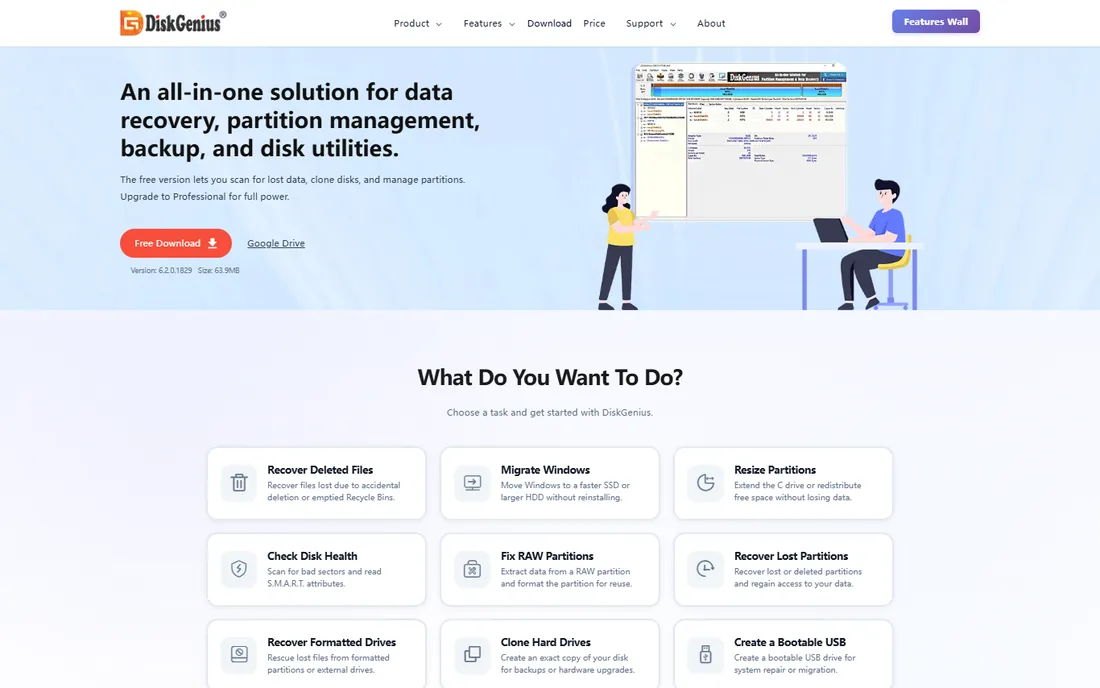
DiskGenius is two tools in one: a data recovery program and a full disk utility. Its partition recovery is genuinely good, rebuilding lost or deleted partitions by searching disk sectors for boot signatures. If your SD card shows up as unallocated space, this is one of the best tools for the job.
The free edition lets you scan and preview recoverable files with no time limit, so you can verify everything before paying. Beyond recovery, you get partition resizing, disk cloning, bad-sector checking, and S.M.A.R.T. monitoring in the same package.
The downside is focus. The interface is packed with disk-management features that a one-time recovery user will never touch, and the learning curve is steeper than Disk Drill or EaseUS. It is also Windows-only. Buy it if you want a permanent disk toolkit; otherwise the free edition handles the scan-and-preview stage fine.
What we like- Excellent partition recovery for deleted or lost partitions
- Doubles as a full partition manager and disk cloner
- Free edition scans and previews everything
Watch out for- Windows only
- Interface is dense with disk-management tools a recovery user may never touch
How we chose
We started from the tools that working photographers, drone operators, and repair technicians actually mention, then checked each vendor's current product page for pricing, free tiers, and stated SD card support. We read documentation, public reviews on G2 and Capterra, and long-running Reddit threads where users report what actually recovered their files. We never claim hands-on testing. What we weighed: whether the free tier allows real recovery (not just scanning), how the tool handles FAT32 and exFAT cards, whether it can work from a disk image, and how honest the pricing is.
What to do before you scan: a short recovery playbook
Stop writing to the card the moment you notice a problem. Remove it from the camera or phone, slide the physical lock switch if it has one, and do not format it even if the device begs you to. Formatting makes recovery harder, not easier.
Image the card first if the tool supports it. Disk Drill, R-Studio, and DiskGenius can all create a sector-by-sector copy, and scanning the copy means the original is only read once. This matters most when the card is already flaky, since every read of a dying card risks more damage.
Recover to a different drive. Every tool on this list asks where to save recovered files, and the answer is always a folder on your computer, never the card itself. Writing recovered data back to the source card is the most common way people destroy the files they just found.
Free vs paid: where the line really is
Free recovery software splits into two camps. PhotoRec, Recuva, and the free editions of DiskGenius genuinely recover files at no cost, with the tradeoff being effort or platform limits. The rest offer free scanning with capped recovery: 500MB for Disk Drill, 2GB for EaseUS, 1GB for Stellar. That is enough for a few dozen photos but not a full shoot.
Pay when the free caps run out or when the card is badly damaged. A single $60 to $90 license is cheap compared to a professional lab, which starts around $300 and climbs fast. But do not buy before you scan. Every paid tool here lets you preview what it found first, so only pay when you can see your files in the preview.
Frequently asked questions
Can software recover files from a formatted SD card?
Often, yes. A quick format only erases the file table, not the data itself, so tools like PhotoRec, Disk Drill, and R-Studio can carve the files back. A full format or new data written after formatting lowers the odds a lot. Stop using the card and scan it as soon as possible.
Why does my computer ask me to format the card?
That prompt means the file system is damaged or unreadable, which is one of the most common SD card failures. Do not click format. Recovery software can often read the raw data behind the damaged file system and pull your files out.
How long does SD card recovery take?
A quick scan of a 32GB card takes a few minutes. A deep scan of a 256GB card can take two to four hours depending on the tool and your card reader. Use a USB 3 card reader rather than the camera's USB cable, since slow readers are often the real bottleneck.
Is free SD card recovery software safe to use?
The free tools on this list from established vendors are safe when downloaded from the official sites linked above. Avoid random "free recovery" downloads from unfamiliar sites, which are a classic source of bundled adware. PhotoRec and Recuva are the safest free bets.
What if the SD card is not detected at all?
Try a different card reader and a different computer first. If nothing detects the card, software cannot help, because every tool needs the operating system to see the device. Physical damage, cracked cards, and dead controllers need a professional lab with chip-level tools.
Should I recover photos back to the same SD card?
No. Always recover to your computer's drive or an external drive. Writing recovered files onto the source card overwrites the unrecovered data still sitting on it, which can permanently destroy files the scan has not reached yet.
Sources we checked (9)
- https://www.cleverfiles.com/disk-drill.html
- https://www.cleverfiles.com/pro.html
- http://www.easeus.com/datarecoverywizard/
- https://www.ccleaner.com/recuva
- https://r-studio.com/
- https://www.cgsecurity.org/wiki/PhotoRec
- https://www.stellarinfo.com/windows-data-recovery.php
- https://recoverit.wondershare.com
- https://www.diskgenius.com
Is your product missing or out of date?
We review this list regularly. Vendors can request a listing, send updated pricing or ask about featured placement.

Shihab Mia · Founder, Rankite
Shihab has spent more than a decade helping SaaS and e-commerce brands grow through search. He writes Rankite's software buying guides from pricing pages, documentation and public user reviews. More about Shihab.