How we make this list: we compare pricing pages, product documentation and public user reviews. Rankite is independent; if a vendor ever pays for a featured spot, that listing is clearly labeled Partner.
Key takeaways
- Jira remains the default for engineering-led scrum teams, with a genuinely useful free tier for up to 10 users.
- ClickUp and monday.com are the friendlier picks for mixed teams where non-developers also need to use the tool.
- YouTrack and Shortcut give small software teams full scrum workflows at low per-user prices, with free tiers that actually cover a startup.
- Taiga is the only credible open-source option, free to self-host and free to start on its cloud plan.
- Zenhub is worth a look if your team lives in GitHub and resents switching tools to manage sprints.
Quick comparison
| Tool | Best for | Starting price | Free plan |
|---|
 Jira Jira | Engineering teams running classic scrum | $7.91 per user/month | Yes (up to 10 users) |
 ClickUp ClickUp | All-in-one workspace for mixed teams | $7 per user/month | Yes |
 monday.com monday.com | Visual sprint boards for non-technical teams | $9 per user/month | Yes (up to 2 users) |
 Asana Asana | Clean task coordination with timelines | $10.99 per user/month | Yes (up to 2 users) |
 Shortcut Shortcut | Fast issue tracking for software teams | $10 per user/month | Yes |
 YouTrack YouTrack | Low-cost agile tracking from JetBrains | $4.50 per user/month | Yes (up to 10 users) |
 Taiga Taiga | Open-source scrum and kanban | Free | Yes |
 Zenhub Zenhub | Scrum inside GitHub | See website | Yes |
Is your product missing or out of date?
We review this list regularly. Vendors can request a listing, send updated pricing or ask about featured placement.
The best scrum software
Starting price$7.91 per user/month
Free planYes (up to 10 users)
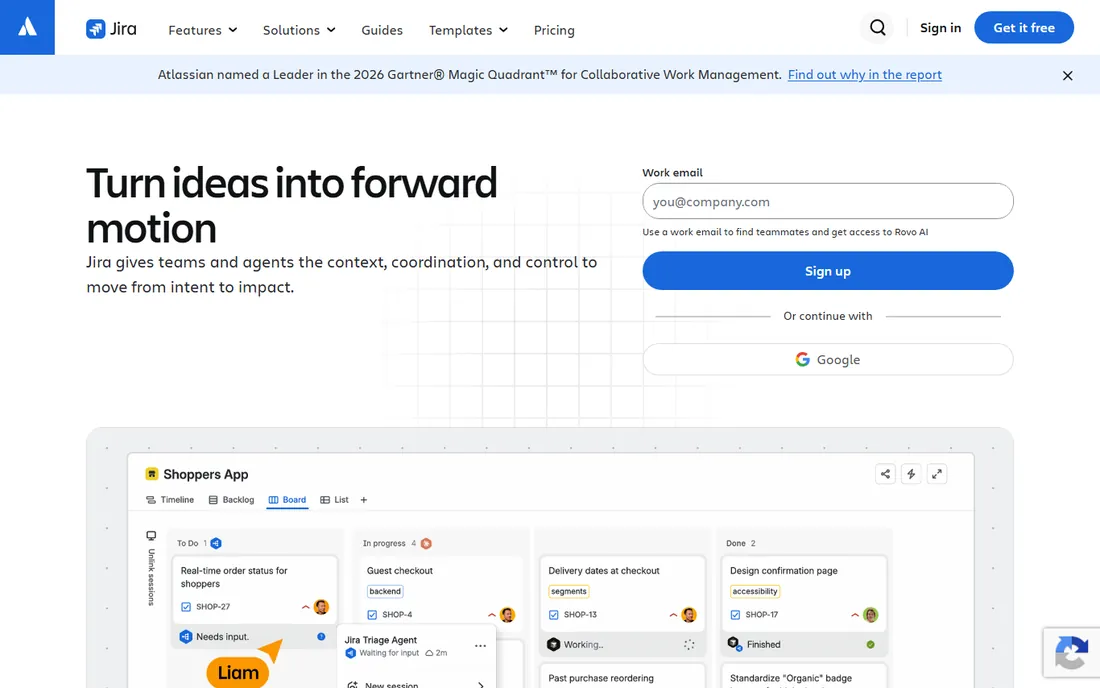
A software team of twelve we spoke with had sprint planning spread across spreadsheets, chat threads and a whiteboard that nobody photographed. Jira is the tool most teams reach for when that chaos becomes unsustainable. Its scrum support is the reference implementation: backlogs, sprint boards, burndown charts, velocity reports and release planning all built in, with the depth to handle multi-team programs.
The ecosystem is the other reason Jira wins by default. It pairs naturally with Confluence for documentation and Bitbucket for code, and connects to thousands of third-party apps. The free plan covers up to 10 users with the core scrum features, which makes it genuinely usable for a startup without paying anything. Standard starts at $7.91 per user per month with advanced permissions and more automation.
The honest catch is ownership. Jira rewards teams that invest in configuration and punishes teams that do not. Nobody owning the setup is how Jira instances become the mess people complain about. If your team is small, mixed-discipline or short on admin time, a simpler tool on this list will get you moving faster.
What we like- Purpose-built scrum and kanban boards, backlogs and burndown charts
- Deep customization of workflows and issue types
- Massive integration ecosystem and Atlassian suite pairing
Watch out for- Configuration can overwhelm teams without an admin
- Advanced roadmaps and planning sit on the Premium tier
Starting price$7 per user/month
Free planYes
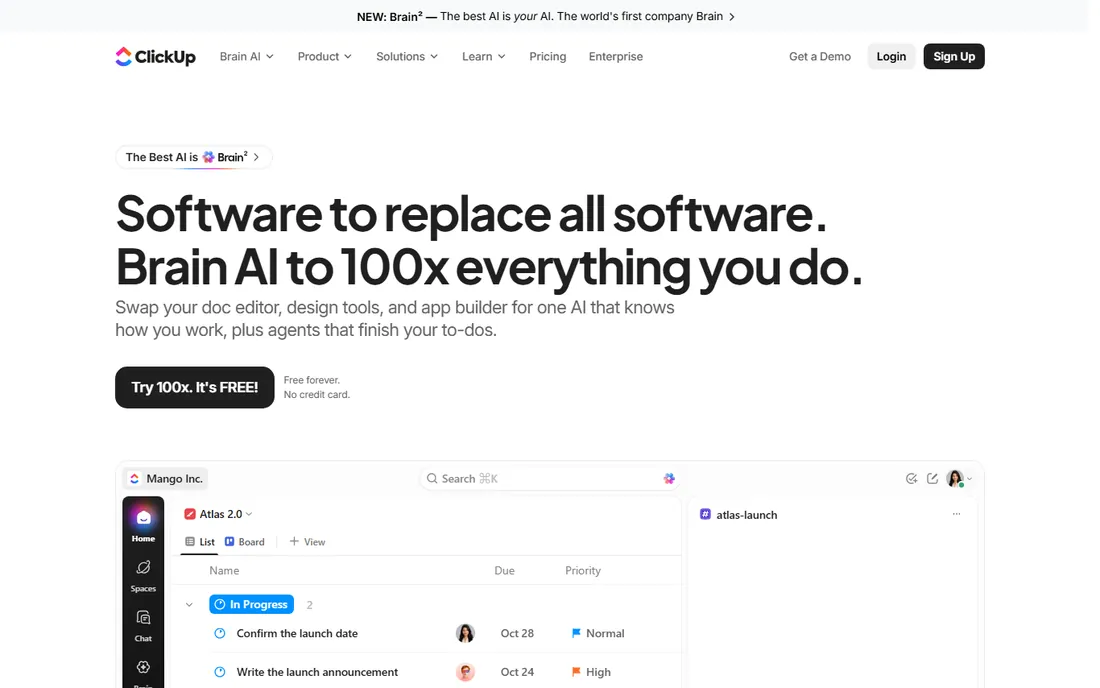
ClickUp pitches itself as one workspace to replace several tools, and for scrum teams that include designers, marketers and managers alongside developers, that consolidation is the appeal. Sprints, backlogs and boards live next to docs, chat, goals and whiteboards, so the whole team works in one place instead of developers living in Jira and everyone else in something else.
The pricing undercuts most rivals. The Free Forever plan covers unlimited tasks and members with sprint management included, and the Unlimited plan at $7 per user per month billed annually adds unlimited storage, integrations, Gantt views and time tracking. Guest seats let clients or contractors participate without full licenses.
The trade-off is complexity of a different kind. ClickUp can do almost anything, which means teams need to decide what it should do and turn the rest off. Teams that skip that setup step end up with a workspace nobody quite trusts. But for a team that wants one subscription instead of four, it is the strongest value here.
What we like- Sprint management alongside docs, chat and whiteboards in one workspace
- Generous free tier
- Broad customization of views and automations
Watch out for- Feature sprawl can confuse new users
- Heavier automations are metered by execution count
#3
monday.com
Best for: Visual sprint boards for non-technical teams
Visit monday.com
Starting price$9 per user/month
Free planYes (up to 2 users)
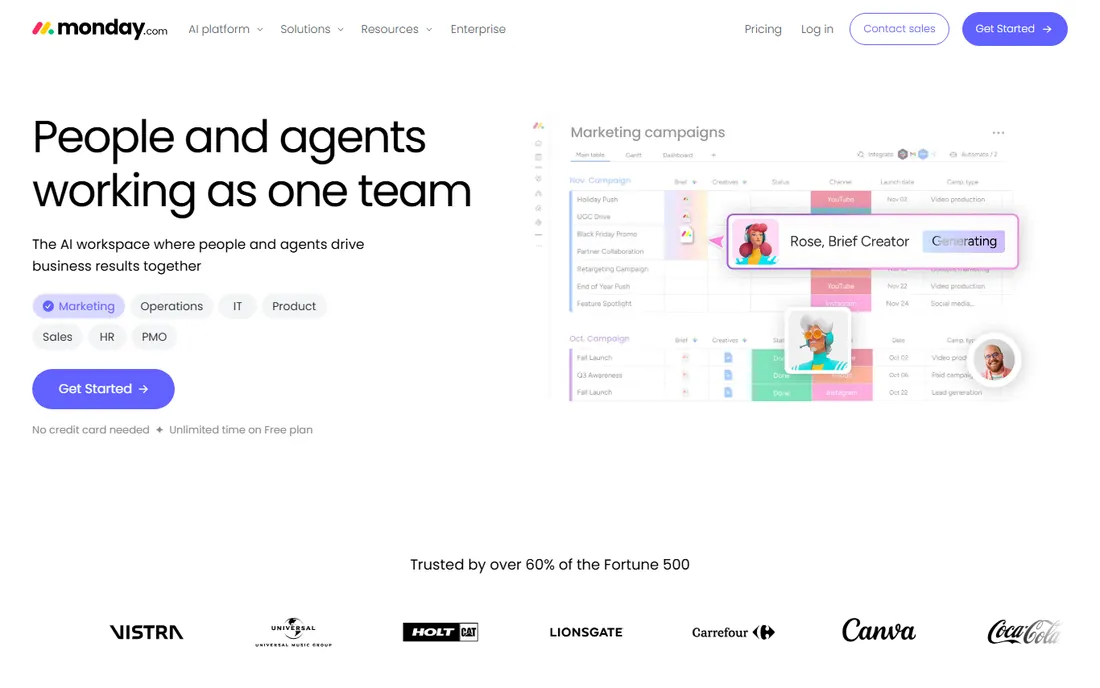
monday.com comes at scrum from the visual side. Boards are colorful, drag and drop, and readable at a glance, which is why product and operations teams adopt it faster than developer-first tools. Sprint planning works through boards with timeline and Gantt views, guest access for stakeholders, and a library of templates to start from.
Pricing starts with a free plan for up to 2 users, and paid plans begin at $9 per user per month billed annually on Basic, though the 3-seat minimum means a real floor of $27 a month. Standard at $12 per user per month adds the timeline and Gantt views most teams need. All paid plans include unlimited free viewers, which keeps stakeholder visibility cheap.
The limits to watch are the automation and integration caps on the lower tiers, which active teams can exhaust quickly, and the seat pricing structure itself. monday.com is priced per user with seat blocks, so a team of four pays for five seats. For a non-technical team that values clarity over depth, it is worth it. For a pure engineering shop, Jira or Shortcut will feel more at home.
What we like- Highly visual boards that non-technical staff adopt quickly
- Timeline and Gantt views from the Standard tier
- Unlimited free viewers on paid plans
Watch out for- Paid plans require a minimum of 3 seats
- Automations are capped monthly on lower tiers
Starting price$10.99 per user/month
Free planYes (up to 2 users)
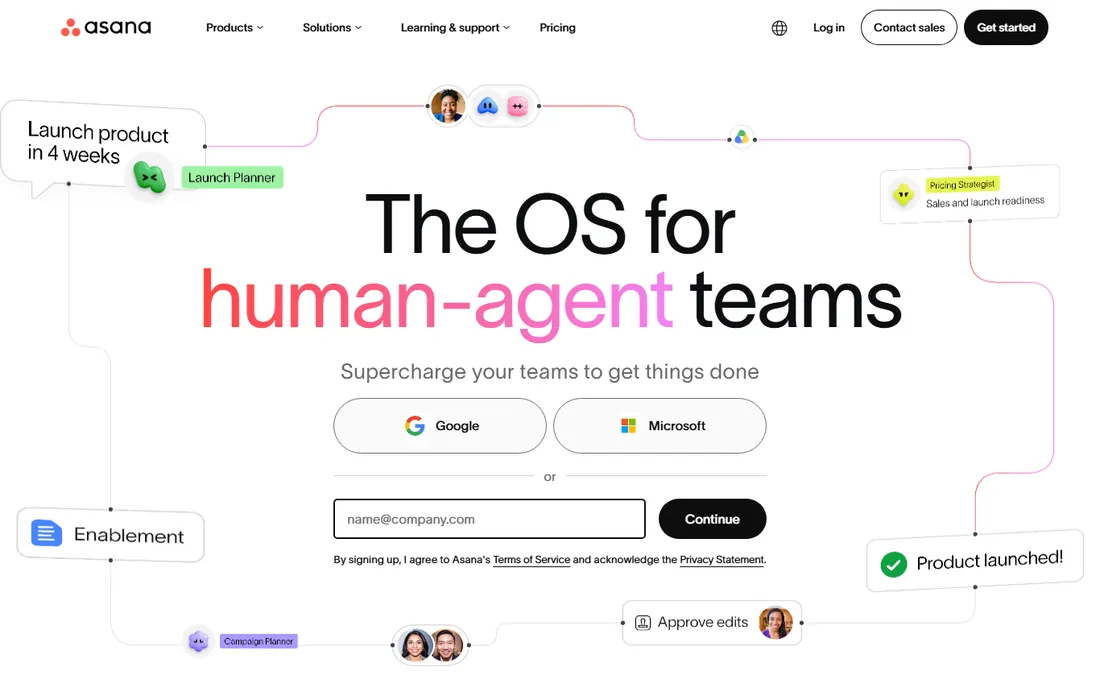
Asana is the tool managers hand to teams that resist project software. The interface is calm and explicit, tasks have clear owners and due dates, and list, board, calendar and timeline are all views of the same data. For scrum teams whose members include non-engineers, that clarity keeps the board accurate because people actually update it.
The Personal plan is free for up to two users, and Starter at $10.99 per user per month billed annually adds unlimited users, timeline and Gantt views, workflow builder, forms and unlimited automation rules. Asana's recent direction adds AI teammates and studio automations into the same workspace.
The catch is the tiering. Portfolios, goals, workload management and native time tracking sit on Advanced at $24.99 per user per month, which is a steep jump for features scrum teams often expect. The two-user free cap also means there is no free option for a team of three. Asana suits teams that run clean, repeatable processes. Teams that need deep agile reporting per dollar will find more in ClickUp or Jira Premium.
What we like- Polished, intuitive interface with high adoption
- Timeline and Gantt views on Starter
- Unlimited rules-based automations from the first paid tier
Watch out for- Free plan caps at two users
- Portfolios, goals and workload require the Advanced tier
Starting price$10 per user/month
Free planYes
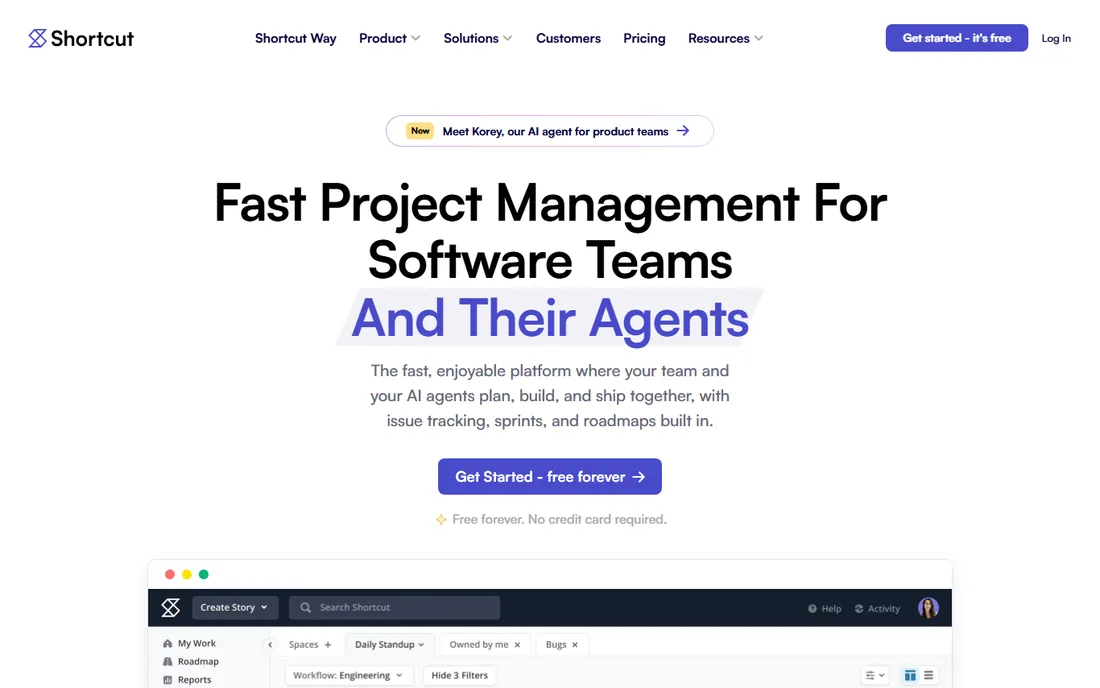
Shortcut, formerly Clubhouse, describes itself as project management without the management overhead. It is deliberately focused: stories, iterations, epics, objectives, kanban workflows and the burndown and cycle-time charts a scrum team needs, in an interface that stays fast. Software teams that found Jira heavy tend to land here and stay.
The workflow model maps well to how developers think. You can zoom between stories, iterations and quarterly roadmaps, keep context a click away, and customize workflows per team without an admin certification. Integrations cover GitHub, Slack, Sentry and the usual suspects, and the vendor offers a free plan with no credit card required. The Team plan runs $10 per user per month.
The limitation is scope. Shortcut does not try to be docs, chat or a company wiki, so it pairs with other tools rather than replacing them. Teams that want one tool for everything should look at ClickUp or monday.com. Teams that want the fastest path from backlog to shipped code will find Shortcut hard to beat.
What we like- Built for software teams with stories, iterations and roadmaps
- Fast interface with just-enough customization
- Integrations with GitHub, Slack and Sentry
Watch out for- No native docs or chat, so you will pair it with other tools
- Smaller ecosystem than Jira
Starting price$4.50 per user/month
Free planYes (up to 10 users)
YouTrack is JetBrains' answer to Jira, and its pricing is the reason to look twice. Teams of up to 10 users get the full product free, with 30 GB of storage and AI assistant credits included. Paid plans start at $4.50 per user per month billed annually for 11 or more users, and the per-user rate falls as headcount grows. For a small software team, that is the cheapest credible scrum tool on this list.
The feature set covers agile boards, backlog management, sprint planning, time tracking, a knowledge base and helpdesk projects, with custom workflows and a query language for power users. It is also available self-hosted for teams that need data on their own servers.
The honest catch is the ecosystem. YouTrack has a fraction of Jira's integrations and community answers, so edge cases take longer to solve. The interface prioritizes function over beauty. But if your team is under 10 people and cost matters, the free plan is not a trial, it is the whole product, and that is hard to argue with.
What we like- Full-featured free plan for teams up to 10
- Agile boards, sprints, reports and knowledge base included
- Per-user price drops as the team grows
Watch out for- Smaller community and fewer third-party integrations than Jira
- Interface feels utilitarian
Starting priceFree
Free planYes
Taiga is the open-source scrum tool that serious agile teams keep recommending. It offers a complete scrum setup, backlog and sprint planning with epics and subtasks, estimation tools, sprint task boards with swim lanes, and burndown charts at project and sprint level, plus kanban boards you can switch between freely. The interface is clean enough that teams start without training.
The pricing model is unusual in a good way. Taiga Cloud Basic is free with unlimited users and projects, the self-managed version is 100 percent open source and free to run on your own infrastructure, and the paid option is a flat $70 a month for premium support with unlimited users rather than a per-seat tax. A team of 50 pays the same $70 as a team of 5.
The trade-offs are the ones that come with open source. The company behind Taiga is small, native integrations are thinner than the big commercial tools, and advanced needs may require community help. For teams that value data ownership, flat pricing and genuine agile depth, it is the standout pick here.
What we like- Free and open source with self-hosting
- Complete scrum boards, backlog, burndown charts and kanban
- Unlimited users on the cloud free tier
Watch out for- Smaller company behind it, so support depends on the plan
- Integrations lean on Zapier rather than native depth
Starting priceSee website
Free planYes
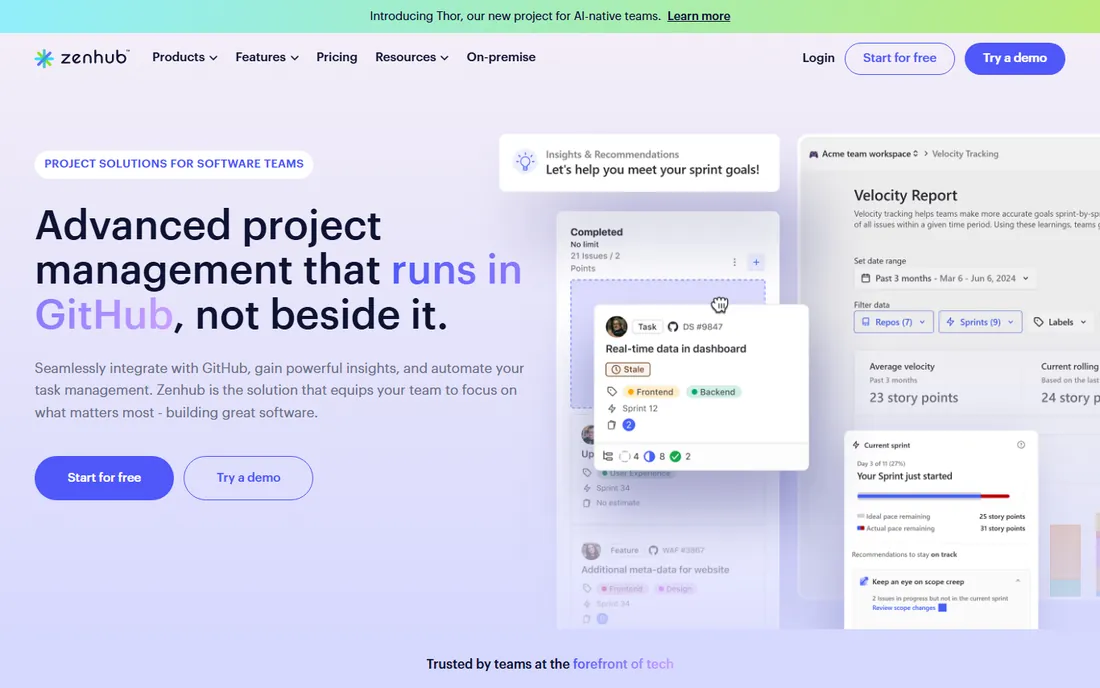
Zenhub takes a different approach from every other tool here: it brings scrum to where the code already lives. Instead of syncing between GitHub and a separate project tool, Zenhub layers boards, sprints, epics, multi-level hierarchies and reporting directly onto GitHub. Developers plan and track work without leaving their preferred environment, and managers get real visibility into GitHub data through reporting like the engineering investment report.
The automation side handles sprint planning assistance and AI-generated summaries, and the reporting taps directly into GitHub for real-time insight. Case studies on the vendor's site report meaningful time savings for teams that switched from heavier tools.
The catch is obvious: if your team is not on GitHub, Zenhub is not for you. Pricing is not published on the vendor's site, though a free tier exists for small teams and public repositories. For a GitHub-native engineering team that finds Jira's overhead exhausting, it removes the context switching that slows sprints down.
What we like- Project management that runs inside GitHub, not beside it
- Multi-level hierarchies from objectives to subtasks
- Reporting and AI automation on top of GitHub data
Watch out for- Only makes sense for teams already on GitHub
- Pricing not published on the site
How we chose
We opened each vendor's homepage and pricing page to confirm the current product, plan prices and trial terms. We compared feature lists and documentation for scrum-specific capabilities like backlogs, sprint planning, burndown charts and velocity reporting, and read public reviews on G2, Capterra and Reddit to see how teams rate reliability, support and day-to-day usability. We weighted fit for scrum teams of different sizes, pricing transparency and the quality of the free tier. We did not test the software hands-on.
What to look for when choosing scrum software
Start with your team's real workflow, not the tool's feature list. A team of developers doing two-week sprints needs backlog management, sprint boards, estimation and burndown charts. A mixed team with designers and marketers needs a tool the non-developers will actually open, which pushes toward ClickUp, monday.com or Asana rather than Jira.
Count the seats honestly. Free tiers vary enormously: Jira and YouTrack cover up to 10 users free, ClickUp's free plan covers unlimited members, and Asana and monday.com cap free use at two. If your team is six people, some free plans are viable and others are not. On paid plans, watch the pricing model. Per-user pricing like Jira's scales linearly, seat blocks like monday.com's can charge you for users you do not have, and Taiga's flat $70 a month with unlimited users flips the math entirely for larger teams.
Check what is gated behind higher tiers. Advanced roadmaps, portfolios, workload views and time tracking are the features vendors most often reserve for premium plans. Price the tier you will actually end up on, not the cheapest one on the pricing page. And confirm the integrations you depend on, especially with GitHub, GitLab, Slack and your CI tools, before committing a team to migrate.
Scrum tools fail when the team stops updating them, and teams stop updating tools they resent paying for. That is why the quality of the free tier is a real selection criterion here, not a footnote. Jira and YouTrack give small teams the full product free. ClickUp's free plan covers unlimited members. Taiga is free and open source all the way down. A team can run its entire scrum process on any of these without a budget conversation.
The corollary is to be honest about when you will outgrow the free tier. A startup of eight on Jira free hits the 10-user wall with its next two hires. A team that needs portfolio reporting will jump from Jira Standard to Premium or from Asana Starter to Advanced, and those jumps are where the real money goes. Pick the tool whose paid tier you can afford when you are twice your current size, and the free tier is a runway, not a trap.
Frequently asked questions
What is the best scrum software for a small team?
For engineering teams, Jira or YouTrack, both free up to 10 users. For mixed teams that include non-developers, ClickUp's free plan covers unlimited members. Taiga is the best free open-source option, and Shortcut suits software teams that want Jira's focus without its weight.
Is Jira good for scrum?
Yes. Jira is the reference implementation for scrum workflows, with backlogs, sprint boards, burndown charts and velocity reports built in. It suits teams that will invest in configuration. Teams without an admin or with many non-technical members often do better with ClickUp, monday.com or Asana.
What is the cheapest scrum software?
Taiga is free, including a self-hosted open-source version. Jira and YouTrack are free for up to 10 users. ClickUp's free plan has no user cap. Among paid plans, YouTrack starts at $4.50 per user per month billed annually, and Taiga's premium support is a flat $70 a month for unlimited users.
Can you run scrum without Jira?
Absolutely. Shortcut, YouTrack, Taiga and Zenhub all run full scrum workflows with backlogs, sprints and burndown charts. ClickUp, monday.com and Asana support sprints as part of broader project management. Many teams switch away from Jira specifically to reduce administrative overhead.
What is the difference between scrum software and kanban software?
Scrum software supports timeboxed sprints with planning, estimation and reviews, while kanban software manages continuous flow with work-in-progress limits. Most tools on this list, including Jira, ClickUp, Taiga and YouTrack, support both, and let a team switch between scrum and kanban views on the same project.
Does scrum software integrate with GitHub?
Yes. Zenhub is built directly on GitHub. Jira, Shortcut, ClickUp, Taiga and YouTrack all offer GitHub integrations that link commits, branches and pull requests to issues and stories, so code activity shows up in the sprint board automatically.
Sources we checked (13)
- https://www.atlassian.com/software/jira
- https://clickup.com/
- https://monday.com/
- https://asana.com/
- https://shortcut.com/
- https://www.jetbrains.com/youtrack/
- https://taiga.io/
- https://zenhub.com/
- https://clickup.com/blog/jira-project-management/
- https://clickup.com/blog/asana-vs-clickup/
- https://www.jetbrains.com/youtrack/buy/incloud.html
- https://www.saasworthy.com/product/taiga/pricing
- https://slashdot.org/software/comparison/Shortcut-vs-YouTrack/
Is your product missing or out of date?
We review this list regularly. Vendors can request a listing, send updated pricing or ask about featured placement.

Shihab Mia · Founder, Rankite
Shihab has spent more than a decade helping SaaS and e-commerce brands grow through search. He writes Rankite's software buying guides from pricing pages, documentation and public user reviews. More about Shihab.